Workflow management tools route each request to the right person, pause it where someone has to approve, and show exactly where it is waiting. Asana, Wrike and Jira lead for most teams that need formal sign-off, with Process Street the better fit for checklist-style procedures.
This ranking puts the approval step first: which plan includes it, what that plan costs on monthly against annual billing, and how far the free tiers stretch. Prices are US dollars per user per month unless stated, and Kissflow, Process Street and Nintex quote each customer individually.
What These Tools Handle Day to Day
A workflow tool takes a repeatable process, such as a purchase request, a new starter or a content review, and moves each item through fixed stages with an owner and a deadline at every one. It holds the item at approval points and shows who is holding it up, so nobody has to chase it by email.
Atlassian describes the category as a centralized tool for planning, coordinating and monitoring activities, from simple tasks to complex projects. The products differ less on that core than on two practical questions: is the approval step on the plan you are pricing, and can you pay month to month? Wrike lists annual-billed prices only, and Jira shows annual plans as yearly totals.
If the process is mostly written guidance rather than requests that move, a docs-first workspace such as a Notion alternative may be enough on its own.
Workflow Management Tools by Monthly Price and Routing Feature
| # | Tool | Best for | From (billed monthly) | Free option | Routing feature |
|---|---|---|---|---|---|
| 1 | Asana | Sign-off and proofing on projects | $13.49 per user | Personal, 2 users | Rules and forms; approvals on Advanced |
| 2 | Wrike | Request-driven creative and PMO work | Annual billing only ($10) | Free plan; two-week trial | Request forms, pending-approvals widget |
| 3 | Jira | Teams of 10 or fewer | $8.48 per user (300-user view) | Free, 10 users | Custom statuses; approvals on Premium |
| 4 | Process Street | Repeatable procedures | Quote only | 14-day Pro trial | Enforced task order, conditional logic |
| 5 | monday.com | Visual request boards | $12 per seat | Free, 2 seats | Approval blocks in the workflow builder |
| 6 | Smartsheet | Spreadsheet-minded operations | $12 per Member | 30-day trial | 250 automations a month on Pro |
| 7 | Kissflow | Department-wide process programs | Quote only | None listed | Escalations and audit trail |
| 8 | ClickUp | Rule-heavy task routing | $12 per user | Free Forever | 1,000 automations a month on Core |
| 9 | Airtable | Data-first custom apps | $24 per seat | Free, 5 editors | 25,000 runs a month on Team |
| 10 | Nintex | On-premises requirements | Quote only | Free trial | Cloud (CE) or self-hosted (K2) |
Ten Tools for Moving Work Through Sign-Off
1. Asana: Rules on Starter, Proofing on Advanced
Free option: Personal plan for 2 users
Monthly billing: Starter $13.49, Advanced $30.49
Annual billing: Starter $10.99, Advanced $24.99
Routing: approvals and proofing from Advanced
Asana handles intake well on its cheapest paid plan. A form turns each request into a task with its fields filled in, rules move it along and assign the next person, and templates keep every new project identical. Starter has no cap on users, and guests such as contractors join without a paid seat.
The approve-or-reject control comes one tier later. Approvals and proofing, which let a reviewer mark up a PDF or image and return a verdict, are part of Advanced with goals, portfolios and time tracking. AI Studio credits are pooled per billing account, 50,000 a month on Starter and 75,000 on Advanced, and pre-paid AI requests cost $0.50 each.
2. Wrike: Approvals Built Around Request Forms
Free option: free plan with active-task limits, plus a two-week trial
Monthly billing: not on the price list
Annual billing: Team $10, Business $25 per user per month
Routing: approver assignment, due dates and an approvals widget
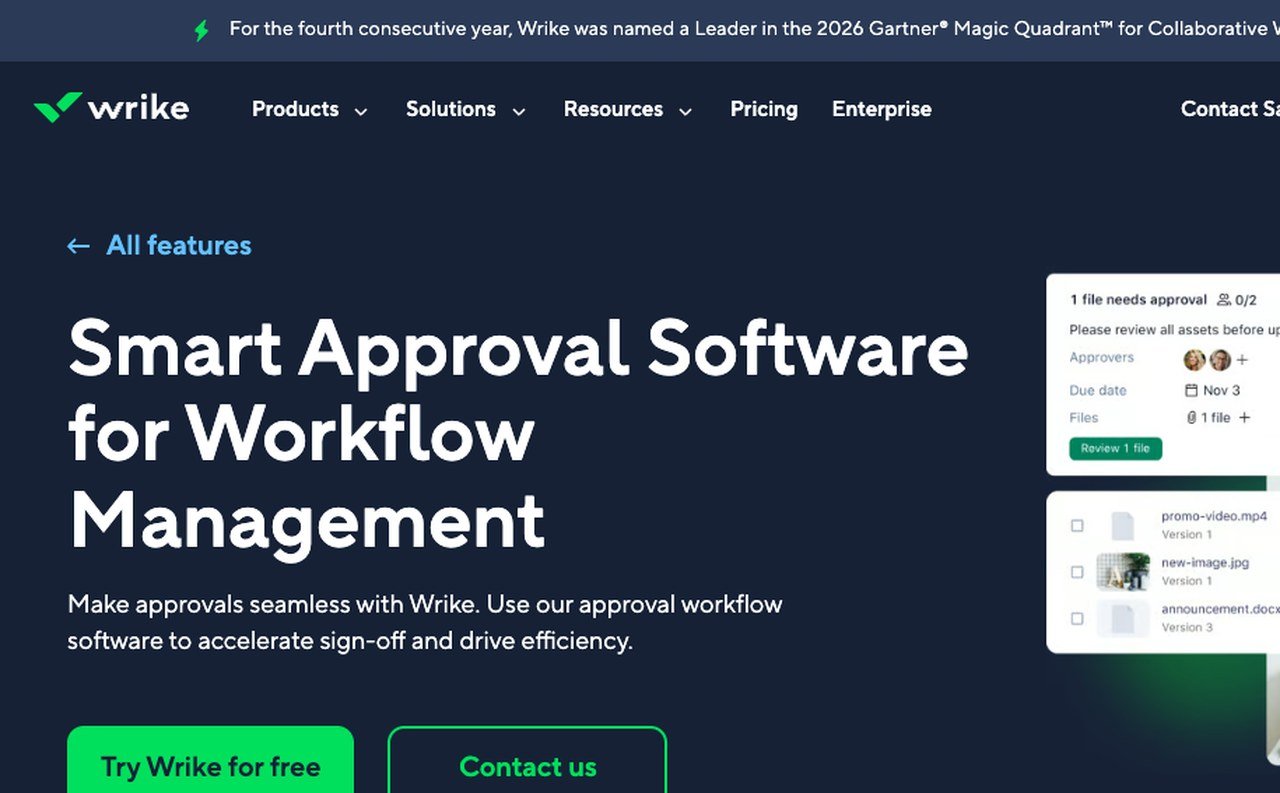
Wrike treats approval as a workflow of its own. Approvers are chosen when a request is raised, receive the files and due date with it, and anything outstanding appears in a dashboard widget so it cannot sit unnoticed. That suits a marketing or creative team where every asset needs a yes before launch.
Each figure is a monthly amount billed once a year per user, so there is no month-to-month plan to weigh against it. Team is limited to 2 to 15 users and Business to 5 to 200, while Pinnacle and Apex are quoted. The Whiteboard add-on is $15 per user a month.
3. Jira: Approval Processes on Premium, Free Up to 10 Users
Free option: up to 10 users
Monthly billing: Standard $8.48, Premium $15.56 per user at the 300-user setting
Annual billing: one yearly total per user band, such as $46,500 for Premium at 201 to 300 users
Routing: configurable approval processes on Premium
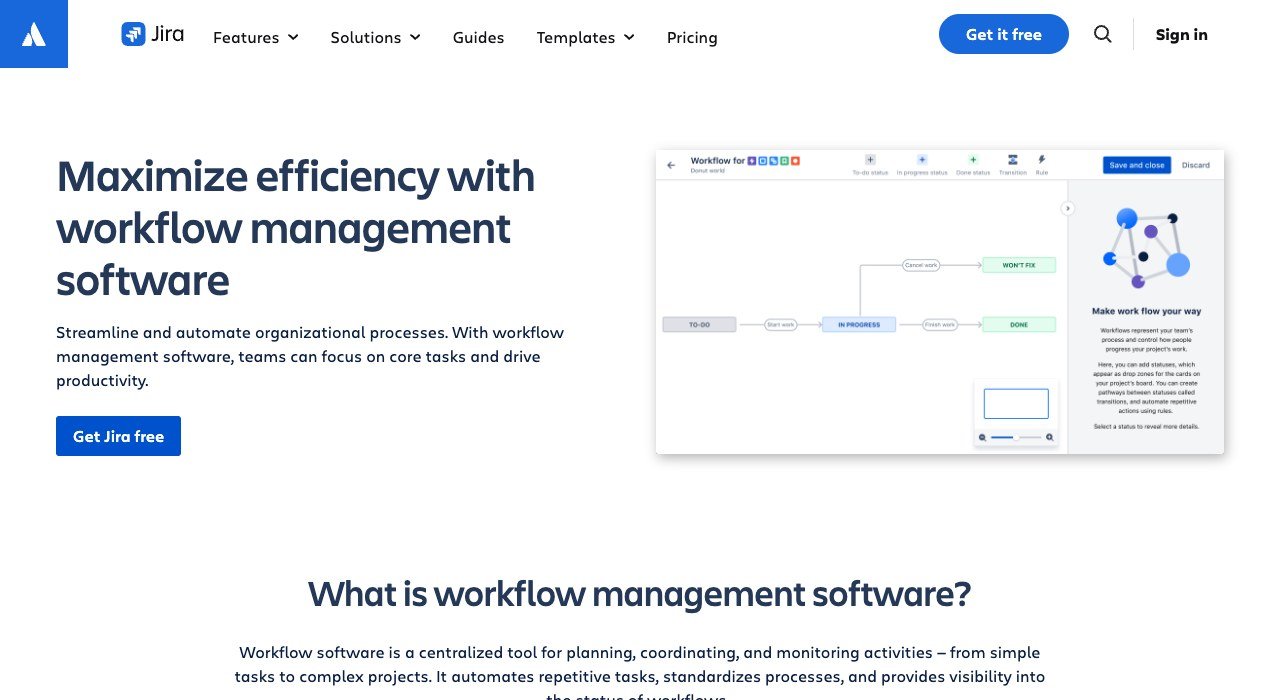
Jira lets any team name its own statuses, such as Submitted, In Review and Approved, and decide which moves between them are allowed. The free tier holds 10 users with unlimited projects and forms, the cheapest way for a small team to trial a structured process before money changes hands.
Configurable approvals arrive on Premium, along with cross-team dependency planning, 750 automation steps per user a month and unlimited storage. Atlassian also sells Data Center, a self-managed edition for organizations with strict regulatory or security requirements.
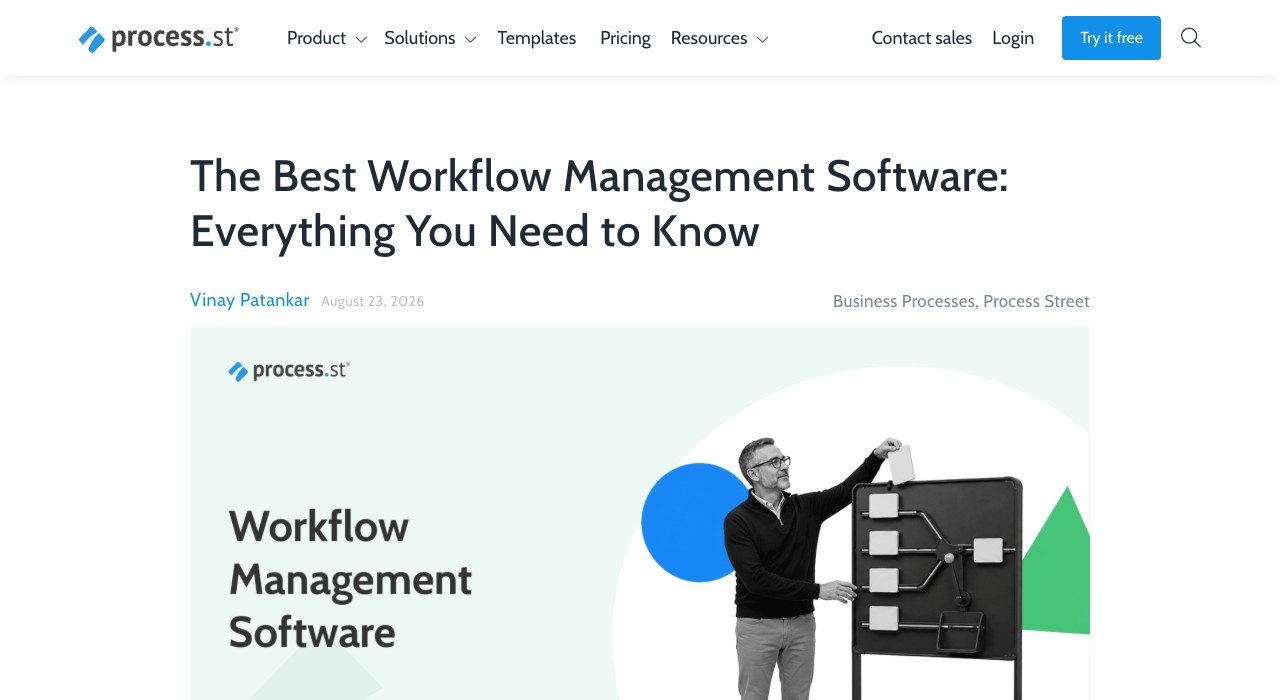
4. Process Street: Run Procedures Step by Step
Free option: no free plan; 14-day Pro trial with no card
Monthly billing: quote only
Annual billing: quote only
Routing: approvals, enforced order and conditional fields in each run
Process Street fits work that should happen the same way every time: onboarding a client, closing the books, running a safety audit. Each run is a checklist in which task order can be enforced, fields appear only when an earlier answer calls for them, and due dates are calculated from the start of the run. Scheduled workflows launch recurring runs automatically.
Plans are Startup, Pro and Enterprise, all sold through sales. Startup is capped at 5 users, 10 guests and 100 automation actions; Pro raises data set records from 5,000 to 10,000 and the file limit from 5 MB to 100 MB each.
5. monday.com: A Workflow Canvas With Human Checkpoints
Free option: 2 seats, 3 boards and 3 Docs
Monthly billing: Basic $12, Standard $14, Pro $24 per seat
Annual billing: Basic $9, Standard $12, Pro $19 per seat
Routing: approval blocks and smart conditions
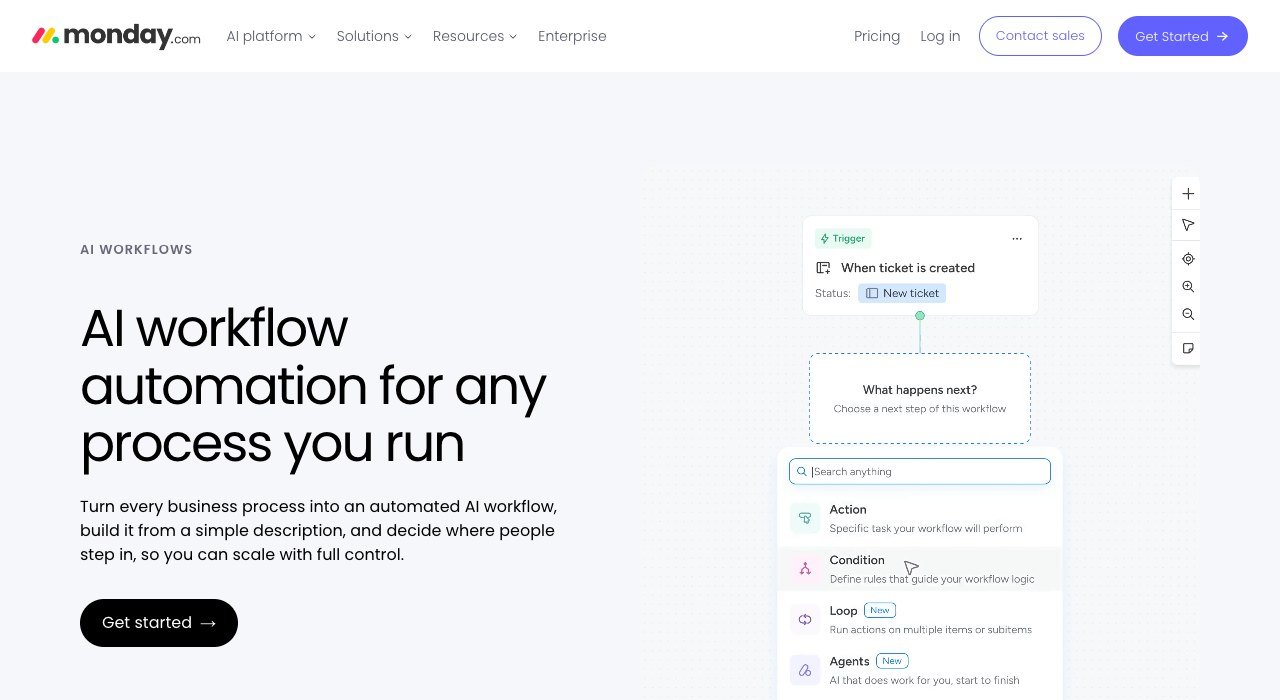
monday.com can turn a plain-language description into a working workflow, or you can assemble one block by block on a visual canvas or start from a template such as expense reviews. A run can be tested before it goes live, approval blocks wait for a named person, and smart conditions send each item down the right branch.
Workflow counts are capped by plan: 3 on Standard, 20 on Pro, 250 on Enterprise. Sign-up starts at 3 users, and teams above 40 request a quote. The 14-day trial opens Pro, so confirm that anything built during it still fits Standard if that is the plan you mean to buy.
6. Smartsheet: Free Seats for Contributors and Guests
Free option: none; 30-day trial with no card
Monthly billing: Pro $12, Business $24 per Member
Annual billing: Pro $9, Business $19 per Member
Routing: 250 automations a month on Pro, unlimited on Business
Smartsheet looks like a spreadsheet and runs like a process board: rows hold requests, views switch between Gantt, table, board and calendar, and forms feed new rows in. Anyone who only submits forms or edits rows is a free Contributor, and Business adds free Guests for people outside the company.
Pro is limited to 10 Members; Business needs at least 3 and lifts the automation cap. Enterprise starts at 10 Members and adds SAML-based SSO, portfolios, scenario planning and Bridge, a low-code builder for process automations.
7. Kissflow: Governed Processes for Finance, HR and IT
Free option: none listed
Monthly billing: quote only
Annual billing: quote only
Routing: condition-based steps, escalations and a full audit trail
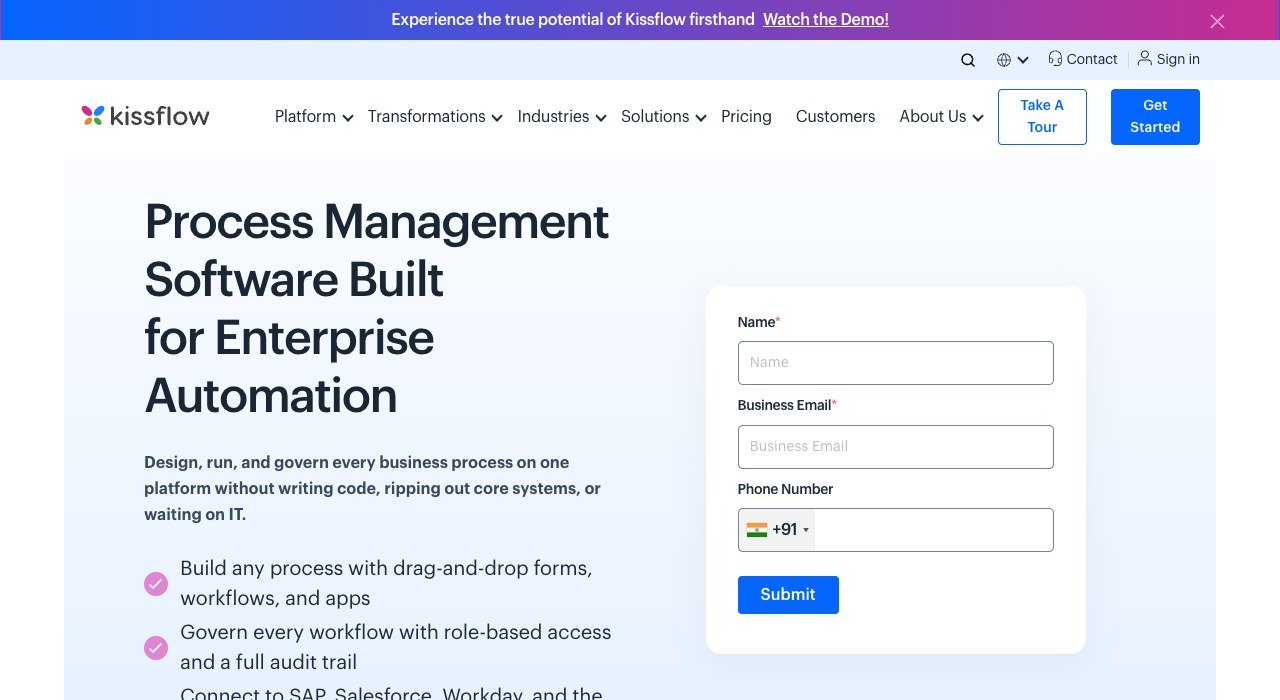
Kissflow aims at the processes that sit between ERP, CRM and HR systems: capex requests, vendor reviews, IT incidents and audits. Process owners build forms, rules, approvals and routing to match current policy and change them without a release cycle, while IT keeps control of access and integrations.
There is no self-serve plan; every deal starts with a quote request. One customer story cites 700+ use cases at a single energy company, which shows the department-wide scale it is built for.
8. ClickUp: Dynamic Assignees and 100+ Rule Templates
Free option: Free Forever with unlimited members and 60 MB storage
Monthly billing: Core $12, Business $25 per user
Annual billing: Core $9, Business $17 per user
Routing: 1,000 automations a month on Core, 10,000 on Business
ClickUp routes work through rules: change a status and the task can reassign itself, post a comment or send an email. Dynamic assignees pick the creator, a watcher or the person who triggered the action, and an AI builder drafts a rule from a plain-English request that you edit before publishing.
Business adds webhooks, timesheets and Google SSO on top of the larger allowance. Because a paid plan covers the entire Workspace, a 25-person team cannot buy Core for only its five process owners.
9. Airtable: Records, Interfaces and Run Limits
Free option: 5 editors, 1,000 records per base
Monthly billing: Team $24, Business $54 per seat
Annual billing: Team $20, Business $45 per seat
Routing: 25,000 automation runs a month on Team
Airtable gives you a relational database and lets you shape the process around it. Automations range from a single notification to multi-step sequences of triggers and actions, and teams that outgrow the visual options can extend the logic with JavaScript. Interface Designer is included on the free plan.
Limits are counted per base and per month: Team allows 50,000 records and 25,000 runs, Business 125,000 and 100,000, Enterprise Scale 500,000 of each. Revision history grows from 2 weeks on Free to 1 year on Team, useful when someone asks who changed a record.
10. Nintex: Workflows That Can Stay On-Premises

Free option: none; a free trial is available
Monthly billing: quote only
Annual billing: quote only
Routing: cloud (CE) or self-hosted (K2) workflows
Nintex suits organizations whose process data cannot leave their own environment. Nintex Automation K2 runs on-premises or hosted for strict privacy and compliance rules, while Nintex CE is the multi-tenant cloud edition. Both sit inside a platform that adds forms, document automation, eSign and RPA.
AI assistants draft workflows, build forms from conversational prompts and generate API connectors, called Xtensions, to outside systems. No prices are listed, and buying starts with a contact form.
Monthly or Annual Billing: What 25 Users Pay
Annual billing is cheaper on every tool that offers both, but the size of the gap varies. Here is a 25-person team on the plan each vendor pairs with its core automations:
| Plan | Billed monthly | Billed annually | Extra per year on monthly |
|---|---|---|---|
| monday.com Standard | $350 | $300 | $600 |
| Asana Starter | $337.25 | $274.75 | $750 |
| ClickUp Core | $300 | $225 | $900 |
| Airtable Team | $600 | $500 | $1,200 |
| Smartsheet Business (25 Members) | $600 | $475 | $1,500 |
Wrike has no monthly price to set against its annual one, and Jira’s annual plans appear as a yearly total for each user band, so neither fits the table. Smartsheet drops sharply if most of the 25 only submit requests: 5 Members on Business cost $95 a month billed annually, with the other 20 free as Contributors.
What Each Free Tier Allows Before You Pay
- Jira: 10 users, 150 automation steps per subscription a month, 2 GB of storage.
- Airtable: 5 editors, 1,000 records per base, 100 automation runs, 1 GB of attachments per base.
- ClickUp: unlimited free members, 60 MB of storage and 1 Form.
- monday.com: 2 seats, 3 boards, 3 Docs, 200+ templates and 8 column types.
- Asana: 2 users, unlimited tasks and projects, files up to 100 MB each.
- Wrike: a free plan with active-task limits.
Smartsheet, Process Street, Kissflow and Nintex have no free plan. Jira’s 10 users is the largest free headcount here, while ClickUp allows unlimited members but runs out of storage first.
Sign-In, Compliance and Hosting Controls by Tier
- Airtable: SAML-based single sign-on on Business ($45 per seat annually).
- ClickUp: Google SSO on Business; SAML, SCIM and HIPAA support with a BAA on Enterprise.
- Asana, Smartsheet and Wrike: SAML or SSO on Enterprise (Asana, Smartsheet) or Pinnacle (Wrike), all quoted.
- Jira: SSO and SCIM need an Atlassian Guard Standard subscription below Enterprise; uptime SLA of 99.9% on Premium and 99.95% on Enterprise.
- Process Street: SOC 2 Type 2; Nintex K2 and Jira Data Center cover self-managed hosting.
Airtable Business is the one plan here that includes SAML single sign-on at a listed price. Everywhere else, SAML means an enterprise contract or an add-on.
Picking the Right Workflow Management Tool for Your Process
- Creative assets that need sign-off: Wrike, or Asana on Advanced.
- Ten people or fewer with no budget: Jira Free.
- The same procedure every week or month: Process Street.
- Many requesters and a handful of builders: Smartsheet.
- A custom data model with records and interfaces: Airtable.
- Data that must stay on your own servers: Nintex K2 or Jira Data Center.
- A company-wide process program across departments: Kissflow.
Decide early where approvers will see requests: inside the tool, by email, or in one of the team communication tools your company already runs.
Frequently Asked Questions
Can a workflow tool replace approval emails?
For routine requests, yes. Wrike sends approvers the files and due date with the request, monday.com pauses a run until a named person approves, and Jira Premium adds configurable approval processes, so the decision and its history stay in one place.
What is the cheapest paid option for a small team?
monday.com Basic, ClickUp Core and Smartsheet Pro all start at $9 per person on annual billing. monday.com requires at least 3 seats, and Smartsheet charges only for Members, so a team with two builders pays $18 a month on Pro.
Are workflow management tools the same as automation platforms?
Not quite. Workflow tools route work between people and stages, while integration platforms connect separate apps and move data between them. Most workflow tools carry their own automations for moves inside the tool, such as Smartsheet’s 250 a month on Pro.
Where does BPMN fit in?
BPMN 2.0 is the Object Management Group notation for drawing business processes, and the 2.0 version dates from December 2010. It helps when mapping a process on paper first; the tools above build the live version with forms and visual editors.