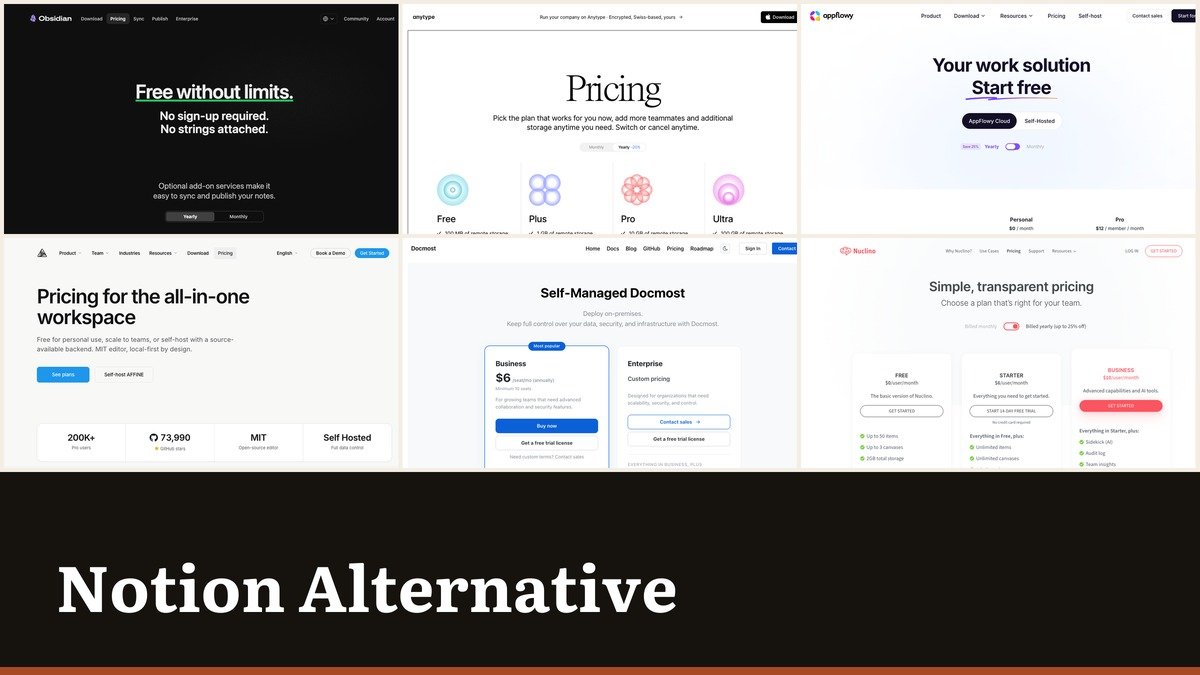
Choosing a Notion alternative starts with a question most comparisons skip: where should the pages physically live. Three answers exist, and they lead to three completely different shortlists.
Notion itself is a cloud workspace at $10 a seat on Plus and $20 on Business, priced in US dollars. Of the ten below, two keep your pages on your own device, three can run on your own server, and five are hosted services that compete on price or on search.
What Notion Costs and Where the Step Comes
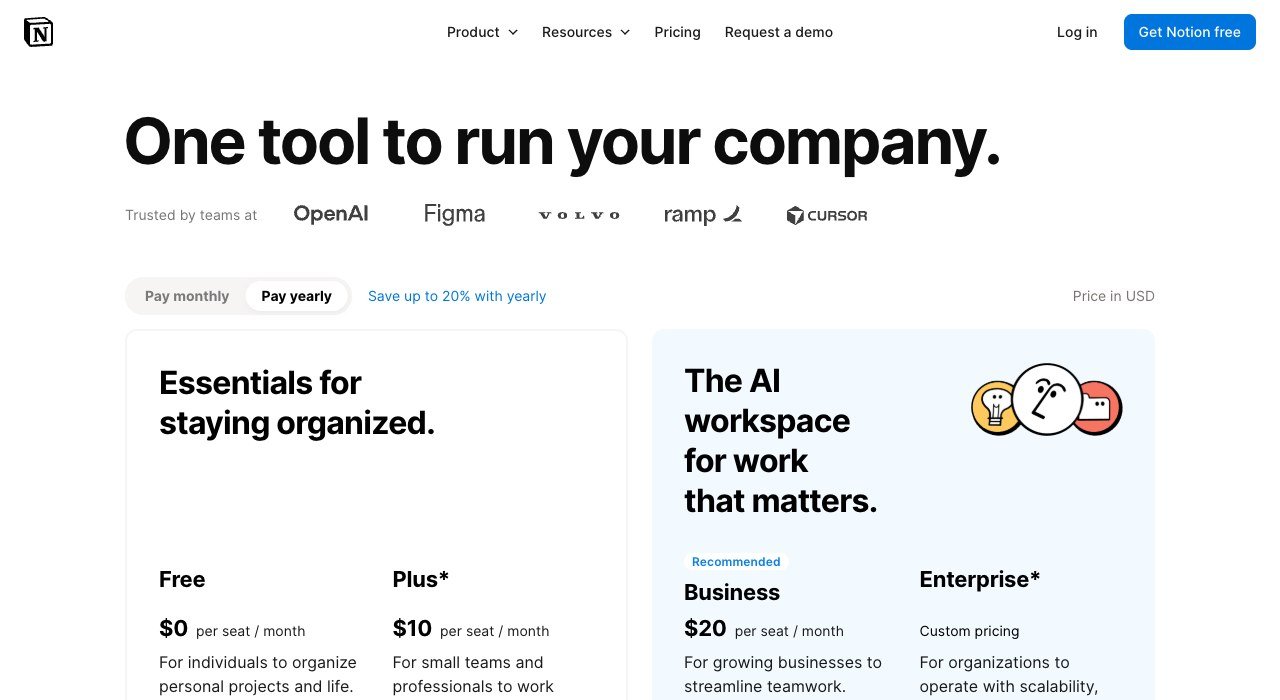
Notion bills per seat with yearly billing saving up to 20 percent. The free tier is comfortable for one person and gets tight as soon as a workspace is shared.
| Plan | Price |
|---|---|
| Free | $0 per seat a month |
| Plus | $10 per seat a month |
| Business | $20 per seat a month |
| Enterprise | Custom pricing |
The painful move is Plus to Business. At $20 a seat a fifteen-person team pays $300 a month, and what triggers the upgrade is usually security, permissions or search rather than anything a writer would notice. That gap is the opening every tool below is built into.
Notion Alternatives Compared by Hosting and Price
Grouped from the options that keep data on your own hardware through to the hosted services. The hosting column is the one that narrows the list fastest.
| # | Tool | Hosting | Entry price | Free tier | Strength |
|---|---|---|---|---|---|
| 1 | Obsidian | Local files | $0, sync from $4 a month | Yes, no sign-up | Your pages are files in a folder |
| 2 | Anytype | Local-first | $0 | Yes | Local-first, encrypted, free |
| 3 | Docmost | Self-host or cloud | $6 per seat a month | Yes, Community edition | Self-managed, with an editor that holds up |
| 4 | AppFlowy | Self-host or cloud | $12 per member a month | Yes, Personal | The open-source answer closest to the original |
| 5 | AFFiNE | Self-host or cloud | $6.75 a month | Yes, MIT licensed | Canvas and document in the same page |
| 6 | Outline | Cloud or on-premises | $10 a month for up to 10 users | No, free trial | Priced by team size, not by seat |
| 7 | Confluence | Cloud | $5.78 per user a month | Yes, up to 10 users | The incumbent that got cheaper |
| 8 | Nuclino | Cloud | $6 per user a month | Yes, 50 items | Deliberately small, genuinely fast |
| 9 | ClickUp | Cloud | $9 per user a month billed yearly | Yes, Free Forever | When the workspace was really a project board |
| 10 | Slite | Cloud | $10 per user a month billed yearly | No, free trial | Search that answers rather than lists |
The Ten Workspaces in Detail
1. Obsidian: Your pages are files in a folder
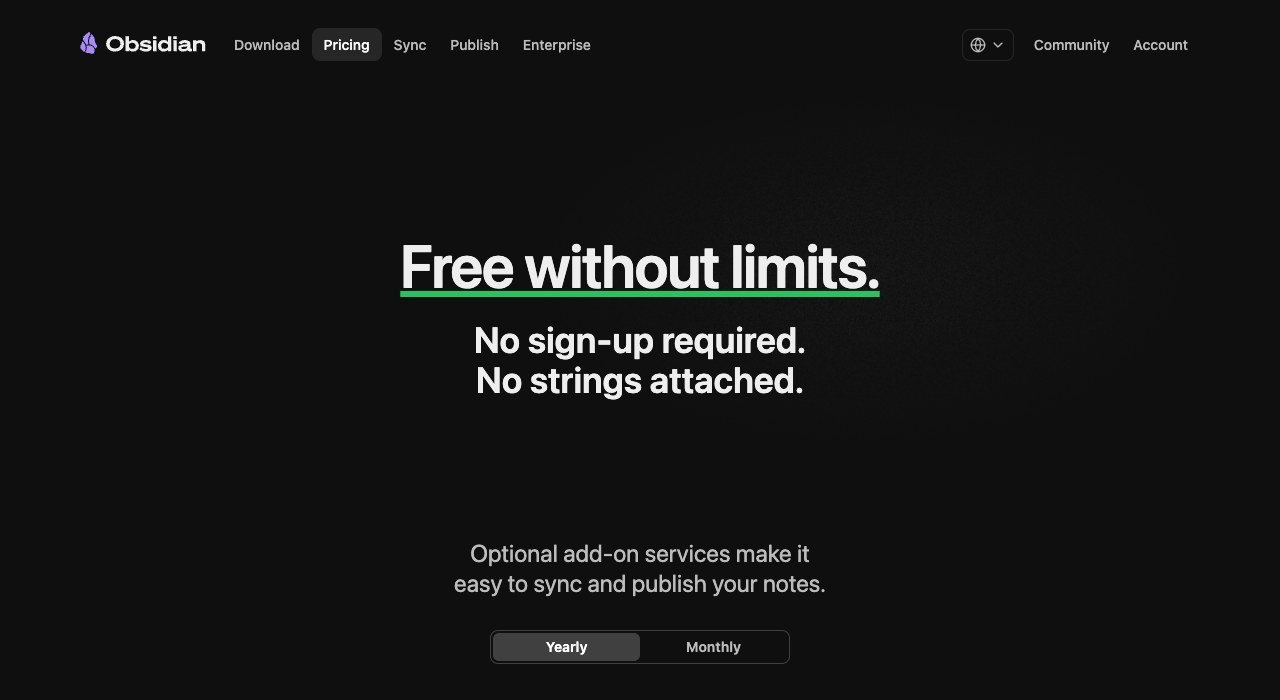
Hosting: Local files. Starts at: $0, sync from $4 a month. Free plan: Yes, no sign-up.
Obsidian stores every note as a plain Markdown file in a folder you choose. There is no account, no sign-up and no charge for the application itself. Sync costs $4 a user a month billed annually and Publish $8 a site.
Nothing here can be taken away from you, which is the entire appeal. What is missing is simultaneous editing and any relational database, so a team that built shared tables in Notion will not find an equivalent.
2. Anytype: Local-first, encrypted, free
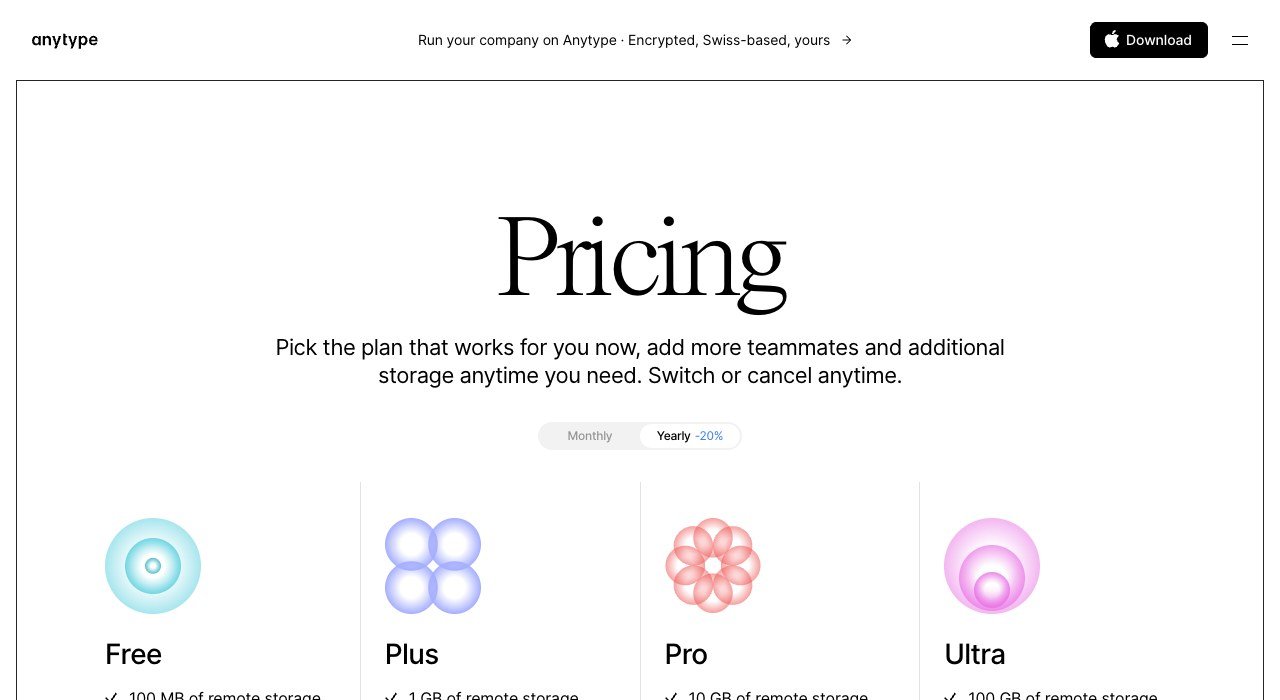
Hosting: Local-first. Starts at: $0. Free plan: Yes.
Anytype keeps the working copy on your device and encrypts it, syncing between your own machines rather than through a company’s servers. The base product costs nothing.
Its object and relation model is the closest conceptual match to Notion’s in this list, so the way you think about structure carries across. It is quieter and more private than Notion and correspondingly weaker for busy shared workspaces.
3. Docmost: Self-managed, with an editor that holds up
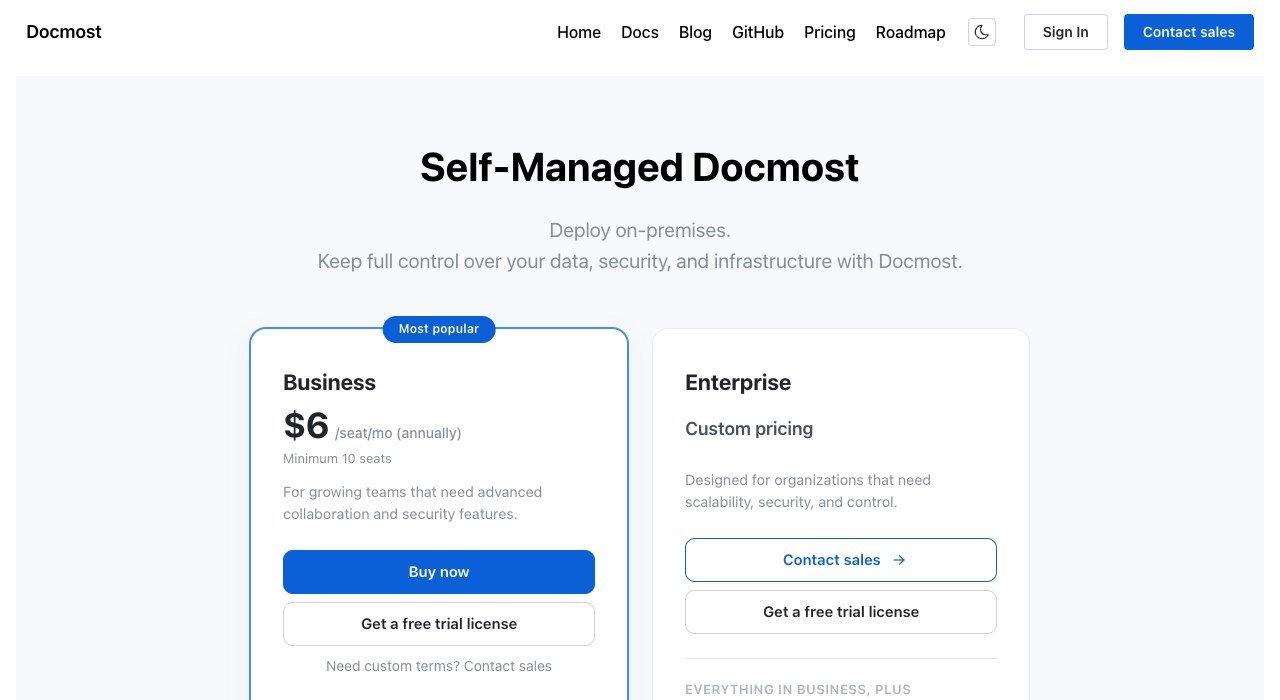
Hosting: Self-host or cloud. Starts at: $6 per seat a month. Free plan: Yes, Community edition.
Docmost is open source and built to be self-managed. The Community edition is free to run on your own server, and the hosted Business tier is $6 a seat a month with a minimum of ten seats.
The editor is the reason it works as a replacement rather than a downgrade. Most self-hosted wikis ask writers to accept something worse; this one does not, which is what decides whether a migration survives its first month.
4. AppFlowy: The open-source answer closest to the original
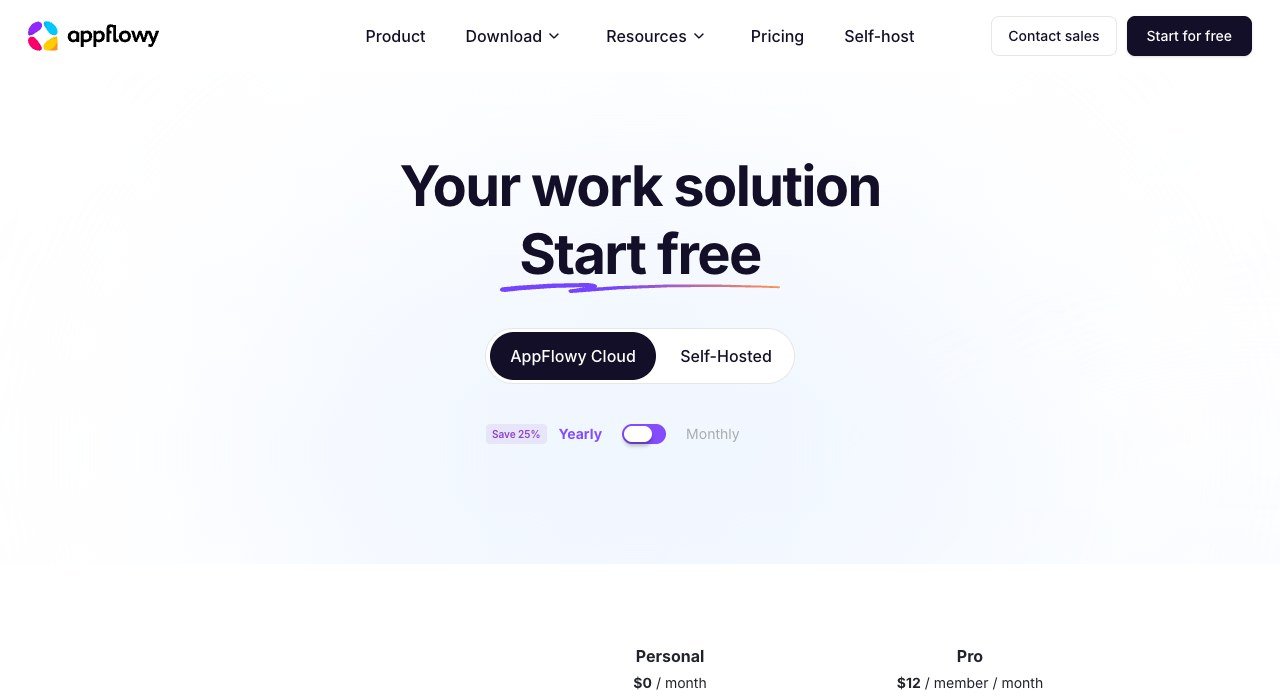
Hosting: Self-host or cloud. Starts at: $12 per member a month. Free plan: Yes, Personal.
AppFlowy rebuilds the familiar block editor and database views as open source, running on your own machine or your own server. Personal is free and the hosted Pro tier is $12 a member a month.
Because the project is open, the hosted fee buys convenience rather than lock-in. A team can begin on the cloud and move to its own infrastructure later without changing tools, which is precisely the exit Notion does not provide.
5. AFFiNE: Canvas and document in the same page
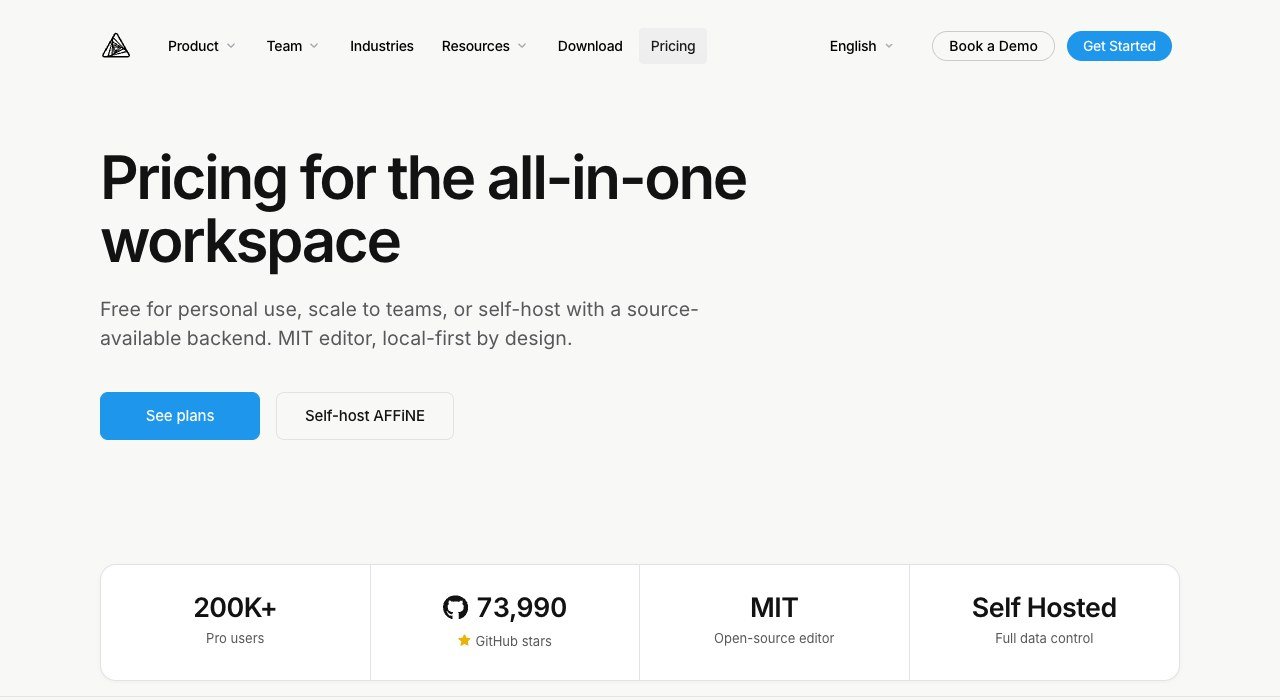
Hosting: Self-host or cloud. Starts at: $6.75 a month. Free plan: Yes, MIT licensed.
AFFiNE merges an infinite canvas with a document editor so a page can become a whiteboard in place. It is MIT licensed with a large public codebase, and the hosted plan is $6.75 a month.
Self-hosting is supported properly rather than grudgingly. For a small team currently paying for a workspace and a separate whiteboard tool, this collapses two line items into one open one.
6. Outline: Priced by team size, not by seat
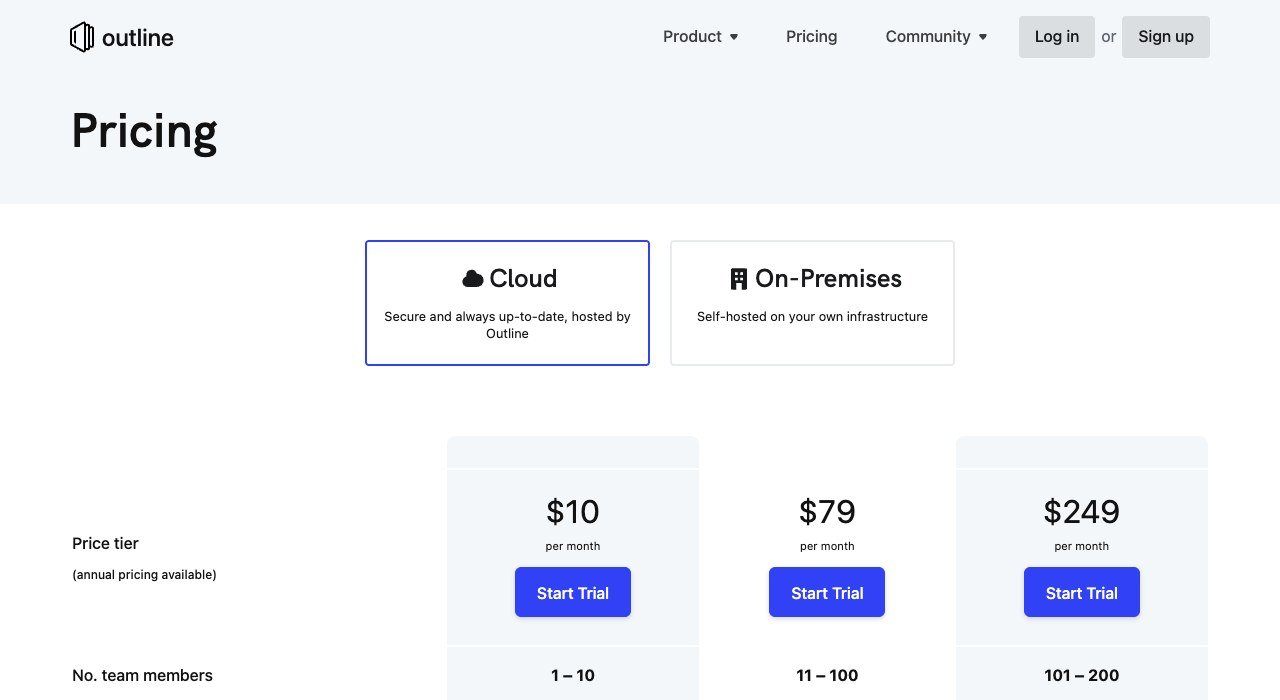
Hosting: Cloud or on-premises. Starts at: $10 a month for up to 10 users. Free plan: No, free trial.
Outline charges by band rather than by head: $10 a month covers up to ten users, $79 covers eleven to a hundred, and $249 goes to two hundred. An on-premises deployment is available.
A hundred people cost $79 a month here and $2,000 a month on Notion Business. That is the largest single price difference in this comparison, and it comes from Outline refusing to do anything except documentation people actually read.
7. Confluence: The incumbent that got cheaper
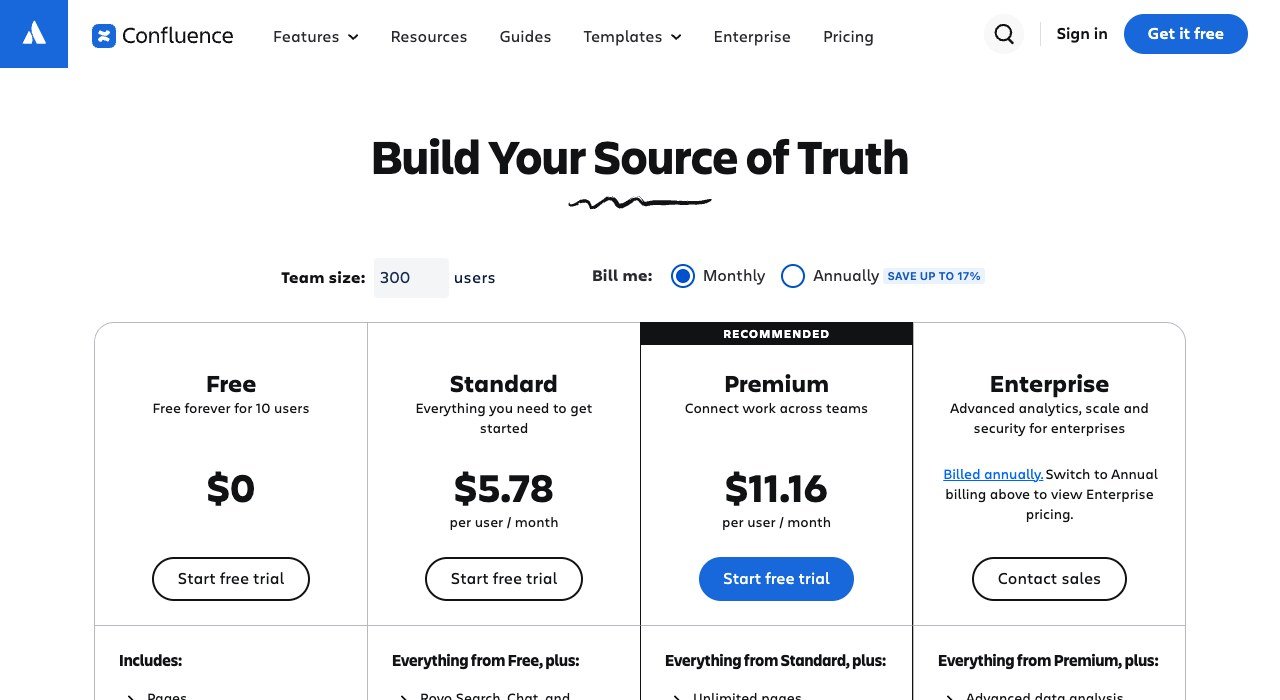
Hosting: Cloud. Starts at: $5.78 per user a month. Free plan: Yes, up to 10 users.
Confluence is where many teams were before Notion, and it has become the cheaper option in the meantime. Standard is $5.78 a user a month and the free tier stretches to ten users.
It is a wiki, not a database engine. Spaces, pages and permissions are mature and the linked databases that Notion power users build their systems on are not there. Whether that is a loss depends on what your workspace turned into.
8. Nuclino: Deliberately small, genuinely fast
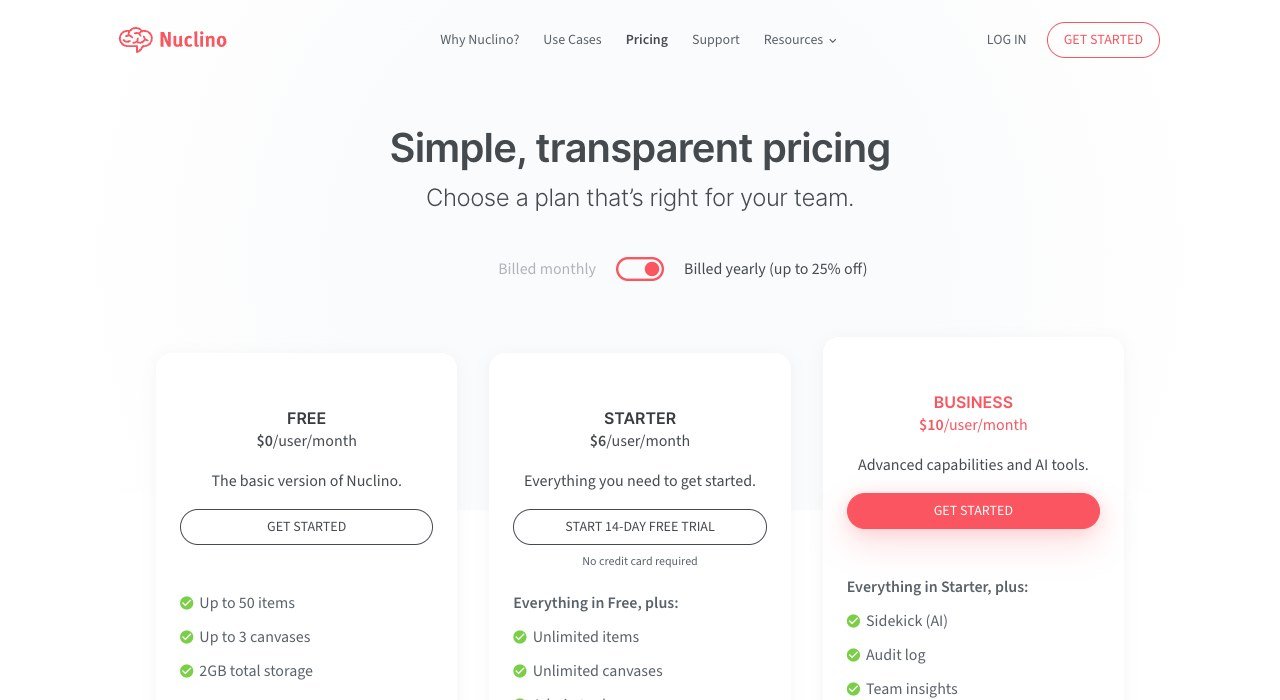
Hosting: Cloud. Starts at: $6 per user a month. Free plan: Yes, 50 items.
Nuclino competes on speed. It opens and searches instantly and does far less than Notion by design. The free plan covers 50 items and three canvases, and Starter is $6 a user a month.
Teams who adopted Notion for a wiki and ended up maintaining a schema usually take to it quickly. Teams running delivery through Notion databases will find most of that structure has nowhere to land.
9. ClickUp: When the workspace was really a project board
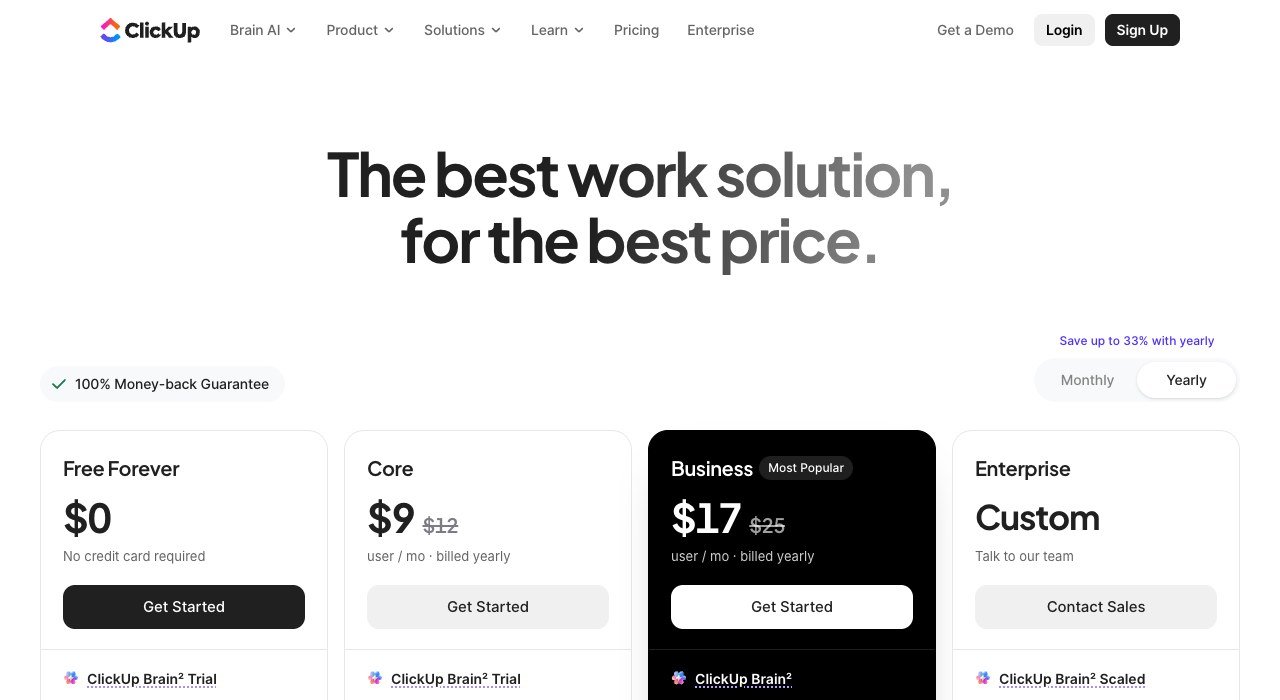
Hosting: Cloud. Starts at: $9 per user a month billed yearly. Free plan: Yes, Free Forever.
ClickUp suits the workspace that became a delivery system. Free Forever is genuinely usable and Core is $9 a user a month billed yearly against $12 paid monthly.
Documents are present and competent but revolve around tasks rather than the reverse. For a Notion workspace full of statuses, owners and dates, this is both a straighter tool and cheaper than Notion Business.
10. Slite: Search that answers rather than lists
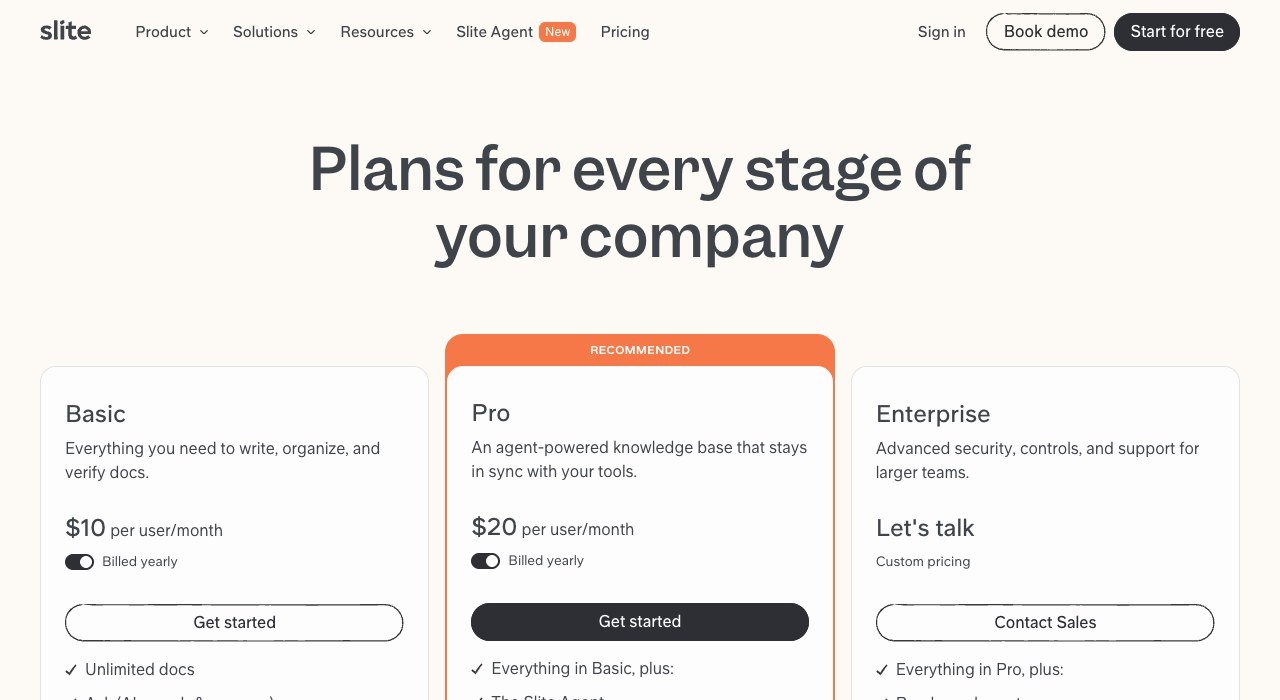
Hosting: Cloud. Starts at: $10 per user a month billed yearly. Free plan: No, free trial.
Slite is documentation with a search layer designed to answer a question instead of returning twenty pages. The entry tier is $10 a user a month on annual billing, with $20 above it.
It sits at Notion’s price and attacks Notion’s weakest point, which is retrieval in a workspace three years deep. Verification marks pages as current, addressing the other half of why nobody trusts the wiki.
Three Places Your Pages Can Live
Each arrangement fails in a different way, and knowing which failure you can tolerate is more useful than any feature list.
- On your device (Obsidian, Anytype): nothing can be withdrawn and nothing needs a subscription. Real-time collaboration is the cost.
- On your server (Docmost, AppFlowy, AFFiNE, Outline on-premises): you keep control and collaboration, and you own backups, upgrades and the 2am restore.
- In somebody’s cloud (Confluence, Slite, Nuclino, ClickUp, Notion): no operations work, and your pages, prices and export formats are theirs to change.
Most teams discover which one they wanted only after a price rise or an outage. Deciding deliberately, before the migration rather than during the next one, is most of the value in reading a list like this.
Open Source Is Two Different Promises
Half this list is open source, and the licence decides what that is worth to a business rather than to a hobbyist.
AFFiNE ships under the MIT licence, which is permissive: run it, change it, deploy it internally, with almost no obligations attached. Other projects in this category use the GNU Affero General Public License, which extends copyleft across a network, so modifications you serve to users have to be published.
For a company running a wiki for its own staff, neither licence creates a practical problem. It becomes a real constraint only if you intend to modify the software and offer it to your own customers. Read the licence file in the repository rather than the summary on the website, because projects do relicense and the website is usually slower to say so.
Choosing Between Them
Work from what the workspace became, not from what it was created for.
- Delivery and task management: ClickUp.
- A wiki nobody can search: Slite or Outline.
- Too expensive per seat: Outline at $79 for up to a hundred people, or Confluence at $5.78 a user.
- Data must stay on your infrastructure: Docmost, AppFlowy or AFFiNE.
- You want files you can read in ten years: Obsidian.
Export before cancelling, whichever way you go. Notion exports Markdown and CSV, and database relations, rollups and formulas do not survive, so rebuild those on a small sample first. Teams reviewing one subscription usually find several others worth the same treatment, which is where the QuickBooks alternatives and HubSpot alternatives comparisons pick up.
Frequently Asked Questions
What is the best free Notion alternative?
Obsidian if you want files on your own disk, and Anytype if you want a local first workspace with Notion’s object model. For teams, Confluence is free up to ten users and Docmost’s Community edition is free to self-host.
Which Notion alternative is cheapest for a large team?
Outline, because it prices by band rather than per seat: $79 a month covers eleven to a hundred users. Notion Business for a hundred people would be $2,000 a month. Confluence Standard at $5.78 a user is the cheapest per-seat option.
Can I keep using Notion databases somewhere else?
Partly. Exported databases arrive as CSV, so rows survive but relations, rollups and formulas do not. AppFlowy and Anytype reproduce the underlying model most closely, which makes rebuilding quicker, but no tool imports a Notion database intact.
Is self-hosting a workspace actually cheaper?
In licence terms yes, since Docmost, AppFlowy and AFFiNE are free to run. The real cost is operational: a server, backups, upgrades and somebody who can restore it. Below roughly ten users that work usually costs more than the subscription it replaces.