Adobe Illustrator costs US$22.99 a month on the annual plan billed monthly. That is $275.88 a year, every year, for one app.
The best replacement now costs nothing. Affinity became free for everyone in October 2025, and it does vector, photo and page layout in a single app. This guide gives you six alternatives, what each one charges, and which jobs each is actually built for.
Adobe Illustrator Alternatives Compared
| Tool | Price | Platforms | Best for |
|---|---|---|---|
| Affinity | Free | macOS, Windows, iPad | A full Illustrator replacement at no cost |
| Inkscape | Free | Windows, macOS, Linux | SVG work and Linux users |
| Linearity Curve | Free tier; from $8 per month | macOS, iPad, iPhone | Illustration on an iPad |
| Sketch | $12 per editor a month, or $120 once | macOS only | Mac designers who want to own the app |
| Figma | Free; $16 per full seat a month | Browser, desktop | Interface design and teams |
| CorelDRAW | $269 a year, or $549 once | Windows, macOS, web | Print, signage and production |
| Adobe Illustrator | $22.99 a month | Windows, macOS, iPad, web | The tool you are replacing |
Two of the six cost nothing at all. Three of them can be bought outright instead of rented, which is the main reason people leave Illustrator in the first place.
Affinity: The Closest Thing to Illustrator, and It Is Free

Canva bought Serif, the studio behind Affinity, in March 2024. On 30 October 2025 it merged Designer, Photo and Publisher into one app and made it free for individuals.
That single change rearranged this whole category. You get vector drawing, pixel editing and page layout in one document, and you switch between them without exporting or round tripping files. Illustrator cannot do that on its own. You would need Photoshop and InDesign alongside it.
For Illustrator work specifically, it covers what matters: pen and node editing, boolean operations, real CMYK and spot colour, and print ready PDF export. It opens PSD and PDF files. It runs on macOS, Windows and iPad.
The catch is narrow and openly disclosed. Generative AI features require a paid Canva plan. Everything else is free, with no watermark, no export limit and no trial clock.
What works:
- Free for individuals, with no feature paywall on the core tools.
- Vector, photo and layout in one app rather than three.
- Handles CMYK, spot colours and print ready PDF export.
- Runs on macOS, Windows and iPad.
What to watch:
- Generative AI features need a paid Canva plan.
- Fewer third-party plugins and tutorials than Illustrator.
- Printers and agencies still ask for native AI files.
Inkscape: The Open-Source Vector Editor Built Around SVG
Inkscape is genuinely free. Not a trial, not a freemium tier with an upgrade prompt. It is open source, volunteers have maintained it for more than twenty years, and version 1.4.4 is the current stable release.
It works natively in SVG, which makes it the default choice for web graphics, icon sets and cutting machine files. The node editor is strong, live path effects are genuinely useful, and automatic bitmap tracing handles logo cleanup without a subscription.
It is also the only serious option on this list that runs properly on Linux. If that is your operating system, the decision is already made.
Where it falls down is print. CMYK export exists but stays rough, and there are no 3D or advanced warp tools. For commercial print work, Affinity or CorelDRAW will save you an argument with the printer.
What works:
- Free and open source, with no account required.
- Native SVG, which makes it ideal for web and cutting machines.
- Runs on Windows, macOS and Linux.
- Strong node editing and automatic bitmap tracing.
What to watch:
- CMYK and print output stay weak.
- The interface looks dated next to Affinity.
- No 3D or advanced warp tools.
Linearity Curve: Vector Illustration on an iPad
Linearity Curve, which used to be called Vectornator, is the strongest vector app on iPad. It runs on macOS, iPad and iPhone, and it is built for drawing with a pencil rather than a mouse.
The pricing changed shape recently. There is a free tier with 250 lifetime credits, though it currently sits behind a waitlist. Paid plans start at $10 a month, or $8 a month billed annually, and that Starter plan is where access to Curve begins.
Be clear on the model before you commit: every plan is metered in AI credits. Starter includes 800 a month, Pro 3,250. Students and teachers save 58 percent on the yearly Pro plan.
What works:
- The best vector drawing experience on iPad.
- Starter costs $8 a month billed annually, well under Illustrator.
- Curve for static design and Move for motion come in the same plan.
- Steep education discount at 58 percent off yearly Pro.
What to watch:
- Plans are metered in AI credits rather than sold outright.
- The free tier is waitlisted and capped at 250 lifetime credits.
- Apple platforms only, with no Windows or Linux version.
Sketch: Buy It Once and Keep It, on Mac
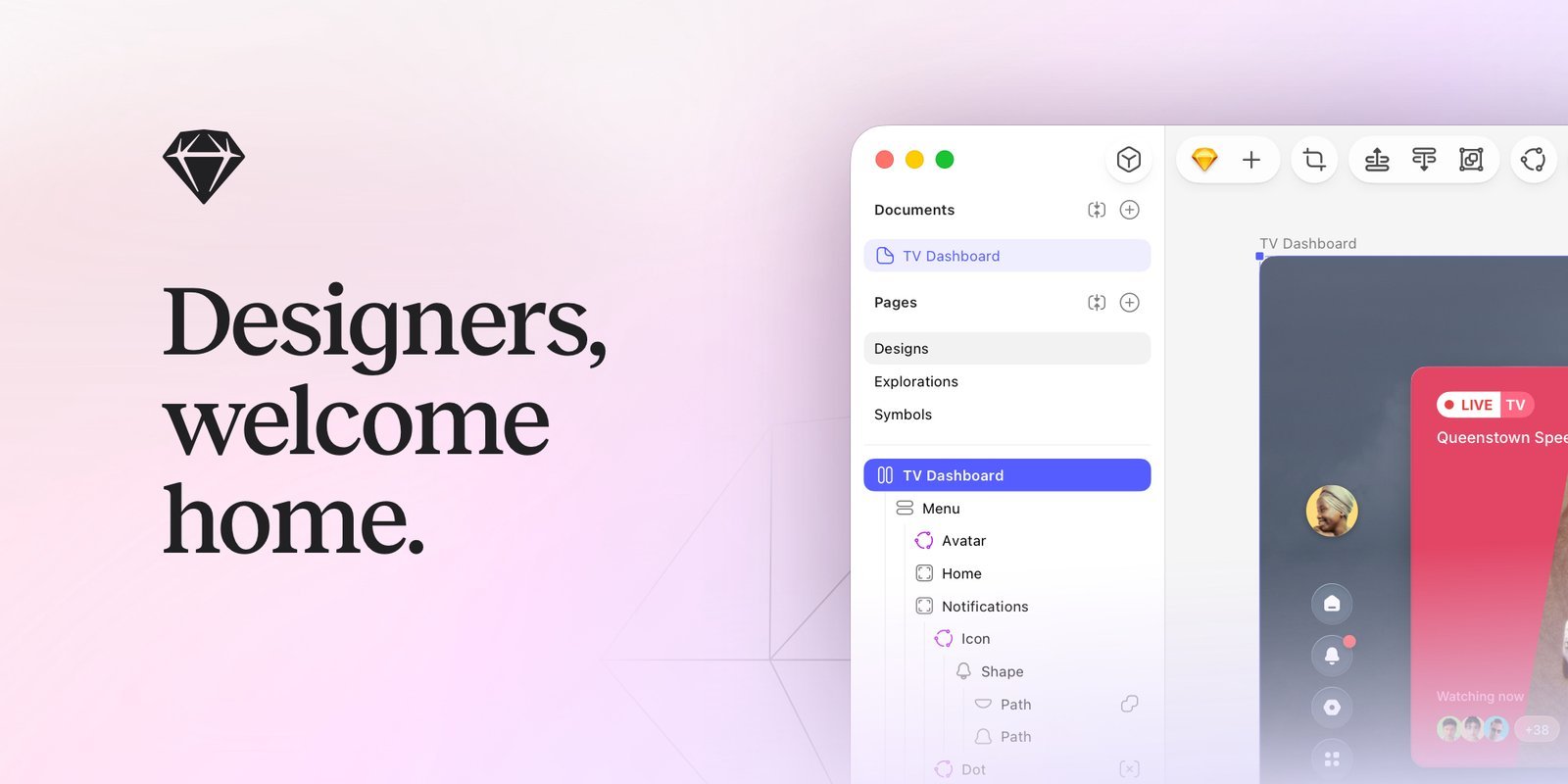
Sketch is Mac only and makes no apology for it. The app is native, which shows in launch speed and battery use.
The pricing is the interesting part, and it is widely reported wrong. There are two separate routes. A subscription runs $12 per editor a month on Standard billed yearly, $24 on Professional and $44 on Enterprise. Or you buy a Mac-only licence at $120 per seat, once, which includes a year of updates and is yours to keep forever.
That $120 licence is the cheapest permanent way onto a professional vector tool that is not free. It drops the collaboration features: no web sharing, no online documents, no iOS preview. If you work alone and offline, none of that matters.
There is no free plan and Sketch says plainly that it does not intend to add one. You get a 30 day trial with no card required, and Sketch is free for students and teachers.
What works:
- A one-time $120 licence that you keep forever.
- Native Mac app, so it is fast and battery friendly.
- Large plugin ecosystem and a 30 day trial with no card.
- Free for education, and half price for qualifying non-profits.
What to watch:
- macOS only, which rules out mixed teams.
- No free plan, by design.
- The one-time licence drops all collaboration features.
- Direct purchases are no longer available to customers in India.
Figma: The Right Answer for Interface Design
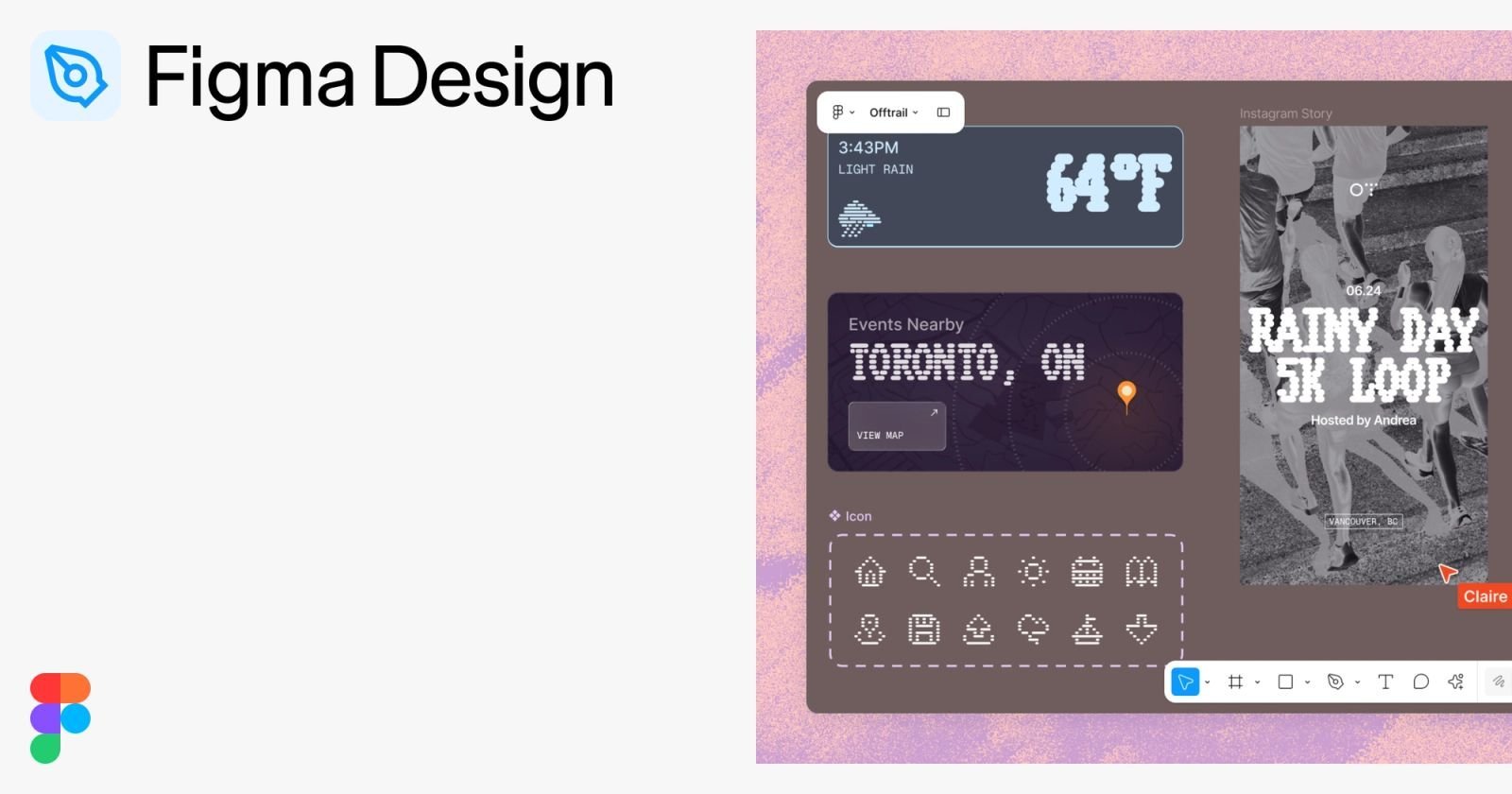
Figma is not an Illustrator replacement for illustration work, and pretending otherwise wastes your time. Its vector tools are shallower, and detailed artwork will fight you.
For app screens, websites and design systems it is the working standard. It runs in a browser, so the operating system argument disappears, and several people can edit the same file at once.
Figma sells seats by role rather than by head. On the Professional plan a full seat is $16 a month, a dev seat is $12 and a collaborator seat is $3. That matters on small teams, because stakeholders who only review and comment no longer need a full price licence. The free Starter plan covers solo drafts.
What works:
- Free Starter plan that covers solo work and drafts.
- Runs in any browser, on any operating system.
- Seats priced by role, so reviewers cost $3 rather than $16.
- Real-time collaboration and developer handoff built in.
What to watch:
- Vector editing is shallower than Illustrator or Affinity.
- Not a print tool, with no real CMYK workflow.
- Large files can lag on entry-level machines.
CorelDRAW: Built for Print, Signage and Production

CorelDRAW is the alternative that print shops actually run. Sign makers, screen printers, engravers and apparel decorators stayed with it for practical reasons: multi-page layout, bleed handling, colour separations, and direct plotter and cutter support.
The 2026 suite gives you three routes. An annual plan at $22.42 a month, billed as $269 a year. A rolling monthly plan at $39. Or a one-time purchase of CorelDRAW Graphics Suite 2026 at $549, which you own outright.
Know what the perpetual licence leaves out before you choose it. Subscribers get CorelDRAW Web, cloud storage and 2,000 AI credits a month. The one-time purchase gets 2,000 credits once, and no web app. Pantone libraries are included either way, which Adobe charges separately for.
There is a 15 day trial with no credit card. If your budget is tighter, CorelDRAW Go is a browser-based version at $99.99 a year.
What works:
- Genuine one-time purchase at $549, with no subscription required.
- The strongest print, prepress and colour separation tools here.
- Direct support for plotters and cutting machines.
- Pantone colour libraries included at no extra cost.
- 15 day trial with no credit card needed.
What to watch:
- The annual plan at $269 is the priciest recurring option on this list.
- The perpetual licence excludes CorelDRAW Web and cloud storage.
- Outside print production the wider industry still trades Adobe files.
Which One Replaces Illustrator for Your Work
Most people overbuy. Pick by the work you actually ship, not by the longest feature list:
- You want Illustrator without the bill. Affinity, free, on Mac, Windows or iPad.
- You work on Linux. Inkscape is the only real option, and it is a good one.
- You make logos and SVG icons for the web. Inkscape or Affinity. Either is free.
- You draw on an iPad. Linearity Curve, from $8 a month billed annually.
- You design app screens with other people. Figma, free to start, $16 a full seat after that.
- You send files to a printer or a cutter. CorelDRAW, $269 a year or $549 once.
- You want to own the software outright. Sketch at $120 or CorelDRAW at $549.
One rule worth following: install the free option and finish one real job in it before paying for anything. Affinity and Inkscape have removed the old excuse that professional vector tools must be rented. If either handles your work, the decision is made for you. For the wider picture across raster and layout tools, see our guide to the best graphic design software.
Frequently Asked Questions
Is Inkscape as good as Illustrator?
For digital vector work, close enough that most people will not miss anything. Node editing, path operations, tracing and SVG export are all professional grade, and it costs nothing.
Illustrator stays ahead on print colour, advanced warp and 3D effects, and on the plain fact that printers and agencies ask for native AI files. For web and screen work, Inkscape holds its own.
Is there a free version of Adobe Illustrator?
No. Adobe offers a seven day free trial, then Illustrator costs $22.99 a month. There is no permanently free tier and no one-time purchase.
If you need a free vector editor permanently, Affinity and Inkscape are the two real answers, and both are free for good rather than free for a fortnight.
Is there a cheaper version of Illustrator?
Not from Adobe directly, beyond student and teacher pricing. The single app plan at $22.99 a month is the entry point, and Creative Cloud Pro runs $69.99 a month.
Cheaper elsewhere: Sketch at $120 once, Linearity Curve from $8 a month, CorelDRAW at $549 once, or Affinity and Inkscape at nothing.
Is Canva a good alternative to Illustrator?
For social posts, flyers and quick marketing graphics, yes. Canva Free covers a lot, and Canva Pro is $144 a year.
For real vector work it is not a replacement. There is no proper pen tool, no anchor point control and no CMYK output. If you own Canva Pro you already have access to Affinity, which is the actual answer.
Can these tools open .ai files?
Partly. Affinity, Inkscape and CorelDRAW can all open PDF-compatible AI files, which most are, though complex effects and live type can shift on import.
Nothing outside Adobe reads every AI feature perfectly. If a client needs guaranteed round trips in native AI format, that is the one job that still argues for an Illustrator seat.