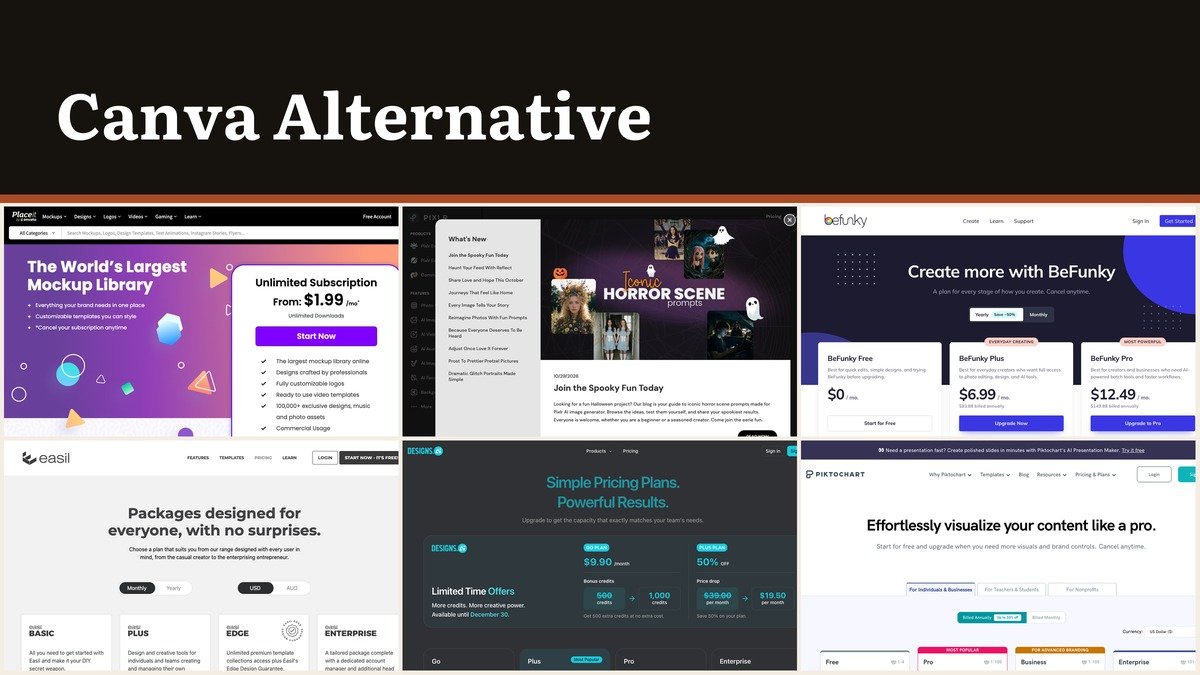
Looking for a Canva alternative usually means one of two things: the per-person price has multiplied across a team, or the tool does ten jobs and you only ever needed one of them.
Canva sells four tiers to individuals and businesses, Free, Pro Lite, Pro and Business, every one charged per person. The ten tools below are grouped by the job they do best, and one of them covers ten seats for what others charge for a single user.
The Per-Person Problem
Design work is shared, and per-seat pricing does not care how much each seat is used. The colleague who resizes one banner a quarter costs the same as the person who lives in the editor.
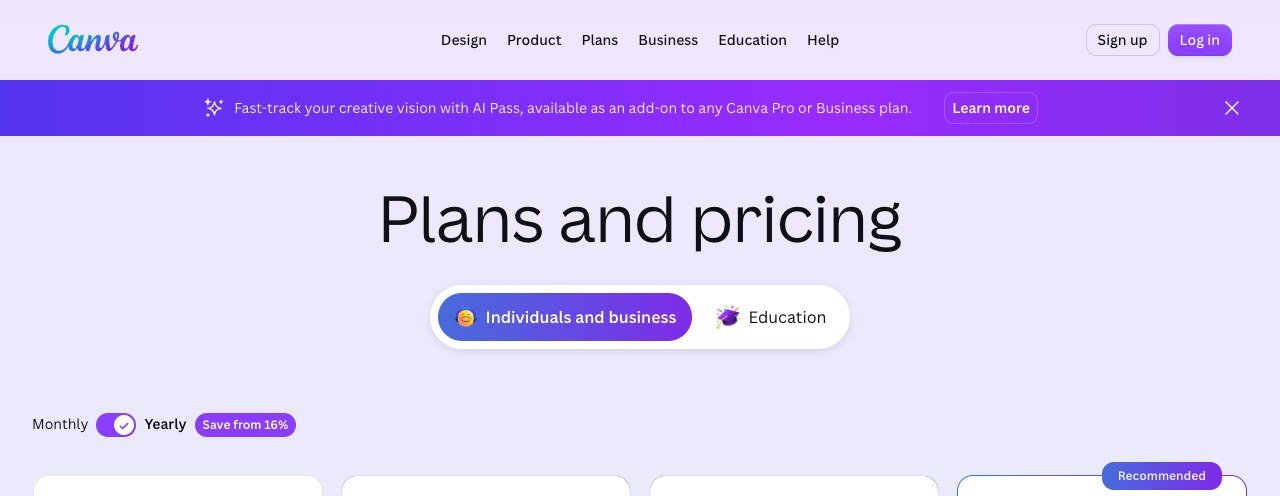
Canva’s ladder has also grown. Where there were once two tiers for individuals there are now four, with education priced separately. More tiers generally means more features placed above the one you are on, and the charging unit has not changed.
Plan prices appear in the currency of the country you buy from, so check them on your own account rather than trusting a figure quoted somewhere else. The structure is identical everywhere: four tiers, billed per person.
Canva Alternatives Grouped by the Job They Do
Ordered from the strongest team value downward. Read the seats column first if more than one person will ever create something.
| # | Tool | Seats | Entry price | Free tier | Built for |
|---|---|---|---|---|---|
| 1 | VistaCreate | Up to 10 included | $10 a month for up to 10 seats | Yes, Starter | Ten seats for the price of one |
| 2 | Snappa | 1, or 5 on Team | $10 a month billed yearly | Yes, 3 downloads a month | Social graphics and nothing else |
| 3 | Easil | Per user | $7.50 per user a month | No, 30-day trial | Templates colleagues cannot wreck |
| 4 | Venngage | Per user | $10 a month billed yearly | Yes | Built for infographics and reports |
| 5 | Piktochart | Per member | $10 per member a month billed yearly | Yes, 2 downloads | Numbers made readable |
| 6 | Visme | Per user | $12.25 a month billed yearly | Yes, no time limit | Documents that do more than sit still |
| 7 | Designs.ai | Per account, credit based | $9.90 a month | No | A first draft from a prompt |
| 8 | Placeit | Per account | From $1.99 a month | No, free previews | Mockups rather than a blank canvas |
| 9 | BeFunky | Per user | $6.99 a month | Yes | Photo editing with design bolted on |
| 10 | Pixlr | Per user | $2.49 a month | Yes, ad supported | Two fifty a month in a browser tab |
The Ten Tools in Detail
1. VistaCreate: Ten seats for the price of one
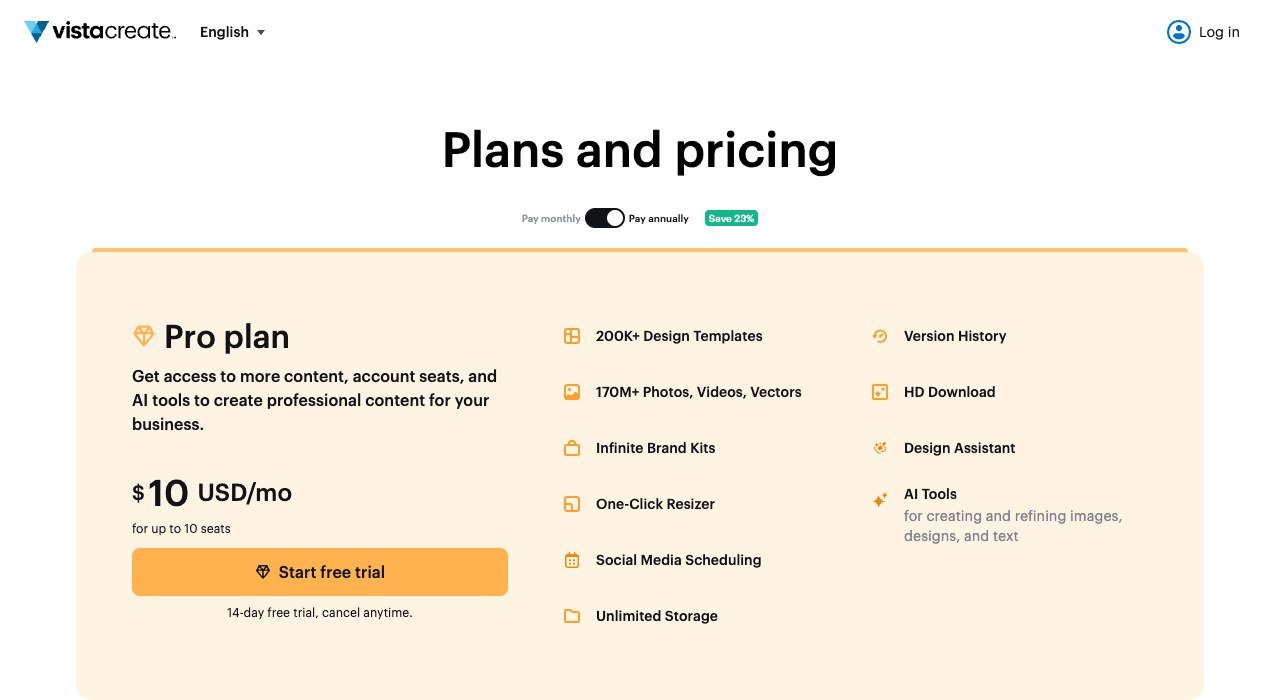
Seats: Up to 10 included. Paid from: $10 a month for up to 10 seats. Free plan: Yes, Starter.
VistaCreate ignores the per-seat convention that makes this category expensive. Its Pro plan is $10 a month and covers up to ten seats, where almost everything else charges that per person.
A five-person team pays $10 instead of $50. The editor is a near relative of Canva’s and the template library is large; what it lacks is the locked-down brand control that a bigger organisation eventually wants.
2. Snappa: Social graphics and nothing else
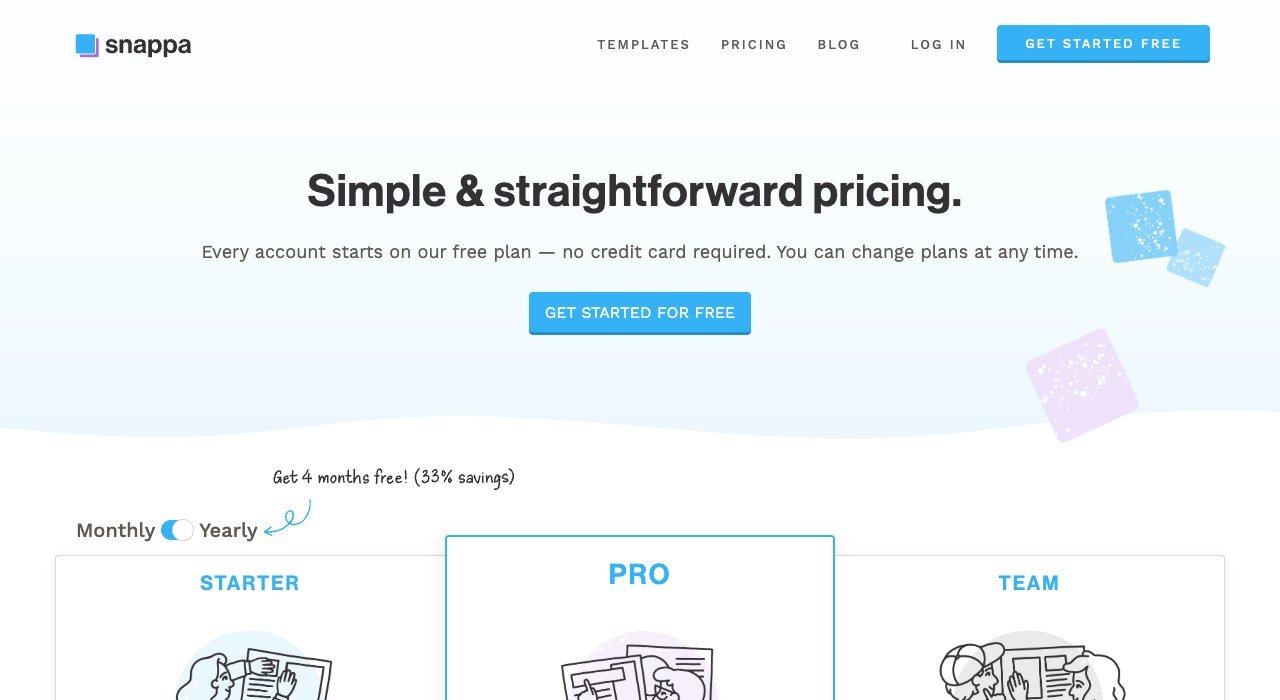
Seats: 1, or 5 on Team. Paid from: $10 a month billed yearly. Free plan: Yes, 3 downloads a month.
Snappa restricts itself to social graphics and is quick because of it. Pro costs $10 a month billed yearly for a single user and Team $20 for five, with a free tier capped at three downloads a month.
Platform-sized presets, a deep stock library and one-click background removal handle the everyday job in a few clicks. There are no documents, presentations or video here at all, which is the design rather than an omission.
3. Easil: Templates colleagues cannot wreck
Seats: Per user. Paid from: $7.50 per user a month. Free plan: No, 30-day trial.
Easil exists for organisations where the templates have to survive contact with colleagues. Elements can be locked so text and images are editable while logos, fonts and colours are not. It costs $7.50 per user a month.
Anyone who has opened a shared brand template to find the logo stretched and the typeface swapped understands the value immediately. For a solo designer the lock-down features are simply overhead.
4. Venngage: Built for infographics and reports
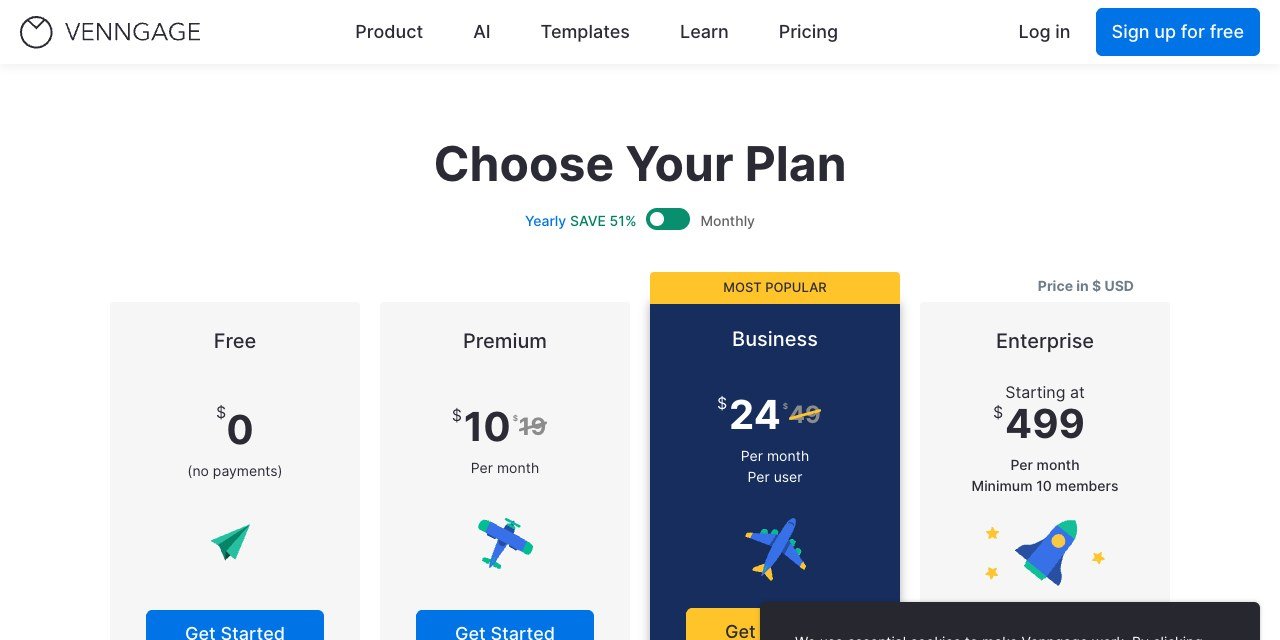
Seats: Per user. Paid from: $10 a month billed yearly. Free plan: Yes.
Venngage is for information rather than decoration: infographics, reports, diagrams and anything where the reader needs to understand something. Free is usable and Premium is $10 a month billed yearly against $19 monthly.
Charts and data widgets are proper first-class objects instead of a chart you fight with. That is exactly where Canva users doing an annual report or a process diagram start losing afternoons.
5. Piktochart: Numbers made readable
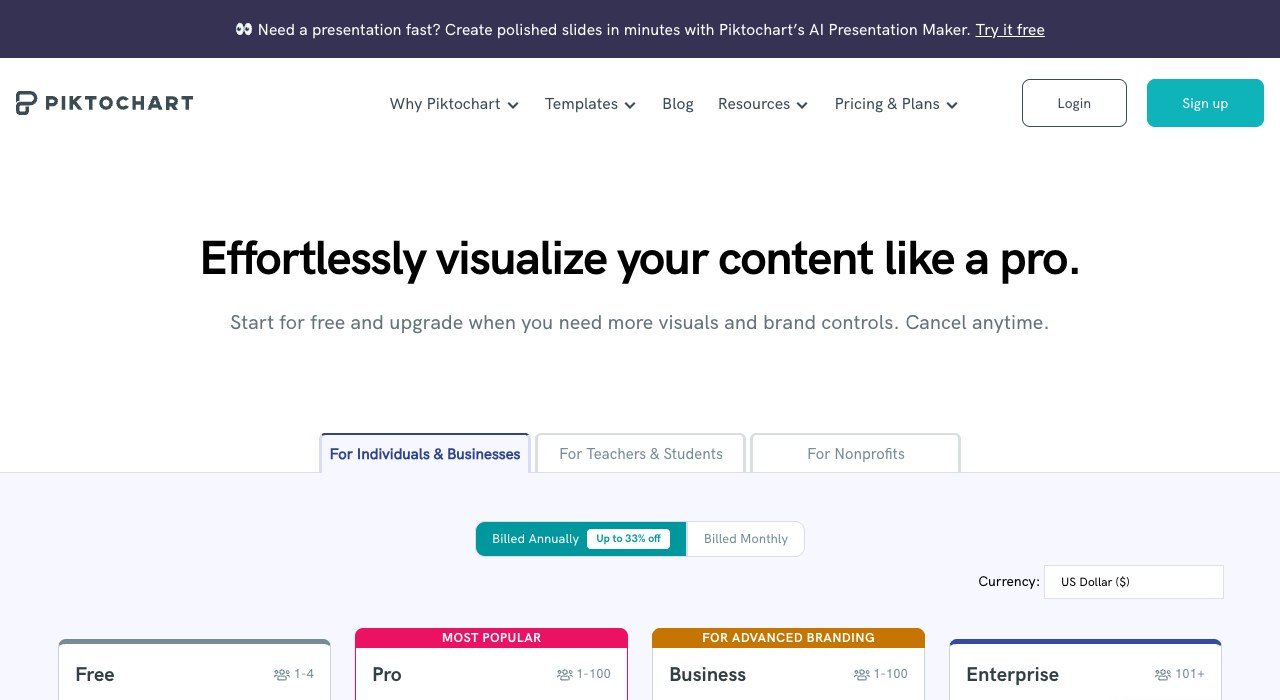
Seats: Per member. Paid from: $10 per member a month billed yearly. Free plan: Yes, 2 downloads.
Piktochart covers much the same territory with a different emphasis, leaning toward presentations and visual summaries. It is $10 per member a month billed yearly, or $15 paid monthly, with a free tier allowing two PNG downloads.
Between this and Venngage the choice is one of taste more than capability. Both produce charts that hold up in print, which is more than can be said for most template editors.
6. Visme: Documents that do more than sit still
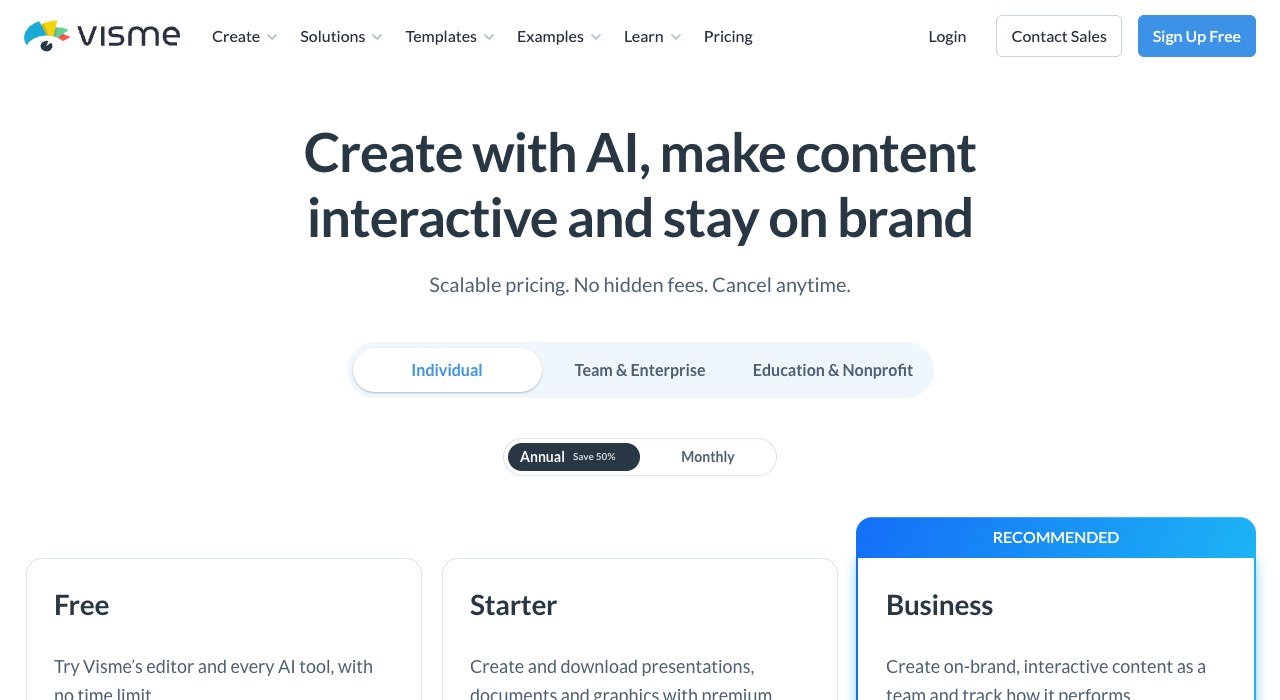
Seats: Per user. Paid from: $12.25 a month billed yearly. Free plan: Yes, no time limit.
Visme is the fullest tool here, handling presentations, interactive reports and embedded data. The paid plan is $12.25 a month billed yearly, and the free tier runs without a time limit.
It comes closest to replacing Canva outright rather than covering one job. The editor is denser and takes real time to learn, which is the honest price of the extra range.
7. Designs.ai: A first draft from a prompt
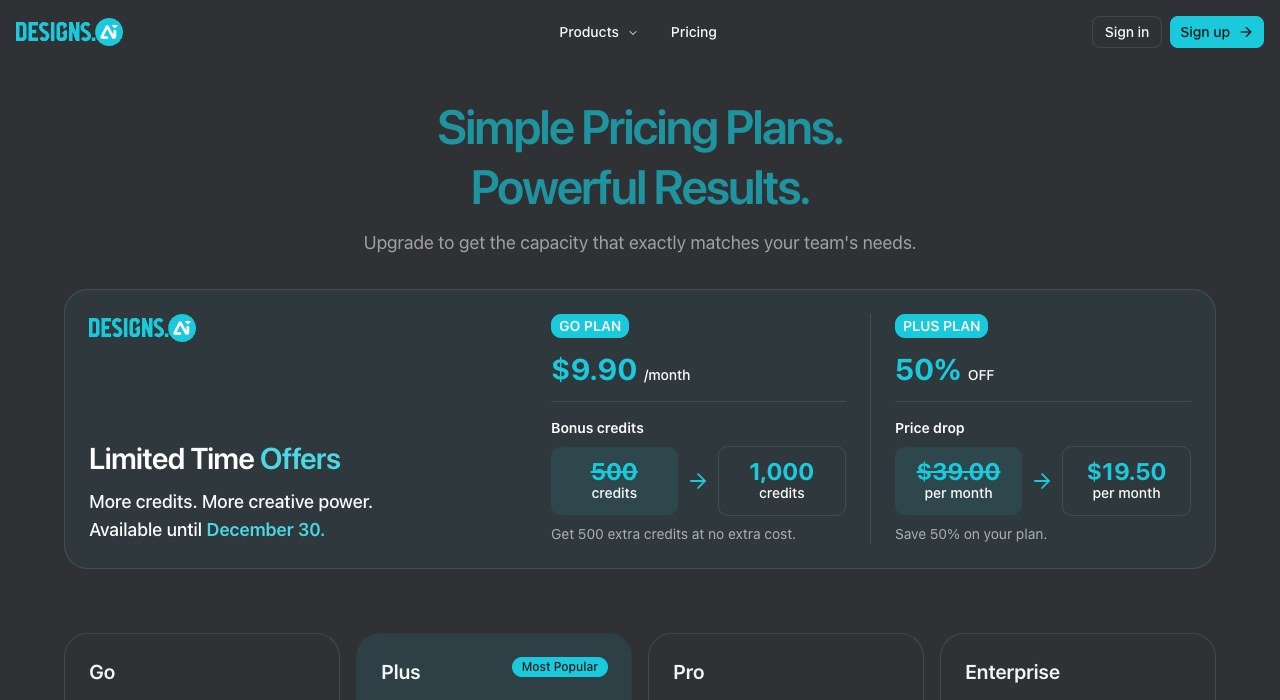
Seats: Per account, credit based. Paid from: $9.90 a month. Free plan: No.
Designs.ai starts from a prompt rather than a template, producing logos, videos, banners and voiceovers from a shared credit pool, with the entry plan at $9.90 a month.
Credits are the meter, so usage costs more regardless of how many people are involved. Treat it as a way past the blank page: output generally needs finishing, and the saving is in the first ten minutes rather than the last.
8. Placeit: Mockups rather than a blank canvas
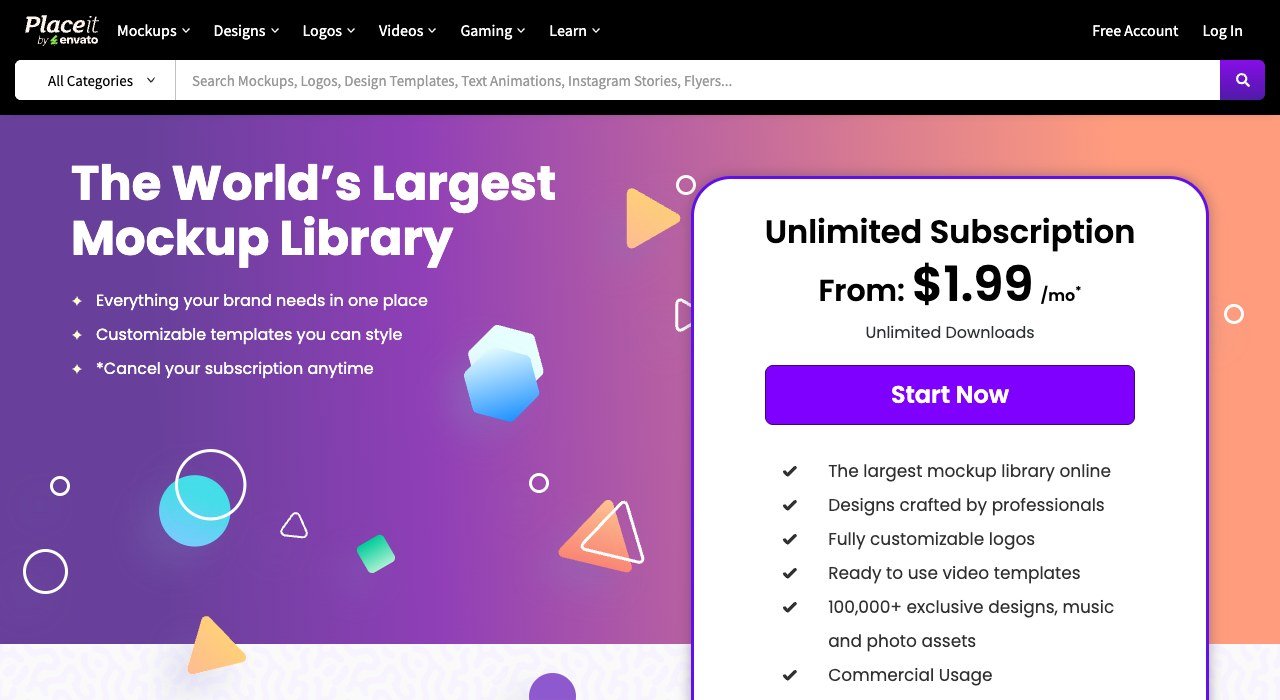
Seats: Per account. Paid from: From $1.99 a month. Free plan: No, free previews.
Placeit is a mockup catalogue with an editor attached, starting from $1.99 a month. Product shots, apparel templates, logo sets and video intros are customised rather than created.
For anyone whose Canva work is mostly putting a logo onto a mockup, it does that specific job far more cheaply. It is not a general canvas, so varied layout work will outgrow it fast.
9. BeFunky: Photo editing with design bolted on
Seats: Per user. Paid from: $6.99 a month. Free plan: Yes.
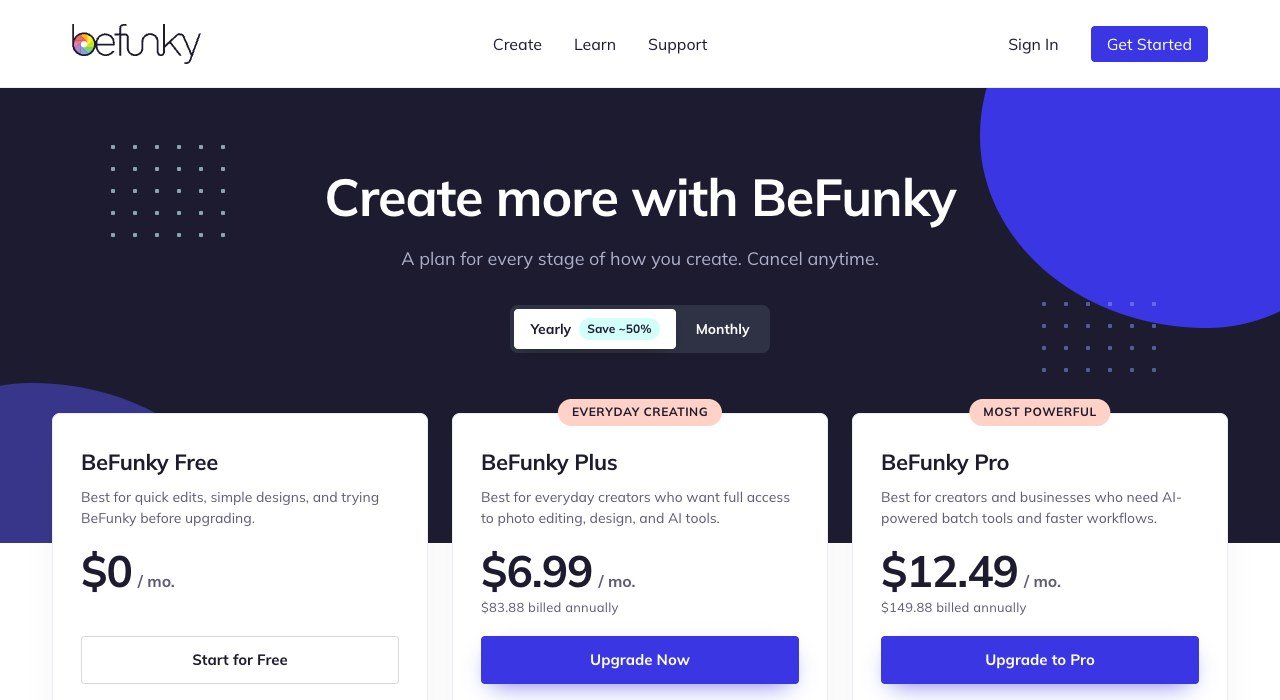
BeFunky sits between photo editing and design, which is where a good deal of casual Canva use actually happens. Free is workable, Plus is $6.99 a month at $83.88 a year and Pro sits above that.
Its photo tools beat Canva’s and its template library is smaller. For somebody building social posts from their own photographs rather than from stock layouts, that is the right way round.
10. Pixlr: Two fifty a month in a browser tab
Seats: Per user. Paid from: $2.49 a month. Free plan: Yes, ad supported.
Pixlr runs entirely in a browser and starts at $2.49 a month, with a fuller tier at $9.99 and a free ad-supported version that needs no account at all.
The weight is on photo work, cropping, retouching and resizing, rather than on multi-page layout. It is the cheapest serious entry on this page and the one most likely to be all somebody actually needed.
Count the Creators, Not the Licences
The commonest waste in this category is buying a seat for everybody who might open the tool rather than for the people who make things in it.
- List who has created a design in the last quarter. In most teams that is two or three people, not the whole department.
- Decide whether the rest need to edit or only to download a finished file. Downloading rarely requires a licence.
- Check whether your shortlist charges per seat at all, because VistaCreate and Snappa Team do not in the same way.
- Price the second year, not the first. Annual billing discounts are deep in this category and the renewal is the real number.
Five people making social graphics costs $10 a month on VistaCreate and around $61 on Visme. Both are reasonable products; the difference is entirely in how they charge. The same arithmetic is worth running across every shared tool, which is how most teams end up re-examining their workspace subscription at the same time.
Licensing, Logos and What You Can Actually Sell
Every tool here builds on licensed assets, and that licence follows the file out of the editor. It becomes a live question the moment a design goes onto something you charge for.
Your layout is generally your own work, but the stock photograph, typeface or illustration inside it is licensed rather than owned. The US Copyright Office sets out what copyright protects and who holds it, and that split between your arrangement and the assets within it is where most disagreements begin.
Logos carry a further complication. A template logo can usually be used, but registering it as a trademark requires distinctiveness, and the USPTO trademark basics explain what that means in practice. A mark built from a library template that hundreds of other businesses also chose is a poor candidate for registration.
Choosing Between Them
Pick on the thing you make weekly. Each of these is very good at one job and ordinary at the others, which is exactly why they undercut a tool that attempts everything.
- A team making social posts: VistaCreate at $10 for ten seats.
- One person making social posts: Snappa or Pixlr.
- Brand consistency across a distributed team: Easil.
- Anything with data in it: Venngage for infographics, Piktochart for decks.
- Presentations and interactive documents: Visme.
- Merchandise and product mockups: Placeit.
If the real requirement is professional illustration or serious photo retouching rather than template editing, this is the wrong list entirely and the full graphic design software comparison covers it, as do the Adobe Illustrator alternatives for vector work.
Frequently Asked Questions
What is the cheapest Canva alternative for a team?
VistaCreate, because the $10 a month Pro plan includes up to ten seats rather than one. Snappa Team covers five users for $20. Every other tool here charges per person, so the saving grows with team size.
Are there genuinely free Canva alternatives?
Yes. VistaCreate, Venngage, Piktochart, Visme, BeFunky and Pixlr all run permanent free plans, and Snappa allows three downloads a month. Limits usually fall on downloads or premium assets rather than on how long you can use them.
Which one is best for infographics rather than social posts?
Venngage for dense infographics and reports, Piktochart for presentations and visual summaries. Both treat charts and data widgets as proper objects, which is where template editors built for social graphics tend to fall apart.
Can I move my Canva templates to another tool?
Not directly. No tool on this list imports a Canva design, so export finished work as PNG, JPG or PDF before cancelling and plan to rebuild editable templates by hand. That rebuild, rather than the subscription, is what usually keeps people where they are.