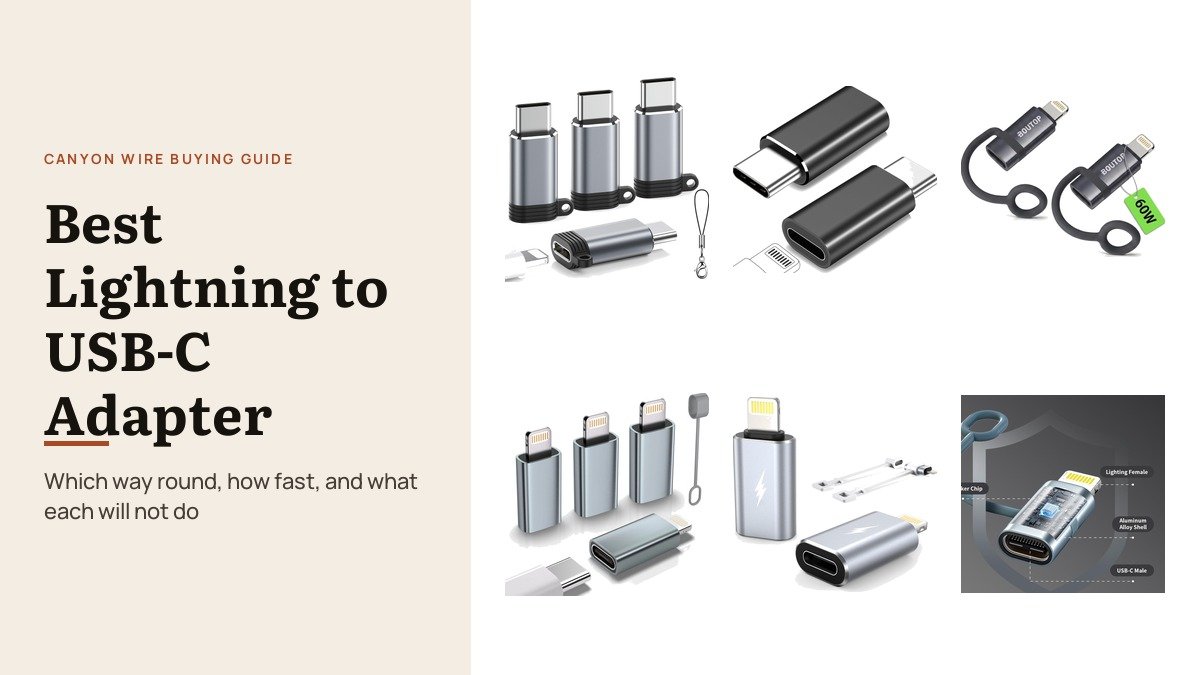
Shopping for a lightning to usb-c adapter is confusing because the name describes two opposite products. Some have a Lightning socket and a USB-C plug, for using Lightning cables with an iPhone 15 or later. Others have a USB-C socket and a Lightning plug, for charging an older iPhone from a USB-C cable. Listings use the same words for both.
This list sorts six adapters by direction and then by what they actually carry. Several charge only at around 2 amps and do not support Power Delivery, while others reach 27W to 60W. None of these generic adapters carry audio or CarPlay, which is worth knowing before you buy.
Lightning to USB-C Adapter Options: Direction, Speed and Limits
| # | Adapter | Socket to plug | Charging | Will not do |
|---|---|---|---|---|
| 1 | LERTOSEN Lightning to USB-C (4-pack) | Lightning to USB-C | Yes | Audio, CarPlay, OTG |
| 2 | FQSH Lightning to USB-C (2-pack) | Lightning to USB-C | 27W PD | Audio, OTG |
| 3 | BOUTOP MFi 60W (2-pack) | USB-C to Lightning | Up to 60W PD | CarPlay, audio, two-way data |
| 4 | Thousover MFi (4-pack) | USB-C to Lightning | 15W, no PD | CarPlay, audio, OTG |
| 5 | TechMatte (2-pack) | USB-C to Lightning | 2.2A, no PD | CarPlay, audio, USB-C phones |
| 6 | Anssan (3-pack) | USB-C to Lightning | 27W iPhone, 36W iPad | Audio, accessories |
1. LERTOSEN Lightning to USB-C (4-Pack): Old Cables, New iPhone
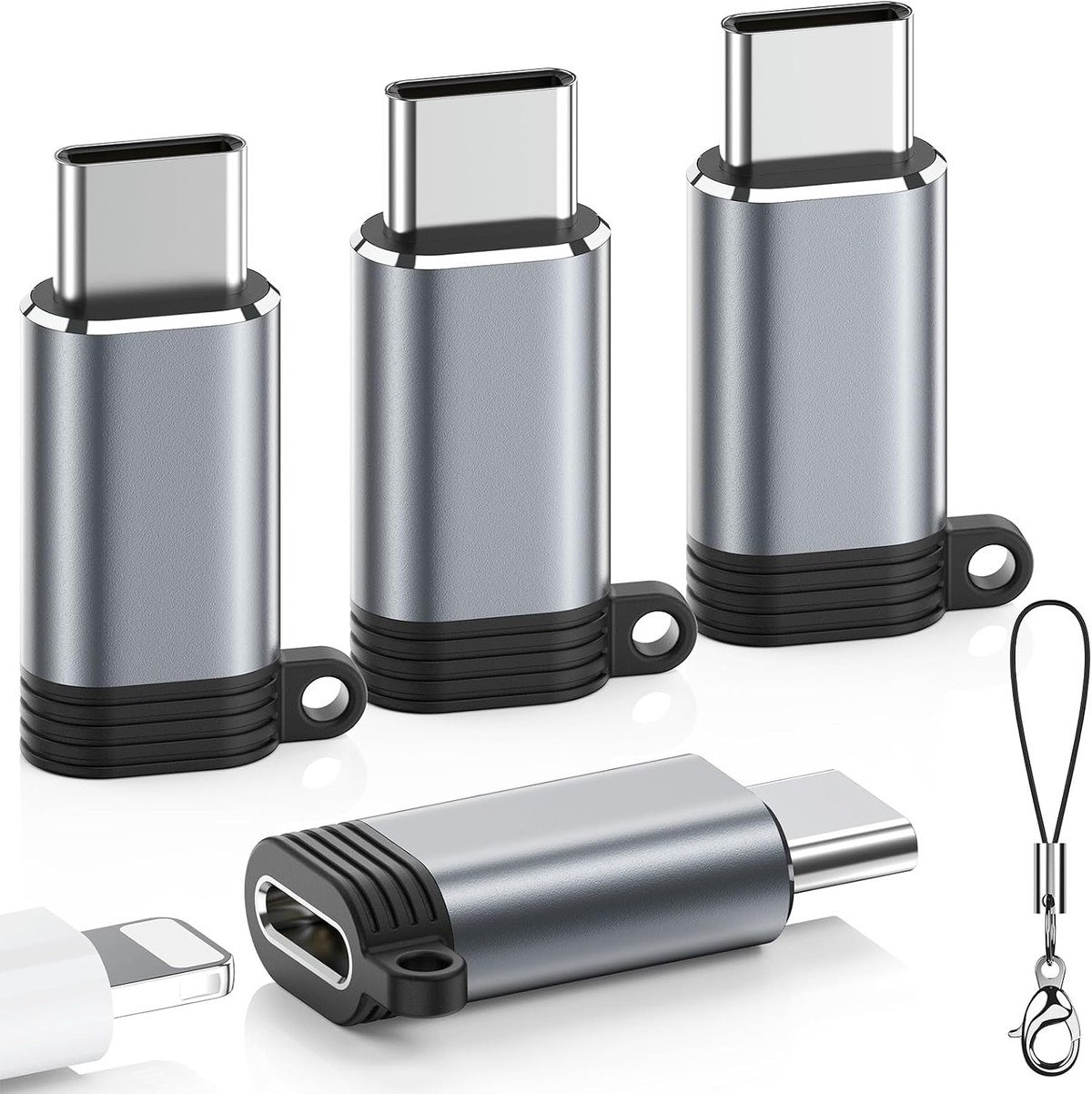
These have a Lightning socket and a reversible USB-C plug, so every Lightning cable in your car and house keeps charging an iPhone 15 or later. LERTOSEN lists models through the iPhone 18 range and supports data sync with a computer at 480Mbps.
A 56k ohm resistor manages power safely and the aluminium alloy shells stay cool, with silicone sleeves to keep each adapter on its cable. LERTOSEN is clear that they do not carry audio, video, CarPlay or headphones.
What it does well
- Lets Lightning cables charge USB-C iPhones
- Four adapters in the pack
- Charging plus 480Mbps computer sync
- Silicone sleeves to prevent loss
What to know before buying
- No audio, CarPlay or OTG
- Not for first generation Apple Pencil
- Not MFi certified
2. FQSH Lightning to USB-C (2-Pack): Adds 27W Fast Charging
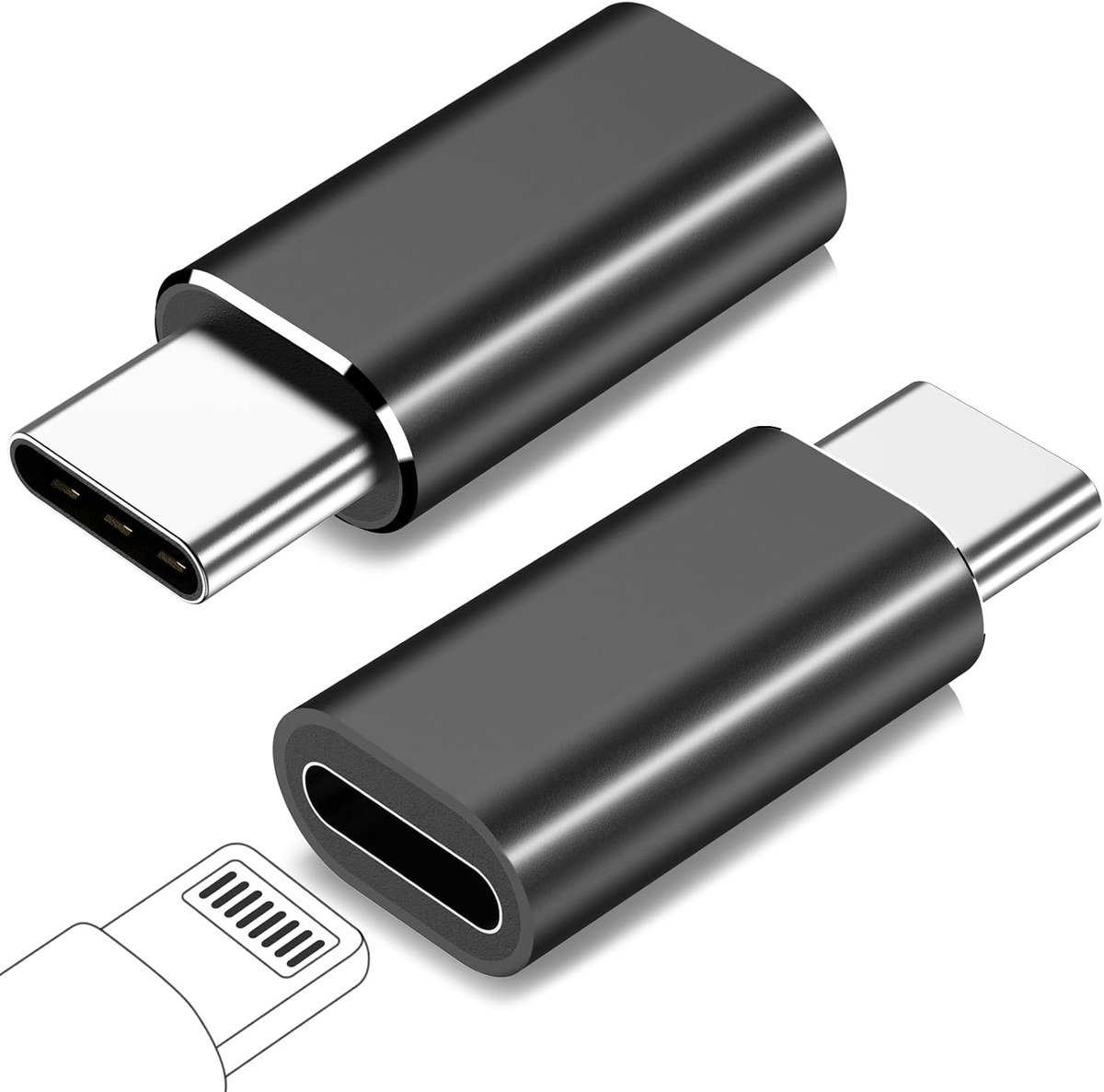
FQSH’s pair does the same job as the LERTOSEN, letting a Lightning cable charge a USB-C iPhone, but adds support for 27W Power Delivery fast charging with a suitable cable and charger. Data sync runs at up to 480Mbps.
The reversible USB-C plug and aluminium shell are standard, and a 56k ohm pull-up resistor is built in. Like the others it is for charging and syncing only, not headphones or other accessories.
What it does well
- 27W PD fast charging
- Lightning cables work with USB-C iPhones
- 480Mbps data sync
- Two adapters in the pack
What to know before buying
- No audio, OTG or accessories
- Only two in the pack
- Lesser known brand
3. BOUTOP MFi 60W (2-Pack): Fastest for Lightning iPads

Going the other way, BOUTOP’s MFi certified adapter puts a USB-C socket on a Lightning plug and supports Power Delivery 3.0 up to 60W, which BOUTOP pitches at Lightning iPads as well as iPhone 11 to 14. It needs a PD-capable USB-C cable.
Data sync runs one way, from the device to a computer, at 480Mbps. The reinforced 6.5mm base steadies the plug in the port, and an anti-loss silicone tether keeps the adapter attached to the cable.
What it does well
- MFi certified, PD 3.0 up to 60W
- Reinforced base protects the port
- Anti-loss silicone tether
- Two adapters in the pack
What to know before buying
- No CarPlay or audio
- One-way data to a computer only
- Wider base may not fit thick cases
4. Thousover MFi (4-Pack): Basic Charging for Older iPhones

Thousover’s MFi certified four-pack lets an older Lightning iPhone or iPad charge from a USB-C cable. It charges at 1.8 to 2.2A, about 15W, and Thousover states it is not compatible with Power Delivery fast charging.
That makes it a cheap way to put an adapter on every USB-C cable in the house for overnight charging rather than quick top-ups. Data sync works between the device and a computer only.
What it does well
- MFi certified
- Four adapters for every cable in the house
- Charging and computer sync
- Aluminium alloy shell
What to know before buying
- No Power Delivery fast charging
- No CarPlay, audio or OTG
- Not for Android phones
5. TechMatte (2-Pack): A Simple Spare for Lightning Devices
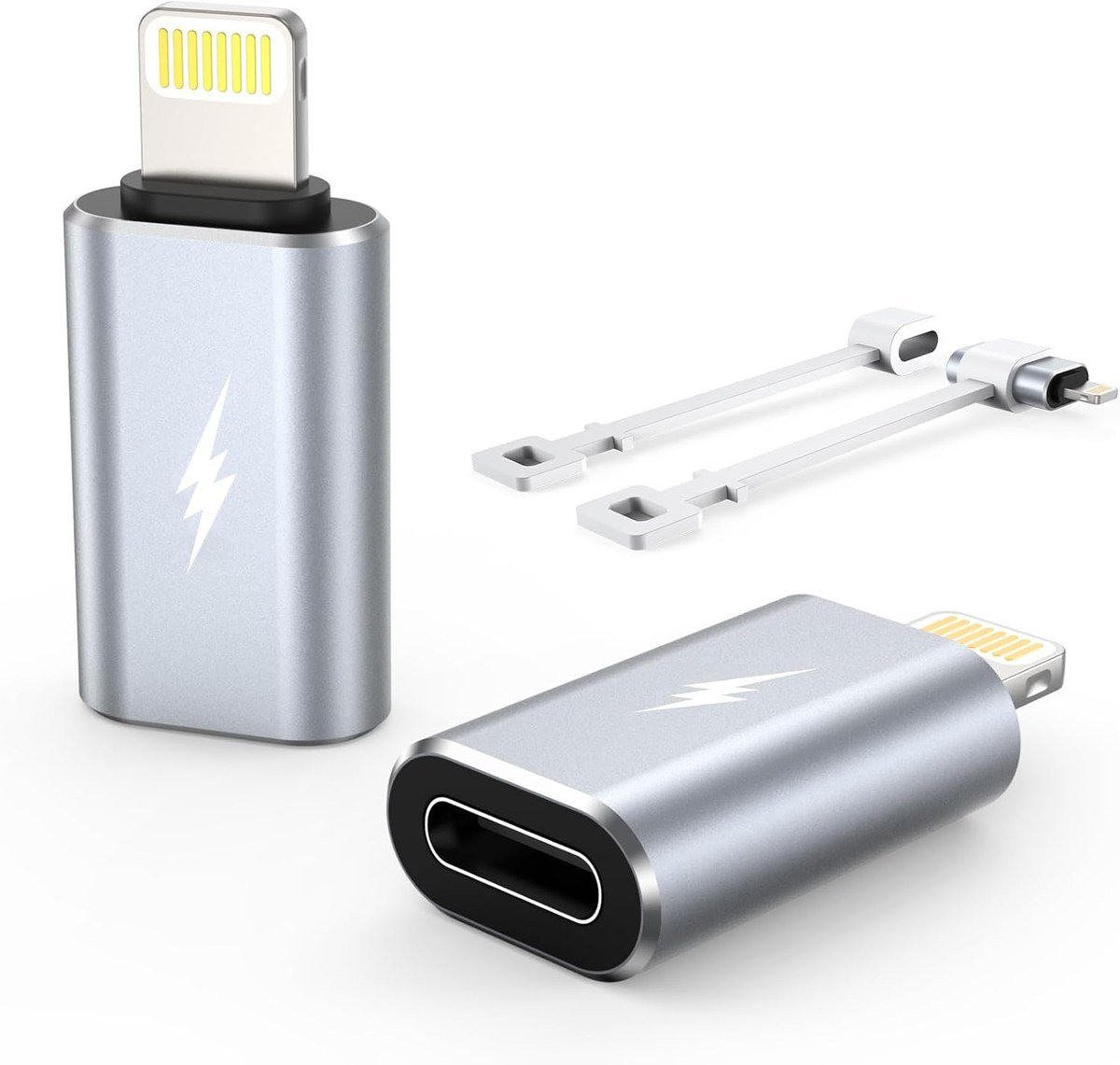
TechMatte’s pair converts a USB-C cable to Lightning for charging at 1.8 to 2.2A and syncing between iPhones and iPads. TechMatte lists the iPhone 14 and earlier, and older iPads, as the compatible devices.
It does not support Power Delivery chargers for fast charging, and TechMatte warns against using it with iPhone 15 and later or USB-C Android phones. It suits a spare Lightning iPad or an old iPhone used as a music player.
What it does well
- Simple USB-C to Lightning charging
- Clear compatibility list
- Two adapters in the pack
What to know before buying
- No Power Delivery fast charging
- Not for iPhone 15 and later
- No audio, CarPlay or OTG
6. Anssan (3-Pack): Fast Charging for iPhone and iPad

Anssan’s three-pack has a USB-C socket and Lightning plug and supports up to 27W for iPhones and 36W for some iPad models, which Anssan says reaches around 50% in about 30 minutes. Standard USB-C cables work with it.
The aluminium casing handles heat during long charges, and each adapter has a soft strap so it stays with its cable. It supports charging and computer data, not audio or accessories.
What it does well
- 27W iPhone and 36W iPad charging
- Three adapters with anti-loss straps
- Aluminium casing
- Works with standard USB-C cables
What to know before buying
- No audio or accessories
- Not MFi certified
- Lightning devices only
Lightning to USB-C or USB-C to Lightning: Reading a Listing
Ignore the product name and read the socket and plug. A listing that says Lightning female to USB-C male plugs into a USB-C iPhone and accepts a Lightning cable. A listing that says USB-C female to Lightning male plugs into a Lightning iPhone or iPad and accepts a USB-C cable. The same words, Lightning to USB-C, appear on both kinds.
Then check the function list. Every generic adapter here charges and syncs with a computer, but none carries the audio or CarPlay connection that the original Lightning port handled. For Lightning headphones on a newer iPhone, buy Apple’s own adapter. Clean ports charge more reliably too; our guide to cleaning AirPods covers the same lint problem in earbud cases.
MFi, Power Delivery and the 56k Resistor: What the Labels Mean
MFi is Apple’s licensing programme for accessories that connect to Lightning. Certified parts use an Apple authentication chip in the Lightning plug, which is why an uncertified adapter can suddenly show the accessory may not be supported message. On the USB-C to Lightning side, the BOUTOP and Thousover packs carry MFi certification.
Power Delivery, or PD, is the USB-C fast charging protocol. An adapter only fast charges if it supports PD and the charger and cable do too, which is why the Thousover and TechMatte packs, which do not, top out at about 2 amps. The 56k ohm resistor that LERTOSEN and FQSH list is the value used where USB-C meets an older connector, and it stops a USB-C charger offering more current than the older side is built to carry.
Why Older iPhones Still Need Adapters
Apple moved the iPhone to USB-C with the iPhone 15 in 2023, and EU rules made USB-C the common charging port for phones sold there from 28 December 2024, as the European Commission explained. Laptops followed on 28 April 2026.
Most households now have a mix: newer phones on USB-C, older iPhones and iPads on Lightning, and a pile of both kinds of cable. A few adapters let any cable charge any device. For cable-free charging across both generations, see our best MagSafe chargers.
Which Lightning to USB-C Adapter to Choose
If you have a new USB-C iPhone and a drawer of Lightning cables, the LERTOSEN four-pack is the best value, and the FQSH pair adds 27W fast charging. Neither carries audio, so headphone users need Apple’s own adapter.
If you have an older Lightning iPhone or iPad and USB-C cables, the BOUTOP MFi 60W charges fastest, the Anssan three-pack is a good fast-charging set for a family, and the Thousover and TechMatte packs cover slower overnight charging.
Frequently Asked Questions
Which way round is a Lightning to USB-C adapter?
It depends on the listing. Read the socket and plug: Lightning female to USB-C male is for USB-C iPhones, and USB-C female to Lightning male is for Lightning iPhones.
Will these adapters work with CarPlay or headphones?
No. All six here are for charging and data sync only. Apple’s own USB-C to Lightning Adapter is the one that carries audio and works with CarPlay in most cars.
Why is my adapter charging slowly?
Some adapters, including the Thousover and TechMatte packs, do not support Power Delivery and charge at about 2 amps. Choose a PD adapter such as the BOUTOP, FQSH or Anssan for fast charging.
Can I use these adapters with an Android phone?
Not as intended. They are built for Apple Lightning devices, and several makers state they are not for Android phones.
Related Articles
- Best Power Banks
- Best Keyboards for Mac
- Best iPad Keyboards
- iPhone Not Charging: Match the Fix to the Symptom
As an Amazon Associate, CanyonWire earns from qualifying purchases.





