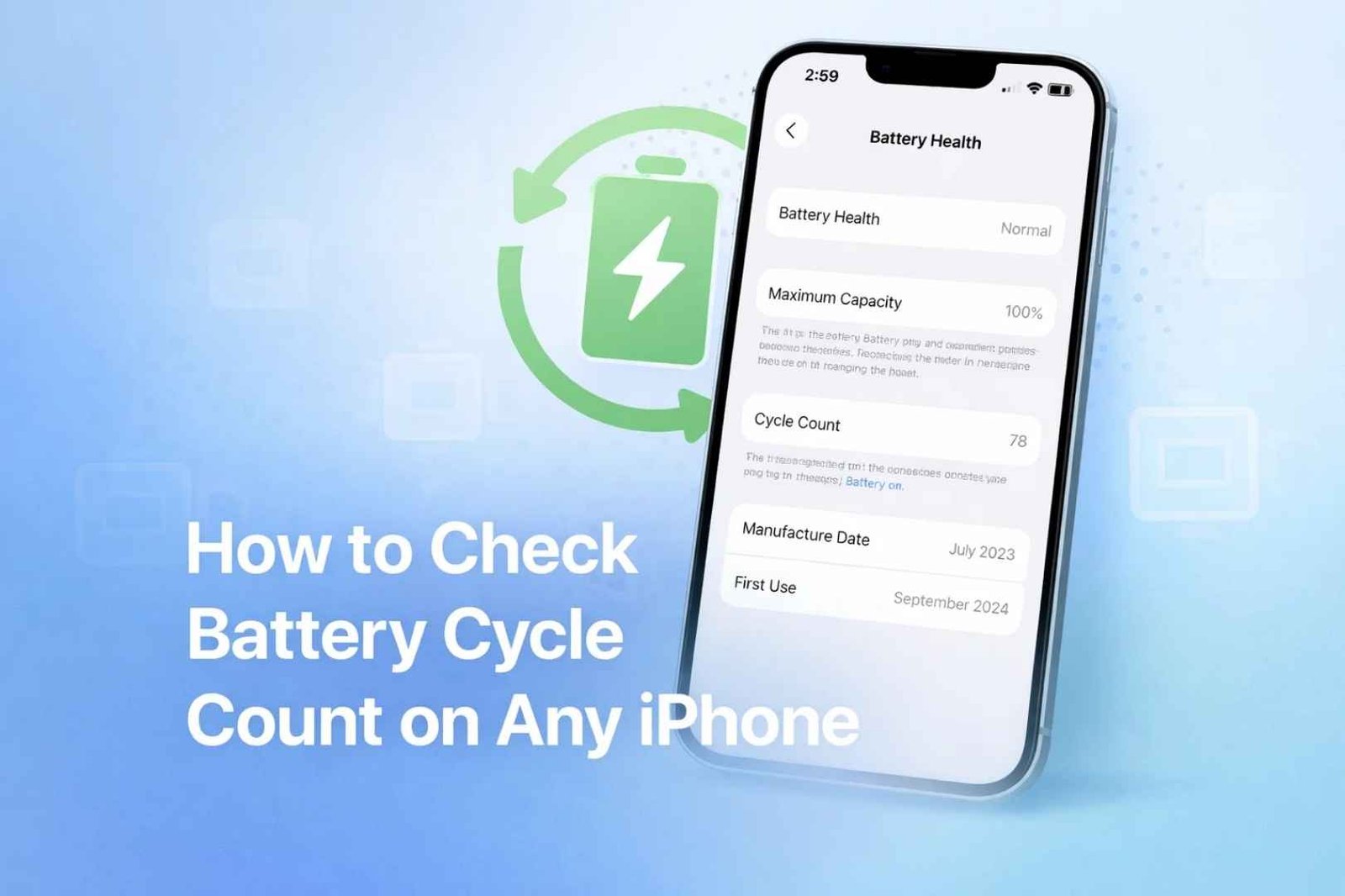
Learning how to check your iPhone battery cycle count is the most honest way to judge how much life is left in the battery, because the cycle count is the real odometer of a lithium-ion cell. The percentage in Battery Health tells you capacity today; the cycle count tells you how hard the battery has worked to get there. On an iPhone 15 or newer you can read it in Settings in about ten seconds, and on older models it takes one extra step.
This guide covers both routes, explains what counts as a single charge cycle, and, using Apple’s own published ratings, tells you what a healthy number actually looks like for your specific model. That last part matters more than most people realize, because Apple engineered newer iPhone batteries to last twice as many cycles as older ones, so the same cycle count means very different things on an iPhone 13 and an iPhone 16.
| iPhone model | Apple’s rated cycles to 80% capacity | Native cycle count in Settings? |
|---|---|---|
| iPhone 14 and earlier | 500 complete cycles | No, use the analytics or computer method |
| iPhone 15, 16, 17 | 1,000 complete cycles | Yes, shown in Battery Health |
What a Battery Cycle Actually Means
A charge cycle is counted each time you use 100% of your battery’s capacity in total, not necessarily in one sitting. Use 60% today and 40% tomorrow, and that adds up to one cycle even though you charged in between. It is a cumulative measure, which is exactly why it is a better age indicator than how many times you have plugged the phone in.
Every lithium-ion battery degrades as cycles accumulate, losing a little maximum capacity over time. That is why a two-year-old phone holds less charge than it did new, even though nothing is broken. The cycle count is the clean number behind that decline, and pairing it with the capacity percentage gives you the full picture of battery health rather than half of it.
Knowing the count is genuinely useful in three situations: deciding whether an aging phone needs a battery replacement rather than a new device, sanity-checking a used iPhone before you buy it, and confirming that a recent replacement battery is actually new. In each case the number cuts through guesswork, and it is data Apple stores on the device already.
How to Check Battery Cycle Count on iPhone 15, 16, and 17
Apple builds cycle count directly into the settings on iPhone 15 and later, so no tools or tricks are needed. The path takes seconds:
- Open the Settings app.
- Tap Battery.
- Tap Battery Health.
- Read the Cycle Count figure, shown alongside your maximum capacity.
The same screen shows Maximum Capacity as a percentage, so you get both numbers at once. If Battery Health reports that your capacity cannot be verified, that usually points to a non-genuine or improperly installed replacement battery, which is worth knowing before you trust any of the figures on the screen.
How to Check Cycle Count on iPhone 14 and Older
Older iPhones store the cycle count but do not display it in Settings, so you extract it from the phone’s own analytics log. This method works on iPhone 14 and earlier, and the one requirement is that analytics logging has been switched on for at least a day beforehand.
- Go to Settings > Privacy & Security > Analytics & Improvements and turn on Share iPhone Analytics.
- Wait at least 24 hours, because the phone only writes a new analytics file once a day.
- Return to Analytics Data and open the most recent file whose name begins with Analytics followed by a date.
- Because the file is dense text, search it for CycleCount, or run a trusted battery-stats Shortcut on it to read the value cleanly.
If the raw log feels like too much, the more reliable route is to connect the iPhone to a computer and use a reputable battery utility such as coconutBattery on Mac, which reads the cycle count and true capacity in one click. That approach avoids the common frustration where the on-device analytics file has not populated yet or the Shortcut fails to parse it.
One caveat applies to both routes on older phones: if the battery has been replaced with a third-party cell, the reported figures can be inaccurate or missing entirely, since the phone can no longer read the manufacturer data it expects.
What Is a Healthy Cycle Count, and When to Replace the Battery
This is where your model changes everything. According to Apple’s battery guidance, iPhone 14 and earlier batteries are designed to keep 80% of their original capacity through 500 complete charge cycles under ideal conditions, while iPhone 15 models are engineered to retain 80% through 1,000 cycles. Newer batteries are built to last roughly twice as long before meaningful decline.
Read your number against that rating rather than against a fixed threshold:
- iPhone 14 or earlier: approaching or passing 500 cycles is a sign the battery is near the end of its designed life, especially if capacity has dropped below 80%
- iPhone 15 or later: the same 500 cycles is only halfway through the rated lifespan, so there is far less reason to worry at that point
- Any model: a Maximum Capacity below 80%, unexpected shutdowns, or the phone throttling performance are stronger replace-now signals than the cycle number alone
A replacement is worth it when a phone you otherwise like can no longer last the day, since a fresh battery is far cheaper than a new device and restores full performance. Weigh that against the phone’s age and your upgrade plans; if you are already eyeing a new model, our look at the expected iPhone 18 Pro may make waiting the smarter call than paying for a battery swap.
How to Slow Down Battery Aging
You cannot stop cycles from accumulating, but you can slow how fast each one wears the battery. The biggest factors are heat and how the phone is charged, and Apple’s own battery guidance points to a few habits make a measurable difference over the years you own a device:
- Keep Optimized Battery Charging on. It learns your routine and holds the charge below 100% until you need it, reducing time spent at full charge.
- Avoid heat. High temperatures are the single worst thing for a lithium-ion battery, so do not leave the phone on a car dashboard or charging under a pillow.
- Do not obsess over topping up. Partial charges are fine and do not waste a cycle; lithium-ion batteries actually prefer staying in the middle of the range rather than at 0% or 100%.
- Use a charge limit if your model offers one. Newer iPhones can cap charging at 80%, which is useful if you rarely need a full day’s charge.
- Update iOS. Apple ships battery-management improvements in software updates, so staying current can help.
None of this reverses wear that has already happened, but starting these habits early is what separates a phone whose battery still feels fine at two years from one that does not. If your phone is showing other odd behavior alongside poor battery life, our fixes for an iPhone that will not make calls and for Wi-Fi that keeps disconnecting cover two of the most common culprits that get blamed on the battery.
Frequently Asked Questions
Where is cycle count on an iPhone 15 or newer?
Open Settings, tap Battery, then tap Battery Health. The Cycle Count is displayed there alongside your Maximum Capacity percentage. This native display is available on iPhone 15 and later; older models store the number but do not show it in Settings, so they need the analytics or computer method instead.
What is a good cycle count for an iPhone?
It depends on the model. Apple designs iPhone 14 and earlier batteries to hold 80% capacity through 500 cycles, and iPhone 15 batteries through 1,000 cycles. So 400 cycles is near the end of the road for an iPhone 13 but barely halfway for an iPhone 15. Judge the number against your model’s rating, not a universal figure.
Does checking cycle count require an app?
Not on iPhone 15 or later, where it is built into Settings. On iPhone 14 and earlier you read it from the phone’s analytics log, which some people parse with a Shortcut, or you connect the phone to a computer and use a battery utility such as coconutBattery. No paid app is required, though a computer tool is the most reliable option for older phones.
Does a partial charge count as a full cycle?
No. A cycle is counted only when you use 100% of capacity in total, which can be spread across several days. Charging from 70% to 100% does not use a full cycle, so frequent small top-ups do not burn through your cycle count the way many people assume.
Should I replace my battery or buy a new iPhone?
If the phone still does everything you need and only the battery is failing, a replacement is far cheaper and restores full performance. If it is several years old, slow, or you were planning to upgrade anyway, put the money toward a new device. A high cycle count paired with sub-80% capacity is the clearest sign the battery, at least, is due.





