A Spotify artist account is not something you sign up for from scratch: it is access to the artist profile that Spotify creates when your music first arrives, unlocked through Spotify for Artists, the free dashboard and app. There are five ways to get that access, and which one applies depends on whether your music is live, who delivered it and whether someone else already runs the profile.
This page follows Spotify’s current help pages. It charts the five routes first, then goes through each one, the three access levels, the Verified by Spotify thresholds, Artist Profile Protection and what the dashboard shows you the first day you log in. It is written for someone whose music is out and who cannot yet open the dashboard.
Spotify Artist Account Access: All 5 Routes, Who They Suit and What You Need
| Route | Who it suits | What you need |
|---|---|---|
| Request access | A solo artist, band member or manager whose music is already live | A link to the artist website or social channels; manual review takes a few days |
| Preferred distributor | An artist who delivered music through a preferred provider | Submit the request; access is automatic |
| Before the first release | An artist with an upcoming release and nothing live yet | Your artist link or URI plus the UPC or EAN of the release, sent to Spotify support |
| Team invitation | A bandmate, manager or collaborator on a profile that is already claimed | An email invitation from a Team Admin at manage.spotify.com/teams |
| Label team | A label or company with a catalogue | Links to a few tracks or albums the company owns; manual review takes a few days |
Setting Up a Spotify Artist Account, Route by Route
Every route starts with a personal Spotify account, because that is the login the dashboard uses. You can sign in with an email address or username, or with a phone number, Facebook, Apple or Google. If Spotify asks you to claim a profile you thought was already yours, you are almost certainly signed in with a different Spotify account.
Route 1, Request Access: A Link and a Short Wait
The standard route works for any profile that has music live and no team yet. You submit a request at artists.spotify.com, add a link to the artist’s website or social channels as proof, and Spotify reviews it by hand. Approval can take a few days, and a rejection comes with an email explaining the next steps.
Only one request can be active per artist profile or label at a time. While yours is pending, nobody else can file one for the same profile, which stops two people racing for the same name.
Route 2, Preferred Distributor: Access the Moment You Ask
Deliver your music through a provider Spotify marks as preferred and you get access automatically when you submit the request, with no review queue. Spotify’s Provider Directory lists the preferred and recommended providers and says the preferred ones give instant access to all of their users.
Providers in the directory meet Spotify’s standards for metadata quality and for measures against infringement. Most distributors charge a fee or a commission, so the cost is worth checking before you pick one, not after your release is delivered.
Route 3, Before the First Release: Claim an Account for a Profile Not Yet Live
If you want to be in the dashboard before release day, ask your label or distributor for your artist link or URI once they have delivered your music. The link looks like spotify.com/artist followed by an ID, or spotify:artist: followed by the same ID.
Send that link to Spotify support together with the UPC or EAN of the upcoming release. This is the route that lets you pitch and set up your profile while the release is still scheduled.
Route 4, Team Invitation: How Bandmates and Managers Join
A profile that already has a team cannot be requested again. A Team Admin invites you instead: at manage.spotify.com/teams they select the team, click Invite, and enter your details and an access level. You then get an email with a few steps to finish.
If you cannot reach your Admin, contact Spotify. If you were the only Admin and have lost your login, create a new Spotify account and contact support so the team can be handed over.
Route 5, Label Team: Access Built Around a Catalogue
A label team is requested with links to a few tracks or albums the company owns, and it is reviewed manually over a few days. Matching is based on the distributor and label names in the release metadata.
The view differs from an artist team. The Music tab shows stats for the songs and releases the label owns, while the Audience and Playlists tabs are aggregated and can include streams of songs the label does not own. There is no overview of the whole catalogue, and label employees are not given access to artist teams.
The Three Access Levels and the Team Admin Extra
Once you are on a team, your level decides what you can touch. Admin can do everything, including adding and editing payment methods, which no other level can do. Editor can do the rest of the work: edit the artist profile, add Clips and Canvas, pitch upcoming releases, create and edit campaigns and see their results, and add and manage Shopify merch.
Reader is view only. A Reader sees music and audience stats, the artist roster and the artist profile, and nothing beyond that. Levels are set per team, so a manager can be an Admin for one act and a Reader for another.
Team Admin is a separate permission that controls membership rather than content. A Team Admin invites and removes members, edits access levels and sees team activity, all in Spotify Manage. Only Team Admins can change levels, so a new band is best served by naming two of them in case one person loses a login.
Getting Verified: What Spotify Checks Before the Green Badge

Claiming a profile and being verified are different things. From January 28, 2026 the old blue check became a Registered Artist label in the About section. It means the profile is claimed and actively managed through Spotify for Artists, and it changes nothing about visibility, discovery, royalties or tool access.
Verified by Spotify, announced on April 30, 2026, is the light green checkmark. You cannot apply for it: Spotify reviews profiles on a rolling basis. The baseline is at least 10,000 monthly active listeners over a consecutive three-month period and at least 1,000 followers. The profile also has to be in good standing with Spotify’s platform rules and has to look authentic.
Authentic means no deceptive bio, a catalogue that is mostly music, and public markers such as linked socials, concert dates or merch. Profiles that are primarily AI-generated or an AI persona are not eligible. Artists with an important cultural contribution may be considered below the thresholds, and Spotify said more than 99% of the artists listeners actively search for were verified at launch.
Artist Profile Protection: A Safeguard Still in Limited Beta
Artist Profile Protection is aimed at a problem a claimed account cannot solve by itself: music delivered under your name that is not yours. In the beta, you are notified when music is delivered with your name. You can review it and remove yourself from the release before it goes live or for up to 28 days afterwards.
It is open only to a limited group of artists for now, and the advanced options, which include blocking releases and an artist key, are beta features too. Check your dashboard for it rather than assuming it is switched on.
What a New Spotify Artist Account Shows You on Day One
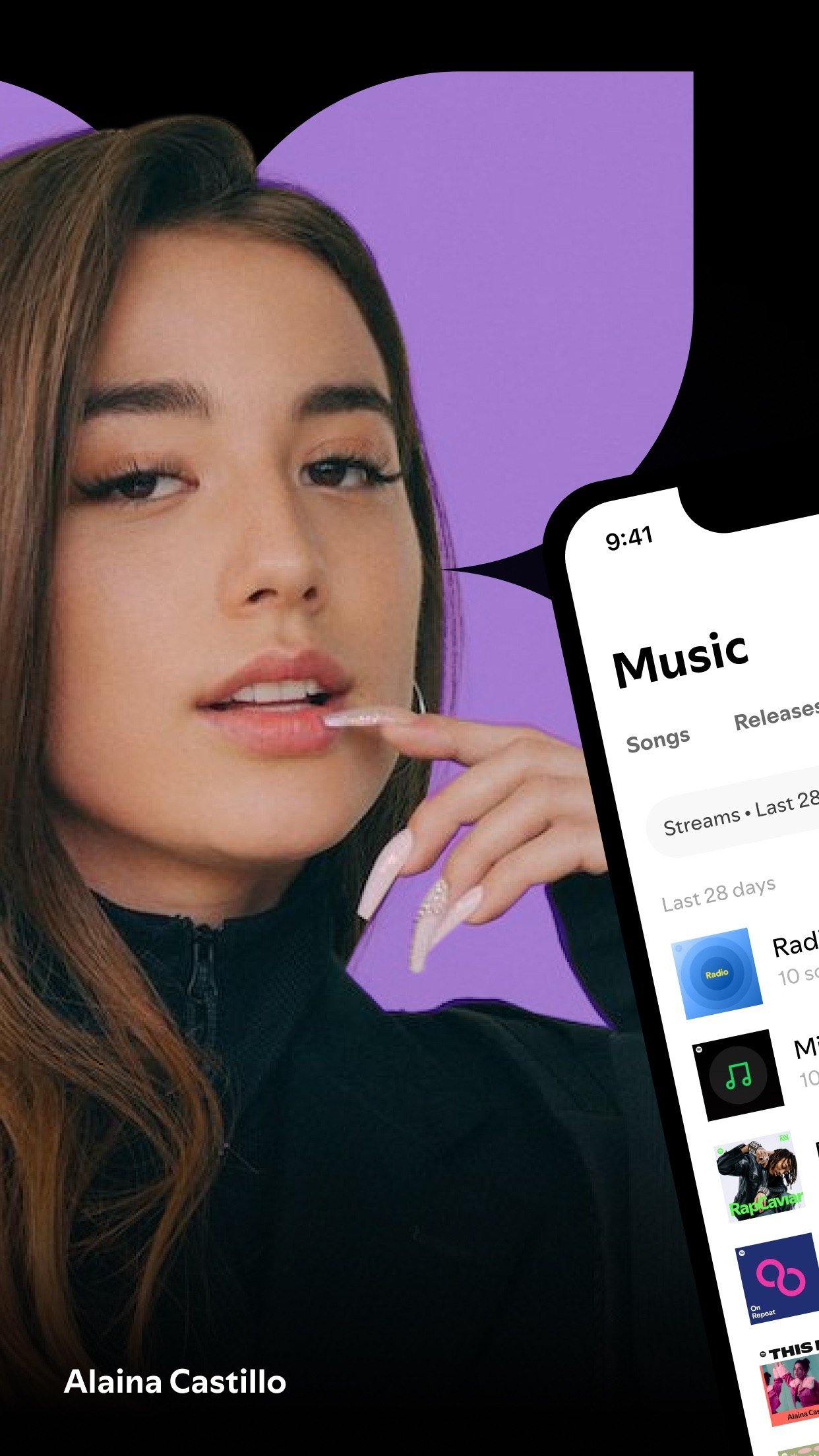
The first screen is the roster. It lists every artist and release you can access, sortable by next release date or by listeners, streams, followers, saves and playlist adds, and filterable by starred, opportunities and teams. From there the Audience area gives you unique listeners, streams, streams per listener, saves, playlist adds and followers, going back two years plus the year to date.
The Music area works per song and release. A stream counts at 30 seconds, a release total is every song stream on it, and daily numbers run two years plus the year to date with all-time streams from first availability. Listener demographics and locations cover only the last 28 days, and the Playlists view shows the top 100 playlists carrying your music over the last 12 months, once at least three listeners are involved.
Stats refresh once a day, in the evening US Eastern time, and every day is counted in UTC with no way to change the time zone. A track released at 7 PM Eastern therefore shows no release-day numbers, because it is already past midnight UTC. For the first seven days of a release, a live count updates every couple of seconds.
Followers deserve a glance: Spotify says that after following an artist, listeners are on average three times more likely to stream that artist in the next six months. You see the follower total, never individual names. If you are weighing what those streams are worth, see what Spotify pays per stream.

The profile side is just as ready on day one. Admins and Editors can write a bio of up to 1,500 characters, change the avatar, header and gallery (up to 125 images), set an Artist Pick that stays for 180 days, and add a 3 to 8 second Canvas loop to any track. The header image cannot be changed from the mobile app.
Uploading to Spotify: Why There Is No Audio Button
Spotify for Artists has no audio uploader. Spotify requires all music to come through labels and distributors so that everything is properly licensed, and that is why the profile only appears after your first delivery and why you cannot create one yourself. Distributors also handle distribution and pay out streaming royalties.
What exists is a beta video upload inside the dashboard, offered to eligible artists in eligible countries, for performances, studio sessions, covers and official music videos. Delivery through a label or distributor stays the main path. If you are producing clips for social platforms too, royalty-free music for social media covers the licensing side of that.
Where the Artist Account Rules Vary
Spotify revises these rules often, and the Verified thresholds in particular are described as a baseline that Spotify may apply with judgment, not a promise.
The daily stats refresh lands in the evening US time, roughly 3 to 5 PM Eastern. Artist Profile Protection and the video upload are beta, so their availability depends on your account and country. No prices appear here because none apply to the account itself.
How to Pick Your Route and Check the Access Worked
Pick by where your music is. If it is live and nobody manages the profile, request access. If you used a preferred distributor, ask through them for the instant route. If your release is only scheduled, get the artist link and UPC or EAN from your distributor. If a bandmate already claimed it, ask for an invitation, and if you represent a catalogue, use the label team.
To confirm it worked, log in with the same personal Spotify account, open the roster and look for your artist name and releases. Then check your level on the team page in Spotify Manage. If you want to compare how another service handles the same job, the Apple Music artist profile follows a similar claim-then-manage pattern.
Frequently Asked Questions
How long does it take to get a Spotify artist account?
A manual request takes a few days to review. A preferred distributor gives access automatically as soon as you submit the request, and a team invitation works as soon as you accept the email. A label team also takes a few days.
Can I make an artist profile myself?
No. Spotify creates the profile automatically when music is first delivered through a label or distributor. Once it exists, you claim access to it, and only one request can be active for a profile at a time.
How many listeners do I need to get verified?
The baseline is at least 10,000 monthly active listeners over a consecutive three-month period and at least 1,000 followers. Spotify may also consider artists with an important cultural contribution below those figures. Profiles that are primarily AI-generated or an AI persona are not eligible.
How far back do my stats go?
Audience and daily song and release stats go back two years plus the year to date. Demographics and locations cover the last 28 days, and the playlists view covers 12 months. The stats day is always counted in UTC.