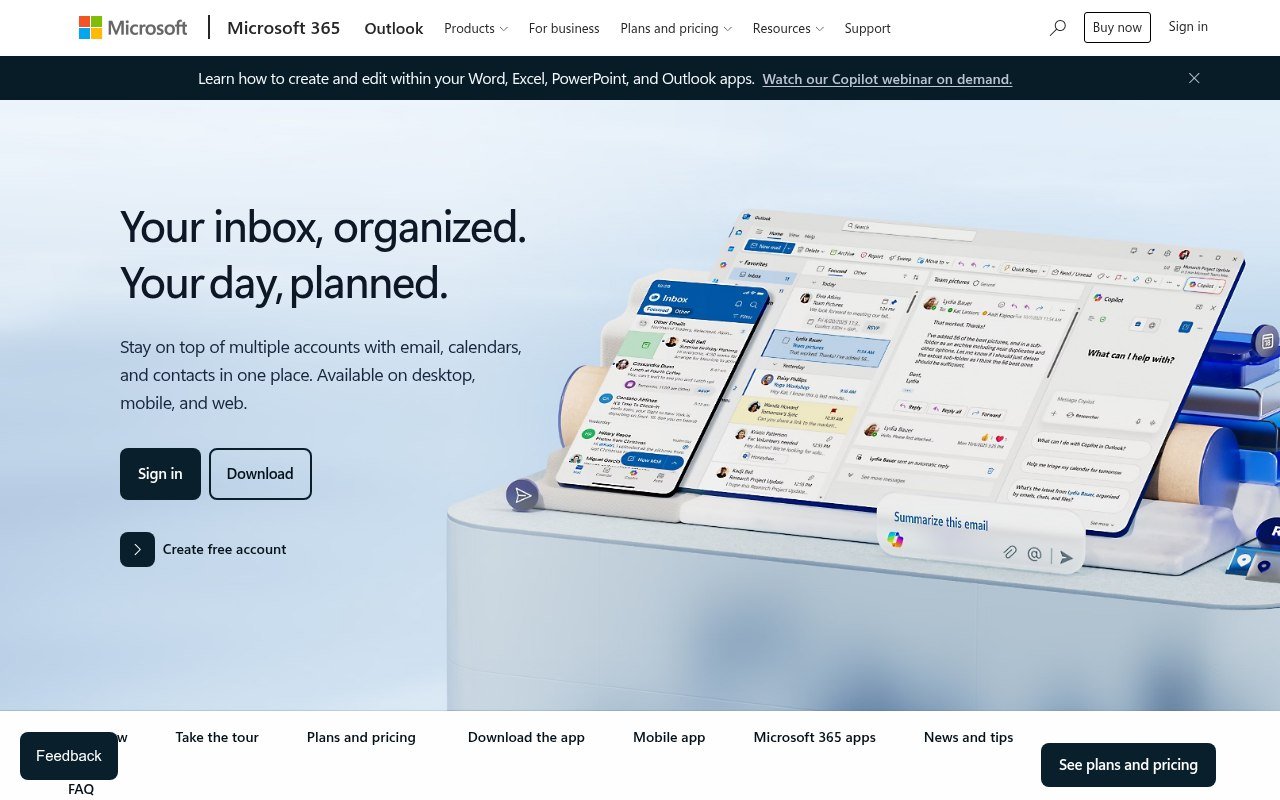
Microsoft has spent two years consolidating its mail apps. Windows Mail, Calendar and People stopped working on 31 December 2024, folded into the new Outlook, and the classic Outlook for Windows is on the same path. If you would rather pick your own client than be moved onto one, these five are the realistic options.
Free tiers get particular attention, because on three of these five the free plan is limited in a way that is easy to miss until you have already moved your mail across.
Five Outlook Alternatives Worth Moving To
Two are free outright, two are desktop clients you buy, and one is a mail service rather than a client. Which group you want depends on whether you are replacing the app, the mailbox, or both.
1. Thunderbird, the Free One That Does Everything
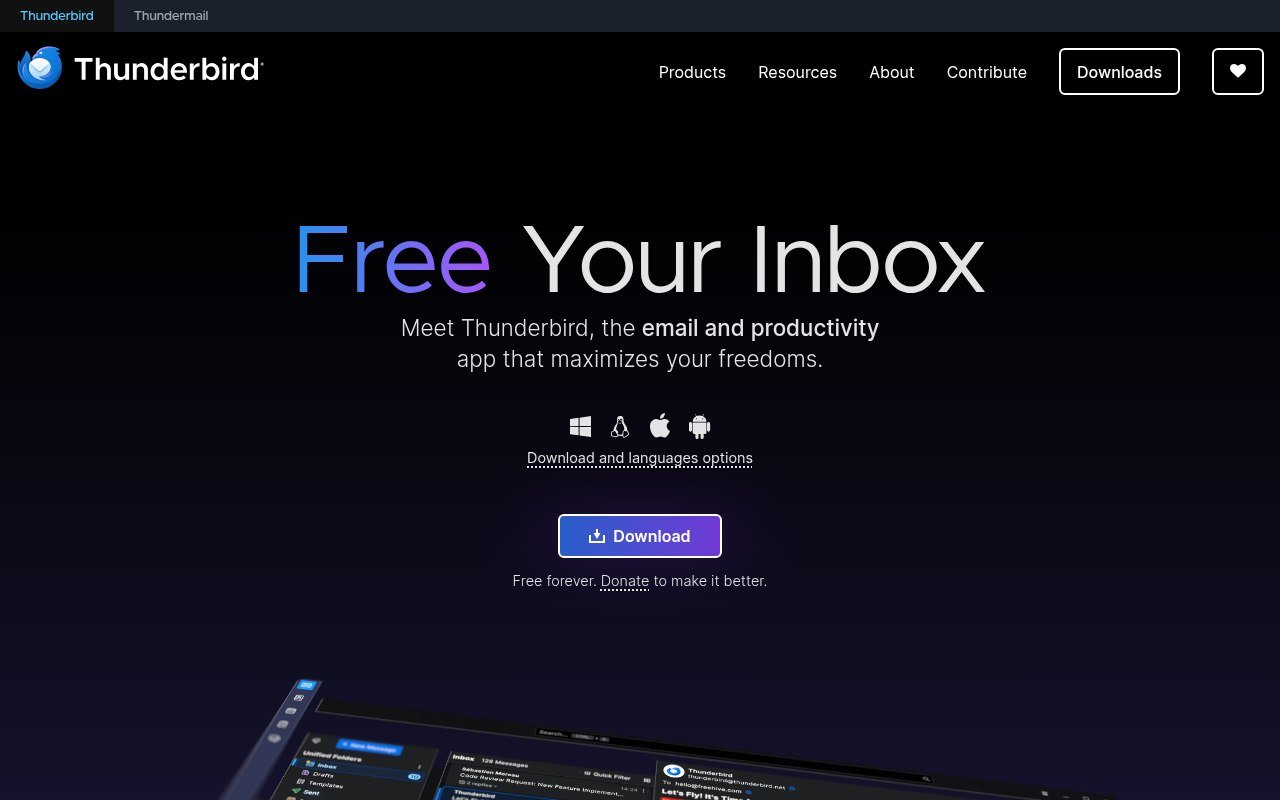
Thunderbird is the default recommendation and has been for years. It is free with no tier above it, open source, funded by donations, and it handles mail, calendar and contacts in one window with a unified inbox across every account you add.
Version 156 runs on Windows, macOS and Linux, and there is now a proper Android app on Google Play and F-Droid. The project states plainly that it does not collect personal data, does not put ads in the inbox, and does not train AI on private mail, which is a harder promise to find than it should be.
The trade is polish. Thunderbird looks and behaves like a tool built by engineers, and the initial setup asks more of you than Outlook does. If that suits you, nothing else here is better value, because the value is infinite.
2. eM Client, the Closest Feel to Outlook
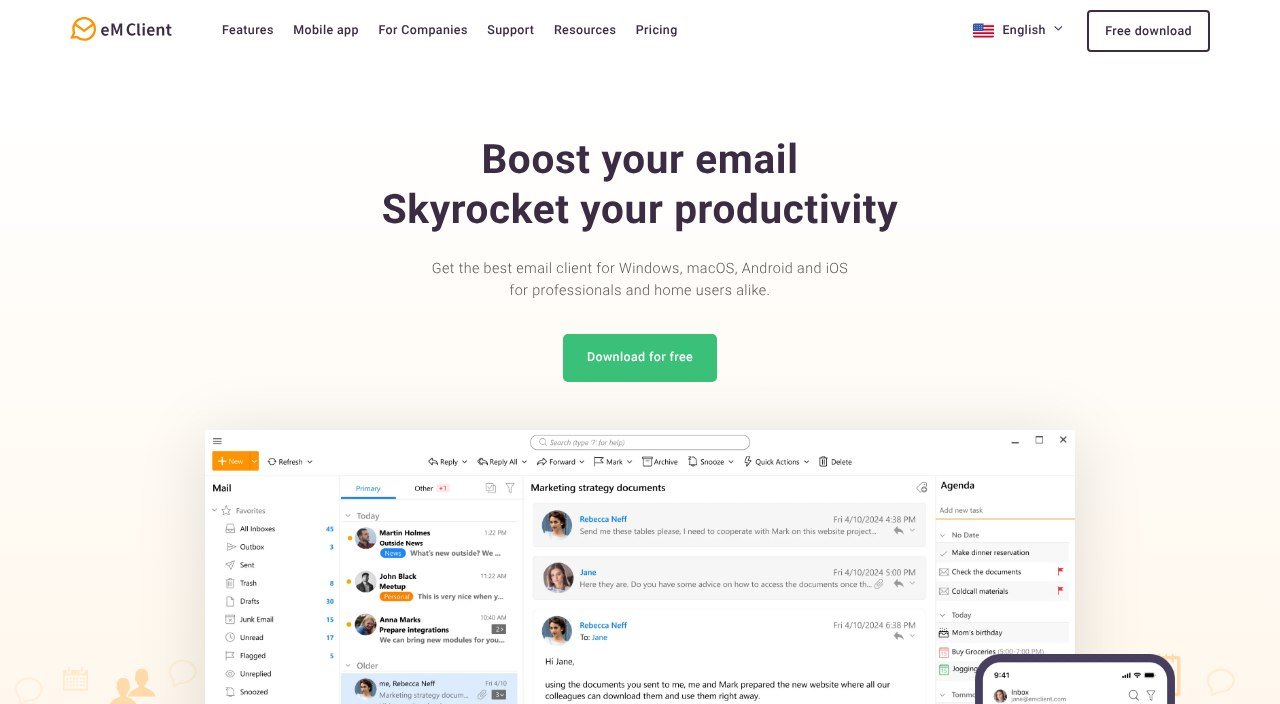
eM Client is the one people move to when they want Outlook without Microsoft. It covers mail, calendar, contacts and tasks, syncs with Exchange and Gmail, and includes PGP and S/MIME encryption on every tier including the free one.
The personal licence is $39.95 a year for up to three devices, or $59.95 once with lifetime upgrades. The one-time price is the better deal for anyone planning to keep it more than eighteen months, and it is rare to be offered the choice at all. Android and iOS apps need no licence.
The free licence is where people get caught. It allows two email accounts and bars commercial use outright, and it withholds thread view, snooze, undo send, send later and tracking pixel blocking. Those are not fringe features, so treat the free tier as an extended trial rather than a destination.
3. Mailbird, If You Want One Payment
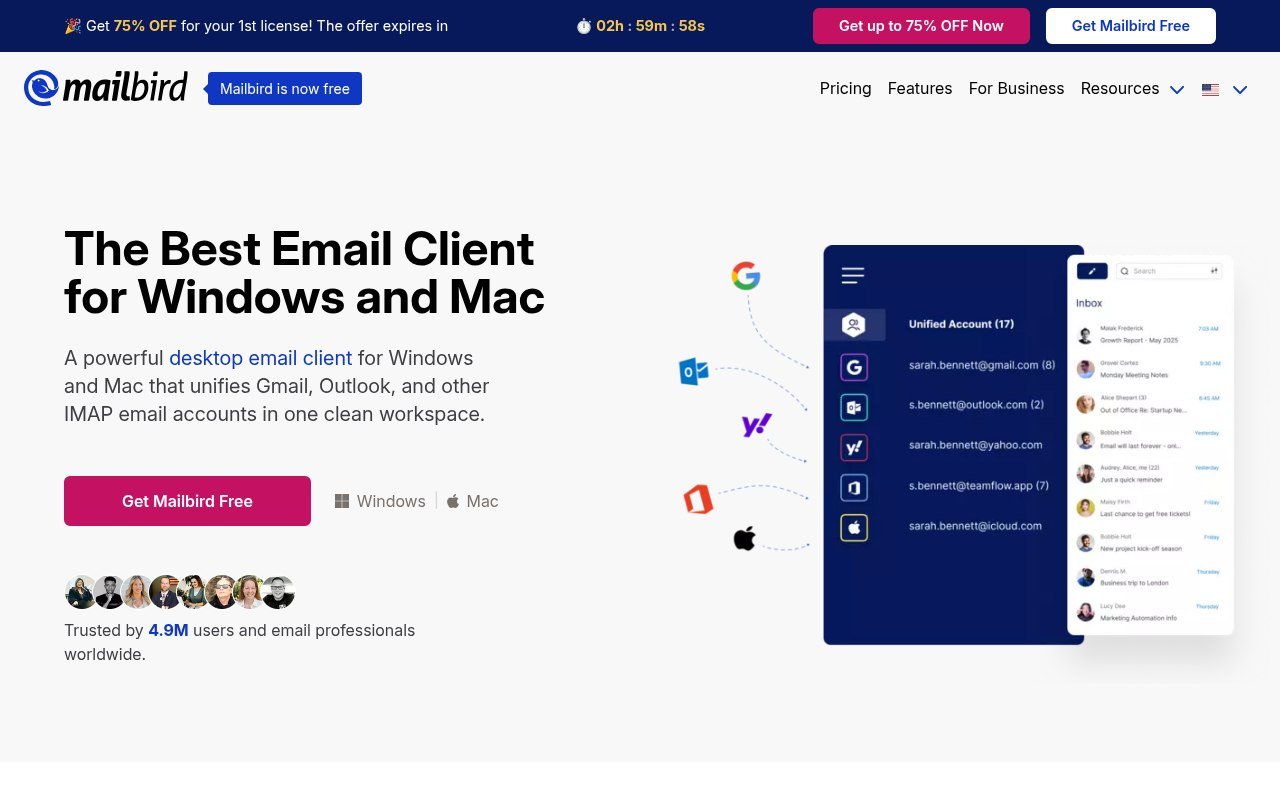
Mailbird is a Windows and Mac client built around a unified inbox with app integrations bolted to the side. Premium is posted at $4.03 a month billed yearly, down from a $5.75 list price, and the pay-once licence is posted at $99.75 against a $399 list.
Read that pay-once offer carefully. The $99.75 does not include lifetime updates, which are a separate $69 add-on. Without it you own the version you bought and nothing after it, which is a different product from eM Client’s perpetual licence at $59.95 with upgrades included.
The free tier allows one account. There is no mobile app, the Mac build needs macOS Ventura or later, and the Mac build does not accept POP3 accounts at all. The site runs a permanent countdown timer next to the discount, so the sale price is effectively the price.
4. Proton Mail, If Privacy Is the Point
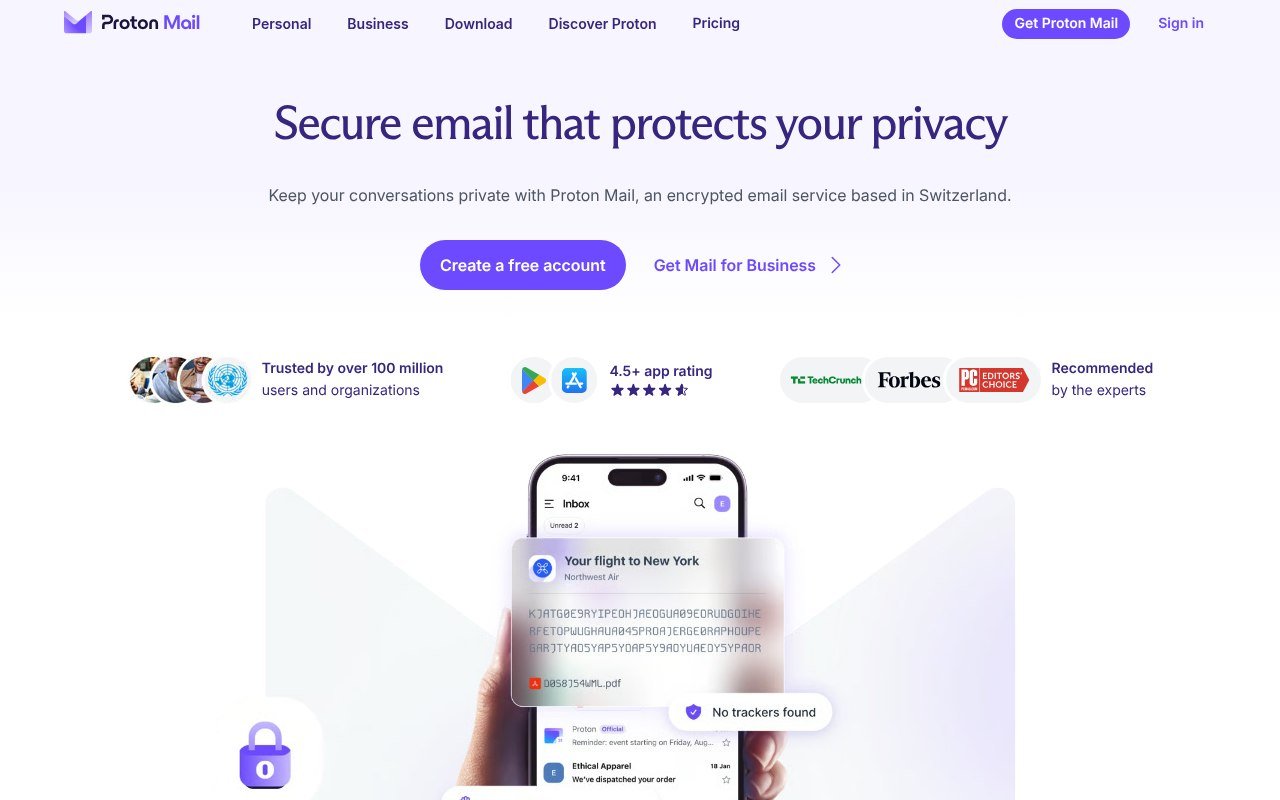
Proton Mail replaces the mailbox rather than the app. It is a Swiss encrypted mail service with zero-access encryption on every plan, open-source apps, and desktop builds for Windows, macOS and Linux alongside the web and mobile apps.
Mail Plus is $3.99 a month billed yearly, which works out at $47.88, or $4.99 if you pay monthly. Proton Unlimited is $9.99 a month billed yearly at $119.88 and folds in VPN, password manager and 500 GB of storage. There is a 30-day money-back guarantee on both.
The free plan is real but tight: 1 GB, one address, three folders, three labels, and a hard cap of 150 messages a day. The bigger catch is that using Proton inside any desktop client needs Proton Mail Bridge, and Bridge is paid plans only. If your plan was to run Proton through Thunderbird for free, it does not work.
5. Zoho Mail, the Cheapest Custom Domain
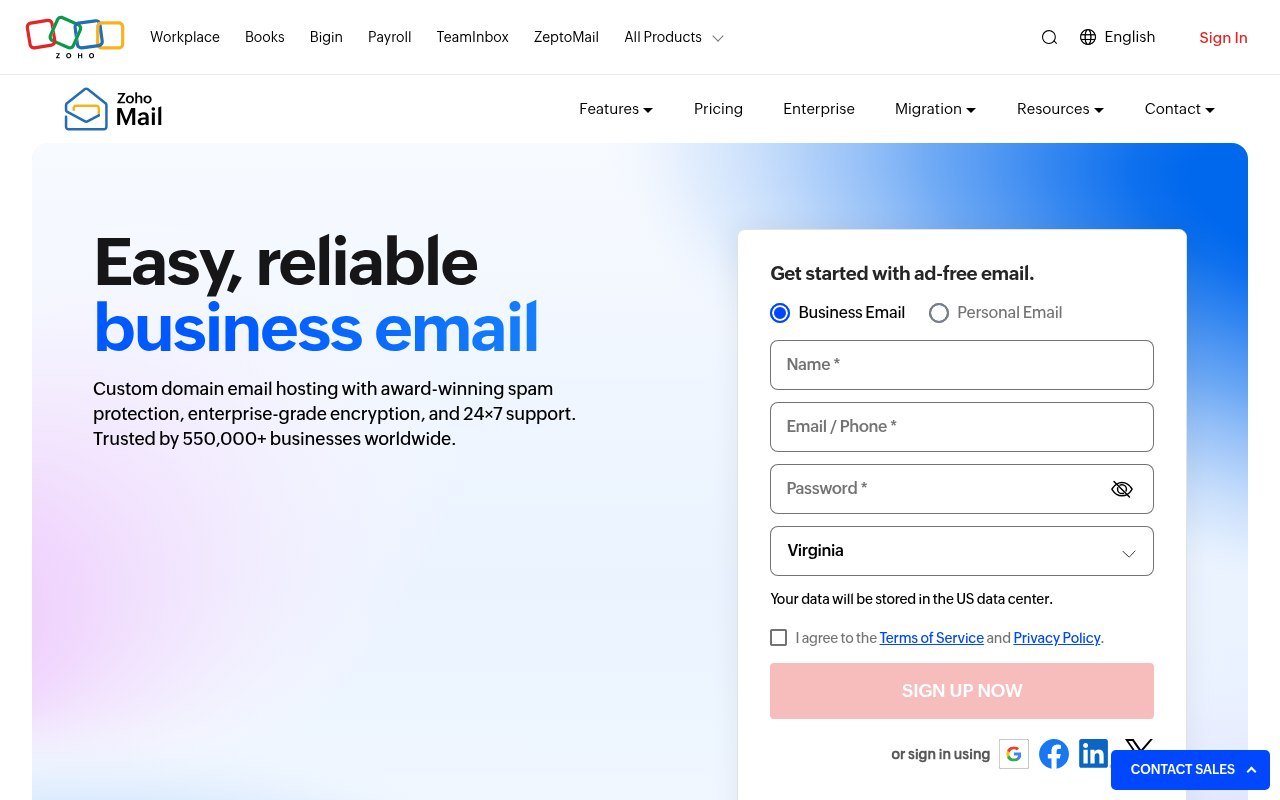
Zoho Mail is the cheapest credible way to put mail on your own domain. Mail Lite is $1 per user a month billed yearly with 5 GB, or $1.25 for 10 GB. Mail Premium is $4 per user a month with 50 GB plus 50 GB of retention storage and S/MIME.
There is a forever-free plan covering one domain and up to five users at 5 GB each, which sounds like the best offer on this page until you read the footnote. The free plan does not include IMAP, POP or Active Sync, so it is webmail and Zoho’s own apps only. You cannot open it in Thunderbird or Outlook, and free hosting is only offered in selected data centres.
Pay the dollar and the restriction lifts. At $12 a user a year for a custom domain with IMAP, it is the least expensive line item in this comparison by a wide margin.
Price Comparison at a Glance
| Client | Price | Platforms |
|---|---|---|
| Thunderbird | Free | Windows, macOS, Linux, Android |
| eM Client | Free tier, $39.95 a year or $59.95 once | Windows, macOS, Android, iOS |
| Mailbird | Free tier, $4.03 a month or $99.75 once | Windows, macOS |
| Proton Mail | Free tier, $3.99 a month billed yearly | Web, Windows, macOS, Linux, iOS, Android |
| Zoho Mail | Free tier, from $1 per user a month | Web, Windows, macOS, iOS, Android |
All pricing is current as of 18 September 2026. Mailbird and Proton figures are the annual-billing rates as posted.
What the Free Tiers Actually Let You Do
Four of these five advertise a free plan. Only one of them is free in the way you would assume:
- Thunderbird. Genuinely free, no tier above it, no feature held back.
- eM Client. Two accounts, personal use only, and no thread view, snooze, undo send or send later.
- Mailbird. One account, and no Exchange, filters, templates or dark mode.
- Proton Mail. One address, 1 GB, 150 messages a day, and no desktop-client access without paying for Bridge.
- Zoho Mail. Five users on a custom domain, but no IMAP or POP, so browser and Zoho apps only.
If the free plan is the reason you are switching, Thunderbird is the only one of the five that will still be free once you are using it properly. The same pattern shows up in most software categories, and it is why our roundup of free VoIP services spends as much time on limits as on features.
Moving Your Mail Without Losing It
Two things decide how painful the move is: whether your mail lives on the server, and whether the new client speaks the same protocol.
- Check what your account uses. IMAP and Exchange keep mail on the server, so a new client re-downloads everything and nothing is at risk. POP3 accounts may hold the only copy on your old machine.
- Export first if you are on POP3 or on Windows Mail. Microsoft still publishes an export route for Mail, Calendar and People even though the apps no longer send or receive.
- Add the account to the new client before removing the old one. Both can read an IMAP mailbox at the same time.
- Rebuild filters and signatures by hand. No client imports these reliably from another vendor, whatever the marketing says.
- Keep the old client installed for a fortnight. Local folders, saved searches and address book entries surface late.
Back the whole lot up before you start. If you do not already keep a copy of your mail somewhere other than the machine it lives on, our guide to cloud storage and file sharing services covers the options.
Frequently Asked Questions
Is there a free alternative to Outlook that is actually free?
Thunderbird. It has no paid tier, withholds no features and runs on Windows, macOS, Linux and Android. The other free plans here are capped at one or two accounts, or cut off protocol access.
Which Outlook alternative is closest to Outlook?
eM Client. It carries mail, calendar, contacts and tasks in the same four-pane shape, supports Exchange, and costs $39.95 a year or $59.95 once.
Can I keep my Outlook.com address if I switch client?
Yes. An Outlook.com mailbox is reachable over IMAP, so Thunderbird, eM Client and Mailbird can all open it. Changing the app you read mail in does not change your address.
What happened to the Windows Mail app?
Support ended on 31 December 2024 and the app can no longer send or receive. Microsoft moved Mail, Calendar and People into the new Outlook, which ships as the default mail app on Windows 11.