Choosing between team communication tools comes down to two numbers that most feature comparisons bury: what a seat costs once the trial ends, and how much conversation history you keep without paying. Those two decide the bill and the day to day experience far more than emoji reactions or thread design.
The stakes are higher than they were. In March 2026, 22.6 percent of American workers teleworked or worked at home for pay, according to the Bureau of Labor Statistics, and for those people the chat app is the office. The seven below span $0 to quote-only, and the gap between the cheapest paid seat and the most expensive is roughly tenfold.
Team Communication Tools Compared
| # | App | Free plan | Paid from | Suits |
|---|---|---|---|---|
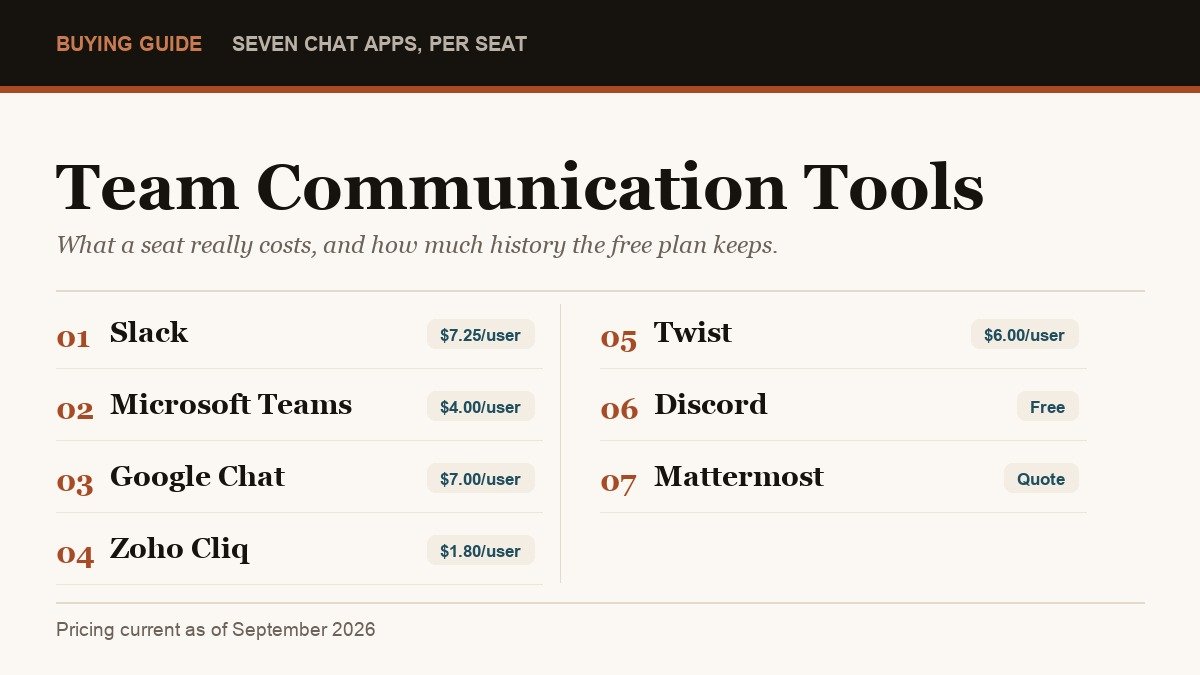
| 1 | Slack | 90 days of history | $7.25 per user a month | Teams that live in integrations |
| 2 | Microsoft Teams | Yes, 60-minute meetings | $4.00 per user a month | Offices already paying Microsoft |
| 3 | Google Chat | Needs Workspace | $7.00 per user a month | Teams working inside Gmail and Drive |
| 4 | Zoho Cliq | Yes, 10,000 searchable messages | $1.80 per user a month | The lowest per seat price here |
| 5 | Twist | Yes, 1 month of history | $6.00 per user a month | Async teams across time zones |
| 6 | Discord | Yes, no time limit | $2.99 a month per person | Informal teams and communities |
| 7 | Mattermost | Evaluation edition only | Quote only | Self-hosted and regulated work |
Four of the seven can run a real team on the free tier. The differences between those free tiers are not cosmetic: one caps history at 90 days, one at a single month, one at 10,000 searchable messages, and one does not cap it at all.
1. Slack: Best for Teams Built on Integrations
Slack remains the default because of what plugs into it. The free plan covers 90 days of message history and up to 10 app integrations, with huddles and Slack Connect limited to one to one, and everything sits in a single workspace.
Pro costs $8.75 per user a month billed monthly, or $7.25 billed annually, and that is where unlimited history, unlimited apps, group huddles and group external channels arrive. Business+ is $18 monthly or $15 annually, adding SAML single sign-on, SCIM provisioning, AI search and full data exports.
The 90-day cap is the thing to weigh. It does not hide old messages behind a paywall banner in a way you can ignore, it removes the searchable record your team builds up. A discount of 50 percent for three months exists, but Slack’s pricing terms restrict it to purchases made within the first seven days of creating a workspace and exclude annual plans.
- Free: 90 days of history, 10 integrations, one to one huddles.
- Paid from: $7.25 per user a month billed annually.
- Watch for: single sign-on and data exports only start on Business+ at $15.
2. Microsoft Teams: Best if You Already Pay Microsoft
Teams is rarely bought on its own merits. It arrives with Microsoft 365, which is why it sits on so many desks. The free version allows one to one calls of up to 30 hours, group meetings capped at 60 minutes, up to 100 participants and 5 GB of cloud storage per user.
Paid entry is Teams Essentials at $4.00 per user a month on annual billing, which lifts meetings to 30 hours and 300 attendees but includes only 10 GB of storage. Microsoft 365 Business Basic at $7.00 adds 1 TB per user along with the rest of the Office apps online.
Two quirks are worth knowing. Microsoft now sells versions of Business Basic and Business Standard without Teams bundled, at $5.40 and $20.30, so the chat app has a visible price of its own. And Teams Phone, the piece that turns it into a phone system, is a separate $10.00 per user a month, which puts it in the same conversation as dedicated free VoIP services.
- Free: 60-minute group meetings, 100 participants, 5 GB per user.
- Paid from: $4.00 per user a month for Teams Essentials, billed annually.
- Watch for: Essentials includes just 10 GB of storage per user.
3. Google Chat: Best for Teams Working Inside Gmail
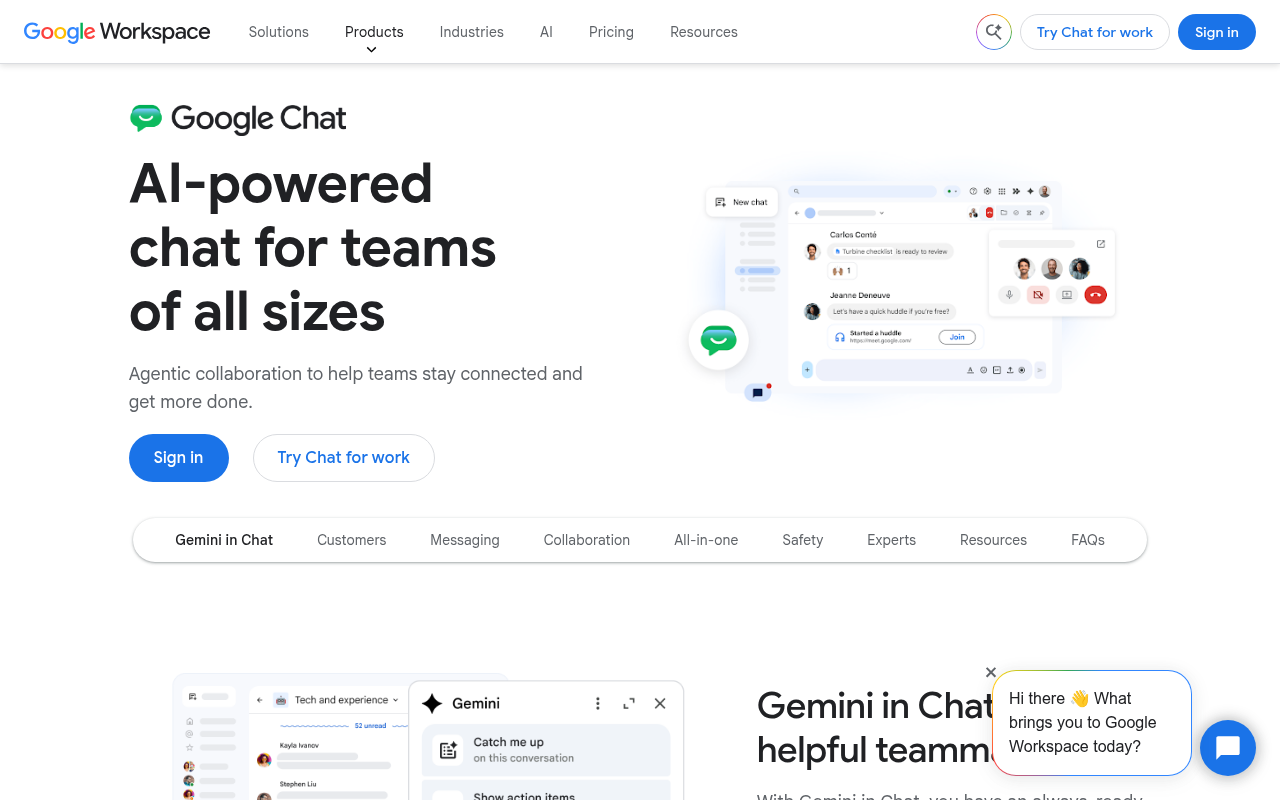
Google Chat is not sold separately for business use. It comes with Google Workspace, so the price of the chat tool is the price of the whole suite, and the suite is really what you are judging.
Business Starter is $7.00 per user a month and includes 30 GB of pooled storage per user with Meet calls capped at 100 participants. Standard at $14.00 raises that to 2 TB and 150 participants and adds meeting recording and noise cancellation. Plus at $22.00 gives 5 TB and 500 participants.
A promotion currently runs to 5 January 2027 offering up to 50 percent off the first three months, which is worth timing but not worth choosing a platform over. Because storage is pooled across the organisation rather than fixed per person, Workspace often removes the need for separate file sharing and cloud storage entirely.
- Free: not for a business domain, Workspace is required.
- Paid from: $7.00 per user a month for Business Starter.
- Watch for: Starter caps Meet at 100 people and has no meeting recording.
4. Zoho Cliq: Best Value Per Seat
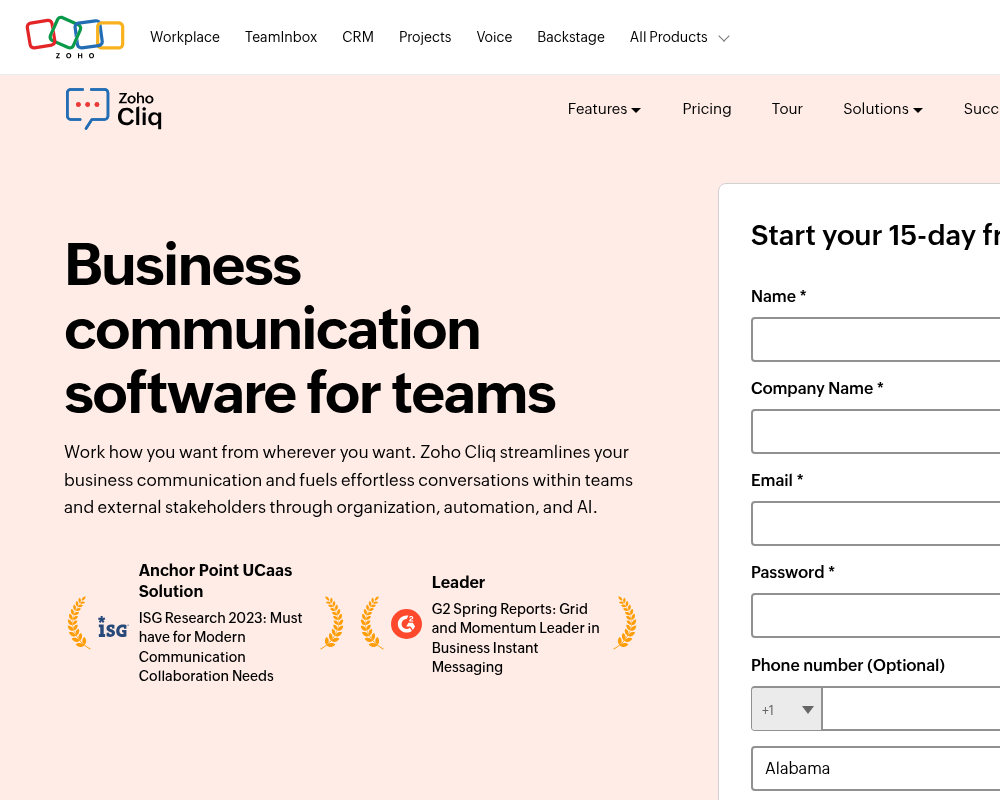
Cliq is the cheapest credible paid option on this list by a wide margin, and its pricing is structured unusually. The free plan allows unlimited one to one and group chats, 100 participants per channel, 10,000 searchable messages, 100 GB of file storage for the whole organisation and 60-minute meetings.
Standard is not priced per user at all: it is US$16.20 a month for up to 25 users, billed annually, and it removes the search limit while adding external channels, call recording and a custom domain. Professional then switches to US$1.80 per user a month with a ten user minimum, and Enterprise is US$3.60 with the same minimum.
At $1.80 a seat, Professional costs about a quarter of Slack Pro and adds teams, task management, custom roles, 100 GB per user and meetings for 1,000 active participants. Zoho’s published plan comparison also shows the trade: extensions and bots are capped per organisation, and local taxes are added on top.
- Free: 10,000 searchable messages, 100 GB per organisation, 60-minute meetings.
- Paid from: US$16.20 a month for up to 25 users, or US$1.80 per user on Professional.
- Watch for: Professional and Enterprise both require at least ten users.
5. Twist: Best for Teams Spread Across Time Zones
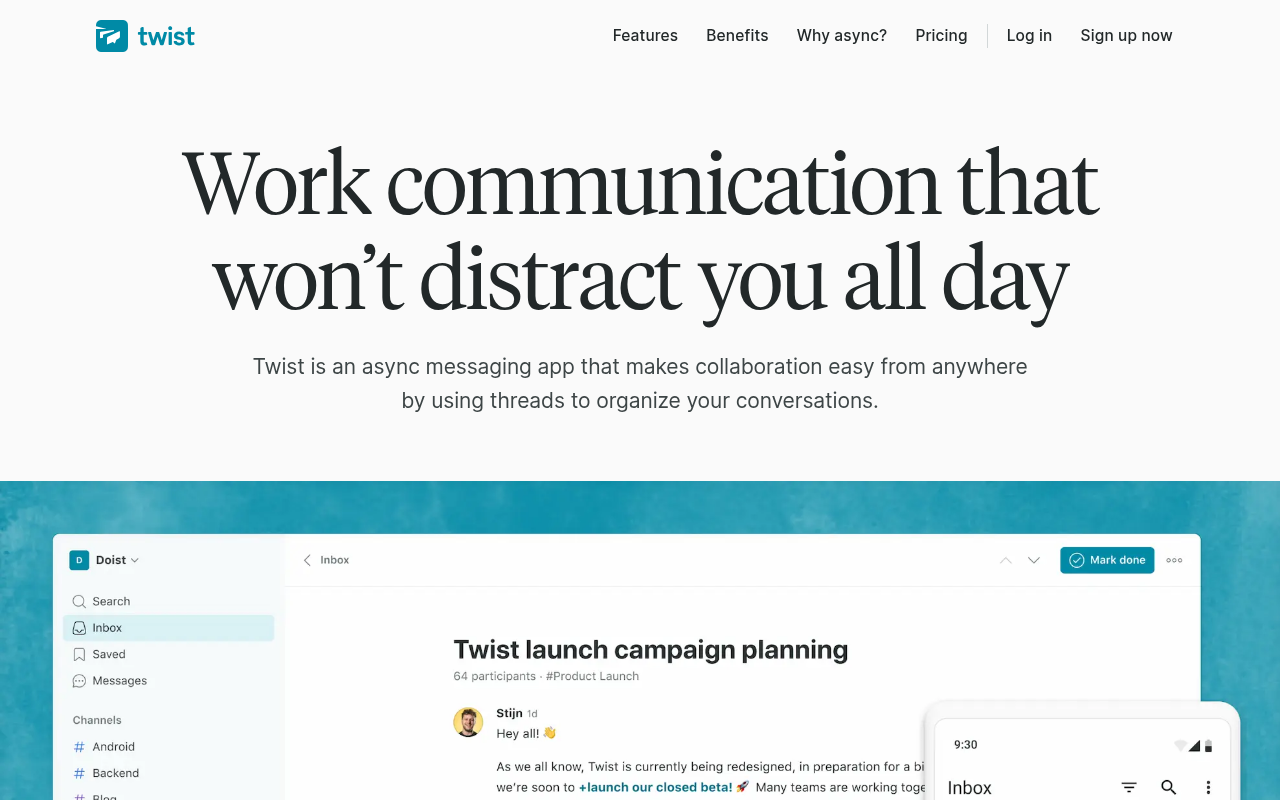
Twist is built on the opposite assumption to everything else here. Conversations live in threads with subjects rather than a scrolling channel, so the expectation is a considered reply in a few hours, not an instant one. For distributed teams that is the whole point.
The free plan gives one month of comments and messages, five integrations, 5 GB of file storage and up to 500 internal members alongside 500 external guests. Unlimited is US$6 per user a month and removes every one of those ceilings, including history, integrations and storage.
One month of history is the tightest free limit in this group, tighter than Slack. For a team trialling the tool that is fine, but Twist is only worth adopting if the async working style genuinely fits. Dropping a real-time culture into a threaded app usually just produces slower real-time chat.
- Free: 1 month of history, 5 integrations, 5 GB storage, 500 members.
- Paid from: US$6 per user a month for Unlimited.
- Watch for: the threaded model is a working style change, not a feature.
6. Discord: Best Free Option With No Time Limit
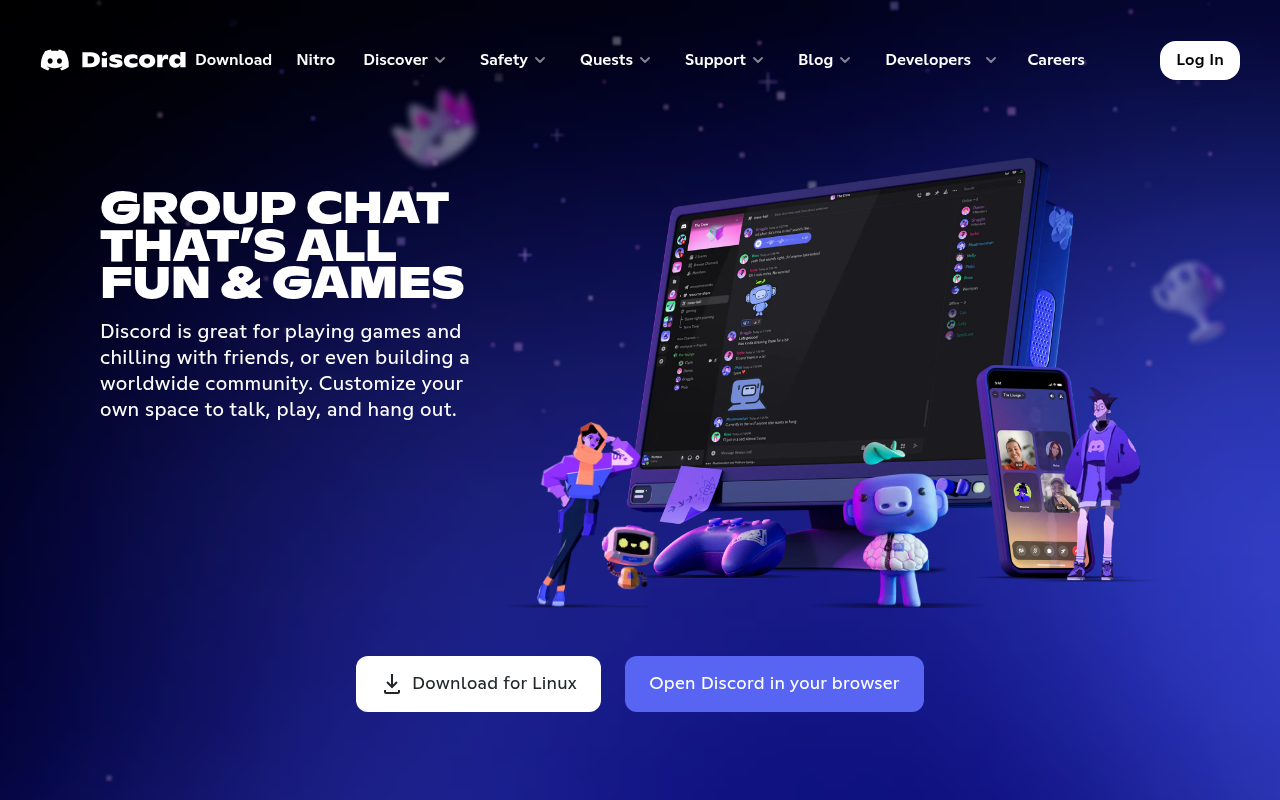
Discord is free to use with no history cap and no meeting timer, which is more than any other free tier here offers. Voice channels that people drop in and out of suit small studios, creative teams and volunteer groups better than scheduled calls do.
The paid tiers are personal rather than organisational. Nitro Basic is $2.99 a month and raises the upload limit to 50 MB, while Nitro at $9.99 a month takes it to 500 MB. Individuals buy these for themselves, so there is no per seat company bill to negotiate.
The limits are administrative rather than technical. There is no per organisation admin tier of the kind business platforms sell, no compliance export, and no contractual data handling of the sort a regulated employer needs. Discord suits teams who would otherwise use a group chat, not teams with an audit requirement.
- Free: unlimited history and calls, no time limits.
- Paid from: $2.99 a month for Nitro Basic, bought per person.
- Watch for: no compliance export or enterprise administration.
7. Mattermost: Best for Self-Hosted and Regulated Work
Mattermost runs on your own servers, which is the entire reason to choose it. Messages never touch a vendor cloud, and it can be deployed air-gapped, which is why it turns up in defence, government and security work rather than in marketing departments.
It is also the only tool here that publishes no price. Mattermost’s pricing page lists Professional and Enterprise with contact-sales buttons and no figures, and Professional carries a stated maximum of 250 users. Licences are sold as prepaid annual seat subscriptions.
The free route is now an evaluation edition called Mattermost Entry, described as a limited-use build of Enterprise Advanced for technical evaluation rather than a plan to run a company on indefinitely. Budget for the hosting as well: self-hosting means you own the servers, the upgrades and the backups.
- Free: an evaluation edition only, not a permanent free tier.
- Paid from: quote only, with Professional capped at 250 users.
- Watch for: your own infrastructure and administration costs sit on top.
Where the Per Seat Price Actually Lands
Listed side by side, the paid entry points are nearly tenfold apart, and the spread has little to do with message quality. It tracks what else is bundled in and who the vendor is selling to.
- Under $5 a seat: Zoho Cliq Professional at $1.80 and Microsoft Teams Essentials at $4.00.
- $6 to $8 a seat: Twist at $6.00, Google Workspace Business Starter at $7.00, Slack Pro at $7.25 annually.
- $14 and up: Slack Business+ at $15, Google Workspace Business Standard at $14.00 and Plus at $22.00.
- Quote only: Mattermost, plus the enterprise tiers of Slack and Google.
The cheap seats are not stripped-out products. Cliq Professional includes task management and 1,000 person meetings at $1.80. What you give up is the integration ecosystem, which is precisely what Slack charges for, and the same pattern of paying for an ecosystem rather than features shows up in inventory management software pricing too.
What the Free Tiers Take Away
Every free plan here removes something, and the something differs enough that comparing them as a group is misleading. Work out which ceiling your team hits first, because that is the one that will push you onto a paid plan.
- Slack: history stops being searchable after 90 days, and apps stop at 10.
- Twist: history stops after one month, the tightest limit in this group.
- Zoho Cliq: search covers 10,000 messages, then stops until you pay.
- Microsoft Teams: history is fine, but group meetings cut off at 60 minutes.
- Discord: nothing is capped by time, but nothing is built for compliance either.
For a team of five sending a normal volume of messages, Cliq’s 10,000 searchable messages will be reached in a matter of months, while Slack’s 90 days arrives on a fixed date whatever the volume. Both are real limits, but only one of them is predictable.
Which Team Communication Tool to Choose
If your organisation already pays for Microsoft 365 or Google Workspace, use Teams or Google Chat and stop there. Paying twice for chat is the most common avoidable cost in this category, and both are competent enough that switching rarely repays the disruption.
If you are buying chat on its own, the decision is between Slack at $7.25 a seat for the integration ecosystem and Zoho Cliq at $1.80 for nearly everything else. Pick Twist only if async working is a deliberate choice, Discord if the team is small and informal, and Mattermost if the data has to stay on your own hardware. Teams weighing a fuller email and calendar move should decide that first, since the suite usually decides the chat app.
Frequently Asked Questions
What are communication tools in the workplace?
In practice they are channel-based chat apps that combine group channels, direct messages, file sharing and audio or video calls in one place, replacing internal email for day to day coordination. Slack, Microsoft Teams, Google Chat and Zoho Cliq are the common examples.
What is the cheapest team chat app for a small business?
Zoho Cliq. Standard costs US$16.20 a month for up to 25 users billed annually, which works out well under a dollar per person, and Professional is US$1.80 per user a month with a ten user minimum. Discord is cheaper still at nothing, but it is not built for business administration.
Is there a free team chat app with unlimited message history?
Discord is the only one here with no history limit on the free tier. Slack keeps 90 days, Twist keeps one month and Zoho Cliq makes 10,000 messages searchable. Microsoft Teams does not cap chat history on the free plan but does cut group meetings off at 60 minutes.
Does Microsoft Teams come free with Microsoft 365?
Teams is included with Microsoft 365 Business Basic at $7.00 per user a month and above. Microsoft also sells versions without Teams, at $5.40 for Business Basic, and a separate Teams Essentials plan at $4.00 per user a month for businesses that want the chat app alone.