The best graphic design software in 2026 is no longer split neatly into capable paid apps and limited free ones.
Affinity went free in October 2025. GIMP shipped a major release in March 2026. Canva Free covers most small-business work.
This guide ranks 10 tools, six free and four paid, with current US prices taken directly from each vendor.
What Separates Free Graphic Design Software From Paid Suites
The gap is narrower than it was five years ago, but it has not closed. Paid suites still lead in four areas.
- Print and color management: reliable CMYK separations, spot colors, overprint preview and PDF/X export for commercial printers.
- File compatibility: agencies and printers ask for AI, PSD and INDD files, and only the originating apps read them perfectly.
- Generative AI: Firefly in Adobe apps and Magic Studio in Canva Pro sit behind paid tiers on every major platform.
- Team infrastructure: shared libraries, brand kits, version history, approvals and single sign-on are subscription features almost everywhere.
Free tools have closed the gap on raw editing power. A skilled user can produce finished client work in Affinity, GIMP or Inkscape.
Where free tools still cost you is time: fewer presets, thinner template libraries and more manual setup for repeat jobs.
If you design once a month, that trade is fine. If you ship daily and bill for it, paid tooling pays for itself.
The 10 Tools at a Glance: Price, Platform and Best Use
Prices below are US list prices for individuals, checked against each vendor site in September 2026. Annual billing where offered.
| # | Tool | Price | Platforms | Best for |
|---|---|---|---|---|
| 1 | Affinity | Free | macOS, Windows | Pro vector, photo and layout in one app |
| 2 | Canva | Free; Pro US$144/yr | Browser, iOS, Android, desktop | Template-driven social and marketing graphics |
| 3 | GIMP | Free | Windows, macOS, Linux | Photo retouching and raster composites |
| 4 | Inkscape | Free | Windows, macOS, Linux | SVG illustration and cutting-machine files |
| 5 | Krita | Free | Windows, macOS, Linux | Digital painting, comics and concept art |
| 6 | Photopea | Free with ads; US$5/mo | Browser | Opening PSD files with nothing installed |
| 7 | Adobe Photoshop | US$22.99/mo | Windows, macOS, web, mobile | Industry-standard raster editing and retouching |
| 8 | Adobe Illustrator | US$22.99/mo | Windows, macOS, iPad, web | Logos, brand systems and packaging art |
| 9 | CorelDRAW Graphics Suite | US$269/yr | Windows, macOS | Signage, apparel and print production |
| 10 | Figma | Free; US$16/seat/mo | Browser, desktop app | Team UI design and shared design systems |
Free Tools That Handle Real Client Work
1. Affinity: A Full Professional Suite That Now Costs Nothing
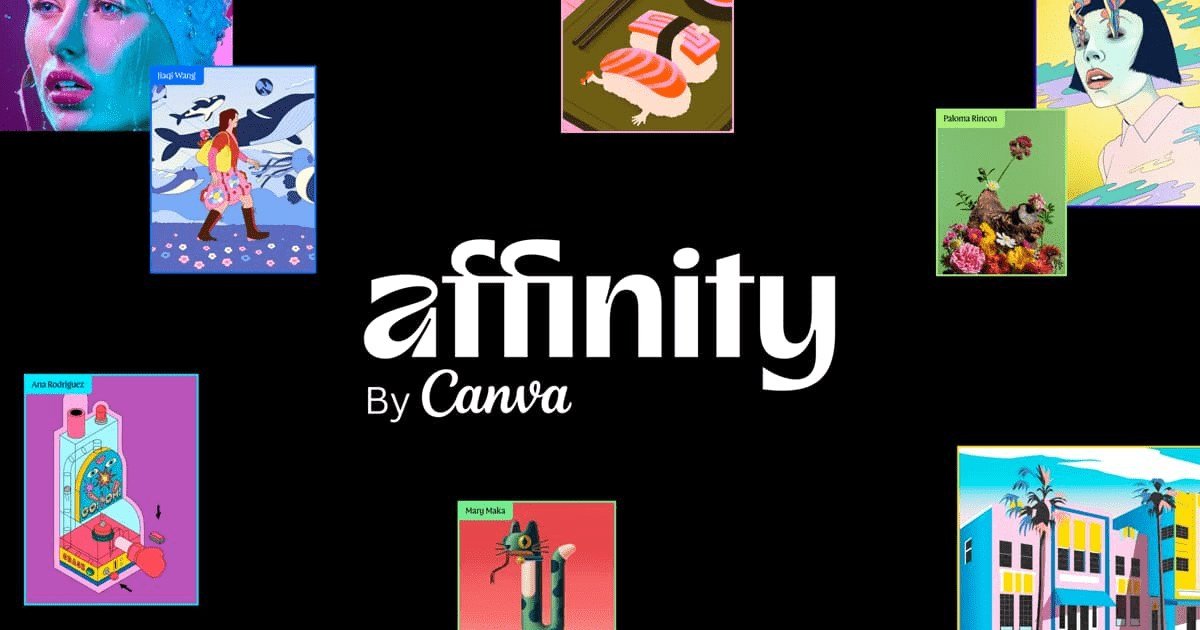
Canva bought Serif, the studio behind Affinity, in March 2024. On 30 October 2025 it merged Designer, Photo and Publisher into one free app.
You get vector drawing, pixel editing and page layout in a single document, switching between them without exporting or round-tripping files.
It opens PSD and PDF files, handles CMYK and spot colors, and exports print-ready PDFs. That combination is rare outside paid software.
The catch is narrow and clearly disclosed: generative AI features require a paid Canva plan. Everything else is free for individuals on macOS and Windows.
2. Canva: The Fastest Route From Blank Page to Finished Post
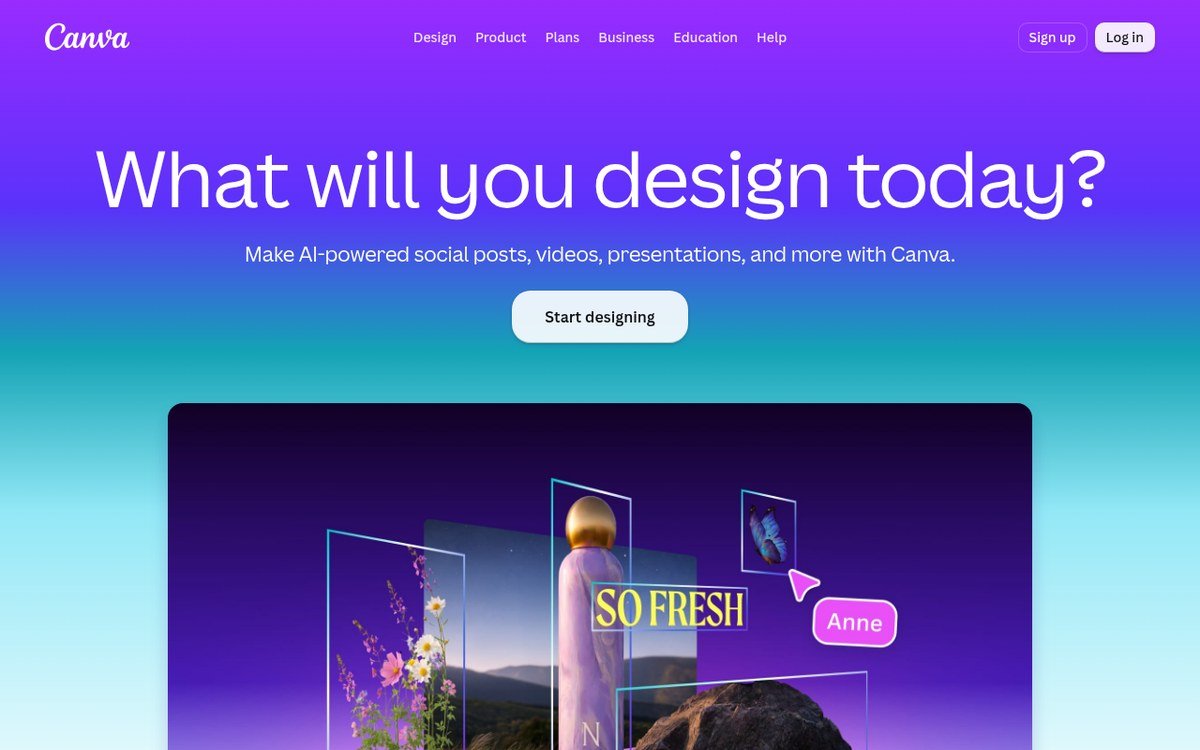
Canva Free gives you 1.6 million templates, 4.7 million stock assets, 5GB of storage and up to 20 standard or premium AI uses.
That is enough for a small business running its own social accounts, and it is why Canva dominates non-designer design work.
Canva Pro costs US$144 a year for one person and adds 3.6 million templates, 141 million premium assets, five brand kits and 100GB storage.
The Business plan runs US$250 per person a year for approvals and shared brand control. Pair it with hashtag tools for social work.
3. GIMP: Open-Source Photo Editing That Finally Feels Modern
GIMP 3.2 arrived in March 2026, a year after the long-delayed 3.0, and 3.2.4 followed in April with bug fixes.
The 3.2 release notes list vector and link layers, Procreate palette import and better Photoshop layer-style support for drop shadows and glows.
Non-destructive filters, high bit-depth editing and a script-fu automation console cover most retouching and composite work you would otherwise open Photoshop for.
It remains the weakest option for print color and the interface still asks more of beginners than Affinity does.
4. Inkscape: The Vector Editor Behind Most Free SVG Work
Inkscape works natively in SVG, which makes it the default choice for web graphics, icon sets and cutting-machine files.
Version 1.4.4, released in May 2026, is the current stable build across Windows, macOS and Linux.
Live path effects, a strong node editor and automatic bitmap tracing handle logo cleanup and illustration without a subscription.
Multi-page documents and CMYK export exist but stay rough. For commercial print work, Affinity or CorelDRAW will save you arguments with the printer.
5. Krita: Painting and Illustration Built by Working Artists
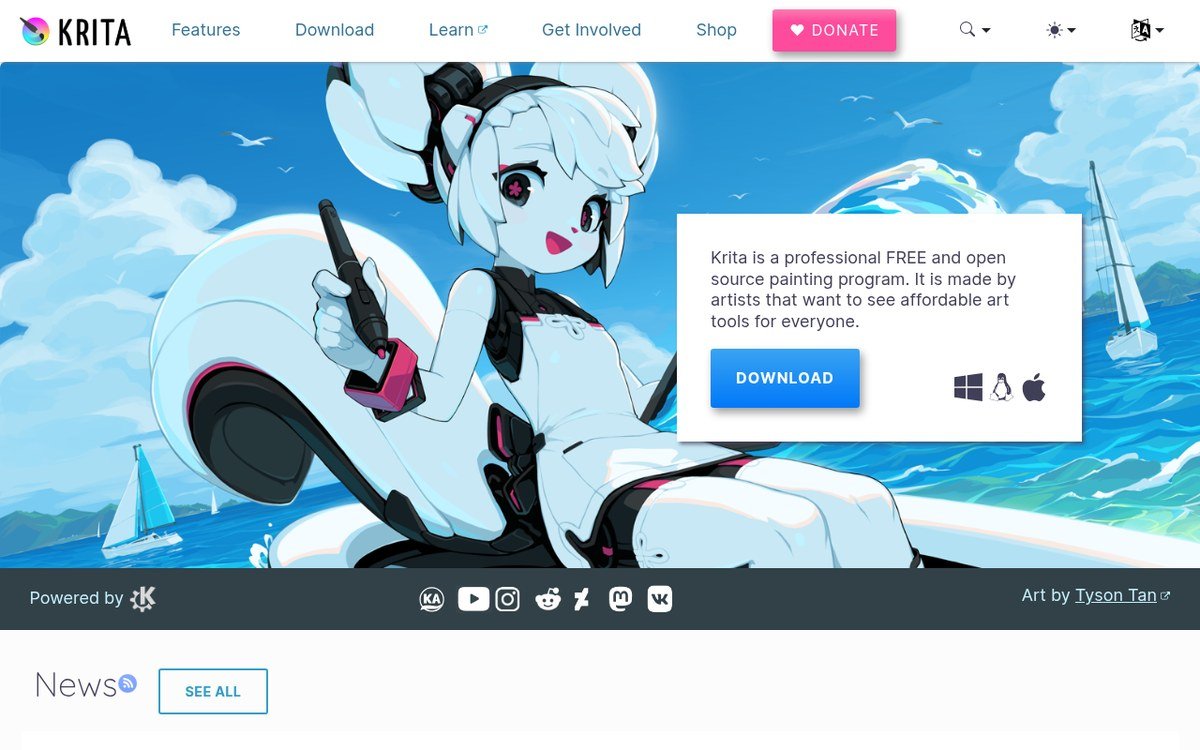
Krita is a painting program first. Brush engines, stabilizers, wrap-around mode and animation frames are built for illustration rather than layout.
The 5.3 series rewrote the text tool from scratch, adding on-canvas editing, text on paths and full OpenType feature support.
An experimental 6.0 build ported the app to Qt 6 in March 2026, so expect the stable line to move there next.
Use it for comics, concept art and textures. For more options in this category, see our free drawing software roundup.
6. Photopea: A Photoshop-Style Editor That Runs in a Browser Tab
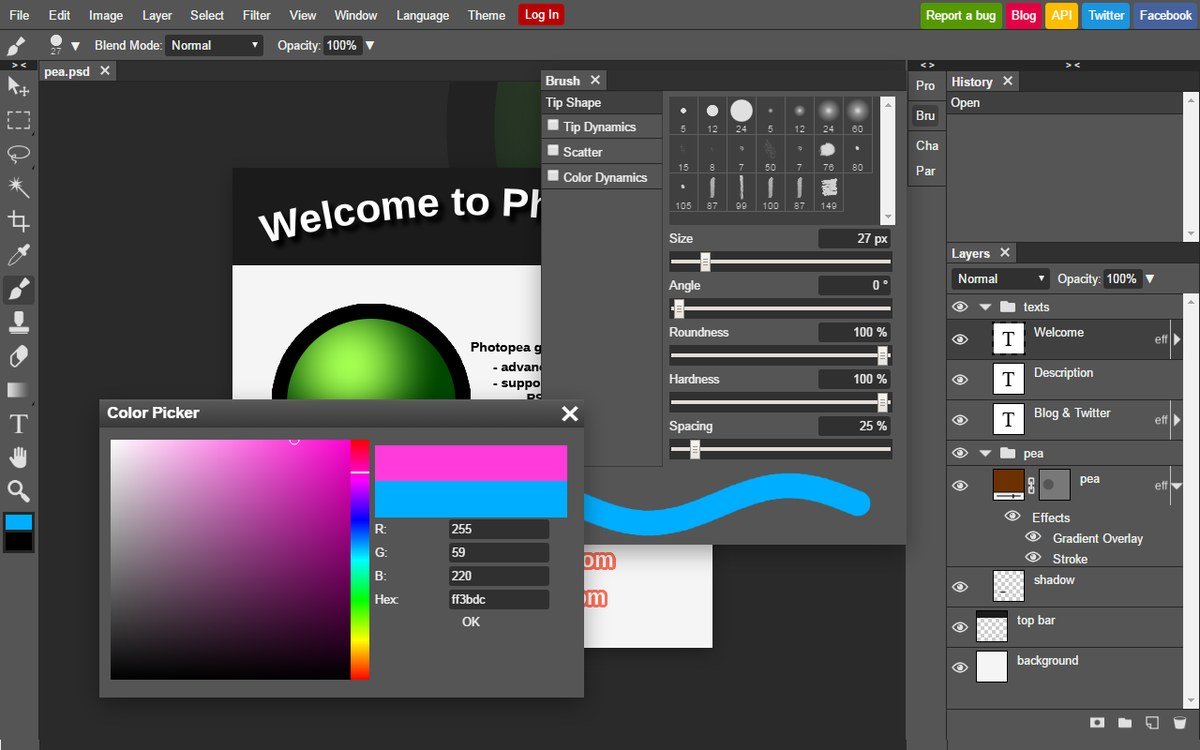
Photopea opens PSD, AI, CDR, Figma and RAW files in a browser, processing them on your own device rather than a server.
The layout copies Photoshop closely enough that layers, masks, adjustment layers and smart objects behave the way muscle memory expects.
The free tier is ad-supported. Premium removes ads and raises history steps for US$5 a month.
It is the best answer to one specific problem: a client sent a PSD and you do not own Photoshop.
Paid Tools Worth the Monthly Line Item
7. Adobe Photoshop: Still the Default Everyone Else Is Measured Against
Photoshop costs US$22.99 a month on the annual plan billed monthly, and that single-app price now includes desktop, web and mobile versions.
Generative Fill, Generative Expand and Firefly-powered selections have absorbed edits that used to take an hour of masking.
The real lock-in is not features. It is that every agency workflow, tutorial and job listing assumes PSD files and Photoshop shortcuts.
Adobe also sells a Photography plan at US$19.99 a month bundling Photoshop, Lightroom and 1TB of storage for photo-heavy work.
If you use one Adobe app occasionally, a single-app plan beats the bundle. Our look at Adobe audio tools follows the same logic.
8. Adobe Illustrator: Precision Vector Work for Brand and Packaging
Illustrator matches Photoshop at US$22.99 a month and remains the reference tool for logos, wordmarks, packaging dielines and technical illustration.
Text to Vector Graphic turns a prompt into editable paths, and Retype converts outlined type in old files back into live, editable text.
Printers and manufacturers ask for AI or EPS files by name. Sending them anything else invites a conversation you do not want.
The full Creative Cloud Pro plan lists at US$69.99 a month for 20-plus apps, which only makes sense if you use four or more.
9. CorelDRAW Graphics Suite: Built Around Print and Production Shops
CorelDRAW Graphics Suite runs US$269 a year and stays entrenched in sign shops, screen printers, engravers and apparel decorators.
The reason is practical. Its multi-page layout, bleed handling, colour separations and direct plotter and cutter support map onto how production shops actually work.
The suite bundles Corel PHOTO-PAINT for raster editing, Corel Font Manager and AI-assisted vector tracing for cleaning up customer-supplied artwork.
Outside print production it is a harder sell, because the wider design industry still exchanges files in Adobe formats.
10. Figma: Where Interface Design and Design Systems Actually Live
Figma is not a print tool, but for app screens, websites and design systems it has become the working standard.
The free Starter plan covers drafts and solo projects. Paid seats start when you need unlimited team files and shared libraries.
Figma sells seats by role: on the Professional plan a full seat is US$16 a month, dev seats US$12 and collaborator seats US$3.
That seat-based pricing matters on small teams, because reviewers and stakeholders no longer need a full-price editor licence.
Matching a Tool to the Job You Actually Do
Most people overbuy. Pick by the output you ship most weeks, not by the tool with the longest feature list.
- Social posts and marketing collateral: Canva Free, upgrading to Pro only when brand kits and background removal start costing you time.
- Logos and brand identity: Affinity if budget matters, Illustrator if clients and printers demand native AI files.
- Photo retouching: Photoshop for professional volume, GIMP for occasional work, Photopea when you just need to open a PSD.
- Illustration and comics: Krita first, with Affinity as the vector companion for logos and layout.
- Signage, apparel and print production: CorelDRAW, because the cutter and plotter integrations are already there.
- App and web interfaces: Figma, with free seats for anyone who only comments and reviews.
One more practical rule: install the free option first and use it on a real job before paying for anything.
Affinity and GIMP remove the old excuse that professional tools are locked behind a subscription. A trial job proves whether you need more.
Digital signage and display work is its own category with different software entirely, covered in our signage platform comparison.
Frequently Asked Questions
Is Affinity really free, or is there a catch?
The app is free for individuals. Canva funds it by charging for generative AI features, which require a paid Canva plan.
Vector, photo and layout tools, file import and export, and print output all work without paying anything.
Can free software replace Photoshop for professional work?
For the editing itself, usually yes. GIMP and Affinity handle retouching, compositing and colour work to a professional standard.
The friction is collaboration. If clients send layered PSDs with smart objects and expect them back intact, Photoshop avoids conversion losses.
What is the cheapest way to get Adobe software?
A single-app plan at US$22.99 a month, or the US$19.99 Photography plan if Photoshop and Lightroom cover your needs.
Students and teachers get heavily discounted Creative Cloud pricing, and Adobe Express has a free tier for simple layout work.
Which tool should a complete beginner start with?
Canva, because you learn by editing finished templates instead of building from an empty canvas.
Move to Affinity once templates start limiting you. It teaches transferable habits: layers, paths, masks and type on a real document.