
A good English to Hindi translator does more than swap words. It has to choose between formal and casual Hindi, put the verb at the end of the sentence, and decide whether the speaker is a man or a woman, because Hindi verbs change with gender. The five free tools below handle those choices with very different results.
This guide picks the best English to Hindi translator for each kind of job, explains where each one falls short, and finishes with the grammar traps that every machine translator still misses.
The Short List: Best Free English to Hindi Translators
- Best overall: Google Translate, for text, voice, camera and offline use.
- Best for everyday conversation: Microsoft Translator, for natural phrasing and a romanised line.
- Best on iPhone: Apple Translate, which works inside other apps.
- Best for other Indian languages: Bhashini, the Government of India's app.
- Best for typing Hindi on a laptop: EasyHindiTyping.
| # | Translator | Strongest at | Main limit |
|---|---|---|---|
| 1 | Google Translate | Camera, documents, offline | Formal wording by default |
| 2 | Microsoft Translator | Natural tone, romanised Hindi | No image translation for Hindi |
| 3 | Apple Translate | Translates inside any iPhone app | Apple devices only |
| 4 | Bhashini | Many Indian languages | Fewer languages for voice |
| 5 | EasyHindiTyping | Hindi typing on a computer | Per-request text limit |
The 5 Best English to Hindi Translator Apps and Sites
1. Google Translate
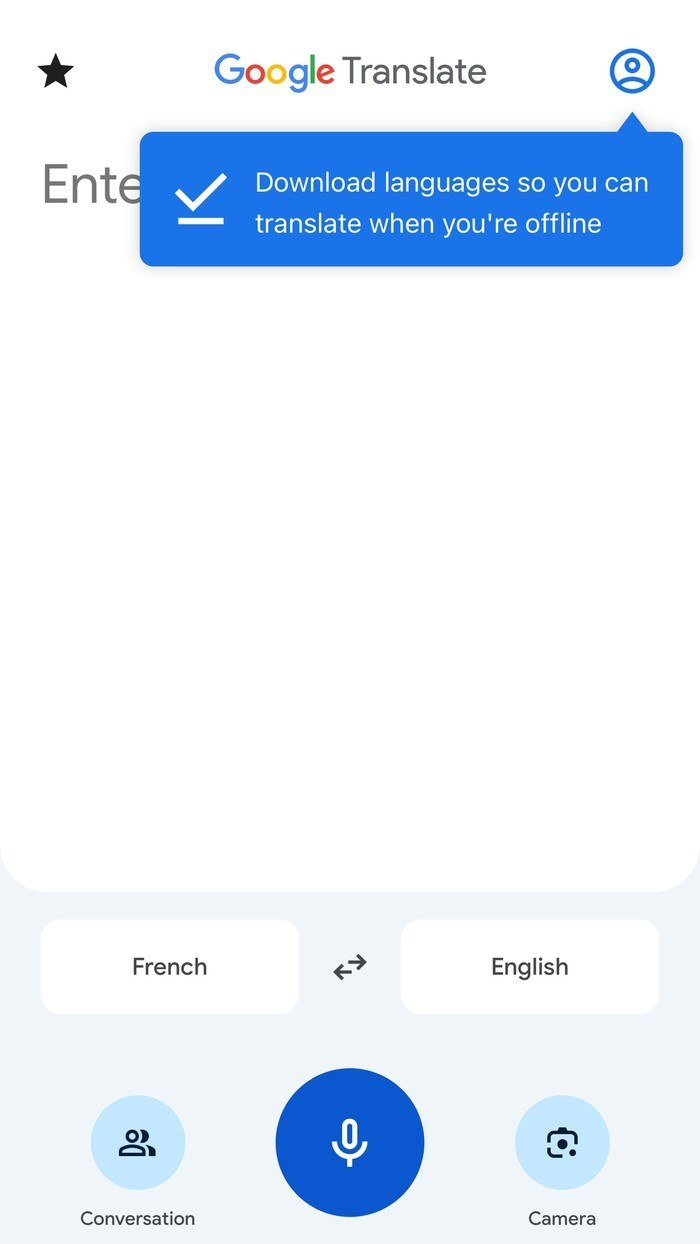
Google Translate is the safest default because it covers every input. The app offers live conversation and camera translation, and it can download languages so it keeps working without a connection, as its own prompt in the screenshot above points out. On the web it adds document and website translation.
- Does well: signs, menus and forms through the camera; long documents on the web.
- Falls short: leans formal. Asked for “Where is the nearest railway station?”, it chose निकटतम (nikattam), a textbook word for “nearest”.
2. Microsoft Translator
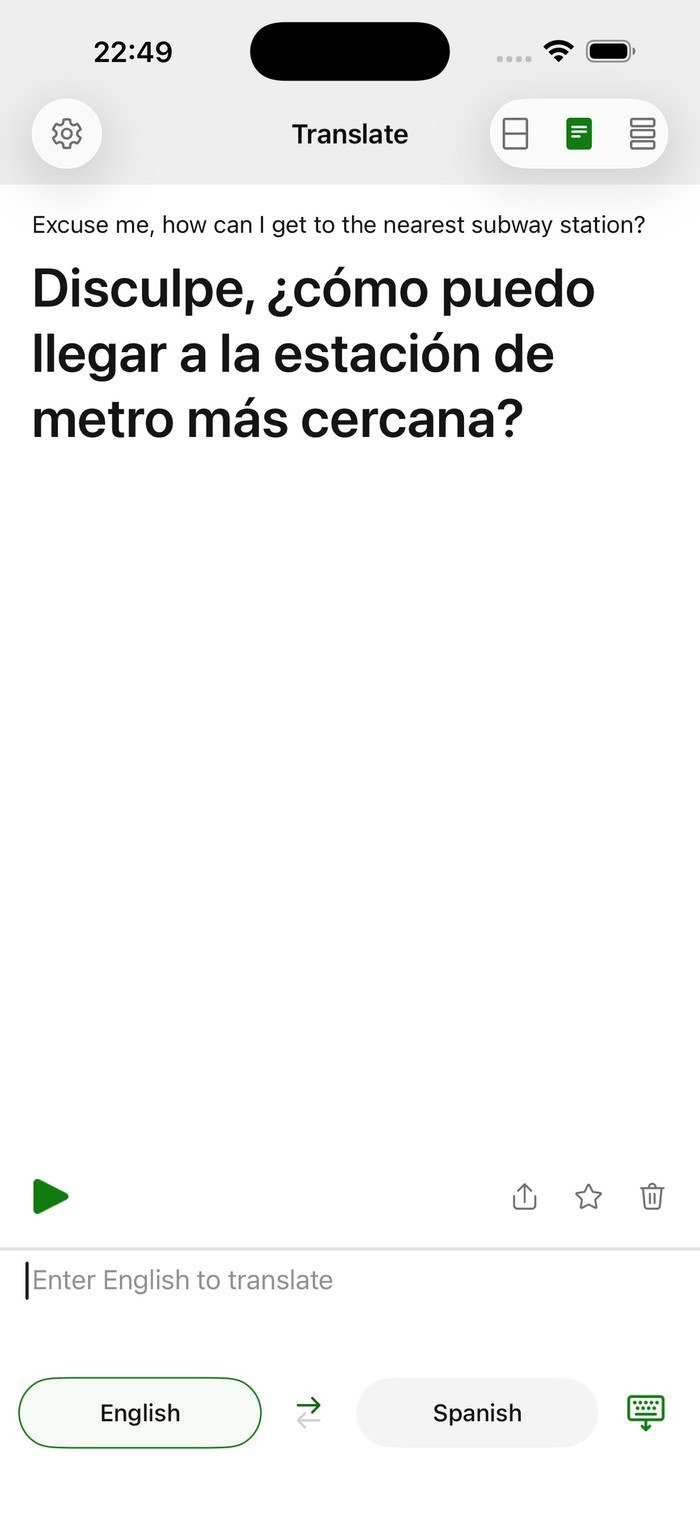
Microsoft's translator, available as an app and on the web through Bing Translator, produced the more conversational “सबसे नज़दीकी रेलवे स्टेशन कहाँ है?” for the same question and printed a romanised version underneath. A tone switch lets you choose casual or formal output.
- Does well: messages to friends and spoken conversations between two phones.
- Falls short: Microsoft's supported languages table lists Hindi for text and speech but not for image translation, so it cannot read a Hindi sign.
3. Apple Translate

Apple Translate is built into iPhone and iPad, and Apple's feature availability page lists Hindi for both the Translate app and system-wide translation. That second part is the useful one: select text in Safari, Mail or Notes and translate it without switching apps. Languages can also be downloaded for on-device translation in Settings, under Apps, then Translate, then Languages.
- Does well: quick translations without leaving what you are reading.
- Falls short: no Android app and no website.
4. Bhashini
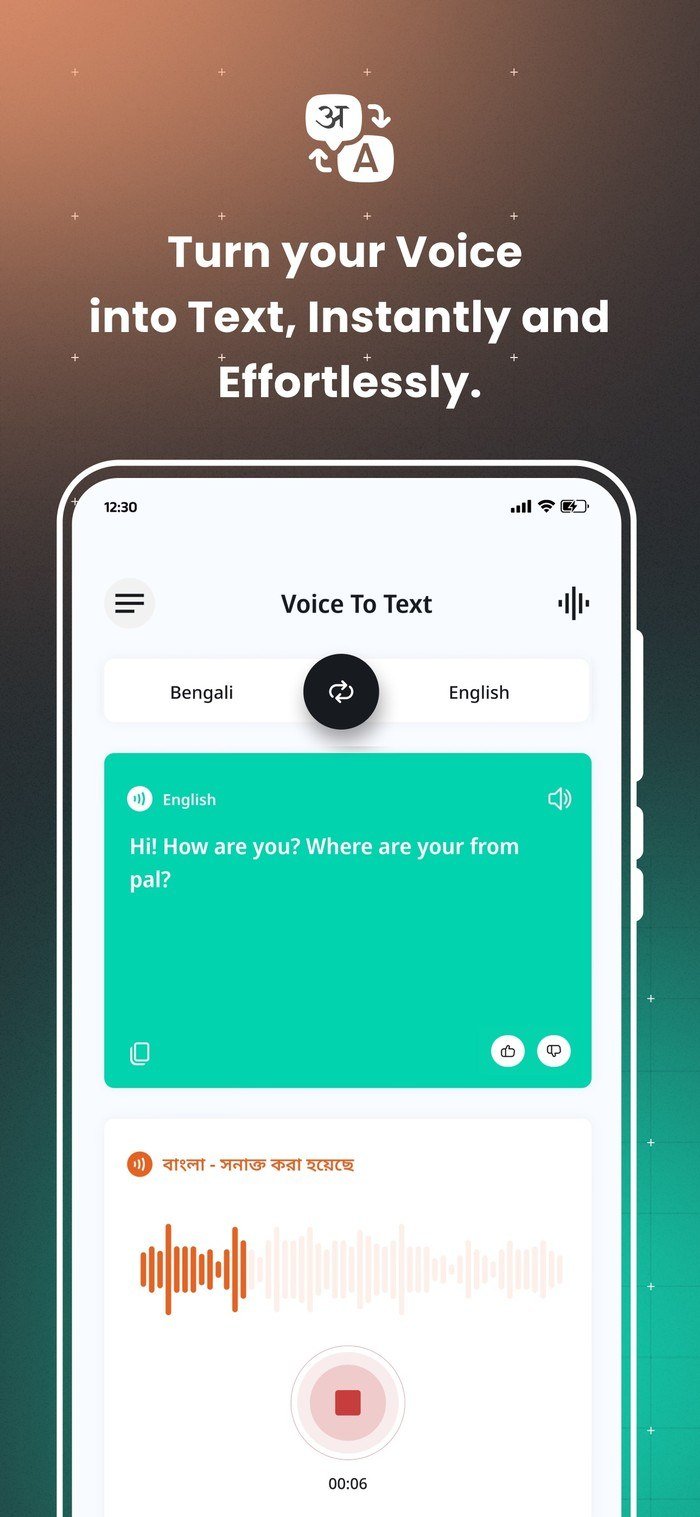
Bhashini comes from India's National Language Translation Mission and is published on the App Store by the National e-Governance Division. It turns speech into text, translates between Indian languages, reads text aloud and runs two-way spoken conversations, which makes it the pick when Hindi is only one of the languages in the room.
- Does well: moving between Hindi, Marathi, Bengali, Tamil and other Indian languages.
- Falls short: voice features cover fewer languages than text does.
5. EasyHindiTyping
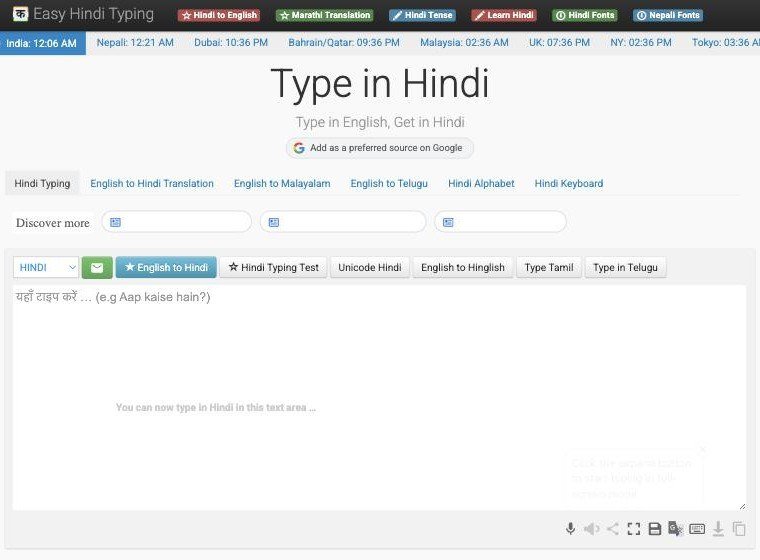
EasyHindiTyping is a free website built around typing Hindi with an ordinary keyboard: write Hindi words in English letters and it converts them to Devanagari. A separate English to Hindi page handles translation, and results can be copied or saved as a text file.
- Does well: writing Hindi on a laptop that has no Hindi keyboard.
- Falls short: each request is capped, so long texts need splitting.
How to Translate a Conversation Into Hindi on iPhone
Apple's Translate app shows each side of a conversation as chat bubbles, and once Hindi is downloaded it keeps working without an internet connection.
- Open the Translate app and tap Conversation.
- Set English on one side and Hindi on the other.
- Tap the microphone and say a phrase, or tap Enter text and type it. The translation appears as you go.
- Tap the play button to read the Hindi translation aloud to the other person.
- Open the options menu and turn on Auto Translate and Detect Language so you do not have to tap the microphone for every turn.
- For a table or counter, tap View, then Face to Face, so each person reads their own side.
On Android, Google Translate and Microsoft Translator both have a Conversation button that works the same way: tap it, then take turns speaking.
How to Translate Text From a Photo or Sign
Camera translation is where Google Translate pulls ahead. On an Android phone, Google's steps are:
- Open the Google Translate app and choose the two languages. You can set the source to Detect language.
- Tap Camera on the home screen.
- Point the camera at the text and tap the shutter button to freeze the translation.
- To use a picture you already took, tap All Images and pick it.
- Tap any word and drag the selection anchors to translate only part of the image, then copy it or have it read aloud.
This works in both directions, so the same steps read a Hindi menu in English or turn an English notice into Hindi for someone else.
Romanised Hindi: When Hinglish Beats Devanagari
A lot of everyday Hindi is typed in English letters rather than Devanagari, especially in chats. “Kal milte hain” is instantly readable to most Hindi speakers on WhatsApp, while a formal Devanagari sentence can feel stiff in the same thread. Choosing the right script matters as much as choosing the right words.
- Use Devanagari for anything printed, official or read by older relatives, and for search, since Hindi web pages are written in Devanagari.
- Use romanised Hindi for casual chats and for readers who speak Hindi but read it slowly.
- Get both from one tool: Microsoft Translator prints a romanised line under its Devanagari result, and EasyHindiTyping has an English to Hinglish option alongside its Devanagari tools.
- Going the other way: type romanised Hindi into EasyHindiTyping's Type in Hindi box and it converts it to Devanagari, which is faster than learning a Hindi keyboard layout.
Romanised spellings vary from person to person, so a translator reading Hinglish back into English is less reliable than one reading Devanagari. Convert to Devanagari first if you need an accurate English version.
Hindi Grammar Traps Every Translator Misses
Hindi is written in Devanagari and, as the Hindi language overview notes, shares its spoken base with Urdu, which is why the same idea can be phrased with Sanskrit-derived or Persian-derived words. That flexibility is where translators trip up.
- Speaker gender. “I am going” is जा रहा हूँ from a man and जा रही हूँ from a woman. Tools usually assume a man, so women should check every verb.
- Levels of “you”. आप (aap) is respectful, तुम (tum) is familiar and तू (tu) is intimate or rude depending on context. English has one word, so the tool guesses.
- Word order. Hindi normally ends with the verb. Long English sentences with several clauses come out scrambled, so split them first.
- Formal versus everyday words. निकटतम and सबसे नज़दीकी both mean “nearest”, but only one sounds like conversation. Choose the tool, or the tone setting, that matches your reader.
- Idioms. “Break a leg” translated word for word is alarming in Hindi. Rewrite idioms in plain English before translating.
How to Check a Hindi Translation Before You Send It
- Translate the Hindi result back into English with a different tool from the one you used first.
- Compare the two English versions. If the meaning has drifted, simplify your original sentence.
- Read the romanised version aloud if the tool offers one; awkward phrasing is easier to hear than to see.
- For anything legal, medical or official, have a fluent speaker review the final text.
If your Hindi messages lean on emoji as much as words, our guide to finding out what any emoji means helps you avoid the ones that read differently across cultures. For hands-free conversations on the move, our best wireless earbuds guide covers models with reliable microphones for translation apps.
Frequently Asked Questions
Which English to Hindi translator is the most accurate?
Google Translate and Microsoft Translator are the most consistent free options. Running important text through both and comparing the results catches most errors.
Is there a free English to Hindi translator that works offline?
Yes. Google Translate can download Hindi for offline use, and Apple Translate can download languages for on-device translation on iPhone.
Can I translate Hindi to English with the same tools?
Yes. Every translator here works in both directions; swap the two languages before you type or speak.
Does Bhashini cost anything?
No. Bhashini is free to download on Android and iPhone, and it is built as a public service to help Indian citizens communicate across languages.





