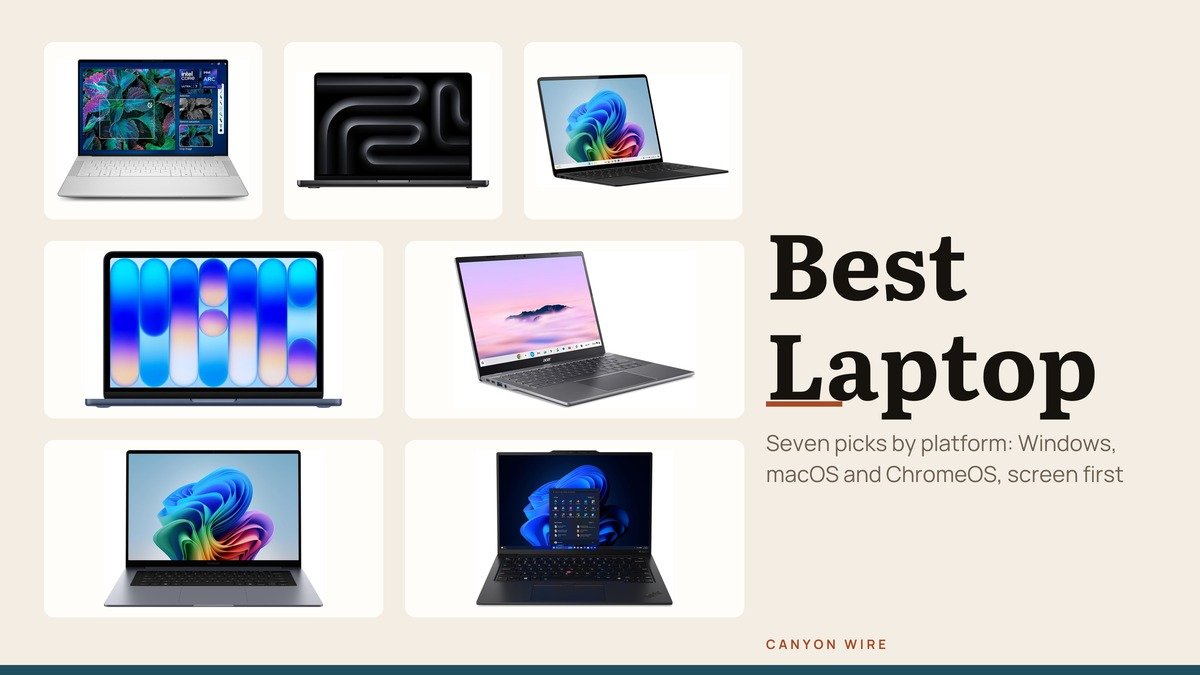
Finding the best laptop in 2026 starts with the platform, not the brand: Windows for the widest software and hardware choice, macOS for the Apple ecosystem, ChromeOS for web-first work and low upkeep. Within each, the screen and the memory decide how long the machine stays useful.
These seven laptops span all three platforms, from a 2.4 pound ThinkPad to a 15-inch Surface, and every configuration is the one named in its product listing. For RTX gaming machines, see our best gaming laptop roundup instead.
Best Laptop Compared: Screen, Memory and Storage for All 7
The Dell XPS 14 is the best Windows laptop here for its OLED screen, the MacBook Pro 14 is the pick for creative work, and the MacBook Neo and Acer Chromebook Plus are the budget routes. The ThinkPad X1 Carbon wins on weight, and the Galaxy Book6 suits Galaxy phone owners.
| # | Laptop | Screen | Chip, memory and storage |
|---|---|---|---|
| 1 | Dell XPS 14 | 14.5-inch 3.2K OLED, up to 120Hz | Core Ultra 7 255H, 32GB, 1TB |
| 2 | MacBook Pro 14-inch (M5) | 14.2-inch XDR, up to 120Hz | Apple M5, 32GB, 1TB |
| 3 | Surface Laptop 15-inch | 15-inch 2496 by 1664, 120Hz | Snapdragon X Elite, 32GB, 1TB |
| 4 | MacBook Neo | 13.0-inch 2408 by 1506, 500 nits | Apple A18 Pro, 8GB, 512GB |
| 5 | Acer Chromebook Plus 514 | 14-inch 1920 by 1200 IPS, 300 nits | Core i3-1315U, 8GB, 256GB |
| 6 | Samsung Galaxy Book6 14-inch | 14-inch 1920 by 1200, 60Hz | Core Ultra 5 325, 16GB, 512GB |
| 7 | ThinkPad X1 Carbon Gen 13 | 14-inch 2.8K OLED, 120Hz | Core Ultra 7 258V, 32GB, 2TB |
Seven Laptops Across Windows, Mac and ChromeOS
1. Dell XPS 14: Best Laptop Screen on Windows
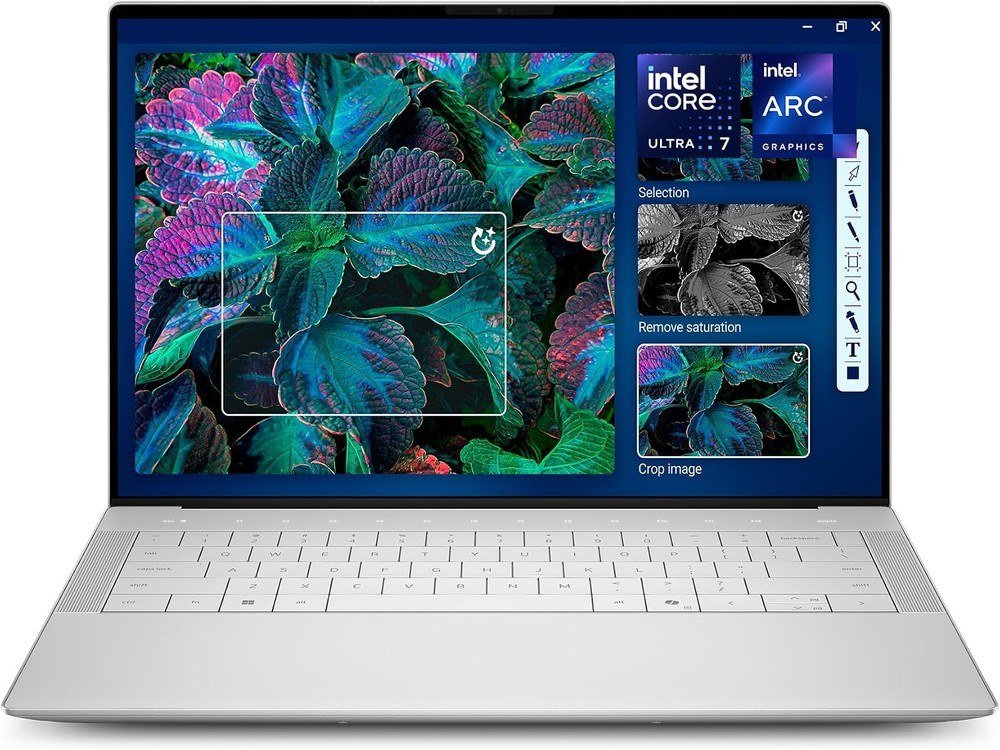
The XPS 14 here is the Core Ultra 7 255H with 32GB of memory and a 1TB SSD, behind a 14.5-inch 3.2K OLED touchscreen. The panel varies its refresh rate between 48 and 120Hz, which saves power on still pages and smooths motion when you scroll.
The body is machined aluminum with Gorilla Glass 3, and the listing images show it at 18 mm thick with two Thunderbolt 4 ports and a microSD slot. At 3.8 pounds it is the heaviest Windows laptop in this list.
What it does well
- OLED at 3.2K with a 48 to 120Hz variable refresh rate
- 32GB and 1TB in the configuration listed
- Touch input and a fingerprint reader
What to know before buying
- Two USB-C ports only, so a hub helps
- The heaviest of the thin Windows picks at 3.8 pounds
- OLED can show burn-in if static toolbars stay lit for years
2. Apple MacBook Pro 14-inch M5: Best Laptop for Photo and Video Work
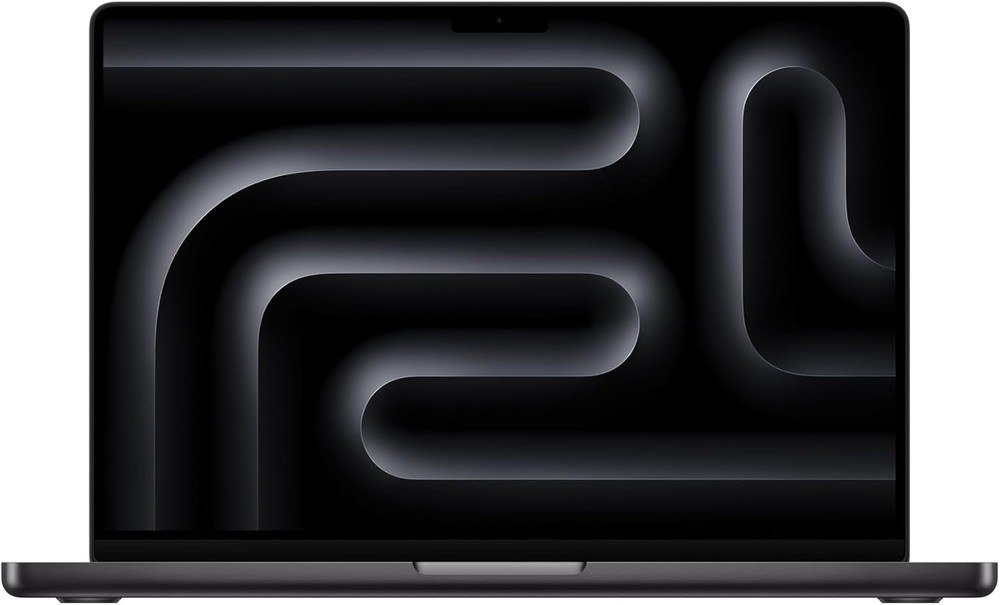
Apple’s M5 chip pairs a 10-core CPU and 10-core GPU with 153GB/s of memory bandwidth, and this listing carries 32GB of unified memory and a 1TB SSD. The 3024 by 1964 display holds 1000 nits across the full screen, with 1600 nits for HDR content.
ProMotion runs up to 120Hz, and Apple quotes 24 hours of video streaming from the 72.4Wh battery. Three Thunderbolt 4 ports, HDMI and an SDXC slot cover cameras and monitors without a hub.
What it does well
- XDR brightness that suits HDR editing
- SD card reader and HDMI built in
- iPhone Mirroring with an iPhone nearby
What to know before buying
- 3.41 pounds, a weight you notice in a backpack
- Thunderbolt 5 requires an M5 Pro or M5 Max model
- More laptop than email and browsing need
3. Microsoft Surface Laptop 15-inch: Best Large Windows Laptop on Arm
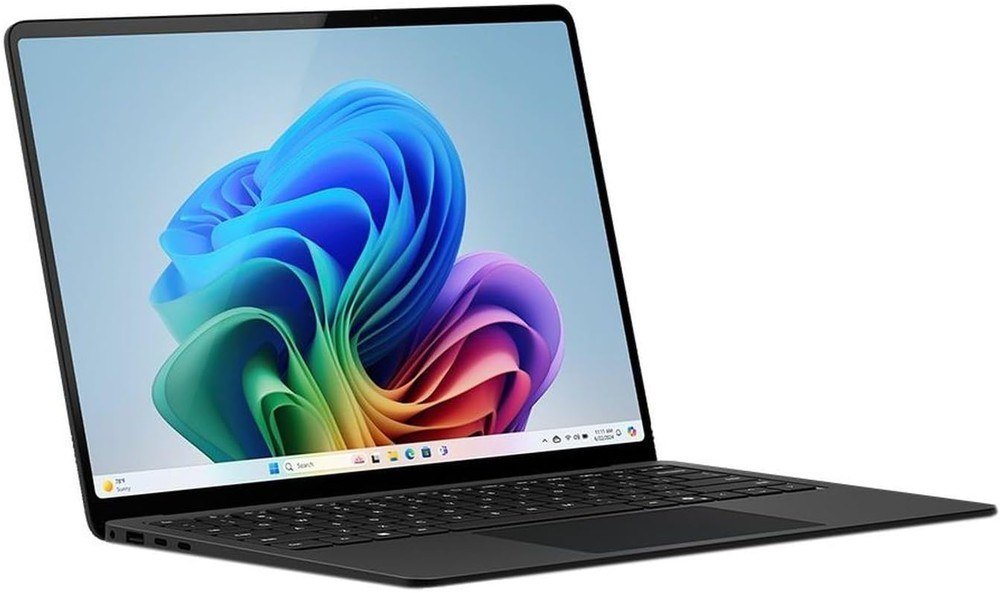
This Surface Laptop pairs a 12-core Snapdragon X Elite with 32GB of RAM and a 1TB SSD behind a 15-inch touchscreen at 2496 by 1664 and 120Hz. Microsoft quotes up to 20 hours of battery life, and the listing weighs 3.7 pounds.
It is a Copilot+ PC, which per Microsoft’s hardware requirements means an NPU of at least 40 TOPS, 16GB of RAM and a 256GB SSD. The processor is Arm-based, so check that the programs you rely on run on it.
What it does well
- A tall 3:2 screen with touch and a 120Hz refresh rate
- 32GB and 1TB for years of use
- Copilot+ PC features included
What to know before buying
- Arm architecture means a compatibility check for older apps
- A 2024 model, older than the 2026 laptops here
- At 3.7 pounds it is a heavy carry
4. Apple MacBook Neo: Best Budget Mac
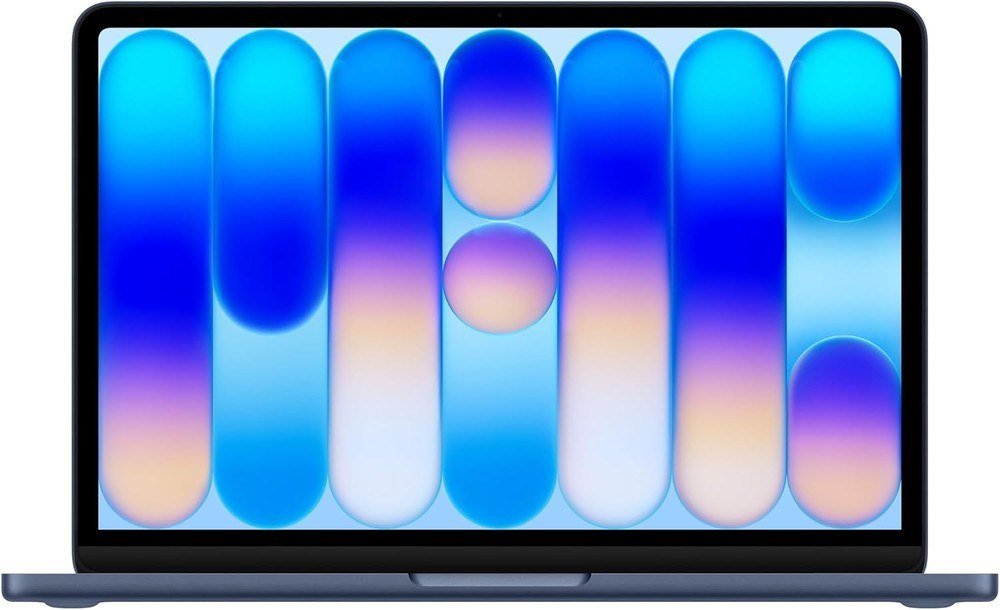
The Neo uses the A18 Pro with a 6-core CPU and 5-core GPU, 8GB of memory and, in this listing, a 512GB SSD with Touch ID. Apple’s MacBook Neo specifications show a 13.0-inch sRGB display at 2408 by 1506 and 500 nits.
It weighs 2.7 pounds, and Apple quotes 16 hours of video streaming from a 36.5Wh battery. This listing is the version that bundles three years of AppleCare+, as its title states. For a head-to-head, read our MacBook Neo vs MacBook Air guide.
What it does well
- Apple A18 Pro chip in an aluminum body
- Colors, a 1080p camera and Touch ID on the 512GB model
- Light at 2.7 pounds
What to know before buying
- Memory is fixed at 8GB
- One USB 3 port and one slower USB 2 port
- One external display, up to 4K at 60Hz
5. Acer Chromebook Plus 514: Best Budget Chromebook
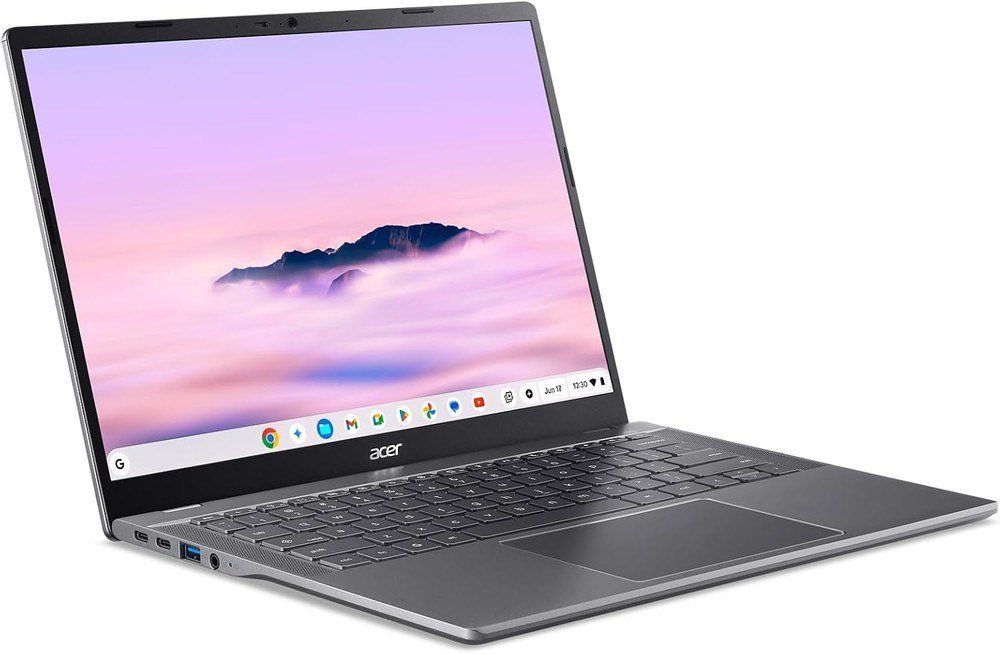
The Acer Chromebook Plus 514 has a Core i3-1315U, 8GB of LPDDR5 and a 256GB SSD behind a 14-inch 1920 by 1200 IPS touchscreen at 300 nits with an anti-glare coat. Google’s Chromebook Plus program sets the floor at 8GB of RAM and 128GB of storage.
Wi-Fi 7 and a Titan C2 security chip are on board. Acer quotes up to 17 hours but notes real life can be lower. New to the category? Our what is a Chromebook explainer covers how ChromeOS differs from Windows.
What it does well
- 256GB, double the Chromebook Plus storage floor
- Wi-Fi 7 on a budget machine
- An anti-glare coating on the touchscreen
What to know before buying
- 300 nits trails the 500 nits of the MacBooks
- No Windows programs
- 8GB of memory is the minimum the Plus label allows
6. Samsung Galaxy Book6 14-inch: Best Laptop for Galaxy Phone Owners
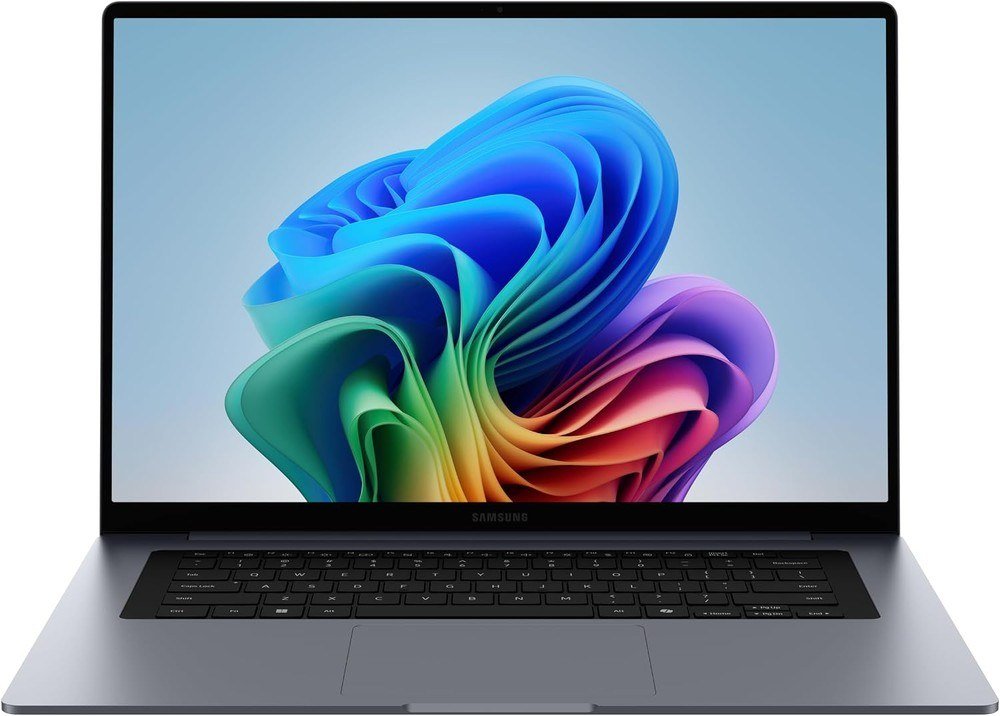
Samsung’s 2026 Galaxy Book6 has a Core Ultra 5 325, 16GB of LPDDR5X and a 512GB SSD behind a 14-inch 1920 by 1200 screen, listed at up to 60Hz and 350 nits of peak brightness. The case is 0.59 inch thick.
The draw is phone integration: you can answer calls and texts from the laptop, drag files between a Galaxy phone and the PC, and reach phone photos without cables.
What it does well
- 16GB and 512GB in a 14-inch Windows laptop
- Calls, texts and file transfer with a Galaxy phone
- Listed with a 2 year warranty
What to know before buying
- A 60Hz LCD, not OLED
- Phone features need a Galaxy phone
- Peak brightness of 350 nits trails the OLED picks
7. Lenovo ThinkPad X1 Carbon Gen 13: Best Lightweight Windows Laptop
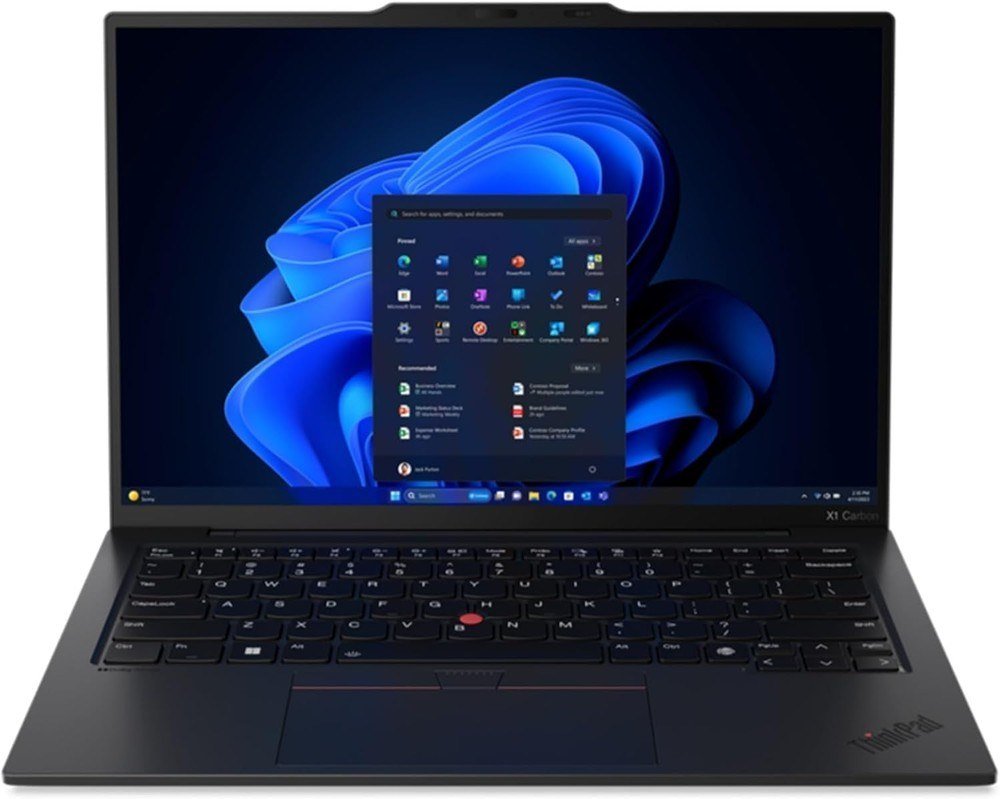
At 2.4 pounds, with Lenovo calling it lighter than a kilogram, the X1 Carbon is the lightest laptop here that runs Windows. The listed configuration has a Core Ultra 7 258V, 32GB of DDR5, a 2TB Gen 5 SSD and a 14-inch 2.8K OLED at 120Hz.
Windows 11 Pro, Wi-Fi 7 and a 1080p IR camera come with it. Lenovo says the thin body still carries ports for a monitor, charging, file transfer and a headset.
What it does well
- 2.4 pounds for a 14-inch OLED laptop
- 32GB and 2TB in one configuration
- ThinkPad keyboard with TrackPoint
What to know before buying
- Clamshell only, with no tablet mode
- Built for business travel rather than for fun
- The 32GB and 2TB build is more than most buyers need
Windows, macOS or ChromeOS: Choosing the Platform First
Windows laptops cover the widest range of hardware, from a Chromebook-priced 14-inch to a 15-inch OLED. Microsoft ended Windows 10 support on October 14, 2025, so every new Windows laptop ships with Windows 11, which needs only 4GB of RAM and 64GB of storage to run.
The label to watch is Copilot+ PC. Microsoft requires a 40 TOPS NPU, 16GB of RAM and a 256GB SSD for the name, which is why the Surface Laptop qualifies and an 8GB machine cannot. Many Copilot+ models are Arm-based, so confirm the apps you depend on.
Mac and Chromebook buyers have simpler rules:
- macOS: memory and storage are fixed when you order. The Air starts at 16GB and the Neo is capped at 8GB.
- ChromeOS: runs web apps, Android apps and Linux applications, and Google promises 10 years of automatic updates.
- Windows: the widest spread here, from a 2.4 pound OLED ultralight to a 15-inch touchscreen.
Screen, Brightness and Port Specs Worth Paying For
OLED gives deeper blacks than a standard LCD, though OLED panels can be more susceptible to burn-in than LCDs. That trade-off applies to the XPS 14 and the ThinkPad, while the Galaxy Book6 and the Chromebook stay on LCD. Variable refresh, like the XPS 14’s 48 to 120Hz, trims power use on still pages.
Brightness numbers are vendor claims, and they differ by test: Apple measures the MacBook Pro at 1000 nits sustained, while Samsung lists 350 nits peak for the Galaxy Book6. For ports, Thunderbolt 3 and 4 run at 40 Gbit/s, which is why the MacBook Neo’s 10Gb/s and 480Mb/s USB-C ports are slower than a Thunderbolt laptop’s.
Which Laptop to Buy
Buy the Dell XPS 14 if you want the best Windows screen, or the MacBook Pro 14-inch if photo and video editing is your job. Choose the Surface Laptop 15-inch for a large touchscreen, and the ThinkPad X1 Carbon when every ounce counts.
On a tighter budget, the MacBook Neo is the budget route into macOS and the Acer Chromebook Plus 514 the budget route into ChromeOS. Pick the Galaxy Book6 if a Galaxy phone is already in your pocket.
Frequently Asked Questions
What is a Copilot+ PC?
A Windows 11 laptop with an NPU of at least 40 TOPS, 16GB of RAM and a 256GB SSD, per Microsoft. The Surface Laptop in this list is one; the Acer Chromebook is not.
Is 8GB of memory enough on a laptop?
It is the Chromebook Plus floor and the MacBook Neo’s only option, so it works for light use. Windows buyers should aim for 16GB, which is Microsoft’s Copilot+ requirement.
Are OLED laptop screens worth it?
For contrast and color, yes: the XPS 14 and ThinkPad both use OLED. The cost is a possible burn-in risk with static images left on screen for years.
Can a Chromebook replace a laptop?
If your work runs in a browser or an Android app, it can. The Acer Chromebook Plus 514 meets Google’s 8GB and 128GB floor and is promised 10 years of automatic updates.
Related Articles
- Best Docking Station: 7 Compared on Monitors, Watts and Ports
- How to Fix Laptop Screen Issues: 6 Common Faults
- Best Power Banks: 7 Compared on Watts, Watt-Hours and Cables
- Best free photo editors
- Best graphics cards
As an Amazon Associate, Canyon Wire earns from qualifying purchases.





