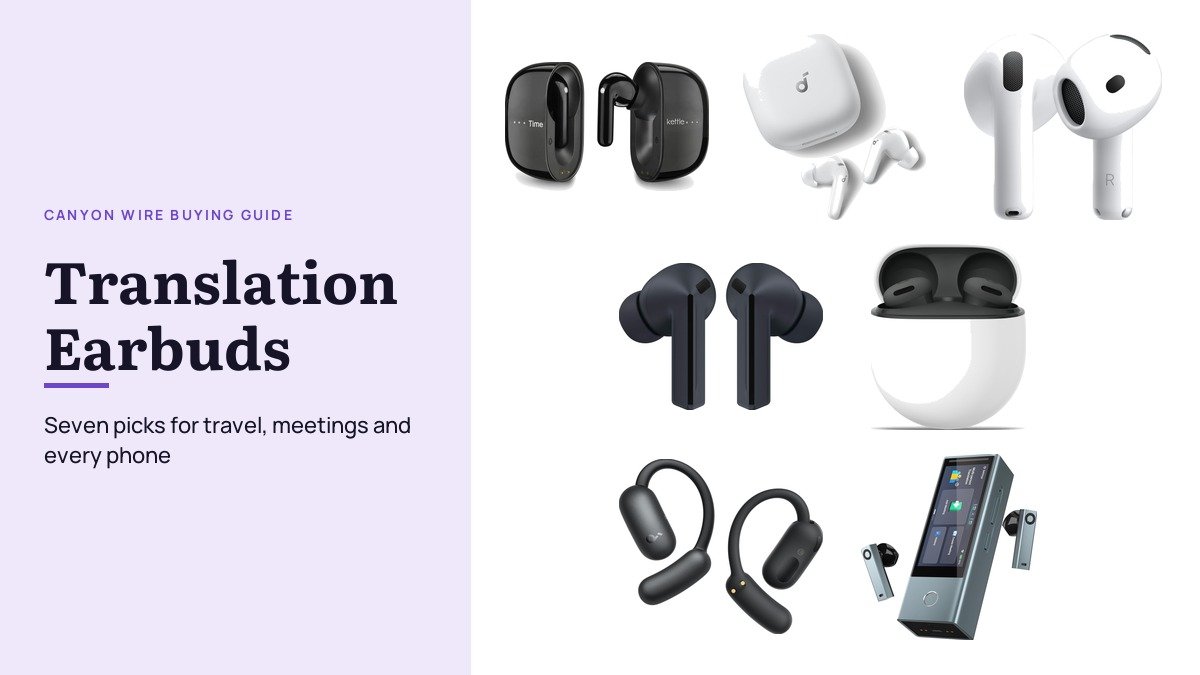
Translation earbuds put a translated voice in your ear while you talk with someone who speaks another language. Some are dedicated translators with their own app and offline language packs, while others are everyday music earbuds that borrow the translation feature built into your phone. Which kind suits you depends on the phone in your pocket, whether you will have a data connection, and whether the conversation is one person at a counter or a room full of colleagues.
The seven here each do a different job: a Timekettle pair with offline packs and no subscription for travel, noise-cancelling Soundcore buds that also translate, AirPods for iPhone owners, Galaxy Buds for Samsung phones, Pixel Buds for Pixel and other Android phones, an open-ear Soundcore pair for all-day wear and a Timekettle hub built for multilingual meetings.
Translation Earbuds by Phone Support, Offline Use and Best Job
| # | Earbuds | Works with | Translation (maker claim) | Best for |
|---|---|---|---|---|
| 1 | Timekettle M3 | iPhone and Android, Timekettle app | 43 languages, 13 offline packs | Travel without a data plan |
| 2 | Soundcore P31i | Phone with the soundcore app | 100+ languages | Noise-cancelling buds that also translate |
| 3 | Apple AirPods 5 with ANC | iPhone with Apple Intelligence | Apple Live Translation | iPhone owners |
| 4 | Samsung Galaxy Buds3 FE | Galaxy phones | Interpreter listening mode | Samsung Galaxy owners |
| 5 | Google Pixel Buds 2a | Gemini-compatible Android phones | Google Translate, 40 languages listed | Pixel and Android owners |
| 6 | Soundcore AeroFit 2 | Smartphone with the soundcore app | 100 languages | Open-ear, all-day wear |
| 7 | Timekettle X1 Meeting | Hub and earbuds; phones, PCs, tablets join | 52 languages, 13 offline packs | Meetings and lectures |
1. Timekettle M3: Offline Packs and No Subscription for Travel
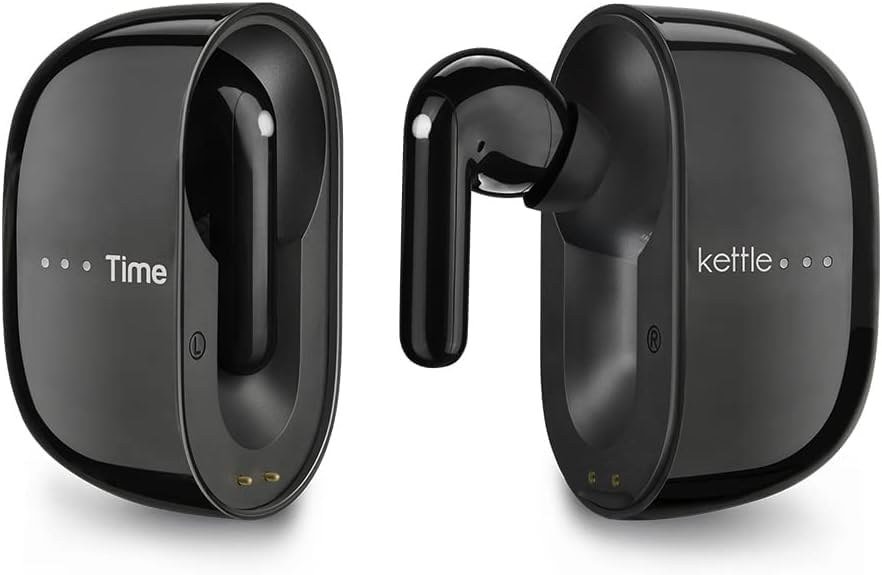
The M3 is a dedicated translator that also works as ordinary wireless earbuds for music and calls. Timekettle rates it for two-way translation across 43 languages and 96 accents, and it uses AI sentence detection so you do not have to pause after every phrase the way older translators required. Setup is a Bluetooth pairing and a language pair chosen in the Timekettle app on iPhone or Android.
What makes it the travel pick is the offline side. Timekettle lists 13 offline language packs covering pairs such as English to Spanish, Chinese, French, German, Japanese, Korean and Russian, downloaded in advance through the app, and it states that no subscription is required. Three modes cover the common situations: Touch Mode for a one-on-one conversation, Listen Mode for automatic detection and continuous translation, and Speaker Mode for quick exchanges such as asking directions or ordering food.
What it does well
- 13 offline language packs, listed by Timekettle
- No subscription required, per Timekettle
- Touch, Listen and Speaker modes for different situations
- Doubles as wireless earbuds for music and calls
What to know before buying
- Offline packs cover selected pairs, so download yours before you fly
- Timekettle says it does not translate audio from media or phone calls
- Not for anyone who wants noise cancellation for long flights
2. Soundcore P31i: Noise-Cancelling Earbuds That Also Translate

If you want one pair of wireless earbuds for the commute that can also handle a conversation abroad, the P31i is the value route. Soundcore lists real-time AI translation in more than 100 languages through its app, alongside adaptive noise cancellation that it rates at up to 52 dB of reduction and adjusts to your surroundings automatically.
The rest of the spec sheet is aimed at everyday listening: Hi-Res certification with LDAC, 11 mm drivers, six microphones with AI noise reduction and a wind-noise algorithm for calls, and Bluetooth 6.1. Soundcore rates the battery at up to 10 hours per charge and 50 hours with the case, or 8 and 40 hours with noise cancelling on, and quotes 3.5 hours of listening from a 10-minute charge.
What it does well
- 100+ translation languages through the soundcore app
- Adaptive ANC rated at up to 52 dB
- Up to 50 hours with the case, per Soundcore
- Six microphones for clearer calls outdoors
What to know before buying
- No offline translation packs are listed
- Translation runs through the phone app, so keep it updated
- Not for anyone who needs translation without a phone
3. Apple AirPods 5 with ANC: Live Translation for iPhone Owners
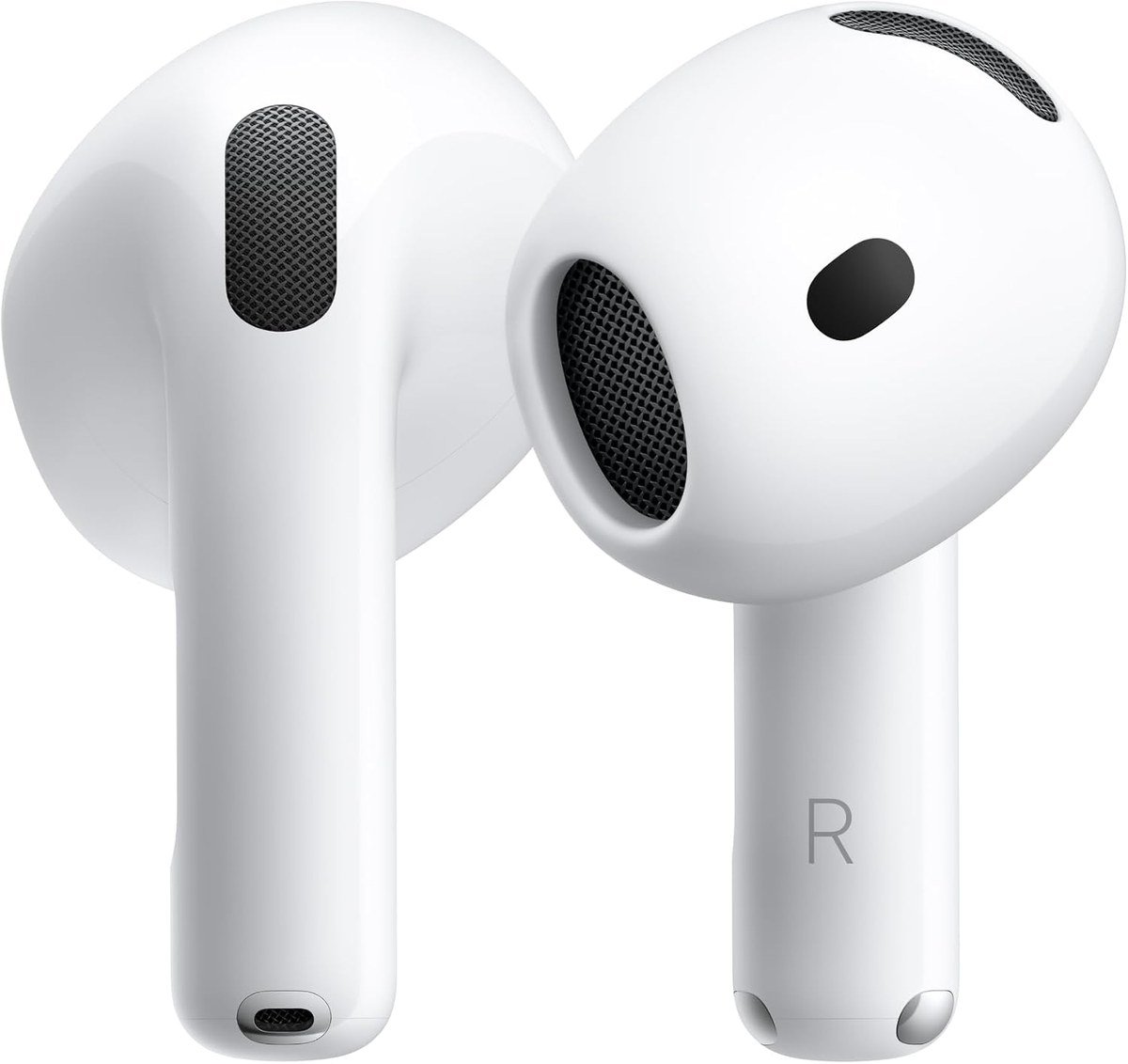
For an iPhone owner, the simplest translation earbuds are the AirPods you might buy for music anyway. Apple lists Live Translation on AirPods 5 with Active Noise Cancellation, enabled by Apple Intelligence, so the translated voice plays in your ear while the iPhone handles the work. That also means it needs an iPhone that runs Apple Intelligence.
Around that sits a full everyday feature set: Adaptive Audio that blends noise cancellation and Transparency, Conversation Awareness that lowers the volume when you start talking, Personalized Spatial Audio with head tracking and an IP57 rating against dust, sweat and water. Apple rates the battery at up to 5 hours with noise cancelling on and 22 hours in total with the case, which charges wirelessly.
What it does well
- Live Translation built in, per Apple
- Conversation Awareness lowers volume when you speak
- IP57 dust, sweat and water resistance
- Wireless charging case
What to know before buying
- Translation needs an iPhone that runs Apple Intelligence
- Rated up to 5 hours per charge with ANC on, less than the Soundcore P31i
- Not for Android owners, who lose the translation feature
4. Samsung Galaxy Buds3 FE: Interpreter for Galaxy Phones

Samsung’s Interpreter app on Galaxy phones has a Listening mode that plays translated speech through Galaxy Buds, and Samsung confirms that the Buds3 FE can use it: you choose your languages, tap the microphone, and the translation plays in your ear with a text transcript on the phone. Samsung notes that its language features need a compatible Galaxy device and a Samsung account login.
As earbuds, the Buds3 FE add improved noise cancellation and an Ambient mode, a bigger 11 mm speaker, an extra microphone for calls, hands-free Gemini and automatic switching between Galaxy phones, tablets and PCs. Samsung rates them at up to 8.5 hours with ANC off and 30 hours with the case, and the buds carry an IPX4 rating.
What it does well
- Interpreter Listening mode through the buds
- Translated speech in your ear plus a transcript on the phone
- Up to 30 hours with the case, per Samsung
- Auto switching across Galaxy devices
What to know before buying
- Interpreter is a Galaxy phone feature, so other Android phones miss out
- Listening mode translates one way, from the speaker to you
- The charging case is not water resistant
5. Google Pixel Buds 2a: Google Translate on Pixel and Android

Pixel Buds hook into Google Translate. Google’s Pixel Buds help page describes a Listening mode, started by pressing and holding a bud or saying “Hey Google, translate for me”, that streams translated speech into your ear as you move around, and a Conversation mode where your words play from the phone’s speaker while the other person’s translation plays privately in your earbud. Google lists 40 languages for conversations.
The requirements are a Gemini-compatible Android phone, the latest Google and Translate apps, and an internet connection. As earbuds, the 2a use the Tensor A1 chip for noise cancellation with Silent Seal 1.5, an 11 mm driver with a 5-band equalizer, Clear Calling and a twist-to-adjust stabilizer that locks them in for workouts.
What it does well
- Listening and Conversation modes in Google Translate
- 40 conversation languages listed by Google
- Tensor A1 noise cancellation
- Twist-to-adjust stabilizer for a secure fit
What to know before buying
- Needs a Gemini-compatible Android phone, so iPhone owners get no translation
- Google lists an internet connection as a requirement
- No offline packs on the buds themselves
6. Soundcore AeroFit 2: Open-Ear Translation for All-Day Wear

Open-ear buds sit outside the ear canal, so you hear the room as well as the translation, which suits a long day of walking tours or a conference where you also need to hear people around you. Soundcore lists free AI translation in 100 languages, with a Face-to-Face mode for two-way conversation and a Real-Time mode for listening to a lecture or a guide.
Four-level adjustable ear hooks are designed to fit over 99 percent of ear shapes, and directional acoustics keep leakage down. Soundcore rates the battery at up to 10 hours, or 42 hours with a case that charges on a wireless pad. Its FAQ is clear on the limits: translation does not work during calls or with Dual Connections switched on, and it runs on smartphones only.
What it does well
- Free AI translation in 100 languages, per Soundcore
- Face-to-Face and Real-Time modes
- Open-ear design keeps you aware of your surroundings
- Wireless charging case, up to 42 hours
What to know before buying
- No translation during phone calls
- Needs soundcore app version 3.8.7 or later and current firmware
- Not for noisy flights: there is no noise cancellation
7. Timekettle X1 Meeting: A Translation Hub for Meetings and Lectures

The X1 is for the moment a conversation turns into a meeting. Timekettle says up to 10 X1 units can link for as many as 60 participants or listeners, and people without the hardware join from a phone, PC or tablet with a Meeting ID or a QR code. Bone conduction and multi-point pickup are there to separate speech from office noise.
Timekettle lists 52 languages and 106 accents, 13 offline packs for selected pairs, and five modes: Multi-Person, One-on-One, Media, Listen and Play, and Ask and Go. Preset speaker labels show who said what, and meeting files can be exported over a wired connection. The main unit is rated for up to 8 hours and the earbuds for 3 hours of continuous translation, with 1.5 hours from a 5-minute charge.
What it does well
- Links up to 10 units for up to 60 participants
- Guests join from a phone, PC or tablet
- Speaker labels and wired export of meeting files
- 13 offline packs for selected pairs
What to know before buying
- Overkill for one traveller ordering lunch
- Earbuds are rated for 3 hours of continuous translation
- Not for music: it is a business tool, not everyday earbuds
Translation Earbuds and Your Phone: Where the Translating Happens
Every pick here follows the same chain that speech translation systems use: recognise the speech, translate the text, then speak the result in the other language. The earbuds mostly supply the microphones and the speaker. The translating runs in an app on your phone, either on the device or in the cloud, which is why each pick names the app or phone it needs and why the same idea powers text tools like these English to Hindi translator apps.
That has two practical effects. First, cloud translation needs data: Google lists an internet connection for Pixel Buds, so a local SIM or eSIM matters abroad. The Timekettle M3 and X1 avoid that for selected pairs with offline packs you download in advance. Second, phone features set the rules: Apple Live Translation needs an iPhone with Apple Intelligence, Interpreter needs a Galaxy phone, and Soundcore stops translation during calls.
Conversation, Listening and Meeting Modes on Translation Earbuds
Human interpreters work in two ways. In consecutive interpreting the interpreter waits for the speaker to pause, while simultaneous interpreting runs while the speaker is still talking. Translation earbuds copy both. Push-to-talk and Face-to-Face modes, such as Timekettle’s Touch Mode or Google’s Conversation mode, are consecutive: one person speaks, then the translation plays.
Listening modes are the simultaneous kind and translate one way, which suits a tour guide, a lecture or a station announcement: Samsung’s Listening mode, Google’s Listening mode, Soundcore’s Real-Time mode and Timekettle’s Listen Mode all work like this. Meetings add a third need, keeping several speakers apart, which is what the X1’s Multi-Person mode and speaker labels are for. Match the mode to how you will actually talk.
Which Translation Earbuds to Buy
For travel, the Timekettle M3 is the pair to buy: dedicated translation in 43 languages, offline packs for the common pairs and no subscription, so it keeps working when the data signal does not. Download the packs and sort out any passport renewal well before the trip.
If you would rather not carry a dedicated translator, buy the earbuds that match your phone: AirPods 5 with ANC for an iPhone, the Galaxy Buds3 FE for a Samsung and the Pixel Buds 2a for a Pixel or other Gemini-compatible Android phone. Choose the Soundcore P31i for noise-cancelling music buds on any phone, the AeroFit 2 to stay aware of your surroundings all day, and the Timekettle X1 when the conversation is a meeting.
Frequently Asked Questions
Do translation earbuds work without an internet connection?
Only some of them, and only for selected languages. The Timekettle M3 and X1 each list 13 offline language packs you download in advance. Google lists an internet connection as a requirement for Pixel Buds translation.
Can I use translation earbuds with any phone?
Not always. AirPods 5 translation needs an iPhone with Apple Intelligence, Interpreter on the Galaxy Buds3 FE needs a Galaxy phone, and Pixel Buds translation needs a Gemini-compatible Android phone. Timekettle and Soundcore use their own apps on iPhone or Android.
Do translation earbuds translate phone calls?
It depends on the model. Timekettle says the M3 does not translate media or phone calls, and Soundcore says AeroFit 2 translation does not work during calls. For calls and video meetings, the Timekettle X1 Meeting is built for the job.
Does the other person need to wear an earbud?
No. In Google’s Conversation mode your words play from the phone speaker, Timekettle’s M3 has a Speaker Mode for quick exchanges, and X1 guests can join from their own phone, PC or tablet.
Related Articles
- AirPods 5 Specs, Price and Battery Life Compared
- Best Over-Ear Headphones
- Free Video Interview Software
As an Amazon Associate, CanyonWire earns from qualifying purchases.





