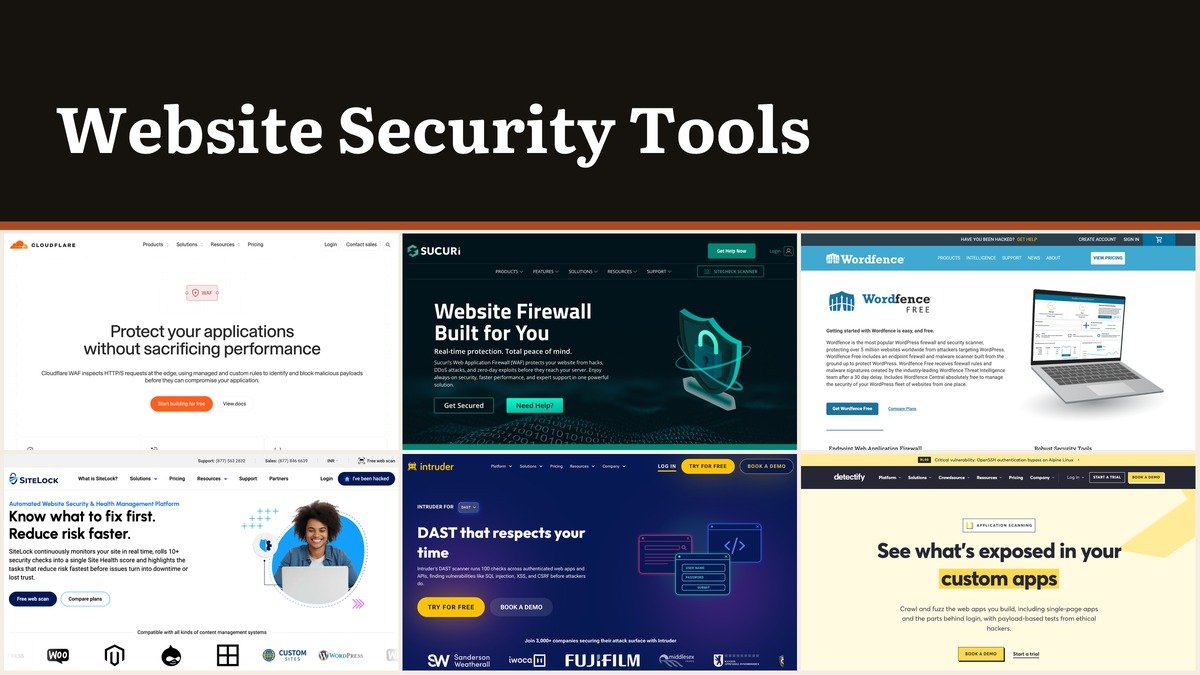
Website security tools keep attackers out of the site you publish, scan it for malware and weak plugins, and in some cases clean it up after a breach. For most owners the strongest starting pair is free: Wordfence inside WordPress and Cloudflare at the DNS layer, with MalCare or Sucuri added when you want someone else to remove an infection.
Almost every tool here has a free tier or trial, and each one stops at a different point. This ranking puts the free plans that do the most real work first, then names the exact limit that pushes you to pay.
Block, Detect or Repair: The Three Jobs of Website Security Tools
Every website security tool does one of three jobs. Blocking tools (firewalls) stop bad requests before your code runs. Detection tools (malware and vulnerability scanners) tell you what is wrong. Repair tools remove malware once it is in. Free plans almost always cover blocking or detection, and almost never repair.
Where the firewall sits matters too. Cloudflare, Sucuri and SiteLock run on their own networks, so you activate them by editing DNS records. Wordfence, MalCare, Jetpack and Patchstack are WordPress plugins. Intruder, Detectify and ZAP never touch traffic at all; they attack your site the way a criminal would and report the holes. Strong logins sit under all of it, so start with our guide to creating a strong password for every admin account.
Website Security Tools Ranked: Free Tier, Price and Type
| # | Tool | Best for | Paid from | Free tier or trial | Job it does |
|---|---|---|---|---|---|
| 1 | Wordfence | WordPress owners on a zero budget | Premium $149/yr | Yes; 30-day rule delay | Block and detect |
| 2 | Cloudflare | Any domain, DDoS and edge WAF | Pro $25/mo monthly | Yes; Free Managed Ruleset | Block |
| 3 | MalCare | WordPress sites wanting one-click removal | Regional pricing | Yes; weekly scans | Detect and repair |
| 4 | Sucuri | Any platform, cleanups included | Basic $229/yr | SiteCheck scan only | Block, detect, repair |
| 5 | Patchstack | Agencies patching plugin holes | $828/yr for 25 sites | First month free | Block (virtual patches) |
| 6 | ZAP | Developers testing their own code | Always free | Fully free | Detect |
| 7 | Jetpack | Backups plus scanning | Regional pricing | Yes; manual WAF rules | Block and restore |
| 8 | SiteLock | Hands-off owners | Basic $19.99/mo | Free web scan | Detect and repair; WAF from Pro |
| 9 | Intruder | Teams with servers and APIs | Cloud $2,870/yr | Free plan plus 14-day trial | Detect |
| 10 | Detectify | AppSec teams with custom apps | Standard from €2,500/yr | Starter from €0 | Detect |
Ten Website Security Picks, Free Tiers First
1. Wordfence: The Free Plan That Does the Most

Free tier: endpoint firewall, malware scanner, 2FA and brute force protection, scans every 3 days. Paid from: Premium $149 a year, Care $590, Response $1,250. Tool type: WordPress plugin.
No free WordPress security plugin gives away more. Wordfence Free combines a firewall that loads with WordPress, a malware scanner, rate limiting, two-factor login, reCAPTCHA, vulnerability alerts for plugins and themes, and Wordfence Central to watch a fleet of sites from one page. WordPress.org lists 5+ million active installations, version 9.1.1 and a 4.7 star average across 5,051 reviews.
The limit that makes people upgrade is the feed. Free sites get the Wordfence Threat Defense Feed 30 days after it ships, with no IP blocklist, and support comes from volunteer forums. Premium switches to real-time rules and signatures, adds country blocking and lifts scans to unlimited. Care and Response are service tiers where Wordfence staff install, audit and clean the site for you.
2. Cloudflare: Edge Firewall at $0
Free tier: DNS, CDN, unmetered DDoS protection, Universal SSL, one rate-limiting rule. Paid from: Pro $25 monthly or $20 a month billed annually; Business $250 monthly or $200 billed annually. Tool type: reverse proxy and WAF.
Cloudflare works for any site whose DNS you can point at it, WordPress or not. When a new flaw like Log4j appears, Cloudflare says its team deploys a protective rule across the whole network in hours or minutes. WAF Content Scanning can also inspect file uploads and quarantine dangerous files.
On the free plan the managed protection is the Free Managed Ruleset only, and rate limiting is capped at one rule. The 100% uptime SLA and the PCI DSS 4.0 compliance feature appear from Business. Cloudflare never inspects the files on your server, so it pairs naturally with a scanner like Wordfence or MalCare.
3. MalCare: Removal Without Server Logins

Free tier: weekly malware scans, vulnerability alerts, basic firewall, 2FA for 2 admin users, SSL monitoring. Paid from: Protect, Repair or Fortify for 1 or 5 sites, priced by region. Tool type: WordPress plugin.
MalCare’s firewall loads ahead of WordPress, so an attack gets a 403 before plugin code runs. Rules come from a network MalCare puts at 400,000+ sites, and the company says it blocks 2B+ attacks a month across them. Its deep scan runs on MalCare’s servers, which keeps cheap shared hosting responsive while every file and table is checked.
The free plan detects but cannot repair, and its support response target is 72 hours. One-click cleanup arrives at the Repair tier, which also scans every 12 hours; the cheaper Protect tier only detects and alerts. Refunds are available for 14 days unless a cleanup has already run.
4. Sucuri: Paid Cleanup for Any Platform

Free tier: a SiteCheck scan, no free platform plan. Paid from: Basic $229, Pro $339 or Business $549 a year per site. Tool type: cloud WAF plus a malware removal team.
Sucuri is the pick when the site is not WordPress or when you want a human to clean it. All platform plans include unlimited malware and hack removals with a 30-day guarantee, and the removal clock runs 30 hours on Basic, 12 on Pro and 6 on Business. Its firewall adds IP allowlisting for admin areas and Protected Pages, which put a password, CAPTCHA or Google Authenticator code in front of sensitive URLs.
There is no monthly billing, and multi-year terms earn up to 30% off. For 2 to 5 sites, the Junior Dev plan costs $999.98 a year; 10 or more sites go to custom pricing. Firewall-only plans exist on a separate tab, so check that the plan you buy carries the WAF you expect.
5. Patchstack: Patches Before the Plugin Author Ships One
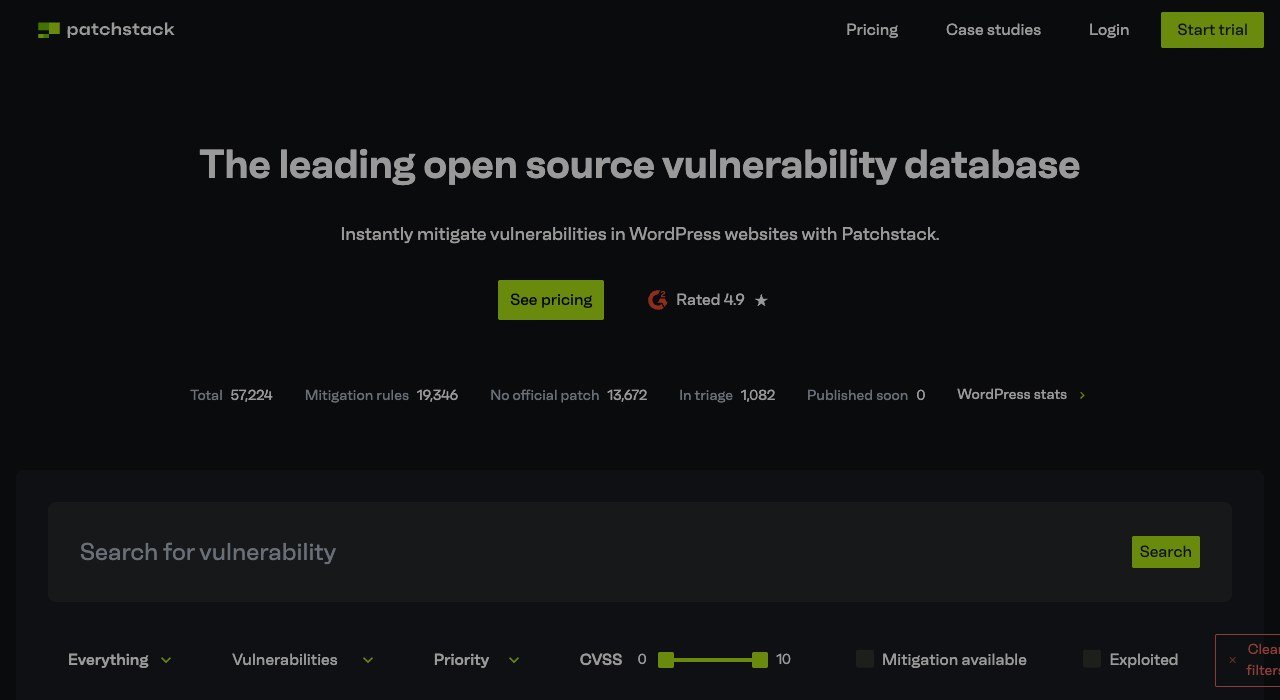
Free tier: none, but the first month is free. Paid from: Developer $69 a month billed annually, or $828 a year, for 25 websites. Tool type: virtual patching for WordPress.
Patchstack runs an open source WordPress vulnerability database and turns its entries into RapidMitigate rules that block exploits without editing code. The company claims 19,281 unique mitigation rules and exclusive intelligence on 944 plugins. That matters for flaws with no fix: the database shows over 13,000 entries with no official patch.
It neither scans for malware nor cleans sites, so it complements rather than replaces a scanner. Extra capacity costs $12.50 a month per 5 sites and $24 per additional seat, and monthly billing costs $120 more a year than annual. A 30-day money back guarantee applies.
6. ZAP: A Full Scanner That Costs Nothing

Free tier: everything; ZAP 2.17.0 is open source. Paid from: never. Tool type: intercepting proxy and DAST scanner.
ZAP installs on Windows, Linux and both Intel and Apple Silicon Macs, or runs as a Docker image in stable, bare, weekly and nightly flavours. Package managers cover it too: winget, Homebrew Cask, Snapcraft and Flathub all carry it. You configure and schedule every scan yourself.
The download page warns that releases are unsigned, so Windows and macOS will show trust prompts. Windows and Linux builds need Java 17 or newer. Point it only at sites you own or have permission to test, ideally a staging copy.
7. Jetpack: Restore Points Alongside the Scanner
Free tier: brute force protection, downtime alerts, manual WAF rules, a log of your last 20 events. Paid from: Pro or Complete, priced by region. Tool type: WordPress plugin bundle.
Jetpack Pro pairs Scan with the WAF, real-time malware scanning and VaultPress Backup with 50 GB of storage, so a bad update or hack can be rolled back in one click from the activity log. Complete stretches storage to 1 TB and the log to a year. Akismet anti-spam is included at 10,000 or 60,000 API calls a month.
Jetpack is clear that Scan is not built to fully clean a site infected before it was installed. Its WAF on the free plan uses manual rules; automatic rules start with Pro. Buy it for recovery and convenience, not as your only line of defence.
8. SiteLock: A Health Score for Non-Technical Owners
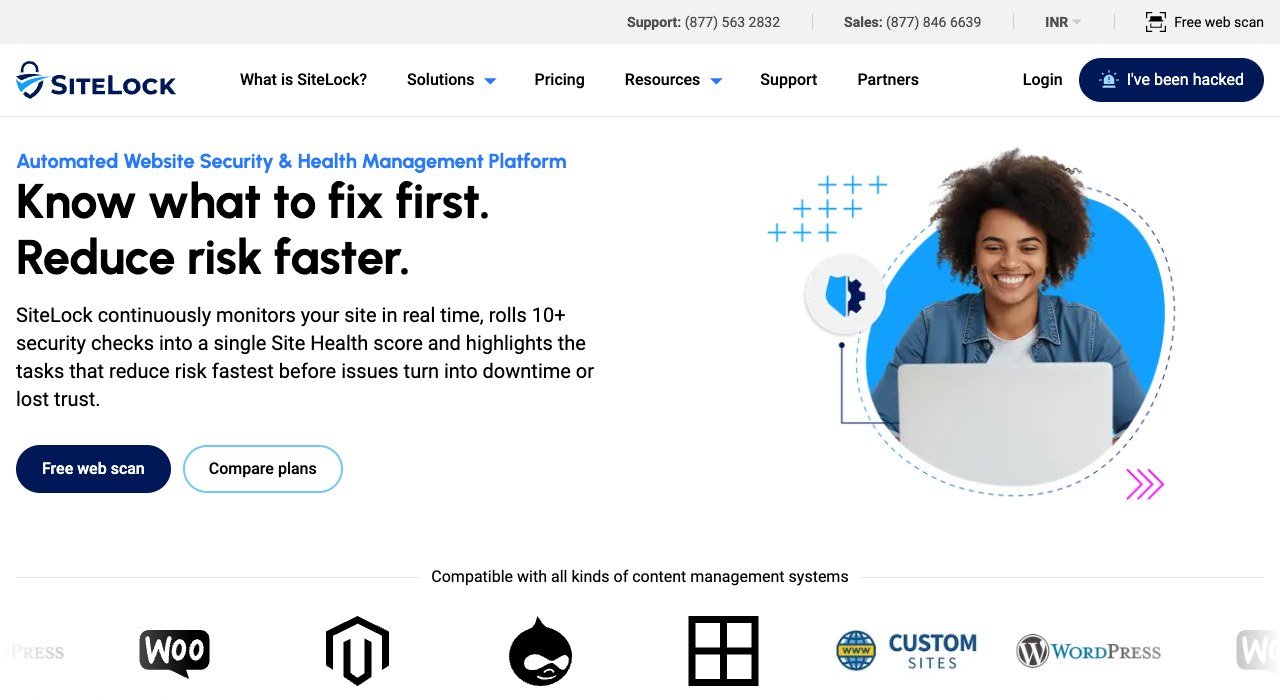
Free tier: a free web scan. Paid from: $19.99 a month (Basic), $29.99 (Pro), $44.99 (Business). Tool type: scanning, removal and WAF service.
SiteLock rolls 10+ security checks into a single Site Health score and a ranked task list, which suits owners who want to be told what to fix first. Every plan includes daily malware scanning and unlimited automatic malware removal. SiteLock says it monitors 20M+ websites.
The firewall and CDN start at Pro, which also adds automatic patching, and Business shortens support response to 12 hours. Annual plans give 2 months free with a 12-month minimum. Expert manual cleanup is a separate purchase on monthly plans.
9. Intruder: Scheduled Scans With Plain-English Fixes

Free tier: Free plan with weekly external scans; full Cloud features on a 14-day trial. Paid from: Cloud $239 a month or $2,870 a year. Tool type: external vulnerability and DAST scanner.
Intruder suits a small company with servers, cloud accounts and an API but no security team. It supports form login, OAuth 2.0, session cookies and recorded login flows, scans REST APIs from an OpenAPI or Swagger file, sends issues to Jira or GitHub, and posts alerts to Slack. Findings arrive with step-by-step remediation advice.
The 14-day trial covers 5 targets, scanned as often as you like. After that, Cloud and Pro charge a base fee plus a per-target fee, so cost grows with your estate; annual billing saves 20%. Web app testing is not part of the Free plan.
10. Detectify: Payload Testing for In-House Apps
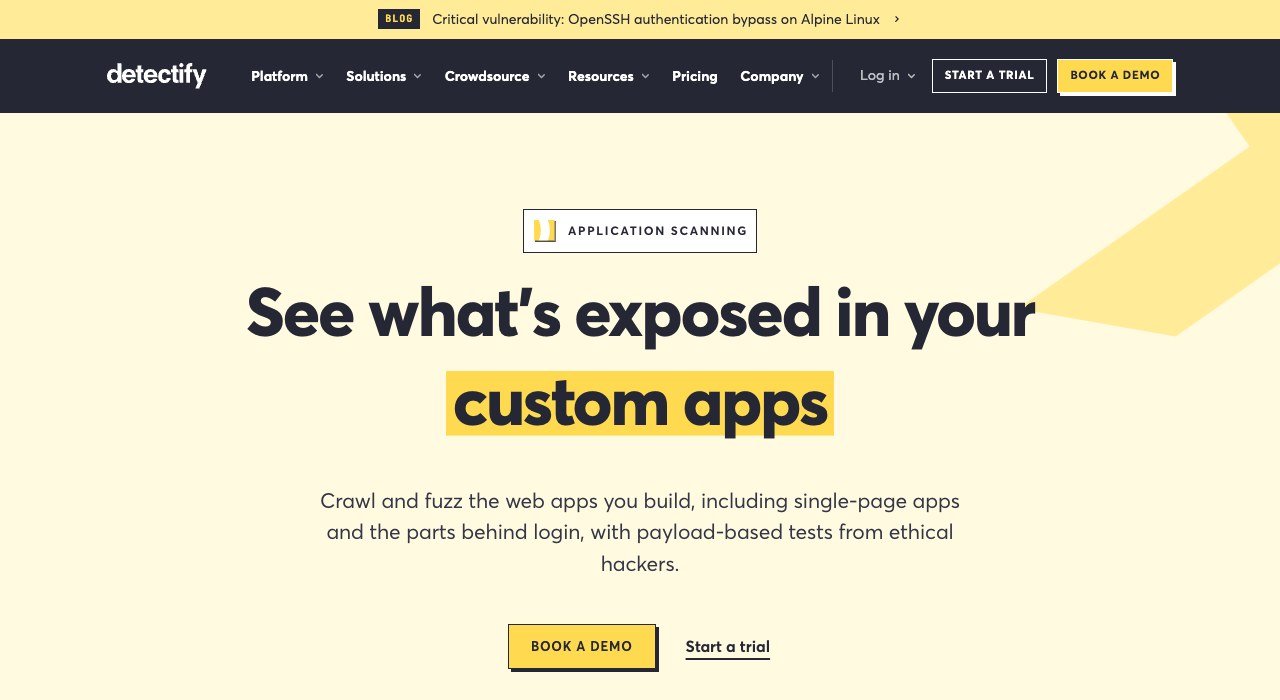
Free tier: Starter, from a €0 platform fee, up to 5 users. Paid from: Standard from €2,500 a year; Professional from €5,000. Tool type: attack surface monitoring and DAST.
Detectify fires payloads from 1,765+ hacker-written modules at input fields, URL parameters and headers, and each finding ships with the proof-of-concept that triggered it. It groups similar pages to avoid retesting large apps, scans behind a recorded login, and syncs findings two ways with Jira.
Scanning products are billed per target or domain on top of the platform fee, so the €0 Starter fee is not a free scan of your site. It fits engineering teams shipping custom code each sprint, and non-profits can ask for a 30% discount.
Free Website Security Tools: Where Each Free Tier Stops
A free plan is a trial of one job. These are the limits that decide when a free tier stops being enough.
- Wordfence Free: rules and signatures arrive 30 days late; scans every 3 days.
- Cloudflare Free: Free Managed Ruleset only, one rate-limiting rule.
- MalCare Free: weekly scans; it flags malware but leaves removal to you.
- Jetpack Free: manual firewall rules and an activity log capped at 20 events.
- Intruder Free: external infrastructure scans; web apps excluded.
- ZAP: no limits, but no support contract and no automatic schedule unless you build one.
The OWASP Top 10 2025 and Which Tools Answer It
The OWASP Top 10 2025 is the reference list several of these vendors cite. Three of its ten categories map cleanly onto tool types.
- A05 Injection: SQL injection and cross-site scripting are what edge and plugin firewalls block first; Cloudflare, SiteLock and MalCare all name them.
- A03 Software Supply Chain Failures: a vulnerable plugin is a supply chain problem, which is the gap Patchstack and MalCare virtual patches cover.
- A07 Authentication Failures: brute force limits and two-factor login in Wordfence, Jetpack and MalCare address it.
A01 Broken Access Control and A02 Security Misconfiguration are harder for a firewall to see. Those are the categories where a DAST scan from ZAP, Intruder or Detectify earns its place, and where good server habits from our cloud security best practices matter as much as any plugin.
After a Hack: Removal Times and Per-Site Math
When a site is already infected, the clock matters more than the feature list. Sucuri promises removal within 30, 12 or 6 hours depending on plan, Wordfence Response answers within 1 hour around the clock, MalCare Repair responds within 24 hours, and SiteLock removes malware automatically on every plan.
For an agency, per-site cost decides it. Five single-site Sucuri Basic plans cost 5 times $229, or $1,145 a year, against $999.98 for one Junior Dev plan covering all five. Patchstack’s $828 a year across 25 sites works out to $33.12 per site, but it prevents exploits rather than cleaning them up.
How to Pick Website Security Tools for Your Site
- Run WordPress and pay nothing yet? Install Wordfence Free and put the domain on Cloudflare Free.
- Want malware gone without touching a server? Choose MalCare Repair, Sucuri or SiteLock.
- Site built on something other than WordPress? Sucuri, SiteLock and Cloudflare are the options here that do not need a plugin.
- Managing client sites? Patchstack at 25 sites, or Sucuri Junior Dev for 2 to 5.
- Writing your own app? Start with ZAP, then Intruder or Detectify for scheduled, reported scans.
Frequently Asked Questions
What is the difference between a website scanner and a firewall?
A firewall stops malicious requests in real time; a scanner looks for malware or weaknesses that already exist. Wordfence and MalCare do both inside WordPress, while ZAP and Intruder only scan.
Are WordPress security plugins enough on their own?
For many small sites, a plugin plus backups is a sensible floor. A plugin runs on your server, so attack traffic still reaches it; Cloudflare Free adds unmetered DDoS protection before it arrives.
Is it legal to scan any website with ZAP?
Only scan sites you own or have explicit permission to test. Active scans send attack payloads, and running them against someone else’s server without consent may be illegal.
Do website security tools slow a site down?
Edge services cache content, and SiteLock says most sites speed up once its WAF and CDN are on. MalCare runs its deep scans on its own servers to keep load off yours.