
The useful question about free antivirus is not which one wins a chart, it is whether the chart describes the thing you can download. Usually it does not, because laboratories test the paid suites and the free version inherits the number.
Ten products are sorted below by what they actually provide: resident protection, an on-demand scan, or a server engine with no desktop role at all. Every figure comes from the September 2026 Malware Protection Test, and every entry names the edition that was measured.
Resident Protection, On-Demand Scan or Server Engine
Three different things are sold as free antivirus and only one of them defends a computer continuously.
- Resident protection. Watches files as they arrive and blocks them. Defender, Avast, AVG, Bitdefender Free, Avira and Panda.
- On-demand scanning. Finds what is already there when you ask it to. Malwarebytes Free and the ESET Online Scanner, both excellent for that and useless for prevention.
- Server engines. ClamAV, built for mail and file servers, driven from a command line and absent from consumer testing entirely.
Mixing these up is the most expensive mistake in this category, because a machine running only an on-demand scanner has no protection at all between scans while appearing to be covered.
Every score below comes from the same round of the independent Malware Protection Test, so the products are directly comparable with each other.
Free Antivirus Compared: Protection Scores and What Was Tested
Every product below, with the edition the laboratory actually ran named in the fourth column.
| # | Product | Free tier | Real-time | Edition tested by the lab | Result |
|---|---|---|---|---|---|
| 1 | Microsoft Defender | Included with Windows | Yes | Microsoft Defender Antivirus 4.18, the free built-in product | 99.89% protection, 28 false alarms, 82.2% offline detection |
| 2 | Avast Free Antivirus | Free tier with upsell prompts | Yes | Avast One Free Antivirus 26.8, the free edition itself | 99.96% protection, 15 false alarms, 95.4% offline detection |
| 3 | AVG AntiVirus Free | Free tier with upsell prompts | Yes | AVG AntiVirus Free 26.8, the free edition itself | 99.96% protection, 15 false alarms, 95.4% offline detection |
| 4 | Bitdefender Antivirus Free | Free tier, essentials only | Yes | Bitdefender Total Security 27.0, the PAID suite, not the free tier | 99.98% protection, 1 false alarm (paid edition) |
| 5 | Avira Free Security | Free tier with bundled extras | Yes | Not included in the September 2026 Malware Protection Test | No score in the latest round |
| 6 | Panda Dome Free | Free tier with real-time protection | Yes | Panda Dome Advanced 23.1, the PAID product | 98.39% protection, 91 false alarms, 40.2% offline detection (paid edition) |
| 7 | Malwarebytes Free | On-demand scanning only | No | Malwarebytes Premium 5.6, the PAID product | 99.65% protection, 32 false alarms, 84.2% offline detection (paid edition) |
| 8 | ESET Online Scanner | Free one-time scan, no resident protection | No | ESET HOME Security Essential 19.2, the PAID product | 99.89% protection, 3 false alarms (paid edition) |
| 9 | ClamAV | Free and open source | Linux only | Not submitted to consumer lab testing | No consumer lab score |
| 10 | Sophos Home | Free tier closed to new sign-ups | Yes | Sophos Home Premium 2025.2, the PAID product | 99.83% protection, 49 false alarms (paid edition) |
Free Antivirus With Real-Time Protection
These six watch continuously. The first three are the ones with current evidence behind them.
1. Microsoft Defender: Doing nothing at all
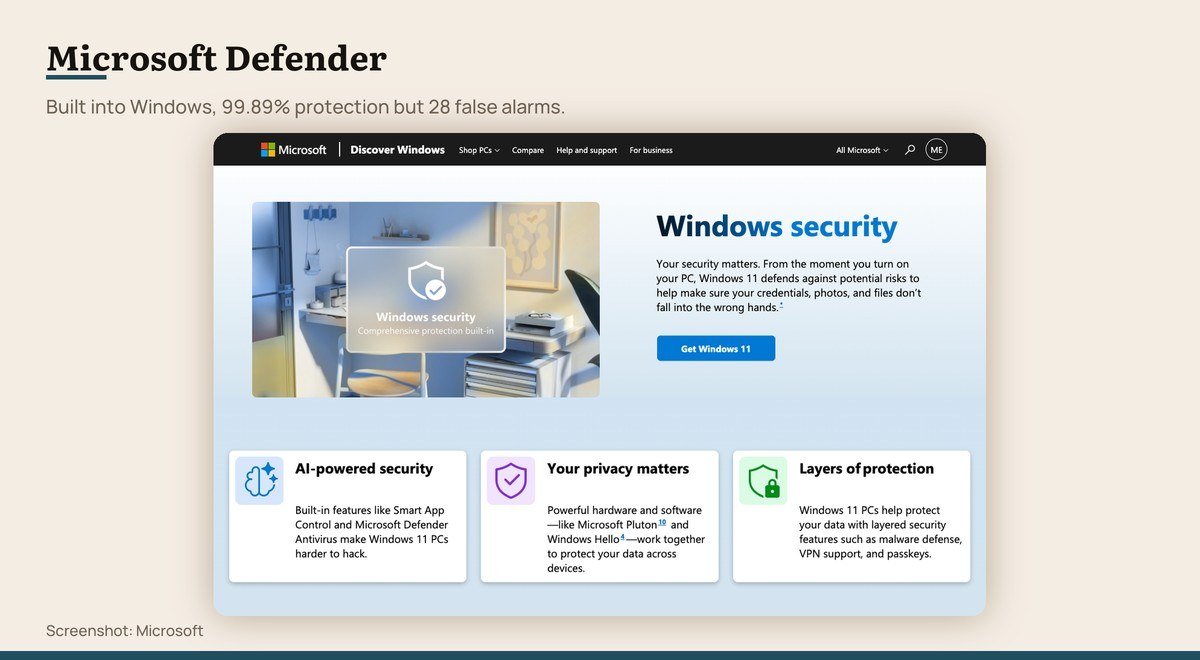
Platforms: Windows · Free tier: Included with Windows · Real-time protection: Yes · Edition the lab tested: Microsoft Defender Antivirus 4.18, the free built-in product · Result: 99.89% protection, 28 false alarms, 82.2% offline detection
The antivirus argument is largely over for most people, because Windows ships with one that works. In the September 2026 Malware Protection Test, Defender blocked 99.89% of samples, within a tenth of a percent of the best paid suites.
Two numbers temper that. It raised 28 false alarms, more than any free rival here, and its offline detection rate was 82.2% against 95.4% for Avast, which matters on a laptop that spends time off the network. It is also the only product on this list the lab tested in exactly the form you would use.
2. Avast Free Antivirus: The best-evidenced free protection

Platforms: Windows, macOS, Android, iOS · Free tier: Free tier with upsell prompts · Real-time protection: Yes · Edition the lab tested: Avast One Free Antivirus 26.8, the free edition itself · Result: 99.96% protection, 15 false alarms, 95.4% offline detection
Avast is one of only two products here whose free edition the lab put through the September 2026 test rather than its paid sibling, and it scored 99.96% with 15 false alarms. Its 95.4% offline detection was the strongest of any free option.
The cost is attention. Avast funds the free tier with regular prompts to upgrade, and the company’s history with user data is worth reading about before installing. Premium is listed at $49.08 for the first year and $77.99 a year after that.
Avast Free Antivirus product page
3. AVG AntiVirus Free: Avast protection with a calmer interface

Platforms: Windows, macOS, Android · Free tier: Free tier with upsell prompts · Real-time protection: Yes · Edition the lab tested: AVG AntiVirus Free 26.8, the free edition itself · Result: 99.96% protection, 15 false alarms, 95.4% offline detection
AVG posted exactly the same figures as Avast in the September 2026 test, down to the false alarm count, and there is a plain reason for it: the lab’s own report states that AVG and Norton use the Avast engine. The three share detection logic.
So the choice between Avast and AVG is a choice of interface and nagging, not of protection. AVG’s window is the quieter of the two, which is the only real argument for picking it.
AVG AntiVirus Free product page
4. Bitdefender Antivirus Free: The cleanest detection record

Platforms: Windows · Free tier: Free tier, essentials only · Real-time protection: Yes · Edition the lab tested: Bitdefender Total Security 27.0, the PAID suite, not the free tier · Result: 99.98% protection, 1 false alarm (paid edition)
Bitdefender’s paid suite won the September 2026 test outright with 99.98% and a single false alarm, the best combination any vendor managed. The free product shares the engine and strips the extras.
Note carefully what was measured. The lab tested Total Security, the paid suite, so the score describes the engine rather than the free package you would install. The free tier is also Windows only and deliberately bare, with no firewall, VPN or password tooling.
Bitdefender Antivirus Free product page
5. Avira Free Security: A free tier with extras attached

Platforms: Windows, macOS, Android, iOS · Free tier: Free tier with bundled extras · Real-time protection: Yes · Edition the lab tested: Not included in the September 2026 Malware Protection Test · Result: No score in the latest round
Avira gives away resident protection along with a software updater, a limited VPN and a password tool, which is a broader free package than Bitdefender’s. The engine has a long and respectable history, and the lab’s September 2026 report refers to products built on it.
What is missing is current evidence. Avira itself was not in that test round, so there is no recent independent figure for it, and a security product without a current score is a weaker recommendation than one with a mediocre one.
Avira Free Security product page
6. Panda Dome Free: Not much, on this evidence
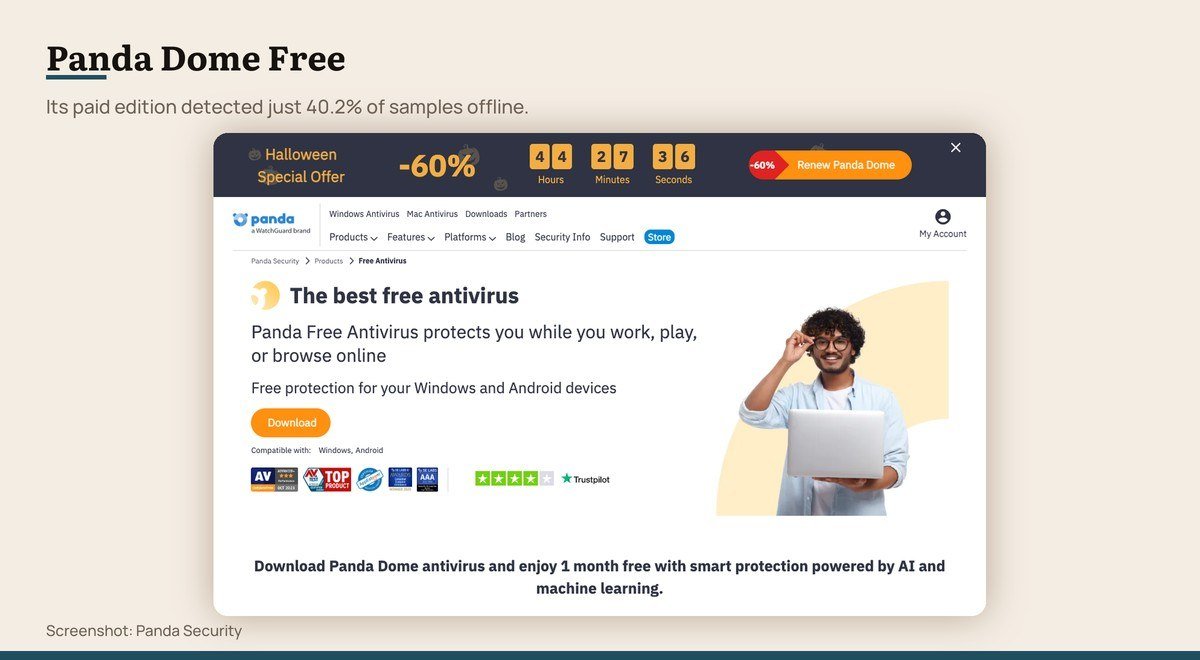
Platforms: Windows · Free tier: Free tier with real-time protection · Real-time protection: Yes · Edition the lab tested: Panda Dome Advanced 23.1, the PAID product · Result: 98.39% protection, 91 false alarms, 40.2% offline detection (paid edition)
Panda is included because it is widely listed as a free antivirus and because the numbers are worth seeing. In September 2026 its paid edition blocked 98.39%, the second lowest in the test, with 91 false alarms.
The offline figure is the striking one: 40.2%, against 95.4% for Avast. Panda leans heavily on its cloud, so a machine away from the network is substantially less protected. If you install one thing from this list, it should not be this.
Scanners That Clean Up Rather Than Defend
Both are worth having and neither protects anything. Run them alongside something from the group above.
7. Malwarebytes Free: Cleaning up an infection that already happened

Platforms: Windows, macOS, Android, iOS · Free tier: On-demand scanning only · Real-time protection: No · Edition the lab tested: Malwarebytes Premium 5.6, the PAID product · Result: 99.65% protection, 32 false alarms, 84.2% offline detection (paid edition)
Malwarebytes states the division on its own download page: free cleans up, premium keeps threats out, and the free scanner finds and removes infections that are already on your device. There is no resident protection in the free product.
Used for what it is, it is excellent, and it is the tool to reach for when a machine is already behaving oddly. Used as your only antivirus it protects nothing, which is the single most common mistake made with it.
Malwarebytes Free product page
8. ESET Online Scanner: A second opinion on a suspect machine

Platforms: Windows · Free tier: Free one-time scan, no resident protection · Real-time protection: No · Edition the lab tested: ESET HOME Security Essential 19.2, the PAID product · Result: 99.89% protection, 3 false alarms (paid edition)
ESET’s free offering is not an antivirus, it is a scan. The Online Scanner runs once, checks the machine and leaves, which makes it the right tool for confirming a suspicion rather than for preventing anything.
Its paid sibling matched Defender’s 99.89% with only 3 false alarms, one of the most disciplined records in the test. That says something about the engine behind the scanner, and nothing about ongoing protection, which the free product does not provide.
ESET Online Scanner product page
Not Built for a Desktop at All
One is a server engine; the other is a free tier that closed to new users.
9. ClamAV: Scanning a mail or file server

Platforms: Linux, Windows, macOS · Free tier: Free and open source · Real-time protection: Linux only · Edition the lab tested: Not submitted to consumer lab testing · Result: No consumer lab score
ClamAV is the open source engine behind a great deal of mail and file server scanning, and it is free in the way GIMP is free: no tier, no account, no company deciding your terms.
It is also not a desktop antivirus. It runs from a command line, its on-access scanning is a Linux feature, and it appears in no consumer lab test, so there is no comparable protection figure for it. Install it on a server, not on a laptop.
10. Sophos Home: Existing users only

Platforms: Windows, macOS · Free tier: Free tier closed to new sign-ups · Real-time protection: Yes · Edition the lab tested: Sophos Home Premium 2025.2, the PAID product · Result: 99.83% protection, 49 false alarms (paid edition)
Sophos Home Free was a genuine recommendation for years and is no longer available to new users, having been replaced by a 30-day trial of the paid product. Accounts created before the change continue to work.
It is listed here because so many articles still recommend it. The paid edition blocked 99.83% in September 2026 but raised 49 false alarms, among the highest in the test, which is its own kind of problem on a working machine.
The Offline Gap Between These Engines
Headline protection rates are measured online, where an engine can consult a cloud service about an unknown file. The laboratory also publishes an offline rate, and the gap between vendors there is dramatic.
- Avast and AVG: 95.4% offline.
- Malwarebytes: 84.2% offline, paid edition.
- Microsoft Defender: 82.2% offline.
- Panda: 40.2% offline, paid edition.
Nothing about that gap shows up in a product’s marketing, and it decides how protected a laptop is on a flight, in a hotel with a captive portal, or against something arriving on a USB stick.
False Alarms Are a Real Cost
A detection rate means little without its false alarm count, because an engine can score well by being aggressive and then quarantine your own work.
Bitdefender’s paid suite managed 99.98% with a single false alarm, the cleanest result in the test. ESET’s paid edition raised 3. At the other end, Panda raised 91 and Sophos 49, while Microsoft Defender’s 28 is the weakest part of an otherwise strong showing.
For a work machine, a quarantined project file costs more time than a blocked threat saves, which is why the two columns belong together.
What Decided the Order
Three things, in this order: whether an independent laboratory has a current figure for the product, whether the free tier includes resident protection rather than on-demand scanning, and how many false alarms the engine raised, since an antivirus that blocks your own files is its own kind of failure.
Kaspersky is absent deliberately. The US Commerce Department’s Bureau of Industry and Security prohibited Kaspersky Lab, Inc. from supplying antivirus products in the United States, and signature and codebase updates were barred after September 29, 2024. Existing users face no legal penalty but are urged to move to another vendor.
Detection rates are not something a publication can measure from a desk. Establishing one needs a controlled laboratory running thousands of live samples against every product in the same conditions, which is where every figure on this page comes from.
Choosing Between Them
On Windows, run Defender and spend the money elsewhere. It is the only product here measured in the exact form you would use, and it scored 99.89%.
Choose Avast or AVG if your machine is often offline, where their 95.4% offline detection is a real advantage over Defender’s 82.2%. They are also the only free editions in the test with a score of their own.
Keep Malwarebytes Free installed as a second opinion whatever else you run, and reach for it the moment a machine behaves oddly. On a Mac, a dedicated malware check answers a specific suspicion better than any permanent scanner.
Avoid Panda on this evidence, and do not count Sophos Home Free as an option any more, since new sign-ups were replaced with a 30-day trial of the paid product.
Ignore the bundled extras while deciding. A VPN service is not antivirus, and subscribing to one because it advertises a malware filter buys at a yearly price what Defender already does for nothing.
Frequently Asked Questions
Is free antivirus actually safe to use?
The protection figures say yes. Microsoft Defender blocked 99.89% of samples and the free Avast and AVG editions blocked 99.96%, which is within a rounding error of the best paid suites in the same test.
Which free antivirus was tested as the free version?
Only Avast One Free Antivirus and AVG AntiVirus Free, both of which scored 99.96% with 15 false alarms. Microsoft Defender counts as a third case, since the built-in product is the only edition that exists.
Is Malwarebytes Free an antivirus?
Not in the protective sense. Malwarebytes states that the free scanner finds and removes infections already on a device while the paid version is what keeps threats out. Use it to clean up, not to defend.
What happened to Kaspersky?
The US Commerce Department prohibited Kaspersky Lab, Inc. from providing antivirus software and cybersecurity products or services in the United States, with updates barred after September 29, 2024. Existing users face no penalty but are advised to switch.





