A password manager is only useful if it is on every device you log in from, which makes syncing the line between a free tier that works and one that exists to be upgraded. Two of the ten below have no free plan at all, and a third retired the one it used to have.
The good news is that the two best free tiers are genuinely unrestricted. Bitwarden and Proton Pass both give away unlimited passwords on unlimited devices, so the usual advice to pay for safety no longer holds.
What a Free Password Manager Has to Do
Three capabilities separate a usable free tier from a demonstration, and vendors restrict them in that order.
- Unlimited entries. A cap of ten records, as Keeper applies, is smaller than the number of logins most people already have.
- Sync across device types. The point is having the password on the phone when you are at the laptop. RoboForm restricts free use to a single device and LastPass to one device type.
- Passkey support. Sites are moving to passkeys, and a manager that cannot store them is already dating itself.
An independent audit is the fourth thing worth checking and the one almost nobody looks for. A password manager holds every credential you own, so published third-party examination is worth more than any feature list.
Bitwarden publishes the most: Cure53, ETH Zurich and Unit 42 during 2025, and IOActive in 2024. Apple, Google and several commercial vendors publish nothing comparable.
Password Managers Compared: Free Tiers, Syncing and Audits
All ten below. The sync column is the one that decides whether a free tier is usable at all.
| # | Product | Free tier | Sync on free | Published audits | Best for |
|---|---|---|---|---|---|
| 1 | Bitwarden | Unlimited passwords and devices, passkeys, share with one person | Yes, free | Cure53, ETH Zurich and Unit 42 in 2025, IOActive in 2024 | Almost everybody |
| 2 | Proton Pass | Unlimited logins and devices, 10 email aliases, passkeys | Yes, free | Cure53 in 2023, Recurity Labs in 2026 | Anyone who wants email aliases too |
| 3 | Apple Passwords | Included with the system | Yes, through iCloud | Not published | People entirely inside Apple |
| 4 | Google Password Manager | Included with a Google account | Yes, free | Not published | People who already let Chrome save everything |
| 5 | KeePassXC | Free and open source, no limits | No, you arrange it yourself | Independent review in 2023, plus an ANSSI security visa | People who want no cloud at all |
| 6 | Keeper | Ten records, one mobile device | No, single device only | Penetration tests by NCC Group and Cybertest, years not stated | Trying the interface before paying |
| 7 | RoboForm | Unlimited passwords on a single device | No, paid tiers only | Secfault Security in 2023 and 2025 | Form filling on one computer |
| 8 | LastPass | Limited to 1 device type, desktop or mobile, not both | Within one device type only | Not published in comparable detail | Few people now |
| 9 | 1Password | None, 14-day trial only | Paid only | ISE in 2020 and further tests listed without naming firms | People willing to pay for polish |
| 10 | Dashlane | None, the free plan was retired | Paid only | Penetration test by Synacktiv in 2026 | Nobody looking for something free |
Free Tiers That Sync Across All Your Devices
Four managers that will hold unlimited passwords and put them on every device, for nothing.
1. Bitwarden: Almost everybody
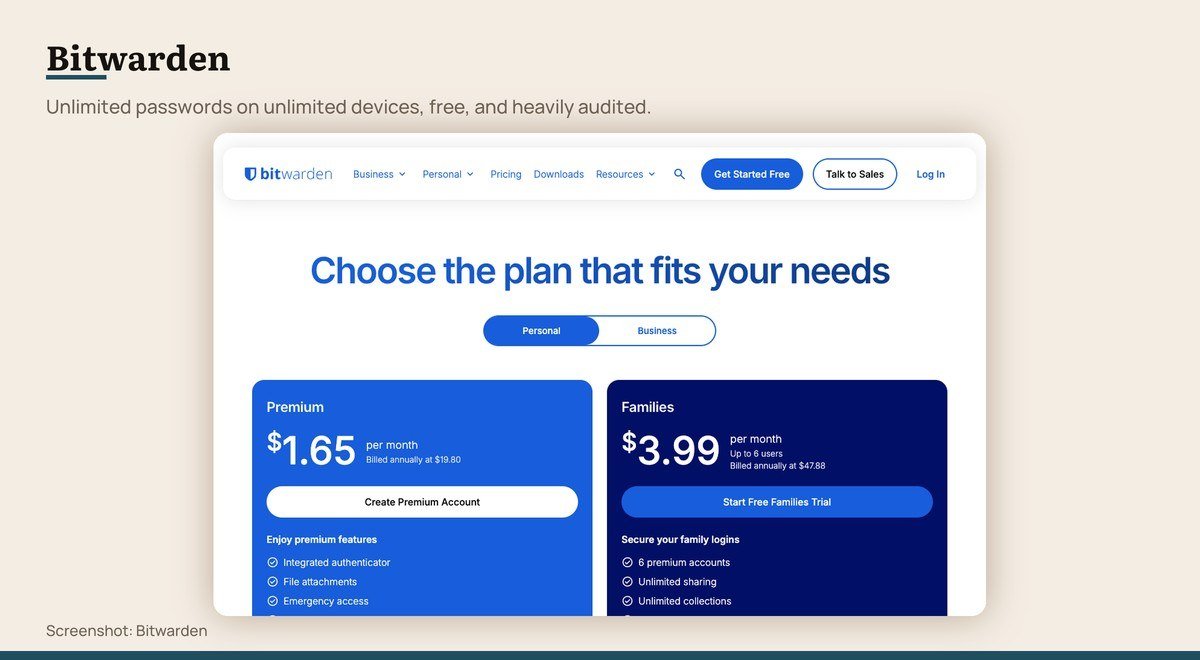
Platforms: Windows, macOS, Linux, iOS, Android, all major browsers · Free tier: Unlimited passwords and devices, passkeys, share with one person · Sync on free: Yes, free · Published audits: Cure53, ETH Zurich and Unit 42 in 2025, IOActive in 2024 · Paid tier: Premium $1.65 a month billed annually, Families $47.88 a year
Bitwarden is the default recommendation and the free tier is the reason. Unlimited passwords across unlimited devices, passkey storage and generation, with sharing to one other person included. Nothing essential sits behind the paywall.
It is also the most externally examined product here, with published audits from Cure53, ETH Zurich and Unit 42 during 2025 and IOActive in 2024. Premium adds $1.65 a month for file attachments and advanced two-factor options, and Families is $47.88 a year for six accounts.
2. Proton Pass: Anyone who wants email aliases too
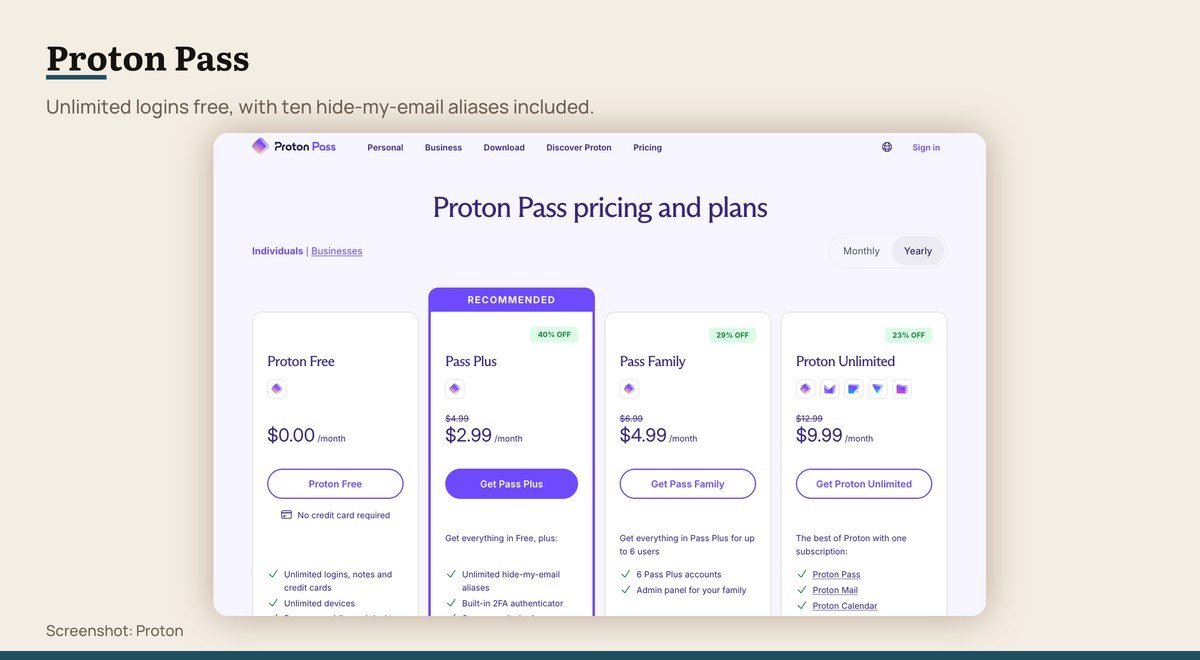
Platforms: Windows, macOS, Linux, iOS, Android, browsers · Free tier: Unlimited logins and devices, 10 email aliases, passkeys · Sync on free: Yes, free · Published audits: Cure53 in 2023, Recurity Labs in 2026 · Paid tier: Pass Plus $35.88 a year, Family $59.88 a year
Proton Pass matches Bitwarden on the basics, unlimited logins synced across unlimited devices with passkey support, and adds something neither of the giants offers free: ten hide-my-email aliases, so a site never learns your real address.
Audits from Cure53 in 2023 and Recurity Labs in 2026 are published. Pass Plus at $35.88 a year lifts the alias limit and adds monitoring. If you already use Proton Mail the integration is the obvious argument.
3. Apple Passwords: People entirely inside Apple
Platforms: iOS, iPadOS, macOS, Windows via iCloud · Free tier: Included with the system · Sync on free: Yes, through iCloud · Published audits: Not published · Paid tier: None
Apple’s passwords moved out of Settings and into their own app, which made a feature people never found into something they actually open. It stores logins, passkeys, verification codes and Wi-Fi passwords, and syncs across devices through iCloud at no cost.
It is excellent and it is a trap if your life is not entirely Apple. There is a Windows path through iCloud for Windows, and nothing for Android. No independent audit of it is published, which is the main difference between it and Bitwarden.
4. Google Password Manager: People who already let Chrome save everything
Platforms: Chrome on any platform, Android, iOS through Chrome · Free tier: Included with a Google account · Sync on free: Yes, free · Published audits: Not published · Paid tier: None
This is where most people’s passwords already live, whether they chose it or not, because Chrome offers to save each one. It syncs free across every device signed into the same Google account and now handles passkeys.
The limitation is the browser. Passwords saved here are awkward to use outside Chrome, and exporting them to something else is a deliberate chore. It is better than reusing one password everywhere and weaker than anything above it.
Free, With a Catch Worth Knowing
All four are free to use and all four stop somewhere specific. Three of those stopping points are the sync you actually needed.
5. KeePassXC: People who want no cloud at all
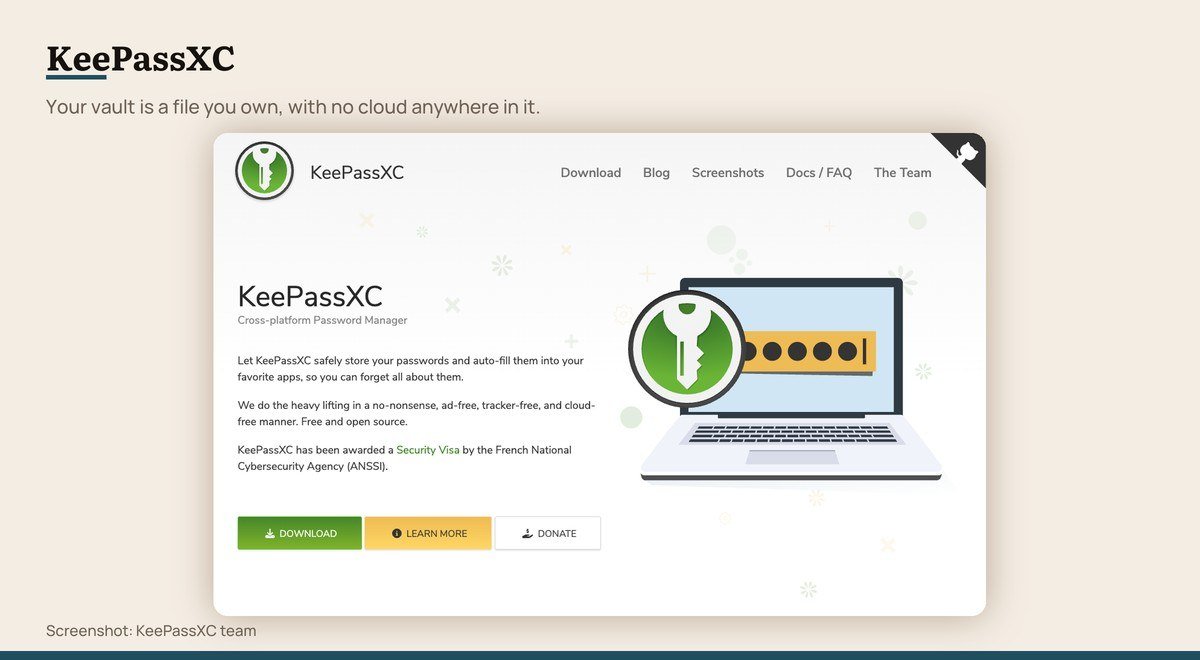
Platforms: Windows, macOS, Linux · Free tier: Free and open source, no limits · Sync on free: No, you arrange it yourself · Published audits: Independent review in 2023, plus an ANSSI security visa · Paid tier: None
KeePassXC keeps the vault as an encrypted file on your disk. No account, no server, no company that can be breached, and an ANSSI security visa alongside an independent review in 2023.
The cost is everything a service does for you. There is no sync, so you move the file yourself with a cloud drive or a USB stick, and there are no official mobile apps, so phone access means a third-party client. For a desktop-only user who distrusts cloud storage, that is a fair trade.
6. Keeper: Trying the interface before paying
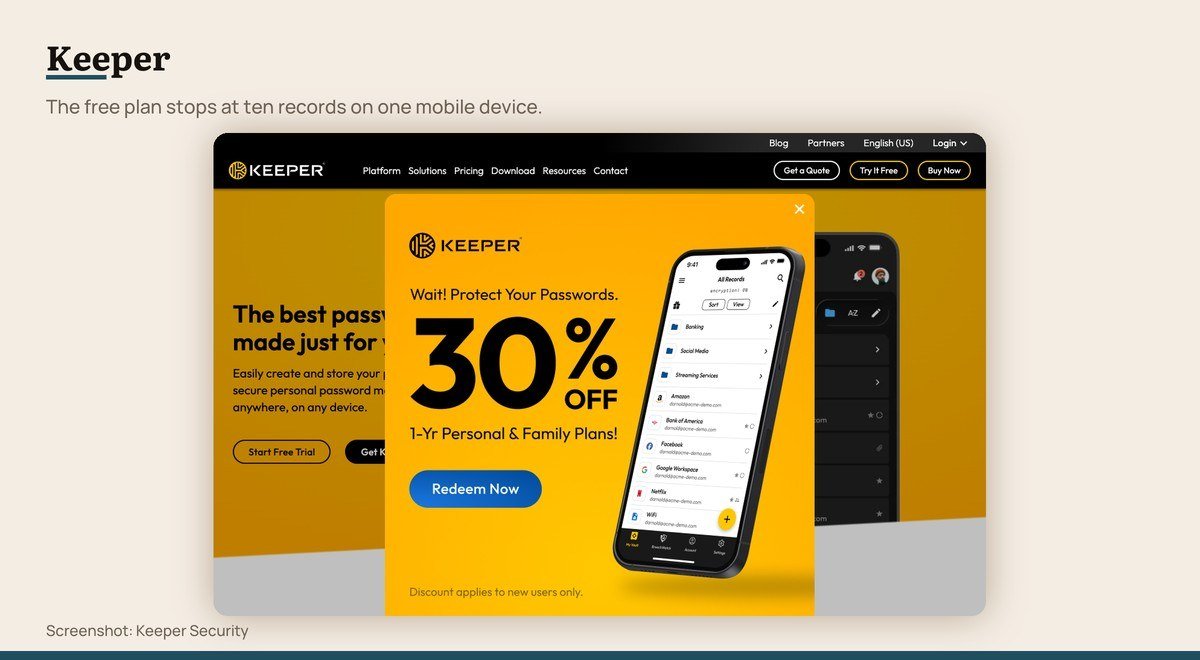
Platforms: Windows, macOS, Linux, iOS, Android, browsers · Free tier: Ten records, one mobile device · Sync on free: No, single device only · Published audits: Penetration tests by NCC Group and Cybertest, years not stated · Paid tier: Prices render as placeholders on the pricing page
Keeper’s paid product is well regarded and its free plan is barely a product. The pricing page is specific: limited to one mobile device, limited to ten records for passwords and passkeys, with identity and payment storage held locally on that one device.
Ten passwords is fewer than most people have on one banking site. Treat Keeper Free as a trial of the interface rather than as a free password manager, because it is not one.
7. RoboForm: Form filling on one computer
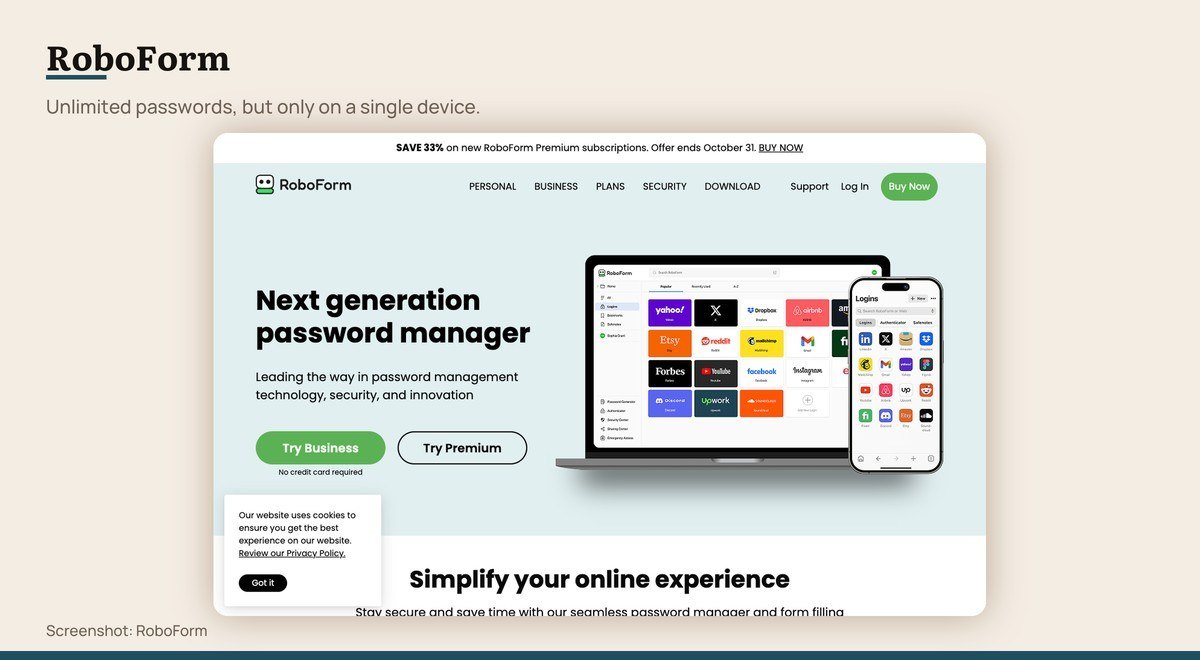
Platforms: Windows, macOS, iOS, Android, browsers · Free tier: Unlimited passwords on a single device · Sync on free: No, paid tiers only · Published audits: Secfault Security in 2023 and 2025 · Paid tier: Listed on the pricing page
RoboForm’s free tier reads generously and stops in one specific place. Its own pricing table says unlimited passwords on a single device, at $0, with the password generator and form filling included.
Sync across devices is the paid feature, which for a password manager is the whole point once you own a phone. Its form filling is genuinely the best here, a legacy of the product starting as a form filler rather than a vault, and Secfault Security audited it in 2023 and 2025.
8. LastPass: Few people now
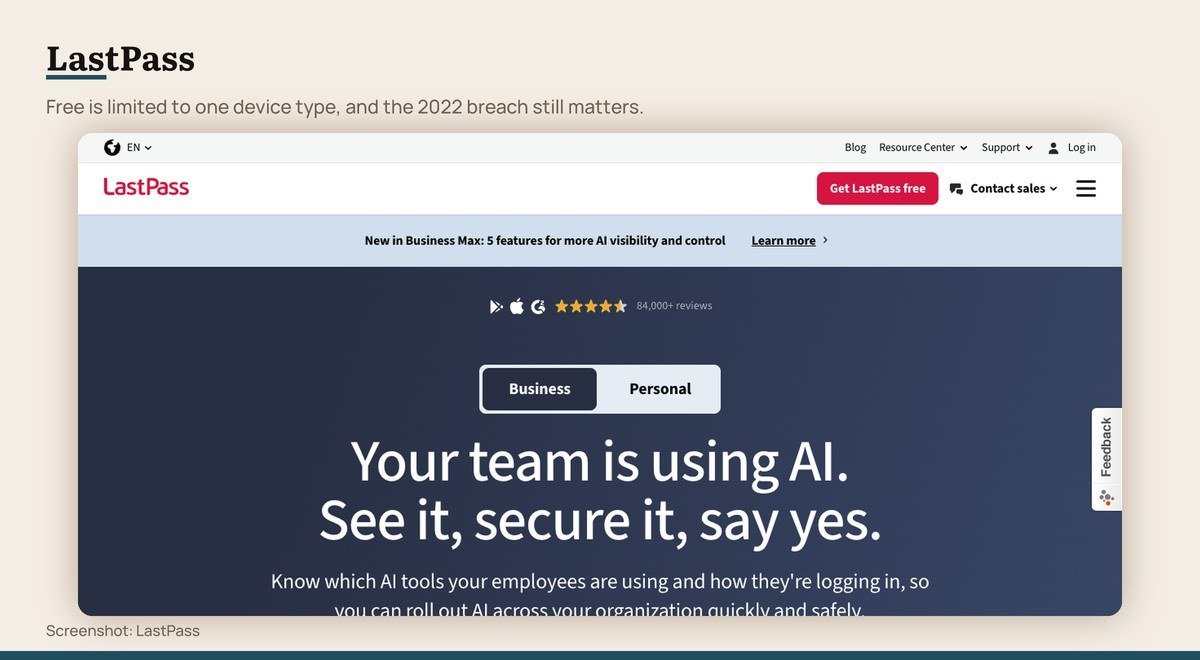
Platforms: Windows, macOS, Linux, iOS, Android, browsers · Free tier: Limited to 1 device type, desktop or mobile, not both · Sync on free: Within one device type only · Published audits: Not published in comparable detail · Paid tier: Prices render as placeholders on the pricing page
LastPass states the restriction plainly: the free plan is limited to one device type, and its own FAQ puts it as either your desktop or mobile devices, not both. Sharing is one password with one person, and emergency access is excluded.
The larger issue is history. In August 2022 an attacker took source code and technical information from LastPass’s development environment, and by December the company confirmed a copied backup of customer vault data. Website URLs in those vaults were unencrypted while passwords and notes stayed encrypted under keys derived from each master password, which makes a weak master password the whole defence.
No Free Tier at All
Both appear on free password manager lists regularly. Neither has a free plan.
9. 1Password: People willing to pay for polish
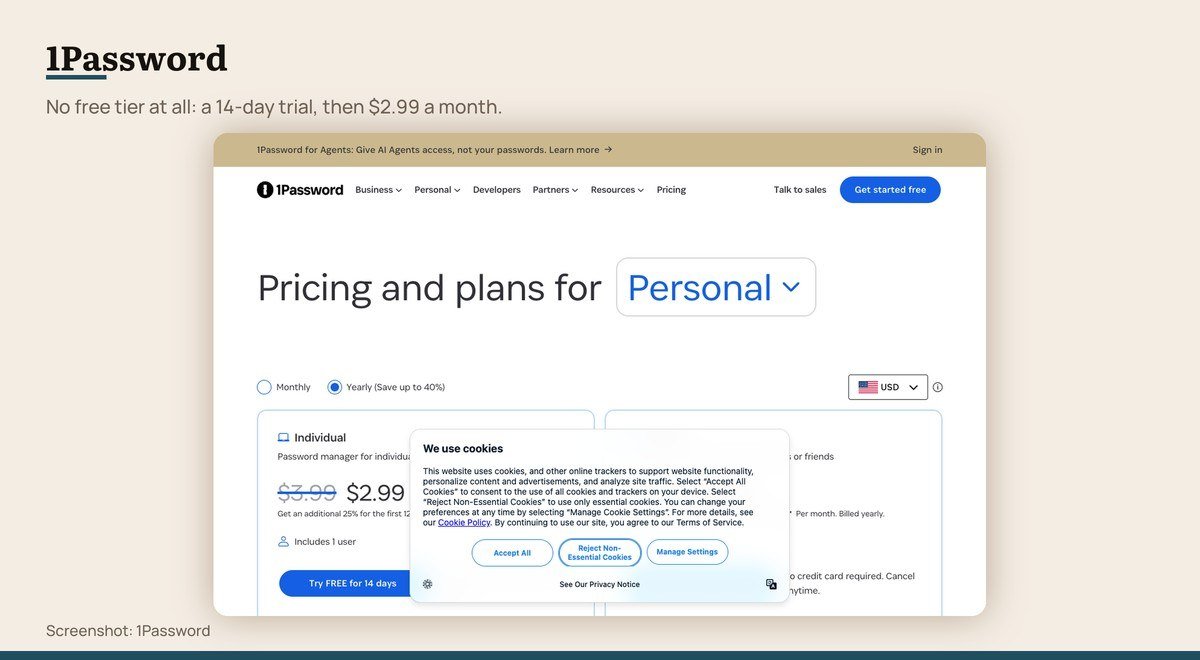
Platforms: Windows, macOS, Linux, iOS, Android, browsers · Free tier: None, 14-day trial only · Sync on free: Paid only · Published audits: ISE in 2020 and further tests listed without naming firms · Paid tier: Individual $2.99 a month, Families $4.49 a month, billed yearly
1Password is frequently listed among free password managers and does not have a free tier. Its own pricing page offers Individual and Families free for 14 days, after which Individual is $2.99 a month and Families $4.49, both billed yearly and both promotional first-year prices.
What the money buys is the most refined experience in the category, with travel mode, shared vaults and the best desktop applications. None of that changes the fact that Bitwarden gives away the function for nothing.
10. Dashlane: Nobody looking for something free
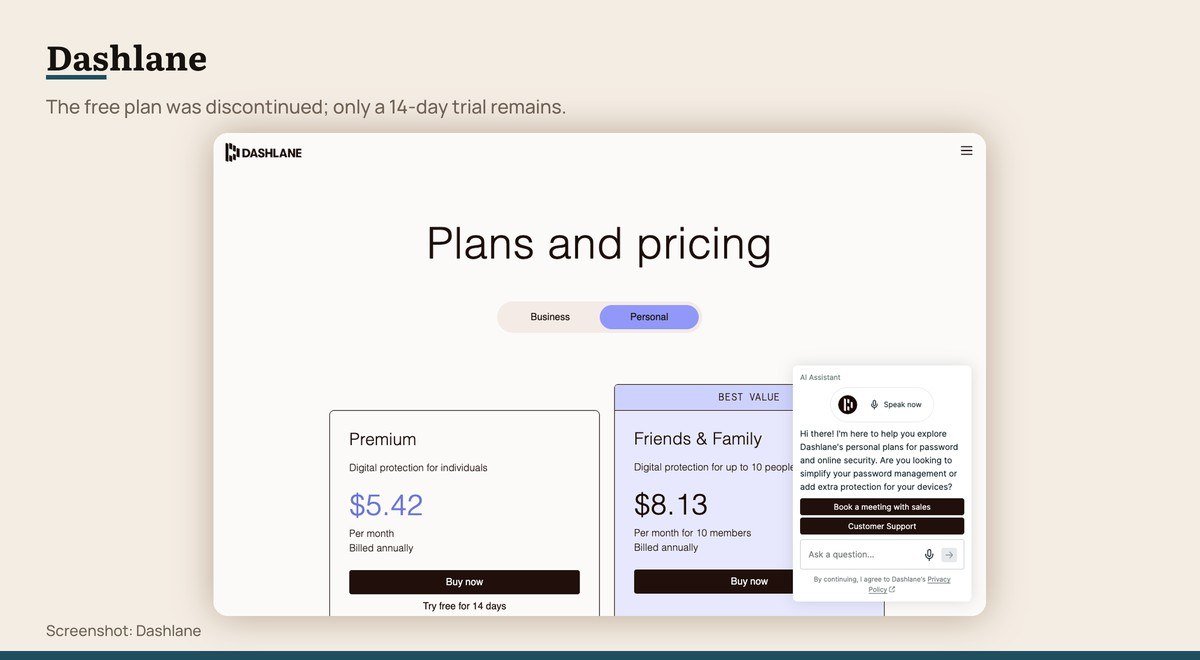
Platforms: Windows, macOS, iOS, Android, browsers · Free tier: None, the free plan was retired · Sync on free: Paid only · Published audits: Penetration test by Synacktiv in 2026 · Paid tier: Premium $5.42 a month billed annually
Dashlane used to anchor every free password manager list and no longer belongs on one. Its personal pricing page now shows Premium at $5.42 a month billed annually with a 14-day trial, and no free plan appears anywhere on it.
Existing free users were moved to a trial and then asked to upgrade or export. If an older recommendation sent you to Dashlane for a free vault, that advice has expired, and exporting to Bitwarden or Proton Pass is the sensible response.
What the LastPass Breach Means for a Stored Vault
In August 2022 an attacker took source code and technical information from LastPass’s development environment. In December the company confirmed that a backup of customer vault data had been copied, and a later update described a second incident exposing configuration data and integration secrets.
The detail that matters is what was encrypted. Usernames, passwords, secure notes and form-filled data remained encrypted with keys derived from each customer’s master password. Website URLs did not, so an attacker can see which services a person holds accounts with even without opening the vault.
That leaves the master password as the whole defence for anyone whose vault was in that backup. The practical lesson is general rather than specific to one company: a vault held by any provider may one day be copied, and the strength of a single passphrase is what stands between the copy and its contents.
If a vault was in that backup and its master password was short or reused, the right response is to change the credentials it stored rather than to switch manager and assume the problem moved with it.
A stolen vault is a different problem from a compromised computer, and the two get confused. If logins are being used without you, check the machine for malware before blaming the manager, because a keylogger defeats every product on this page.
The Three Tests Each Manager Had to Pass
Whether the free tier holds an unlimited number of credentials. Whether it syncs between a computer and a phone without payment. And whether the vendor publishes an independent audit naming the firm that did it.
Those tests reorder this category sharply. Products with the largest marketing budgets have the most restricted free tiers, and the two that pass all three tests are the open and privacy-focused ones.
Prices are quoted only where a vendor renders them. LastPass, Keeper and NordPass serve placeholder text in place of figures on their own pricing pages, so no amount is stated for them here.
Choosing Between Them
Install Bitwarden. Unlimited passwords, unlimited devices, passkeys, the most published audits, and nothing important behind the paywall. For the large majority of people the decision ends there.
Choose Proton Pass instead if email aliases appeal, since ten are included free and they stop a site from ever learning your real address. Choose KeePassXC if you want no cloud involved and will handle syncing yourself.
Apple Passwords is a reasonable answer if every device you own is Apple, and Google Password Manager is better than reusing one password everywhere, which is the real alternative for most people who have not chosen anything.
Do not start on Keeper, RoboForm or LastPass expecting a free manager, and do not go looking for a free Dashlane or 1Password plan, because neither exists. A free antivirus and a free password manager are both genuinely available now; paying for the second one buys polish rather than protection.
Frequently Asked Questions
Is a free password manager safe?
The best ones are safer than the alternative of reusing passwords. Bitwarden publishes audits from Cure53, ETH Zurich and Unit 42 during 2025 and IOActive in 2024, which is more external examination than most paid products can point to.
Which free password manager syncs across devices?
Bitwarden and Proton Pass both sync unlimited passwords across unlimited devices at no cost. Apple Passwords syncs free through iCloud and Google Password Manager through a Google account, each within its own ecosystem.
Does 1Password have a free version?
No. Its pricing page offers a 14-day trial, after which Individual is $2.99 a month and Families $4.49, both billed yearly as promotional first-year prices. It is frequently listed as free and is not.
What happened to the Dashlane free plan?
It was retired. Dashlane’s personal pricing page now shows only Premium at $5.42 a month billed annually with a 14-day trial, and existing free users were moved to a trial and then asked to upgrade or export their data.





