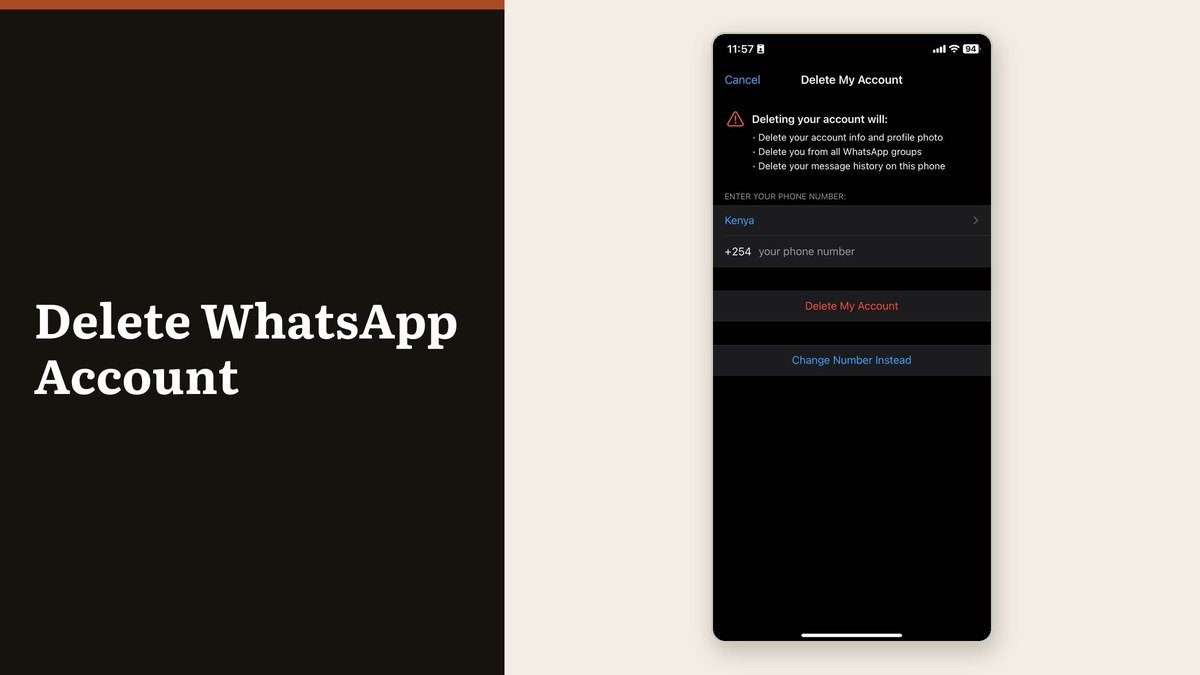
To delete WhatsApp account data for good you have to do it from inside the app, on the phone that holds the account. Dragging the icon to the bin leaves everything running: the number stays registered, the groups still list you, and anyone who messages you gets no indication that nobody is reading.
WhatsApp describes the real deletion as irreversible, and it means it. There is no grace period, no undo and no support route back in. Afterwards the company cannot restore chats, documents, media, backups or call history from the account.
How to delete a WhatsApp account on each platform
Both platforms ask for your number in full international format, which is the country code followed by the number with no spaces. Android adds one extra step that iOS does not.
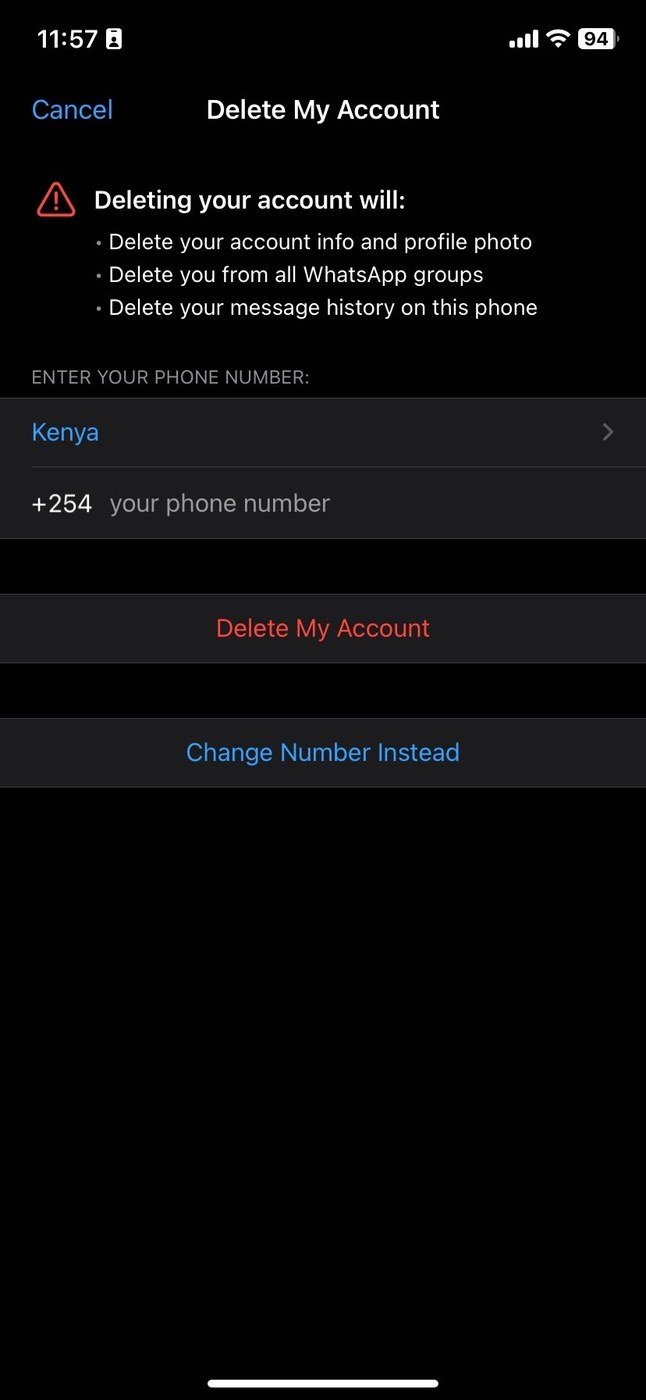
- Android: three-dot menu, then Settings, then Account, then Delete my account. Enter the number, tap Delete account, choose a reason from the dropdown, then confirm.
- iPhone: tap Settings or your profile picture, then Account, then Delete My Account. Enter the number and tap Delete My Account. There is no reason dropdown.
- Either platform: this only works from the primary device. A linked phone, tablet or desktop cannot do it.
A number typed without its country code leaves the confirm button inert with no explanation attached, which is the single most common reason the screen appears to be broken.
What survives the deletion
Deletion is one-sided. It clears your account and leaves every copy that lives on somebody else’s device exactly where it is.
- Messages you sent stay on the recipients’ phones. WhatsApp does not reach into other people’s chats.
- Groups you created keep running without you in them.
- Channel updates you posted remain, along with reactions and poll votes, even though you stop being listed as admin or follower.
- Contacts may keep seeing you until they restart WhatsApp, which refreshes their contact list. Their chat history with you is unaffected either way.
If the point of leaving is to stop being contactable rather than to tidy up, a block is the narrower tool and our guide to protecting your privacy online covers the wider set of settings worth changing at the same time.
Deal with channels first
A channel is the one asset that other people can lose when you delete your account, and the order of operations decides whether it survives.
- If the channel should continue, add a second admin before you delete anything. Ownership moves to the admin who has followed it longest.
- If the channel should go too, delete the channel first, then the account.
- A channel with no other admin at the moment of account deletion is deleted permanently.
The timeline after you confirm
From your side it is instant. On WhatsApp’s side it is a process, and the published figures are worth knowing before you assume the data is gone.
| When | What happens |
|---|---|
| Immediately | Account unusable, you are removed from every group |
| Immediately | Cloud backup tied to the account is deleted |
| Up to 90 days | WhatsApp finishes deleting your information |
| After 90 days | Copies may persist in disaster-recovery storage |
| 30 days | A deactivated account is deleted if nobody re-registers it |
| 120 days | An inactive account is deleted, 365 days in the US |
Log data can be kept beyond that window, separated from anything that identifies you: WhatsApp says it replaces the account ID with a substitute that cannot be linked back. Information shared with other Meta companies is deleted as well, and some records may be retained for legal matters or harm prevention. The detail lives in the WhatsApp privacy policy.
When you cannot reach the app or the number
A cancelled line or a lost handset blocks the normal route, and the account still goes on its own schedule. Deactivated accounts are deleted 30 days after deactivation. Inactive accounts go after roughly 120 days, or 365 in the United States, where inactive means not connecting to WhatsApp at all. An app sitting open with no internet connection does not count as active.
A stolen phone needs a different first move. Have the carrier block the SIM, get a replacement with the same number, and re-register, which signs the old device out by itself. WhatsApp will not deactivate an account on request, because it cannot verify who is asking. Anything stored locally on the old device stays there until WhatsApp is removed from it. If the handset is simply misbehaving rather than missing, recovery mode is the step before anything drastic.
Frequently Asked Questions
Does deleting WhatsApp remove me from group chats?
Yes, from every group at once. Groups you created continue without you, and the members keep the full history of what was said.
Can I reuse the same number afterwards?
Yes. Registering again creates a new, empty account on that number. None of the old chats, media or call history comes back with it.
What is the difference between deleting and deactivating?
Deleting is something you do on purpose and it is immediate. Deactivation happens when a number falls out of use, and it turns into deletion 30 days later if nobody re-registers.
Will the deletion remove my iCloud backup?
WhatsApp says the account deletion removes the backup tied to the account, and on iOS it describes that as your message history backup without naming iCloud. Any separate device backup stored in iCloud should be cleared from iCloud settings yourself.