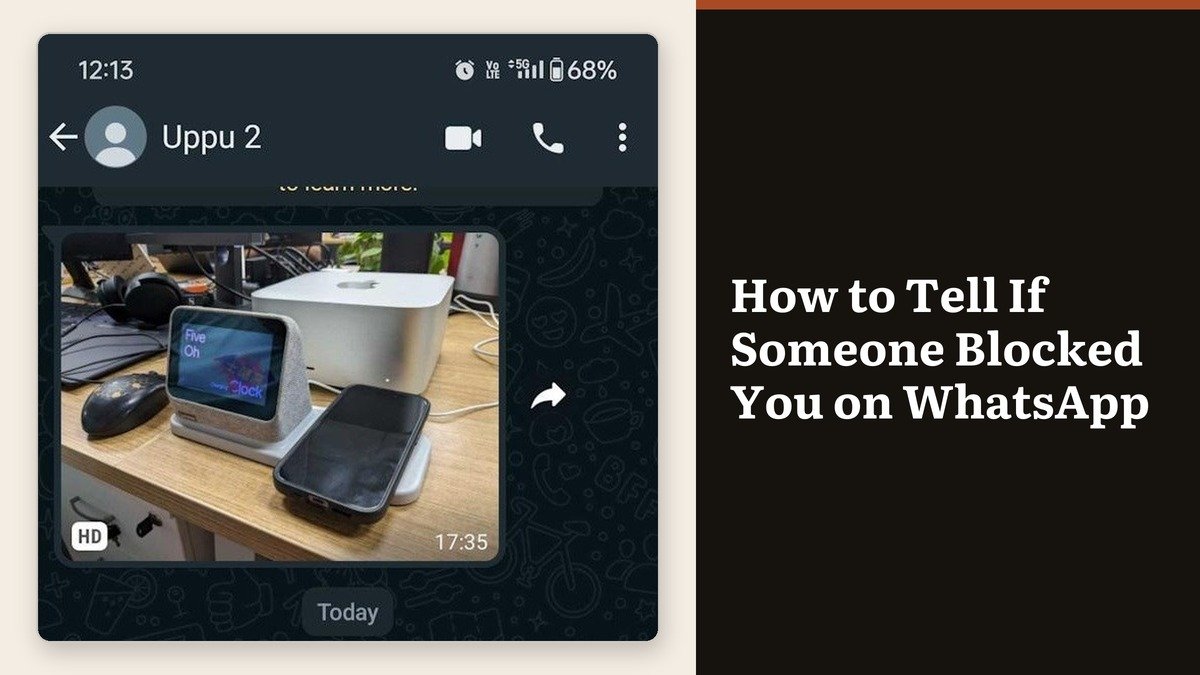
How to tell if someone blocked you on WhatsApp is a question the app refuses to answer directly. There is no alert and no indicator, and WhatsApp says outright that it will not reveal whether a block exists or who set it. What you get instead is a set of symptoms, and the useful skill is separating them from their harmless twins.
Three of those symptoms are also what you see when someone simply tightens their privacy settings. Two more are what you see when a phone is switched off. Running the four checks below in order clears away both before you draw a conclusion.
What changes the moment someone blocks you
From the blocked side the chat looks untouched. Old messages, old photos and the contact name all stay where they were. The change is in everything that needs the other account to send something back.
- Last seen and online stop appearing in the chat header.
- The profile photo freezes on whatever your phone had cached, or shows nothing at all.
- Their status updates stop reaching you, although one posted before the block runs its full 24 hours.
- Messages stop at a single grey check mark and never collect a second.
- The double blue check mark that means read never arrives.
- Voice and video calls fail to connect.
Those six arrive together and stay. That is the part worth holding on to, because a phone left on a charger overnight produces two of them for a few hours and then stops.
Four checks, in this order
Each check removes one innocent explanation. Run them in sequence and the fourth either confirms the pattern or ends the theory.
| Check | What to do | A block looks like |
|---|---|---|
| 1 | Watch the check marks for a full day | One grey mark that never gains a second |
| 2 | Ask a mutual contact what they can see | They see a photo and a last seen, you do not |
| 3 | Place a voice call | It fails instead of ringing out |
| 4 | Try adding them to a group you admin | WhatsApp refuses the action |
- Send one message and leave it. Look again the next day. A single grey mark after 24 hours rules out a flat battery and a weekend without signal.
- Ask someone who has the same contact saved to open that profile. If they see a photo and a last seen while you see neither, the restriction is pointed at you.
- Place a voice call. A call to someone who has blocked you does not go through, and it fails rather than ringing until voicemail.
- If you run a group, try adding them. WhatsApp will not let a group admin add an account that has blocked them.
Four for four is as close to certainty as this gets. Three for four usually means a privacy setting, which is the far more common explanation and the one most people skip past.
The privacy settings that fake a block
Last seen, profile photo and status each have their own audience control, and all three can be narrowed to My contacts, to a custom list, or to Nobody. Someone who has never saved your number sees exactly the same result as someone who blocked you.
WhatsApp lists being blocked as only one of several reasons a contact’s profile information stops showing. The others are the audience settings, a contact that was never saved on the other phone, a contact list that needs resyncing, and a temporary network problem. None of those affect the check marks, which is why check one carries the most weight. If messages are failing across every chat rather than one, the problem is the connection, and our guide to fixing a connection that has dropped is the faster route.
What a block leaves untouched
Blocking severs direct contact and nothing else, which surprises people who expect it to work like a restraining order.
- Shared groups carry on. Both of you keep seeing each other’s messages in any group you both belong to.
- Neither address book changes. The contact stays saved on both phones until someone deletes it manually.
- Calls to your actual phone number still ring. A WhatsApp block has no effect on the cellular network.
- A changed number keeps your blocks; a brand new account does not.
- Nothing is held in a queue. Messages sent during a block never arrive, before or after it is lifted.
That last point cuts both ways. If you blocked someone and have since unblocked them, anything they tried to send in between is gone for good. Calls are a separate matter, and if you need a record of one, the method in our guide to recording WhatsApp calls works on both platforms.
Blocking and unblocking from your own account
Your blocked list is a single screen, and it is the only place that shows every blocked number at once rather than one chat at a time.
- Android: open the three-dot menu, then Settings, then Privacy, then Blocked contacts.
- iPhone: tap Settings or your profile picture, then Privacy, then Contacts, then Blocked.
- Add someone with the plus icon on Android or Add New on iPhone.
- Unblock by tapping the name and choosing Unblock, or by swiping left on the entry on iPhone.
Reporting is a separate action from blocking. Reporting on its own does not stop the messages, and WhatsApp receives up to five of the person’s most recent messages when you do it. Neither the person nor the group is told that a report was made.
Frequently Asked Questions
Can an app tell me who blocked me on WhatsApp?
No, and anything claiming to is reading the same public signals you can read yourself, or asking for credentials it has no business holding. WhatsApp does not expose block status to any app, including its own.
Does deleting and reinstalling WhatsApp clear a block?
Not one set against you. Reinstalling on the same number restores the same account, and the other person’s block list is stored on their side. Only they can lift it.
What is the difference between one grey tick and two?
One grey check mark means the message left your phone. Two mean it reached the other device. Two blue means it was opened. A block stops the count at one, because the message is never handed on.
Will they know I checked?
No. Opening a chat, looking at a profile or attempting a call that fails generates nothing on their end. The one visible action is the message itself, which they will not receive anyway.