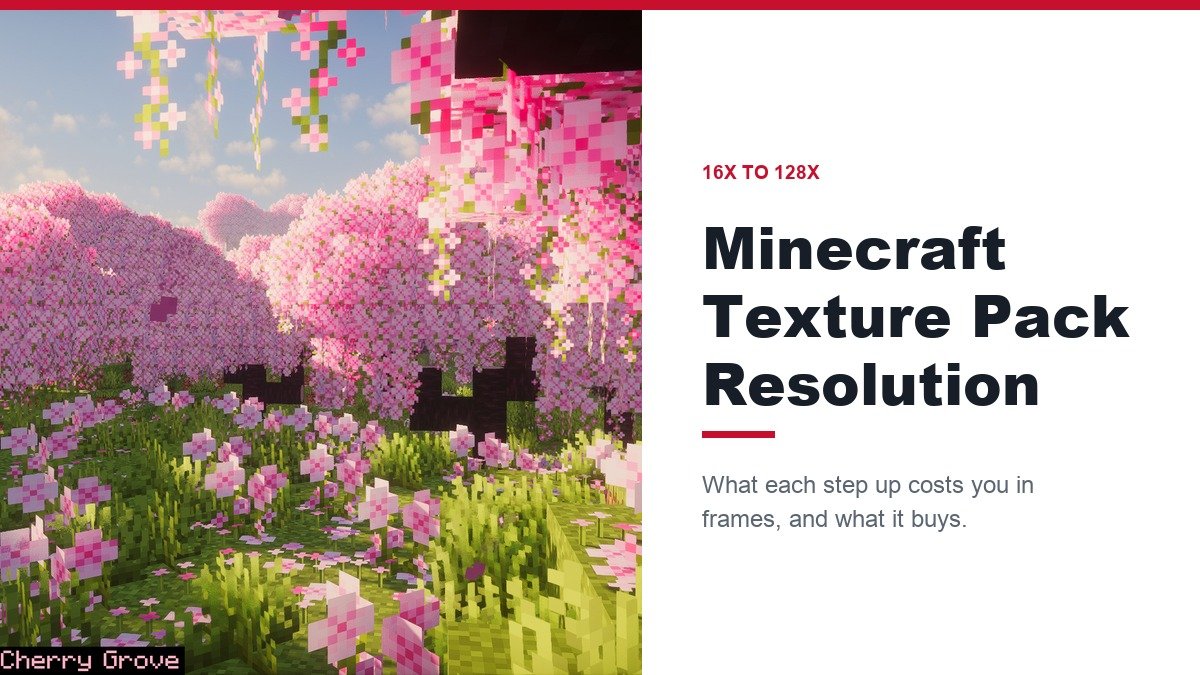
Minecraft texture pack resolution is the width in pixels of each block tile, and it sets two things at once: how detailed a pack looks and how much video memory it uses. The default game is 16x, and every step up multiplies the pixel count by four.
This guide walks the ladder from 16x to 128x, names 14 packs on it, and states the mod each one needs. The mod question matters more than usual in late 2026, because OptiFine has no stable build for the current Java release, 26.3.
Minecraft Texture Pack Resolution: What Each Step Costs Your PC
Doubling the resolution quadruples the pixels in every texture. A 128x tile holds 64 times the pixels of a default one, and uncompressed it takes 65,536 bytes where a 16x tile takes 1,024. Multiply that across thousands of block faces and the video memory bill climbs fast.
| Resolution | Pixels per tile vs 16x | Uncompressed size per tile | Where it fits |
|---|---|---|---|
| 16x | 1x (the default) | 1,024 bytes | Low-end PCs, laptops and mobile |
| 32x | 4x | 4,096 bytes | A middle ground on most graphics cards |
| 64x | 16x | 16,384 bytes | Detail, if the graphics card can carry it |
| 128x | 64x | 65,536 bytes | Realism packs, usually with shaders |
| 256x | 256x | 262,144 bytes | Heavy on video memory, mostly with shaders |
Bigger does not mean better looking. A well-drawn 16x pack can beat a clumsy 64x one, and a 16x pack is not automatically faster than vanilla either. Shaders push the same limits harder, so a card that handles 64x textures alone may struggle with 64x plus shaders. Our graphics card guide shows what each tier of card can carry.
16x Packs: Eight That Run on Almost Any PC
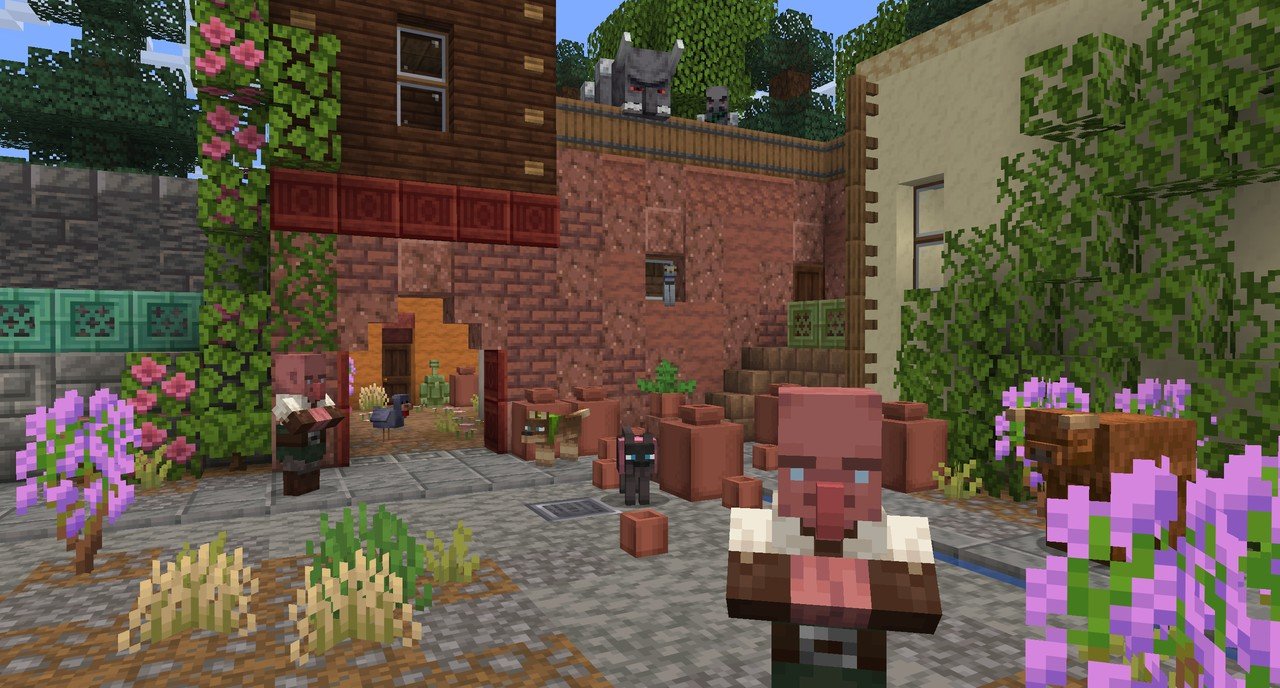
Sixteen pixels is the native size, so these packs cost no more memory than the default game. Their differences are style and, as the list shows, how many extra mods they want.
- Programmer Art Fix keeps the pre-1.14 look and fills in newer blocks and items. It needs no mod, and a Bedrock port named Classic Texture Fix exists.
- Bare Bones is bright and flat-shaded like the trailers. No mod is needed, but its newest file is from 20 December 2025 and is tagged to 1.21.9 rather than any 26.x release.
- JICKLUS is rustic and vanilla-like. It needs no mod, and the Java version is free while Bedrock players buy it in the Marketplace.
- Whimscape is a pixel-art overhaul with custom entity models. Its emissive textures, custom sky and connected glass work through Continuity, Entity Model Features, Polytone, or OptiFine, and the newest file is dated 4 November 2026.
- Ashen 16x is medieval fantasy with new block variants. Nothing extra is required, and version 1.17.2 for 26.3 shipped on 18 October 2026.
- Golden Days brings back Beta-era textures and sounds. It requires Polytone and Entity Model Features, and its author says OptiFine is no longer the intended way to run it.
- Nature X lushens foliage and water but asks the most: Sodium, Continuity, Polytone and Fabric API. That makes it Fabric-only in practice.
- Excalibur is epic medieval fantasy. It runs unaided, but its Random Mobs feature needs OptiFine.
32x: Faithful 32x and the Middle Step
Thirty-two pixels gives four times the detail of the default. Faithful 32x is the pack most players mean here, because it redraws vanilla rather than replacing its style. A September 2026 release targets 26.3, it needs no mod, and a separate Bedrock version exists.
Clarity is also 32x, but its last update was September 2024 and it is tagged to 1.21.1 only. If you want 32x on the current game, Faithful is the one with a recent file.
64x Packs: Four for a Mid-Range Graphics Card
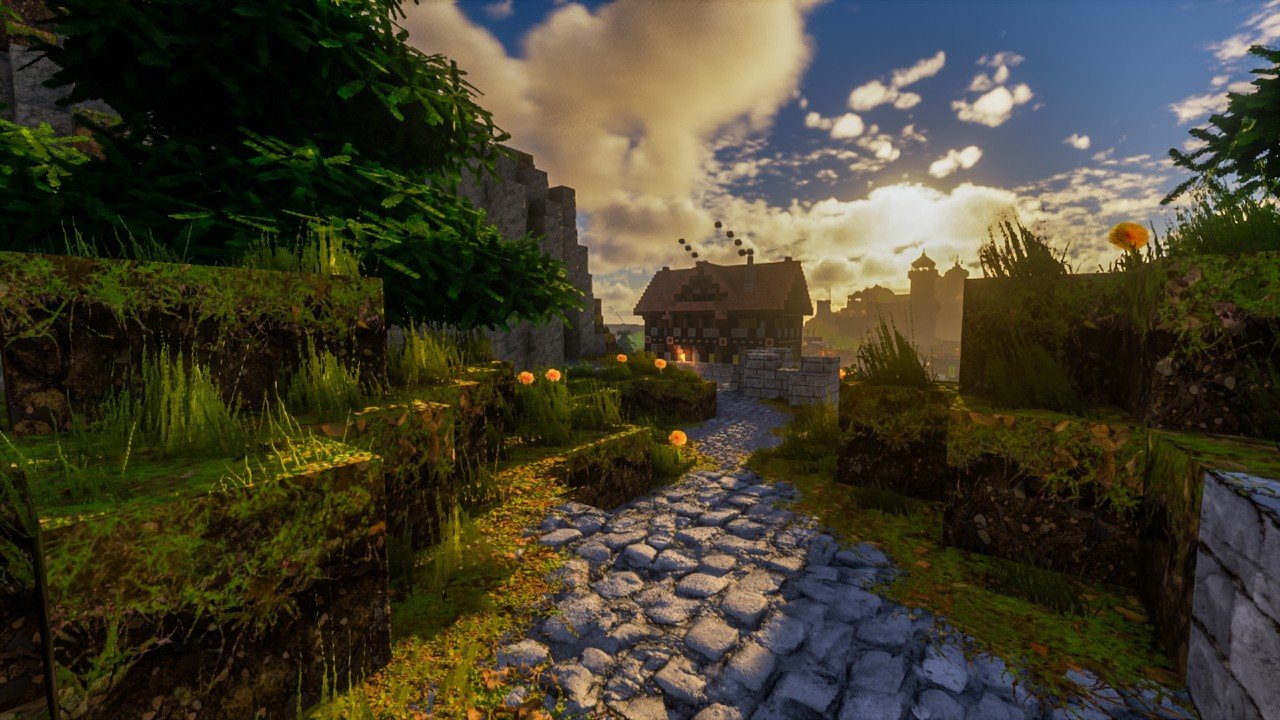
At 64 pixels each tile has 16 times the pixels of the default. This is where hardware starts to matter. The creator of Optimum Realism lists a GTX 1050 or equivalent with 8 GB of RAM as the minimum for its 64x edition, and a GTX 1060 or RTX 2060 for 128x with shaders.
- Faithful 64x: vanilla style at 16 times the pixels. Release 15 arrived on 15 September 2026 for Wilderness Bound, with no extra mod.
- Optimum Realism: a realistic overhaul with PBR and parallax occlusion. Build R4.2.1 is from 26 October 2026, and the full look needs additional mods under Iris and Sodium. The creator also says a Bedrock RTX edition is on the way.
- Soartex Grove: a themed high-definition replacement. Its Beta Edition v2 is from 31 October 2026, and its mod needs are not stated.
- Misa’s Realistic: a realistic overhaul last updated on 1 June 2026 and tagged to 26.1.2. It requires the latest stable OptiFine, so it is currently unavailable on 26.3 and should not be picked until that changes.
128x Packs: Two Heavyweight Options
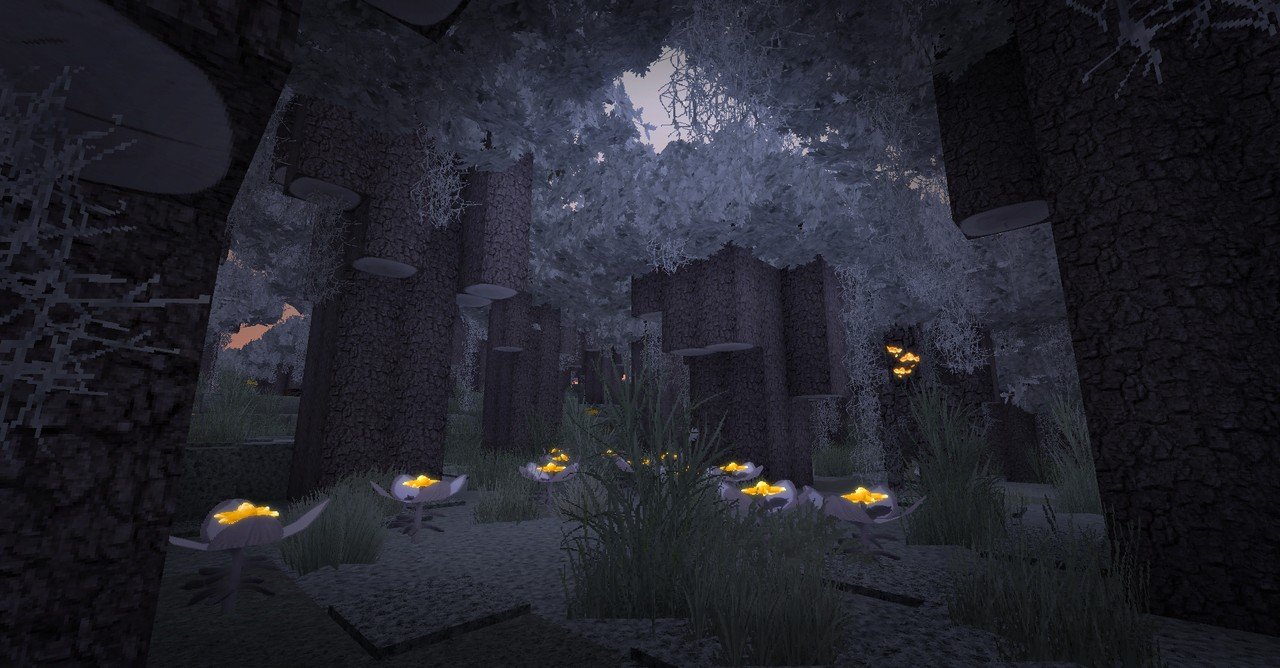
At 128 pixels the pixel count is 64 times the default, and these packs are built for players with strong hardware and, usually, a shader pack.
- LB Photo Realism Reload is a free photorealistic overhaul with a paid Patreon tier that gets monthly builds. The last update was 21 September 2026, but it is tagged only to 1.21.5 through 1.21.8, so treat 26.x support as unconfirmed.
- Default HD 128x is a smooth-shaded take on the default look. The public file is a demo of a handful of textures, and the fuller version sits behind a Patreon.
The paid Optimum Realism edition is also 128x. Whichever you choose, check the pack against the laptop or desktop specs you already own before downloading, because a 128x pack on an undersized card means stutter rather than detail.
OptiFine Has No Stable 26.3 Build: Which Packs Lose Out
OptiFine is the long-running mod that reads extra pack features such as custom entity models, connected textures, random mobs and custom colours. Vanilla loads a pack that uses them and silently skips those features. For the 26.x releases there are only preview builds, and the last final build is for 1.21.11.
- Misa’s Realistic states a requirement for stable OptiFine, so on 26.3 it cannot meet its own condition.
- Excalibur’s Random Mobs feature goes missing, though the rest of the pack loads.
- Fresh Animations offers a fix. Entity Model Features and Entity Texture Features read the same models and are tagged for 26.3.
The open-source replacements are Continuity for connected textures and emissives, Entity Model Features and Entity Texture Features for custom mobs, Polytone for colours and lightmaps, and Iris for shaders on top of Sodium. Sodium itself only speeds up rendering. Our list of Minecraft mods worth installing covers what else is worth installing alongside them.
Mod Requirement for Each Pack on 26.3
Every pack in the ladder above in one table, with the newest file date. A date from 2025 or earlier means the pack has not been rebuilt for 26.x.
| Pack | Resolution | Needed to see every feature | Last file |
|---|---|---|---|
| Programmer Art Fix | 16x | None required | 25 Oct 2026 |
| Bare Bones | 16x | None required | 20 Dec 2025 |
| JICKLUS | 16x | None required | 22 Sep 2026 |
| Whimscape | 16x | Optional: Continuity, Entity Model Features, Polytone or OptiFine | 4 Nov 2026 |
| Ashen 16x | 16x | None required | 18 Oct 2026 |
| Golden Days | 16x | Polytone and Entity Model Features | 24 Oct 2026 |
| Nature X | 16x | Sodium, Continuity, Polytone and Fabric API | 20 Oct 2026 |
| Excalibur | 16x | OptiFine, for the Random Mobs feature only | 22 Sep 2026 |
| Faithful 32x | 32x | None required | 15 Sep 2026 |
| Faithful 64x | 64x | None required | 15 Sep 2026 |
| Optimum Realism | 64x | Extra mods under Iris and Sodium for the full look | 26 Oct 2026 |
| Soartex Grove | 64x | Not stated | 31 Oct 2026 |
| Misa’s Realistic | 64x | Stable OptiFine, which has no 26.3 build | 1 Jun 2026 |
| LB Photo Realism Reload | 128x | Not stated | 21 Sep 2026 |
| Default HD 128x | 128x | Not stated | 18 Sep 2026 |
Add-On Packs That Work at Any Resolution
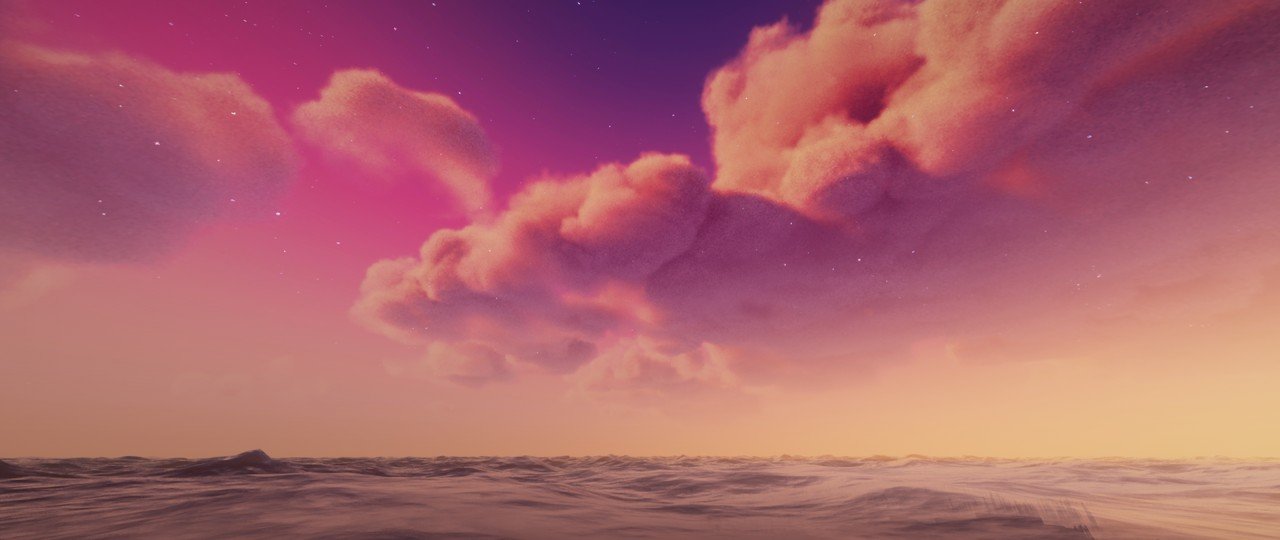
These change one part of the game and stack on top of whichever pack you picked. Resolution does not apply to them in the usual sense.
- Motschen’s Better Leaves uses 3D leaf models. The creator recommends the Cull Leaves mod for performance.
- Fast Better Grass puts the grass top texture on the sides of grass blocks and works from 8x upwards. It is also listed for Bedrock.
- Fullbright UB lifts the lightmap. Players on Sodium need Polytone.
- Dramatic Skys adds HD skies across 79 biomes and needs a custom sky mod such as Skyboxify.
- Default Dark Mode darkens the menus and GUI. OptiFine is optional and only affects the loading screen.
- Fresh Animations changes mob models rather than textures, runs on Java only, and has no Bedrock version planned.
Java and Bedrock: Which Packs Exist on Which Edition
Most packs here are Java-only. Faithful 32x and 64x have separate Bedrock versions, JICKLUS is sold in the Marketplace, Programmer Art Fix has Classic Texture Fix, and Fast Better Grass is listed for both. Java .zip files do not load on Bedrock.
Why the Folder Says resourcepacks and Where Each File Goes
The folder name dates to Java 1.6.1, the Horse Update, which was released on 1 July 2013. It replaced the single-slot texture pack system with resource packs that stack and cover sounds, models and fonts as well as textures. Old guides still say texture pack for that reason.
| Edition | File | Where it ends up | How to switch it on |
|---|---|---|---|
| Java | A .zip, left zipped | .minecraft/resourcepacks | Options, Resource Packs, move it to Selected |
| Bedrock | A .mcpack, or a .mcaddon bundle | Imports itself into resource_packs in the com.mojang folder | Settings, Global Resources, move it to Active |
| Bedrock by hand | An unpacked folder or .zip | development_resource_packs in com.mojang | Settings, Global Resources |
Java folder locations are %appdata%/.minecraft/resourcepacks on Windows, ~/Library/Application Support/minecraft/resourcepacks on macOS, and ~/.minecraft/resourcepacks/ on Linux. In Java the lowest selected pack loads first, so add-ons belong above the main pack.
Frequently Asked Questions
What resolution texture pack should I use?
Use 16x on a low-end PC or laptop, 32x for a modest step up, and 64x or higher only with a capable graphics card. Each doubling quadruples the pixels, so the cost rises faster than the visible gain.
Does a higher resolution texture pack lower FPS?
It uses more video memory, which can lower frame rates on cards that run short. A 128x pack with shaders is the heaviest combination here. A 16x pack is not automatically faster than vanilla.
Do I need OptiFine for texture packs?
Only for packs that use its features, and OptiFine has no stable build for 26.3. Entity Model Features, Continuity and Polytone replace most of what it did. For command help while testing, see the Minecraft commands list.
Are texture packs and resource packs the same thing?
On Java, yes. Resource packs replaced texture packs in version 1.6.1 on 1 July 2013, and what people call a texture pack today installs as a resource pack.