Thunderbird is free, open source and does almost everything, which makes it a strange thing to want to replace. People look anyway, usually for one of three reasons: the interface feels dated, a specific bug has gone unfixed for years, or they want features Thunderbird has never had, like read receipts or a proper snooze.
These five cover all three cases. One is Thunderbird with the rough edges filed off, two are paid desktop clients, one is free with a paid tier, and one is for people who want the opposite of a modern interface.
Five Thunderbird Alternatives Worth Installing
1. Betterbird, Thunderbird With the Bugs Fixed
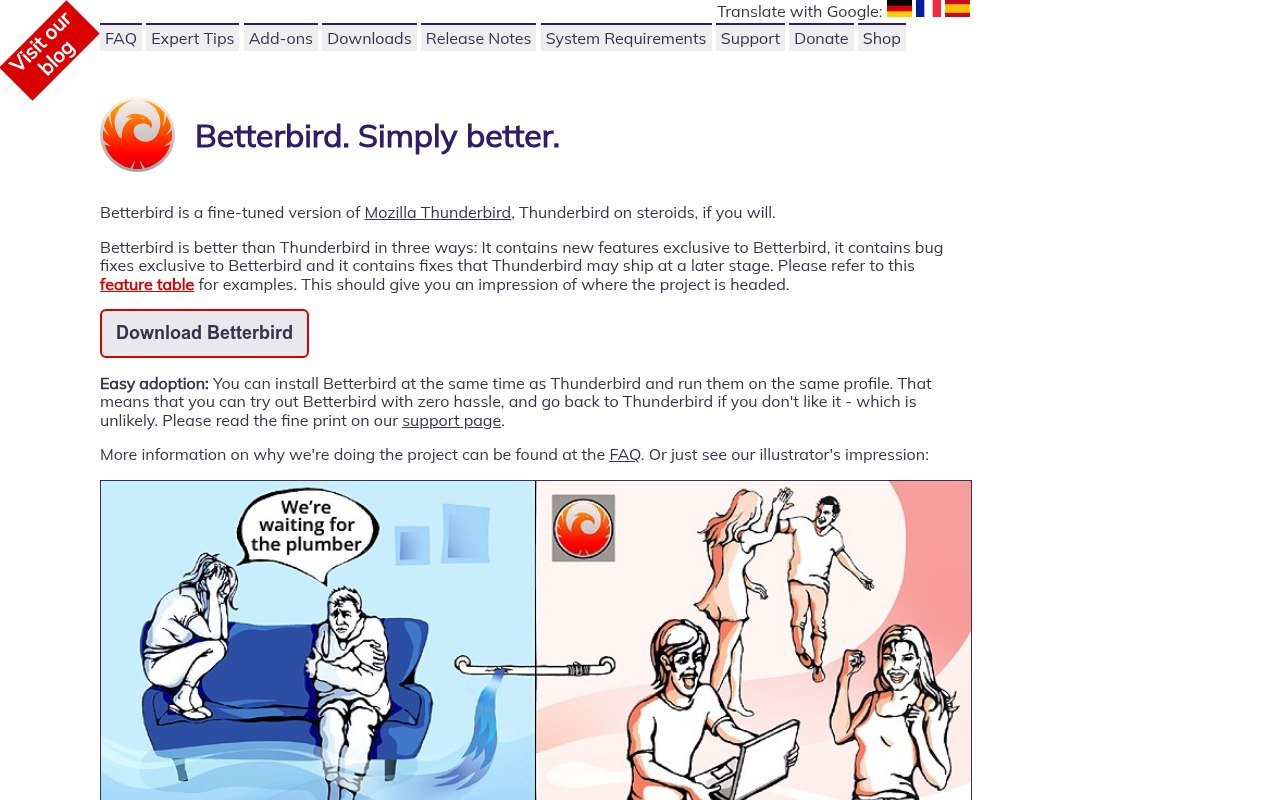
Betterbird is the obvious first stop. It is a soft fork of Thunderbird, described by its own developers as a fine-tuned version, and it exists to ship features and bug fixes that Thunderbird either has not taken or has not taken yet.
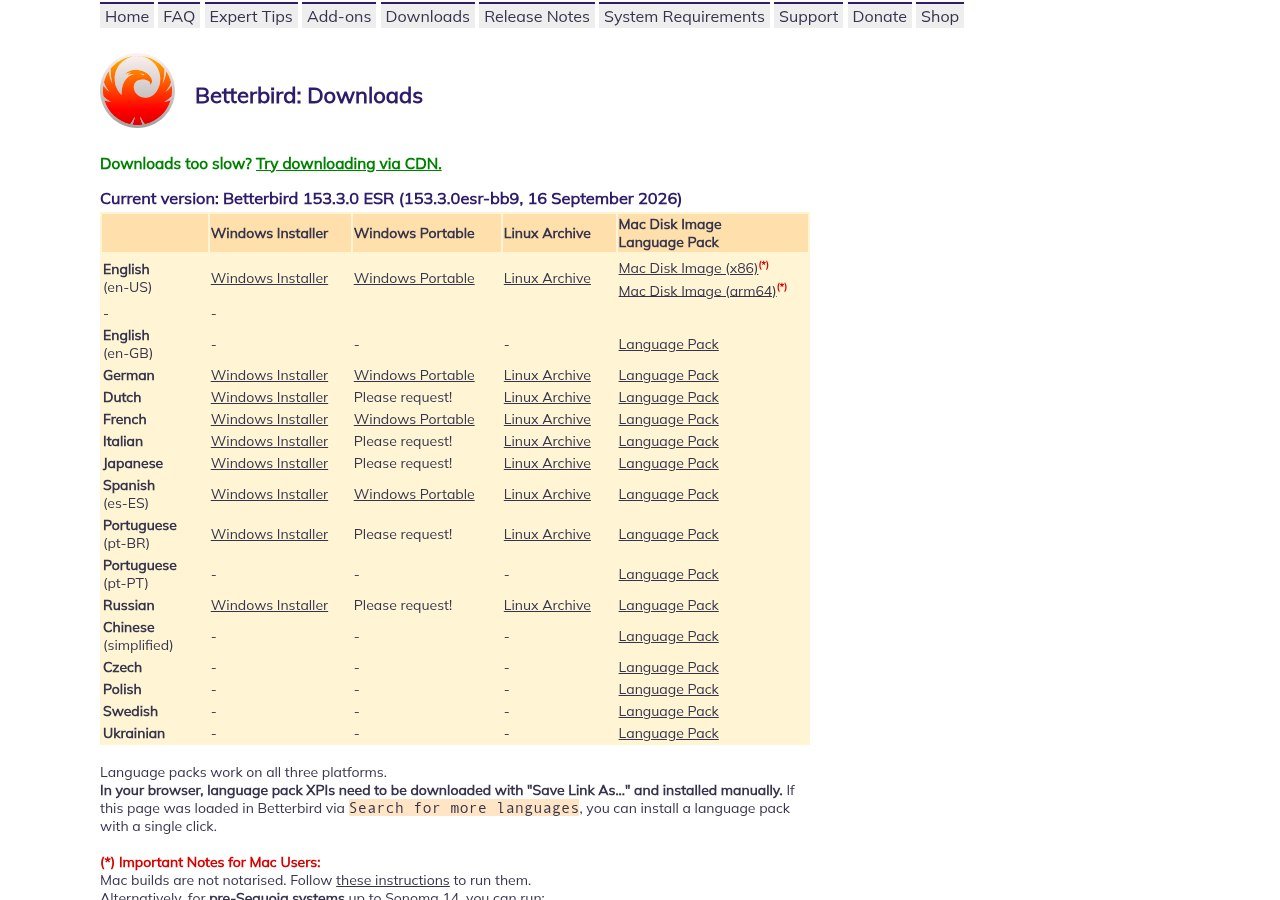
The current build is 153.3.0 ESR, dated 16 September 2026, tracking the Thunderbird ESR line closely. It is free, and it installs alongside Thunderbird and can use the same profile, so trying it is close to risk free and going back is as simple as launching the other one.
If your complaint about Thunderbird is a specific broken behaviour rather than the whole application, start here before you look at anything you have to pay for.
2. eM Client, the Polished Paid Option
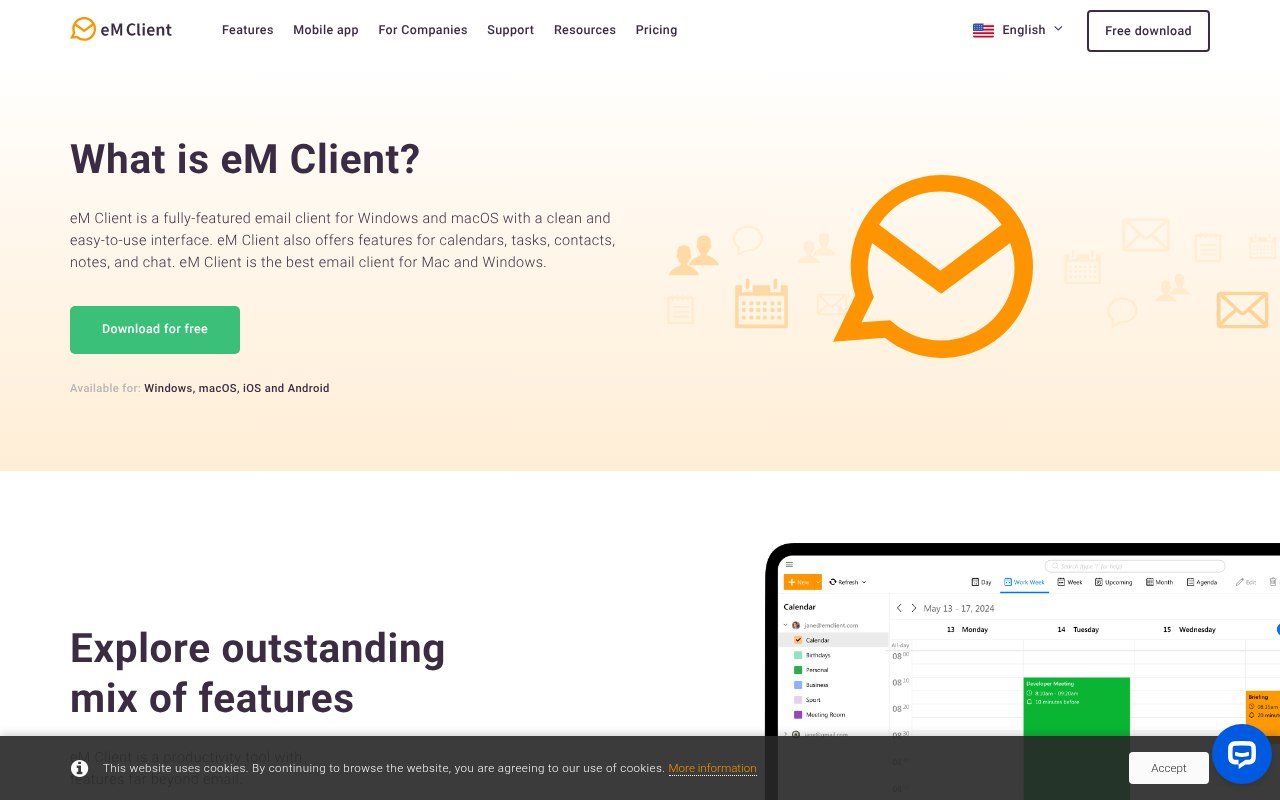
eM Client is where people go when they want a desktop client that looks like it was designed this decade. Mail, calendar, contacts and tasks, Exchange and Gmail sync, and PGP and S/MIME on every tier including the free one.
It is $39.95 a year for three devices, or $59.95 once with lifetime upgrades included. The perpetual licence is the interesting one, because it is genuinely perpetual rather than a version snapshot. The Android and iOS apps need no licence at all, which Thunderbird cannot match on iOS since it has no iOS app.
The free tier allows two accounts, bars commercial use, and withholds thread view, snooze, undo send, send later and tracking pixel blocking. If you are coming from Thunderbird, where all of that is either built in or an add-on away, the free tier will feel like a downgrade.
3. Mailbird, Windows-First and Pay Once
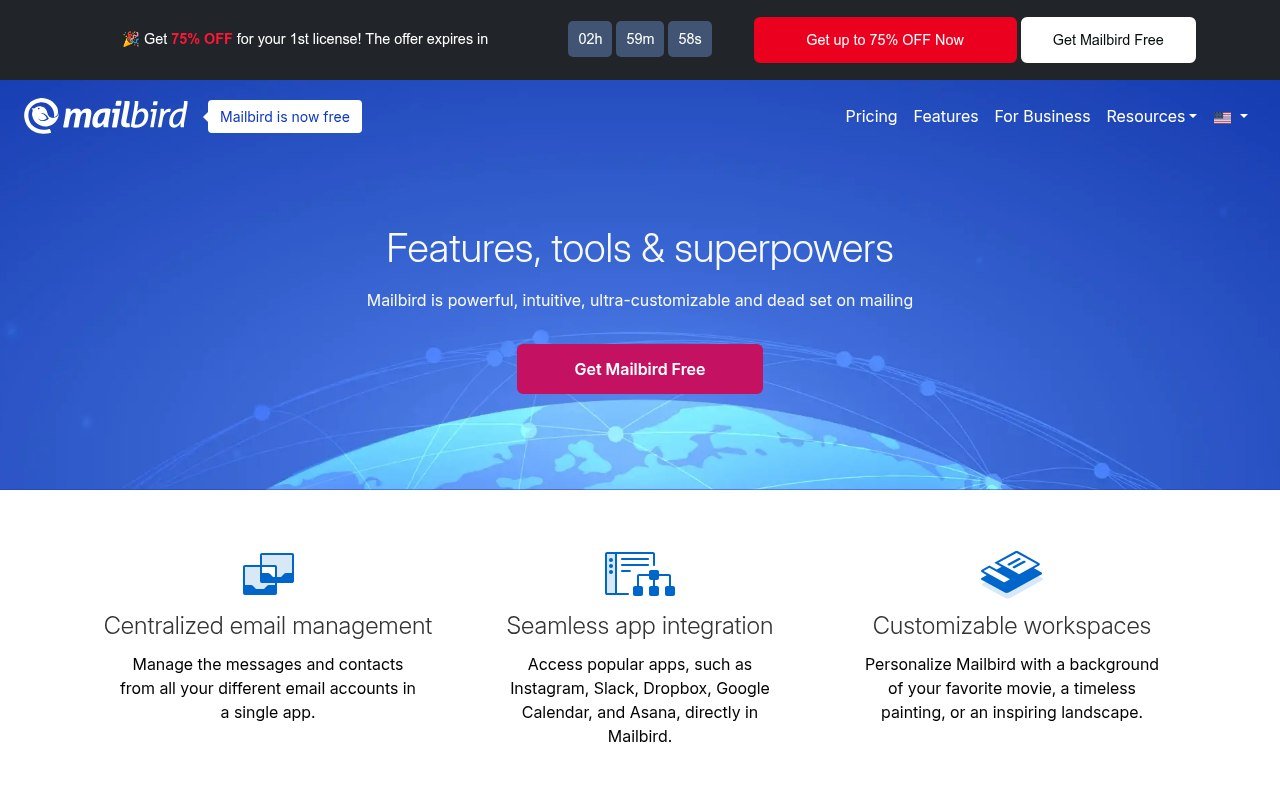
Mailbird is a Windows and Mac client built around a unified inbox and a set of app integrations. Premium is posted at $4.03 a month billed yearly against a $5.75 list, and the pay-once licence is posted at $99.75 against a $399 list.
The pay-once figure needs a caveat. It does not include lifetime updates, which cost a further $69. Add them and you are at $168.75 for a client that eM Client sells outright, upgrades included, for $59.95.
There is no mobile app, the Mac build requires macOS Ventura or later, and the Mac build will not take a POP3 account. For a Thunderbird user on Linux, Mailbird is not an option at all.
4. Mailspring, Free Client With a Paid Workflow Layer
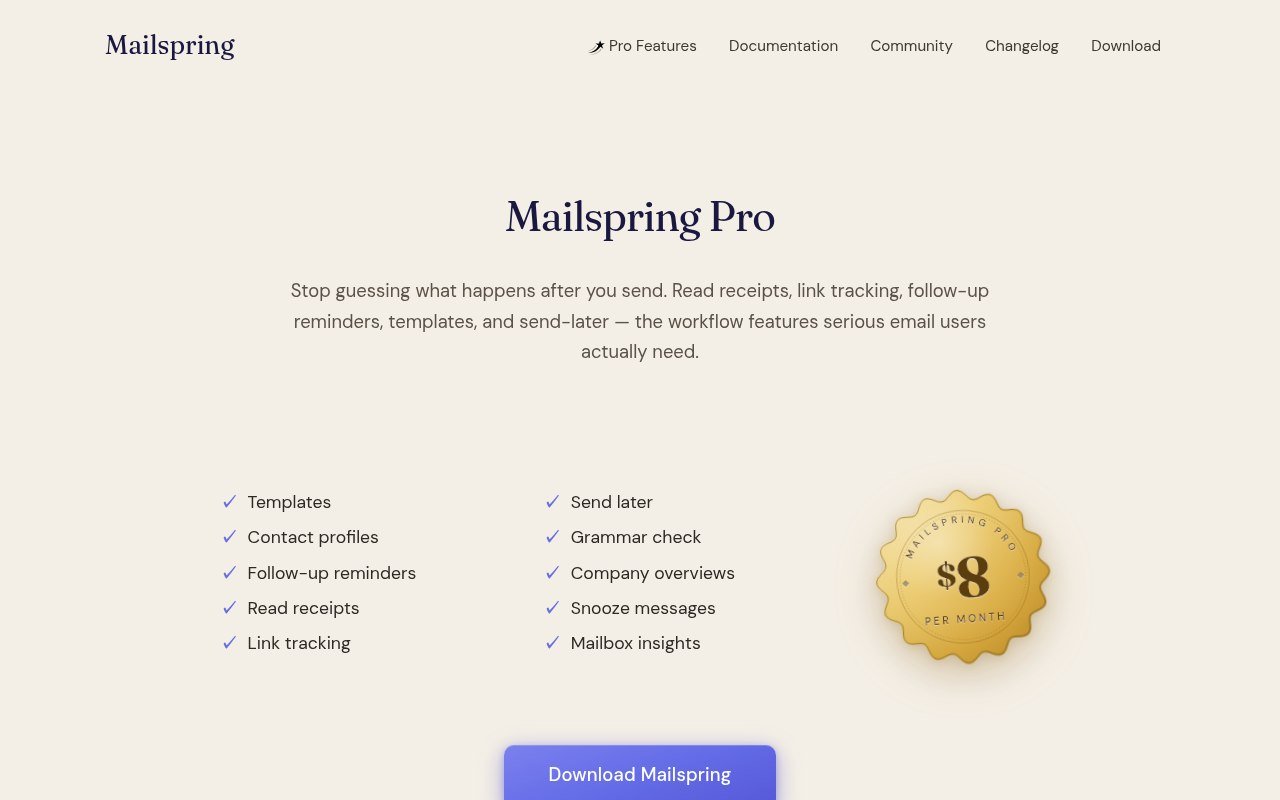
Mailspring splits the difference. The client is free on Windows, macOS and Linux, and the sending workflow sits behind a $8 a month Pro tier: read receipts, link tracking, send later, follow-up reminders, templates, snooze and grammar check.
That $8 is the most expensive per-month figure on this page, and it buys features that are mostly free elsewhere. Release 1.24.1 landed on 15 September 2026, so the project is alive, which is worth confirming given how many email clients quietly stop shipping.
It is a reasonable pick if read receipts and link tracking are the specific thing Thunderbird will not do for you, and a poor one if you want them cheaply.
5. Claws Mail, for People Who Want Less
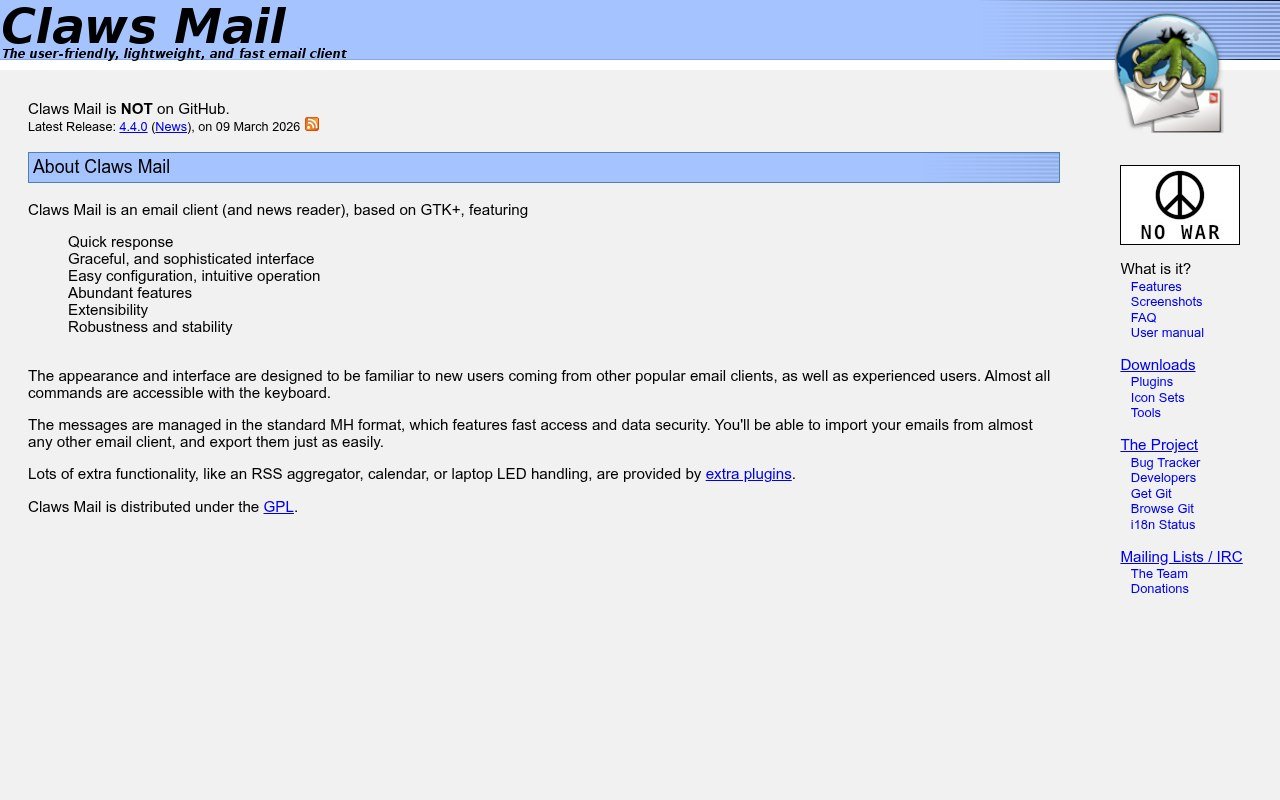
Claws Mail goes in the opposite direction from everything above. It is free, open source, built on GTK, and designed for speed and low memory use rather than visual polish. It reads news as well as mail, and it extends through plugins including PGP.
Version 4.4.0 was released on 9 March 2026. It runs on Linux, Windows and BSD. Nobody will call it attractive, and that is the point: it opens instantly, handles enormous mailboxes without complaint, and does not change its interface every release.
If your Thunderbird complaint is that it has become heavy, this is the answer. If it is that Thunderbird looks dated, this is emphatically not.
Price Comparison at a Glance
| Client | Price | Platforms |
|---|---|---|
| Betterbird | Free | Windows, macOS, Linux |
| eM Client | Free tier, $39.95 a year or $59.95 once | Windows, macOS, Android, iOS |
| Mailbird | Free tier, $4.03 a month or $99.75 once | Windows, macOS |
| Mailspring | Free, Pro $8 a month | Windows, macOS, Linux |
| Claws Mail | Free | Linux, Windows, BSD |
All pricing is current as of 18 September 2026. Mailbird and Mailspring figures are the posted rates, and Mailbird’s are promotional prices that have been running continuously.
What You Give Up by Leaving Thunderbird
Thunderbird is free with no tier above it, runs on Linux, and has an Android app. Only Betterbird and Claws Mail match all three. Before you move, check which of these you rely on:
- Add-ons. Thunderbird’s extension library has no equivalent in any paid client here. Betterbird keeps it, the others do not.
- Linux. Mailbird does not run on it at all, and eM Client does not publish a Linux build.
- Mobile. Thunderbird has Android. eM Client has both Android and iOS free. Mailbird and Claws Mail have neither.
- Local folders. Every client here supports them, but none will import your Thunderbird folder structure cleanly without an export step.
- Cost. Thunderbird is free forever. Four of these five will charge you eventually.
It is the same calculation as switching any mature open-source tool for a commercial one, and it plays out the way it does in our comparison of Adobe Illustrator alternatives.
Which One Replaces Thunderbird for You
Read down this list and stop at the line that matches your actual complaint:
- A specific bug or missing fix has annoyed you for years. Betterbird. It exists for exactly this, costs nothing, and shares your profile so the test takes ten minutes.
- You want it to look modern and you will pay once. eM Client at $59.95 with lifetime upgrades. Nothing else here offers a perpetual licence that keeps receiving versions.
- You want read receipts and link tracking. Mailspring Pro at $8 a month. Expensive for what it is, but it is the one here built around sending rather than reading.
- Thunderbird has become slow on an old machine. Claws Mail. It will open faster than anything else on this page and will not fight you for memory.
- You are on Windows and want a unified inbox with integrations. Mailbird, with the caveat that lifetime updates cost an extra $69 on top of the pay-once price.
- You mainly wanted a fresh coat of paint. Change the Thunderbird theme first. It is free and takes a minute, and it resolves this for more people than it should.
Notice that three of the six answers are free, and two of those are Thunderbird in some form. That is the honest shape of this category: Thunderbird is hard to beat on value, and the paid clients win on polish and support rather than on capability.
Moving a Thunderbird Profile Somewhere Else
- Find your profile folder first. Thunderbird stores mail, filters and address books in one directory, and copying it is your backup.
- Prefer IMAP accounts. Anything stored on the server re-downloads into the new client and needs no migration at all.
- Export local folders as MBOX before you uninstall anything. Local folders exist only on your machine.
- Export address books to CSV or vCard. No client reads Thunderbird’s address book format directly.
- Rebuild filters by hand. This is unavoidable, and it is the step people underestimate.
Keep the profile copy somewhere other than the machine it came from. If you do not already have that habit, our guide to cloud storage and file sharing covers the sensible options.
Frequently Asked Questions
Is there a better version of Thunderbird?
Betterbird is a soft fork built specifically to add fixes and features Thunderbird has not shipped. It is free, tracks the Thunderbird ESR line, and can share the same profile, so you can run both and compare.
What is the best free Thunderbird alternative?
Betterbird if you want Thunderbird only better, Claws Mail if you want something much lighter, and Mailspring if you can live with its paid workflow tier. All three cost nothing to install.
Is Thunderbird still being developed?
Yes. Version 156 is current, there is now an Android app, and the project is funded by donations under the Mozilla umbrella. Leaving is a preference, not a rescue.
Which Thunderbird alternative works on Linux?
Betterbird, Mailspring and Claws Mail. Mailbird is Windows and Mac only, and eM Client publishes no Linux build, so both are out if Linux is your main desktop.