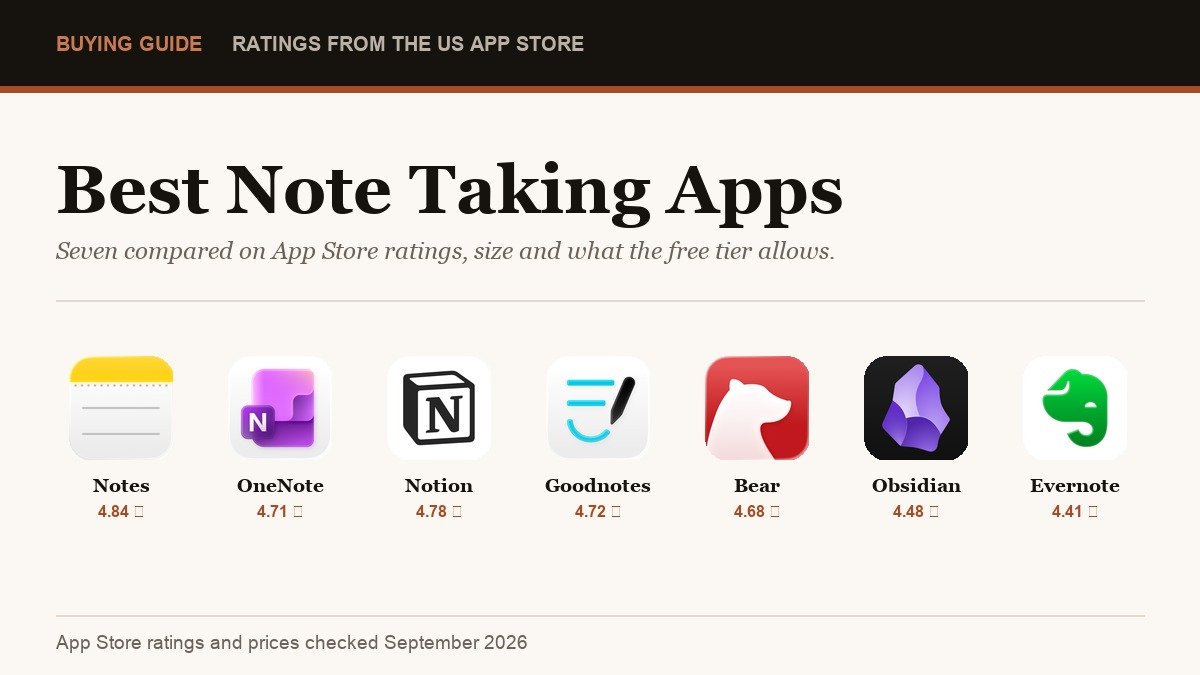
The best note taking apps are almost all free to download, which is exactly what makes choosing one confusing. The differences only show up later, in how many notes the free tier lets you keep, how much space the app eats, and how much the subscription costs when you hit the wall.
That means the star ratings are the ones real users left, the download sizes are what Apple shows on the listing, and the prices are what the in-app purchase screen actually charges. Two of the seven have no in-app purchases at all.
Best Note Taking Apps Compared
| # | App | App Store rating | Size | What you pay |
|---|---|---|---|---|
| 1 | Notes (Apple) | 4.84 from 643,779 ratings | 6.1 MB | Free, no in-app purchases |
| 2 | Microsoft OneNote | 4.71 from 1,064,189 ratings | 423.7 MB | Free, Microsoft 365 from $9.99 a month |
| 3 | Notion | 4.78 from 90,177 ratings | 648.2 MB | Free, Plus $11.99 a month |
| 4 | Goodnotes | 4.72 from 454,839 ratings | 960.2 MB | Free, Essential $11.99 a year |
| 5 | Bear | 4.68 from 6,859 ratings | 241 MB | Free, Pro $2.99 a month |
| 6 | Obsidian | 4.48 from 2,719 ratings | 39.6 MB | Free, no in-app purchases |
| 7 | Evernote | 4.41 from 77,693 ratings | 330.8 MB | Free, Starter $99 a year |
OneNote has more than a million ratings, more than any other app here, and Apple Notes holds the highest score at 4.84. Rating counts reward age and distribution rather than quality, so treat them as evidence of how many people stuck with an app rather than proof it is the right one for you.
1. Notes: Best for Most People, Because It Is Already There
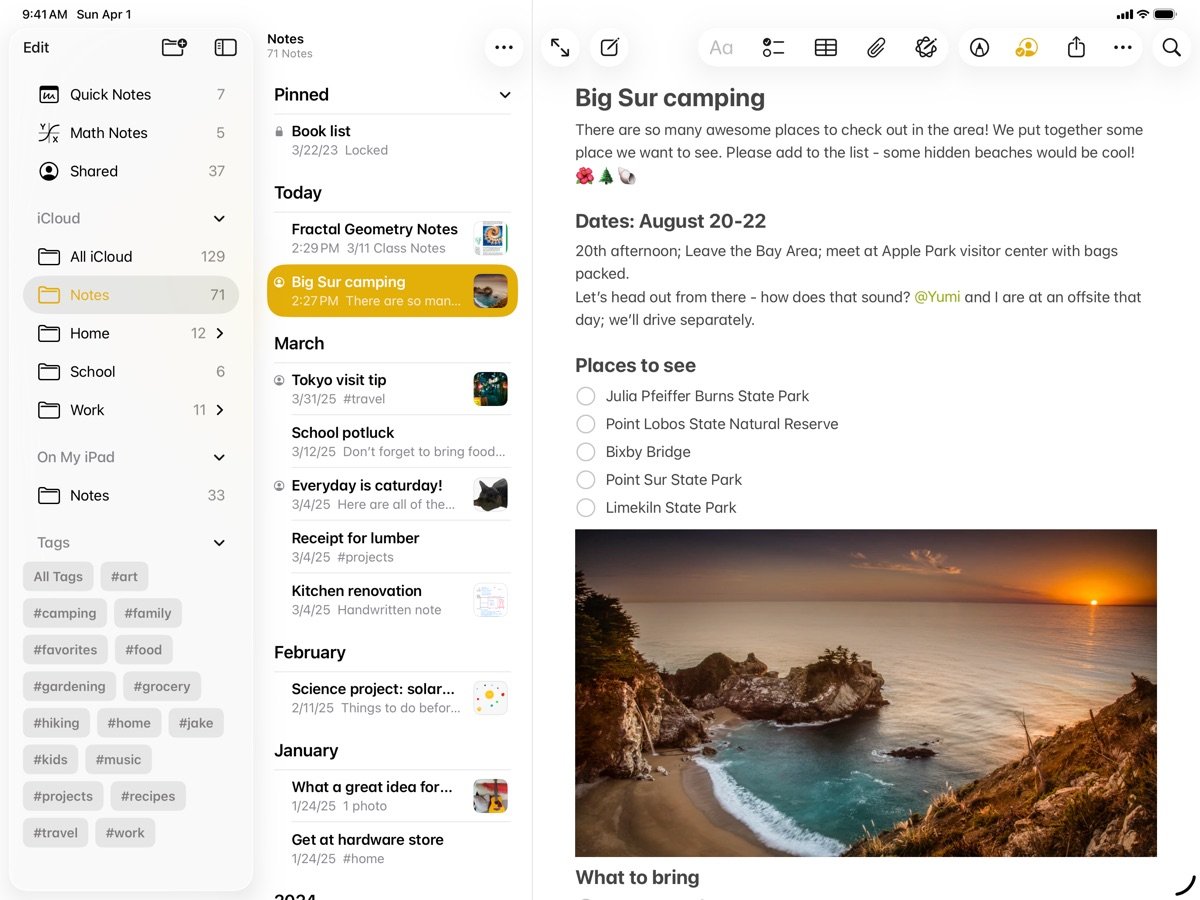
Apple Notes carries a 4.84 rating from 643,779 ratings, the highest score in this group, and its App Store listing shows no in-app purchases whatsoever. There is no free tier to outgrow because there is no paid tier at all.
At 6.1 MB it is also the smallest by an enormous margin, roughly a hundred and sixty times lighter than Goodnotes. It handles typed notes, scanned documents, checklists, sketches, folders and shared notes, syncing through iCloud without a separate account.
The limits are real but narrow. Organisation is folders and tags rather than databases, there is no version history to speak of, and it only works properly inside Apple devices. Needing iOS 15 at minimum also means it runs on far older hardware than most of this list.
- Rating: 4.84 from 643,779 App Store ratings.
- Cost: nothing, with no in-app purchases listed.
- Catch: Apple devices only, and organisation stops at folders and tags.
2. Microsoft OneNote: Best Free Notebook for Long Documents
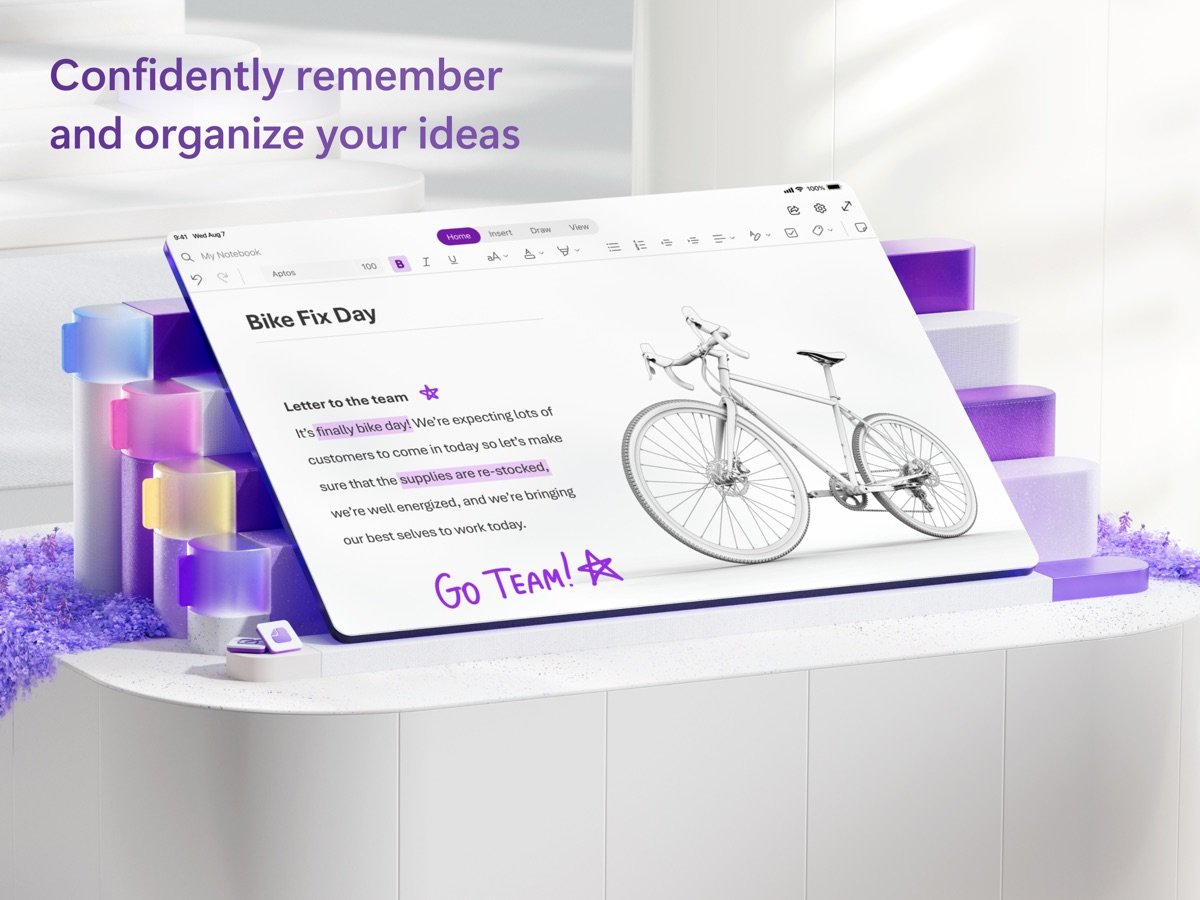
OneNote holds 4.71 from 1,064,189 ratings, comfortably the largest body of feedback here. Its structure of notebooks, sections and pages suits long-running research and lecture notes better than a flat list of notes ever does.
The app is free and stays free for note taking. The in-app purchases on its listing are Microsoft 365 subscriptions, at $9.99 a month for Personal and $12.99 for Family, which buy you Office and storage rather than unlocking OneNote itself.
Two things to weigh. It needs iOS 18 or later, so it will not install on an older iPhone or iPad, and at 423.7 MB it is a heavy download for an app most people use to type paragraphs.
- Rating: 4.71 from 1,064,189 App Store ratings.
- Cost: free, with Microsoft 365 sold separately from $9.99 a month.
- Catch: requires iOS 18, and the interface is busier than the alternatives.
3. Notion: Best When Notes Need to Become a Database
Notion rates 4.78 from 90,177 ratings and is the only app here where a note can also be a row in a table, a card on a board or an entry in a calendar. For project tracking that is genuinely useful, and for jotting a phone number it is absurd overkill.
Its App Store in-app purchases are Notion Plus at $11.99 a month or $119.99 a year, and Notion Business at $23.99 a month. The free plan is generous for one person and starts pinching as soon as a team shares a workspace.
At 648.2 MB it is the second heaviest in this list and it needs iOS 18. It is also the slowest to open of the seven, which matters more than any feature when you are trying to catch an idea before it goes. Teams already coordinating through team communication tools often end up using Notion as the shared memory beside the chat.
- Rating: 4.78 from 90,177 App Store ratings.
- Cost: free tier, then $11.99 a month or $119.99 a year for Plus.
- Catch: 648.2 MB, needs iOS 18, and it is slow to open for quick capture.
4. Goodnotes: Best for Handwriting and Marking Up PDFs
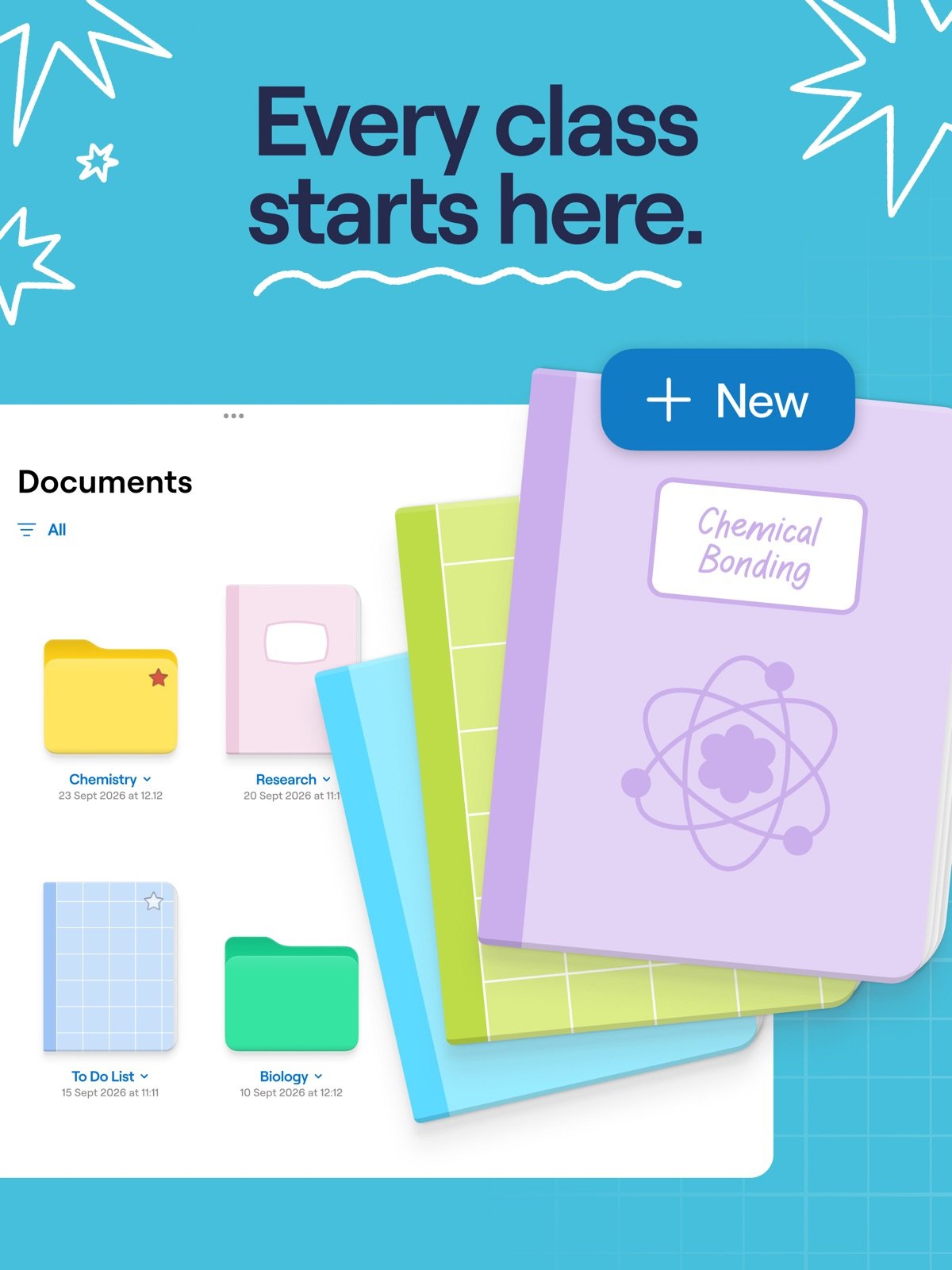
Goodnotes rates 4.72 from 454,839 ratings and is built for a stylus rather than a keyboard. Handwriting, imported PDFs, annotated textbooks and searchable ink are what it does, and it does them better than any general purpose note app.
The free version is the tightest in this comparison. Goodnotes’ own pricing page limits it to three files in total across notebooks, whiteboards and text documents, with watermarked exports. Essential is $11.99 a year, Pro is $35.99 a year and Teams is $120 a year, and the App Store listing also offers a one-time Goodnotes 6 purchase at $28.99.
It is the largest download here at 960.2 MB and it demands iOS 18.6 or later, which is a newer requirement than anything else in this list. On an older iPad it simply will not install.
- Rating: 4.72 from 454,839 App Store ratings.
- Cost: free for three files, then $11.99 a year, or $28.99 once through the App Store.
- Catch: 960.2 MB and iOS 18.6 minimum.
5. Bear: Best Writing Experience for the Money
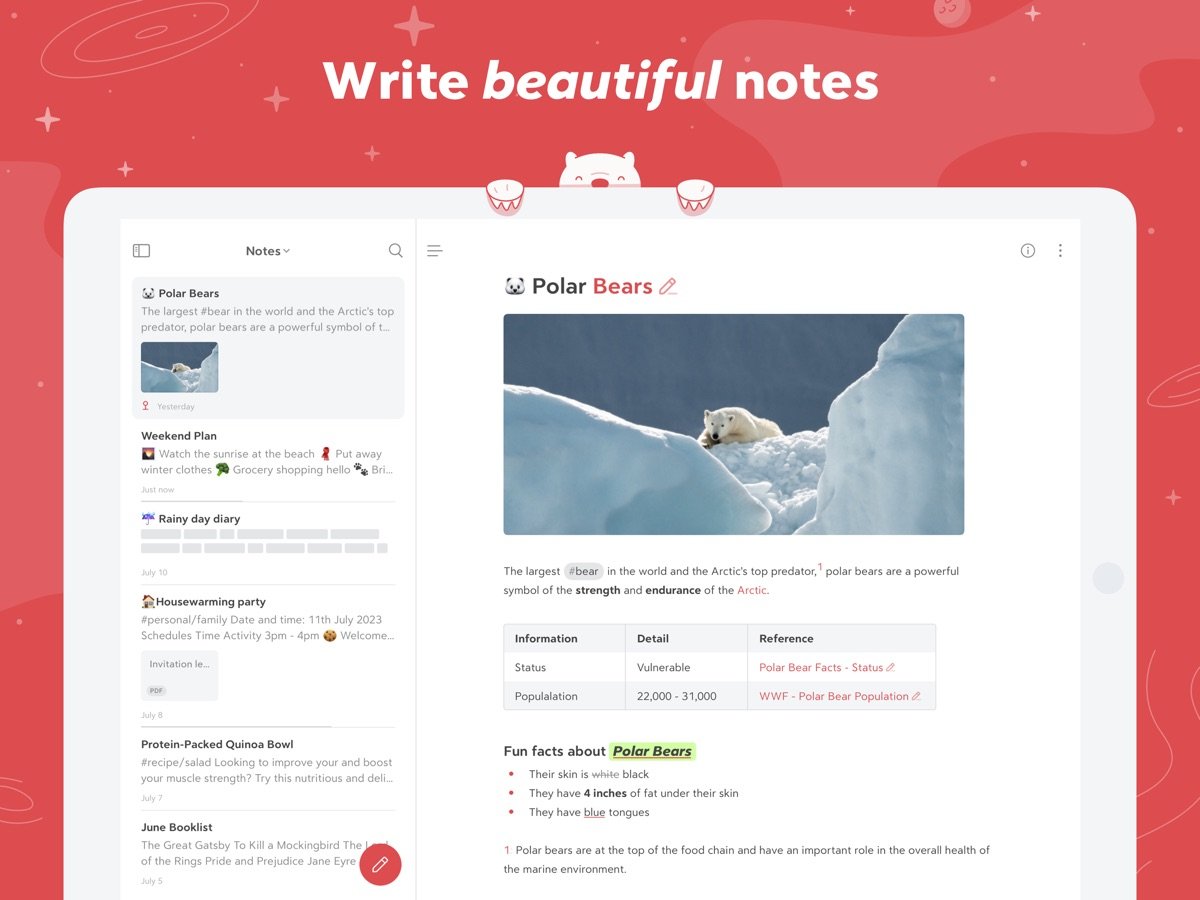
Bear rates 4.68 from 6,859 ratings, a smaller sample than the giants but a consistent one. It is a markdown editor with a tagging system instead of folders, and it is the nicest of these to write more than a paragraph in.
Pricing is the simplest on this list: Pro costs $2.99 a month or $29.99 a year, with no tiers above it and nothing else to buy. At $29.99 a year it undercuts Evernote by about seventy dollars for the kind of writing most people actually do.
The free version handles notes on one device; sync across devices, themes and export formats are what Pro buys. It runs on iOS 15.6, so older hardware is fine, and 241 MB is moderate for what it does.
- Rating: 4.68 from 6,859 App Store ratings.
- Cost: free on one device, then $2.99 a month or $29.99 a year.
- Catch: Apple platforms only, and syncing is behind the subscription.
6. Obsidian: Best for Notes You Want to Own Outright
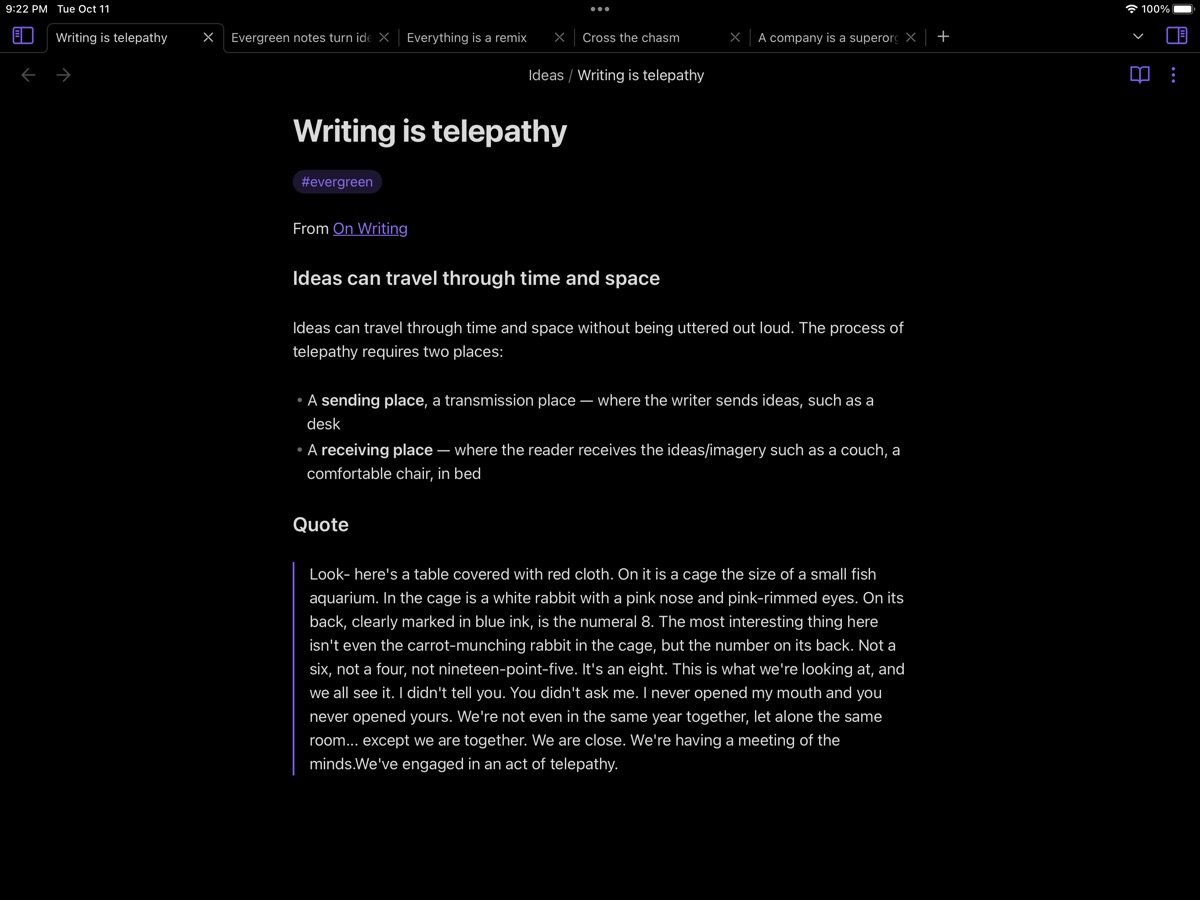
Obsidian carries the lowest rating in this group at 4.48 from 2,719 ratings, and it is still the right answer for a particular kind of person. Notes are plain markdown files in a folder on your device, readable by any text editor, with links between them forming a graph.
Its App Store listing shows no in-app purchases at all, which is unusual for a free app of this ambition. Obsidian sells optional sync and publishing services through its own website rather than through Apple, so nothing about the app nags you to upgrade.
At 39.6 MB it is the second smallest here and it runs on iOS 15.6. The trade is setup: there is a real learning curve, and getting files onto other machines is your problem unless you pay for sync or wire up your own cloud storage and file sharing.
- Rating: 4.48 from 2,719 App Store ratings, the lowest here.
- Cost: free, with no in-app purchases on the listing.
- Catch: you manage your own files, and the learning curve is genuine.
7. Evernote: Best Known, Hardest to Justify
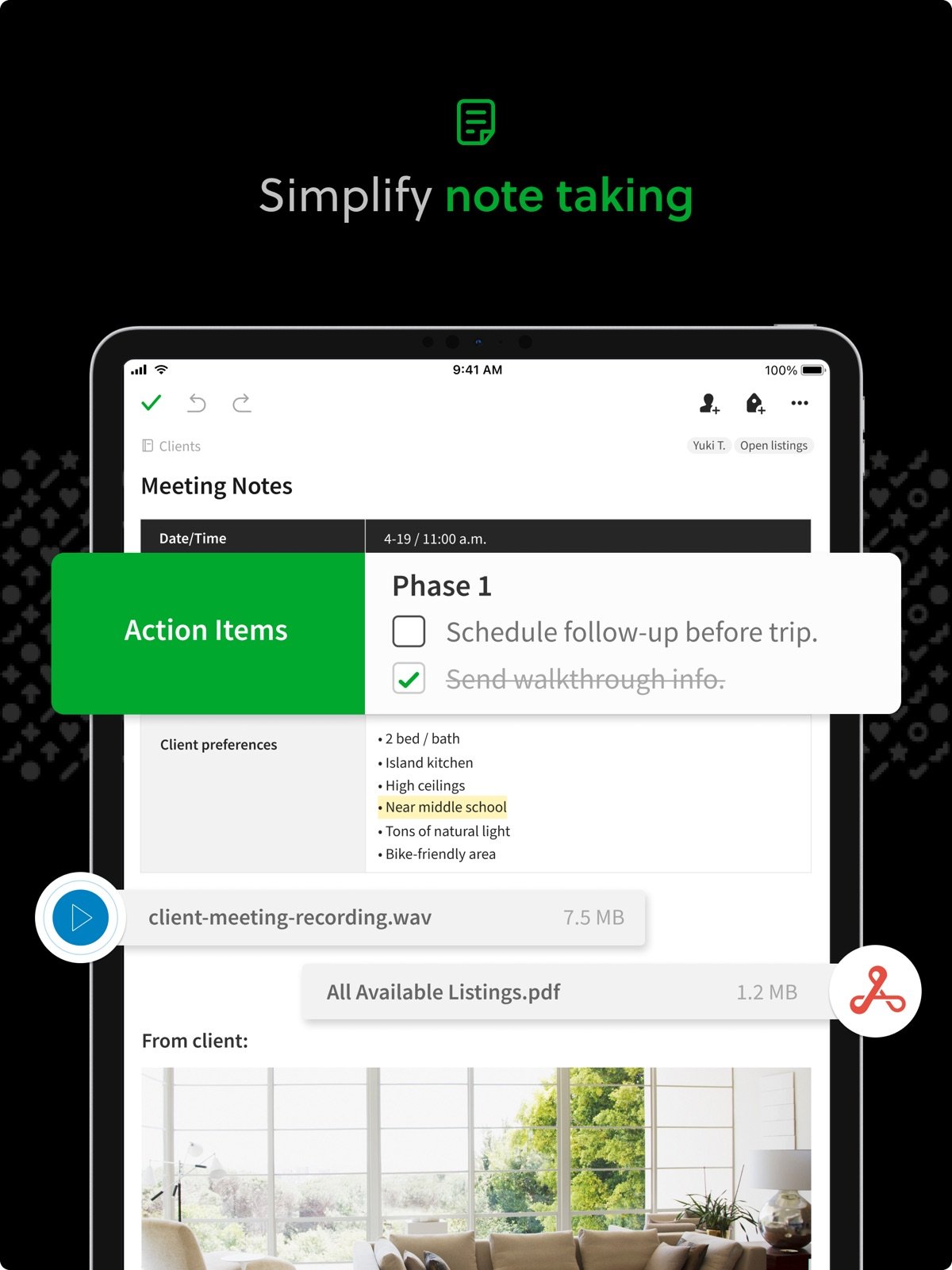
Evernote rates 4.41 from 77,693 ratings, the lowest score of the seven, and its free plan is the most restricted. Evernote’s plan comparison allows 50 notes, one notebook and one connected device at no cost.
The paid tiers have also been renamed. Starter is $8.25 a month billed annually, which is $99 a year, for 1,000 notes, 20 notebooks and three devices. Advanced is $20.83 a month, or $249.99 a year, for unlimited notes and devices.
Against Bear at $29.99 a year or Goodnotes at $11.99, $99 a year buys web clipping, document search and a long history of stored notes. If you have years of material inside Evernote already that is a fair trade. Starting fresh in 2026, it is a difficult first choice.
- Rating: 4.41 from 77,693 App Store ratings.
- Cost: free for 50 notes, then $99 a year for Starter.
- Catch: one device and one notebook on the free plan.
Free Tiers That Are Really Trials
Free to download is not the same as free to use, and the gap between these seven is wider than the App Store makes it look. Three of them stop being usable within an afternoon of serious note taking.
- Goodnotes: three files in total, and exports carry a watermark.
- Evernote: 50 notes, one notebook and one device.
- Bear: unlimited notes, but only on a single device until you pay.
- Notes and Obsidian: no cap at all, because neither sells a paid tier in the App Store.
Three files is a limit you will hit on your first day of lectures. Fifty notes lasts a few weeks. Those are trial periods wearing the word free, and there is nothing wrong with that as long as you know before you commit your notes to them.
Download Size Is Not a Small Detail
The spread between the lightest and heaviest app here is about a hundred and sixty to one, on devices that still ship with 128 GB. Size also tracks how much the app tries to do, which affects how fast it opens when you want to write one line.
- Under 250 MB: Notes at 6.1 MB, Obsidian at 39.6 MB, Bear at 241 MB.
- 250 to 500 MB: Evernote at 330.8 MB and OneNote at 423.7 MB.
- Over 600 MB: Notion at 648.2 MB and Goodnotes at 960.2 MB.
The iOS requirement matters just as much on older hardware. Goodnotes now demands iOS 18.6 and both OneNote and Notion require iOS 18, while Notes, Bear and Obsidian still install on devices running iOS 15. If your iPad is a few years old, that alone removes three of these from the shortlist.
Which Note Taking App to Choose
If you have an iPhone and no strong opinion, use Notes. It has the highest rating here, it costs nothing, there is no tier to be upsold to, and it is the only one that will never ask you for money. Most people who go looking for a better note app end up back here.
Beyond that, match the app to the job. Handwriting and PDFs mean Goodnotes and its $11.99 a year Essential plan. Long typed writing means Bear at $29.99 a year. Structured project notes mean Notion. Notes you want as plain files you control mean Obsidian. Study notebooks that run for a whole term mean OneNote, which stays free. Digital planners and dated layouts are a related but separate category, covered in our guide to digital planners.
Frequently Asked Questions
Which app is best for free notes?
Apple Notes, on Apple devices. It has no in-app purchases at all, no note limit and the highest App Store rating in this comparison at 4.84. OneNote is the strongest free option if you need notebooks and sections or you also use Windows, and it stays free for note taking.
Is there a better note-taking app than OneNote?
For handwriting, Goodnotes is better and rates 4.72. For plain writing, Bear is more pleasant at $29.99 a year. For structured project notes, Notion does more. But OneNote is free, holds 1,064,189 App Store ratings at 4.71, and nothing here beats it for long notebooks that run for months.
Which note taking app has the best App Store rating?
Apple Notes at 4.84 from 643,779 ratings, followed by Notion at 4.78 and Goodnotes at 4.72. Evernote is lowest of these seven at 4.41. Rating counts favour apps that have been installed for years, so a high score with few ratings is weaker evidence than a slightly lower one with hundreds of thousands.
Do note taking apps work on older iPhones and iPads?
Some do not. Goodnotes requires iOS 18.6, while OneNote and Notion need iOS 18. Apple Notes runs on iOS 15, and Bear and Obsidian on iOS 15.6, so those three are the realistic choices on hardware that cannot take the newest updates.