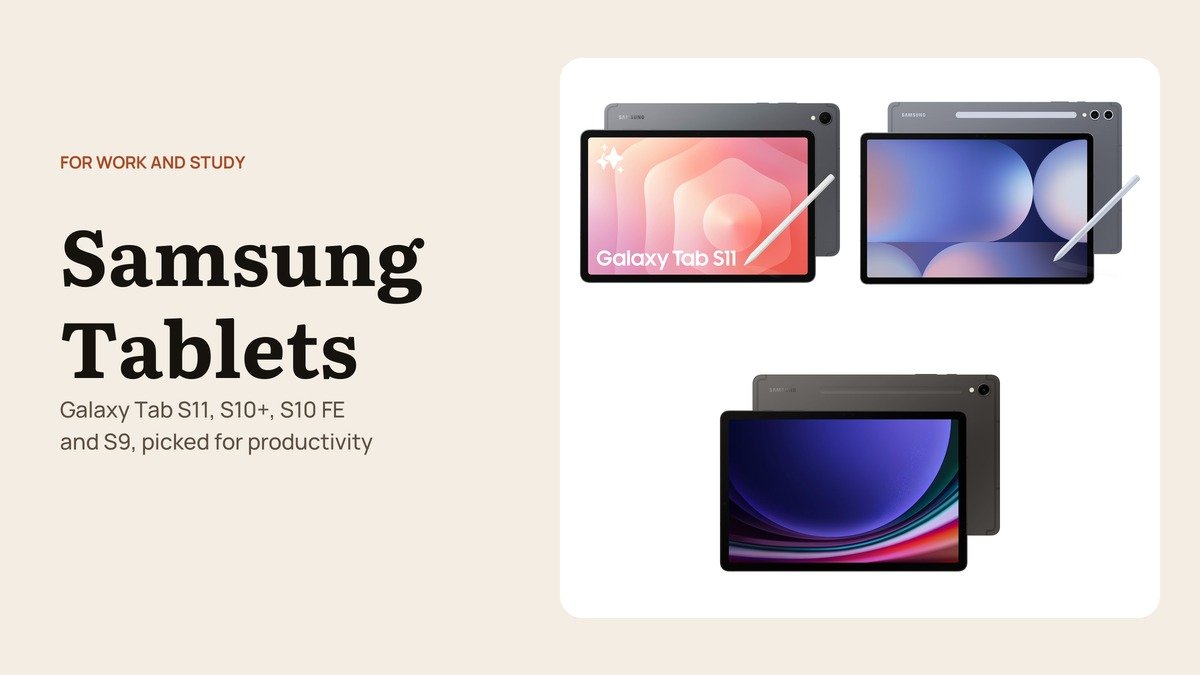
The best Samsung tablets for work are the ones that make a keyboard, a pen and several open apps feel natural, and Samsung's range splits sharply on exactly those points. Some models run a full desktop mode, some have glare-resistant screens for long days, and the cheaper ones focus on handwriting tools for students.
These four are picked for productivity rather than entertainment, and each is a different model from the tablets in a general shopping list. All are sold through Samsung's US listings on Amazon.
Samsung Tablets for Work Compared on Screen, AI Tools and Battery
| # | Tablet | Screen | Work features | Battery (Samsung claim) | Best for |
|---|---|---|---|---|---|
| 1 | Galaxy Tab S11 | 11″ AMOLED, 120Hz | DeX, Note Assist | Up to 18 hours | Daily carry for work |
| 2 | Galaxy Tab S10+ | 12.4″ anti-reflective AMOLED | Note Assist, Sketch to Image | Up to 16 hours | Long desk sessions |
| 3 | Galaxy Tab S10 FE | 10.9″ LCD, 90Hz | Handwriting Assist, Math Solver | Up to 20 hours | Students |
| 4 | Galaxy Tab S9 | 11″ AMOLED | Galaxy AI note tools | Not quoted here | Flagship on a budget |
1. Samsung Galaxy Tab S11: The Best Samsung Tablet for Getting Work Done
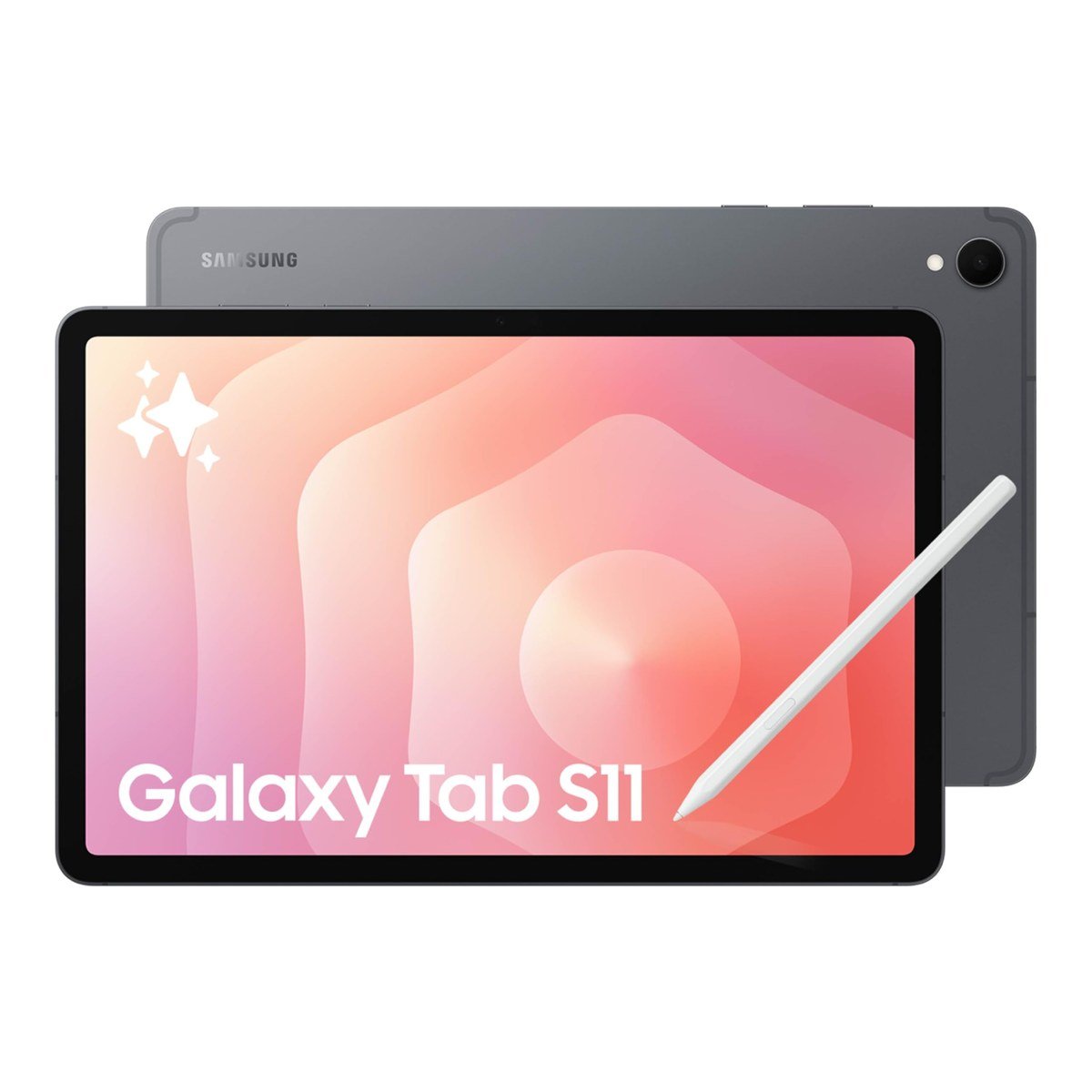
The Galaxy Tab S11 is the compact flagship: an 11-inch Dynamic AMOLED 2X screen at up to 120Hz, 12GB of RAM, a 3nm MediaTek processor and a body just 5.5mm thick. It is small enough to carry daily and fast enough to keep a dozen apps open.
For work, the headline is Samsung DeX, which turns the screen into a windowed desktop when you attach a keyboard cover. Note Assist summarises and organises meeting notes, the S Pen is included and is itself IP68-rated, and Samsung quotes up to 18 hours of video from the 8,400mAh battery.
What it does well
- DeX desktop mode with resizable app windows
- 12GB of RAM for heavy multitasking
- IP68 tablet and S Pen, plus microSD storage
What to know before buying
- 11-inch screen is cramped for side-by-side documents
- Keyboard cover costs extra
- Pricier than the FE models for similar note-taking
2. Samsung Galaxy Tab S10+: A Larger Anti-Glare Screen for Long Sessions
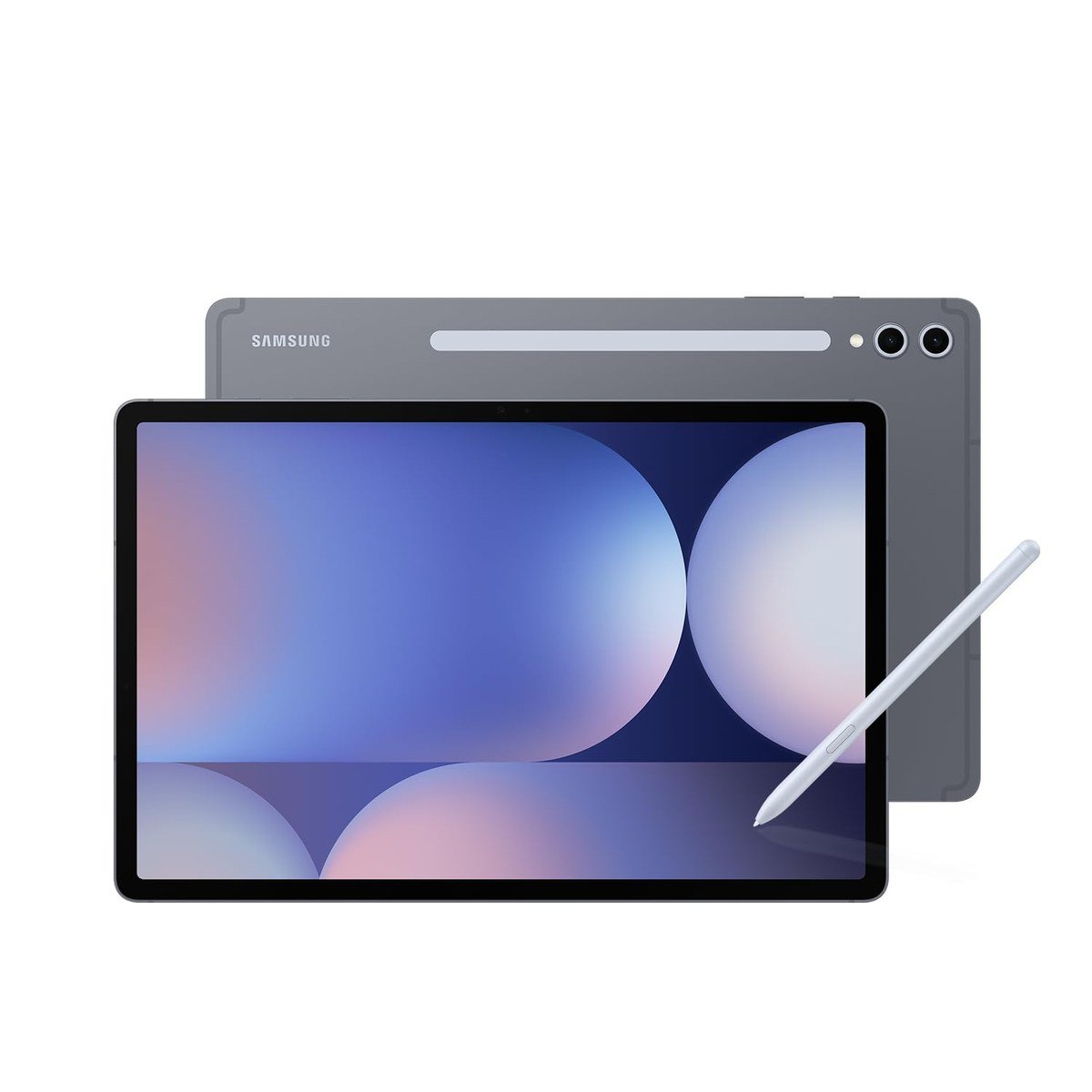
The Galaxy Tab S10+ is last generation's large flagship, and its 12.4-inch Dynamic AMOLED 2X screen has an anti-reflective coating that matters more for work than any spec sheet number. Under office lighting or near a window, glare is noticeably lower than on a glossy panel.
It has 12GB of RAM, an S Pen in the box and an IP68 rating, and Galaxy AI tools such as Note Assist, transcript summaries and Sketch to Image. Samsung quotes up to 16 hours of video playback.
What it does well
- Anti-reflective 12.4-inch AMOLED screen
- Roomy enough for two documents side by side
- S Pen and IP68 rating included
What to know before buying
- Older chip than the S11 and S12 generation
- Shortest battery claim of these four
- Large for handheld use
3. Samsung Galaxy Tab S10 FE: The Value Pick for Students
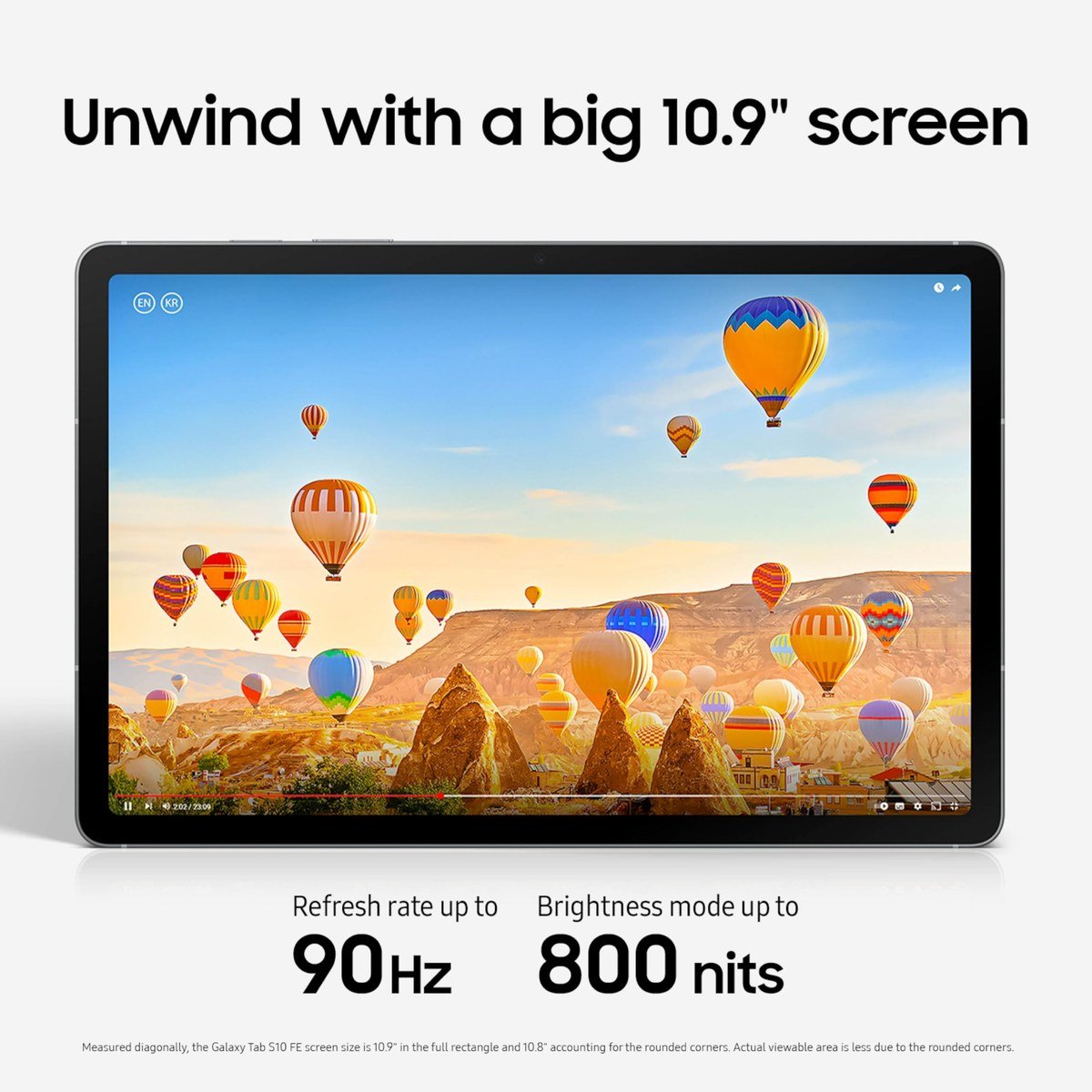
The Galaxy Tab S10 FE brings the S Pen and an IP68 rating down to a student budget. Its 10.9-inch LCD has a 2880 x 1800 resolution, an adaptive refresh rate up to 90Hz and a brightness mode of up to 800 nits, and the Exynos 1580 chip handles split-screen apps comfortably.
Samsung's note tools are the draw: Handwriting Assist straightens messy notes and Math Solver turns written equations into text. Samsung quotes up to 20 hours of video, one of the longest claims in its range.
What it does well
- S Pen and IP68 at a much lower price than the S series
- Long battery life on Samsung's figures
- Handwriting and math tools built in
What to know before buying
- LCD, so contrast trails the AMOLED models
- 90Hz rather than 120Hz
- Less RAM than the flagships for heavy multitasking
4. Samsung Galaxy Tab S9: Flagship Hardware From a Previous Generation
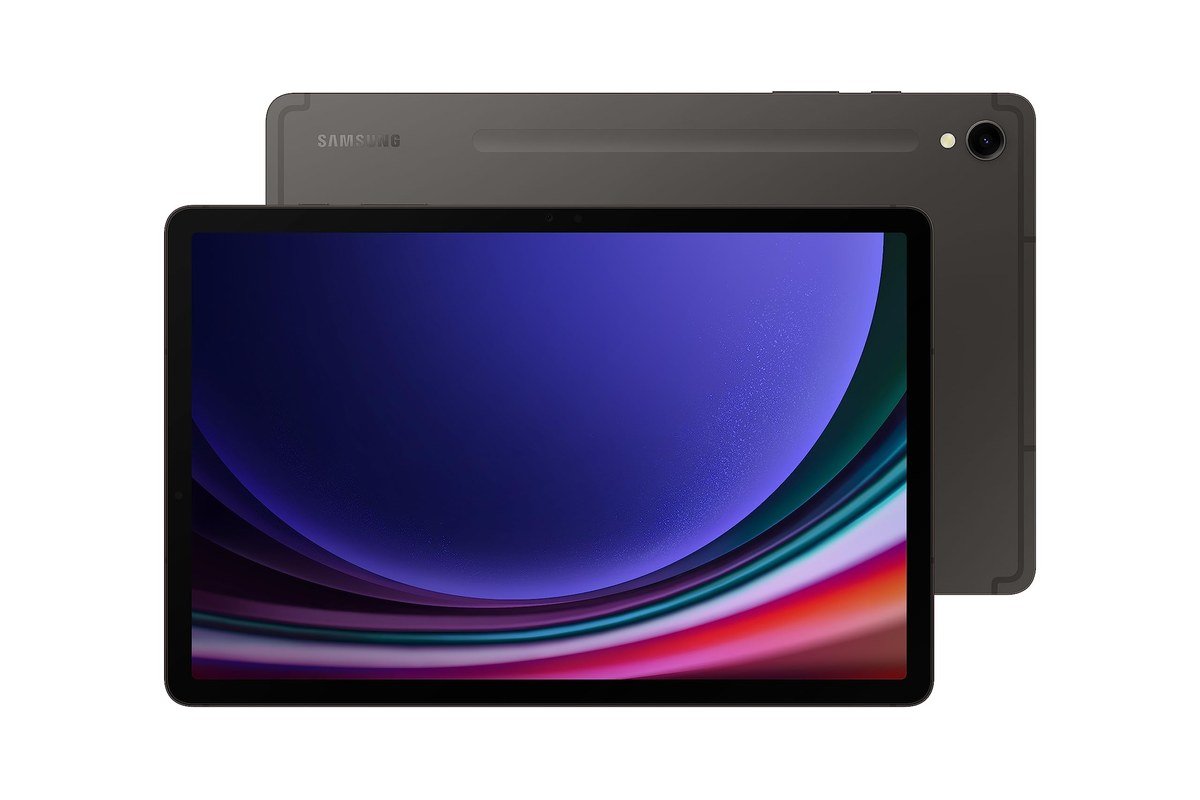
The Galaxy Tab S9 is still a capable work tablet. It has an 11-inch Dynamic AMOLED 2X screen, the Snapdragon 8 Gen 2 processor, an Armor Aluminum frame and an IP68 rating, and Samsung ships it with an S Pen in the box.
It now carries Galaxy AI features such as transcript assist and note summaries, which closes much of the gap to newer models for everyday office work. The 256GB listing here leaves plenty of room for documents and offline files.
What it does well
- AMOLED screen and flagship-class chip
- IP68 rating with S Pen in the box
- Galaxy AI note tools on a previous-generation tablet
What to know before buying
- Oldest model here, so fewer years of updates remain
- Newer S11 is thinner and faster
- Check the listing's storage before buying
DeX, S Pen and Galaxy AI: The Features That Matter for Work
- Samsung DeX turns the tablet into a desktop-style workspace with resizable windows and a taskbar. Samsung's Galaxy Tab S11 page describes plugging into the Book Cover Keyboard to enter it, which is the closest a Galaxy Tab gets to a laptop.
- The S Pen is in the box with all four picks here. For meetings and lectures it is faster than typing, and Samsung's note tools tidy handwriting and turn written equations into text.
- Note Assist and transcripts summarise recordings and tidy notes, which saves the write-up after a meeting.
- Split screen and pop-up windows work on every model, though the 12.4-inch S10+ gives two apps the most room.
A keyboard cover is the one accessory that changes how a tablet works. Without it, DeX and long documents are awkward; with it, any of these four handles email, documents and video calls comfortably.
What IP68 Means for a Work Tablet
All four tablets here are rated IP68, meaning dust-tight and able to survive submersion under the test conditions set out in the IP code standard. For a device that travels between home, office and café, that covers the coffee spill and the rainy commute.
The rating describes resistance, not immunity. Seals can wear with age and repairs, so treat IP68 as insurance against accidents. Samsung bills its Galaxy Tabs as among the only IP68-rated tablets available, which makes it a real point of difference when comparing brands.
For typing on the move, our tablet keyboard guide shows what to look for in a keyboard cover, and our Galaxy charger picks include 45W chargers that refill a Galaxy Tab quickly between meetings.
A Simple Work Setup for Any Galaxy Tab
The tablet is only part of a productive setup. These additions make the biggest difference, roughly in order of impact:
- A keyboard cover: essential for DeX and long documents, and it doubles as a screen protector in a bag.
- A case with a pen holder: the S Pen is easy to lose, and a slot or loop keeps it attached.
- A 45W USB-C charger: Galaxy Tabs ship without a wall adapter in many markets, and a fast charger refills a large battery during lunch.
- Office and note apps: Microsoft Office, Google Docs and Samsung Notes all run on Galaxy Tabs, so files move easily between a tablet and a PC.
- A microSD card on models that take one, for offline files and downloaded lectures.
With those in place, the differences between the four tablets come down to screen size and how much multitasking you do, rather than whether a tablet can handle work at all.
Which Samsung Tablet to Buy for Work
Buy the Galaxy Tab S11 if you want one tablet that goes everywhere and can switch into a desktop when needed. Its DeX mode, 12GB of RAM and compact size make it the most capable work machine here.
Choose the Galaxy Tab S10+ if you spend long stretches at a desk and want the larger anti-reflective screen. Students should look at the Galaxy Tab S10 FE for its handwriting tools and battery life, and the Galaxy Tab S9 suits anyone who wants AMOLED and a flagship chip without paying for the newest model.
Frequently Asked Questions
Which Samsung tablet is best for productivity?
The Galaxy Tab S11, thanks to DeX desktop mode, 12GB of RAM and an included S Pen. The S10+ is the better choice if screen size and glare matter more than portability.
Do Samsung tablets come with a keyboard?
No. All four include an S Pen, but keyboard covers are sold separately. On the S11, Samsung's Book Cover Keyboard is the easiest way into DeX.
Is the Galaxy Tab S10 FE good for college?
Yes. It has an S Pen in the box, IP68 protection, Handwriting Assist and Math Solver, and Samsung quotes up to 20 hours of video playback, which covers a full day of classes.
Is the Galaxy Tab S9 still worth buying?
For office work and note-taking, yes. It has an AMOLED screen, a flagship-class processor, IP68 and an S Pen, though it will receive fewer future updates than the S11.
Related Articles
- Galaxy Tab S11 Ultra Case: 4 Picks Compared on Grip
- Best iPad Cases: 7 Compared on Straps, Kickstands and Pencil Storage
- Galaxy S26 Screen Protector: 5 Picks Compared
As an Amazon Associate, CanyonWire earns from qualifying purchases.





