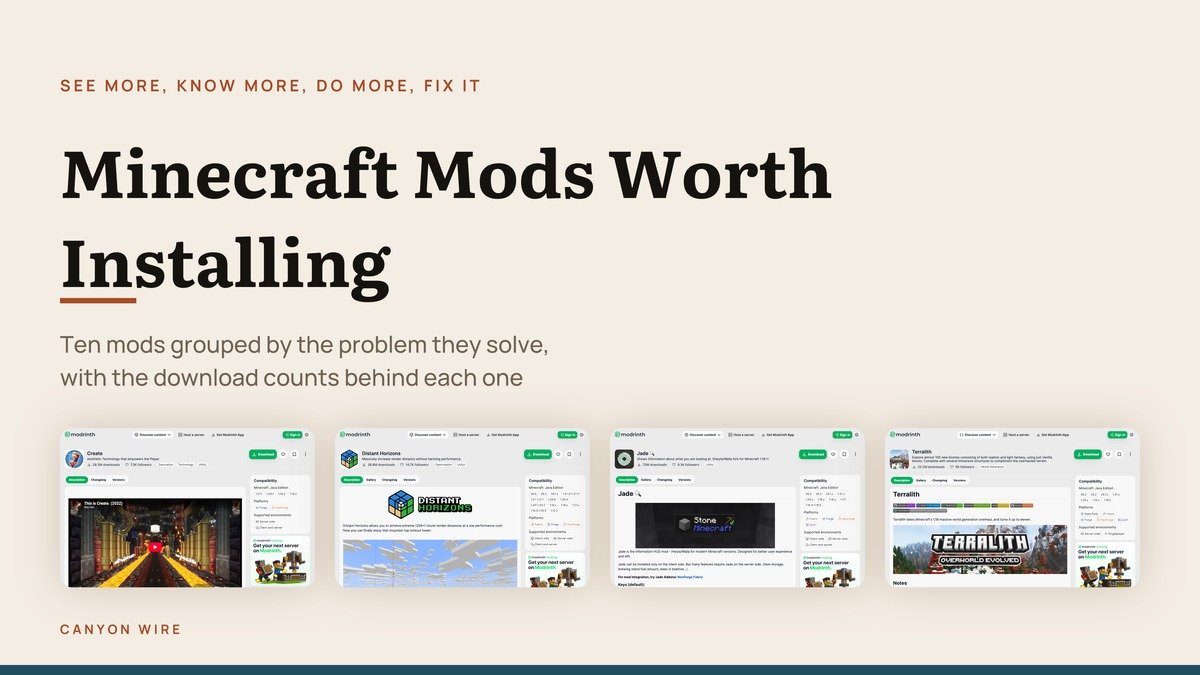
Lists of Minecraft mods are usually ranked by download count, which tells you what is popular and not what is missing from your game. The ten below are grouped by the problem each one solves, so you can install the two that fix your complaint and skip the rest.
They split four ways: mods that change what you can see, mods that tell you what the game hides, mods that add something to do, and mods that quietly remove an irritation. Download figures and loader support are the numbers each project publishes.
Loaders, Sides and the Two Things to Check First
Before any of this, two compatibility questions decide whether a mod will work for you, and both are printed on every project page.
- The loader. Fabric, Forge, NeoForge and Quilt are mutually incompatible frameworks. Everything in one profile must target the same one, so pick the loader your preferred mods all support rather than picking mods afterwards.
- The side. Client-only mods change what you see and need nobody else to agree. Server-side mods affect everybody. Mods that add blocks or terrain need installing on both, and joining a server without them will fail.
The practical consequence for multiplayer is that only some of these are available to you. Mouse Tweaks is client only and can be added to any server quietly. Biomes O’ Plenty and Farmer’s Delight need the server running them too, which means asking whoever owns it.
Version support is the third trap. A mod that has not been updated for the Minecraft release you are running will not load, so the last-updated date in the table below is worth as much attention as the download count.
Minecraft Mods Compared: What Each Solves, Downloads and Loaders
All ten below, with download totals read from Modrinth on October 28, 2026.
| # | Mod | Solves | Downloads | Loaders |
|---|---|---|---|---|
| 1 | Distant Horizons | World | 38,843,328 | Fabric, Forge, NeoForge |
| 2 | Biomes O’ Plenty | World | 39,663,129 | Fabric, Forge, NeoForge |
| 3 | Terralith | World | 25,219,301 | Data pack, Fabric, Forge, NeoForge, Quilt |
| 4 | Jade | Information | 75,015,997 | Fabric, Forge, NeoForge, Quilt |
| 5 | AppleSkin | Information | 100,379,530 | Fabric, Forge, NeoForge, Quilt |
| 6 | JourneyMap | Information | 15,761,278 | Fabric, Forge, NeoForge, Quilt, Paper |
| 7 | Create | Gameplay | 28,483,781 | Forge, NeoForge |
| 8 | Farmer’s Delight | Gameplay | 26,200,250 | Forge, NeoForge |
| 9 | Mouse Tweaks | Quality of life | 65,650,951 | Fabric, Forge, NeoForge |
| 10 | Clumps | Quality of life | 43,737,585 | Fabric, Forge, NeoForge |
Mods That Change What You Can See
Three that work on the world itself: how far you can see across it, and what is out there.
1. Distant Horizons: Seeing the landscape you are actually in
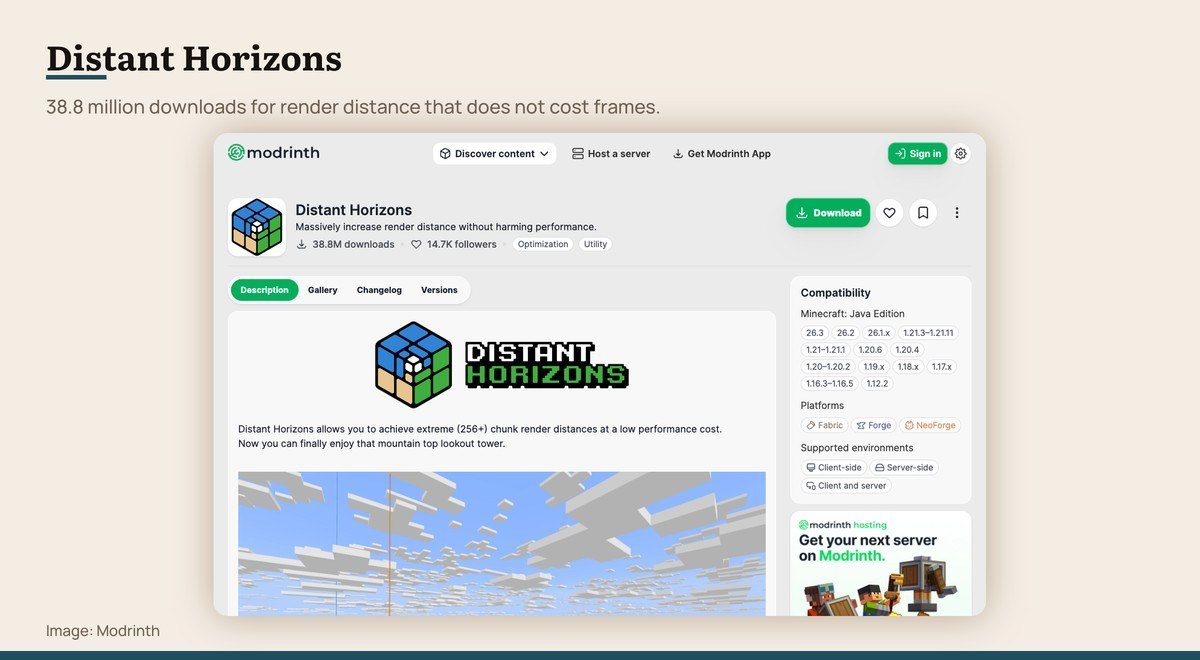
Downloads: 38,843,328 · Loaders: Fabric, Forge, NeoForge · Last updated: 29 September 2026 · Needed on: Client optional, server optional
Minecraft’s render distance has always been the thing that spoils a view. Distant Horizons builds a second, simplified version of the world beyond the normal limit, so the mountains you are walking towards exist on screen long before the game would normally draw them.
Because that far terrain is low detail, the cost is nothing like raising the vanilla slider. Its own one-line description puts it plainly as increasing render distance without harming performance, and 38.8 million downloads suggest people find that to be true.
2. Biomes O’ Plenty: A world that stops repeating itself
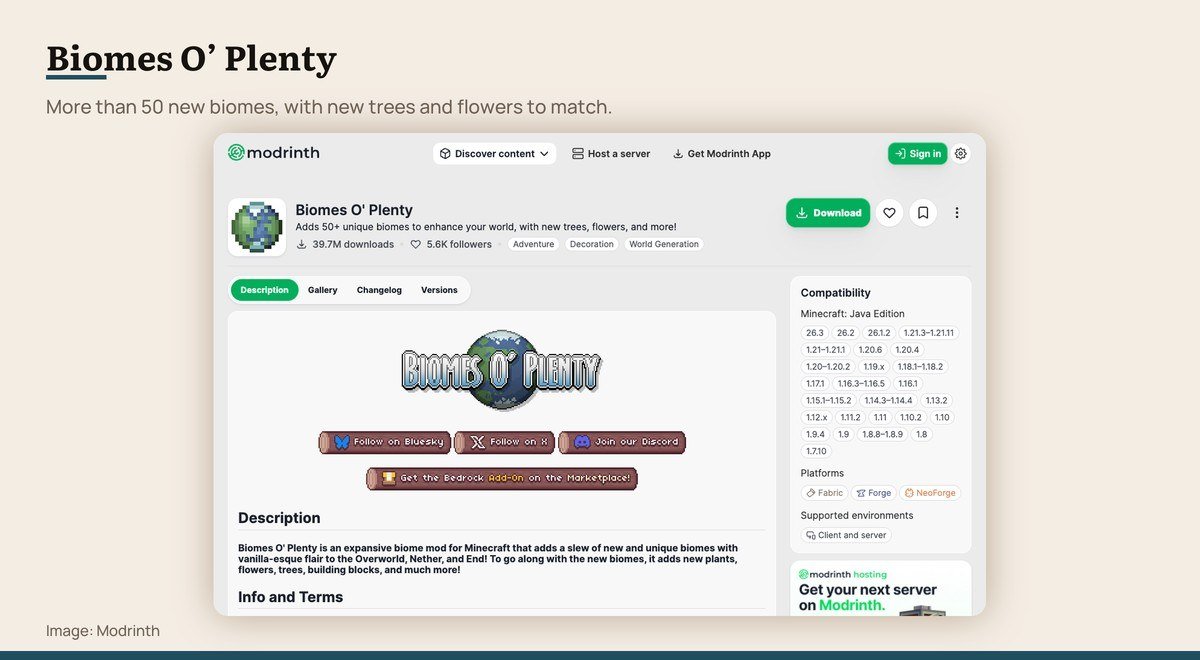
Downloads: 39,663,129 · Loaders: Fabric, Forge, NeoForge · Last updated: 14 October 2026 · Needed on: Required on client and server
The oldest complaint about a long Minecraft world is that you have seen every biome by the second evening. Biomes O’ Plenty adds more than fifty, with their own trees, flowers and blocks rather than recolours of existing ones.
It has to be installed on both the client and the server, because it changes world generation itself. That also means adding it to an existing world only affects terrain that has not been generated yet, so new biomes appear as you travel outwards rather than around your base.
3. Terralith: New terrain without new blocks
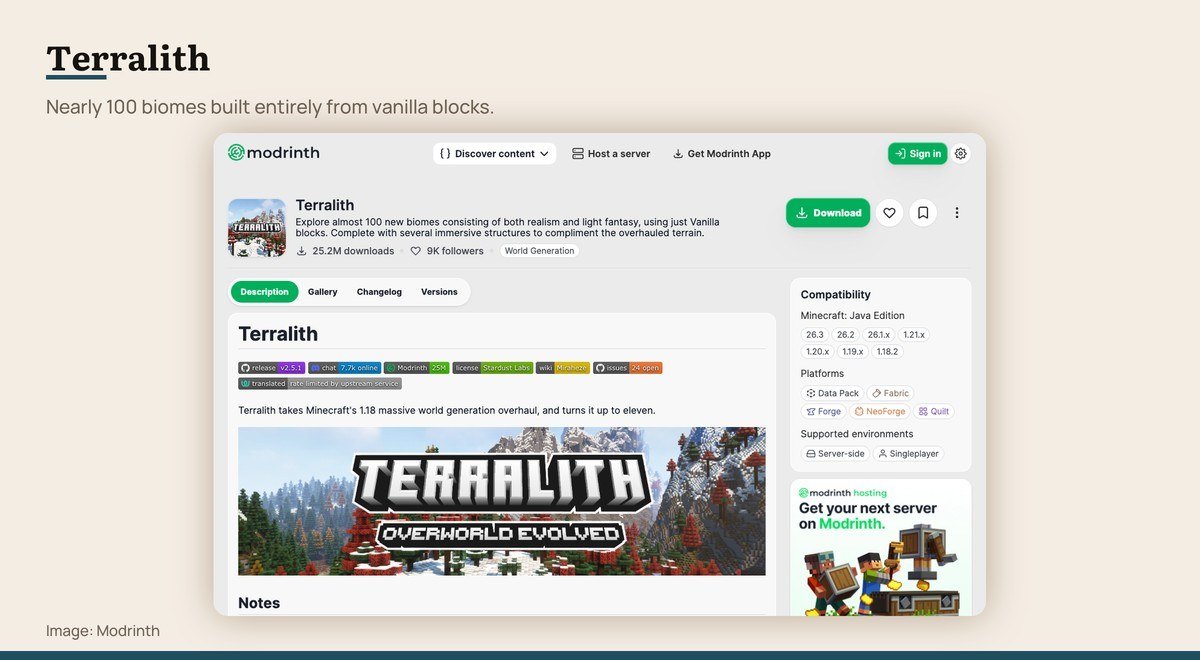
Downloads: 25,219,301 · Loaders: Data pack, Fabric, Forge, NeoForge, Quilt · Last updated: 27 September 2026 · Needed on: Server side, client optional
Terralith takes the opposite approach to its rivals: almost a hundred new biomes, built from vanilla blocks only. Nothing unfamiliar appears in your inventory, and the shapes of the world are what change.
It ships as a data pack as well as a mod, which makes it the easiest of these to add to a server where players have no mods installed. Clients need nothing, and the terrain is simply there when they walk into it.
Mods That Show What the Game Hides
Minecraft keeps a surprising amount of information to itself. These three put it on screen.
4. Jade: Never guessing what a block is again

Downloads: 75,015,997 · Loaders: Fabric, Forge, NeoForge, Quilt · Last updated: 13 October 2026 · Needed on: Client optional, server optional
Jade puts a small panel at the top of the screen naming whatever is under the crosshair: the block, the mob, its health, the tool needed to break it, and what the container in front of you holds.
It is the kind of addition that stops feeling optional within an hour. The project is a fork continuing the Hwyla and Waila lineage for modern versions, which is why its 75 million downloads span so many Minecraft releases.
5. AppleSkin: Eating the right thing at the right time
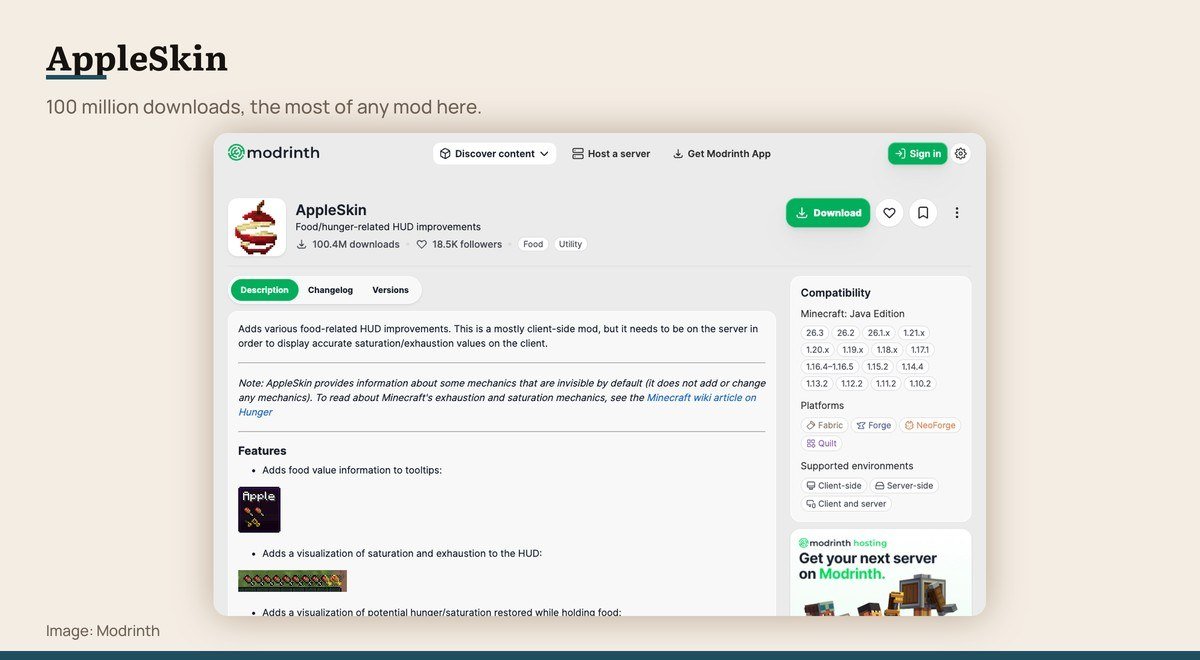
Downloads: 100,379,530 · Loaders: Fabric, Forge, NeoForge, Quilt · Last updated: 17 September 2026 · Needed on: Client optional, server optional
Minecraft tracks saturation as well as hunger, and never shows it to you. AppleSkin puts both on the HUD, along with what a held food item will restore before you eat it.
That is a very small change and it is the most downloaded mod in this list at over 100 million, which says something about how much players dislike hidden mechanics. It needs no companion mods and works on either side of a connection.
6. JourneyMap: Finding your way back
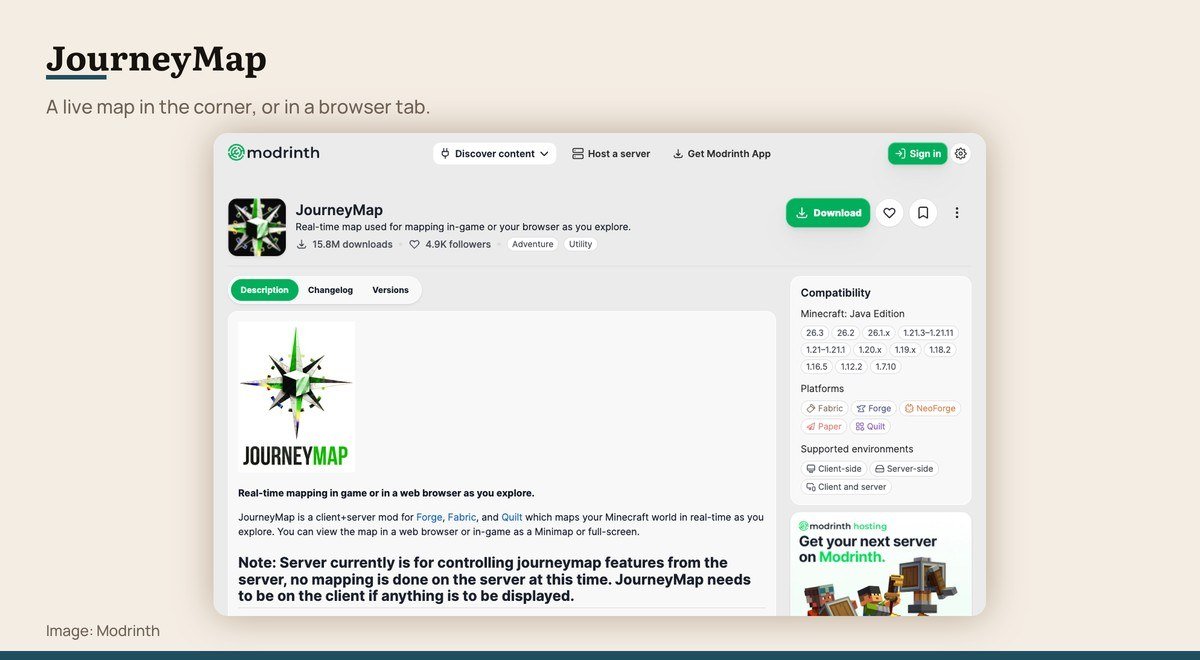
Downloads: 15,761,278 · Loaders: Fabric, Forge, NeoForge, Quilt, Paper · Last updated: 3 October 2026 · Needed on: Client optional, server optional
JourneyMap draws the world as you explore it, as a minimap in the corner and a full screen map with waypoints you can teleport to if the server allows it.
Its unusual feature is the browser view: the same map served to a web page, which is genuinely useful on a second monitor or a phone while you play. It also publishes a Paper build, so a server can run it for everyone.
Mods That Add Something to Do
Two that extend the game rather than explain it, both needing the server to run them as well.
7. Create: Building machines rather than wiring circuits
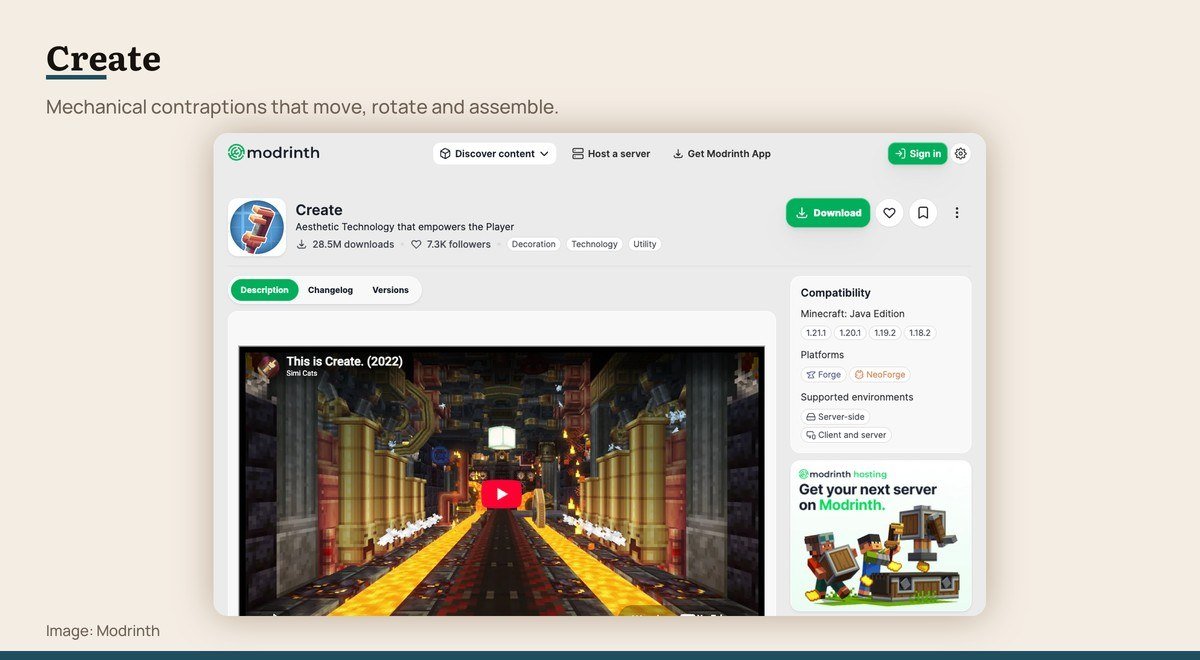
Downloads: 28,483,781 · Loaders: Forge, NeoForge · Last updated: 21 April 2026 · Needed on: Required on the server
Create is the one on this list that changes what the game is about. It adds rotational mechanics: shafts, cogs, belts, presses and mixers, all of which visibly turn and move rather than hiding their work behind a block texture.
Its own description calls it aesthetic technology, and that is the distinction from older automation mods. A Create factory is something you watch as much as something you use, and whole modpacks are now built around it.
8. Farmer’s Delight: Farming that pays off at the table
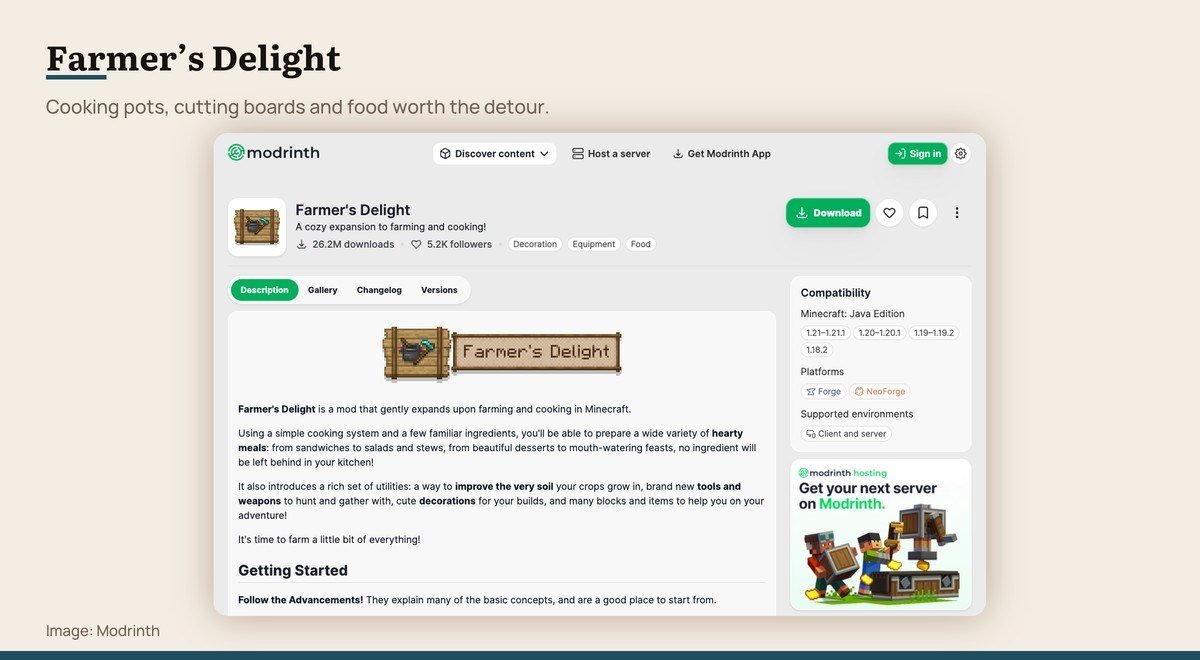
Downloads: 26,200,250 · Loaders: Forge, NeoForge · Last updated: 29 August 2026 · Needed on: Required on client and server
Vanilla farming ends at bread and stew. Farmer’s Delight continues it: a cooking pot, a cutting board, a skillet, new crops, and meals with effects worth preparing rather than eating whatever is in the hotbar.
It pairs naturally with the world generation mods above, because more biomes mean more ingredients. Both sides need it installed, since it adds real blocks and items rather than changing the interface.
Mods That Remove an Irritation
Neither adds content. Both fix something that has annoyed players for years.
9. Mouse Tweaks: Moving a full chest in one drag
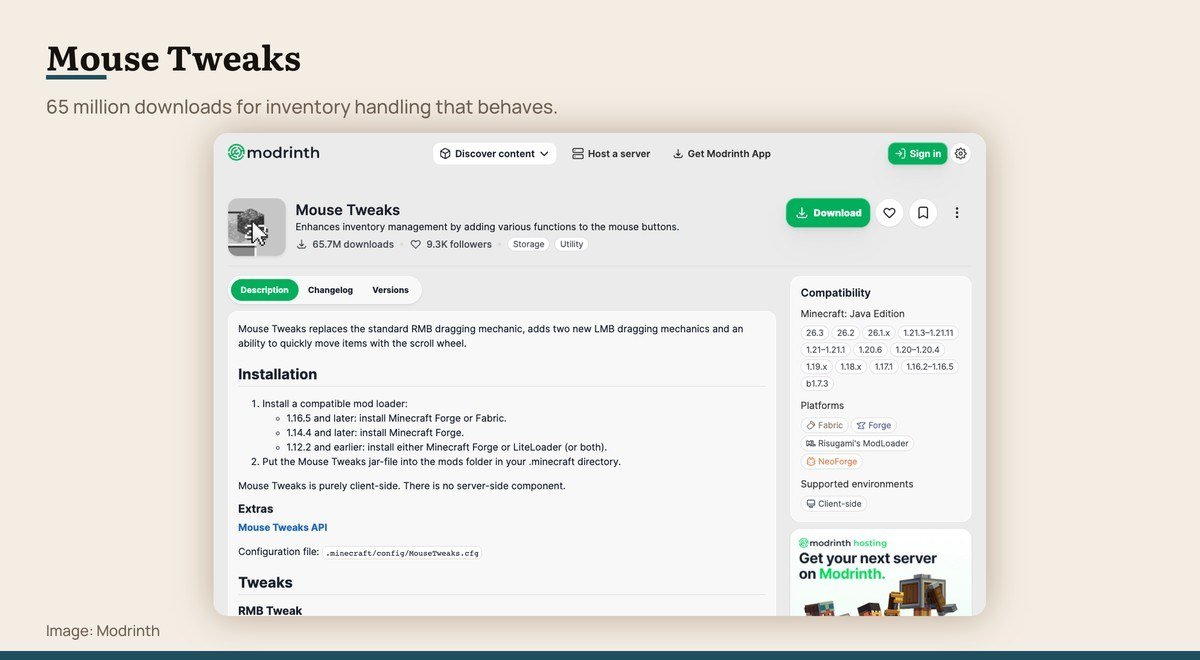
Downloads: 65,650,951 · Loaders: Fabric, Forge, NeoForge · Last updated: 20 September 2026 · Needed on: Client only
Dragging items around a chest in vanilla Minecraft is slower than it needs to be. Mouse Tweaks adds scroll-wheel transfers, drag-to-move across a whole row, and a shift-click that behaves the way you expect it to.
It is client only and entirely invisible to a server, which makes it one of the few here you can use on a multiplayer server without asking anybody. Sixty-five million downloads is a lot for a mod that adds no content at all.
10. Clumps: Large XP farms that do not freeze the game
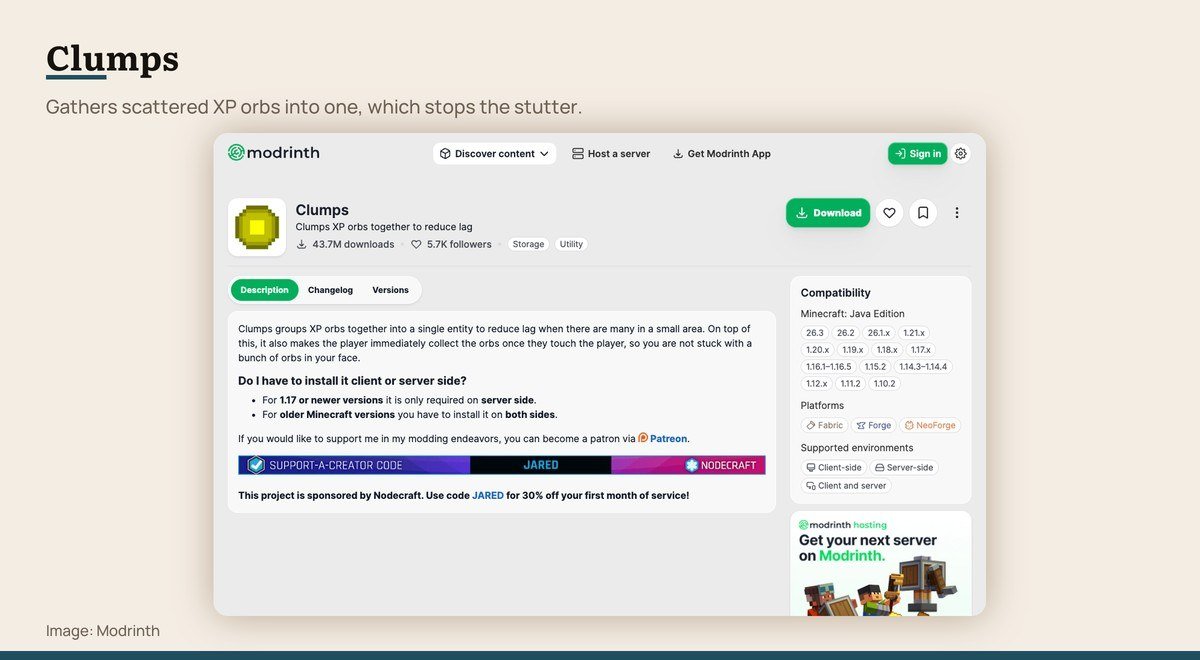
Downloads: 43,737,585 · Loaders: Fabric, Forge, NeoForge · Last updated: 16 September 2026 · Needed on: Client optional, server optional
Break a wall of ore or empty a grinder and Minecraft spawns dozens of individual experience orbs, each one an entity the game has to track and draw. On a big haul that is where the stutter comes from.
Clumps merges them into a single orb carrying the same total. Nothing about the experience you receive changes, the entity count collapses, and the frame rate dip disappears. It is the most invisible mod on this list and one of the most useful on a busy server.
Installing Them Without Breaking Your World
The order matters less than the precautions. Three steps prevent nearly every problem people have with a first modded profile.
- Copy the world folder first. Adding world generation mods to an existing save is the one change that cannot be cleanly undone, so keep a copy before the first launch.
- Make a separate installation profile. Keep the vanilla profile untouched, so there is always a working game to fall back to.
- Add mods in small groups and launch between them. When something fails to start, you then know which group caused it instead of bisecting twenty files.
Most of these also want a library mod that their project page names as a dependency. Modrinth lists those on each page and the launcher usually fetches them, but a missing dependency is the most common cause of a profile that will not start.
World generation mods deserve one extra warning. Adding Biomes O’ Plenty or Terralith to a world you have already explored produces visible seams where old terrain meets new. Starting a fresh world is the clean answer.
Where Mods Do Not Reach
Everything here is Java Edition. Bedrock Edition, which is what runs on consoles, phones and the Microsoft Store version for Windows, uses add-ons from the in-game marketplace instead and cannot load any of these files.
That distinction catches people out because both are called Minecraft and both cost money. If you bought the game on a PlayStation, an Xbox, a Switch or a phone, you have Bedrock and none of this applies.
Realms sit in between. A Java Realm can run server-side mods only if the owner installs them, and a Bedrock Realm is limited to marketplace content, so the version you own determines the ceiling rather than the subscription.
Frequently Asked Questions
What is the most downloaded Minecraft mod here?
AppleSkin, at over 100 million downloads, which is striking given that all it does is display the hunger and saturation values the game already tracks. Jade follows at 75 million and Mouse Tweaks at 65 million, and neither adds content either.
Do Minecraft mods work on Bedrock Edition?
No. Mods of this kind are Java Edition only. Bedrock, which covers consoles, phones and the Microsoft Store version, uses marketplace add-ons instead, and the two formats are not interchangeable in either direction.
Can I use these mods on a multiplayer server?
Client-only mods such as Mouse Tweaks work anywhere. Anything that adds blocks, items or terrain, including Biomes O’ Plenty and Farmer’s Delight, has to be installed on the server as well, so it is the owner’s decision rather than yours.
Will mods slow Minecraft down?
Some speed it up. Clumps reduces entity counts and Distant Horizons raises view distance at a fraction of the normal cost. Content mods that add blocks and terrain do increase memory use, so allocating more to the profile helps.