
The best standing desk for a home office is usually not the biggest one. It is the one whose top fits the room, whose frame does not wobble at full height, and which remembers two heights so you actually bother to change them.
Six are compared below, including one with mains outlets and USB-C built into the desktop, which solves the cable problem that quietly defeats most height-adjustable desks.
Standing Desk Comparison: Top Size, Capacity and Presets
Every desk below, with the figures stated on each product page.
| # | Desk | Top size | Capacity | Presets | Best for |
|---|---|---|---|---|---|
| 1 | Huuger Electric Standing Desk 63 x 24 | 63 by 24 inches | 220 lbs | 3 memory presets | A desk that solves its own cable problem |
| 2 | VIVO Electric Standing Desk 71 x 30 | 71 by 30 inches | 220 lbs | 3 memory presets | Large multi-monitor setups |
| 3 | Korfile L-Shaped Standing Desk 63 | 63 inches, L-shaped | 180 lbs | Memory presets | Corners, on a tighter budget |
| 4 | Furmax Electric Standing Desk 55 | 55 by 28 inches | 176 lbs | 4 memory presets | A first standing desk |
| 5 | VIVO Dual Tier Standing Desk Converter 36 | 36 inch converter | Not stated | Height adjustable | Correct ergonomics on an existing desk |
| 6 | Mind Reader Portable Standing Desk | Compact workstation | Not stated | Height adjustable | Small rooms and moving around |
1. Huuger Electric Standing Desk 63 x 24: With Power Outlets Built Into the Top

Power outlets and a USB-C port built into the desk is the feature everybody wants and almost nobody gets. It removes the worst part of owning a height-adjustable desk, which is the tangle of cables that has to travel with the top every time it moves.
At 63 by 24 inches it is wide without being deep, and the listing quotes 220 pounds of capacity with three memory presets. For a desk that will actually be raised and lowered daily, the integrated power matters more than it sounds.
What it does well
- Power outlets and USB-C built into the desktop
- 220 pound capacity with three memory presets
- 63 inches wide, comfortable for two monitors
- Solves the cable problem that defeats most standing desks
What to know before buying
- 24 inches deep is standard rather than generous
- Built-in electrics mean a mains lead is permanently attached
- Assembly takes longer than a plain frame
2. VIVO Electric Standing Desk 71 x 30: The One for Three Monitors
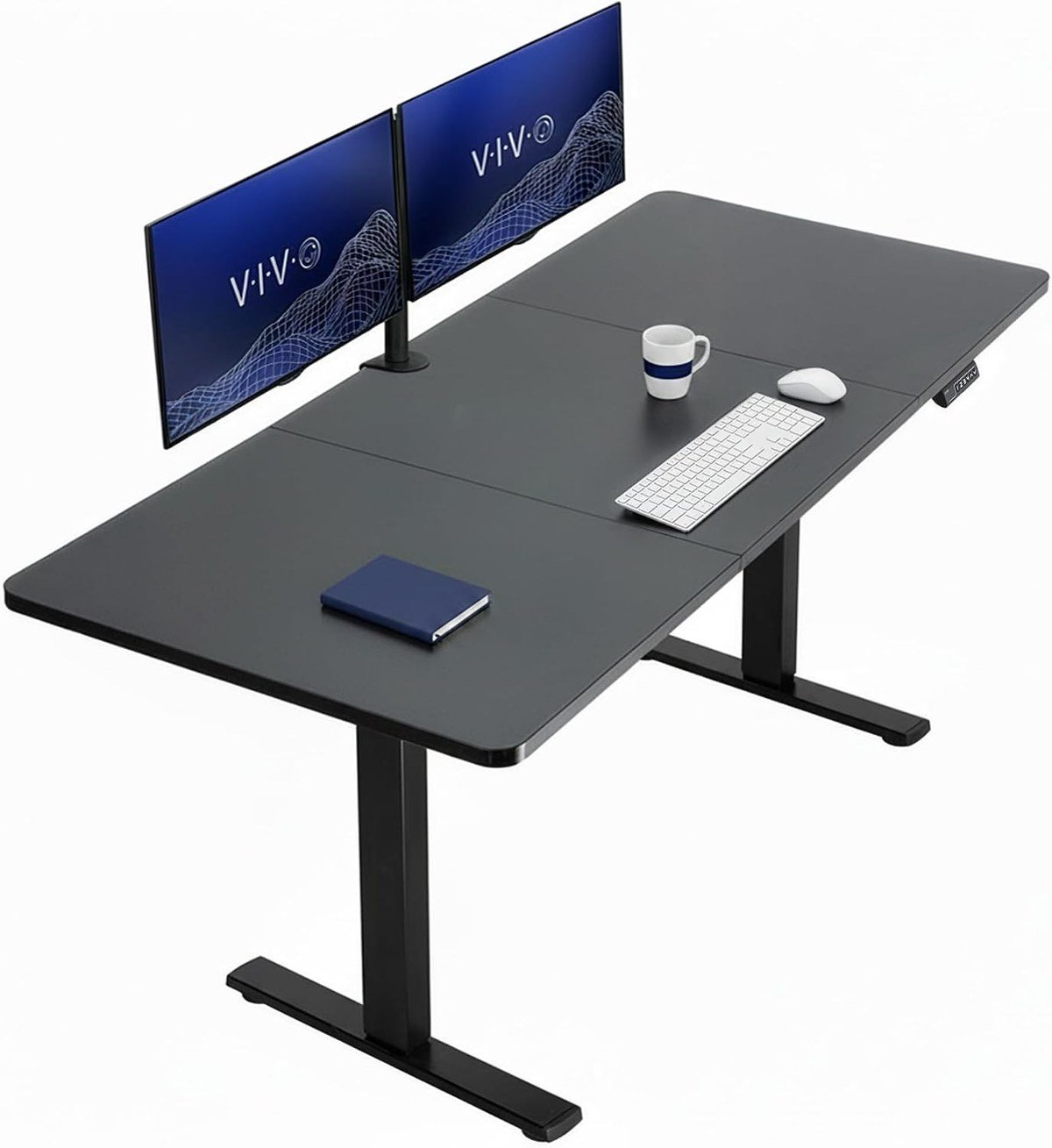
Seventy-one inches by thirty is a serious desk. It takes three monitors across the back, or two with real working space in front, and the thirty inch depth means none of them sit too close.
VIVO quotes 220 pounds of capacity and three memory presets. The size is the whole proposition and the whole problem: measure the room before ordering, because this will change how it feels.
What it does well
- 71 by 30 inches, enough for three monitors
- 220 pound capacity
- 30 inches deep, so large monitors sit at the right distance
- Three memory presets
What to know before buying
- Very large, and difficult to place in a small room
- Single motor on a big top means an unhurried lift
- Needs two people and real time to assemble
3. Korfile L-Shaped Standing Desk 63: A Reversible Corner Desk
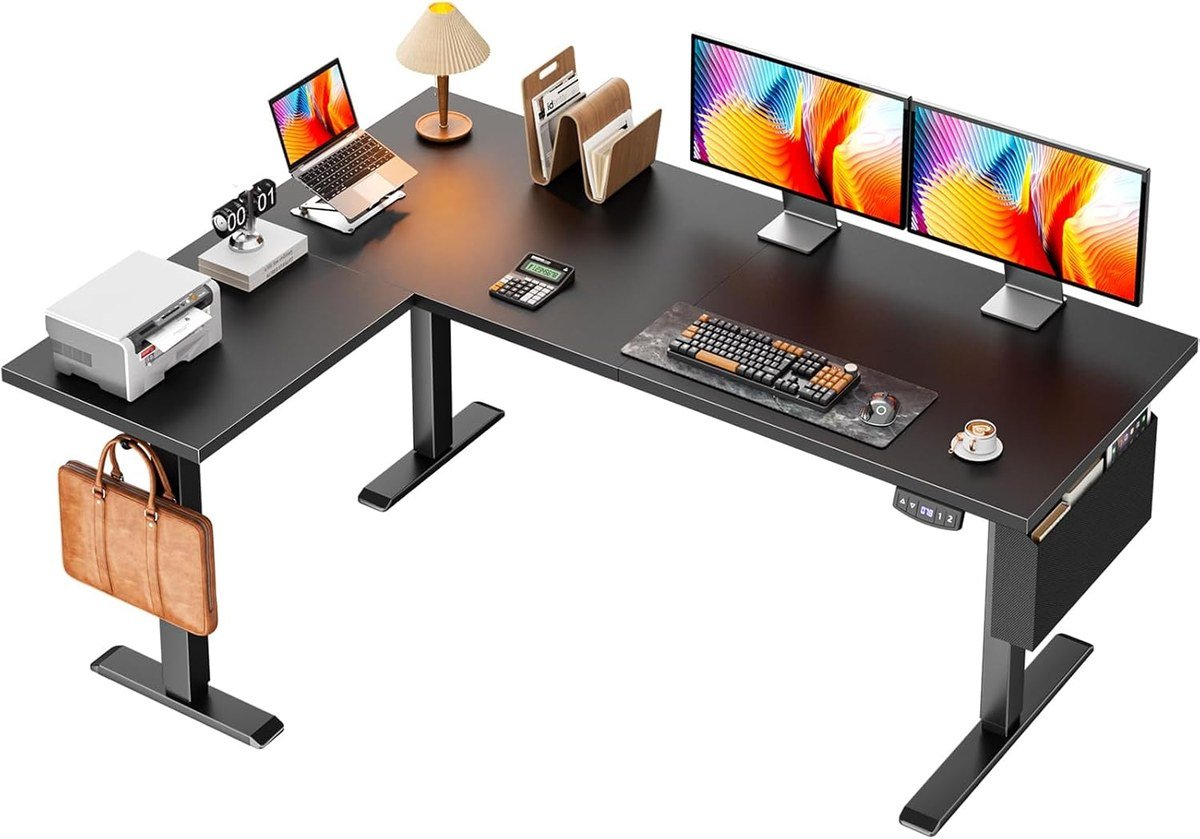
The Korfile covers the same corner-shaped problem as the larger VIVO and does it for less, with a reversible top so it works in either orientation and a quoted 180 pound capacity.
It is ergonomically sit-to-stand in the same way, and the compromise against the VIVO is capacity and frame rigidity rather than function. For a home office that is not carrying heavy equipment, that trade is easy.
What it does well
- Reversible, so it fits a left or right corner
- 180 pound capacity, ample for ordinary use
- Memory presets for repeatable heights
- Cheaper than most electric L-shaped desks
What to know before buying
- Lower capacity and less rigid than the VIVO corner desk
- L-shaped desks are awkward to move once built
- Measure the corner carefully before ordering
4. Furmax Electric Standing Desk 55: Four Presets at the Budget End
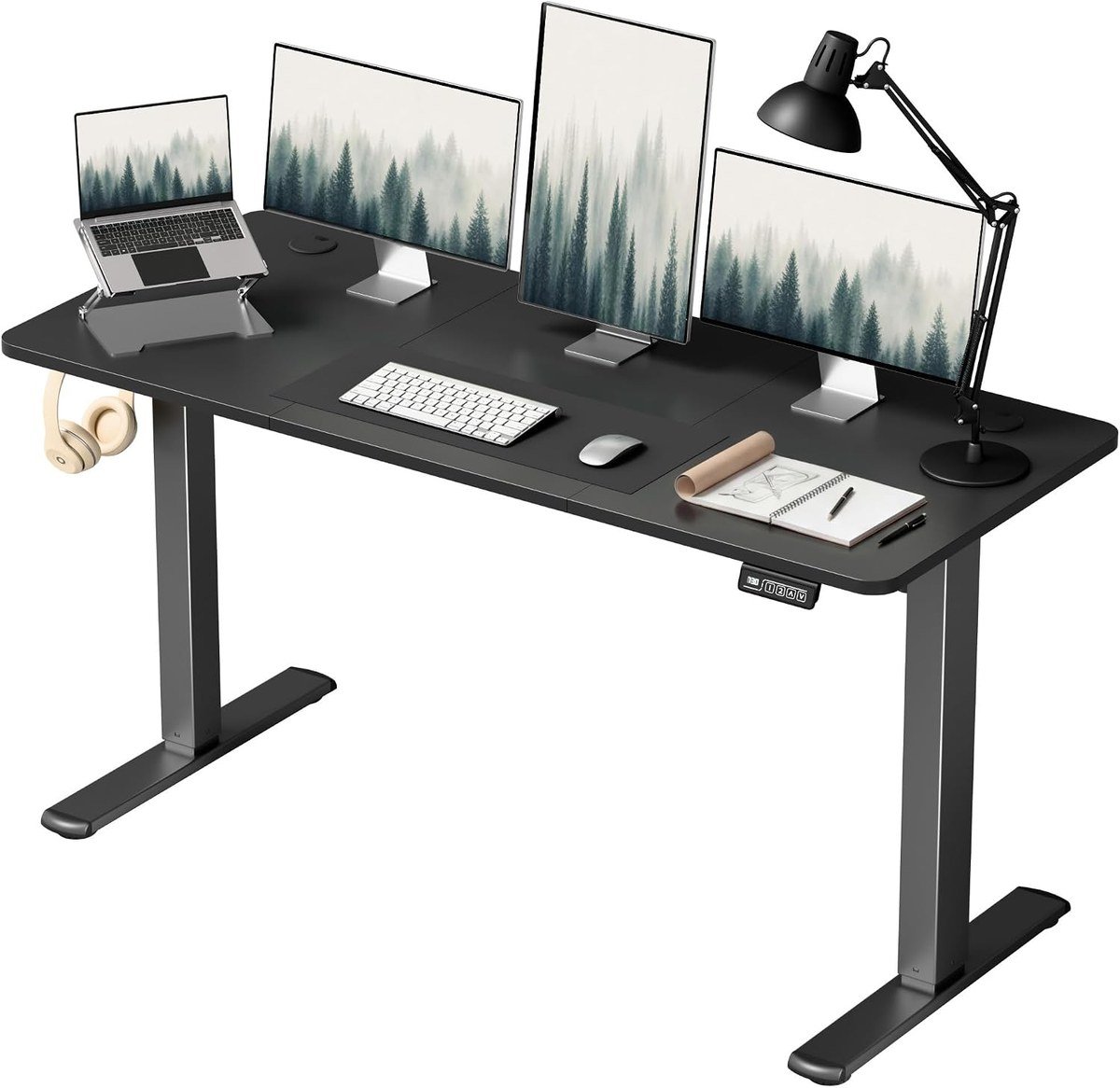
Four memory presets on a budget desk is unusual, since this is normally where manufacturers cut. Fifty-five by twenty-eight inches gives the same useful depth as the ErGear with a quoted 176 pound capacity.
This is the desk to buy if you are not yet certain you will use the standing part. It costs little enough that discovering you prefer sitting is not an expensive lesson.
What it does well
- Four memory presets, unusual at this price
- 28 inches deep for proper monitor distance
- 176 pound capacity
- Low enough cost to try the idea without committing
What to know before buying
- Budget frames wobble more at full height
- Finish is functional rather than attractive
- 55 inches is tight for three monitors
5. VIVO Dual Tier Standing Desk Converter 36: Two Levels, So the Keyboard Sits Lower

A dual-tier converter puts the monitor on the upper deck and the keyboard on a lower one, which is what correct standing ergonomics actually requires. A single-surface riser forces your wrists and your eyes to share a height, and one of them loses.
At 36 inches wide it takes a monitor and a full keyboard with a mouse. It sits on the desk you already own, so it is the cheapest route to standing without replacing furniture.
What it does well
- Separate monitor and keyboard tiers for correct posture
- 36 inches wide, enough for a keyboard and mouse
- No assembly or desk replacement needed
- Works on any sturdy existing desk
What to know before buying
- Occupies desk depth permanently
- The listing does not state a weight capacity
- Heavier to lift than a single-tier riser
6. Mind Reader Portable Standing Desk: A Rolling Desk for a Room With No Space

This is not a workstation, it is a laptop cart on wheels, and that is a genuinely useful thing to own. It rolls between rooms, adjusts in height and folds out of the way when it is not needed.
For a small flat, a shared space or someone who works from a sofa and wants an occasional standing option, it does a job none of the real desks here can. It is the lowest rated item on this list, and still above four stars.
What it does well
- Rolls between rooms and stores away
- Height adjustable for sitting or standing
- No assembly or permanent footprint
- Costs a fraction of any real standing desk
What to know before buying
- Supports a laptop and very little else
- The listing does not state a weight capacity
- Not a substitute for a proper desk for full-time work
The Cable Problem Nobody Mentions
Every cable on a height-adjustable desk has to travel with the top. A monitor lead, a laptop charger and a desk lamp that were fine on a fixed desk become a tangle that snags, unplugs or pulls something off the edge the first time the desk rises.
That is why the Huuger desk with outlets built into the top is worth more than the feature list suggests. Power enters the desk once, at the frame, and everything above it moves as one piece.
Without that, budget for a cable tray and a power strip mounted under the top. It costs little and it is the difference between a desk that moves daily and one that stops moving after a fortnight.
The same logic applies to anything heavy you mount on the desk. If you run several monitors, check how they are attached before ordering, because clamped arms and the desk edge have to be compatible.
Getting the Height Right, Which Is the Whole Point
Height is the part people get wrong, and it is the only part that decides whether a standing desk helps or hurts. The rule is elbows at roughly 90 degrees with forearms parallel to the floor, and the monitor top at or slightly below eye level.
Those two requirements conflict on a single flat surface, which is why a one-tier riser is a compromise and a dual-tier converter is not. Published workstation guidance sets out the same geometry for seated work, and it does not change when you stand up.
Memory presets exist because of this. Finding the correct height once and recalling it is the difference between a desk that gets raised daily and one that settles at a compromise height and never moves again.
Standing all day is not the goal either. The useful target is breaking up long periods of sitting, since the documented problem is with uninterrupted sedentary time rather than with sitting itself. Alternating every half hour or so does more than heroic standing stints.
Electric, Manual or a Converter
Three different products come back from this search and they suit different situations entirely.
- Electric desks. The whole top moves under motor power. Best in use, most expensive, and they require replacing your desk.
- Dual-tier converters. Separate monitor and keyboard decks sitting on an existing desk, which is the only riser design that gets the geometry right.
- Rolling carts. Not a desk at all, but genuinely useful in a small flat or for occasional standing work with a laptop.
Renting, sharing or simply fond of your current desk all point at the converter. It needs no assembly, costs a fraction as much and can be put away.
An office chair matters at least as much, since even an enthusiastic standing desk owner spends most of the day sitting.
Which Standing Desk to Buy
For a home office that will actually use the height adjustment, the Huuger with built-in outlets removes the one thing that stops people raising the desk. It is 63 by 24 inches with 220 pounds of capacity and three presets.
Take the VIVO 71 by 30 inch desk if you run three monitors and have the room, the Korfile if you have a corner worth filling, and the Furmax if you want four presets without spending much. If the desk stays, the VIVO dual-tier converter is the right riser, and the Mind Reader cart suits a room with no space for any of them.
Frequently Asked Questions
What size standing desk should I get?
Depth matters more than width. Twenty-four inches is standard and twenty-eight to thirty is noticeably better, because depth decides how far the monitor sits from your eyes. Width only governs how much you can place side by side.
Do I need memory presets?
They are the feature most likely to decide whether the desk gets used. Without them people settle on one compromise height within a couple of weeks; with them, switching between sitting and standing is a button press.
Why does my standing desk wobble?
Frames flex most at full extension, and the effect tracks the stated weight capacity even when you are nowhere near it. A frame rated for 225 pounds is simply more rigid than one rated for 176, whatever is actually on top of it.
Is standing all day better than sitting?
No. Standing for long unbroken periods brings its own problems. The documented issue is with long uninterrupted sedentary time, so alternating every half hour or so is the point rather than standing as much as possible.
Related Articles
- Best graphics cards
- Best webcams for video calls
- Best laptops for everyday work
- Free file converters compared
As an Amazon Associate, Canyon Wire earns from qualifying purchases.





