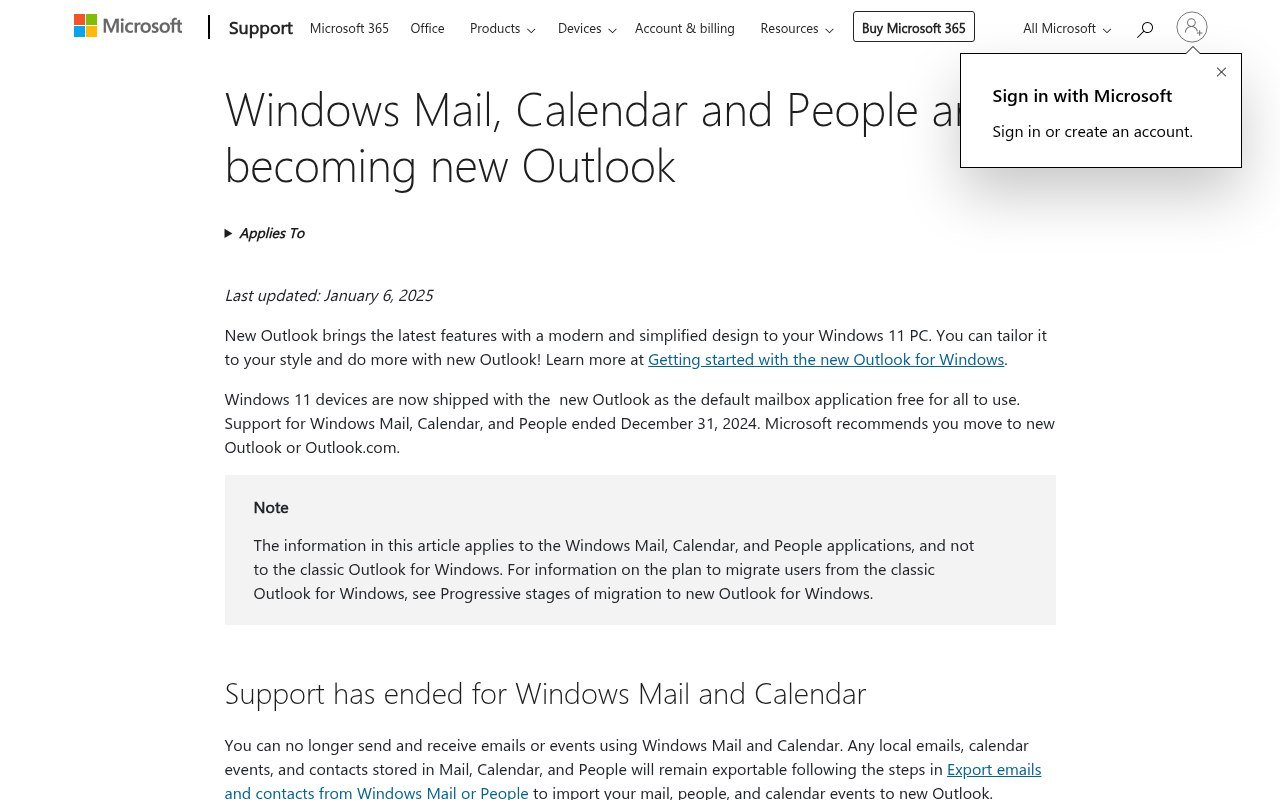
Windows Mail is not slow, buggy or unfashionable. It is switched off. Microsoft ended support on 31 December 2024, and the app can no longer send or receive anything. Opening it does nothing useful, and it is gone from the Microsoft Store.
Microsoft’s answer is the new Outlook, which now ships as the default mail app on Windows 11 and was pushed to Windows 10 machines through a security update. That is one option. These are the five worth considering, and the first thing to do is get your old mail out.
Rescue Your Old Mail First
The apps do not work, but your data has not been deleted. Microsoft still publishes an export route for mail, calendar events and contacts out of Mail and People, and it still functions.
- Check whether your account was IMAP or Exchange. If it was, everything is still on the server and any new client will pull it down. You can skip the rest of this.
- If it was POP3, the only copy of those messages is on your PC. Export before you touch anything else.
- Export contacts from the People app to CSV, because no new client reads the People database directly.
- Note your account settings, particularly the incoming and outgoing server names, before you remove anything.
Do this before you install a replacement. It is easier to export while the account is still configured than to go looking for the underlying files afterwards.
Five Windows Mail Replacements Worth Installing
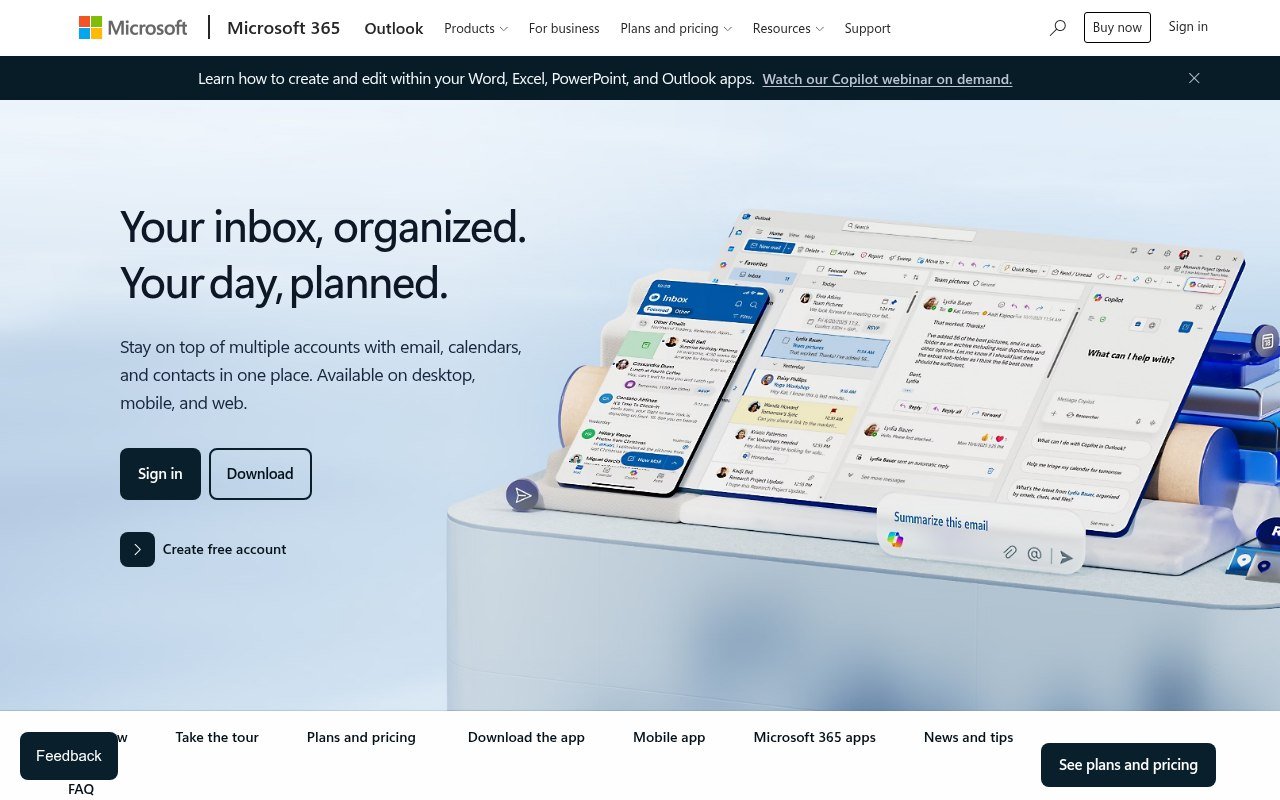
1. New Outlook, the Official Replacement
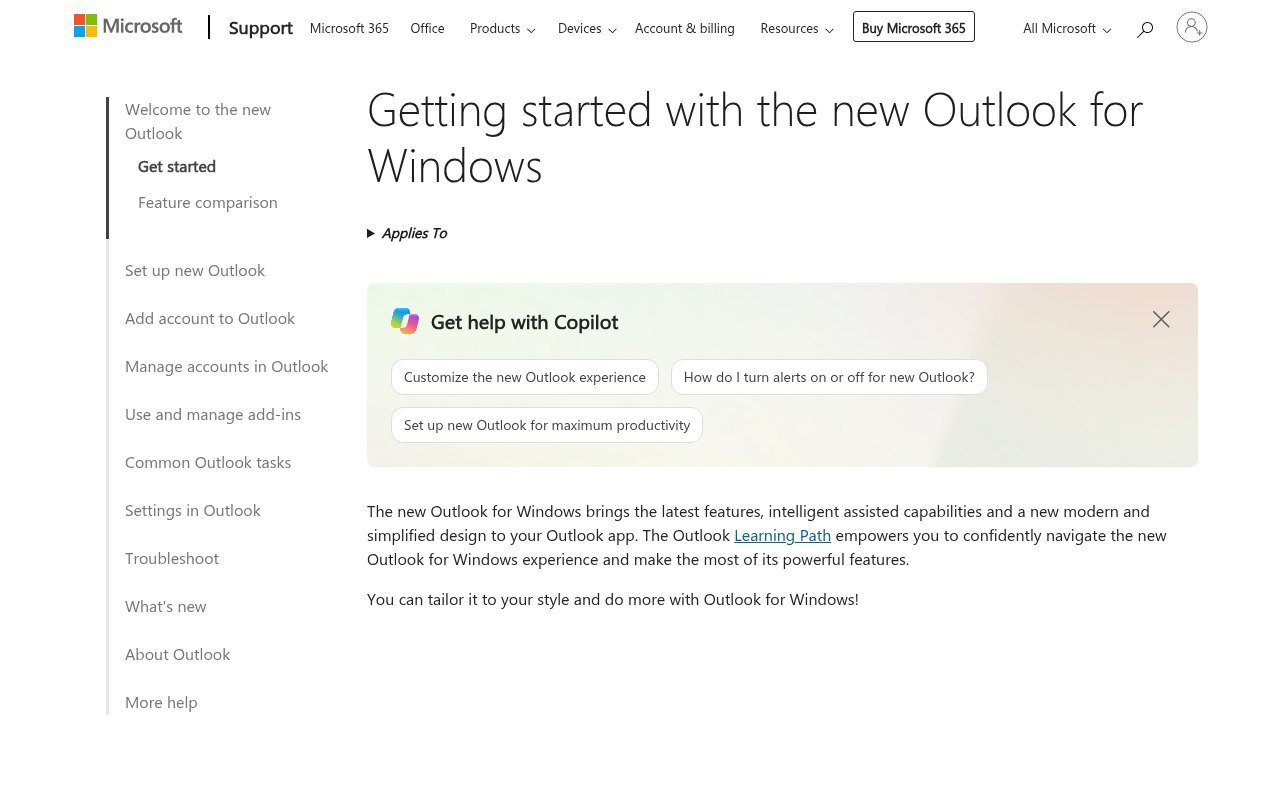
This is where Microsoft has put everyone, and it is free. Windows 11 ships with it, Windows 10 machines received it through a February security update, and Microsoft publishes an import path that carries your Mail, Calendar and People data into it.
It is the lowest-effort option by a distance. If your only requirement is that mail arrives and the calendar works, stop reading here and use it, because the migration is a supported route rather than an export-and-pray exercise.
The reasons to look further are that it is a web app in a desktop wrapper, that Microsoft has changed it repeatedly without asking, and that the free version of Outlook.com is an advertising surface. None of that stops it working.
2. Thunderbird, the Free One That Is Not Going Anywhere
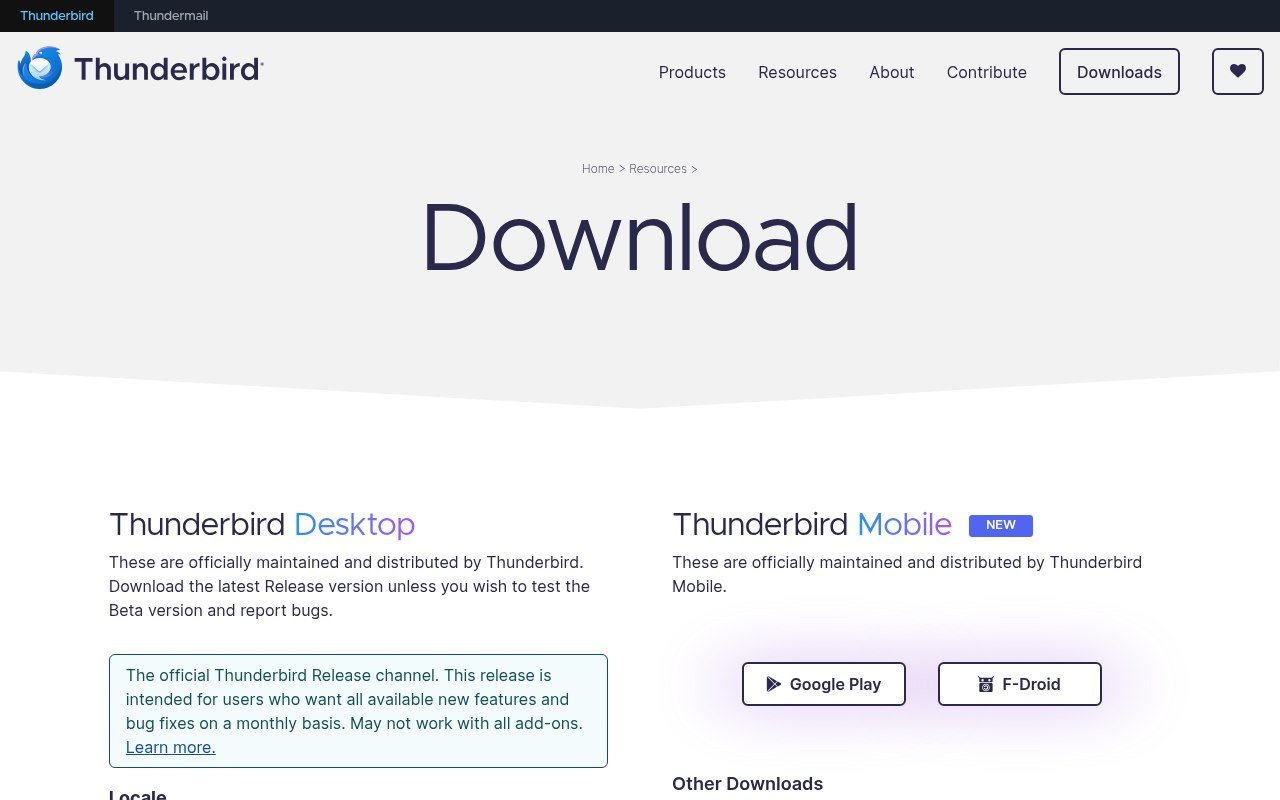
Thunderbird is free with no paid tier, open source, and funded by donations under the Mozilla umbrella. Version 156 is current, it covers mail, calendar and contacts, and it runs a unified inbox across every account you add.
For a Windows Mail refugee it is the closest thing to a guarantee. Nobody can switch it off to push you onto a paid product, because there is no paid product. It states plainly that it does not collect personal data, does not put ads in the inbox, and does not train AI on private mail.
It asks more of you during setup than Windows Mail did, and it looks like a tool rather than an appliance. That is the trade, and for most people it is worth making once.
3. eM Client, If You Want It to Look Nice
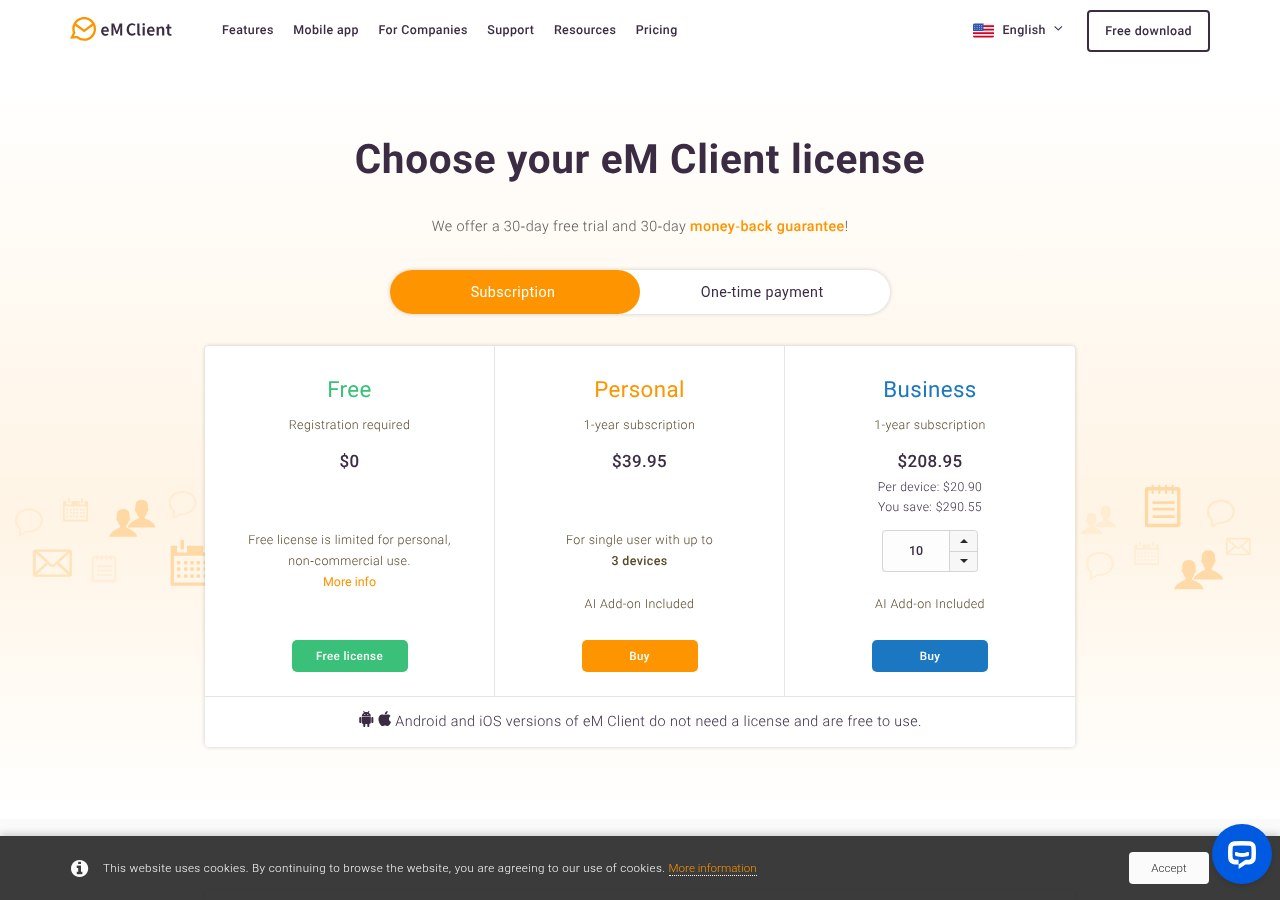
eM Client is the most polished desktop client here, and it has a free tier. That free licence allows two email accounts and personal non-commercial use only.
Two accounts is enough for most people replacing Windows Mail, which is the point worth knowing. What you do not get on free is thread view, snooze, undo send, send later or tracking pixel blocking. PGP and S/MIME encryption are included even on free, which is unusual.
If you outgrow it, the paid licence is $39.95 a year or $59.95 once with lifetime upgrades, and the one-time option is the better value past about eighteen months.
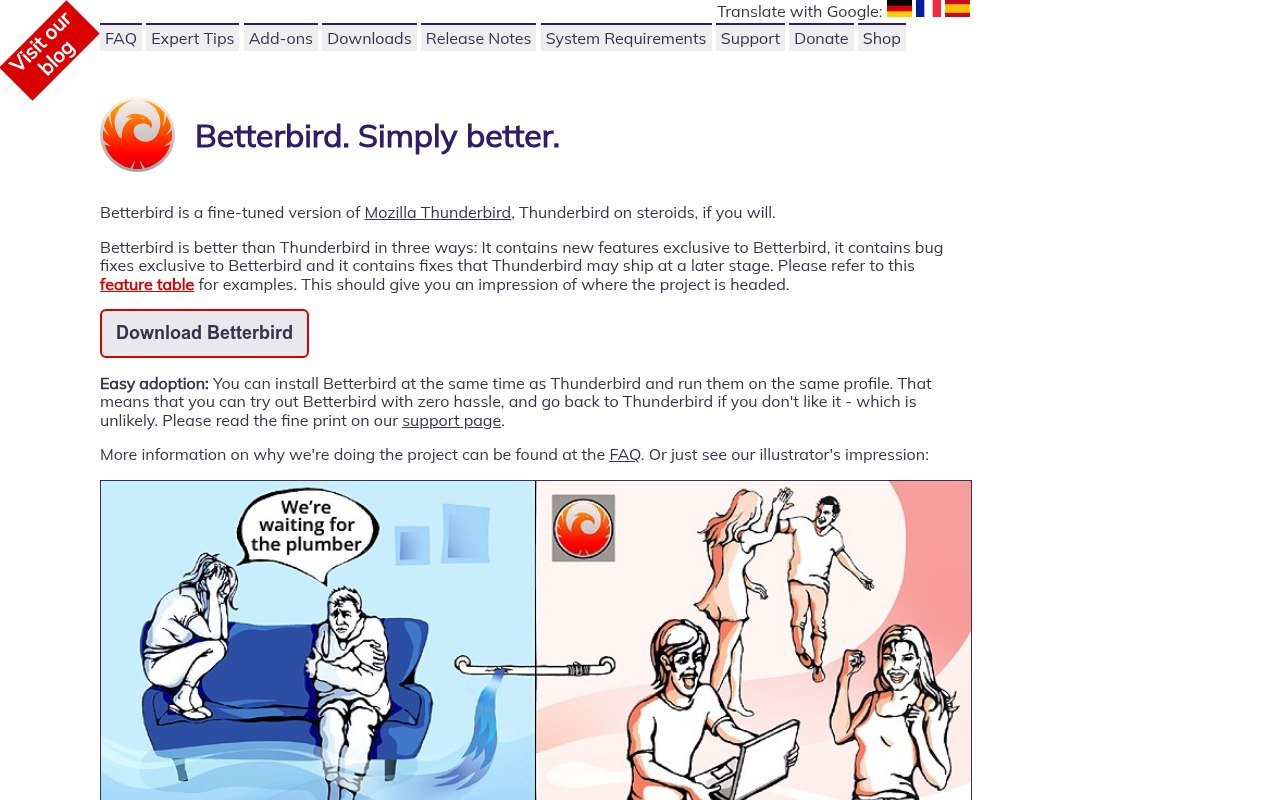
4. Mailbird, With One Large Caveat
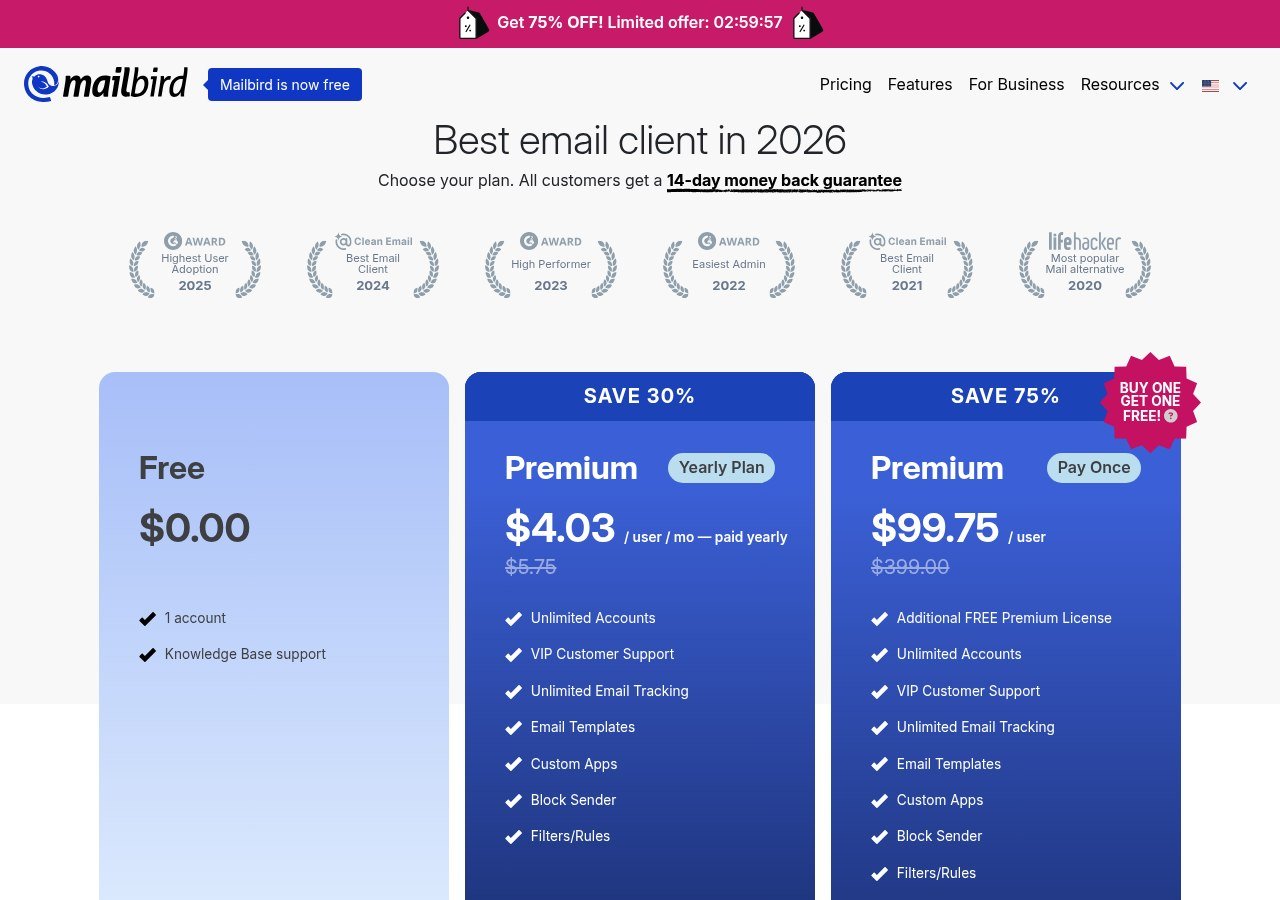
Mailbird is a Windows-first client built around a unified inbox. Its free tier allows exactly one email account, which is the tightest free limit on this page and rules it out for anyone juggling a personal and a work address.
Premium is posted at $4.03 a month billed yearly against a $5.75 list, or $99.75 once against a $399 list. The pay-once figure does not include lifetime updates, which cost another $69, so the honest comparison is $168.75 against eM Client’s $59.95.
The discount countdown on the pricing page has been running continuously, so treat the sale price as the actual price rather than something you need to hurry for.
5. Mailspring, Free and Cross-Platform
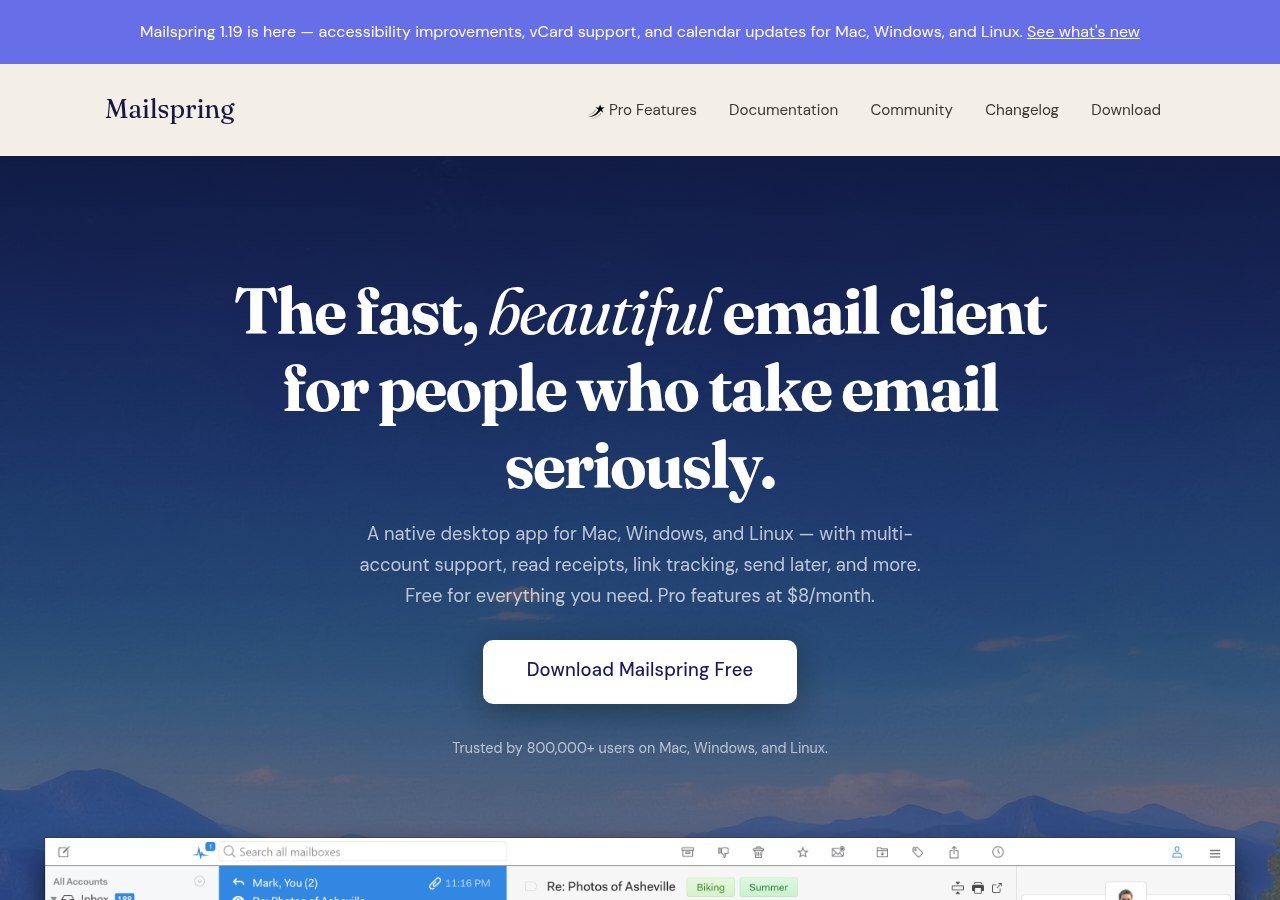
Mailspring gives you the whole client free on Windows, macOS and Linux, and puts its sending features behind a $8 a month Pro tier: read receipts, link tracking, send later, follow-up reminders, templates and snooze.
Release 1.24.1 arrived on 15 September 2026, so it is actively maintained, which is worth checking in a category where projects go quiet. For basic mail reading the free version is complete, and the Pro features are ones Windows Mail never had anyway.
Setting the Account Up in Whichever You Pick
Every client here does the same three things when you add an account, and knowing them turns a confusing setup screen into four fields.
- Give it the address and password. Most clients recognise the big providers and fill in the servers for you. Outlook.com, Gmail and Yahoo all auto-configure.
- Choose IMAP rather than POP3 if you are offered the choice. IMAP leaves mail on the server, so it stays in sync across devices and survives the next time you change client.
- Use an app password if the account has two-factor authentication. Gmail and Outlook.com both reject your normal password from a desktop client, which is the single most common reason setup fails.
- Let it finish the first sync before you judge anything. A large mailbox can take an hour to come down, and half-synced folders look broken when they are not.
If setup fails and the auto-configuration did not take, you need four values from your provider: incoming server and port, outgoing server and port. Every provider publishes them, and every client here has a manual setup screen that takes them.
One thing worth doing on the way through: turn on a password manager if you are typing app passwords into a new client. Our guide to cloud storage and file sharing covers why reusing the same mailbox password across devices is the wrong habit to carry into a fresh install.
Price Comparison at a Glance
| App | Free tier | Paid |
|---|---|---|
| New Outlook | Free, no paid tier required | Bundled with Microsoft 365 |
| Thunderbird | Free, nothing held back | None |
| eM Client | 2 accounts, personal use only | $39.95 a year or $59.95 once |
| Mailbird | 1 account | $4.03 a month or $99.75 once, plus $69 for updates |
| Mailspring | Full client, Pro features excluded | $8 a month |
Checked against each vendor’s own page on 18 September 2026.
Which One Should You Actually Install
- You want this over with. New Outlook. It is already on your machine and Microsoft supports the import.
- You want to never go through this again. Thunderbird. Free with no tier above it, so there is no commercial reason to retire it.
- You have two accounts and want it to look good. eM Client free, which fits both.
- You have three or more accounts and will not pay. Thunderbird or Mailspring. eM Client caps at two and Mailbird at one.
- You use Linux as well as Windows. Thunderbird or Mailspring, since neither Outlook nor Mailbird will follow you there.
Free tiers in this category are advertising, not products, with one exception. That pattern is not unique to email, and our comparison of free VoIP services runs into exactly the same thing.
Frequently Asked Questions
Why did Windows Mail stop working?
Microsoft ended support on 31 December 2024 and folded Mail, Calendar and People into the new Outlook. The apps can no longer send or receive, and they were removed from the Microsoft Store.
Can I still get my emails out of Windows Mail?
Yes. Microsoft still publishes an export route for mail, calendar events and contacts. If the account was IMAP or Exchange the messages are on the server anyway and any new client will download them.
What is the best free replacement for Windows Mail?
Thunderbird, unless you want the path of least resistance, in which case it is the new Outlook that Microsoft has already installed. Thunderbird is the only one here with no paid tier at all.
Is the new Outlook the same as the classic Outlook desktop app?
No. They are different applications. The new Outlook replaced Mail and Calendar, while the classic Outlook that shipped with Office is being migrated separately on its own timetable, so advice about one does not always apply to the other.
Do I have to use the new Outlook?
No. It is the default on Windows 11 and Microsoft pushed it to Windows 10, but any IMAP client works with an Outlook.com address. Changing the app does not change your email address.