
The best gaming monitor for your desk is the one matched to the graphics card behind it. Resolution decides how much work each frame costs, refresh rate decides how many of those frames the screen can show, and buying a big number on one axis while ignoring the other is the most common way to waste money on a display.
These seven run from a 27-inch 1080p panel to a 4K screen and a QD-OLED, taking in a 300Hz 1440p option and a 32-inch curve along the way. Specifications below are the ones each maker publishes for that exact model.
Best Gaming Monitor Options Compared on Resolution, Refresh and Panel
The right row is the one whose resolution your card can hold at a frame rate near the refresh figure beside it.
| # | Monitor | Size and panel | Resolution and refresh | Suits |
|---|---|---|---|---|
| 1 | Samsung Odyssey OLED G5 G50SF | 27-inch QD-OLED | 2560 x 1440 at 180Hz | Picture quality above all else |
| 2 | ASUS TUF VG27AQM5A | 27-inch Fast IPS | 2560 x 1440 at 300Hz | Competitive play at 1440p |
| 3 | Acer Nitro KG271U | 27-inch IPS | 2560 x 1440 at 180Hz | The value 1440p choice |
| 4 | ASUS ROG XG27ACS | 27-inch Fast IPS | 2560 x 1440 at 180Hz | One USB-C cable to a laptop |
| 5 | ASUS TUF VG32WQ3B | 31.5-inch curved, 1500R | 2560 x 1440 at 180Hz | A bigger curved screen |
| 6 | Samsung Odyssey G3 G30D | 27-inch LED | 1920 x 1080 at 180Hz | High refresh on a tight budget |
| 7 | Acer Nitro VG270K | 27-inch IPS | 3840 x 2160, dual frame rate | Desktop sharpness and console play |
1. Samsung Odyssey OLED G5 G50SF: QD-OLED Contrast at 1440p
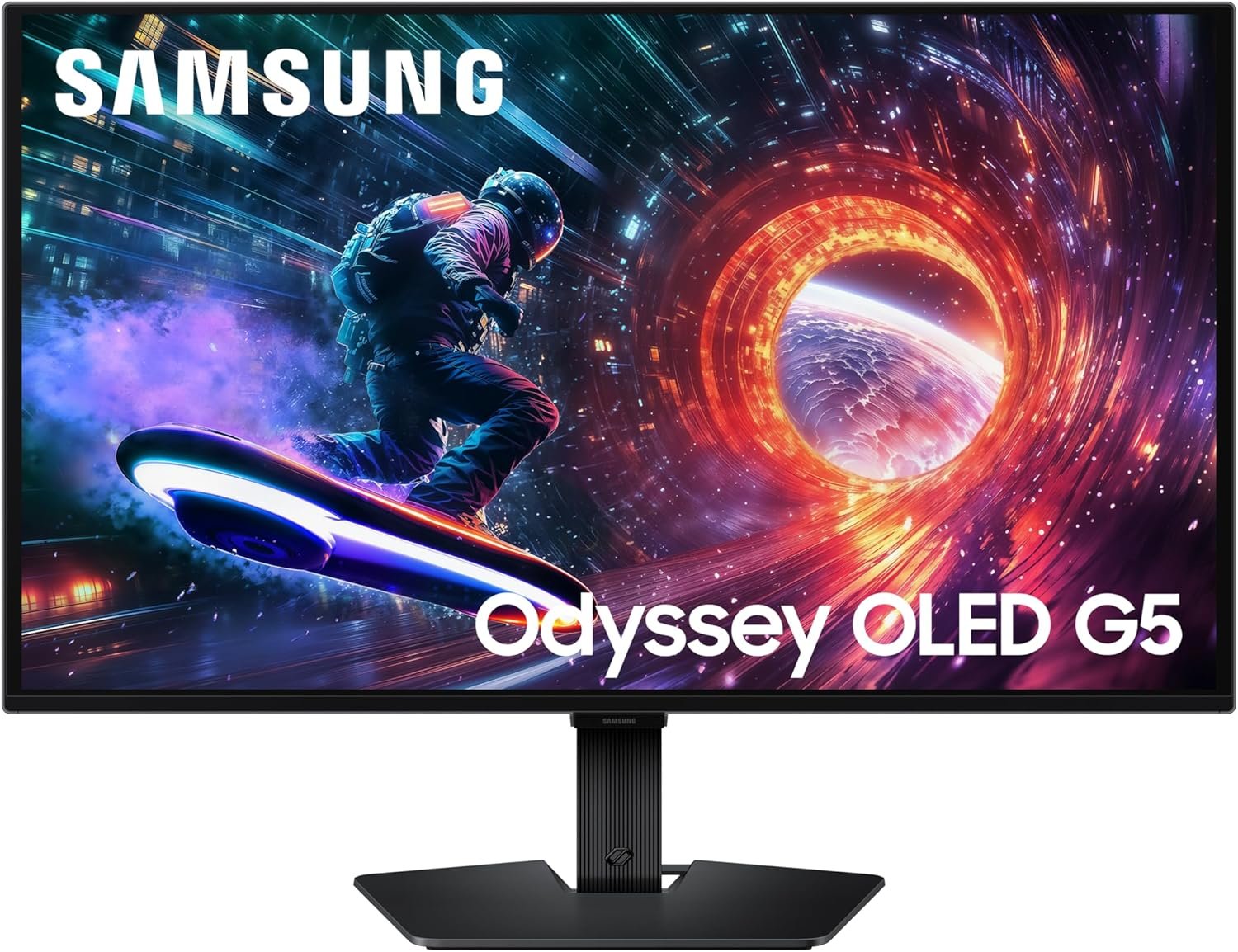
QD-OLED combines an OLED panel with a quantum-dot layer, and Samsung quotes 1,000,000:1 contrast and a 0.03ms grey-to-grey response for this 27-inch screen at 2560 x 1440 and 180Hz. Because each pixel makes its own light, dark scenes keep detail that an IPS panel washes into grey.
The screen is Pantone Validated for colour accuracy across more than 2100 shades, carries HDR10, and uses a Glare Free coating that cuts reflections rather than relying on a dim room. Samsung addresses burn-in with OLED Safeguard, a thermal modulation system that manages panel temperature. It weighs 7.3 pounds and is G-Sync compatible alongside AMD FreeSync.
What it does well
- 1,000,000:1 contrast from a self-lit QD-OLED panel.
- 0.03ms grey-to-grey with a 180Hz refresh rate.
- Pantone Validated colour and HDR10 support.
- Glare Free coating and OLED Safeguard burn-in management.
What to know before buying
- 180Hz is lower than the 240Hz and 300Hz IPS panels here.
- Quoted full-screen brightness of 280 cd/m² trails a bright IPS screen in daylight.
- OLED needs varied content rather than a static interface left on screen for hours.
2. ASUS TUF Gaming VG27AQM5A: 300Hz Without Dropping to 1080p
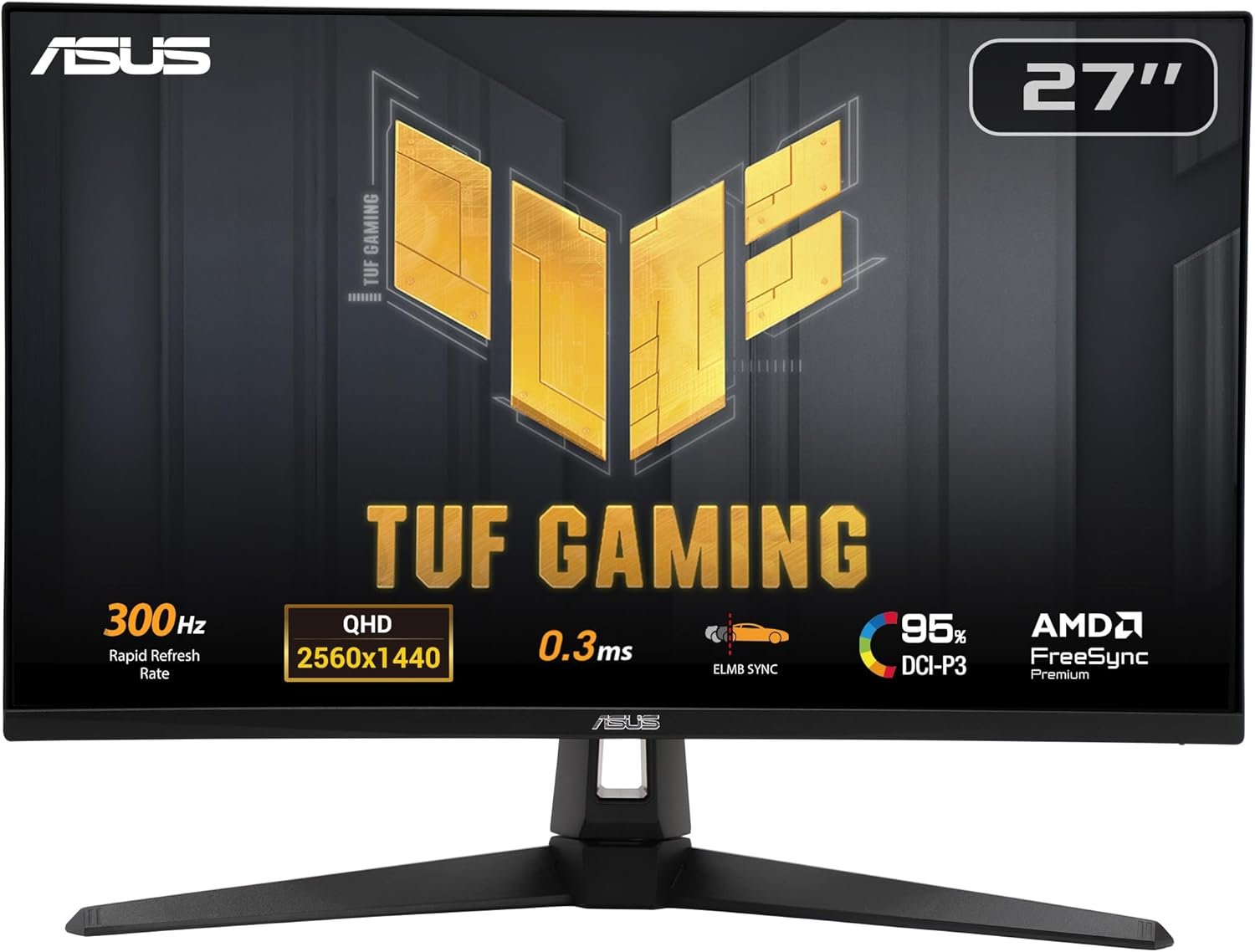
Very high refresh rates used to mean accepting 1080p. This 27-inch Fast IPS panel runs 2560 x 1440 at 300Hz with a quoted minimum 0.3ms grey-to-grey response, which is the fastest combination in this group and the one aimed at players who treat frame rate as a competitive input.
ASUS includes ELMB Sync so backlight strobing and variable refresh can run together, Shadow Boost to lift detail in dark areas without blowing out bright ones, and DisplayWidget Center for changing settings with a mouse instead of a joystick behind the panel. Colour coverage is 95 percent DCI-P3 and it weighs 10.1 pounds.
What it does well
- 300Hz at 2560 x 1440, the highest refresh here.
- 0.3ms minimum grey-to-grey response.
- ELMB Sync pairs blur reduction with variable refresh.
- 95 percent DCI-P3 coverage.
What to know before buying
- Holding frame rates near 300fps at 1440p needs a strong card and lowered settings.
- IPS contrast of 1300:1 cannot match the OLED panel above.
- The highest refresh rate requires DisplayPort.
3. Acer Nitro KG271U: The Straightforward 1440p Value Pick
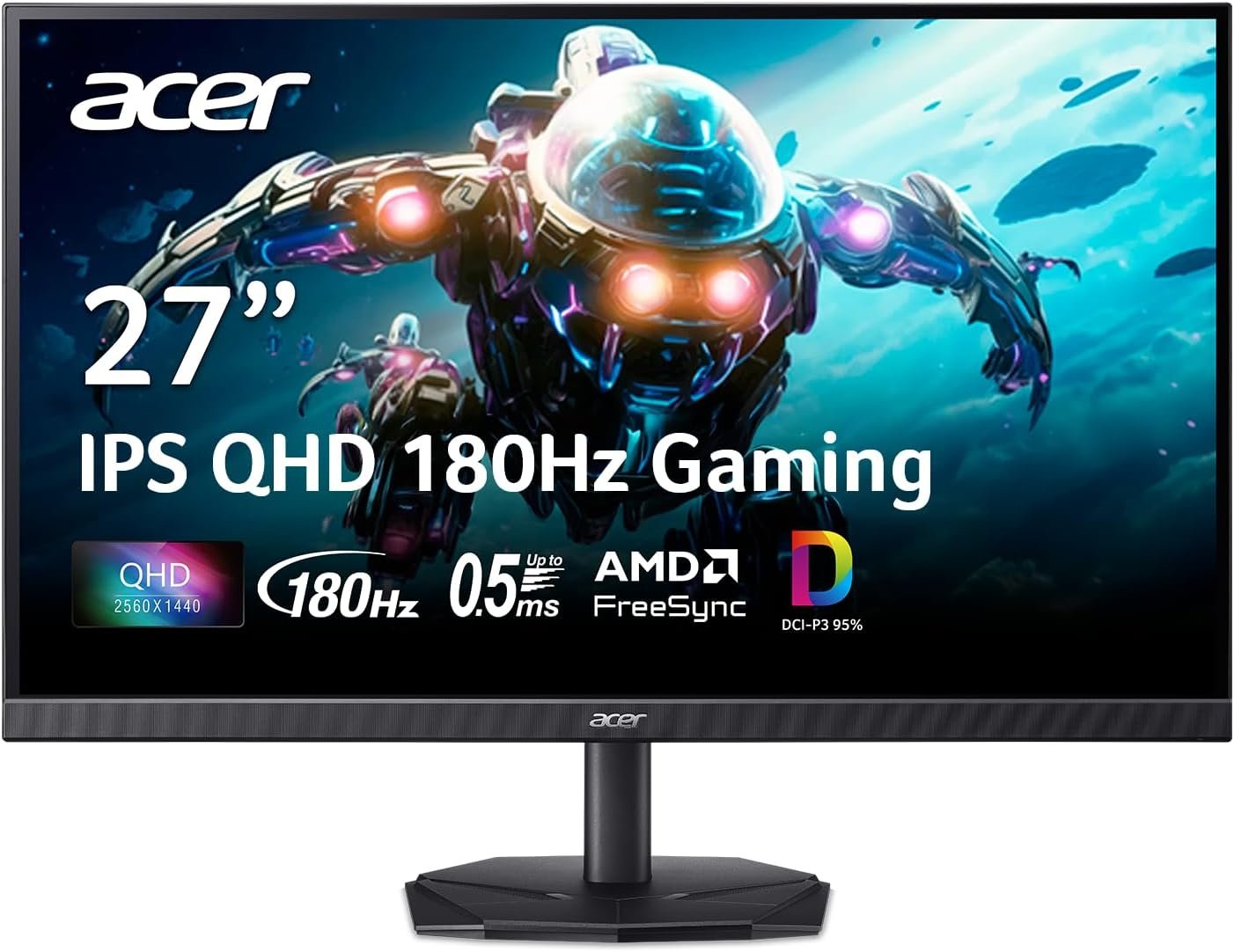
Acer keeps this one plain in the right places. A 27-inch IPS panel at 2560 x 1440 and up to 180Hz, with a quoted 0.5ms grey-to-grey response and AMD FreeSync to keep the panel and card in step. For most builds that is the whole specification sheet you need.
Colour is better than the price suggests at 95 percent DCI-P3 coverage, which makes it usable for photo and video work as well as games. Brightness is 250 cd/m² with 1000:1 contrast, and the panel weighs 5.5kg. There is no USB hub and no height adjustment worth planning around, so check the stand against your desk.
What it does well
- 180Hz at 1440p from an IPS panel.
- 95 percent DCI-P3 coverage for colour work.
- AMD FreeSync for tear-free play.
- 0.5ms quoted grey-to-grey response.
What to know before buying
- 250 cd/m² is dim for a bright room.
- No USB hub or USB-C input.
- G-Sync is not formally validated, though FreeSync usually works with GeForce cards over DisplayPort.
4. ASUS ROG XG27ACS: One USB-C Cable From a Laptop

The difference here is the port. This 27-inch Fast IPS panel runs 2560 x 1440 at 180Hz with a 1ms grey-to-grey claim, and its USB-C input carries DisplayPort video while the built-in hub passes keyboard and mouse through to the connected machine. One cable covers picture and peripherals.
That makes it the pick for anyone who docks a laptop at a desk that doubles as a gaming setup, which otherwise needs a separate docking station. ASUS quotes 400 nits brightness, includes ELMB Sync for blur reduction alongside variable refresh, and lists G-Sync compatibility.
What it does well
- USB-C input with DisplayPort video and a USB hub.
- 180Hz at 1440p with a 1ms response claim.
- 400 nits, the brightest IPS panel in this group.
- ELMB Sync and G-Sync compatibility.
What to know before buying
- Power delivery over USB-C is limited, so a hungry laptop still needs its charger.
- At 14.6 pounds it is the heaviest 27-inch screen here.
- 180Hz is mid-pack next to the 300Hz panel above.
5. ASUS TUF Gaming VG32WQ3B: 31.5 Inches With a Gentler Curve
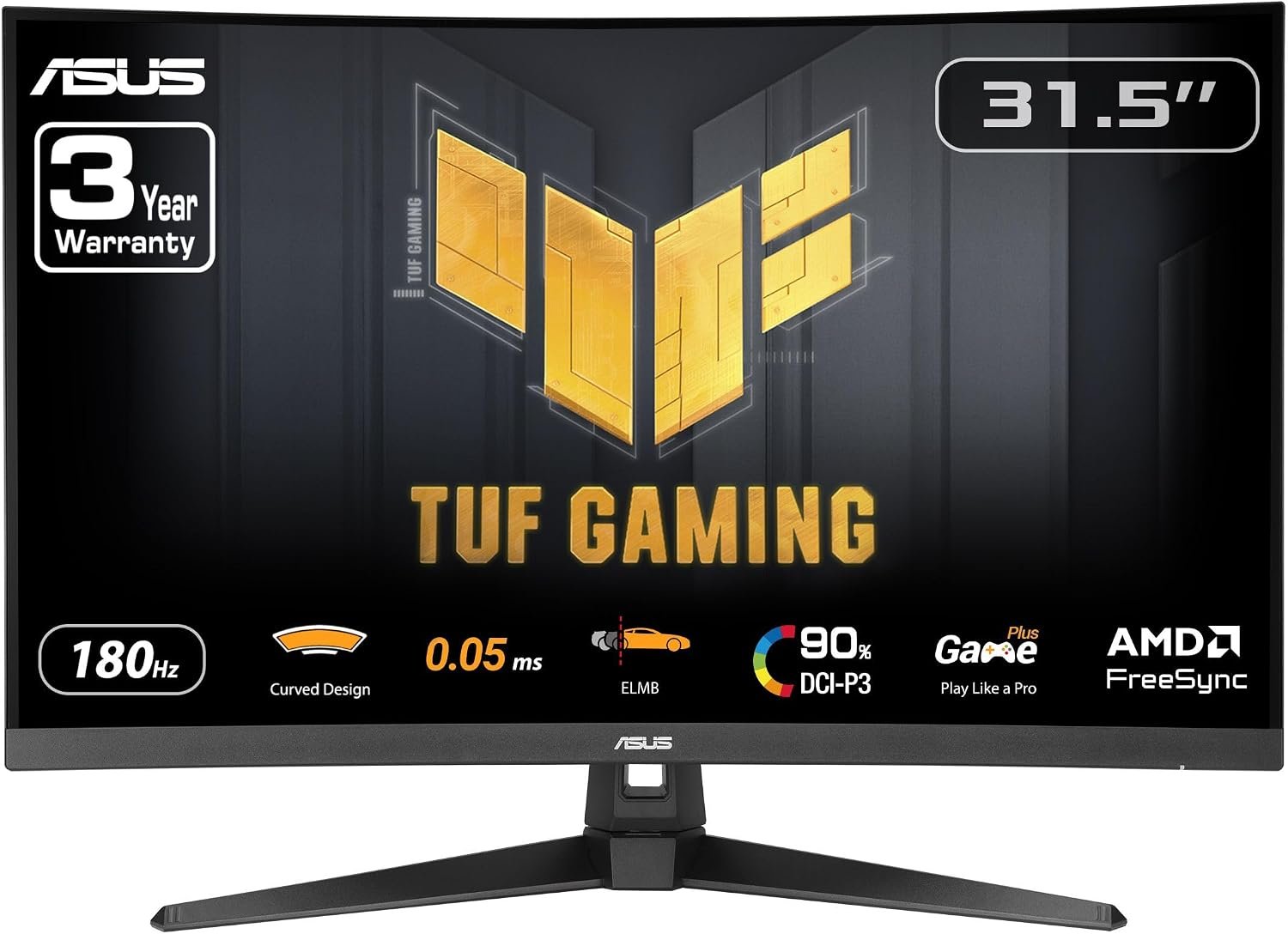
A 31.5-inch panel at 2560 x 1440 with a 1500R curve, which is noticeably shallower than the 1000R screens that dominate the category. A gentler curve is easier to live with for desk work and less awkward if a second monitor sits alongside, while still wrapping slightly toward you in games.
It runs at 180Hz with a quoted 0.5ms grey-to-grey response, adds ELMB to reduce ghosting, and covers 90 percent of DCI-P3. Shadow Boost brightens dark areas without flattening bright ones. FreeSync is enabled by default rather than buried in a menu, and the panel weighs 7.1 pounds.
What it does well
- 31.5 inches of 1440p at 180Hz.
- 1500R curve is easier to pair with a flat second screen.
- 0.5ms response with ELMB ghost reduction.
- FreeSync on by default and 90 percent DCI-P3.
What to know before buying
- 1440p across 31.5 inches is less dense than on a 27-inch panel.
- Any curve bends straight lines in spreadsheets and design work.
- 1000:1 contrast is standard rather than impressive.
6. Samsung Odyssey G3 G30D: 180Hz at the Bottom of the Budget
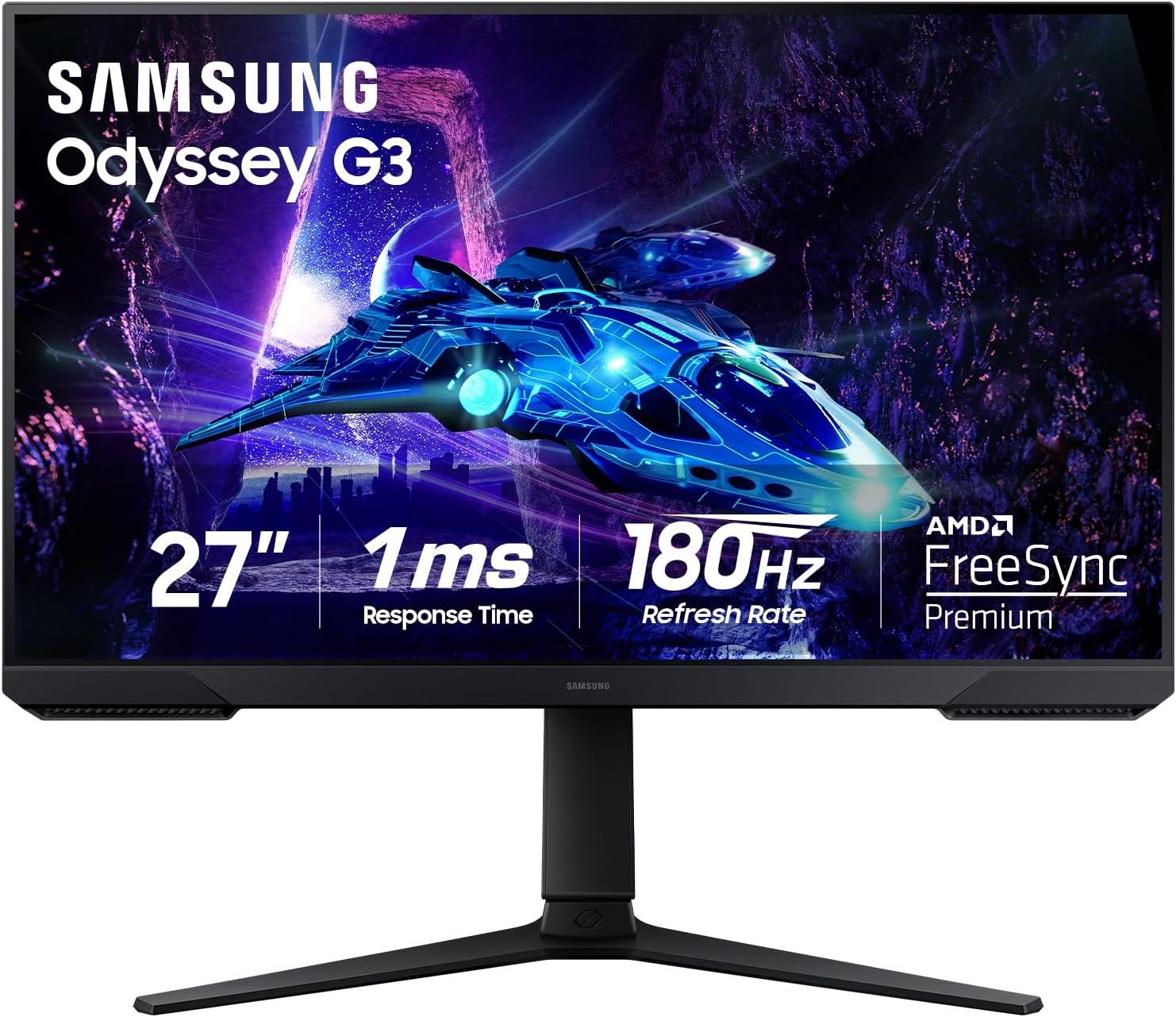
This 27-inch 1920 x 1080 screen reaches 180Hz, which is a higher refresh rate than several more expensive 1440p panels, and its 3000:1 contrast ratio is the strongest of any non-OLED screen here. For players chasing frames on a modest card, that is a better trade than a sharper picture at a lower frame rate.
Samsung lists a 1ms MPRT response, AMD Radeon FreeSync, Black Equalizer for shadow detail and Virtual Aim Point for an on-screen crosshair, plus an Eye Saver blue-light mode. The three-side borderless design is built for lining up two panels. Brightness is 250 cd/m² and it weighs 9.7 pounds.
What it does well
- 180Hz at 1080p, high refresh for a small outlay.
- 3000:1 contrast, the best of the non-OLED panels here.
- FreeSync, Black Equalizer and an on-screen aim point.
- Three-side borderless frame for dual-screen setups.
What to know before buying
- 1080p on a 27-inch panel is visibly softer than 1440p.
- The 1ms figure is MPRT, measured differently from a grey-to-grey rating.
- 250 cd/m² brightness suits indoor light.
7. Acer Nitro VG270K: 4K Sharpness With a Dual Frame Rate Trick
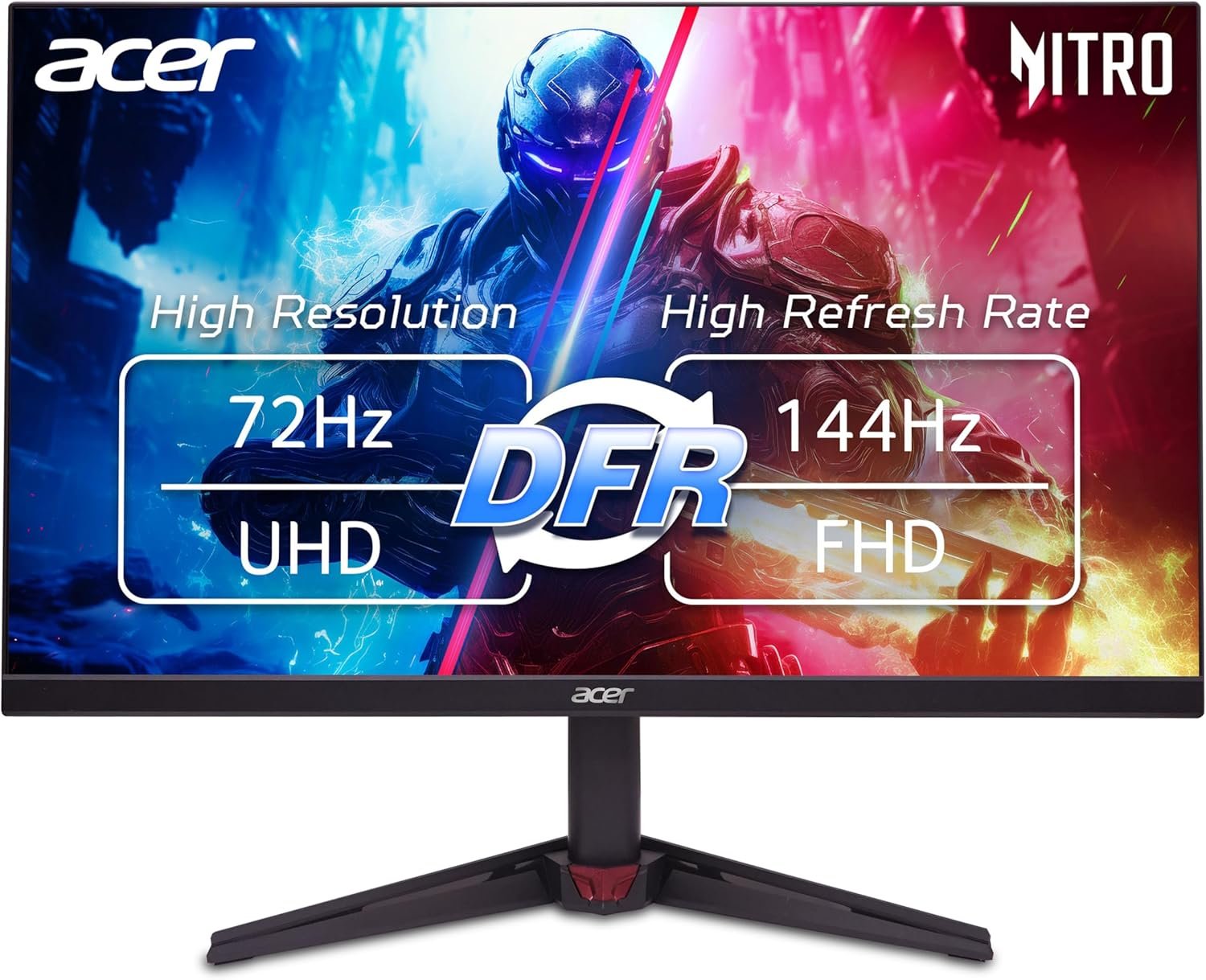
This 27-inch IPS panel is the only 4K screen in the group, running 3840 x 2160 for desktop work and console play where that sharpness is obvious. Acer uses a dual frame rate design, so the panel takes 4K at a lower refresh rate or drops resolution to reach up to 144Hz, letting one screen serve both slow sharp content and fast gaming.
Colour coverage is 95 percent DCI-P3 with HDR10 support, the quoted response time is up to 0.5ms grey-to-grey, and AMD FreeSync handles tearing. The ZeroFrame design keeps the bezels thin. Understand the refresh behaviour before buying, because this is not a 4K screen that also runs 4K at 144Hz.
What it does well
- 3840 x 2160 on a 27-inch panel, the sharpest here.
- Dual frame rate reaches up to 144Hz at reduced resolution.
- 95 percent DCI-P3 coverage with HDR10.
- AMD FreeSync and a 0.5ms response claim.
What to know before buying
- 4K and the highest refresh rate are not available at the same time.
- Gaming at 4K demands far more from a graphics card than 1440p.
- Of the screens here this is the one to check the port and cable requirements on first.
Matching Resolution and Refresh Rate to Your Graphics Card
Every step up in resolution costs frames. Moving from 1080p to 1440p roughly doubles the pixels a card must draw, and 4K roughly doubles them again, which is why a 4K panel and a 300Hz panel are answers to different questions.
The screen cannot invent frames either. Variable refresh rate is the feature that makes a mismatch tolerable: the panel refreshes when a frame is ready instead of on a fixed clock, so tearing disappears and dips below the maximum refresh rate stop registering as stutter.
Check your typical frame rate in the games you actually play, then pick the row in the table above whose resolution your card can hold at a rate near its refresh figure.
What the Panel Label Changes in a Lit Room
IPS panels keep colour consistent off-axis and respond fast, but a backlight sits behind every pixel, so blacks lift toward grey and contrast lands near 1000:1. In daylight that barely matters; at night it is the first thing you notice.
QD-OLED lights each pixel individually, which is where the Samsung OLED G5 contrast figure comes from, and the Odyssey G3 shows a VA-style 3000:1 ratio can close part of that gap cheaply.
Brightness deserves the same attention as contrast. The 400-nit ASUS ROG XG27ACS copes with a window behind the desk, while 250 cd/m2 panels are built for controlled indoor light.
HDR10 on most of these panels is a signal standard rather than a brightness promise. The tiers that do set measured brightness floors are the VESA DisplayHDR specifications, and only the OLED screen here carries one.
Which Gaming Monitor Makes Sense for Your Setup
The Acer Nitro KG271U is the pick for most builds. It delivers the 1440p and 180Hz pairing that current cards handle well, with 95 percent DCI-P3 colour, and it spends nothing on features that do not change how games look.
Beyond that, choose by what you are short of. Competitive players should take the 300Hz ASUS TUF VG27AQM5A; anyone prioritising image quality in a dim room wants the QD-OLED Samsung; laptop users save a cable with the ASUS ROG XG27ACS; the 4K Acer suits desktop sharpness and console play; and the Samsung Odyssey G3 gets 180Hz onto a tight budget. Pair any of them with a decent desk pad and a handheld for travel.
Frequently Asked Questions
Is a 4K gaming monitor worth it?
It depends on the card. 4K looks sharper for desktop work, films and console play, but gaming at 3840 x 2160 asks roughly four times the pixel work of 1080p. If your card cannot hold a comfortable frame rate at 4K, a 1440p panel at a higher refresh rate gives a better result.
What refresh rate should I buy for competitive shooters?
Aim above the frame rate you actually reach. Players holding 200fps or more at reduced settings gain from the 300Hz ASUS panel, while most people see nearly all the benefit at 144Hz to 180Hz and should spend the difference on resolution or panel quality.
Can one USB-C cable carry video and peripherals?
Yes, on a monitor with a USB-C input that supports DisplayPort video and includes a hub, as the ASUS ROG XG27ACS does. Picture, keyboard and mouse travel over the single cable, though a power-hungry laptop may still need its own charger.
Does a curved gaming monitor help in games?
On a single-screen desk a curve pulls the edges of the picture into your peripheral vision, which suits racing and immersive games. The number is the radius, so 1000R is a steep curve and 1500R, as on the ASUS TUF VG32WQ3B, is gentler and easier to live with for desk work.
Related Articles
- Best Gaming Headsets
- Best Keyboards for Mac
- Best Projectors
- Best Action Movies: 8 Thrillers Compared on Scale
- Best graphics cards
As an Amazon Associate, CanyonWire earns from qualifying purchases.





