
The question with a free video editor is not whether it exists but what it withholds. Some are open source with nothing above them, some are the lower tier of a product that wants you to pay, and the two behave very differently once a project matters.
Ten are grouped below by which kind they are, because that decides what can be withdrawn later and what cannot. Versions, platforms and free-tier limits are current for October 25, 2026.
Open Source or a Free Tier, and Why It Decides Things
An open source editor cannot be taken away. The licence lets anyone keep using and modifying it, so there is no account, no tier and nothing to lose if the maintainers move on. What you give up is polish and, usually, the newest camera formats.
A free tier is the opposite trade. Clipchamp and DaVinci Resolve are better built than any open source editor here, and Microsoft and Blackmagic can change their terms whenever they like. Neither model wins outright; they fail in different directions.
A side by side view of the field, including the paid tools these free ones are measured against, sits in a published comparison of video editing software.
Free Video Editors Compared: Platforms, Versions and Limits
Every editor covered below, with the version current on October 25, 2026.
| # | Editor | Platforms | Latest version | Free tier | Best for |
|---|---|---|---|---|---|
| 1 | Shotcut | Windows, macOS, Linux | 26.9.27 | Free and open source | A no strings open source workhorse |
| 2 | Kdenlive | Linux, Windows, macOS, BSD | 26.08.2 | Free and open source | The closest free feel to a paid NLE |
| 3 | OpenShot | Windows, macOS, Linux, Chrome OS | 4.0.1 | Free and open source | The gentlest open source learning curve |
| 4 | Blender | Windows, macOS, Linux | 5.2.3 LTS | Free and open source | Editing that needs real VFX |
| 5 | LosslessCut | Windows, macOS, Linux | 3.70.1 | Free and open source | Cutting footage without a re-encode |
| 6 | DaVinci Resolve | Windows, macOS, Linux | 21.1 | Free edition, no time limit | Colour grading and finishing |
| 7 | Microsoft Clipchamp | Browser, Windows app, iOS | Browser service | Unlimited HD exports, no watermark | The quickest start on Windows |
| 8 | CapCut | Windows, macOS, browser, iOS, Android | Desktop and mobile | Free to download | Social video and templates |
| 9 | iMovie | macOS, iOS, iPadOS | 3.0.6 | Free on the App Store | Simple projects on Apple hardware |
| 10 | VN Video Editor | iOS, iPadOS, Android, macOS, Windows | 2.23.1 | Free on the App Store | Editing on a phone |
Open Source Editors With No Tier Above Them
None of these five has a paid version, an account or a watermark. Four are full editors and the fifth does something none of the others can.
1. Shotcut: A no strings open source workhorse
Platforms: Windows, macOS, Linux · Latest version: 26.9.27 · Updated: September 28, 2026 · Free tier: Free and open source
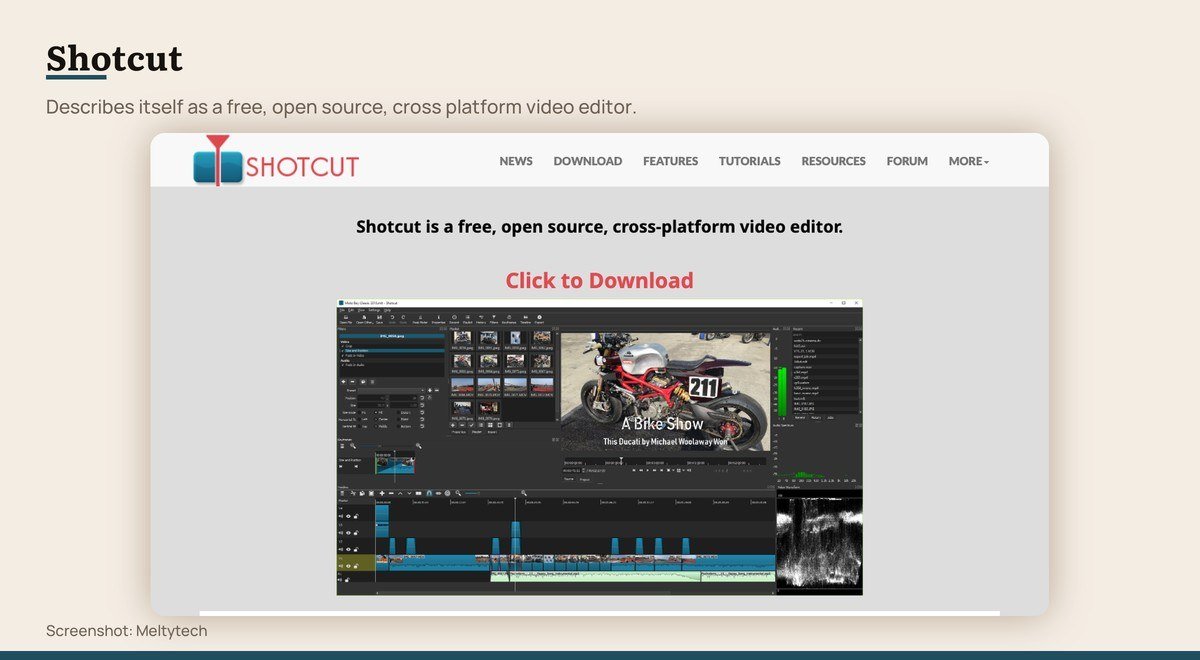
Shotcut describes itself as a free, open source, cross platform video editor, and that sentence is the whole pitch. There is no account, no tier, no asset store and no upsell, on Windows, macOS and Linux alike.
Development is steady rather than flashy, with version 26.9.27 arriving on September 28, 2026. The interface is panel-heavy and dated next to Clipchamp, but it reads a very wide range of formats and never asks for anything in return.
2. Kdenlive: The closest free feel to a paid NLE
Platforms: Linux, Windows, macOS, BSD · Latest version: 26.08.2 · Updated: October 13, 2026 · Free tier: Free and open source
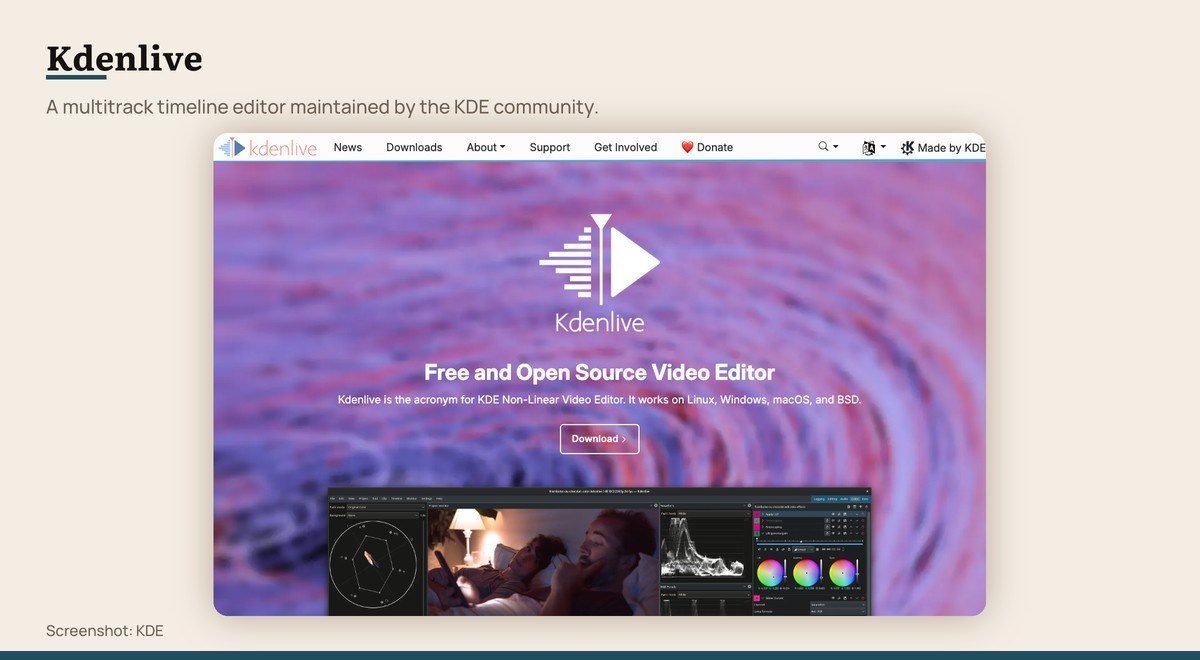
Kdenlive comes out of the KDE community and is the closest a free editor gets to the feel of a paid non-linear editor: multiple video and audio tracks, proxy editing, keyframes and effects chains, laid out the way a Premiere user expects.
It runs on Linux, Windows, macOS and BSD, and version 26.08.2 landed on October 13, 2026. Being community built, stability varies by platform more than it does with a commercial app, so keep a recent project backup.
3. OpenShot: The gentlest open source learning curve

Platforms: Windows, macOS, Linux, Chrome OS · Latest version: 4.0.1 · Updated: September 27, 2026 · Free tier: Free and open source
OpenShot is where to send somebody who has never opened an editor. Drag clips onto a track, drop a transition between them, export. The project states editing with no subscriptions, watermarks or project limits.
Version 4.0.1 arrived on September 27, 2026 with an improved razor tool. It also runs on Chrome OS, which almost nothing else here does. The trade is ceiling: complex multitrack work will outgrow it.
4. Blender: Editing that needs real VFX
Platforms: Windows, macOS, Linux · Latest version: 5.2.3 LTS · Updated: October 22, 2026 · Free tier: Free and open source
Blender is a 3D suite that happens to contain a video sequencer, and that matters when a cut needs real visual effects, motion graphics or compositing rather than titles over footage. Nothing else free puts those in the same application as the timeline.
The stable build is 5.2.3 LTS from October 22, 2026, with 5.3 in beta on the download page. Nobody should pick Blender purely to trim clips. Pick it when the edit and the effects are the same job.
5. LosslessCut: Cutting footage without a re-encode

Platforms: Windows, macOS, Linux · Latest version: 3.70.1 · Updated: October 19, 2026 · Free tier: Free and open source
LosslessCut does one thing that no editor above can: it trims and joins video without re-encoding, so the file you get out is the same quality as the file that went in, and it finishes in seconds rather than minutes.
That makes it the right tool for cutting dead air off a two-hour recording or splitting a long capture into parts. It cannot add a transition, a title or a filter, so it belongs next to a real editor rather than instead of one. Version 3.70.1 shipped on October 19, 2026.
Free Tiers of Commercial Editors
Better built than anything above, with a limit somewhere. The limit is the thing to read before a deadline, not after.
6. DaVinci Resolve: Colour grading and finishing
Platforms: Windows, macOS, Linux · Latest version: 21.1 · Updated: September 8, 2026 · Free tier: Free edition, no time limit
Blackmagic gives away the editor Hollywood colourists use, and the free edition is not a trial. It handles virtually all 8-bit formats at up to 60fps in resolutions as high as Ultra HD 3840 x 2160, which is more than almost any YouTube or client job needs.
Editing, colour, Fusion visual effects and Fairlight audio live in one application, so a finished piece never leaves the app. The price is the learning curve: Resolve expects you to understand pages and nodes, and the first week is genuinely harder than anything else on this list.
7. Microsoft Clipchamp: The quickest start on Windows

Platforms: Browser, Windows app, iOS · Latest version: Browser service · Updated: Rolling release · Free tier: Unlimited HD exports, no watermark
Clipchamp is the editor Microsoft ships with Windows, and it runs in a browser tab everywhere else. Microsoft states unlimited video and audio exports in HD quality with no watermarks, which settles the question most people ask about a free editor first.
It is deliberately simple: a timeline, stock assets, captions and a template library, with AI captions quoted for more than 80 languages. You need a personal Microsoft account, and the heavier colour and audio work that Resolve does is simply not here.
Microsoft Clipchamp product page
8. CapCut: Social video and templates

Platforms: Windows, macOS, browser, iOS, Android · Latest version: Desktop and mobile · Updated: Mobile 19.8.1, October 22, 2026 · Free tier: Free to download
CapCut is the editor most short-form video actually gets cut in, and it runs on Windows, macOS, a browser and both phone platforms with projects syncing between them. For vertical social video the template library does in two taps what a timeline takes ten minutes to do.
Read the free tier carefully before committing a project to it. CapCut’s own help page says exporting without a watermark depends on which editing features and app version you use, notes that some templates and assets add one, and explains that an automatic ending clip carrying the CapCut logo can be deleted before you export.
Already Installed on Apple Hardware and Phones
If the footage is already on an iPhone or a Mac, the editor probably is too.
9. iMovie: Simple projects on Apple hardware

Platforms: macOS, iOS, iPadOS · Latest version: 3.0.6 · Updated: October 22, 2026 · Free tier: Free on the App Store
iMovie is free from Apple on iPhone, iPad and Mac with nothing to buy inside the app, and it is already installed on most of them. For holiday footage, a school project or a quick cut with titles and music, it is the shortest path from clips to a finished file.
Version 3.0.6 shipped on October 22, 2026. The deliberate limits are the point: a small effects set, two video tracks, and no way to grade footage properly. Projects move to Final Cut Pro when you outgrow them.
10. VN Video Editor: Editing on a phone
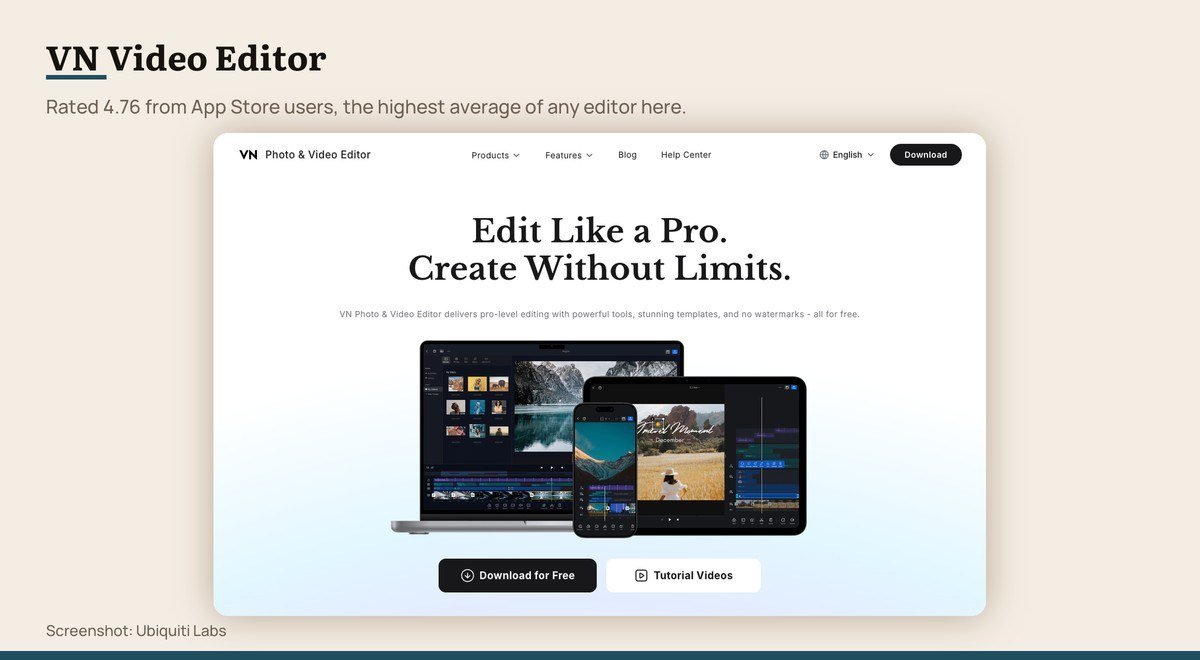
Platforms: iOS, iPadOS, Android, macOS, Windows · Latest version: 2.23.1 · Updated: October 21, 2026 · Free tier: Free on the App Store
VN is the editor to reach for when the footage is already on your phone. It carries a real multitrack timeline with keyframes rather than a template picker, and it runs on iOS, iPadOS, Android, macOS and Windows with the same project format.
It holds a 4.76 average on the App Store, the highest of any editor on this list. Version 2.23.1 shipped on October 21, 2026. A Pro tier exists, which is worth checking before you rely on any one effect.
VN Video Editor on the App Store
The Catch in Each Free Tier
Three limits do all the work of separating free from paid, and the watermark everyone asks about is the one that has largely disappeared.
- Resolution. Resolve caps the free edition at Ultra HD 3840 x 2160 and 8-bit colour. Clipchamp exports HD. VSDC states 8K at up to 120fps for nothing.
- Watermarks. The five open source tools never add one and Microsoft states Clipchamp does not either. CapCut is the exception worth reading twice.
- Accounts and cloud. Clipchamp needs a personal Microsoft account and edits in a browser. CapCut syncs projects between devices. The open source five keep everything on your disk.
Watch the asset libraries rather than the editors. A template or a stock clip can carry its own licence even when the editor is free, which is how a watermark reaches an export from a tool that does not add one.
Hardware sets a fourth limit that no vendor advertises. Resolve and Blender push most of the work to the graphics card, so on a thin laptop they export slower than Shotcut doing the same cut, and a discrete GPU shortens a 4K render more than any setting in the app.
The Four Tests Each Editor Had to Pass
A real release during 2026. A free tier that does useful work rather than advertising a paid one. An export path that produces a finished file without payment. And support for at least two of Windows, macOS, Linux, iOS and Android.
Three candidates failed. Avidemux last shipped in September 2022. Olive’s own site says the project will return and offers no current download. Canva’s video editor is a design tool with video attached, and its free plan turns on which assets a project uses rather than on an export limit, which puts it outside this comparison.
No editor was scored on output quality. They all hand the encode to the same handful of libraries, so a 1080p export from OpenShot and one from Resolve differ by settings rather than by some inherent quality of the app.
Choosing Between Them
If you are on Windows and have never edited before, start with Clipchamp, since it is already there and states unlimited HD exports with no watermark. If you are on a Mac, iMovie is already there too.
If the work is going to matter, learn DaVinci Resolve instead and accept a hard first week. Nothing else free grades footage properly, and the free edition covers Ultra HD 3840 x 2160, which is above most delivery specs.
If you want a tool nobody can withdraw, pick Kdenlive for a Premiere-like timeline or Shotcut for something simpler, and add LosslessCut for trimming long recordings. A capable webcam and a quiet room do more for a finished video than any of these choices.
Whatever you pick, check the one limit that would ruin the job. A 4K delivery rules out Clipchamp. A Mac rules out VSDC. A locked work laptop rules out everything except the browser.
Frequently Asked Questions
What is the best free video editor with no watermark?
For Windows, Clipchamp, which Microsoft states exports in HD with no watermarks, or VSDC for 4K and above. On any platform, Shotcut, Kdenlive, OpenShot and Blender are open source and have no paid tier to withhold anything.
Does CapCut put a watermark on free exports?
CapCut’s own help page says it depends on which editing features and app version you use. It notes that some templates and assets add a watermark, and that an automatic ending clip carrying the CapCut logo can be deleted before export.
Is a free editor enough for YouTube?
Yes. DaVinci Resolve’s free edition reaches Ultra HD 3840 x 2160 at 60fps, well beyond what most channels upload, and Clipchamp and the open source editors all export clean HD. Nothing about a paid editor improves the finished video on its own.
Can I edit on a Chromebook?
OpenShot lists Chrome OS support and Clipchamp runs in a browser tab, which covers most Chromebooks. The rest of this list needs Windows, macOS or Linux.





