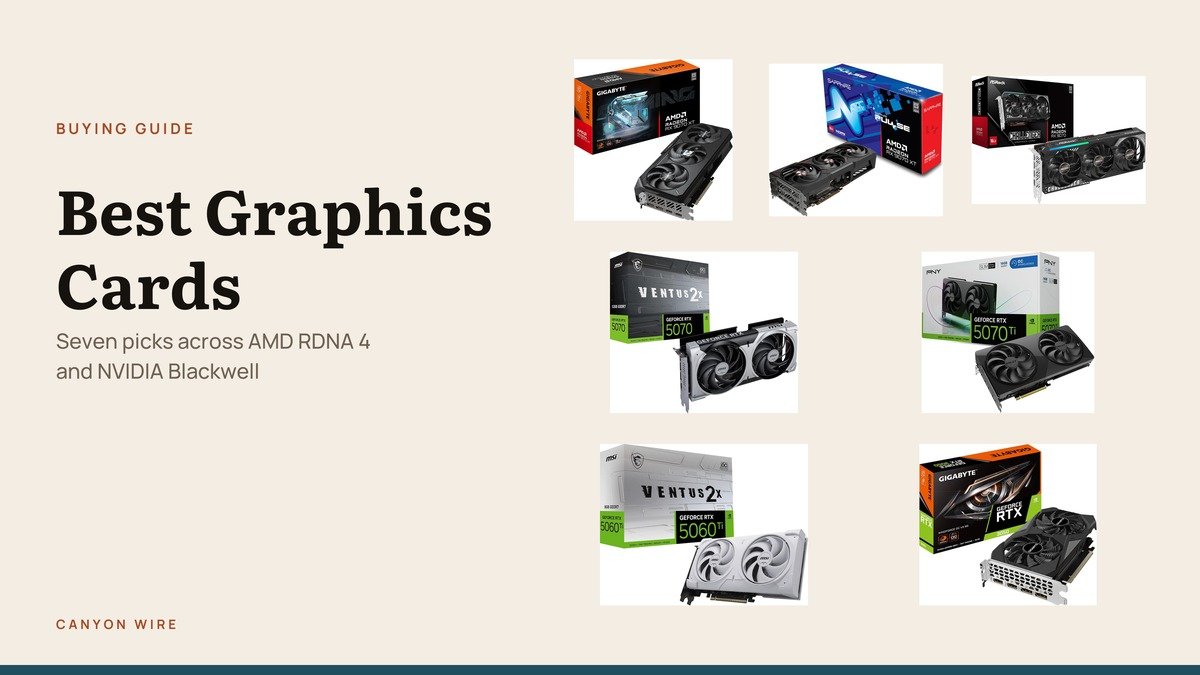
Choosing a graphics card is a two-brand decision again, which has not been true for several years. AMD’s RDNA 4 generation brought it back at the mid and upper range, so the right answer now depends on which features you actually use rather than on which brand is quicker.
Seven cards are compared below, split between the two. Specifications come from each listing, and no prices are quoted because they change too often in this category to be worth printing.
Graphics Card Comparison: GPU, Memory and Physical Size
Every card below, with the specifications each manufacturer states on the product page.
| # | Graphics card | GPU | Memory | Size | Best for |
|---|---|---|---|---|---|
| 1 | GIGABYTE Radeon RX 9070 XT Gaming OC 16G | Radeon RX 9070 XT | 16GB GDDR6 | WINDFORCE triple fan | 4K on an AMD card |
| 2 | Sapphire Pulse Radeon RX 9070 XT | Radeon RX 9070 XT | 16GB GDDR6 | 256-bit | The same performance with less noise |
| 3 | ASRock Radeon RX 9070 Challenger 16GB OC | Radeon RX 9070 | 16GB GDDR6 | 2.5-slot, 290mm | RDNA 4 without the XT premium |
| 4 | MSI GeForce RTX 5070 12G Ventus 2X OC | GeForce RTX 5070 | 12GB GDDR7 | 2.5-slot | QHD gaming |
| 5 | PNY GeForce RTX 5070 Ti Slim OC | GeForce RTX 5070 Ti | 16GB GDDR7 | 2-slot | Small form factor builds |
| 6 | MSI GeForce RTX 5060 Ti 8G Ventus 2X OC White | GeForce RTX 5060 Ti | 8GB GDDR7 | 128-bit, SFF-ready | 1080p in a small white build |
| 7 | GIGABYTE GeForce RTX 3050 WINDFORCE OC V2 6G | GeForce RTX 3050 | 6GB GDDR6 | Dual WINDFORCE fans | An old machine that cannot game |
1. GIGABYTE Radeon RX 9070 XT Gaming OC 16G: AMD at the Top of RDNA 4

The RX 9070 XT is AMD’s strongest RDNA 4 part and the card that makes 4K realistic without NVIDIA pricing. GIGABYTE fits its WINDFORCE cooling system, the triple-fan arrangement it uses across the range.
16GB of GDDR6 is the right amount for 4K texture settings, and PCIe 5.0 keeps it current. Ray tracing is improved over the previous generation and still behind the equivalent GeForce card.
What it does well
- 16GB GDDR6, comfortable for 4K textures
- WINDFORCE triple-fan cooling
- PCIe 5.0 interface
- Strong rasterised performance for the money
What to know before buying
- Ray tracing trails the NVIDIA equivalent
- A large card that needs case clearance
- Power draw is high; check your supply
2. Sapphire Pulse Radeon RX 9070 XT: The Quiet Version of the Same Chip
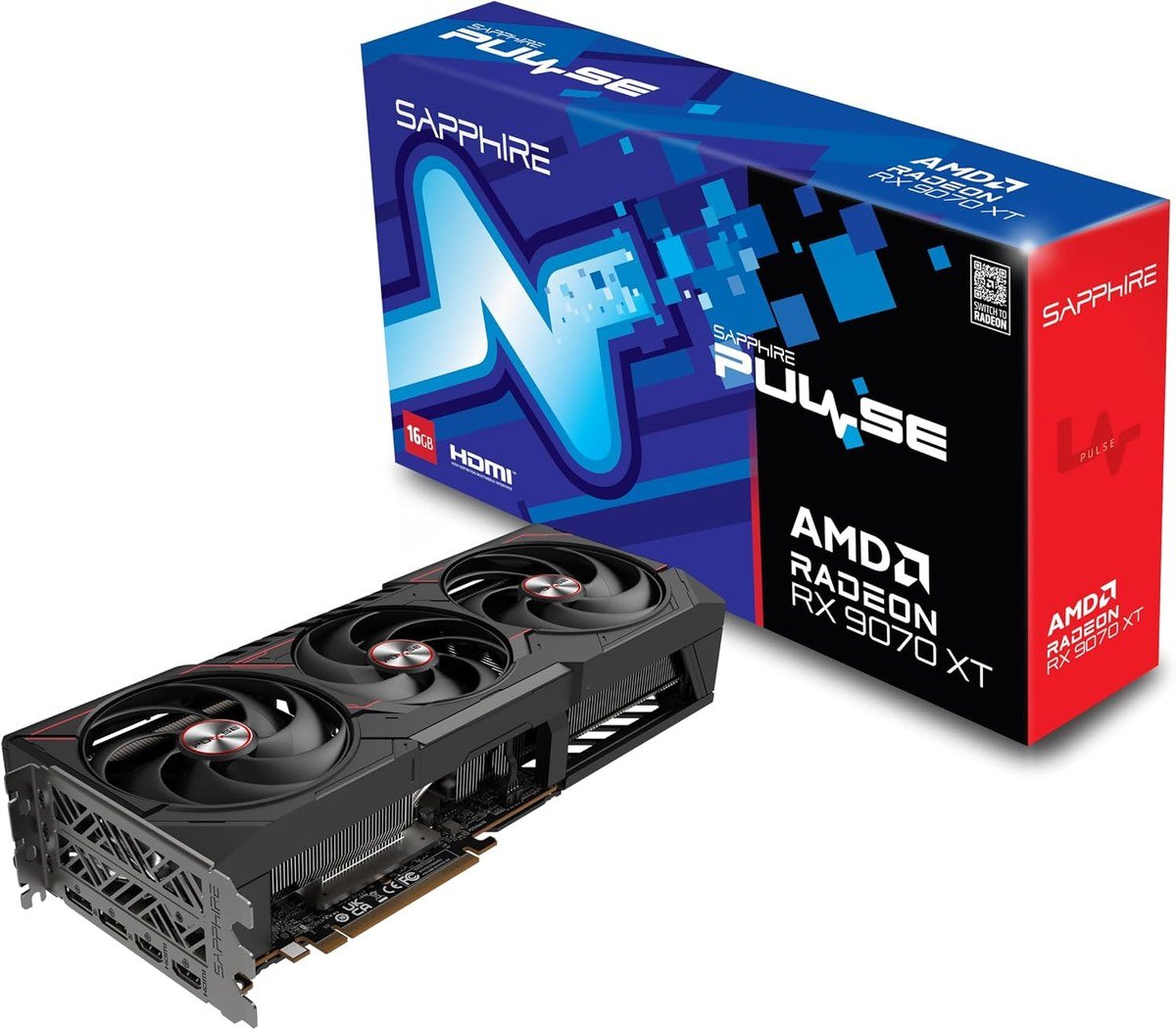
Sapphire builds Radeon cards and very little else, and the Pulse line is its sensible mainstream design rather than its showpiece. The listing states 16GB of memory on a 256-bit GDDR6 interface.
Performance is determined by the chip rather than the brand, so the argument for Sapphire is cooling behaviour and build quality. For a machine that sits on a desk rather than under one, that is worth more than a few megahertz.
What it does well
- 16GB on a 256-bit GDDR6 interface
- Sapphire’s Pulse cooling, built for quiet rather than spectacle
- A specialist Radeon manufacturer with a long record
- Same silicon as more expensive RX 9070 XT cards
What to know before buying
- Ray tracing is still AMD’s weaker area
- Not the fastest-clocked 9070 XT available
- Large enough to need case clearance checked
3. ASRock Radeon RX 9070 Challenger 16GB OC: A Clear Warning About Clearance

The plain RX 9070 sits below the XT and keeps the 16GB of GDDR6 on a 256-bit bus, which is the part that matters at 1440p and above. ASRock quotes a 2520 MHz boost clock.
This listing deserves credit for something rare: it states the card is 2.5 slots and 290 by 123 by 51 millimetres, needs two 8-pin connectors and a 700W supply, and tells you to check chassis clearance first. Most listings leave you to find that out after delivery.
What it does well
- 16GB GDDR6 on a 256-bit bus
- Boost clock quoted at 2520 MHz
- Dimensions and power requirements stated plainly on the listing
- Cheaper than the XT for most of the capability
What to know before buying
- Needs two 8-pin connectors and a recommended 700W supply
- At 290mm long it will not fit every case
- Slower than the XT version of the same family
4. MSI GeForce RTX 5070 12G Ventus 2X OC: The 1440p Standard, Factory Overclocked

MSI positions this card explicitly at QHD, which is the honest description of what a 5070 does best. The listing quotes 12GB of GDDR7 running at 28Gbps and fourth generation ray tracing through the Blackwell architecture.
The Ventus 2X OC is the factory-overclocked version of MSI’s plainest cooler design, which keeps the card compact and quiet rather than fast and loud. For most builds that is the right priority.
What it does well
- 12GB GDDR7 at 28Gbps
- Factory overclocked over the standard Ventus 2X
- Fourth generation RT cores and DLSS 4
- A compact 2.5-slot design for ordinary cases
What to know before buying
- 12GB is comfortable at 1440p and tight at 4K
- The dual-fan cooler is adequate rather than exceptional
- Blackwell cards expect reasonable power delivery
5. PNY GeForce RTX 5070 Ti Slim OC: A 5070 Ti That Fits a Small Case

Fitting a 5070 Ti into two slots is the whole point of this card. PNY uses large 120mm dual fans, a vapor chamber and a metal backplate to keep a high-end chip cool in a slot-and-a-bit less space than its rivals need.
16GB of GDDR7 on a 256-bit bus is unchanged from the thicker versions, so you lose nothing in capability. For a compact chassis or a case with an awkward lower slot, there is very little competition at this performance level.
What it does well
- Full 5070 Ti performance in a dual-slot card
- 16GB GDDR7 on a 256-bit bus
- Vapor chamber cooling with a metal backplate
- Fits small chassis that exclude most cards this fast
What to know before buying
- Two slots of cooling for this much heat means more fan noise
- Still needs serious power delivery despite the size
- Small-form-factor cases need good airflow to suit it
6. MSI GeForce RTX 5060 Ti 8G Ventus 2X OC White: The 8GB Version, and Why That Matters

This is the 8GB RTX 5060 Ti, and the distinction from the 16GB card is the single most important thing to understand before buying either. Same name, same architecture, half the memory, on a 128-bit bus.
At 1080p that is enough and the card is quick, with DLSS 4 and the Blackwell feature set. At 1440p with high textures it runs out of memory before it runs out of performance, which is a frustrating way for a card to fail.
What it does well
- DLSS 4 and Blackwell at an accessible price
- SFF-ready for compact builds
- The white Ventus shroud suits a light-coloured build
- Quick and efficient at 1080p
What to know before buying
- 8GB on a 128-bit bus is the real limitation
- Easily confused with the 16GB card of the same name
- Texture-heavy games at 1440p will exceed the memory
7. GIGABYTE GeForce RTX 3050 WINDFORCE OC V2 6G: The Cheapest Way Into Ray Tracing

The 6GB RTX 3050 is the bottom of the current ladder and it exists for a specific job: putting a modern feature set into a machine that was never built for one. Ampere streaming multiprocessors and second generation RT cores are both present.
GIGABYTE’s dual WINDFORCE fans keep it quiet. Expect 1080p at moderate settings, and expect to replace it sooner than anything else here, but it costs the least of the lot.
What it does well
- Second generation RT cores at the lowest price here
- Dual WINDFORCE fans, quiet in use
- Modest power requirements
- NVENC hardware encoding for recording and streaming
What to know before buying
- 6GB of memory limits current titles
- 1080p only, at moderate settings
- Two generations old, with no DLSS 4
What Separates RDNA 4 From Blackwell
The two architectures trade blows in a predictable pattern, and knowing it settles most of the decision.
- Rasterised performance. Traditional rendering, where AMD generally gives more frames per pound at the mid range.
- Ray tracing. NVIDIA still leads, by a margin that narrowed with RDNA 4 but has not closed.
- Upscaling. DLSS 4 remains ahead of FSR in image quality, and it is supported in more titles.
- Memory. AMD has historically been more generous at each price, and the 16GB cards here reflect that.
So the question is not which brand wins. It is whether the games you play lean on ray tracing and upscaling, in which case NVIDIA earns its premium, or whether they do not, in which case AMD does not charge one.
The Same Model Name Can Mean Two Different Cards
The RTX 5060 Ti in this list has 8GB on a 128-bit bus. There is another RTX 5060 Ti with 16GB. Same name, same architecture, very different behaviour once textures are raised.
This is now routine across the market and it is the single easiest way to buy the wrong card. The model number tells you the chip; only the memory figure tells you what it will do at 1440p.
Video memory fails abruptly rather than gradually. Below the limit a card performs normally; above it, frame times collapse as data shuttles across the bus. That is why a 16GB card can feel faster than a technically quicker 8GB one.
If you are weighing a desktop card against a laptop, note that mobile chips with the same name are slower again, so a gaming laptop is not a substitute for the card of the same number.
Clearance, Connectors and the Power Supply
Physical fit causes more disappointment than performance does.
- Length and width. The ASRock card here states 290 by 123 by 51 millimetres and 2.5 slots on the listing, which is unusually helpful. Measure from the back of the case to the drive cage.
- Connectors. That card asks for two 8-pin connectors and a recommended 700W supply. Adapters are a last resort, not a plan.
- Airflow. A dual-slot card dissipating the heat of a triple-slot one, as the PNY Slim does, needs a case that actually moves air.
Multi-monitor setups add another check: count the outputs and their versions, since DisplayPort 2.1 and HDMI 2.1b are not interchangeable at high refresh rates, and a mismatch is a common cause of a second screen refusing to appear.
Which Graphics Card to Buy
For AMD, the GIGABYTE RX 9070 XT is the one to get: 16GB of GDDR6, strong rasterised performance and enough capability for 4K. The Sapphire Pulse is the same chip in a quieter package, and the ASRock RX 9070 saves money for most of the performance.
For NVIDIA, the MSI RTX 5070 is the sensible 1440p choice and the PNY RTX 5070 Ti Slim is the one to buy if your case is small, since nothing else that fast fits two slots. Take the 8GB RTX 5060 Ti only if you play at 1080p, and the GIGABYTE RTX 3050 only to give an old machine a modern feature set.
Frequently Asked Questions
Should I buy AMD or NVIDIA?
If the games you play use heavy ray tracing, buy NVIDIA, because its implementation and DLSS 4 upscaling are both ahead. If they do not, AMD’s RDNA 4 cards generally give more rasterised performance and more memory for the same money.
Why do two cards with the same name perform differently?
Because manufacturers ship the same model number with different memory configurations. The RTX 5060 Ti exists with both 8GB and 16GB, on different bus widths. Always check the memory figure rather than trusting the model name.
How much power supply do I need?
It depends on the card, and the listing usually says. The ASRock RX 9070 here recommends 700W and two 8-pin connectors. Treat the manufacturer’s recommendation as a floor rather than a target, especially with an older supply.
Is 8GB of video memory still enough?
At 1080p, yes. At 1440p with high textures it is already the limiting factor in several current games, and at 4K it is not enough. Buy 12GB or more if you expect to keep the card for several years.
Related Articles
As an Amazon Associate, Canyon Wire earns from qualifying purchases.





