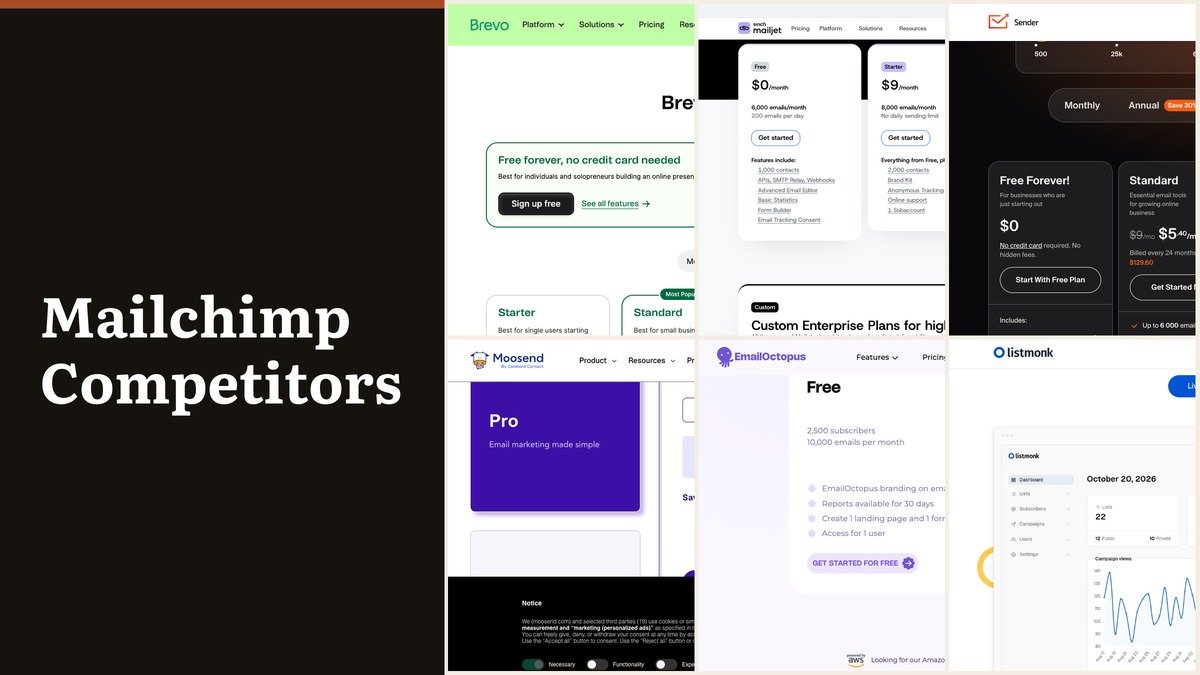
Mailchimp competitors are worth ranking by what they give away, because the free tier tells you what the company believes it is selling. Mailchimp’s own free plan stops under 250 contacts.
Beyond that, Mailchimp prices by contact bracket and applies overages when a contact or send limit is passed, pausing sending if you exceed it. Of the ten below, eight have a permanent free plan and two meter emails sent rather than addresses held.
The Mailchimp Mechanics Worth Understanding First
Four plans, each priced by how many contacts you hold: 0 to 500, 501 to 1,500, 1,501 to 2,500 and onward in brackets to a million and above. The plan sets the features and the bracket sets the invoice.
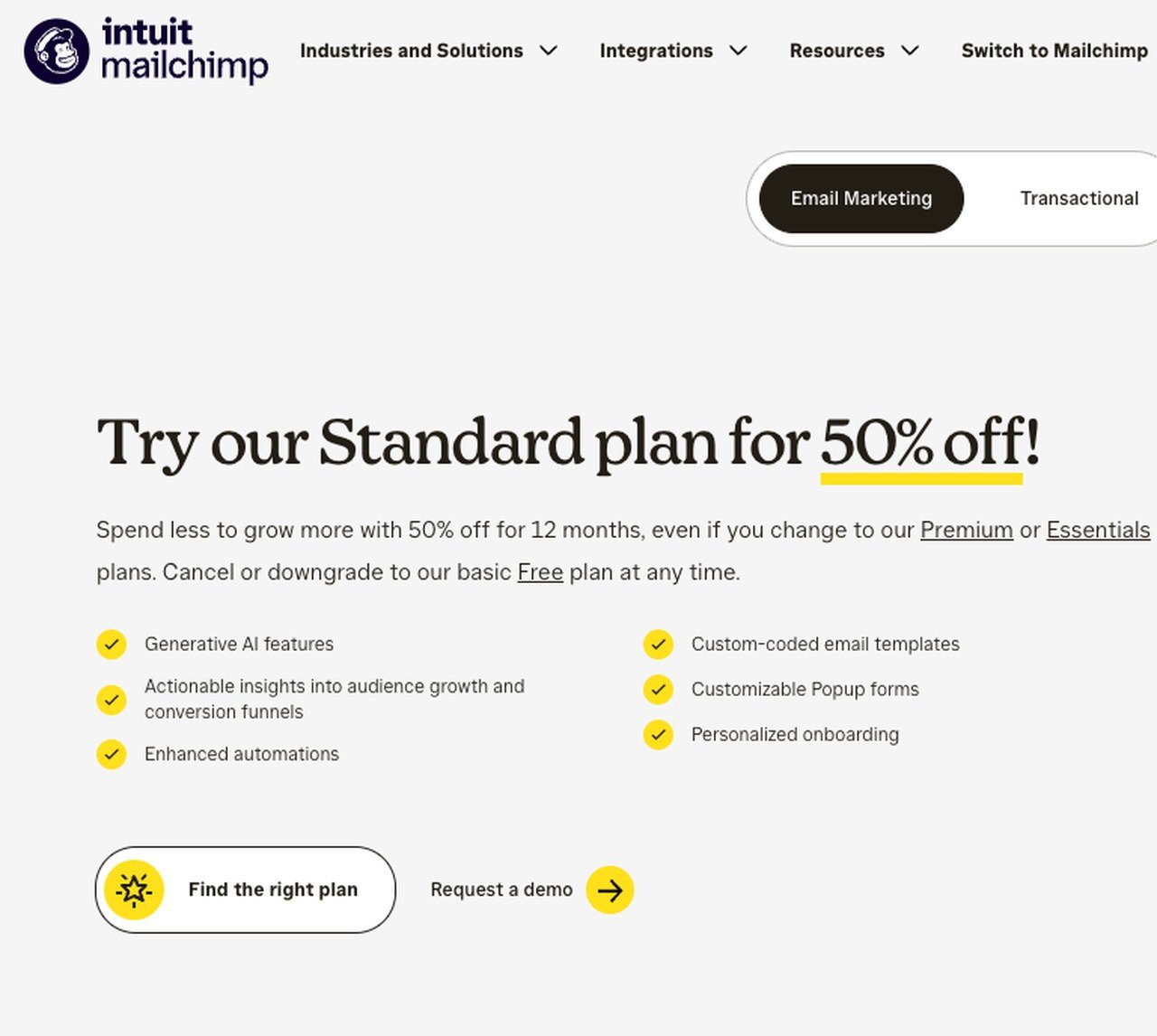
Overages apply once a contact or email send limit is exceeded, so an unusually active month costs extra rather than being absorbed, and sending pauses when a limit is passed. That turns a billing threshold into an operational failure at exactly the wrong moment.
The knock-on effect is that inactive and unsubscribed records occupy a bracket and generate nothing. Cleaning a list stops being hygiene and becomes cost control, which is the specific complaint that sends people looking. Monthly prices are displayed in the currency of the country you buy from.
Mailchimp Competitors Ranked by Free Tier
Ordered from the most generous free plan downward, ending with the two that have none. The metered-by column explains most of the difference between them.
| # | Platform | Free tier | Entry price | Metered by | Strength |
|---|---|---|---|---|---|
| 1 | Kit | Yes, to 10,000 subscribers | $33 a month at 1,000 subscribers | Subscribers | Ten thousand subscribers, free |
| 2 | Brevo | Yes, 300 emails a day | $0, then by send volume | Emails sent | Three hundred a day, unlimited contacts |
| 3 | Mailjet | Yes, 6,000 emails a month | $9 a month | Emails sent | Six thousand free emails a month |
| 4 | Sender | Yes, Free Forever | $9 a month | Subscribers and emails | A free plan that behaves like a product |
| 5 | Listmonk | Yes, open source | $0, self-hosted | Your own server | No ceiling, because it is your server |
| 6 | Omnisend | Yes, 500 emails a month | $11.20 a month | Contacts and sends | Free email and SMS for small stores |
| 7 | EmailOctopus | Yes | $9 a month billed yearly | Subscribers | Free, plain and quick to learn |
| 8 | beehiiv | Yes, free forever | $49 a month billed yearly | Subscribers | Free forever, built to monetise |
| 9 | Moosend | No, free trial | $7 a month billed annually | Subscribers | No free plan, the lowest paid price |
| 10 | ActiveCampaign | No, free trial | $15 a month at 1,000 contacts | Contacts | No free plan, the deepest automation |
The Ten Platforms in Detail
1. Kit: Ten thousand subscribers, free
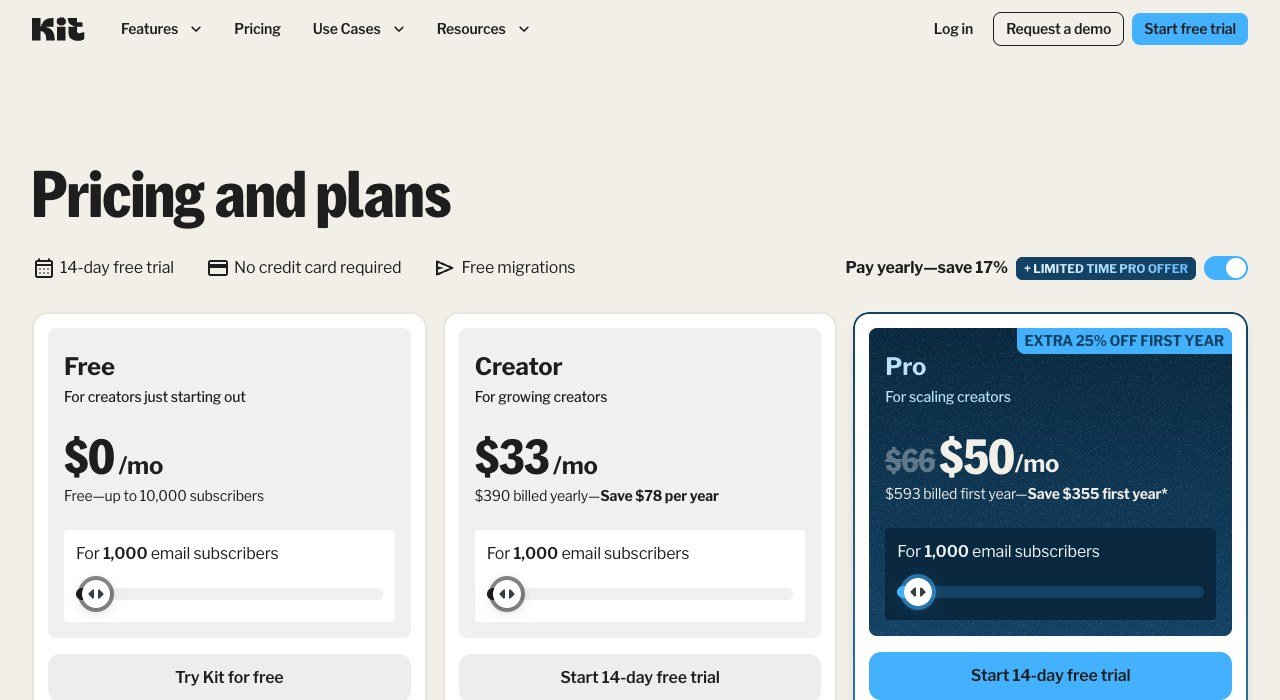
Free plan: Yes, to 10,000 subscribers. Paid from: $33 a month at 1,000 subscribers. Counts: Subscribers.
Kit gives away more than anything else here: the free plan runs to 10,000 subscribers with digital products and subscriptions included. Paid plans begin at $33 a month at 1,000 subscribers, or $390 billed yearly.
Judging it on that $33 figure misses the point, because most Kit users sit on the free plan with a list that would cost a great deal elsewhere. Paying starts when automation and paid subscriptions matter, not when the list grows.
2. Brevo: Three hundred a day, unlimited contacts
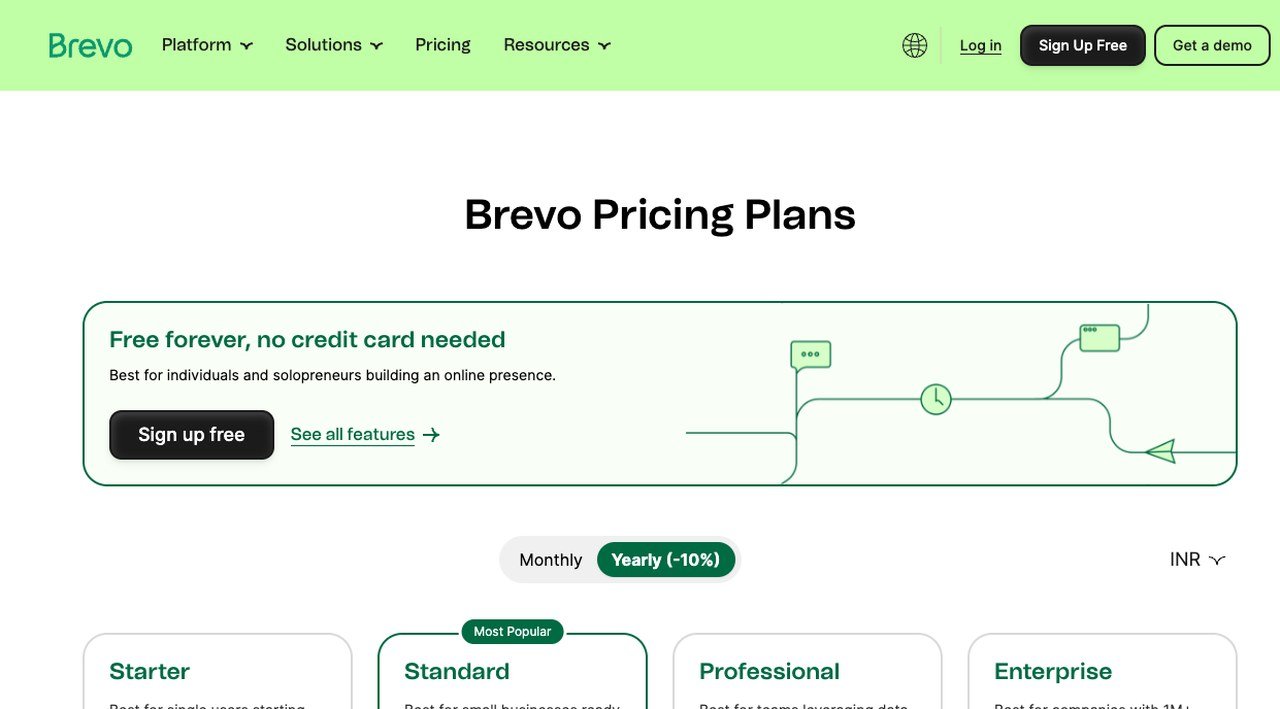
Free plan: Yes, 300 emails a day. Paid from: $0, then by send volume. Counts: Emails sent.
Brevo’s free plan sends up to 300 emails a day with no card required, and contacts are effectively unlimited because the meter counts email volume, campaigns and transactional together, rather than stored addresses.
For a business whose list grows faster than its sending, that removes the mechanism that makes contact-priced tools expensive as they age. A dormant list of 50,000 costs nothing until the day you write to it.
3. Mailjet: Six thousand free emails a month
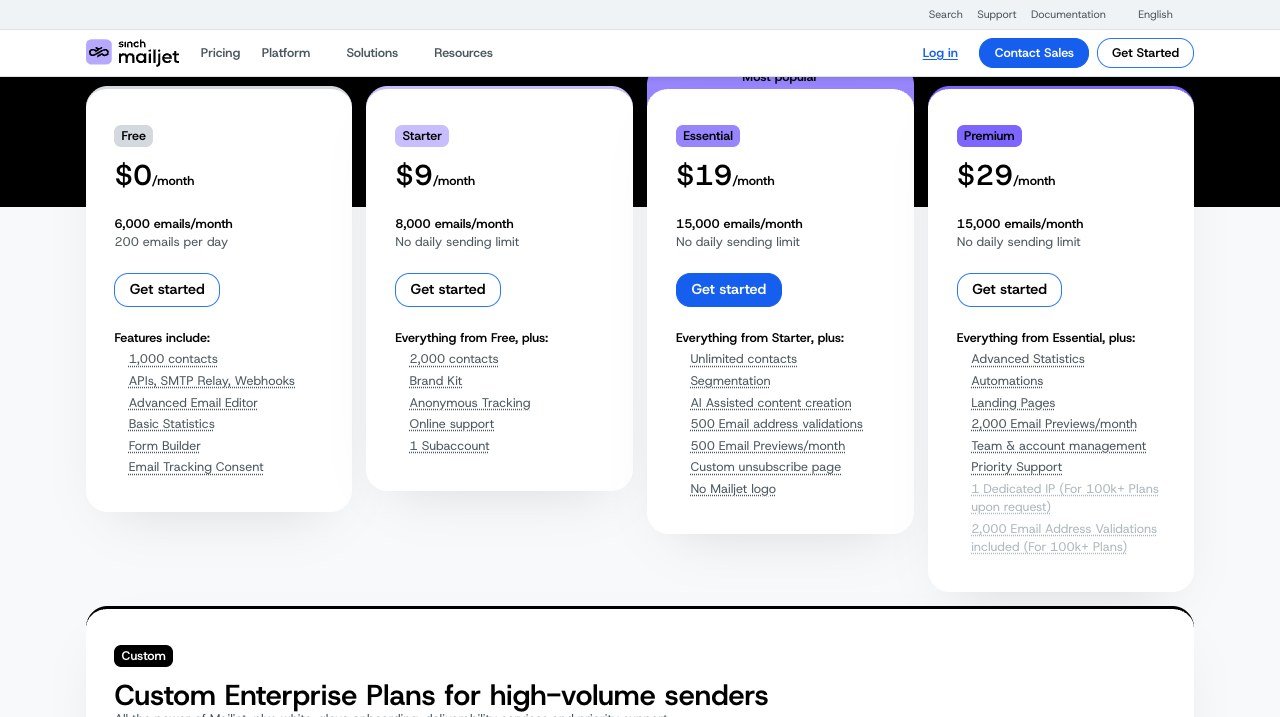
Free plan: Yes, 6,000 emails a month. Paid from: $9 a month. Counts: Emails sent.
Mailjet also counts emails rather than contacts. The free tier carries 6,000 a month, capped at 200 a day; the first paid step is $9 and the one after it $19, both without a daily ceiling.
The daily cap on the free plan is the detail to check: 6,000 a month sounds generous until a single send to 3,000 people takes fifteen days. Paid tiers remove it, which is usually the reason to upgrade rather than volume itself.
4. Sender: A free plan that behaves like a product
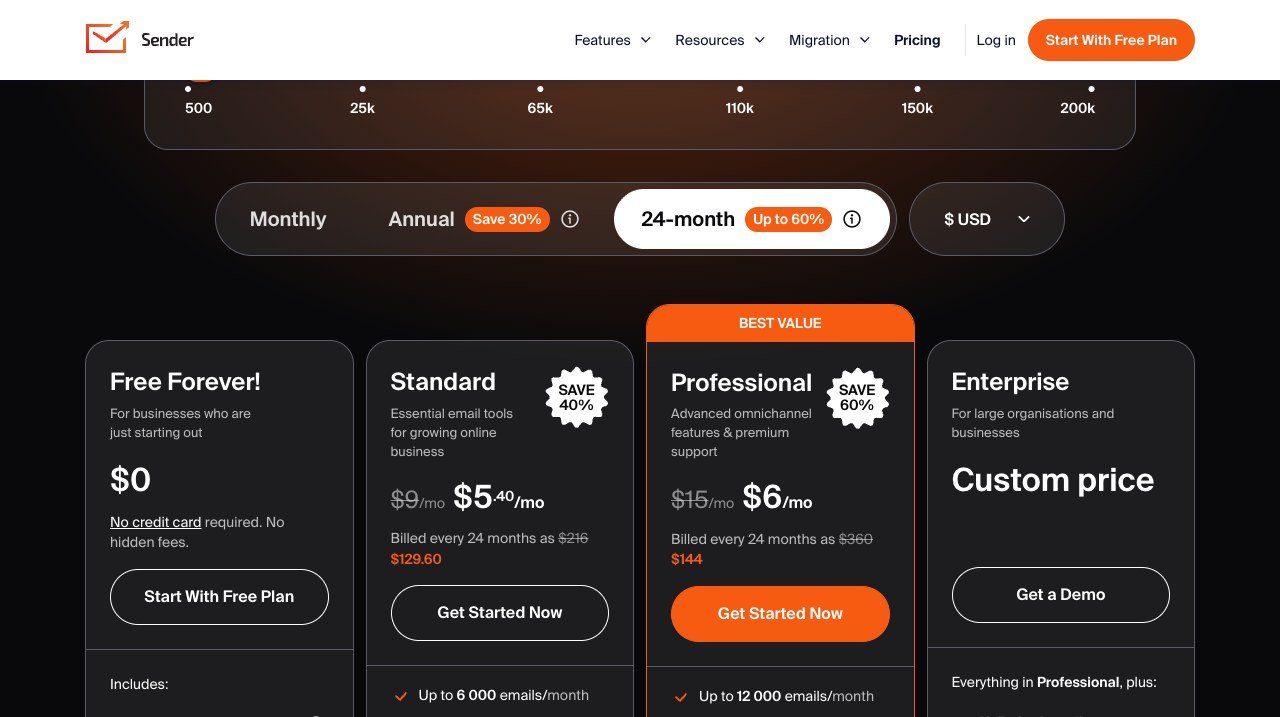
Free plan: Yes, Free Forever. Paid from: $9 a month. Counts: Subscribers and emails.
Sender’s Free Forever plan is a working product rather than a trial, and the paid tier begins at $9 a month, falling further on long commitments.
It caps both subscribers and monthly emails, so two ceilings need checking rather than one. For a business writing weekly to a few thousand people, the free plan frequently covers the entire requirement without a card ever being entered.
5. Listmonk: No ceiling, because it is your server
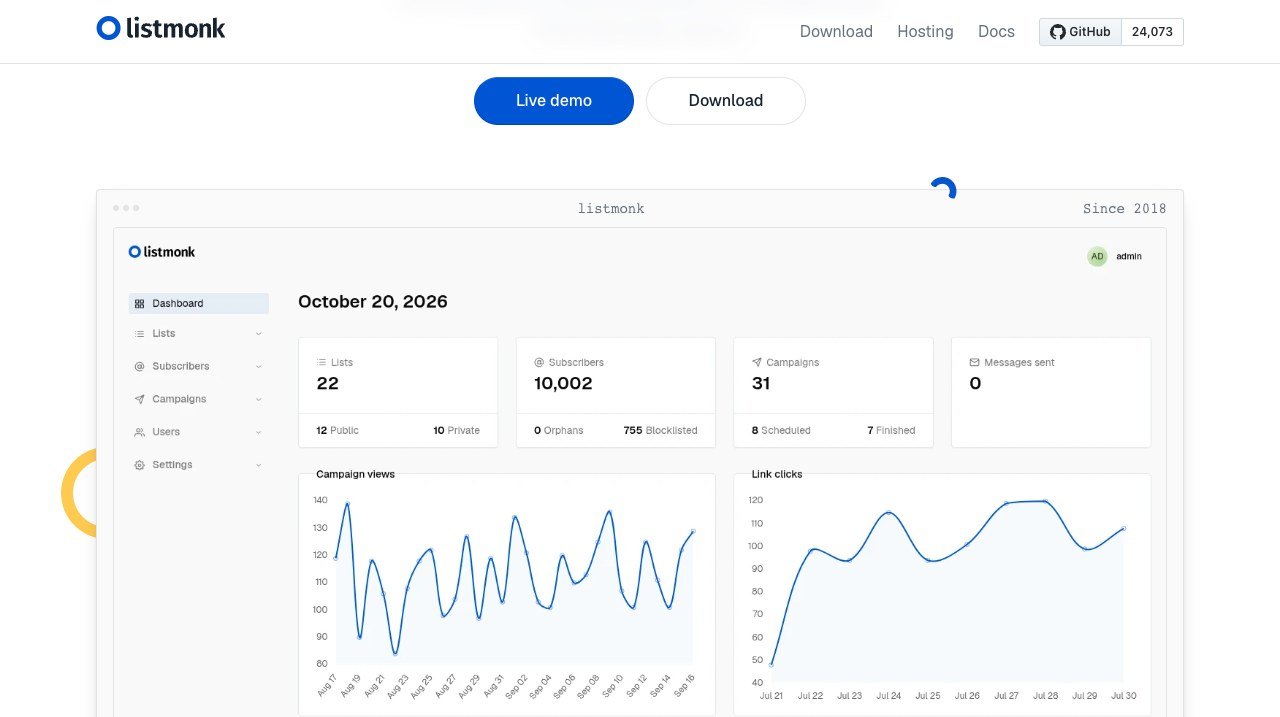
Free plan: Yes, open source. Paid from: $0, self-hosted. Counts: Your own server.
Listmonk is open source and runs on your own server, so there is no subscriber limit and no licence fee. Sending is handled by a provider you choose and pay separately.
Storing a million addresses costs nothing; only the sending costs. The requirements are a server, a sending domain and somebody willing to own deliverability, which is the job a hosted platform quietly does for you.
6. Omnisend: Free email and SMS for small stores
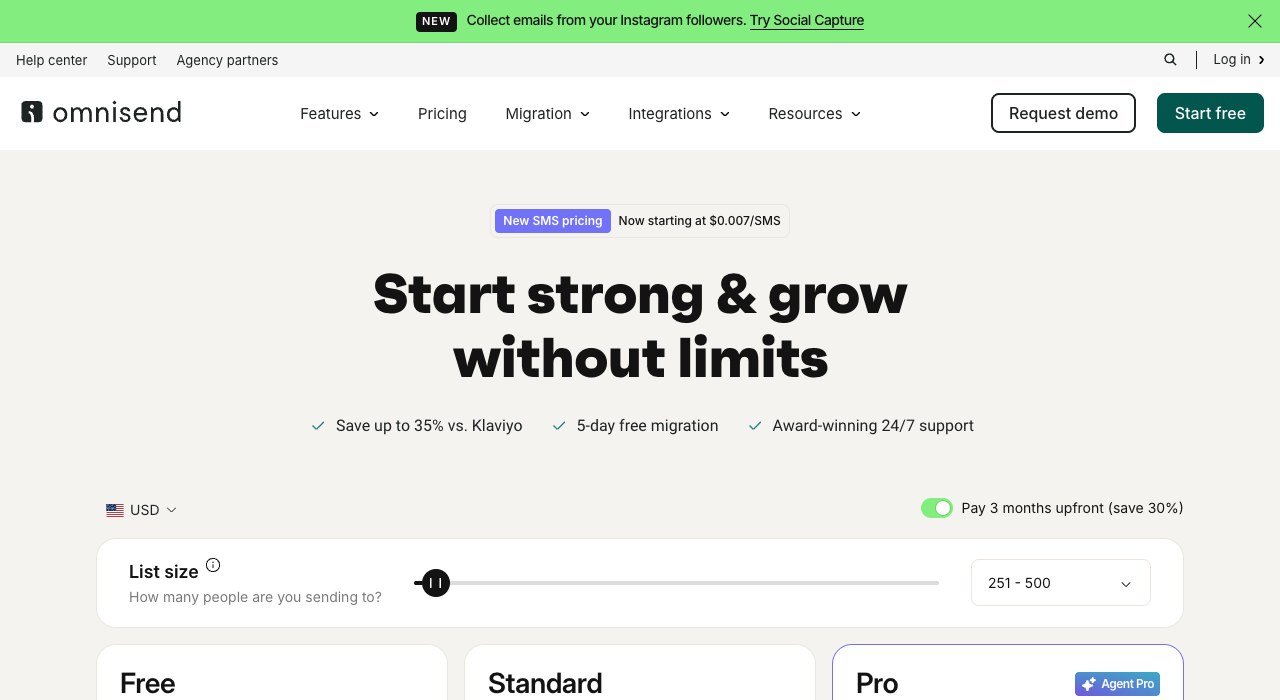
Free plan: Yes, 500 emails a month. Paid from: $11.20 a month. Counts: Contacts and sends.
Omnisend aims at online stores and carries email, SMS and push in one account. Its free plan covers 500 emails a month, with the first paid tier at $11.20.
Abandoned cart and post-purchase flows ship configured instead of as an empty canvas, which is where store owners usually lose weeks. SMS is metered per message, so that belongs in the budget separately from the subscription.
7. EmailOctopus: Free, plain and quick to learn
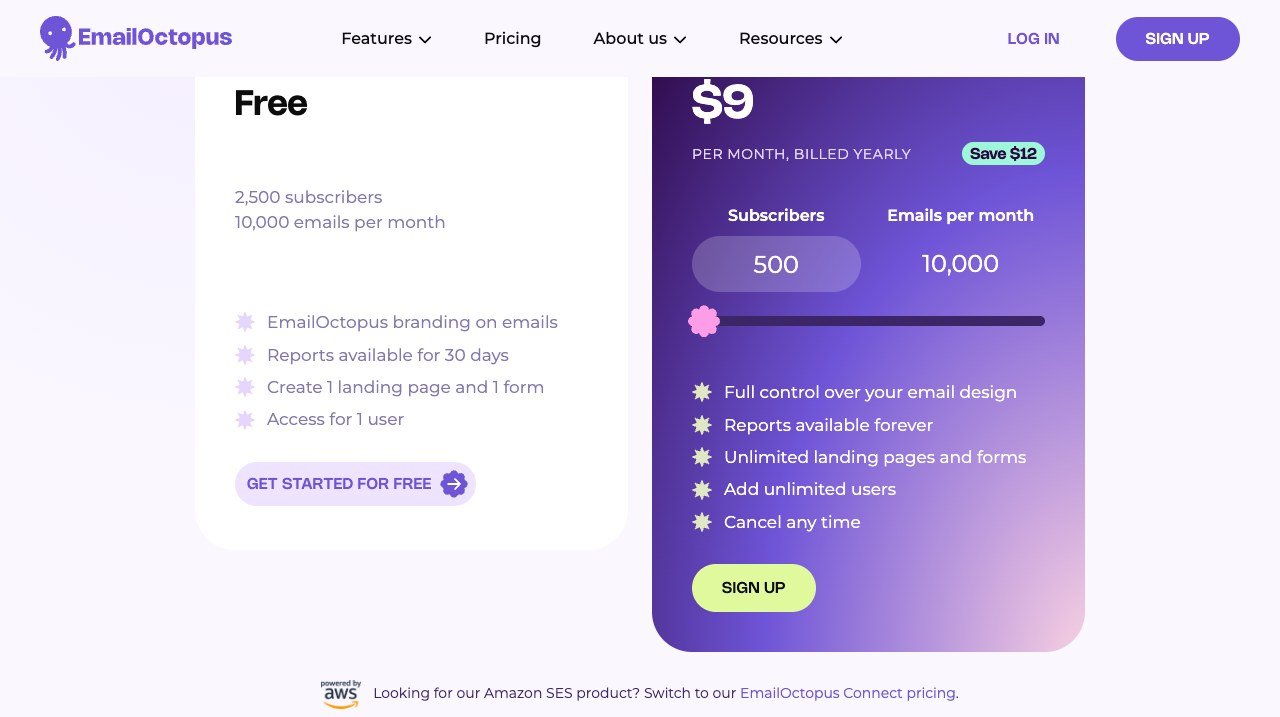
Free plan: Yes. Paid from: $9 a month billed yearly. Counts: Subscribers.
EmailOctopus sends email and declines to be a marketing platform. There is a free tier, and Pro costs $9 a month billed yearly with a 10,000 email allowance.
It is the right answer for anyone who has realised the automation builder they pay for has never been opened. Forms, landing pages and reports exist; the sprawling suite, and its price, do not.
8. beehiiv: Free forever, built to monetise
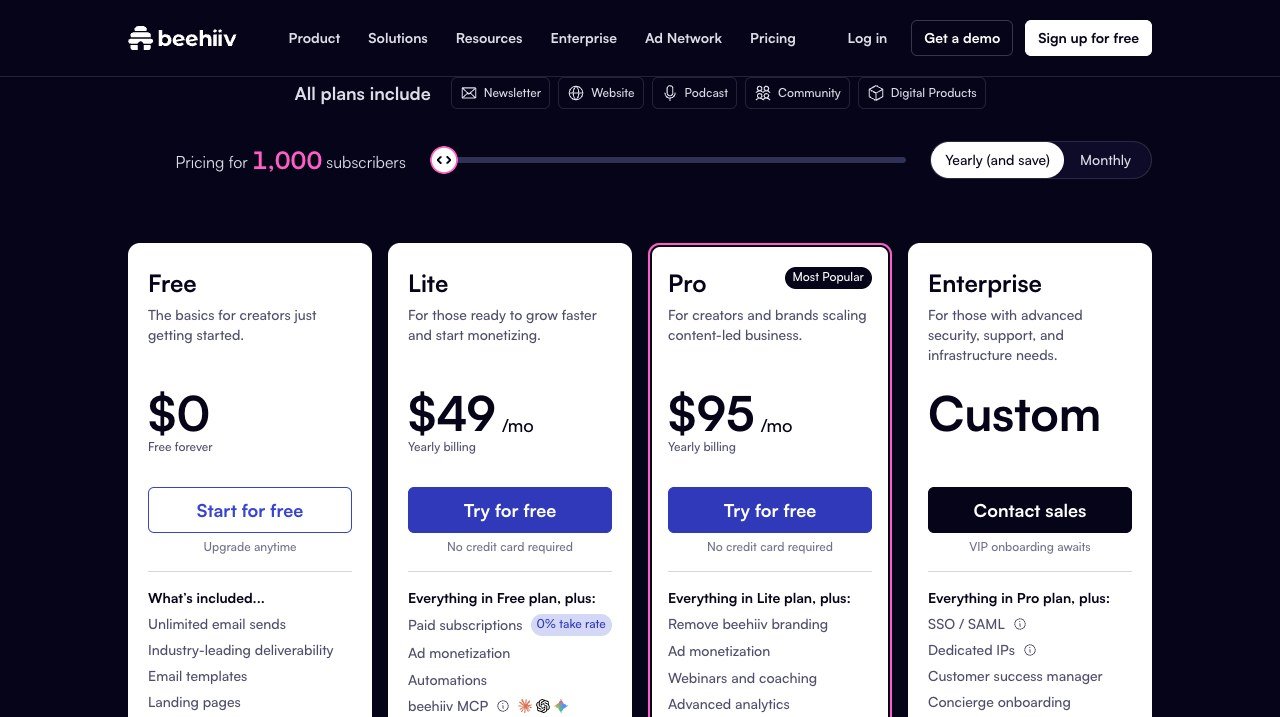
Free plan: Yes, free forever. Paid from: $49 a month billed yearly. Counts: Subscribers.
beehiiv treats the newsletter as the business. The free tier is real, the next step costs $49 a month on yearly billing and the one above it $95, with paid subscriptions carrying no take rate at all.
An ad network is built in and the page puts its average at $39 a month. That is only meaningful if the newsletter earns its keep; a company sending product announcements is buying an expensive email tool and ignoring the half that justifies the price.
9. Moosend: No free plan, the lowest paid price
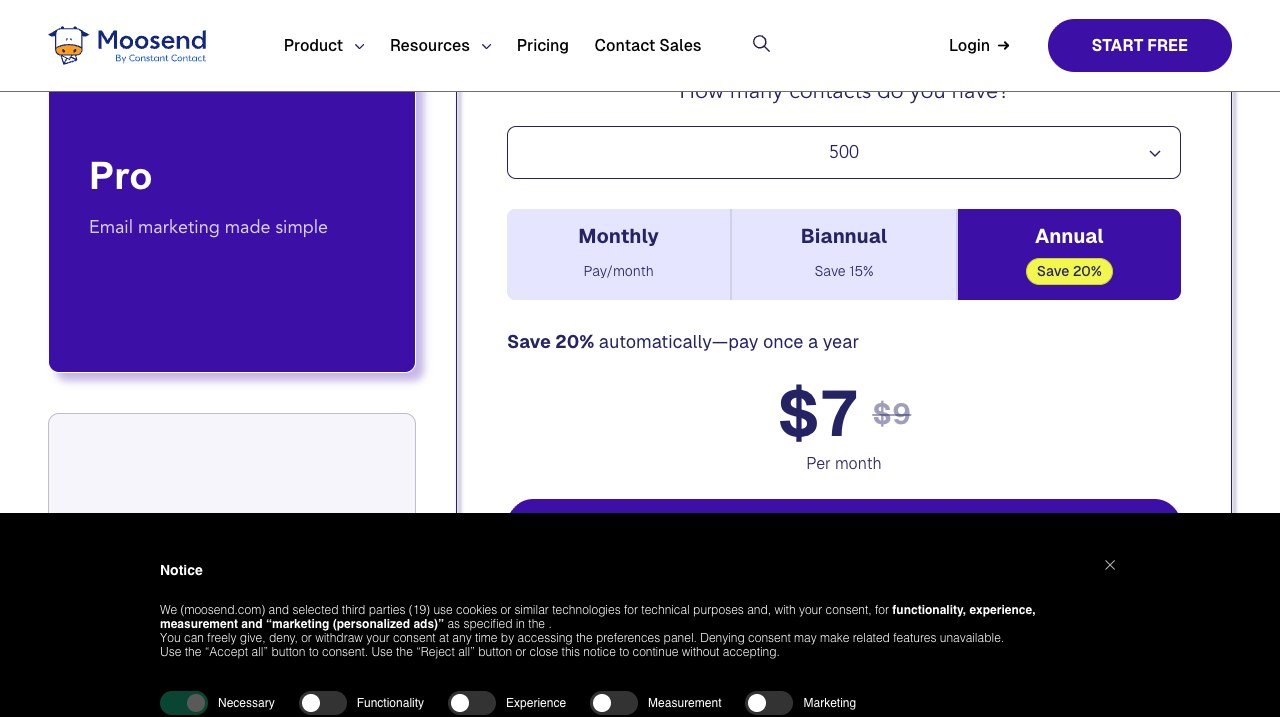
Free plan: No, free trial. Paid from: $7 a month billed annually. Counts: Subscribers.
Moosend has no permanent free plan and the lowest paid entry on this page at $7 a month billed annually, or $9 monthly. Automation, segmentation and landing pages are included rather than held back.
The specification is mid-range and the price is not, which makes it the default for a small list that still needs real automation. If a free tier is a requirement, this is the one entry that cannot meet it.
10. ActiveCampaign: No free plan, the deepest automation
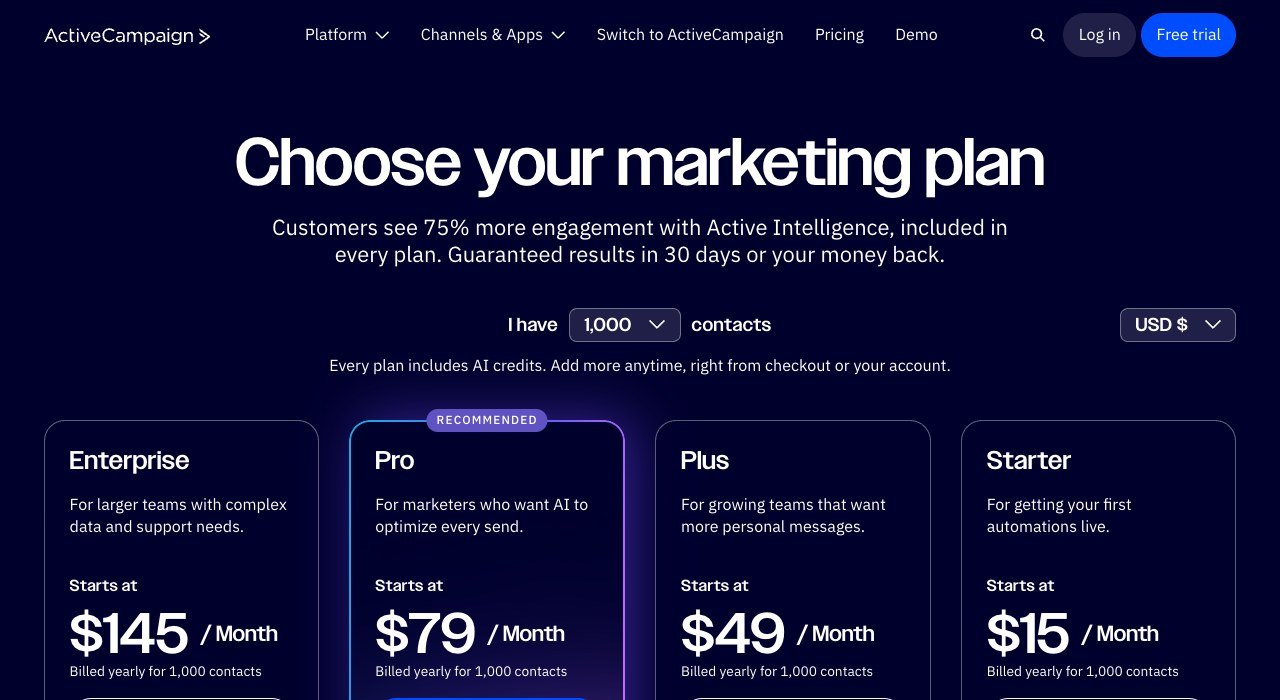
Free plan: No, free trial. Paid from: $15 a month at 1,000 contacts. Counts: Contacts.
ActiveCampaign is the depth option and prices like it: $15 a month at 1,000 contacts on Starter, then $49, $79 and $145 at the same contact tier, billed yearly.
Its automation builder is clearly the most capable here, and its price climbs with contacts exactly as Mailchimp’s does. Moving here to escape a bill is a mistake; moving here for capability is the only reason that holds up.
Read the Second Ceiling, Not the First
Almost every free plan here has two limits and the marketing names one. The one it leaves out is the one you will hit.
- Mailjet: 6,000 emails a month sounds generous until the 200 a day cap turns one send to 3,000 people into a fifteen-day drip.
- Brevo: 300 emails a day is the published limit, and it is a daily one, so a monthly newsletter to 5,000 people does not fit.
- Omnisend: 500 emails a month is the email ceiling, and SMS is charged per message on top regardless of plan.
- Sender: both subscribers and monthly emails are capped, so the binding limit depends on your sending rhythm.
- Kit: 10,000 subscribers free, with automation and some features behind the paid tier rather than behind the subscriber count.
Work out your largest single send and your monthly total, then test both against the plan. A list of 5,000 emailed twice a month is 10,000 sends, which fits almost nothing on a free tier except Kit and Listmonk.
What the Law Requires From Every Sender
None of this changes with the platform. The obligations attach to you as the sender, and they are assessed per message rather than per campaign.
The CAN-SPAM Act sets the federal baseline in the United States: accurate headers and subject lines, a valid physical postal address and an opt-out that works and is honoured promptly. The implementing rule is codified at 16 CFR Part 316, which defines what counts as a commercial message and how quickly a removal request must be processed.
- Keep proof of consent attached to each subscriber record rather than in an inbox somewhere.
- Delete hard bounces and long-term non-openers before migrating, because on a contact-priced plan you are importing a bill as well as a list.
- Warm a new sending domain slowly. Importing 40,000 addresses and sending on day one is the fastest way to destroy a sending reputation.
- Export engagement history with the addresses, or segmentation has to start from nothing on the new platform.
Choosing Between Them
Divide last year’s total sends by your list size. That ratio decides the group before any feature enters the discussion.
- Big list, rare sends: Brevo or Mailjet, where holding addresses is free.
- Small list, frequent sends: Moosend at $7 or EmailOctopus at $9.
- You want to stay free: Kit to 10,000 subscribers.
- You sell online: Omnisend.
- The newsletter is the business: beehiiv.
- You run your own servers: Listmonk.
Email is rarely the only subscription under review. The same per-unit question applies to the CRM the list came from, which is covered in our HubSpot alternatives comparison, and to the store the subscribers buy from in the Shopify competitors guide.
Frequently Asked Questions
Which Mailchimp competitor has the best free plan?
Kit, at 10,000 subscribers, is the most generous by a wide margin. Brevo allows 300 emails a day with unlimited contacts, and Mailjet 6,000 emails a month. Listmonk has no ceiling at all because you host it yourself.
Does Mailchimp charge for unsubscribed contacts?
Pricing is set by the contact bracket your audience falls into, and overages apply when a contact or send limit is exceeded. That makes regular list cleaning a cost control measure rather than just good practice, and it is the most common reason people start comparing alternatives.
Is it better to pay per contact or per email?
Per email suits a large list you write to occasionally, because storage is free and the meter only runs on send. Per contact suits a small list you write to often. Divide your annual sends by your list size and the answer is usually obvious.
Can I move a list without hurting deliverability?
Yes, if you warm the new sending domain gradually rather than sending to everybody on day one. Remove hard bounces and dormant addresses first, start with your most engaged segment, and increase volume over two to three weeks.