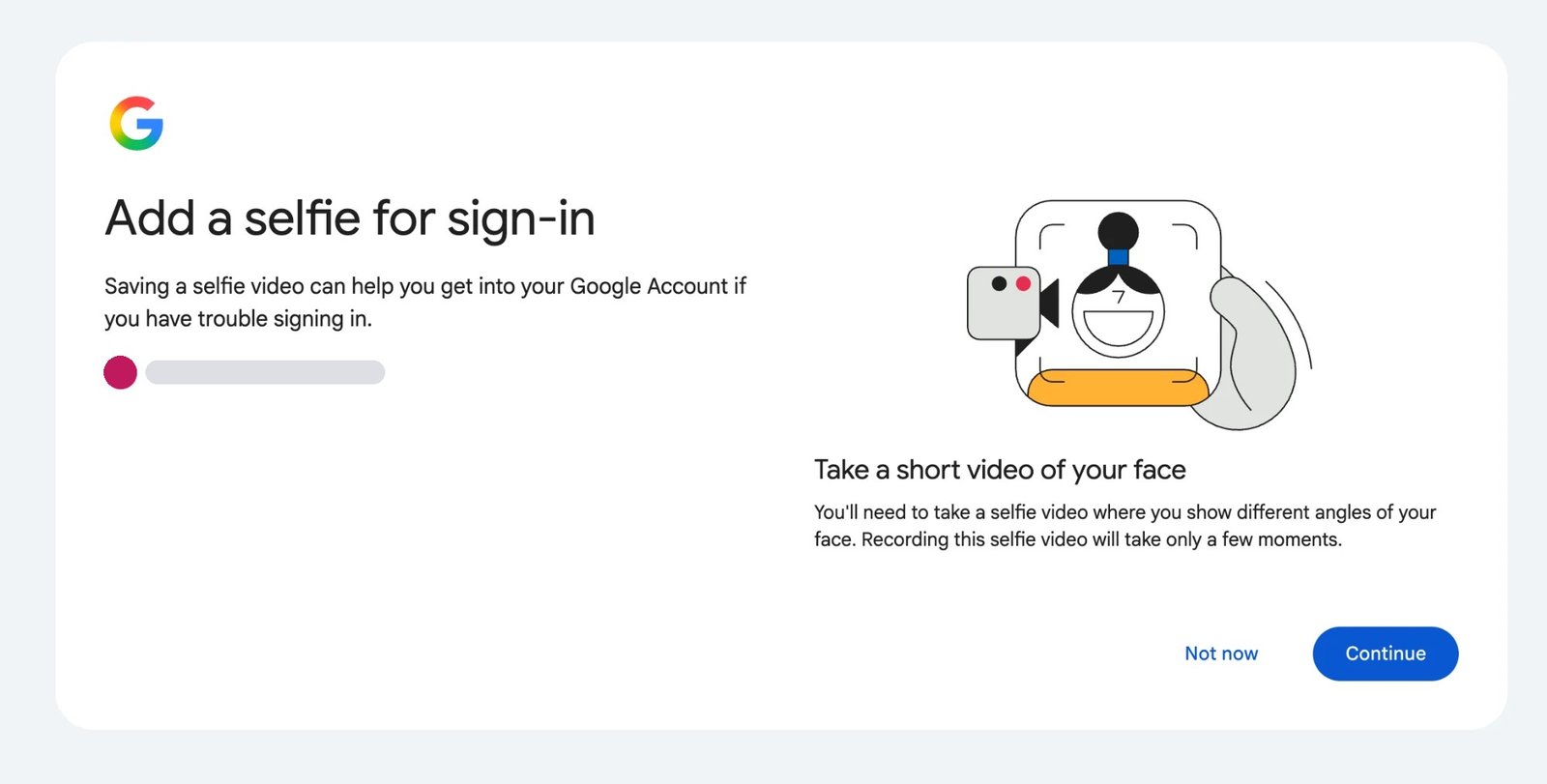
A card headed Add a selfie for sign-in now turns up in Google Account settings and in the middle of some sign-ins. It is asking permission to record a short video of your face and keep it, so that a day when you cannot get in ends with a face scan instead of a lost account. Google selfie for sign-in is the name the company uses for it.
Nothing happens if you decline. The Not now button closes the card, the password and passkey you already use are unaffected, and the offer comes back later. Before accepting it, three things are worth knowing: the video does more than one job, several kinds of account are barred from it, and it has to be recorded while you can still sign in.
Who the prompt is actually for
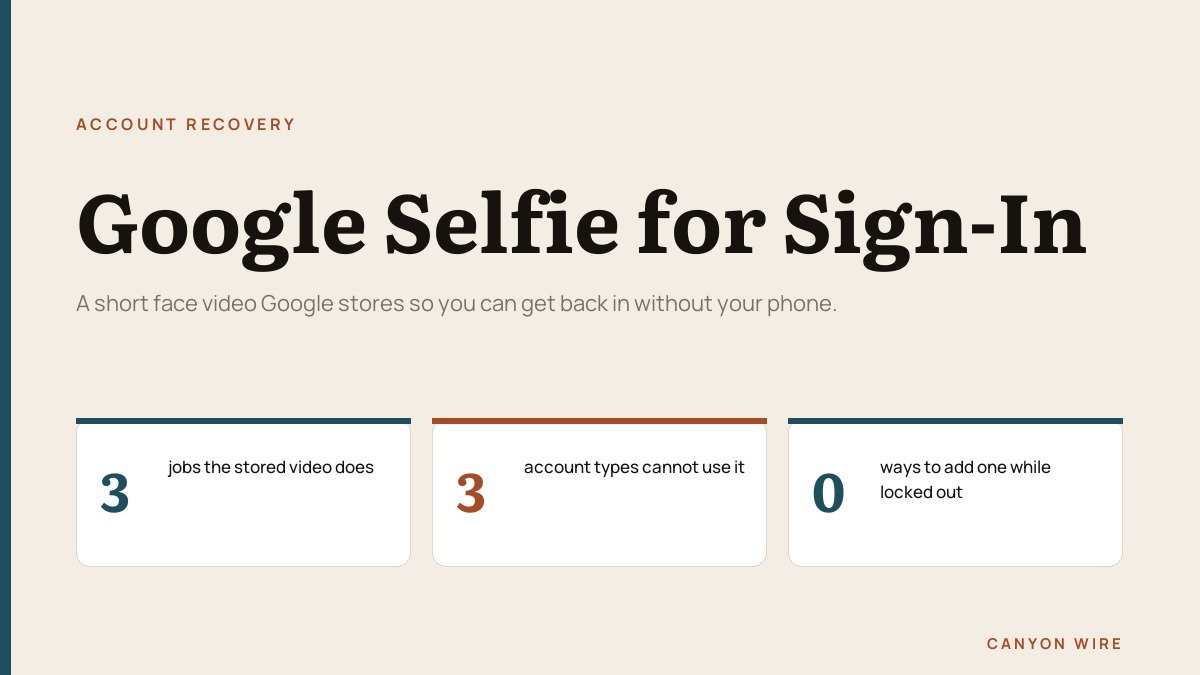
Start here, because for a large share of accounts the question answers itself. Google excludes three categories from selfie video entirely.
- Google Workspace accounts. Work and school addresses managed on Workspace are out.
- Child accounts. Supervised accounts cannot enrol.
- Advanced Protection Program accounts. The hardened tier for people facing targeted attacks blocks it, and the Advanced Protection enrolment page explains what that tier swaps in instead.
Even outside those three, Google says the feature is not available for all regions, accounts or devices, so an ordinary personal account can simply not have the option yet. There is no queue to join and no setting that brings it forward.
One more limit shapes the whole decision: enrolment is blocked while you are locked out or partway through account recovery. The video is only ever useful if you record it on a day when everything is working.
What Google does with the stored video
Recovery is the use Google leads with, but the documentation lists three, and they share one stored file rather than keeping separate copies for separate purposes.
- Account recovery. Getting back in when the usual sign-in fails.
- Unlocking features and services. Proving you are a real person who has not broken Google’s policies.
- Avatar creation. Making AI-generated content that resembles you.
A separate setting sits beside the video on the same page. Under Improve Google services, you can allow submitted videos and the data around them to feed the development of facial recognition, age estimation and other verification methods. It is off unless you choose it, and it can be switched back at any point without removing the video.
Inside a Google selfie for sign-in check
Enrolment is a single short recording. You face the camera and follow a few prompted head movements, which give the system your face from more than one angle rather than a single flat frame. On a computer with a camera it finishes in the browser; without one, Google produces a QR code so a phone can take over the capture.
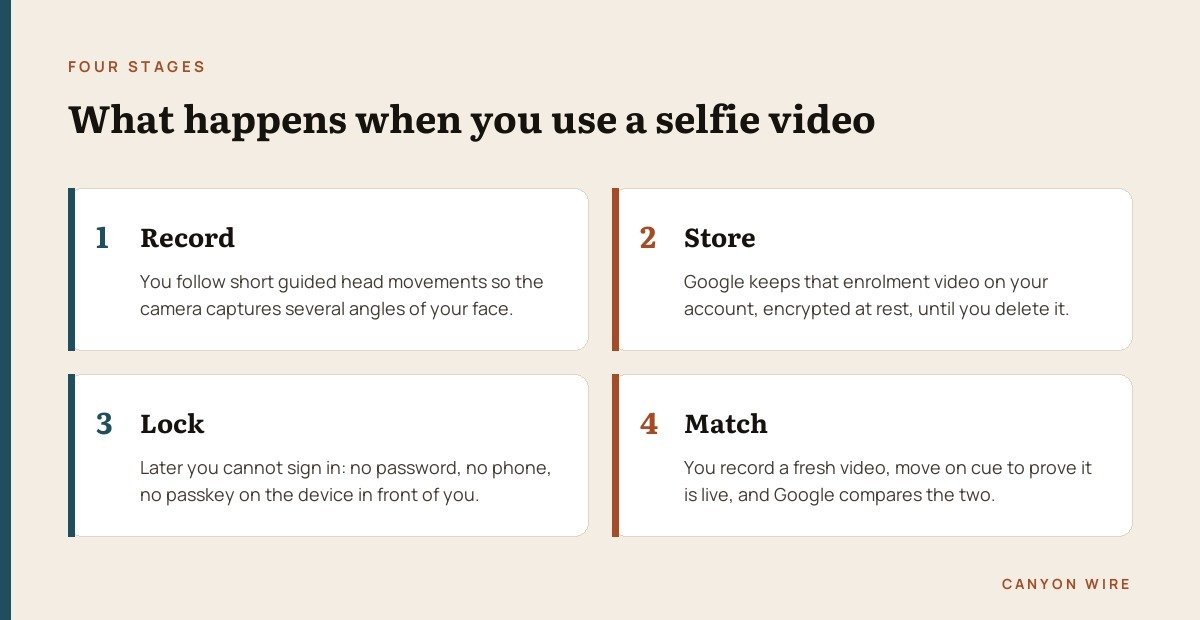
The check that matters comes later. When you record the second video, Google compares it with the enrolled one and asks for movement on cue, which is what rules out a printed photo or a face held up on another screen. Google says additional layers work against manipulated video and deepfakes, and does not describe them.
On storage, the company says the video is encrypted at rest and used only for sign-in unless you opt into the setting above. What it does not state is whether the account holds the recording itself or a numeric template computed from it. For an independent read on how face matching performs in controlled testing, the Face Recognition Vendor Test at NIST evaluates submitted algorithms across demographic groups.
Adding the video from Security and sign-in
The path is the same on a phone and on a desktop browser, and it takes under a minute once the option is present.
- Open your Google Account, signing in if prompted.
- Go to Security & sign-in.
- Under How you sign in to Google, choose Selfie video.
- On the Add a selfie for sign-in page, choose Continue.
- Work through the on-screen steps, holding each head movement until it registers.
Google also runs the shortcut g.co/signin-selfie, which lands on the same eligibility check without the menu walk and is the quickest way to find out whether an account qualifies.
A capture that will not complete is usually failing one of four conditions, and all of them are easy to fix in the room you are sitting in.
- Eyes, nose and mouth have to be visible, so sunglasses, hats and masks come off.
- No other people and no pictures of faces can be in the background.
- The device needs Wi-Fi or a cellular connection.
- Camera access has to be granted to the browser or the device.
Removing the video, and what you give up
Deletion is available whenever you want it, from the same page the video lives on.
- Open the Selfie video page in your Google Account.
- Select Delete next to the video.
Google describes removal as happening after a period of time rather than at once, says a copy may be retained briefly as a security measure, and says it can be held longer where a policy was broken so the company can investigate and enforce. None of those three windows is given a number.
Two consequences follow. The video stops working as a way to sign in, which is the point. If it had been used to unlock a feature or a service, access to that can go with it, and the features concerned are not listed anywhere.
If this is part of a broader tidy-up of what companies hold on you, the same questions apply across every account you own. Our practical guide to protecting your privacy online works through the settings that matter most.
Where a face falls short of a security key
Passwords are replaceable and faces are not. Enrolling converts a permanent physical characteristic into a credential, and deleting the file later does not undo the fact that it was recorded and matched against.
The retention carve-out is the second thing to weigh. It will never touch most people, but it does mean the lifetime of an enrolled video is not wholly in the account holder’s control, and the conditions that extend it are described in general language.
Set against that is a failure mode that ends plenty of accounts for good. A phone holding every passkey and every authenticator code does get lost, and an account with stale recovery details behind it is often unrecoverable. If your recovery phone and email are current and a passkey sits on a second device, selfie video adds very little. If none of that is in place, it covers the gap.
The clearest signal is who Google withholds it from. Accounts in Advanced Protection, which belong to people most likely to be attacked deliberately, do not get the option, because a face is a softer target than a hardware key in the hands of a motivated attacker. A strong, unique password underneath everything still does more than any recovery method bolted on top; our guide to creating a strong password covers what actually makes one hard to break.
The recovery set-up to have in place first
Selfie video belongs at the end of the list, not the start. Four measures do more work, and nothing stops you running all of them on one account.
- A passkey on a device you keep hold of. It signs you in with the device unlock and cannot be phished.
- A hardware security key. The strongest option available, and the basis of Advanced Protection.
- A current recovery phone and email. Out-of-date details are the usual reason a recovery attempt dies.
- Recovery contacts and printed backup codes. Both still work when the phone in your pocket does not.
All of it rests on the Google password being used nowhere else, because a reused one turns somebody else’s breach into your lockout. Our round-up of password managers and their free tiers covers the tools that make that practical.
Frequently Asked Questions
Do I have to add a selfie video to my Google Account?
No. It is optional at every point. Choosing Not now changes nothing about the account, and the option stays available in Security and sign-in if you decide differently later.
Could a photograph of me fool the check?
That is what the prompted movements exist to prevent. Google asks for simple motions so a still image or a face on another screen fails the liveness test, and says further layers address manipulated video. No such check is flawless, which is why the method sits behind passkeys rather than ahead of them.
How long does Google keep the video after I delete it?
Google does not publish a figure. It says the video is deleted from the account after a period of time, that it may be kept briefly as a security measure, and that it can be retained longer where a policy was broken.
Can I set this up once I am already locked out?
No. Enrolment is blocked during a lockout and during account recovery, so it has to be done from a signed-in session. That rule alone decides whether the feature can ever help you.