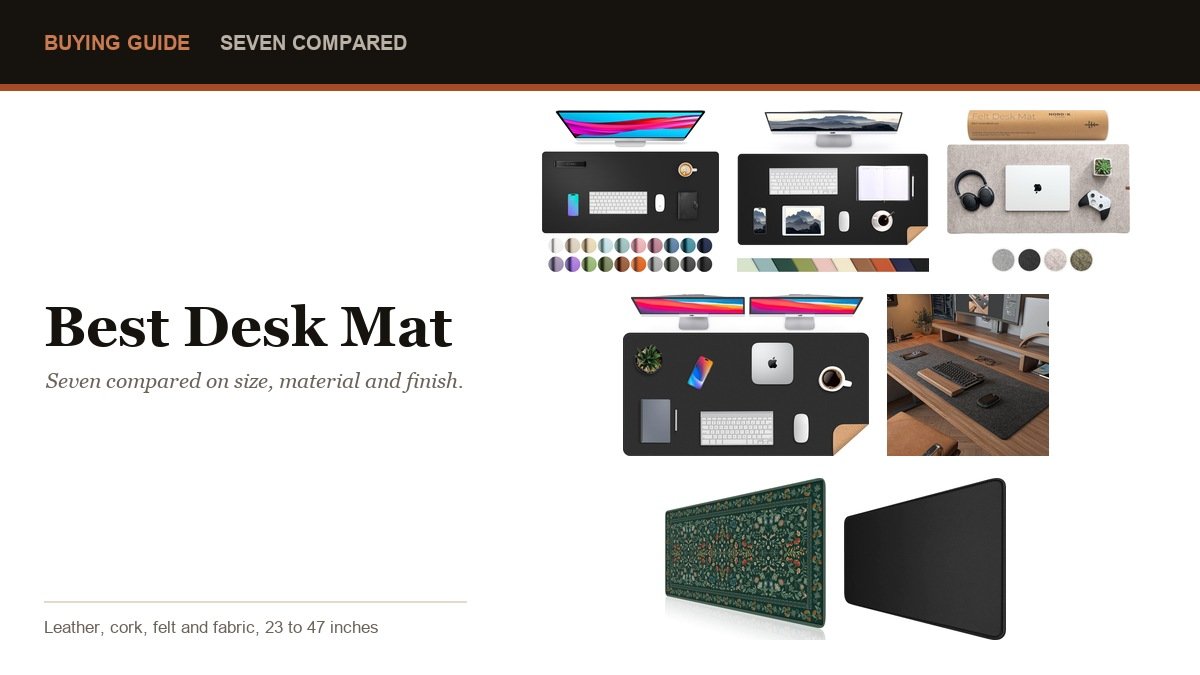
A desk mat is the cheapest upgrade a desk ever gets. It covers the scratches, it gives the mouse one consistent surface instead of three, and it quietly muffles the sound of a keyboard. The only real decisions are how much desk you want covered and what the surface is made of. What you sit on matters more than what the desk is covered in, and our office chairs roundup compares ergonomic mesh and gaming seats.
Seven are compared below across leather, cork, felt and fabric, from a 23.6-inch pad that sits under a laptop to a 47-inch mat that covers most of a desk.
| # | Desk mat | Size | Material | Suits |
|---|---|---|---|---|
| 1 | Aothia PU Leather Desk Pad | 23.6 x 13.7 in | PU leather, suede back | Laptop desks and small setups |
| 2 | AFIING Cork & PU Leather | 35.4 x 17 in | Cork and PU leather | Switching surfaces by flipping |
| 3 | Nordik Felt Desk Mat | 35 x 17 in | Premium felt | Warm, quiet, non-plastic desks |
| 4 | AFIING Large Desk Mat | 47 x 23.6 in | PU leather | Covering a whole desk |
| 5 | DAWNTREES Felt Desk Mat | 36 x 12 in | Felt | Shallow desks and narrow shelves |
| 6 | iCasso Desk Mat | 35.4 x 15.7 in | Fabric, rubber base | Colour and stitched edges |
| 7 | Extended Gaming Mouse Pad | 31.5 x 15.7 in | Cloth, stitched edges | Mouse tracking above all |
Measure before choosing. A 31.5-inch mat takes a keyboard and a mouse comfortably, 35 inches gives room for a notebook beside them, and 47 inches covers a standard desk almost end to end. Depth matters just as much: 12 inches suits a shallow desk, 17 inches lets a laptop sit fully on the mat.
1. Aothia PU Leather Desk Pad: Best for a Laptop Desk
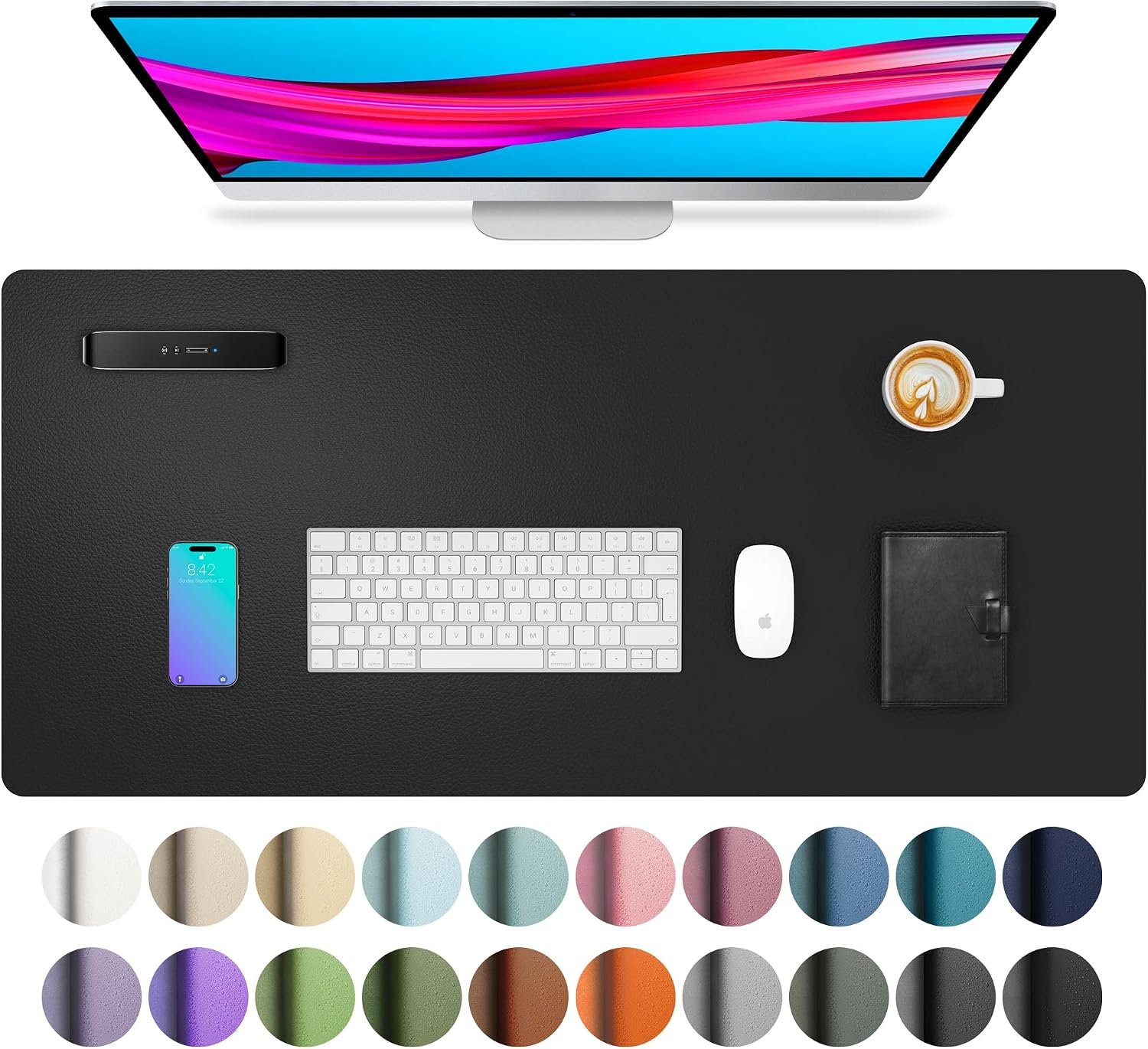
At 23.6 by 13.7 inches this is the smallest mat here, sized to sit under a laptop with room for a mouse beside it rather than to cover the whole desk. For a shared table or a small home office that restraint is the point.
Both faces are usable, so a scuffed side can be flipped rather than replaced. The listing describes a suede backing that increases friction against the desktop, which is what stops a light mat travelling every time you push the mouse.
- Good for: laptop-sized coverage without taking over the desk.
- Watch: too small to sit a full keyboard and mouse side by side comfortably.
2. AFIING Cork and PU Leather: Best Two Surfaces in One
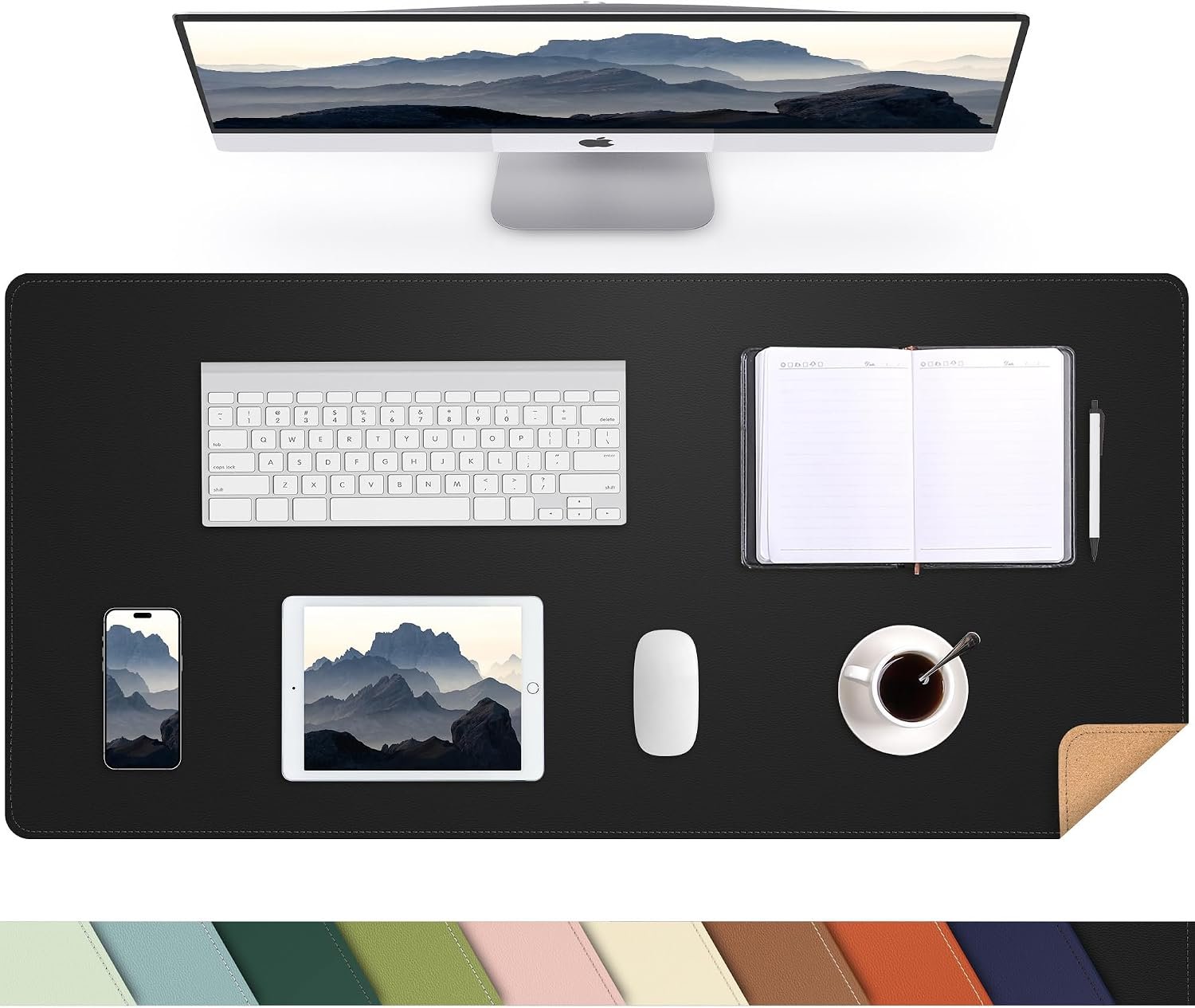
This one is cork on one side and PU leather on the other, at 35.4 by 17 inches. The leather face is the slick, wipe-clean option and the cork face is warmer, grippier and much better under a mug.
Cork is the underrated material in this category. It is naturally textured, so a mouse tracks on it without needing a separate pad, and it does not show every fingerprint the way dark leather does.
- Good for: changing the feel of the desk without buying a second mat.
- Watch: cork marks more easily than leather if you spill something and leave it.
3. Nordik Felt Desk Mat: Best Felt Mat
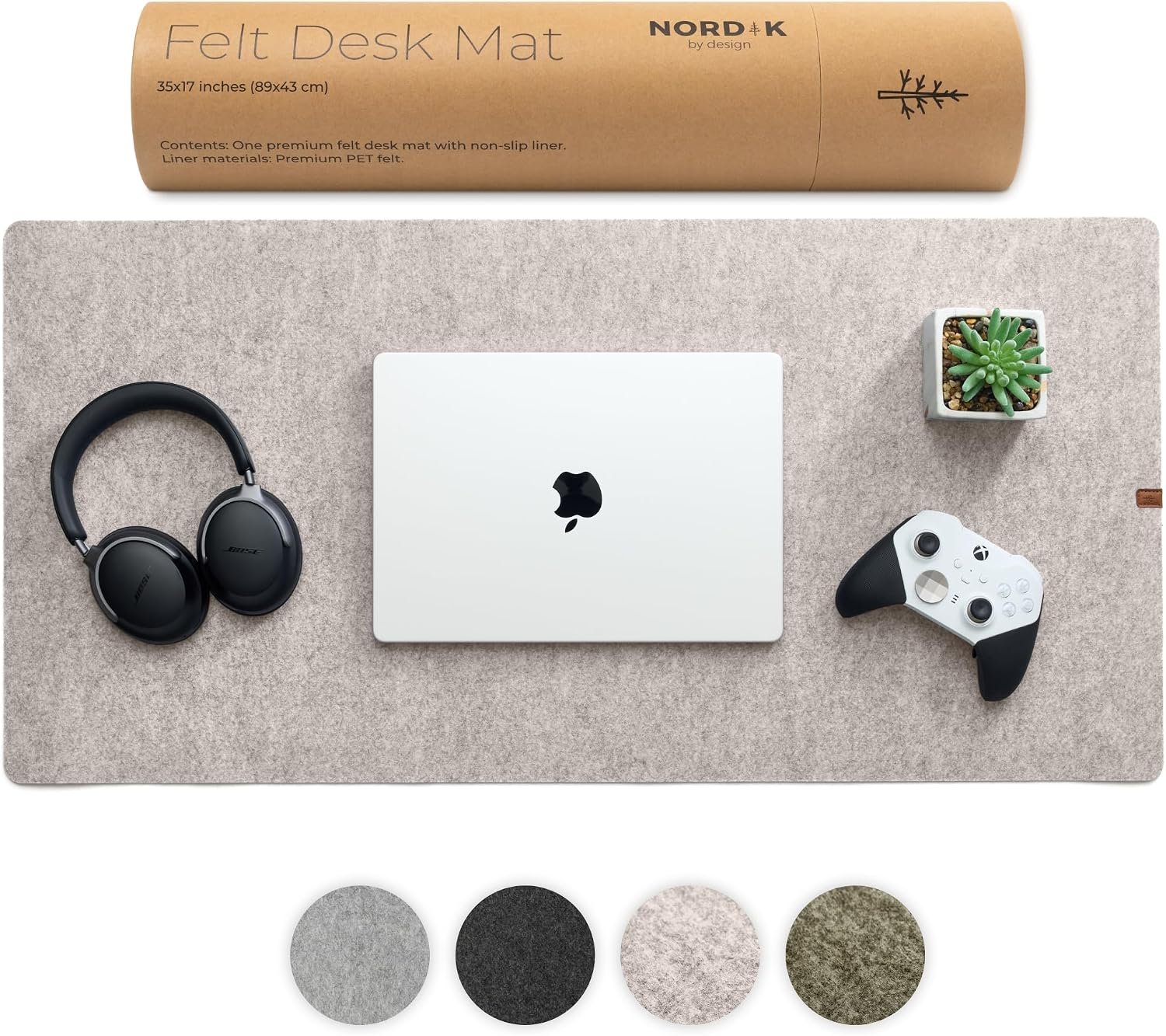
Felt is the quietest surface in this comparison and the one that makes a desk feel least like an office. Nordik makes this in 35 by 17 inches, describing premium felt with no stitching for a seamless edge and anti-slip rubber dots underneath.
The absence of stitching is a genuine design decision rather than a cost saving. Stitched edges eventually fray and catch a mouse cable; a cut felt edge simply stays as it is.
- Good for: a warm, quiet surface that softens keyboard noise.
- Watch: felt absorbs liquid rather than repelling it, so spills need lifting quickly.
4. AFIING Large Desk Mat: Best for Covering the Whole Desk
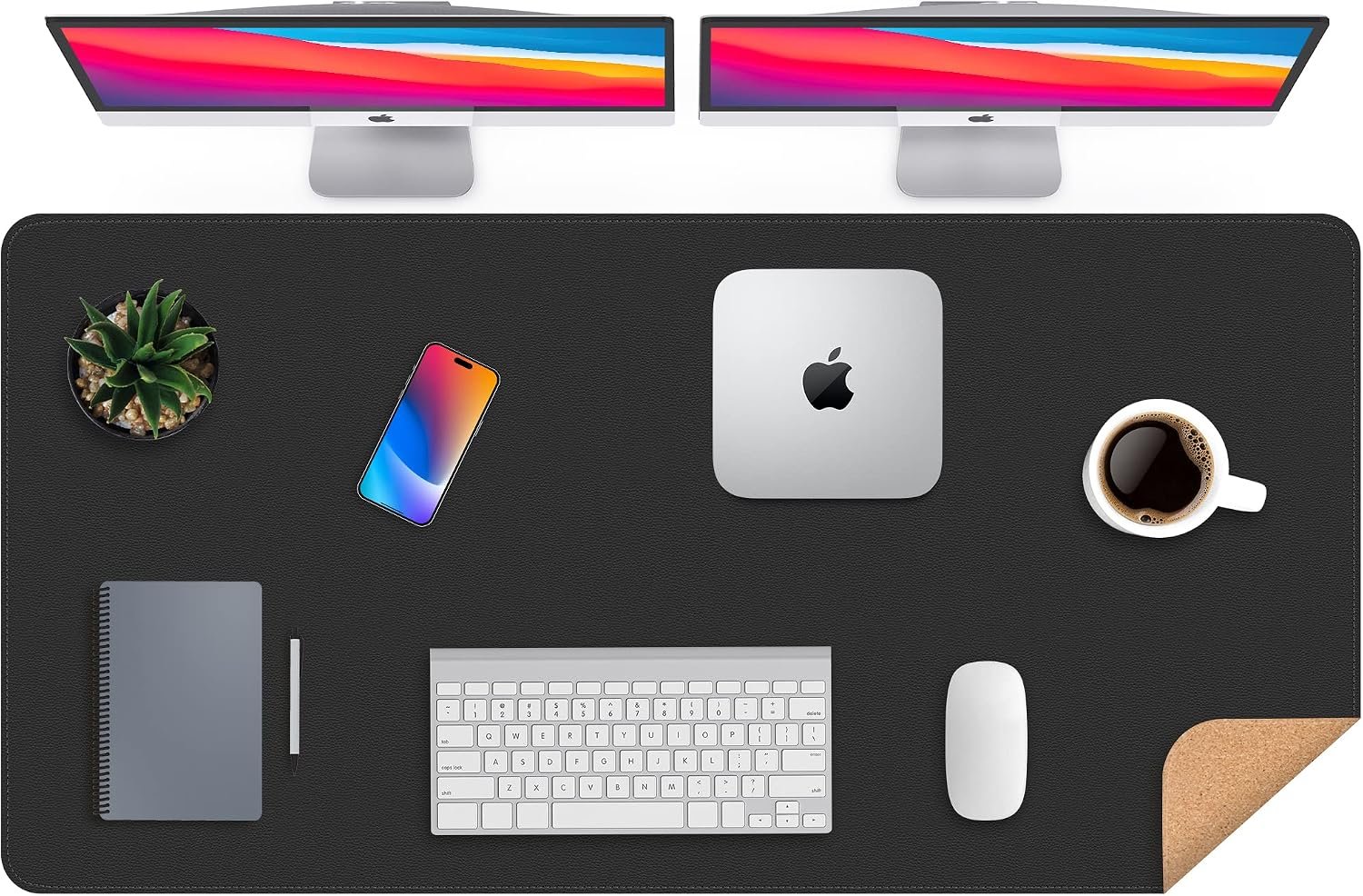
At 47 by 23.6 inches this is by far the biggest mat here, deep enough that a monitor stand, keyboard, mouse and notepad all sit on the same surface. For a desk with a scratched or mismatched top it is the simplest fix available.
The trade is commitment. A mat this size is effectively the desk surface from now on, and rolling it out flat after shipping takes a day or two of weight on the corners.
- Good for: hiding a damaged desktop and unifying a whole workspace.
- Watch: check your desk depth, since 23.6 inches overhangs many shallow desks.
5. DAWNTREES Felt Desk Mat: Best for a Shallow Desk
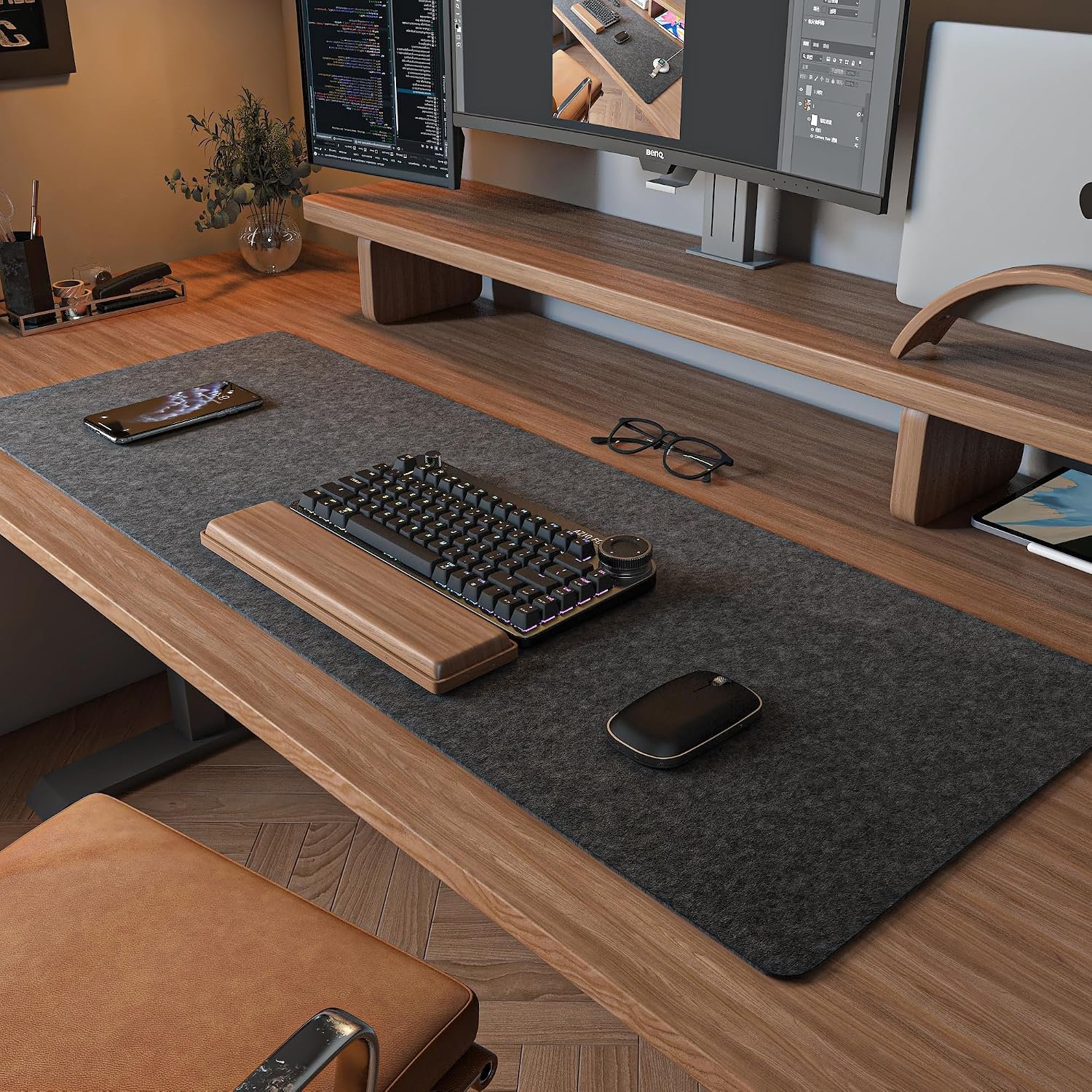
At 36 by 12 inches this is long and deliberately shallow, which suits narrow desks, standing desk converters and shelves where a 17-inch mat would hang over the front edge.
The listing notes that felt naturally absorbs water and returns to its normal state afterwards, which is the honest way to describe a felt mat: it will take a spill and dry out rather than beading it off.
- Good for: desks under about 14 inches deep.
- Watch: 12 inches is not deep enough for a laptop to sit fully on the mat.
6. iCasso Desk Mat: Best for Colour and Edge Finish
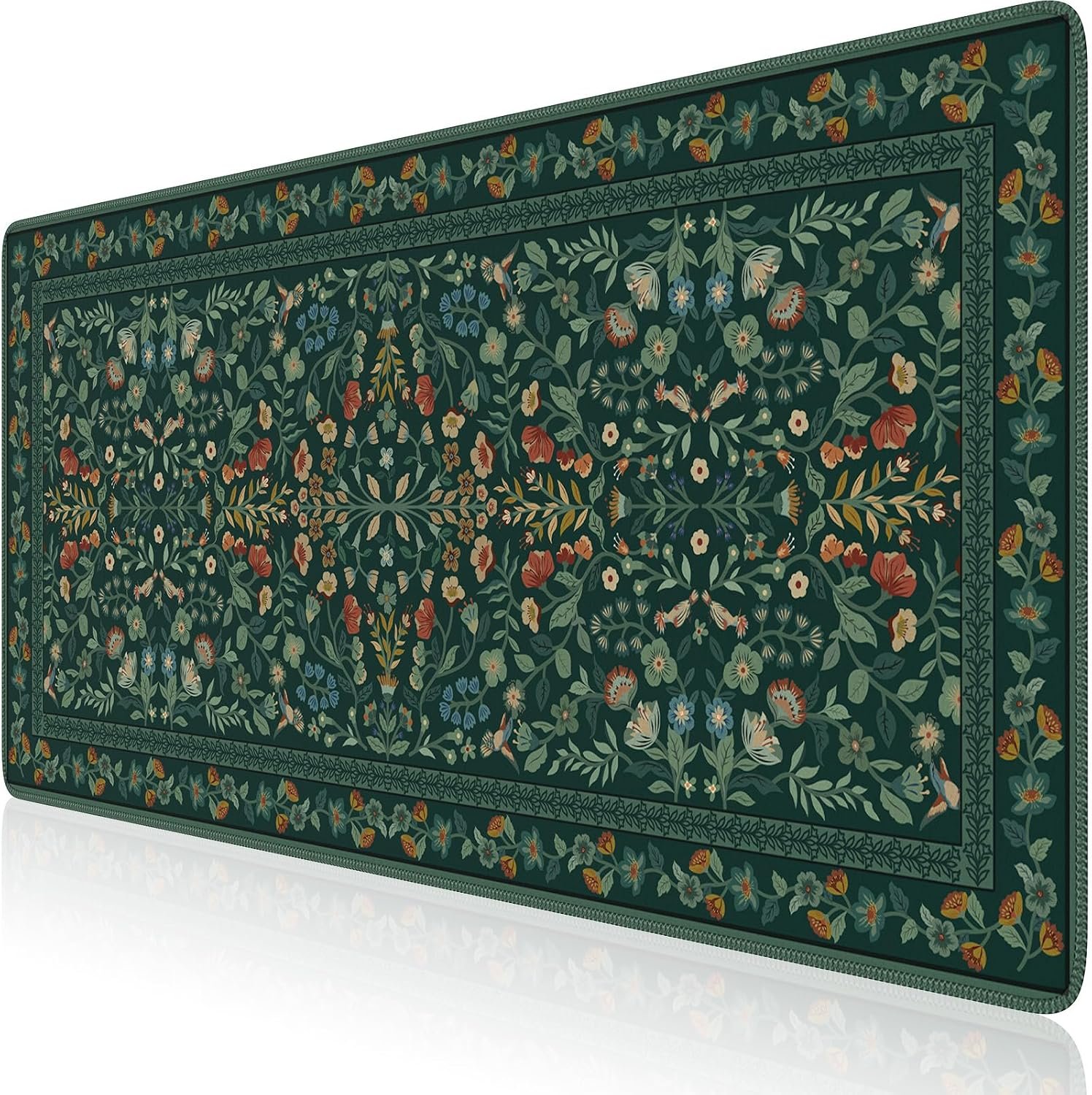
Most desk mats come in black, grey or brown. This one is sold in colours and patterns, at 35.4 by 15.7 inches, for people who would rather the desk not look like an office supply catalogue.
The construction details matter more than the colour. The listing describes a rubber base that keeps the mat in place and stitched edges on a thick material that helps muffle typing noise, which is the main practical benefit of a fabric mat over a hard one.
- Good for: a desk that does not look corporate, with edges that will not fray.
- Watch: fabric shows marks more than leather and needs occasional washing.
7. Extended Gaming Mouse Pad: Best Pure Mouse Surface
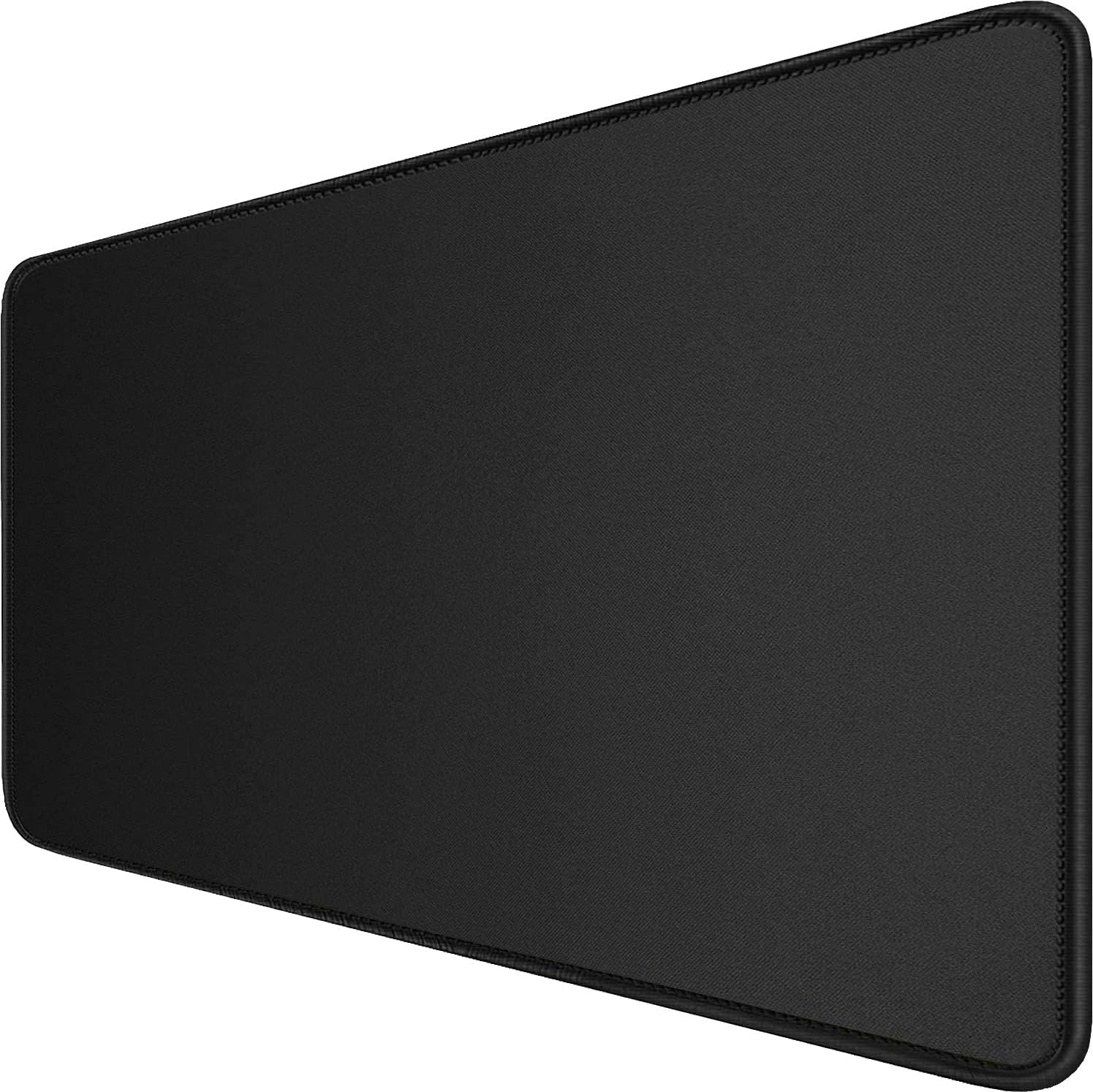
Sold as a mouse pad rather than a desk mat, this is 31.5 by 15.7 inches of cloth with stitched edges, and it is the option to choose if mouse tracking is the only thing you care about.
The surface is tuned for a mouse sensor rather than for writing or resting a mug on, which is the difference between this and the leather mats above. If you play games or edit for hours, that is the right priority.
- Good for: consistent, fast mouse tracking across a wide area.
- Watch: cloth is the least wipe-clean surface here, and it is not a writing surface.
Size Is the Decision Most People Get Wrong
Nearly every complaint about a desk mat is a sizing complaint. Measure the usable depth of your desk first, from the front edge to wherever the monitor stand begins, then measure the width you actually want covered.
- Under 24 inches wide: a laptop pad, room for a mouse but not a full keyboard beside it.
- 31 to 36 inches: the common size. Keyboard and mouse with a little room to spare.
- 47 inches and up: whole-desk coverage, but check depth before ordering.
- Depth of 12 inches: shallow desks only. 15 to 17 inches fits a laptop on the mat.
Where the mat sits matters for comfort as much as for looks. OSHA’s computer workstations guidance covers keyboard positioning, and its pointer and mouse section is the one that matters here: a mat that forces your mouse further out than it needs to be will undo any benefit it brings. A good mechanical pencil and a notepad beside the keyboard need planning into that space too.
What Each Material Is Actually Like
The four materials here behave differently in ways the product photos do not show. Pick the one that matches how messy and how noisy your desk is.
- PU leather: wipes clean instantly, resists spills, shows fingerprints and can feel cold.
- Cork: warm and grippy, good under mugs, marks if a spill sits on it.
- Felt: the quietest and softest, absorbs liquid rather than repelling it.
- Cloth with stitched edges: best mouse tracking, needs washing rather than wiping.
If a drink lives on your desk, leather is the sensible default. If you type late at night next to someone sleeping, felt is worth the compromise on spill resistance. Anyone setting up a desk from scratch may also want our comparison of webcams for the same budget.
Which Desk Mat to Buy
For most desks, a 35-inch leather or cork mat is the right answer: big enough for a keyboard, mouse and notebook, small enough to fit a normal desk, and wipeable when something spills. The AFIING cork and leather mat covers both surfaces in one purchase.
Buy the Nordik felt if quiet matters more than spill resistance, the 47-inch AFIING if you are hiding a damaged desktop, the DAWNTREES if your desk is shallow, and the extended gaming pad if the mouse is the whole point. The small Aothia pad is the one to get if a laptop is all that needs covering.
Frequently Asked Questions
What size desk mat should I get?
Measure your desk depth first. A 31 to 36 inch wide mat with 15 to 17 inches of depth suits most desks and fits a keyboard, mouse and notepad. Go to 47 inches only if your desk is at least that wide and you want it fully covered, and drop to 12 inches deep if your desk is shallow.
Do you still need a mouse pad with a desk mat?
No. Every mat here works as a mouse surface, which is most of the point of buying one. Cloth and cork track slightly better than smooth PU leather for fast mouse movement, but all of them beat a bare wooden or glass desktop.
How do you flatten a new desk mat that curls?
Unroll it and lay it flat with a weight on each corner for a day or two, or roll it backwards gently against the curl before laying it down. Leather and cork mats settle within a couple of days; felt usually lies flat almost immediately.
How do you clean a desk mat?
PU leather and cork wipe down with a damp cloth and dry immediately. Felt and cloth mats need brushing or spot cleaning, and fabric mats can usually be washed by hand and air dried flat. Avoid soaking any mat with a rubber backing, since water trapped underneath takes days to dry.
Related Articles
- Best Note Taking Apps: 7 Compared on App Store Ratings
- Best Digital Planners: 5 Apps Compared
- Best Team Communication Tools: 7 Chat Apps Compared
- How to Clean a Computer Screen Without Wrecking the Coating
- Best standing desks
As an Amazon Associate, CanyonWire earns from qualifying purchases.





