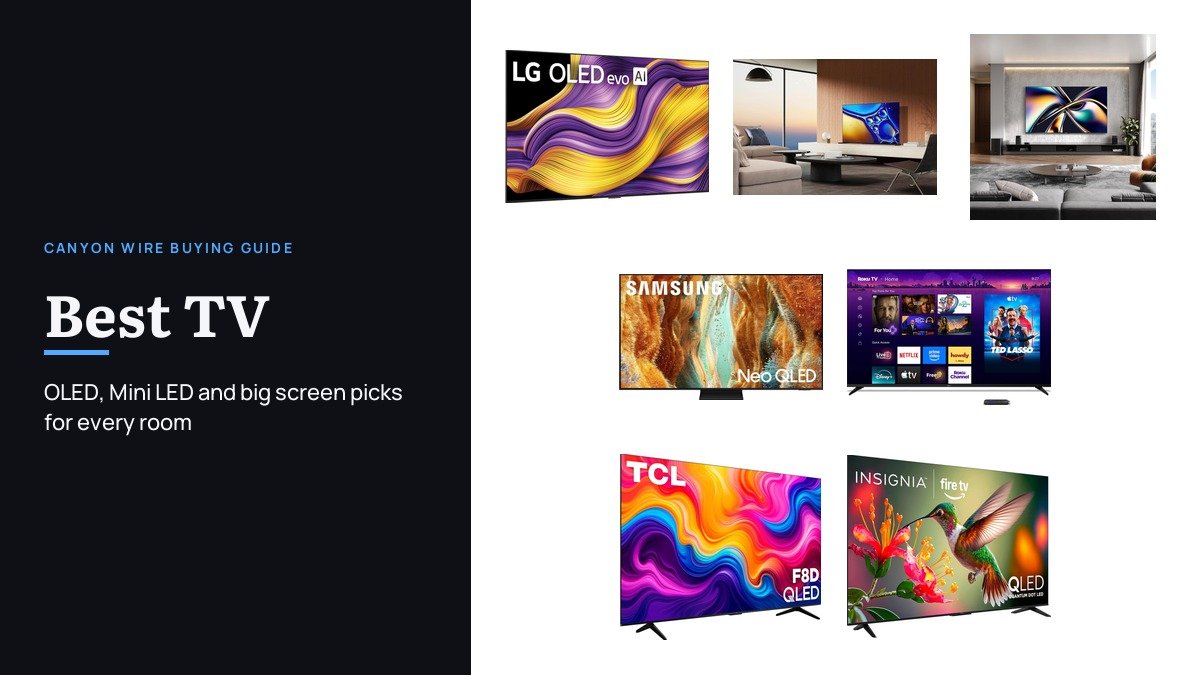
The best TV for you depends on three things a spec sheet rarely puts side by side: how bright the room is, what you plug into it, and which smart platform you will be using every evening for years. Picture quality at the top end is excellent across every brand here, so the real differences are panel type, how many inputs handle high frame rate gaming, the software, and how big a screen the room can take.
These seven cover those choices, each at 65 inches unless noted: a bright LG OLED built to hang flat on a wall, a Sony QD-OLED for films, a 165Hz Hisense Mini LED for gamers, a Samsung Neo QLED for Samsung households, a Roku Pro Series for the simplest menus, a 98-inch TCL for a big room, and an Insignia QLED for a tight budget.
Best TV Comparison by Panel, Gaming Inputs and Platform
| # | TV (65 inch unless noted) | Panel and model year | Gaming | Smart platform | Best for |
|---|---|---|---|---|---|
| 1 | LG OLED evo G5 | OLED, 2025 | Four HDMI 2.1, VRR, G-Sync | webOS | Best OLED overall |
| 2 | Sony BRAVIA 8 II | QD-OLED, 2025 | 120Hz, PS5 features | Google TV | Films and dark rooms |
| 3 | Hisense U8 (65U8QG) | Mini LED, 2025 | Native 165Hz, VRR 48 to 165Hz | Google TV | Bright rooms and gaming |
| 4 | Samsung QN70F | Neo QLED Mini LED, 2025 | 4K 144Hz VRR | Tizen | Samsung households |
| 5 | Roku Pro Series (65R8C5) | QLED Mini LED, 2025 | 120Hz, VRR, ALLM | Roku OS | The simplest menus |
| 6 | TCL F8D 98 inch | QLED, 2026 | Native 144Hz, VRR, ALLM | Fire TV | A 98-inch screen |
| 7 | Insignia QF Series | QLED, 2025 | 60Hz | Fire TV | A tight budget |
1. LG OLED evo G5: The Best OLED TV Overall

The G5 is LG’s flagship OLED, and its two headline changes deal with OLED’s traditional weak spots. Brightness Booster Max raises the light output of each self-lit pixel, and LG says the panel is verified by UL as Discomfort Glare Free, so the deep blacks OLED is known for hold up better in a room with windows. LG quotes the G5’s peak brightness as 45 percent higher than its B5 series at a 10 percent average picture level.
It is also the most complete gaming TV here: four HDMI 2.1 inputs, a 0.1 ms response time, and NVIDIA G-Sync, AMD FreeSync Premium and VRR support, plus LG’s Game Dashboard. The One Wall Design leaves almost no gap behind the set, a wall bracket comes in the box, and LG promises up to five years of webOS updates through webOS Re:New along with a five-year panel warranty.
What it does well
- Four HDMI 2.1 inputs, so a console, a PC and a soundbar all get full bandwidth
- Brighter than earlier LG OLEDs, with UL glare-free verification
- Dolby Vision, Dolby Atmos and FILMMAKER MODE
- Wall bracket included and up to five years of webOS updates
What to know before buying
- Designed to hang on a wall; plan for a stand separately if it will sit on furniture
- The premium tier of LG’s OLED range
- Not for anyone who leaves static news tickers or game HUDs on screen for hours, which any OLED handles less well than LCD
2. Sony BRAVIA 8 II: A QD-OLED Built for Films

Sony pairs a Quantum Dot OLED panel with its XR Triluminos Max color system, and calls the BRAVIA 8 II its brightest OLED with its widest color. The XR Processor with AI adjusts color, contrast and clarity scene by scene, with XR Clear Image, XR Contrast Booster 25 and XR OLED Motion handling upscaling, contrast and fast movement.
It runs Google TV with AirPlay 2 and Google Cast, and the Sony Pictures Core app adds included movies and a large IMAX Enhanced catalog. Sound comes from Acoustic Surface Audio+, which uses the screen itself as the speaker, and Sony lists exclusive features for PlayStation 5. HDR support covers Dolby Vision, HDR10 and HLG.
What it does well
- QD-OLED panel with XR Triluminos Max color
- XR OLED Motion and XR Clear Image processing
- Sound that comes from the screen itself
- Movies included through Sony Pictures Core
What to know before buying
- 120Hz is the ceiling, below the 144Hz and 165Hz sets here
- No HDR10+ support
- Not the pick for a sunlit room, where the Mini LED sets get brighter
3. Hisense U8 (65U8QG): Bright Room and High Refresh Gaming
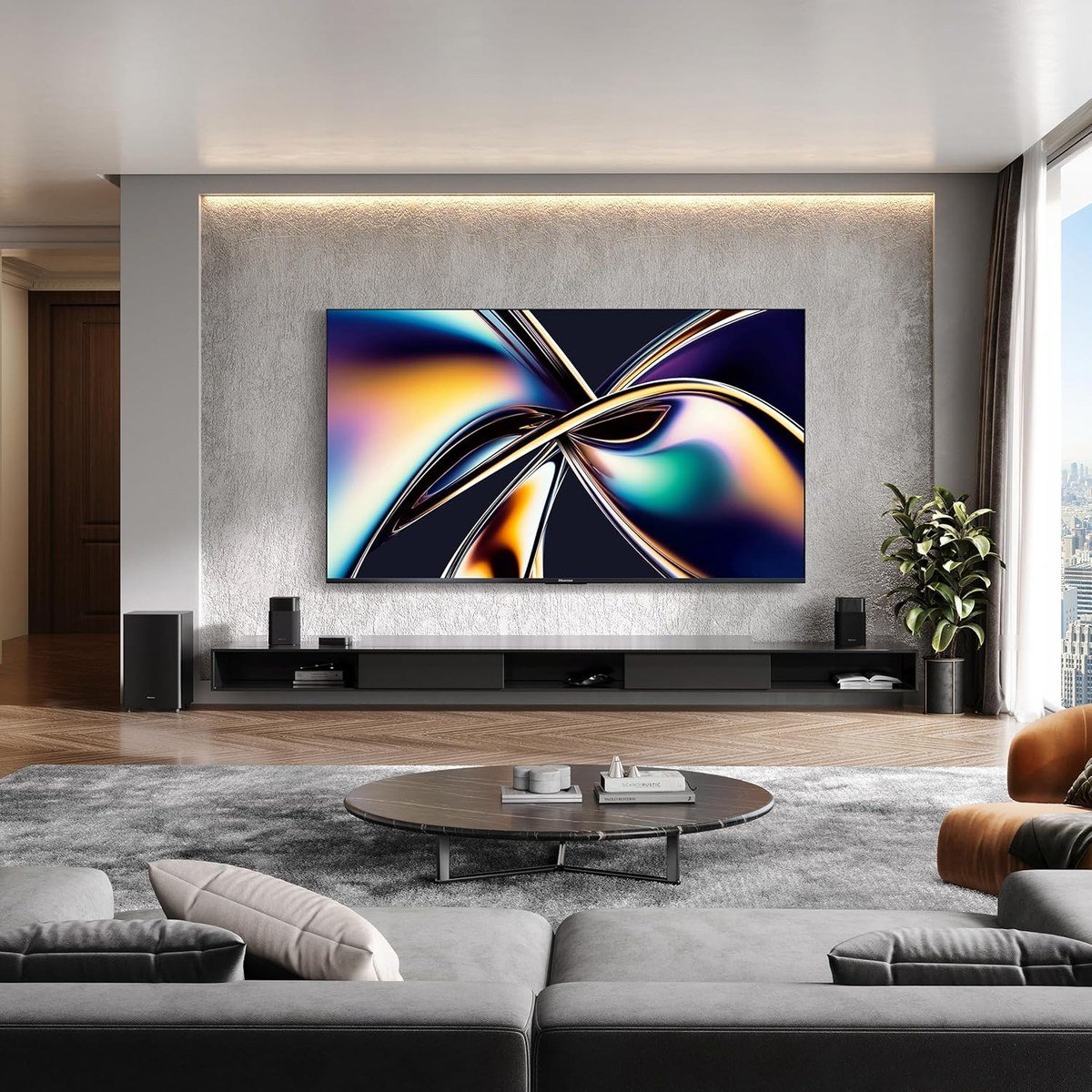
The U8 is the brightness specialist. Hisense rates its Mini LED Pro backlight at up to 5,000 nits peak with up to 5,600 local dimming zones, and an Anti-Reflection Pro coating built into the panel cuts glare from lamps and windows. Quantum dot color is Pantone Validated, and HDR covers Dolby Vision IQ, HDR10, HDR10+ and HLG.
For gaming it has a native 165Hz panel with a variable refresh range of 48Hz to 165Hz, AMD FreeSync Premium Pro, Auto Low Latency Mode and an on-screen Game Bar. Audio is a 4.1.2 channel system with a built-in subwoofer and two up-firing speakers for Dolby Atmos height. It runs Google TV with Wi-Fi 6E and carries a two-year warranty.
What it does well
- Up to 5,000 nits peak brightness, by Hisense’s figures
- Native 165Hz with VRR from 48Hz to 165Hz
- Anti-Reflection Pro coating for bright rooms
- 4.1.2 channel speakers with up-firing drivers
- Every major HDR format, including Dolby Vision IQ and HDR10+
What to know before buying
- At 53.8 pounds it needs a sturdy stand or mount
- Local dimming cannot match OLED blacks in a dark room
- Not for anyone who wants per-pixel contrast for films over brightness
4. Samsung QN70F: Mini LED for Samsung Households

The QN70F brings Samsung’s Neo QLED Mini LED backlight to its middle range, driven by the NQ4 AI Gen2 processor and 20 neural networks for 4K upscaling. Samsung lists Motion Xcelerator 144Hz and AMD FreeSync Premium Pro, so it handles 4K VRR gaming up to 144Hz.
The reason to choose it over the Hisense is the software and the ecosystem. Tizen ties in with SmartThings and other Samsung devices, Samsung TV Plus adds more than 2,700 free channels, and Alexa is built in. There are four HDMI ports, and HDR comes in HDR10+, which Samsung uses in place of Dolby Vision.
What it does well
- 4K VRR gaming up to 144Hz with FreeSync Premium Pro
- Mini LED backlight at a mid-range tier
- Four HDMI ports
- More than 2,700 free channels through Samsung TV Plus
What to know before buying
- No Dolby Vision, only HDR10+
- 20W, two-channel speakers, so budget for a soundbar
- Not for anyone who dislikes signing in to a Samsung account to use smart features
5. Roku Pro Series (65R8C5): The Simplest Smart TV to Live With
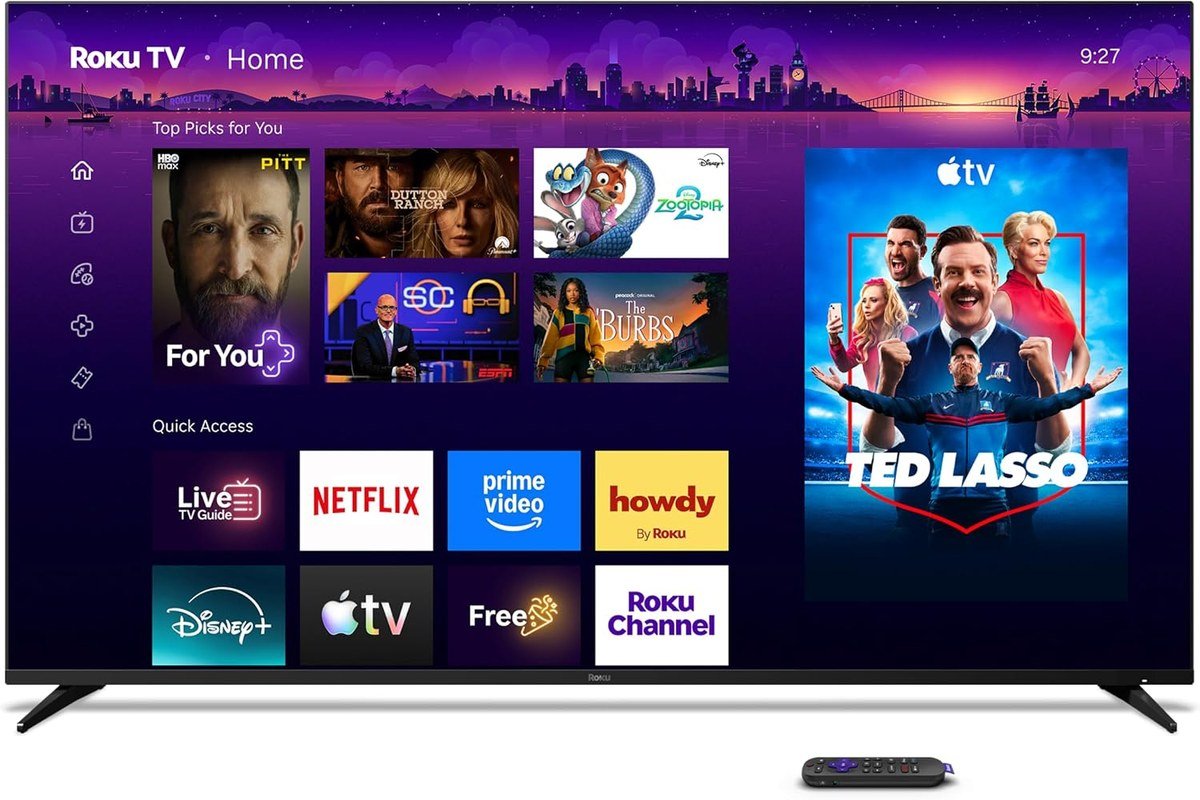
Roku builds this TV itself, and the pitch is the software: a home screen that takes minutes to set up, an uncluttered remote, and a large catalog of free live TV, news and sports. The Backlit Voice Remote Pro comes in the box, and Bluetooth headphone mode lets one person listen without waking the house.
Underneath is a QLED panel lit by Mini LEDs, with Dolby Vision IQ, HDR10, HDR10+ and HLG. Gaming support is solid at 120Hz with FreeSync Premium Pro, ALLM, VRR and an automatic game mode. A custom flush mount lets it sit flat against the wall, and Backdrops turns the screen into a gallery of art or your own photos when it is idle.
What it does well
- The simplest home screen and remote of any platform here
- Mini LED with Dolby Vision IQ and HDR10+
- 120Hz gaming with VRR and ALLM
- Backdrops art mode and Bluetooth headphone mode
What to know before buying
- 120Hz rather than 144Hz or 165Hz for PC gaming
- The flush wall mount is a separate purchase
- Not for viewers who want Google TV or Tizen app layouts
6. TCL F8D 98 Inch: The Big Screen That Replaces a Projector
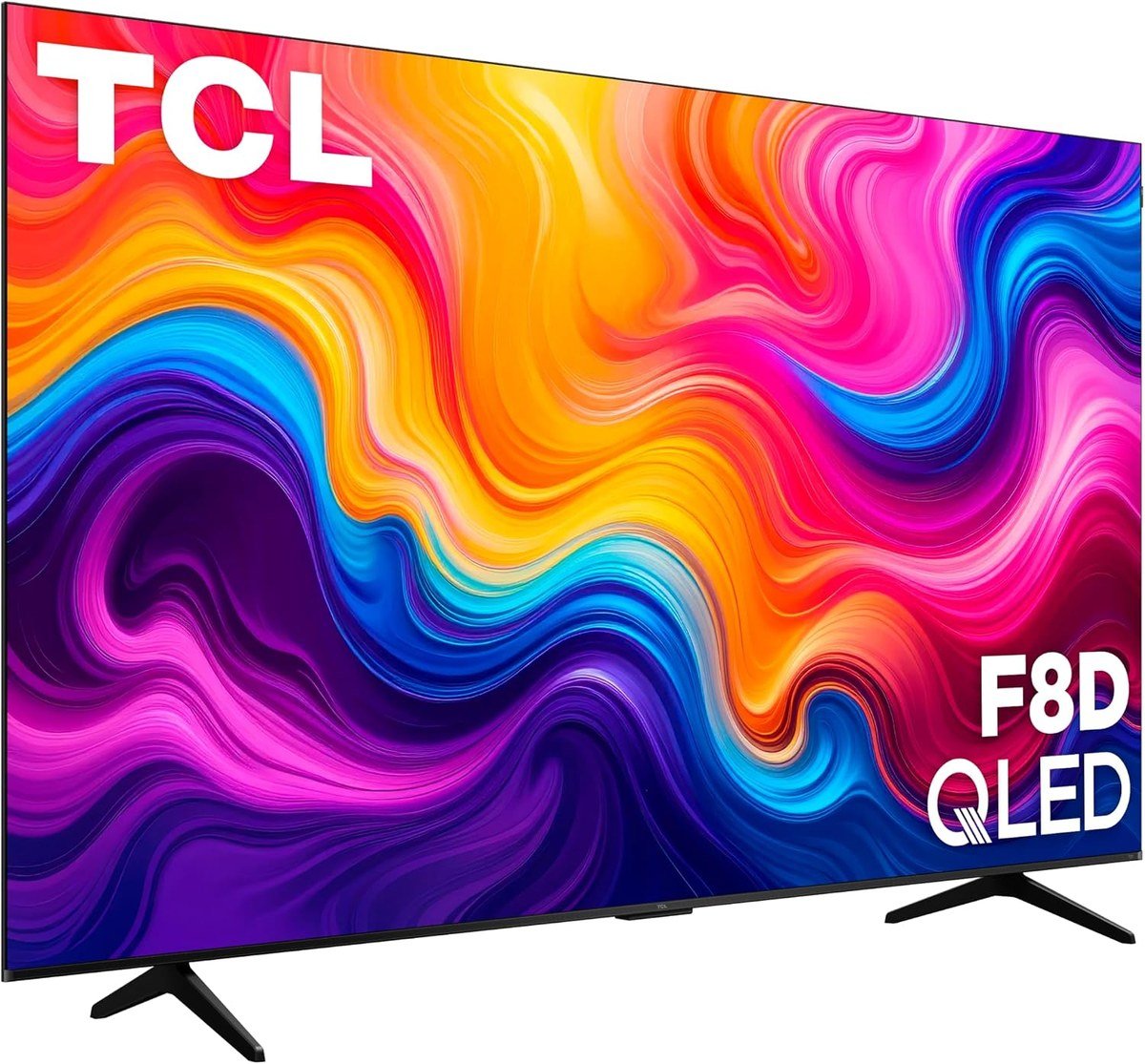
This is the one pick sold at 98 inches rather than 65, and it suits a large living room or a basement where a projector would otherwise go. The 2026 F8D is a 4K QLED with a high-brightness direct LED backlight, which TCL says keeps the picture strong in a well-lit room, something a projector struggles with. Quantum dot color covers nearly the entire DCI-P3 range, and HDR support spans Dolby Vision, HDR10+, HDR10 and HLG.
Gaming support is better than its price tier suggests: a native 144Hz panel, VRR, ALLM and TCL’s Game Accelerator 288. There are four HDMI 2.1 inputs, two of which run 4K at 144Hz, with eARC on one for a soundbar. Fire TV with Alexa handles the apps, AirPlay 2 and Bluetooth 5.4 are built in, and the 2.1 speaker system adds Dolby Atmos and DTS Virtual:X. Plan the space first: the set is 85.75 inches wide.
What it does well
- 98 inches of 4K for far less wall work than a projector setup
- Native 144Hz with VRR and ALLM
- Four HDMI 2.1 inputs, two at 4K 144Hz
- Dolby Vision and HDR10+ both supported
What to know before buying
- A direct LED backlight rather than Mini LED, so dark scenes have less contrast than the U8
- Only two inputs reach 4K at 144Hz
- Not for a room where you sit closer than about 10 feet
7. Insignia QF Series: A 65-Inch QLED on a Tight Budget
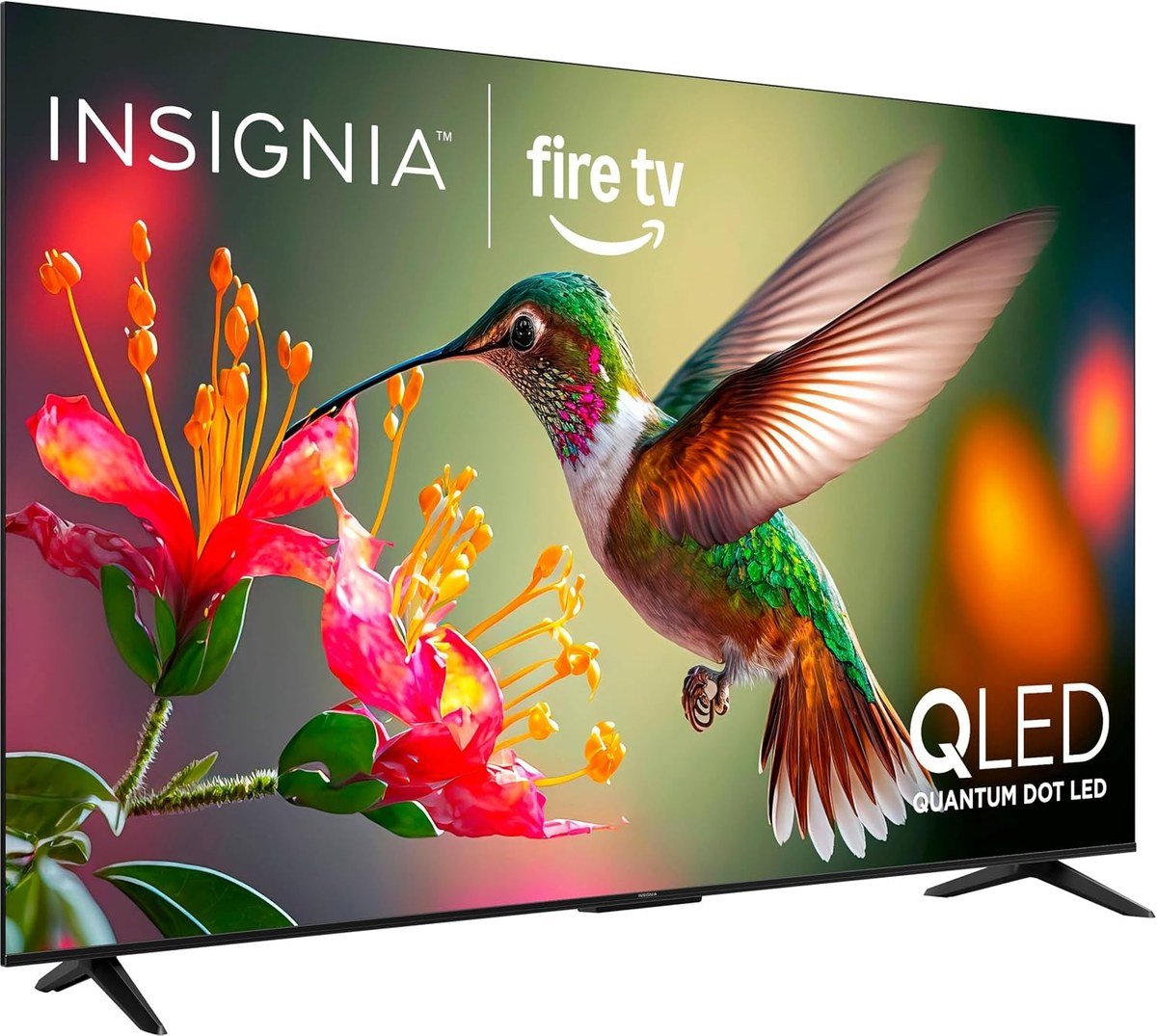
Insignia’s QF Series covers the basics well for the money. It is a 4K QLED with quantum dot color and a direct LED backlight for even brightness across the screen, and it supports Dolby Vision and HDR10 along with Dolby Atmos audio.
Fire TV is built in with an Alexa Voice Remote, which puts Netflix, Prime Video, Disney+, Hulu, YouTube and Apple TV+ on the home screen, and Apple AirPlay lets an iPhone cast to it. There are three HDMI inputs. It is the pick for a bedroom, a kitchen or anyone moving up from a 1080p set without spending much.
What it does well
- Dolby Vision HDR at the budget end
- Quantum dot color with a direct LED backlight
- Fire TV with an Alexa Voice Remote
- Apple AirPlay support
What to know before buying
- 60Hz panel, so no 120Hz console modes
- A plain direct LED backlight, so contrast trails the Mini LED sets
- Not for gamers or for a bright living room
Screen Size by Viewing Distance: How Big a TV Your Room Takes
The simplest way to size a TV is to measure from your seat to the wall and work backwards. Two angles come up again and again: a screen that fills about 30 degrees of your view, often quoted as the SMPTE figure, and about 40 degrees, which THX recommends for a cinema feel. Converted to distances for a 16:9 screen, those work out to sitting about 1.6 times and 1.2 times the screen diagonal away.
For a 65-inch TV that means roughly 6.5 to 8.7 feet; for a 75-inch set, about 7.5 to 10 feet; and for the 98-inch TCL, about 10 to 13 feet. If you are between two sizes, the larger one usually makes more sense on a 4K set. Seeing every pixel of 4K needs a screen that fills close to 58 degrees of view, so at normal distances a bigger 4K screen shows more of the detail you paid for.
If a wall-filling picture appeals but a 98-inch panel does not fit the budget or the wall, a projector is the other route, at the cost of brightness in a lit room.
Gaming Features on a TV: 144Hz, VRR, ALLM and HDMI 2.1 Ports
A TV becomes a gaming TV through four features. HDMI 2.1 raises bandwidth to 48 Gbit/s, enough for 4K at 120Hz. Variable refresh rate (VRR) matches the screen to the frame rate the console or PC sends, which removes tearing and stutter when frame rates dip. Auto Low Latency Mode (ALLM) switches the TV into its game mode when a console starts, so you do not have to dig through menus.
The number that catches people out is how many inputs support all of it. The LG G5 has four HDMI 2.1 inputs, so a PS5, an Xbox and a PC can all be connected at once, while sets with fewer full-bandwidth ports force you to choose, especially once a soundbar takes the eARC input. The TCL F8D has four HDMI 2.1 inputs, but only two of them run 4K at 144Hz. Check which port each device needs before you run cables behind a wall-mounted set.
Refresh rates above 120Hz matter mainly for PC gaming. Current consoles output up to 120 frames per second, so the 144Hz Samsung and TCL and the 165Hz Hisense pay off with a gaming PC connected over HDMI. The Insignia, at 60Hz, plays every console game but cannot show 120Hz modes at all.
Which TV to Buy
For most living rooms the LG OLED evo G5 is the one to buy: OLED contrast, brightness that copes with daylight, four HDMI 2.1 inputs and a design made for the wall. If you mainly watch films in a darker room, the Sony BRAVIA 8 II has the more natural processing and its QD-OLED color.
Choose the Hisense U8 for a bright room or a gaming PC, the Samsung QN70F if your home already runs on Samsung, the Roku Pro Series if the simplest software matters most, the 98-inch TCL F8D for a big room, and the Insignia QF when the budget comes first. Built-in speakers on every one of them are thin, so if you do not want a soundbar, you can connect a Bluetooth speaker to the TV instead.
Frequently Asked Questions
What size TV should I buy for my room?
Measure from your seat to the screen and divide by 1.2 to 1.6 to get a diagonal. At about 8 feet, that suggests 60 to 80 inches, which is why 65 inches suits most living rooms.
Do I need HDMI 2.1 on a new TV?
Only for 4K at 120Hz from a PS5, an Xbox Series X or a gaming PC. For streaming, cable boxes and older consoles, standard HDMI inputs are enough.
Is a 144Hz or 165Hz TV better than 120Hz for consoles?
No. Current consoles output up to 120 frames per second, so the extra refresh rate only helps with a PC connected to the TV.
Which smart TV platform is easiest to use?
Roku OS is the simplest, with a plain home screen and a basic remote. Google TV and Fire TV lean on recommendations, and Tizen and webOS suit Samsung and LG owners.
Related Articles
- Best Sports Streaming Services
- Best USB-C to HDMI Adapters
- Xbox Cloud Gaming: Plans and Supported Devices
As an Amazon Associate, CanyonWire earns from qualifying purchases.





