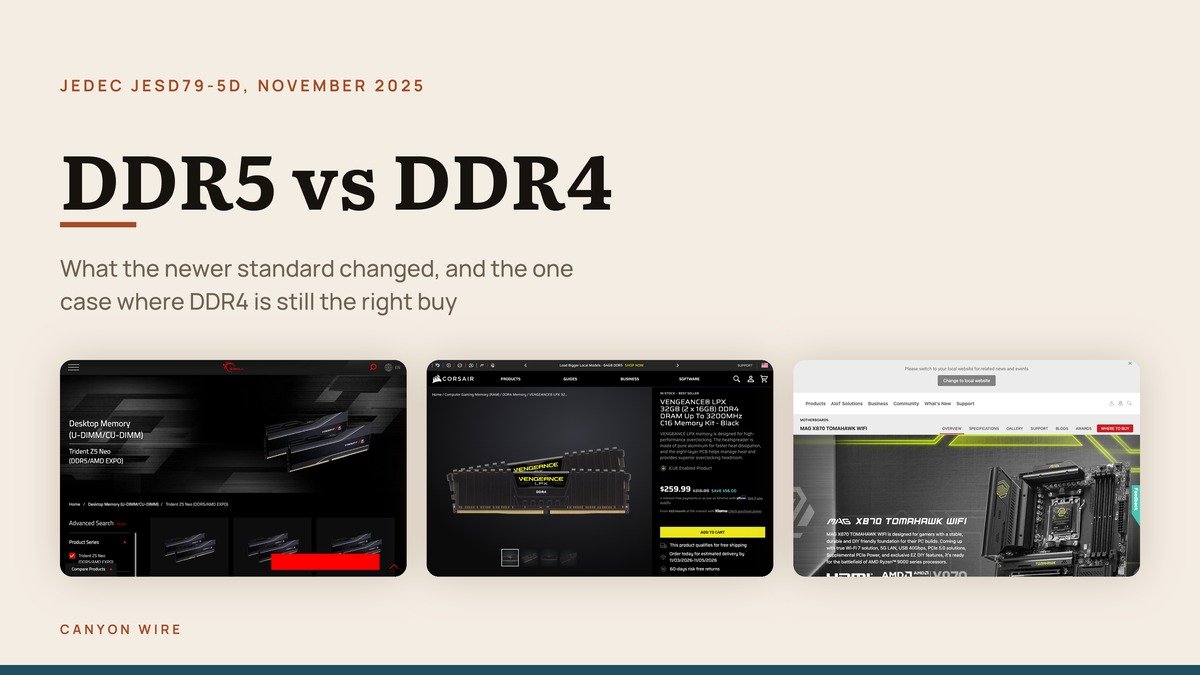
DDR5 vs DDR4 is almost never a real choice, because the motherboard socket decides which memory generation you get and the two module types are keyed so the wrong one will not seat. The question worth asking is narrower: whether the newer standard is a reason to replace a machine that still works.
The short answer is no on its own, and yes as part of a platform move you were making anyway. What follows is what actually changed between the two, where the gain shows up, and the one situation in which buying DDR4 in 2026 is still the correct decision.
What Moved Onto the Module in DDR5
The headline figure is bandwidth, but the structural change is that DDR5 moved power management out of the motherboard and onto the memory stick itself. Each module carries its own regulator.
- Power regulation on the module. The board no longer supplies carefully regulated memory voltage, which is part of why the two generations cannot share a slot.
- Two channels on every module. A single DDR5 stick presents two narrower channels rather than one wide one, which suits the way modern processors issue requests.
- On-die error correction. DDR5 corrects certain errors inside the chip. This is not the same as the full ECC a server uses, and it is not visible to the operating system.
- Higher density per module. The standard covers devices from 8 Gb to 32 Gb, which is how 24 GB and 48 GB modules became possible.
The current specification is JEDEC’s JESD79-5D, version 1.41, published in November 2025. Memory standards get revised repeatedly after launch, and the speeds that were exotic at introduction become the ordinary retail grades two revisions later.
DDR5 vs DDR4 Memory Compared: Specification, Kit Sizes and Who Each Suits
What you can actually buy today in each generation, and the platform that decides it.
| # | Generation | Specification | Best for | |
|---|---|---|---|---|
| 1 | A current DDR5 kit | DDR5 | DDR5-6000 CL30-38-38-96, 1.35 V | What a new build buys in 2026 |
| 2 | A current DDR4 kit | DDR4 | DDR4-3200 C16 | Keeping an older machine alive cheaply |
| 3 | The board decides, not the stick | Platform | DDR5 only on current AM5 and Intel boards | The compatibility question, settled |
What You Actually Buy in Each Generation
Three things decide this: what a DDR5 kit looks like today, what a DDR4 kit still offers, and the component that removes the choice from you entirely.
1. DDR5 Today: What a new build buys in 2026
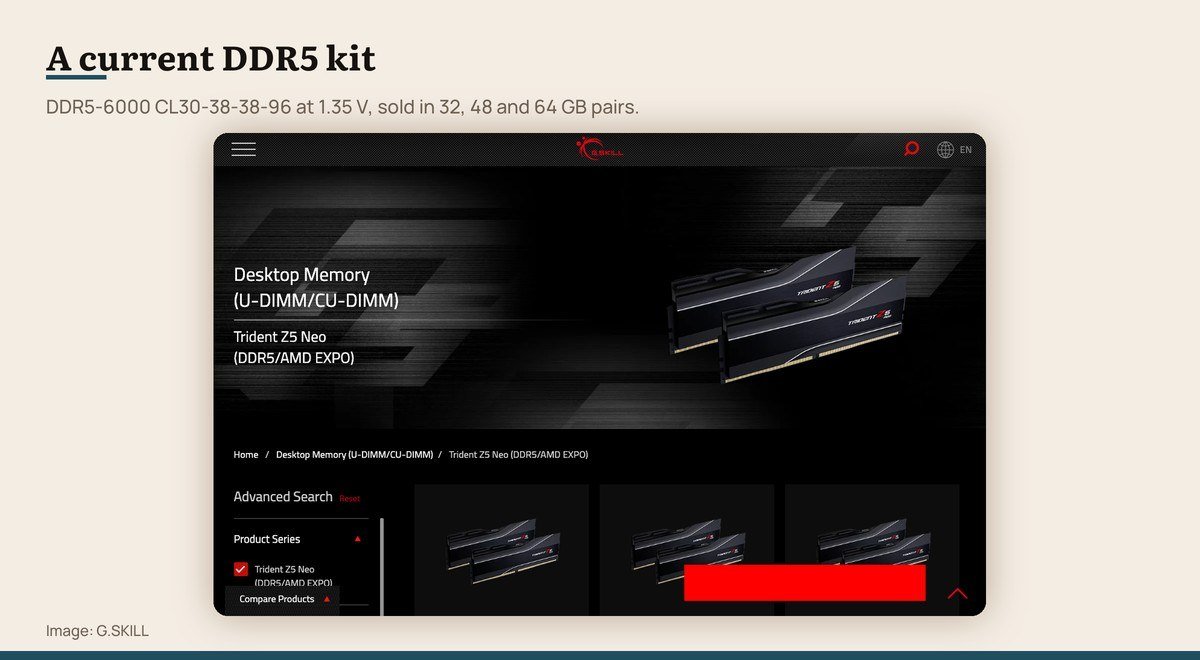
Specification: DDR5-6000 CL30-38-38-96, 1.35 V · Kit sizes: 32 GB, 48 GB, 64 GB kits · Profile: Intel XMP 3.0 and AMD EXPO
A representative enthusiast DDR5 kit today runs at DDR5-6000 with CL30-38-38-96 timings on 1.35 V, and is sold as a matched pair totalling 32, 48 or 64 GB. The 48 GB option exists because DDR5 allows 24 GB modules, which DDR4 never did.
Those speeds are not the default. The module reports a slower JEDEC profile at first boot, and the rated figures only apply once XMP 3.0 or EXPO is enabled in firmware. A surprising number of machines run memory slower than the sticker for exactly this reason.
A current DDR5 kit product page
2. DDR4 Today: Keeping an older machine alive cheaply
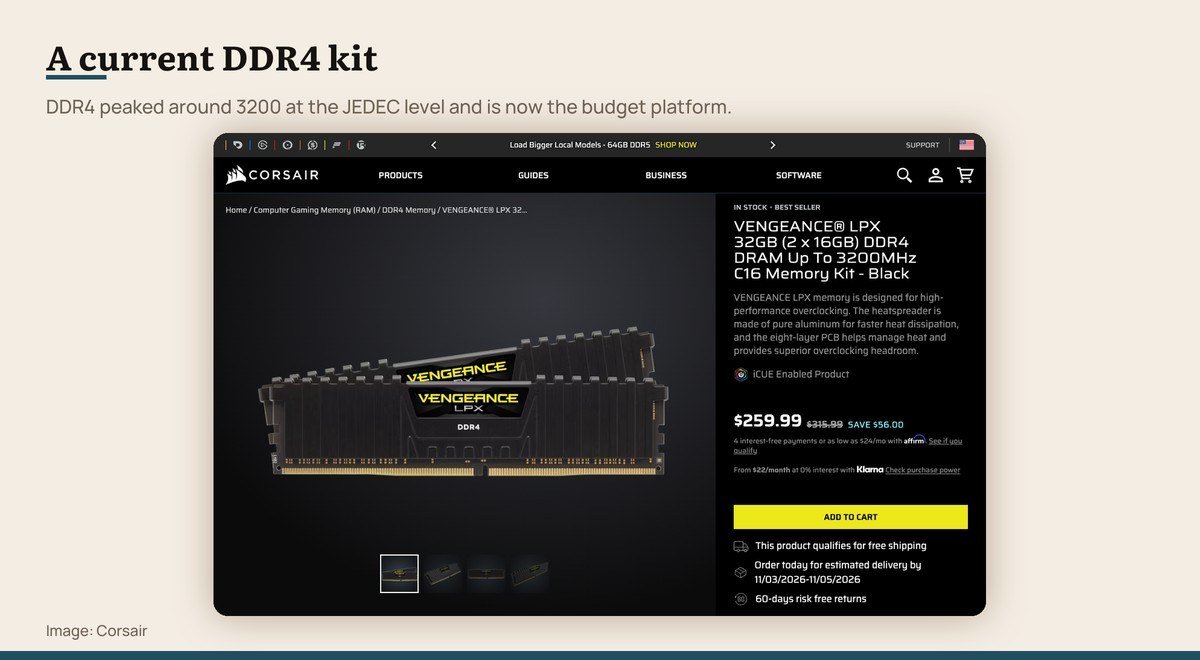
Specification: DDR4-3200 C16 · Kit sizes: 32 GB (2 x 16 GB) kits · Profile: Intel XMP 2.0
DDR4 has not stopped working and has not stopped being sold. A 3200 C16 kit remains the sensible purchase for anyone adding memory to a machine built in the last several years, and it costs less per gigabyte than its replacement.
What it cannot do is go into a new system. Current desktop platforms are DDR5 only, so DDR4 is now a maintenance purchase rather than a build purchase. Buying it for anything other than an existing board is a mistake.
A current DDR4 kit product page
3. The Board Decides: The compatibility question, settled
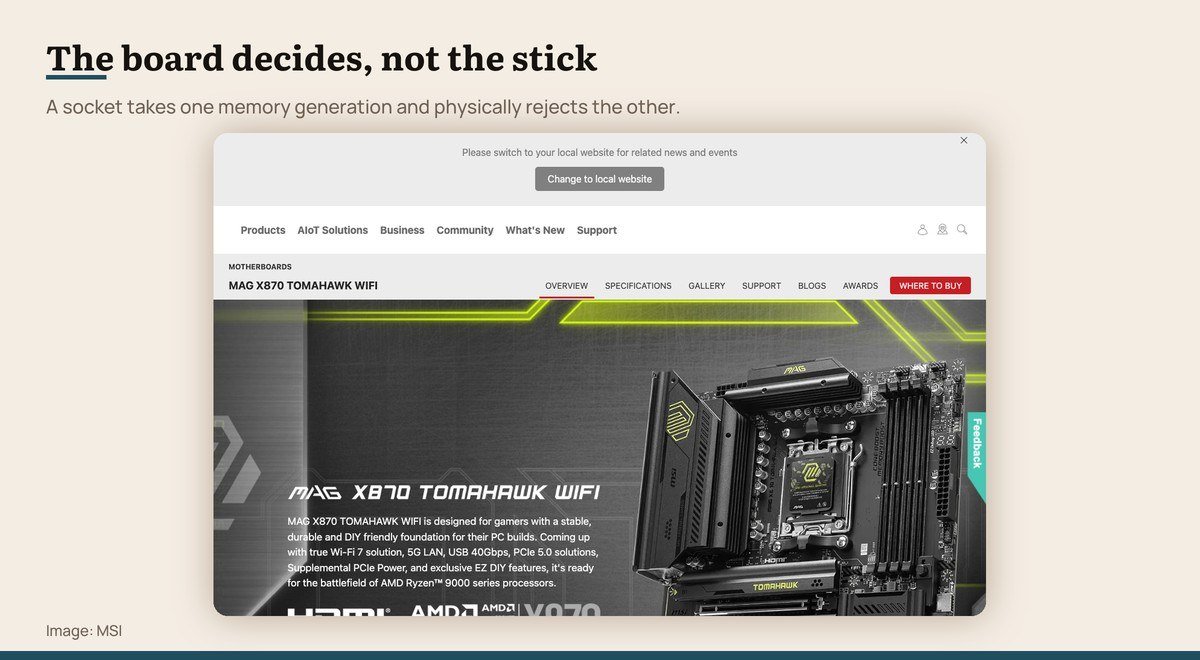
Specification: DDR5 only on current AM5 and Intel boards · Kit sizes: Up to 256 GB on current boards · Profile: Slot keying differs between generations
There is no adapter and no firmware update that lets one generation sit in the other’s slot. The notch in the edge connector is in a different place, and the module will not seat. This is deliberate, because the voltage regulation moved onto the module itself in DDR5.
So the compatibility question is answered by the motherboard, not by the memory. Current boards take DDR5 and nothing else, with capacity ceilings around 256 GB. Check the board’s own specification page, since a few transitional models shipped in both flavours under one name.
The board decides, not the stick product page
Why the Latency Number Goes Up and Speed Still Improves
The confusing part of the comparison is that DDR5 kits advertise higher CAS latency numbers than DDR4 kits, which looks like a regression and is not one.
CAS latency is counted in clock cycles, not in time. A faster clock makes each cycle shorter, so a larger number of shorter cycles can still add up to less waiting. The figure that matters is latency in nanoseconds, which is the CAS number divided by the data rate and then doubled.
Run that for a DDR5-6000 CL30 kit and the result lands close to a good DDR4-3200 CL16 kit. Latency is therefore roughly a wash between well-chosen kits in each generation, and the bandwidth is not. That is the honest summary of the performance difference.
Which is why the gain is uneven in practice. Work that streams large amounts of data, such as video encoding, compilation and some simulation, benefits clearly. Games that fit comfortably in cache often show very little, and processors with large caches narrow it further.
When Buying DDR4 Is Still the Right Call
There is exactly one case, and it is a common one: you already own a DDR4 motherboard and the machine is short of memory.
Adding a 32 GB DDR4 kit to a working system is the cheapest meaningful upgrade in computing. Going to DDR5 instead means a new motherboard and almost certainly a new processor, which is not a memory upgrade at all but a new computer with the old case and drives carried over.
The reverse is equally clear. If you are buying a new platform, the decision has been made for you, because current desktop sockets accept DDR5 only. Do not pay extra for the highest-rated kit on the shelf; the sensible purchase sits at the speed your processor’s memory controller is specified for.
Capacity beats speed whenever the two compete for the same money. Thirty-two gigabytes of ordinary DDR5 will serve better than sixteen gigabytes of exceptional DDR5 in every workload where running out is possible, and running out is what actually makes a machine feel slow.
Checking What Your Machine Already Has
Before any of this matters, find out what is installed. Windows reports it in Task Manager under the Performance tab, which names the generation, the running speed, the form factor and how many slots are occupied. On a Mac the System Information window does the same job.
Two numbers there are worth attention. The running speed is frequently lower than the speed printed on the modules, which means the XMP or EXPO profile was never switched on in firmware. Turning it on is free performance that a large number of machines are leaving unused.
The slot count decides whether an upgrade means adding or replacing. A board with four slots and two occupied can take a second pair. A board with two slots, which is normal in compact desktops and universal in laptops, means the existing modules come out and are wasted.
Laptops add one more constraint worth checking before buying anything. A growing number solder memory to the board, where nothing can be added at any price, so the capacity chosen at purchase is the capacity for the life of the machine.
Frequently Asked Questions
Can I put DDR5 in a DDR4 motherboard?
No. The notch in the edge connector sits in a different position and the module will not seat, which is deliberate rather than an oversight. Power regulation moved onto the DDR5 module itself, so the two are not electrically interchangeable either. No adapter exists.
Is DDR5 actually faster than DDR4 in games?
Usually by a small margin, and sometimes not at all. Bandwidth-heavy work such as video encoding and compilation shows a clear gain. Games often sit in processor cache instead, and a large cache narrows the difference further.
Why does DDR5 have a higher CAS latency number?
Because CAS latency counts clock cycles rather than time, and DDR5 cycles are shorter. Converting both to nanoseconds puts a DDR5-6000 CL30 kit and a DDR4-3200 CL16 kit close together, so the larger number is not a slower response.
How much DDR5 should I buy?
Thirty-two gigabytes as a matched pair suits gaming and most creative work, with 16 GB as the floor and 64 GB worth it for large video projects or virtual machines. Always two modules rather than one, because memory runs in channels.