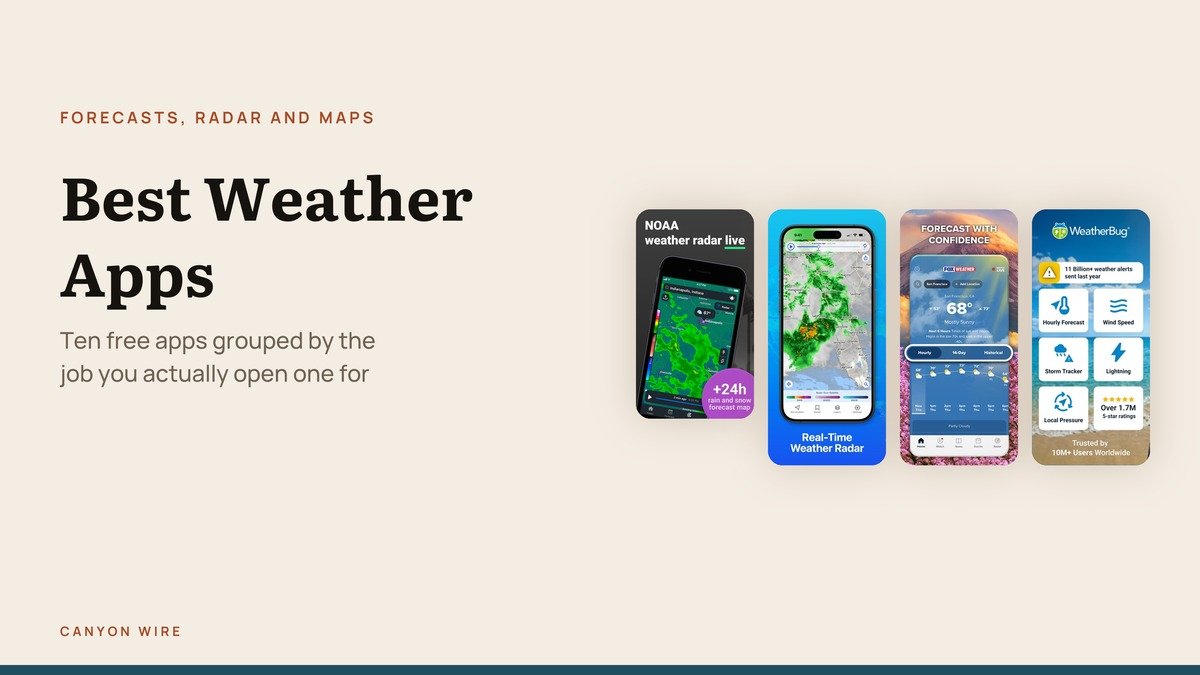
People do not want a weather app, they want an answer to one of three questions: what is today like, is it about to rain, and what is that storm doing. The best weather app for you depends entirely on which of those you ask most.
Ten free apps are grouped below by that question rather than ranked against each other, because an app built for storm radar and an app built for a daily forecast are not competing.
Where the Forecast Actually Comes From
Weather apps are almost never forecasting anything themselves. They display output from numerical weather prediction models run by national agencies on supercomputers, then dress it up.
In the United States the National Weather Service publishes observations, forecasts and alerts through a public API, free for anyone to use. That is why a dozen free radar apps exist, and why their severe weather warnings are word for word identical.
Two apps disagree when they read different models, usually the American GFS against the European ECMWF, or the same model at a different resolution. The disagreement is real information, which is why Windy shows it and a mainstream app hides it.
Best Weather Apps Compared: Price, Rating and What Each One Is For
Every app covered below, with the US App Store average and the ratings behind it.
| # | App | Price | App Store rating | Updated | Best for |
|---|---|---|---|---|---|
| 1 | WeatherBug | Free | 4.78 from 2,187,093 ratings | 2026-10-15 | Lightning alerts |
| 2 | Weather | Free | 4.82 from 1,855,314 ratings | 2026-10-19 | The app already on your phone |
| 3 | Clime | Free | 4.47 from 1,056,033 ratings | 2026-10-07 | Severe weather in storm country |
| 4 | Weather Hi-Def Radar Forecast | Free | 4.58 from 76,685 ratings | 2026-10-21 | Storm chasing and high-detail radar |
| 5 | FOX Weather | Free | 4.76 from 368,887 ratings | 2026-10-24 | Live coverage during severe weather |
| 6 | Yahoo Weather | Free | 4.69 from 191,392 ratings | 2026-10-20 | A simple forecast that looks good |
| 7 | Windy.com | Free | 4.82 from 80,243 ratings | 2026-10-09 | Reading a weather map properly |
| 8 | Ventusky | Free | 4.81 from 35,278 ratings | 2026-10-14 | Seeing the pattern, not the number |
| 9 | CARROT Weather | Free | 4.70 from 87,719 ratings | 2026-10-09 | Customisation, and jokes |
| 10 | RainViewer | Free | 4.55 from 30,877 ratings | 2026-10-09 | Rain radar with no clutter |
Everyday Forecast Apps
For the question most people ask most days: what is it going to be like out there.
1. WeatherBug: Lightning alerts
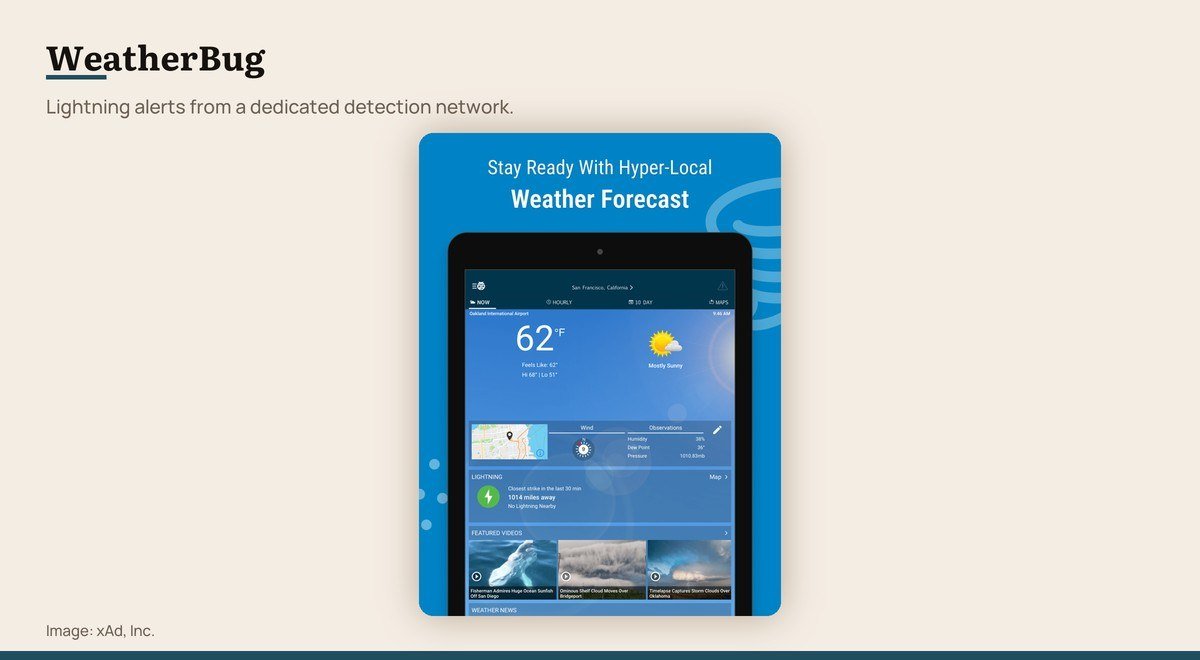
Price: Free · App Store rating: 4.78 from 2,187,093 ratings · Version: 6.9.1 · Updated: 2026-10-15 · Requires: iOS 16.0 or later
WeatherBug runs its own lightning detection network, which is the feature nothing else here matches. Alerts arrive when strikes are detected near you rather than when a general storm warning issues.
That matters for anyone outdoors: coaches, golfers, people with livestock. It holds 4.78 from more than 2.1 million ratings, and the free app carries advertising.
2. Weather: The app already on your phone

Price: Free · App Store rating: 4.82 from 1,855,314 ratings · Version: 2.8 · Updated: 2026-10-19 · Requires: iOS 10.0 or later
Apple’s own app is the one already on the phone, and it stopped being a joke some years ago. It now carries next-hour precipitation, a ten-day forecast, severe weather notifications and an air quality reading, all free and with no account.
Version 2.8 shipped on October 19, 2026 and it holds a 4.82 average from more than 1.8 million US ratings. Where it falls short is depth: there are no customisable layers, no radar loop worth studying and nothing for anyone who wants to read a weather map rather than be told the answer.
3. Yahoo Weather: A simple forecast that looks good
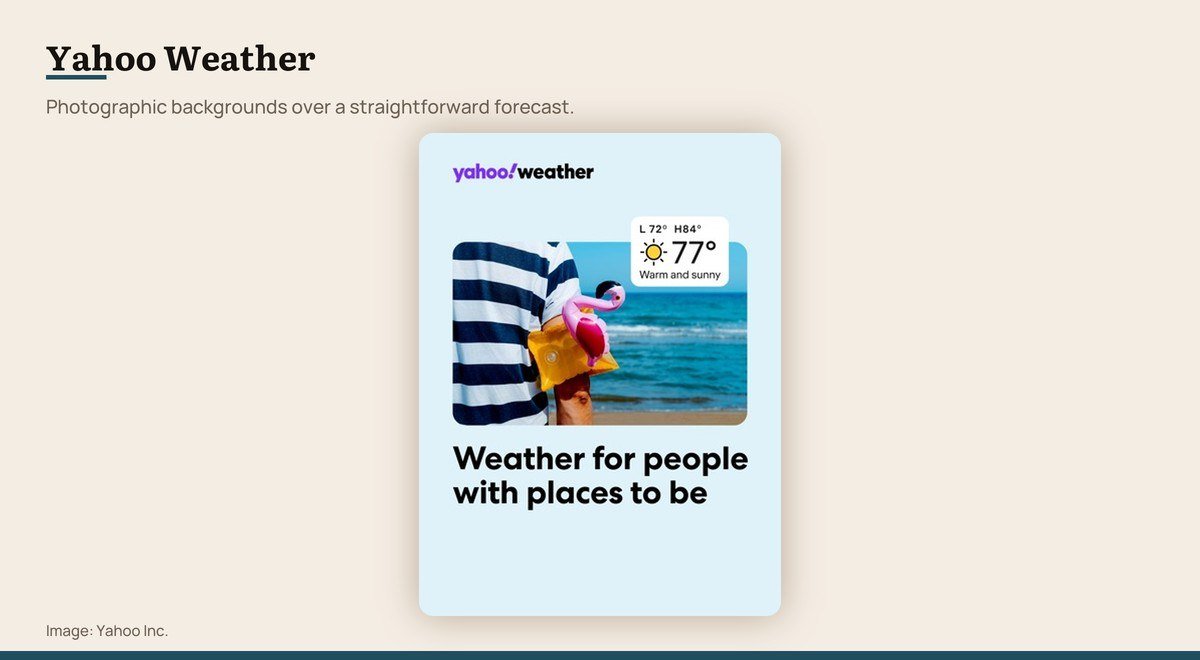
Price: Free · App Store rating: 4.69 from 191,392 ratings · Version: 3.2.5 · Updated: 2026-10-20 · Requires: iOS 17.6 or later
Yahoo Weather pairs a straightforward forecast with full-screen photographs of your location, and it has aged better than almost anything else from that era of app design. There is nothing to learn.
At 4.69 from 191,392 ratings it is a solid mainstream choice without a standout feature. Version 3.2.5 arrived on October 20, 2026.
Yahoo Weather on the App Store
Radar and Severe Weather
For the next hour rather than the next week, and for the days when weather is a safety matter.
4. Clime: Severe weather in storm country

Price: Free · App Store rating: 4.47 from 1,056,033 ratings · Version: 5.13.72 · Updated: 2026-10-07 · Requires: iOS 15.0 or later
Clime layers NOAA radar with severe weather alerts and a hurricane tracking, aimed squarely at people in parts of the country where weather is a safety matter rather than a wardrobe question.
Its 4.47 average is the lowest here and comes from more than a million ratings, which usually indicates aggressive monetisation rather than a poor app. Check what the free tier gives you before relying on it.
5. Weather Hi-Def Radar Forecast: Storm chasing and high-detail radar

Price: Free · App Store rating: 4.58 from 76,685 ratings · Version: 4.6.10 · Updated: 2026-10-21 · Requires: iOS 15.0 or later
Weather Hi-Def Radar is built for storm watching, with high-resolution radar, future radar and a set of layers for tracking severe weather as it develops.
It rates 4.58 from 76,685 ratings and updates regularly, most recently on October 21, 2026. It is a specialist tool and a poor choice as your only weather app.
Weather Hi-Def Radar Forecast on the App Store
6. FOX Weather: Live coverage during severe weather

Price: Free · App Store rating: 4.76 from 368,887 ratings · Version: 3.15.0 · Updated: 2026-10-24 · Requires: iOS 18.0 or later
FOX Weather brings a broadcast operation’s resources to a free app: forecasts, radar and live streaming coverage when severe weather is happening somewhere in the country.
The live video is the differentiator, and the 4.76 average from 368,887 ratings suggests it works for people who want coverage rather than just numbers.
7. RainViewer: Rain radar with no clutter

Price: Free · App Store rating: 4.55 from 30,877 ratings · Version: 8.2.1 · Updated: 2026-10-09 · Requires: iOS 15.0 or later
RainViewer does one thing: rain radar, with past frames and forecast frames you can scrub through. It is light, quick and far less cluttered than the big-name apps.
The free tier is generous and the advertising is restrained. At 4.55 from 30,877 ratings it is less proven than MyRadar, and it is the better choice if you want a radar app that is not also trying to be a portal.
Maps for Reading the Weather Yourself
For people who would rather see the pattern than be handed a number, plus the one app that makes a personality out of it.
8. Windy.com: Reading a weather map properly
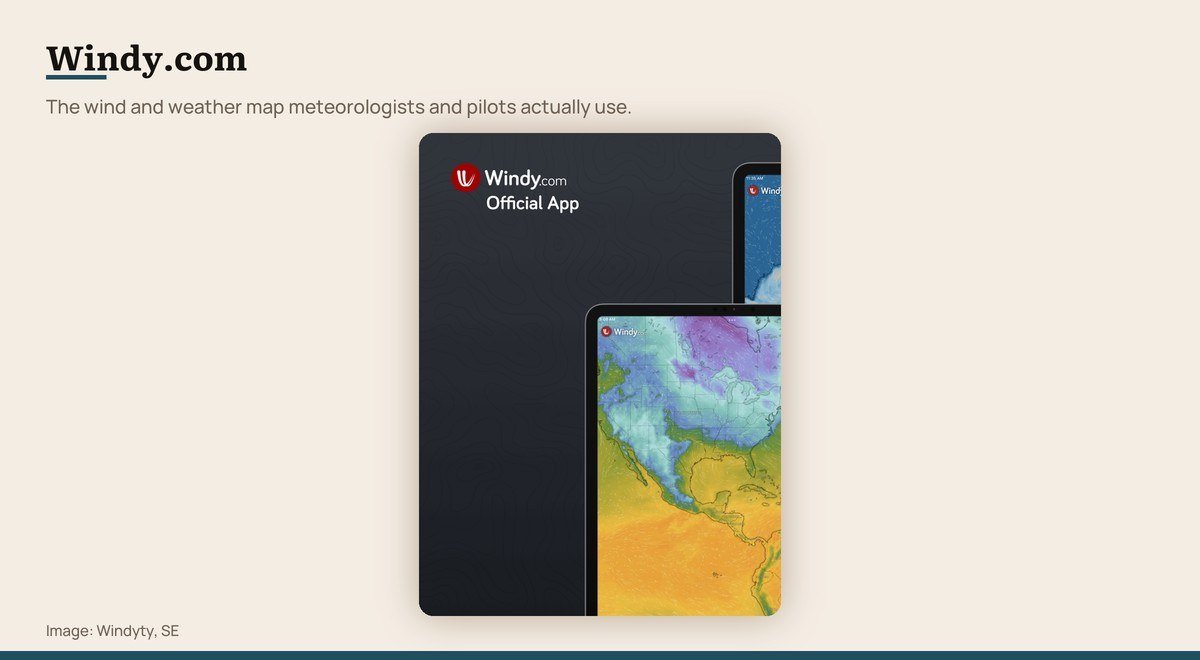
Price: Free · App Store rating: 4.82 from 80,243 ratings · Version: 51.030224 · Updated: 2026-10-09 · Requires: iOS 16.0 or later
Windy began as a wind map for pilots, sailors and paragliders, and it remains the most information-dense app on this list. Multiple forecast models can be compared side by side, which no mainstream app offers.
Layers cover wind, gusts, waves, temperature, cloud cover and more, animated across a world map. It is free, rates 4.82, and it is genuinely harder to use than the rest, which is the honest trade for what it shows.
9. Ventusky: Seeing the pattern, not the number
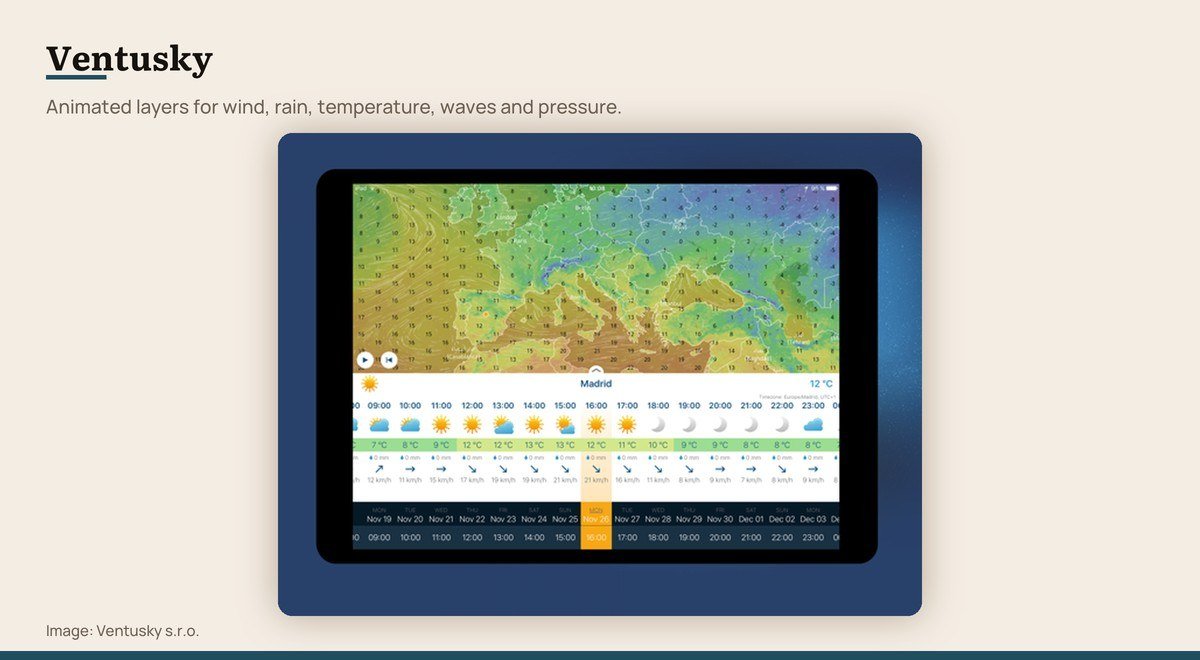
Price: Free · App Store rating: 4.81 from 35,278 ratings · Version: 57 · Updated: 2026-10-14 · Requires: iOS 16.0 or later
Ventusky animates weather across a map in a way that makes patterns obvious: wind streaming around pressure systems, rain bands sweeping through, temperature gradients moving. It is the most beautiful app here and also a serious tool.
It is free with 4.81 from 35,278 ratings. Like Windy it assumes you want to read a map rather than a sentence, which makes it a poor first app and an excellent second one.
10. CARROT Weather: Customisation, and jokes

Price: Free · App Store rating: 4.70 from 87,719 ratings · Version: 6.9.2 · Updated: 2026-10-09 · Requires: iOS 15.0 or later
CARROT delivers an accurate forecast through a narrator that insults you, which sounds like a gimmick and turns out to be the most configurable weather app on the platform. Data sources can be switched, and almost every screen can be rearranged.
The free tier covers the basics and the paid tier unlocks the customisation, widgets and alerts that make it worth having. At 4.70 from 87,719 ratings it is the highest regarded of the paid-tier apps here.
CARROT Weather on the App Store
Free, Advertising and What the Paid Tiers Buy
All ten install free, and that word covers three different arrangements.
- Genuinely free. Apple Weather carries no advertising and no tier at all.
- Advertising supported. The Weather Channel, AccuWeather, Clime and most radar apps. The app is free and your attention pays for it.
- Free tier plus subscription. CARROT, MyRadar and Windy sell a tier that removes advertising and adds layers or customisation.
The practical difference is how much of the screen is yours. A radar app with a banner over the map is worse at its job than the same app without one, which is the honest argument for paying.
Permissions Worth Checking Before You Install
Weather apps ask for location access and background refresh, and both are reasonable requests that also cost battery and privacy.
Set location to While Using the App for anything you open deliberately. Reserve Always for apps you rely on for severe weather alerts, where a warning arriving late is the failure that matters.
Check what else the listing asks for. A weather app wanting contacts or extensive advertising identifiers is telling you how it makes money, and a stack of these apps is a common reason a phone starts running down faster than it used to.
The Three Tests Each App Had to Pass
Every app here is free to install and every figure comes from its US App Store listing on October 25, 2026. Apps rated below 4.0 were dropped, which removed one long-standing name, and so were two whose last release predates 2026.
Beyond that: it has to do one of the three jobs well rather than all three adequately, and it has to be usable without a subscription. An app whose free tier is a demonstration did not make the list.
Forecast accuracy was not measured. Doing it properly means logging predictions against outcomes across many locations over months, and no roundup that claims an accuracy winner has done that work.
Choosing Between Them
Start with what is installed. Apple Weather answers the daily question for most people and costs nothing, and if it is enough then nothing else here is worth the space.
Add a radar app if your real question is about the next hour. RainViewer is the cleanest free one and Clime or Weather Hi-Def Radar suit places where storms are a safety issue rather than an inconvenience.
Add Windy or Ventusky if you want to read the weather rather than be told it. Both are free, both reward learning, and neither is a sensible only app.
One of each is the right answer for most people, and the total cost is nothing. Hunting for a single app that does all three jobs well is the reason this search takes so long.
Frequently Asked Questions
Which weather app should I install first?
The one already on the phone. Apple Weather averages 4.82 from more than 1.8 million US ratings, carries next-hour precipitation and severe alerts, and has no advertising. Add a second app only when it fails to answer something.
Why do two weather apps show different forecasts?
Because they read different numerical models, most often the American GFS against the European ECMWF, or the same model at different resolutions. Neither is necessarily wrong; the disagreement reflects genuine uncertainty in the forecast.
Are paid weather apps more accurate?
No. Paying removes advertising and adds layers, customisation or longer-range data, but the underlying forecast comes from the same national models that the free apps read.
Which app is best for severe weather alerts?
WeatherBug for lightning, since it runs its own detection network, and Clime or Weather Hi-Def Radar for storm radar. All of them pass through the same National Weather Service warnings, so the difference is in presentation and speed rather than in the alert itself.





