The hard part of understanding PC components is not what each one does. It is that they constrain each other, so a choice made early quietly removes options later. The processor fixes the socket, the socket fixes the board, the board fixes the memory, and the graphics card fixes the case.
The eight parts below are set out in the order you actually have to decide them, with what each one does, what it takes away from the rest of the build, and the one specification worth reading before anything is ordered.
Why the Order of Choosing Matters
Pick parts in the wrong order and you will buy something twice. The dependencies run in one direction, and following them saves the return postage.
- Processor first. It fixes the socket, and the socket eliminates every board that does not have it.
- Graphics card second. It sets the minimum power supply and the minimum case length, which are the two hardest limits in the build.
- Motherboard third. Now that the socket is known, the board decides memory type, drive slots and physical size.
- Memory and storage fourth. Both are dictated by what the board accepts.
- Power supply, case and cooler last. Each is sized against what the first four already committed you to.
The one exception is budget. If the total has a ceiling, start by deciding what share goes to the graphics card, because in a gaming machine it is the component that converts money into performance most directly.
The Eight PC Components and What Each One Decides
Every part below, with the example product whose published specification is quoted.
| # | Part | Job | What it decides | Shown here |
|---|---|---|---|---|
| 1 | Processor (CPU) | Logic | Which socket and chipset the board must have | AMD Ryzen, Socket AM5 |
| 2 | Graphics Card (GPU) | Logic | Case length, power supply wattage | GeForce RTX 50 Series |
| 3 | Motherboard | Platform | Memory type and capacity, slot count, socket | ASUS ROG Strix X870E-E Gaming WiFi |
| 4 | Memory (RAM) | Working space | Nothing, until it runs out and the disk takes over | G.SKILL Trident Z5 Neo DDR5-6000 |
| 5 | Storage (SSD) | Storage | How many games and projects fit | WD_BLACK SN850X NVMe |
| 6 | Power Supply (PSU) | Power | Which graphics card the build can support | Seasonic PRIME TX ATX 3.1 |
| 7 | Case | Chassis | Card length, cooler height, board size | Fractal Design North |
| 8 | CPU Cooler | Cooling | Case height, and clearance over the memory | Noctua NH-D15 G2 |
The Eight PC Components, One at a Time
Each part below quotes the published specification of one real product, so the numbers are something you can check rather than round figures.
1. Processor (CPU): The part the whole build is specified around
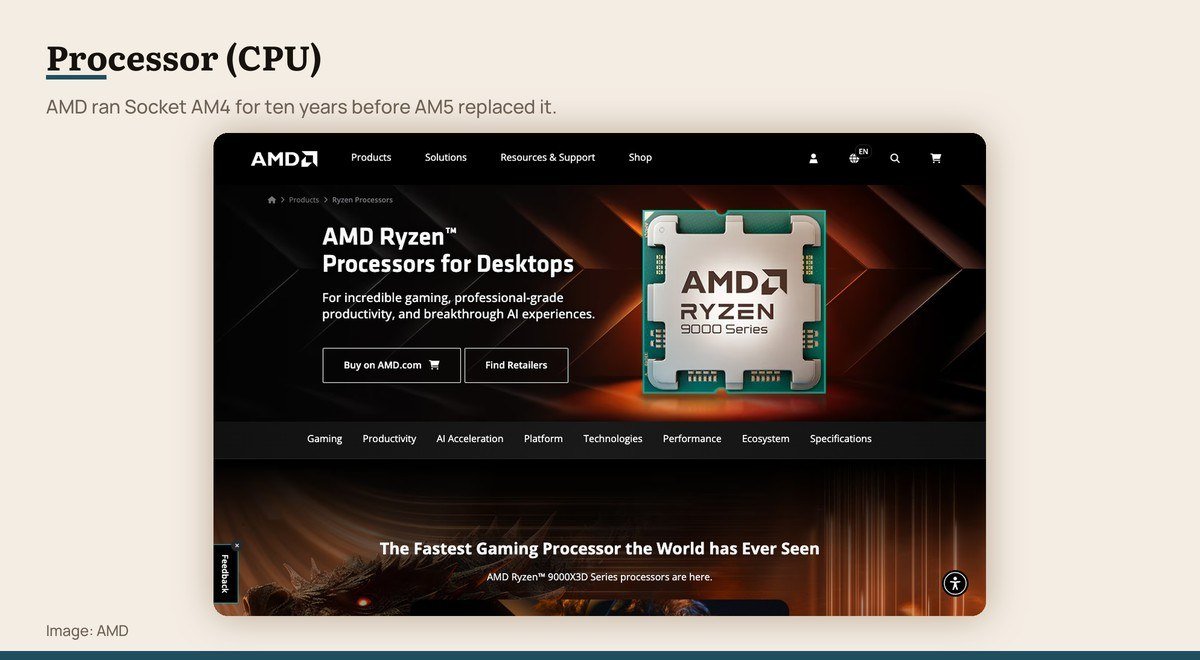
What it does: Runs the operating system and every program · What it limits: Which socket and chipset the board must have · Shown here: AMD Ryzen, Socket AM5
The processor executes instructions. Everything else in the machine exists to keep it fed or to carry out work it hands off. Pick it first, because the socket it uses decides which motherboards are even candidates.
AMD’s current desktop socket is AM5, covering the Ryzen 9000, 8000 and 7000 series. The previous socket, AM4, took new processor generations for ten years without a board change, which is the kind of longevity worth weighing when a platform is new.
Core count matters less than people assume for games and more than they assume for creative work. The Ryzen 9000X3D parts carry up to 208 MB of on-chip memory through second-generation 3D V-Cache, and that cache, not the clock speed, is what moves frame rates.
2. Graphics Card (GPU): Frame rates, resolution and the power bill
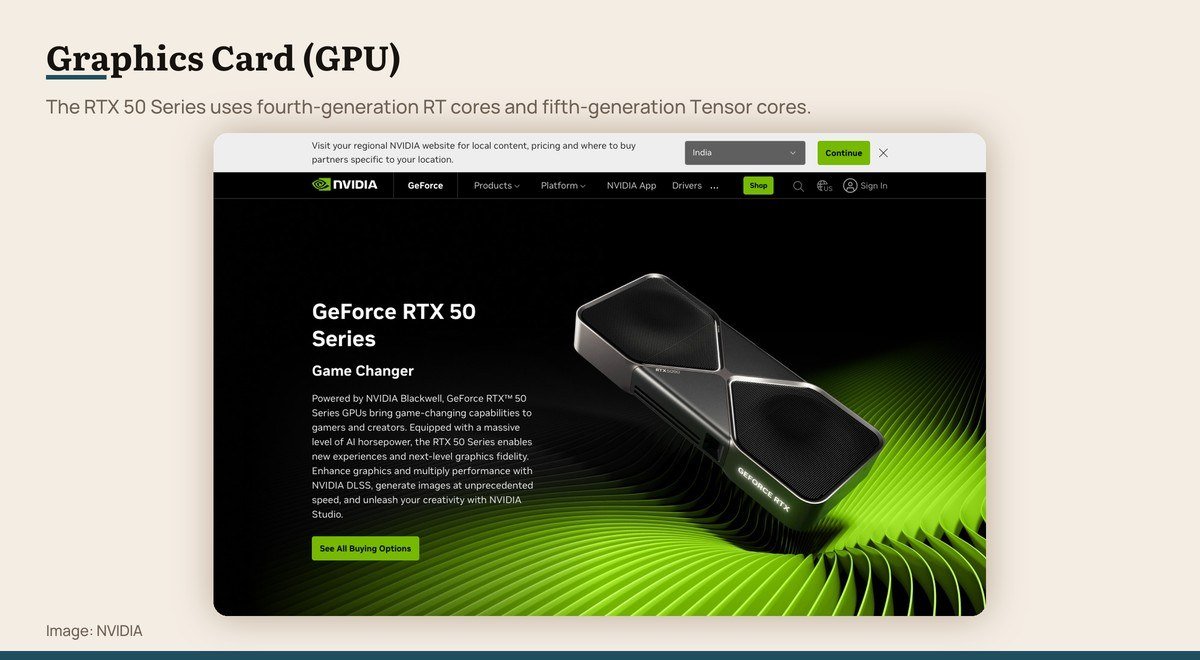
What it does: Draws every frame, and runs AI and video work · What it limits: Case length, power supply wattage · Shown here: GeForce RTX 50 Series
In a gaming machine the graphics card is the single largest influence on performance and usually the largest line on the receipt. It is also the part that dictates two other choices: how long the case has to be and how much the power supply has to deliver.
NVIDIA’s current generation is the RTX 50 Series on the Blackwell architecture, with fourth-generation ray tracing cores and fifth-generation Tensor cores. Multi Frame Generation in its 4X mode is exclusive to this generation rather than available on the 40 Series.
Buy for the monitor you own. A card sized for 4K is wasted behind a 1080p panel, and the money saved by matching the two is better spent on memory or a larger drive.
Graphics Card (GPU) product page
3. Motherboard: Deciding what will and will not fit
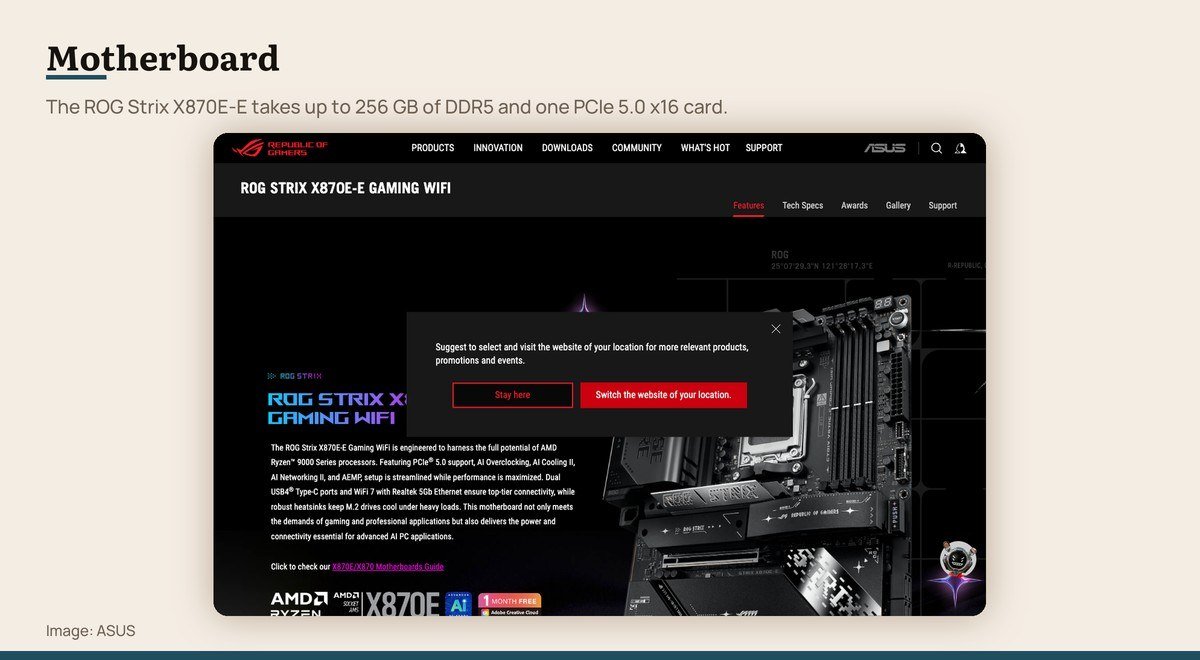
What it does: Connects every other part and sets the limits · What it limits: Memory type and capacity, slot count, socket · Shown here: ASUS ROG Strix X870E-E Gaming WiFi
The motherboard does not make the machine faster. It decides what the machine is allowed to contain: which processors fit the socket, what kind of memory goes in, how many drives attach, and what the rear panel offers.
Read the specification rather than the marketing. The ROG Strix X870E-E, as one example, is an AM5 board taking Ryzen 9000, 8000 and 7000 processors, up to 256 GB of DDR5, one PCIe 5.0 x16 slot, dual USB4 Type-C ports, WiFi 7 and 5 Gb Ethernet.
The two specifications people regret ignoring are the M.2 slot count, which caps how many fast drives can be fitted later, and the physical size, since a board has to match the case standard.
4. Memory (RAM): Keeping many things open at once
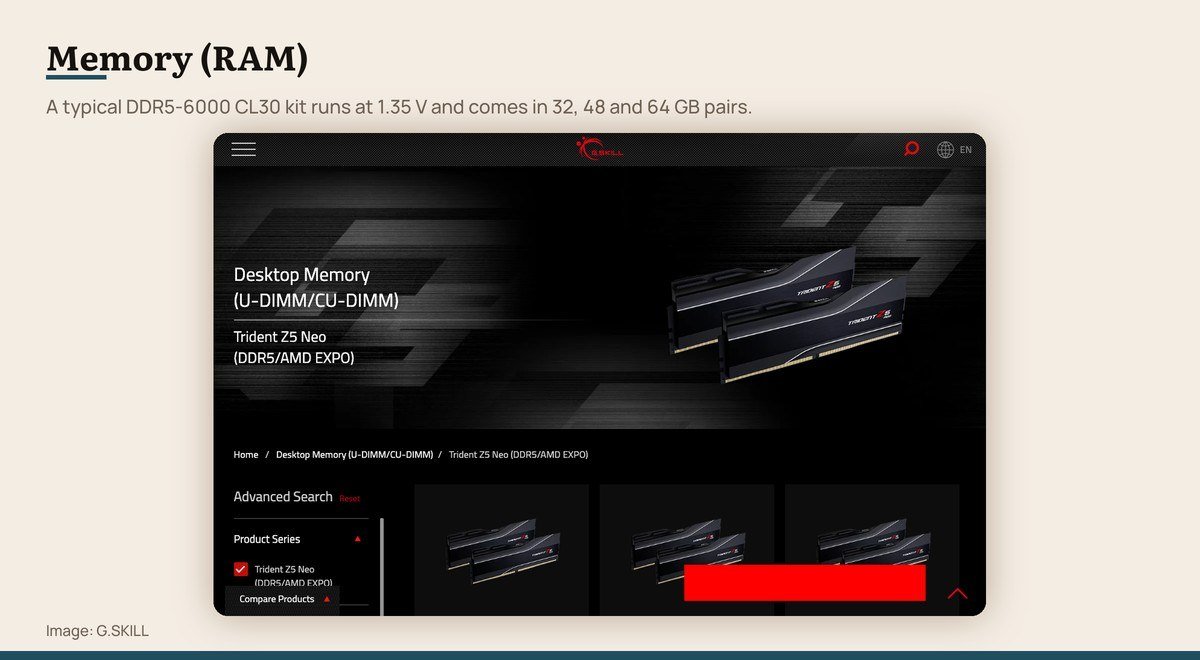
What it does: Holds what is open right now · What it limits: Nothing, until it runs out and the disk takes over · Shown here: G.SKILL Trident Z5 Neo DDR5-6000
Memory is working space, not storage. It holds the operating system, the open applications and the file being edited, and it empties every time the machine powers off. Running out of it is the most common cause of a computer feeling slow.
Current desktops use DDR5. A representative enthusiast kit runs at DDR5-6000 with CL30-38-38-96 timings at 1.35 V, sold in matched pairs of 32, 48 or 64 GB. Those speeds need the XMP or EXPO profile switched on in firmware, or the sticks run at a slower default.
Buy two sticks rather than one. Memory runs in channels, and a single stick halves the available bandwidth no matter what the number printed on the heatsink says.
5. Storage (SSD): Load times and how much stays installed
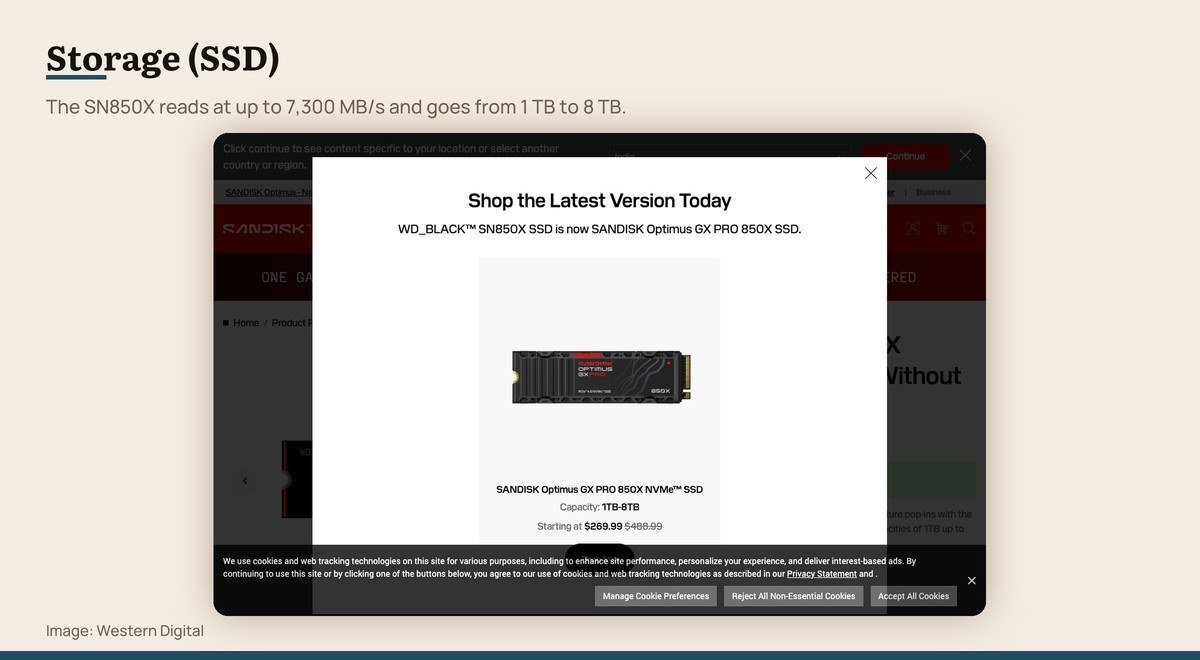
What it does: Keeps files when the power is off · What it limits: How many games and projects fit · Shown here: WD_BLACK SN850X NVMe
Storage is the opposite of memory: slower, far larger, and it survives a power cut. An NVMe solid state drive plugs straight into the motherboard with no cable and reads at speeds a SATA drive cannot approach.
Capacity is the specification that actually bites. The SN850X runs to 7,300 MB/s and is sold from 1 TB to 8 TB, and the sequential figure matters far less day to day than having room left. Modern games routinely take 100 GB each.
One drive is usually enough to start, because a second can be added later in a spare M.2 slot without disturbing anything. That is the argument for counting those slots when choosing a board.
6. Power Supply (PSU): The part not to economise on
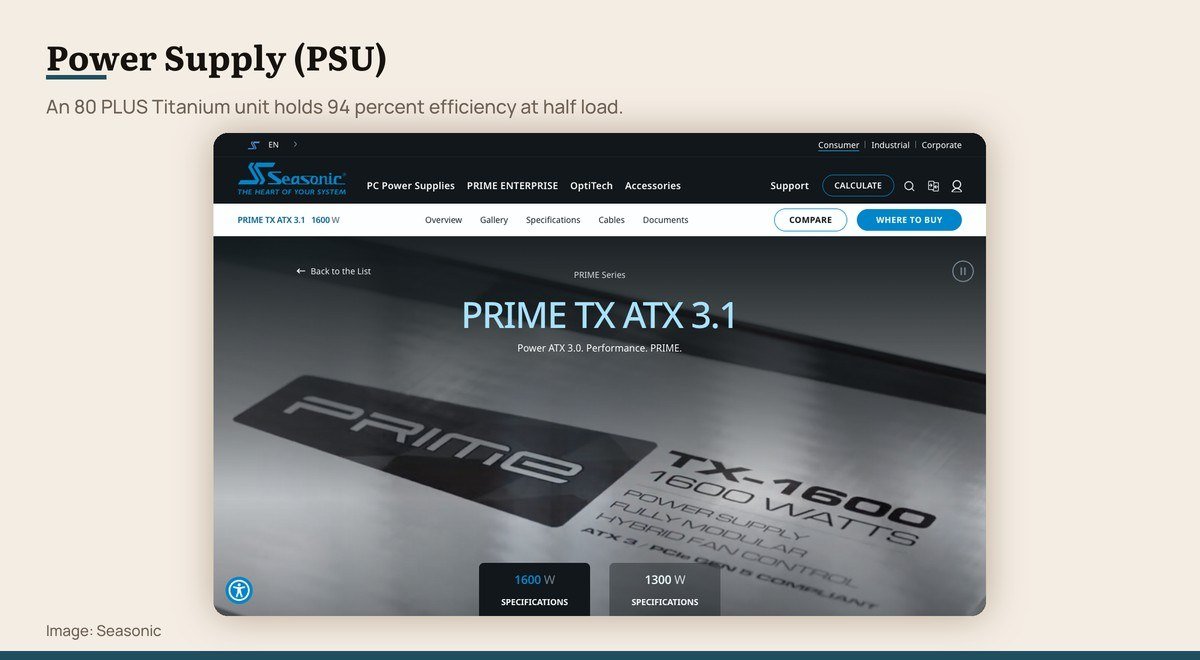
What it does: Converts mains power for every other part · What it limits: Which graphics card the build can support · Shown here: Seasonic PRIME TX ATX 3.1
The power supply converts mains electricity into the voltages everything else needs. It is the one component whose failure can take other parts with it, which is why experienced builders treat it as the last place to save money.
Two specifications matter. Efficiency is certified by 80 PLUS across seven levels, and a Titanium unit such as the PRIME TX holds 94 percent efficiency at 50 percent load. The connector standard matters just as much now: ATX 3.1 units carry a native 12V-2×6 connector for current graphics cards.
Size the wattage for the graphics card plus headroom rather than for the total of every specification sheet. A unit running at roughly half its rating sits at its efficiency peak and its fan stays quiet.
Power Supply (PSU) product page
7. Case: Airflow, and whether the parts physically fit
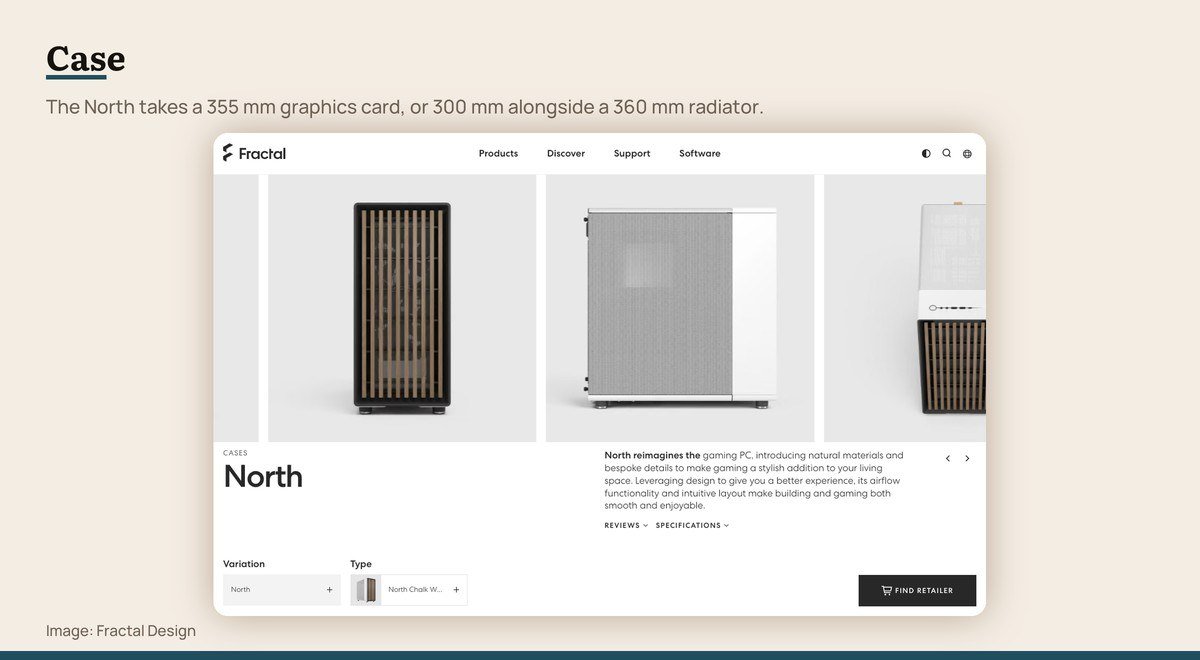
What it does: Holds everything and moves air through it · What it limits: Card length, cooler height, board size · Shown here: Fractal Design North
A case is not decoration. It sets three hard limits that end builds: the longest graphics card it accepts, the tallest air cooler, and which motherboard sizes it is drilled for.
Those numbers are published and worth checking against the parts list before ordering. The North, as an example, takes a graphics card up to 355 mm, falling to 300 mm if a 360 mm radiator goes in the front, and its front panel includes a 20 Gbps USB 3.2 Gen 2×2 Type-C port.
Airflow beats appearance over a machine’s life. A case that pulls cool air across the drives and pushes it out the back keeps every other component at a lower temperature, and quiet fans at low speed do that better than loud fans fighting a restricted front panel.
8. CPU Cooler: Keeping the processor at its boost clocks
What it does: Moves heat off the processor · What it limits: Case height, and clearance over the memory · Shown here: Noctua NH-D15 G2
A processor throttles itself when it gets too hot, so cooling is not a luxury item. It is what turns the clock speed on the box into the clock speed you actually get during a long render or a long session.
Air and liquid both work. A large air cooler like the NH-D15 G2 uses eight heatpipes and two 140 mm fans with a deliberate speed offset, carries a six-year warranty, and has no pump or coolant to fail. Its offset construction clears the top PCIe x16 slot on most current boards.
Check two measurements before buying: the cooler’s height against the case’s limit, and its clearance over the memory slots. Tall heatsinks on memory and wide coolers are a common and irritating conflict.
The Three Measurements That Stop a Build
Most failed builds fail physically, not electrically. Three numbers do nearly all of it, and all three are published before you buy.
- Graphics card length against case clearance. A case rated for 355 mm may drop to 300 mm once a radiator is fitted in the front, and that footnote is where people get caught.
- Cooler height against case width. A tall air cooler and a side panel are a frequent and very annoying conflict.
- Cooler width against memory height. Tall heatsinks on memory modules collide with wide coolers that overhang the first slot.
There is a fourth that is electrical rather than physical. Current graphics cards expect a 12V-2×6 connector from an ATX 3.1 power supply, and an older unit needs an adapter that is worth avoiding.
Where Extra Money Actually Changes Something
Not every component rewards spending. Two of them do it reliably, three of them do it up to a point, and the rest do not.
A dedicated graphics card is the clearest case in a gaming machine, because frame rate scales with what you spend on it more directly than with any other part. Memory capacity is the second, in the blunt sense that having enough matters enormously and having more than enough matters not at all.
The power supply rewards spending differently. You are not buying performance, you are buying efficiency, quiet running and the protection circuitry that keeps a fault contained. Across seven 80 PLUS levels, the step from an uncertified unit to a certified one is the one that matters.
Cases and coolers reward spending up to a floor and then stop. Past a competent airflow design and a cooler rated above the processor’s output, extra money buys quieter running and better materials rather than higher frame rates.
Buying the Parts or Buying the Machine
Assembling a desktop from components is not difficult. Everything is keyed so it fits one way, and the actual work is a couple of hours of careful, unhurried assembly.
What you gain is control over each part, the ability to replace one of them in three years rather than all of them, and no cost-cutting in the places a manufacturer hides it, which is usually the power supply and the memory.
What you give up is a single warranty and somebody else’s problem when a machine does not start. A prebuilt from a serious vendor is a reasonable answer for anyone who wants the computer rather than the project, and a laptop is the right answer again if the machine has to travel.
Frequently Asked Questions
What are the main components of a PC?
Eight: processor, graphics card, motherboard, memory, storage, power supply, case and CPU cooler. Some processors include graphics, so a build without a separate card is possible, and some cases include fans that would otherwise be bought separately.
Which PC component should I buy first?
The processor, because its socket eliminates most motherboards immediately. If the budget is fixed, decide the graphics card’s share first instead, then pick a processor that does not bottleneck it.
Do PC components have to be the same brand?
No. The constraints are physical and electrical, not commercial: socket, memory type, card length, cooler height and connectors. A build mixing AMD, NVIDIA, ASUS, G.SKILL and Seasonic parts is completely ordinary.
How much memory does a desktop need?
Sixteen gigabytes is the practical floor and 32 GB is the comfortable answer for gaming and creative work. Buy it as a matched pair rather than one stick, since memory runs in channels and a single module halves the bandwidth.