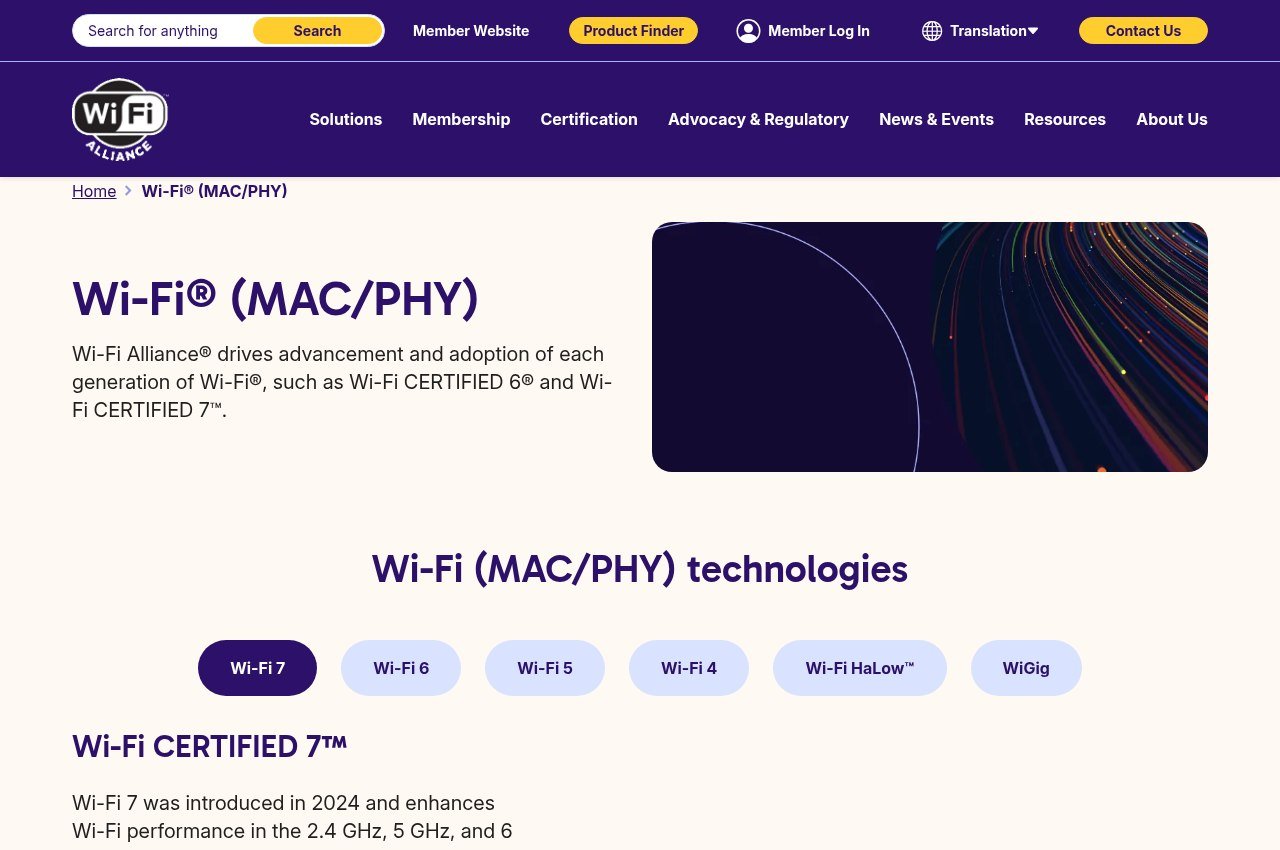
Wi-Fi 7 arrived in 2024 and Wi-Fi 6 has been around since 2018, which means most homes now contain a mix of both. The question worth answering is not which is faster on paper, because Wi-Fi 7 obviously is, but whether the difference reaches the devices you own.
Every specification below comes from the Wi-Fi Alliance, the body that certifies both standards. The short version: Wi-Fi 7 is a genuine step up, and for most people the bottleneck is somewhere else entirely.
What Changed Between Wi-Fi 6 and Wi-Fi 7
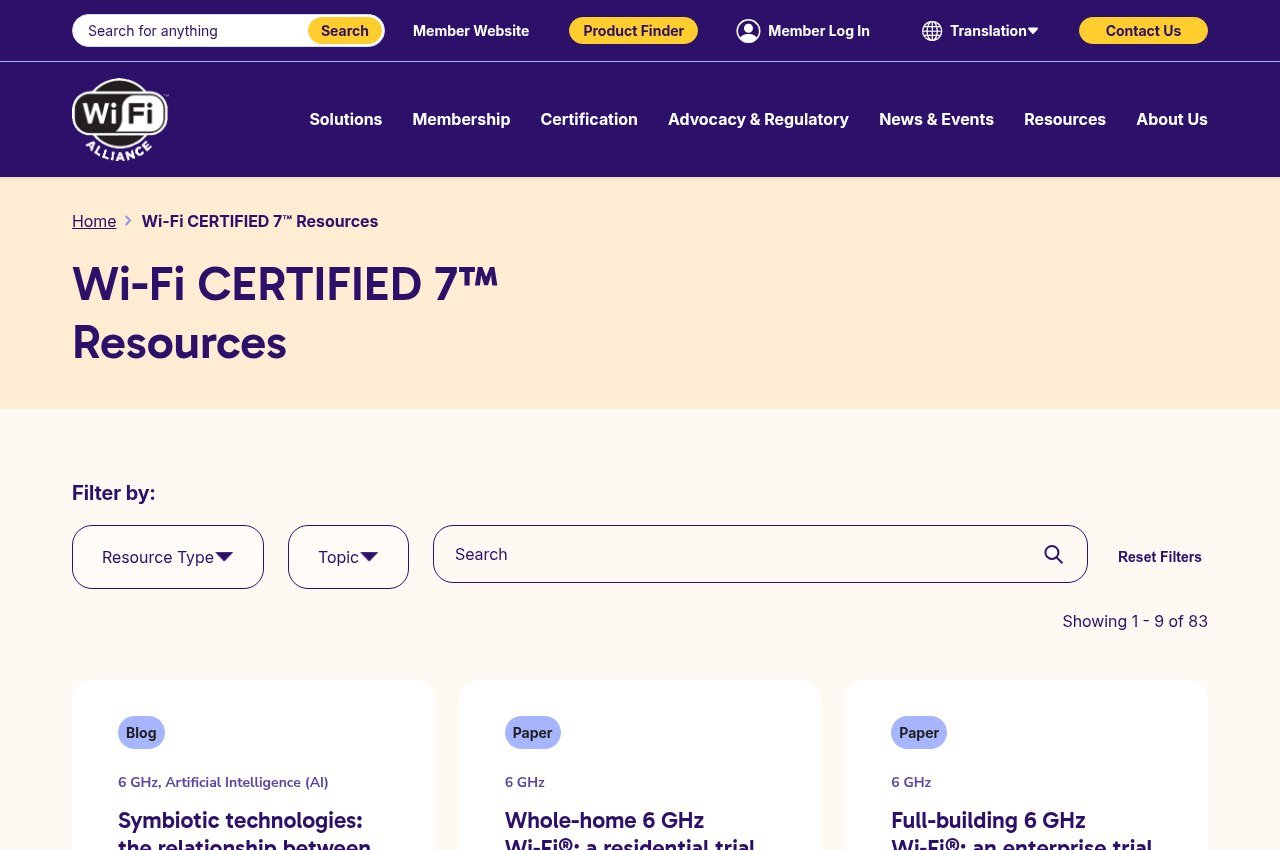
Four things account for nearly all of the gap.
- 320 MHz channels. Wi-Fi 7 doubles the maximum channel width from Wi-Fi 6’s 160 MHz, and the Alliance describes this as delivering twice the throughput. It only works in the 6 GHz band.
- Multi-Link Operation. A device can use more than one band at the same time rather than picking one. This is the feature that improves reliability rather than raw speed, because traffic shifts away from a congested link instead of waiting on it.
- 4K-QAM. Wi-Fi 7 packs more data into the same signal than Wi-Fi 6’s 1024-QAM, which the Alliance puts at 20 percent higher transmission rates.
- 512 Compressed Block Ack and multiple resource units. Both reduce overhead and let the router schedule spectrum more flexibly. Neither is something you will ever see in a settings menu.
Wi-Fi 6 was not a small release either. It introduced OFDMA for sharing a channel between devices, multi-user MIMO so an access point can serve several clients at once, 160 MHz channels, 1024-QAM and Target Wake Time, which lets battery devices sleep between transmissions.
Side by Side
| Wi-Fi 6 | Wi-Fi 7 | |
|---|---|---|
| Introduced | 2018 | 2024 |
| Bands | 2.4 and 5 GHz, plus 6 GHz on Wi-Fi 6E | 2.4, 5 and 6 GHz |
| Maximum channel width | 160 MHz | 320 MHz, in the 6 GHz band |
| Modulation | 1024-QAM | 4K-QAM, around 20% higher transmission rates |
| Uses several bands at once | No | Yes, via Multi-Link Operation |
| Battery-saving feature | Target Wake Time | Target Wake Time, plus 20 MHz-only certification |
Read that table with one thing in mind: every row describes the ceiling, not the floor. Both standards spend most of their life well below their maximum because range, walls and the number of devices competing for airtime decide what you actually get.
The Band Problem Nobody Mentions
Wi-Fi 7 runs on 2.4, 5 and 6 GHz. The headline feature, the 320 MHz channel, exists only in the 6 GHz band. So the upgrade splits into two very different propositions depending on your hardware.
Original Wi-Fi 6 hardware does not use 6 GHz at all. Wi-Fi 6E was the version that added it, and it was certified as part of Wi-Fi CERTIFIED 6 rather than as a separate generation, which is why the naming confuses people. If you are on plain Wi-Fi 6, the jump to Wi-Fi 7 gets you a band you did not have. If you are already on 6E, you are mostly buying wider channels and Multi-Link Operation.
The 6 GHz band also travels less well through walls than 5 GHz, and less well again than 2.4 GHz. A 320 MHz channel is spectacular in the same room as the router and irrelevant two floors up.
Whether Your Internet Can Even Use It
This is where most upgrades disappoint. Wi-Fi speed and internet speed are different numbers, and the slower one wins.
- A typical home broadband connection delivers a few hundred megabits. Wi-Fi 6 saturates that comfortably.
- Wi-Fi 7 changes what happens inside the house: moving files between machines, streaming to a headset, backing up to a local drive.
- If every device is doing nothing but browsing and streaming video over a 200 Mbps line, Wi-Fi 7 will not make any of it faster.
The honest test is whether you currently notice Wi-Fi being the limit. If pages load slowly at the far end of the house, the fix is placement or a mesh node, not a newer standard. Our guide to Wi-Fi that keeps disconnecting covers the causes that actually account for most complaints. Cars are the other place the band matters now, because several of the cameras in our guide to the best dash cam move clips over 5.8GHz.
Where Wi-Fi 7 Is Genuinely Worth It
There are real cases, and they have a pattern: many devices, or one device that cannot tolerate a pause.
- Dense environments. Flats, shared houses and offices where dozens of networks overlap. Multi-Link Operation is built for exactly this.
- Wireless VR and AR. The Alliance names these directly. A dropped frame is worse than a slow one, and MLO targets latency spikes rather than averages.
- Large local transfers. Moving video between a laptop and a NAS over Wi-Fi rather than cable.
- Long device lifecycles. A router bought now will likely serve for five or more years, and the devices around it will catch up.
Wi-Fi 7 Is Now Reaching Small Devices Too
One development worth knowing about, because it changes the upgrade maths for smart homes. In January 2026 the Wi-Fi Alliance extended Wi-Fi 7 certification to devices that operate only on 20 MHz channels.
That covers sensors, wearables, smart locks and industrial endpoints, which were previously shut out because new Wi-Fi generations kept chasing wider channels. Those devices can now use Multi-Link Operation and multiple resource units without needing wide-channel radios, which the Alliance says improves battery life and reliability in crowded environments.
For a household with a lot of smart devices, that is a more meaningful Wi-Fi 7 benefit than the 320 MHz headline, and it arrives quietly through firmware and new product generations rather than through a spec sheet number.
How Common Each One Is Now
Adoption tells you something a spec sheet cannot, which is how long you will be the only device on your network using a feature. The Wi-Fi Alliance publishes figures from ABI Research for 2026.
- 2.2 billion Wi-Fi 6 chipsets shipping in 2026, against 1.4 billion Wi-Fi 7.
- 1.4 billion chipsets shipping with 6 GHz support, counting Wi-Fi 6E and tri-band Wi-Fi 7.
- 12.8 billion Wi-Fi devices in use worldwide, from a cumulative 48.4 billion shipped.
Wi-Fi 6 is still outshipping Wi-Fi 7 by roughly three to two, so the installed base around you stays mixed for years. The Alliance has certified more than 85,000 products since 2000, and says Wi-Fi now carries over half of internet traffic, which is the real reason the standards keep chasing density rather than headline speed. If you are deciding what to prioritise in a home setup, where your files actually live is a more common bottleneck than the wireless standard.
How to Tell What You Already Have
- Check the router label or its admin page. Wi-Fi 7 devices are usually badged as such, and the Alliance runs a Wi-Fi Alliance product finder that lists certified products.
- Check each device separately. A Wi-Fi 7 router gives a Wi-Fi 6 laptop nothing extra, since the connection runs at the older standard.
- Look for 6 GHz in your network list. If you see a third band beyond 2.4 and 5 GHz, you already have 6E or 7 hardware.
- Check your broadband speed before spending anything. If the line is slower than your current Wi-Fi, the router is not the constraint.
What to Buy If You Are Replacing a Router Anyway
Upgrading purely for Wi-Fi 7 rarely pays back. Replacing a router that is already failing is a different decision, and there the newer standard costs little extra. A wired 2.5G or 10G link sidesteps the question entirely, which our guide to the best docking station covers alongside the ports.
- Buy Wi-Fi 7 if the router is five or more years old. You are replacing it regardless, and the hardware will outlast several phone cycles.
- Buy tri-band, not dual-band. Without 6 GHz you lose the 320 MHz channels entirely, which removes the main reason to pay for Wi-Fi 7.
- Check the certification rather than the marketing. Plenty of hardware advertises a standard it has not been certified against, and the Alliance product finder is the neutral check.
- Do not pay extra for peak throughput figures. Those numbers assume one device, one room and no interference, conditions your house will never reproduce.
- Consider a mesh node instead. If the complaint is a dead spot rather than slow speed, a second access point fixes it and a faster standard does not.
The pattern here is the same one that shows up in most hardware upgrades: the specification improves faster than the conditions that would let you notice. Wi-Fi 7 is a real advance, and the honest answer for a lot of households is that Wi-Fi 6 was already past the point of being the limiting factor.
Frequently Asked Questions
Is Wi-Fi 7 backwards compatible with Wi-Fi 6?
Yes. Wi-Fi is backwards compatible by design, and the Alliance certifies for it. A Wi-Fi 6 phone connects to a Wi-Fi 7 router at Wi-Fi 6 speeds, and nothing stops working.
Do I need a Wi-Fi 7 router if none of my devices support it?
No. Both ends of the connection have to support a feature for it to apply. A Wi-Fi 7 router surrounded by Wi-Fi 6 devices behaves like a Wi-Fi 6 router.
What is the difference between Wi-Fi 6 and Wi-Fi 6E?
Wi-Fi 6E is Wi-Fi 6 extended into the 6 GHz band. The Alliance certifies it as part of Wi-Fi CERTIFIED 6 rather than as a separate generation, so a 6E device is a Wi-Fi 6 device with an extra band.
Will Wi-Fi 7 make my internet faster?
Only if Wi-Fi was the slower link. Wi-Fi 7 raises the ceiling inside your home network; it cannot exceed the speed your provider delivers to the building.
Should I wait for the next standard?
There is always a next standard. Wi-Fi 6 was introduced in 2018 and Wi-Fi 7 in 2024, so the gap runs to several years, and certification for a generation keeps broadening after launch rather than stopping. Some appliances lag behind it badly: several of the machines in our guide to the best robot vacuums still connect over 2.4GHz only.