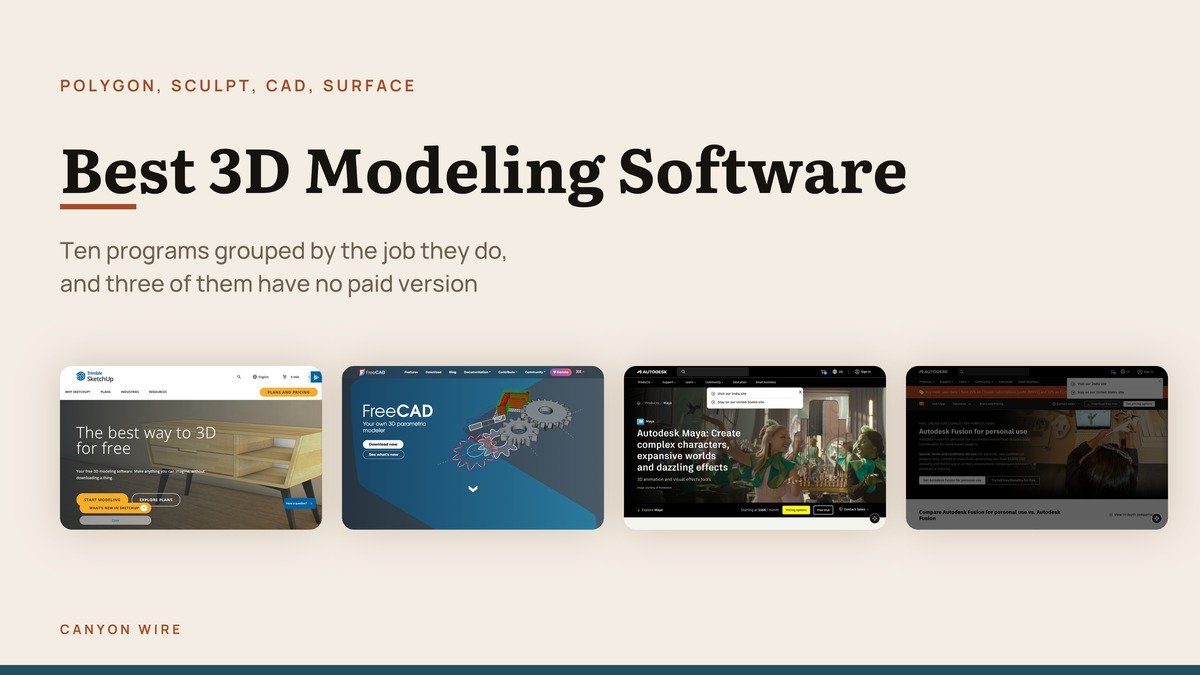
Searching for the best 3D modeling software returns four different kinds of program pretending to be one category. A sculpting tool, a polygon modeller, a parametric CAD package and a push-pull surface modeller build shapes in incompatible ways, and picking the wrong kind is why people give up.
Ten programs are grouped below by the job they do rather than ranked against each other. The useful headline is that the free end of this market is unusually strong: three of the ten have no paid version at all, and one of those does the entire pipeline.
The Four Families, and Why the Difference Matters
Before any feature comparison, work out which of these four you need. It eliminates most of the list immediately.
- Polygon modellers build a surface from flat faces you push and pull: Blender, Maya, 3ds Max and Cinema 4D. Everything destined to be rendered or animated starts here.
- Sculpting tools treat the mesh as clay and let you ignore topology while you work: ZBrush above all, and Blender has a capable sculpt mode of its own.
- Parametric CAD drives geometry from dimensioned sketches with an editable history: Autodesk Fusion and FreeCAD. Required for anything that will be printed or machined.
- Surface and push-pull modellers cover exact curves and fast massing: Rhino for NURBS precision, SketchUp for getting a building up in minutes.
Open source is strongest in the first and third families, for a structural reason. With no paid tier above it, a free program has nothing to withhold, so the free version is the entire product rather than an advertisement for a better one.
Best 3D Modeling Software Compared: Platforms, Price and Free Option
Every program covered below, with the versions current on October 28, 2026.
| # | Software | Type | Platforms | Price | Free option |
|---|---|---|---|---|---|
| 1 | Blender | Polygon and sculpt suite | Windows, macOS, Linux | Free | The whole program |
| 2 | FreeCAD | Open source parametric CAD | Windows, macOS, Linux | Free | The whole program |
| 3 | Tinkercad | Block-based web modeller | Browser, iPad | Free | The whole program |
| 4 | Autodesk Maya | Animation and modelling suite | Windows, macOS, Linux | $168 a month | 30-day trial |
| 5 | Autodesk 3ds Max | Polygon modelling and rendering | Windows only | $168 a month | 30-day trial |
| 6 | Cinema 4D | Motion graphics suite | Windows, macOS | Subscription | 14-day trial |
| 7 | ZBrush | Digital sculpting | Windows, macOS, iPad | Subscription | 14-day trial |
| 8 | SketchUp | Push-pull surface modeller | Browser, Windows, macOS | Subscription | SketchUp Free, in a browser |
| 9 | Rhino | NURBS surface modeller | Windows, macOS | $995 one time | 90-day evaluation |
| 10 | Autodesk Fusion | Parametric CAD, CAM and PCB | Windows, macOS | $680 a year | Free for personal use |
Free 3D Modeling Software With No Paid Tier Above It
Three programs that cost nothing permanently. None of them is a trial, none adds a watermark, and none has a feature locked behind a purchase.
1. Blender: Everything, at no cost
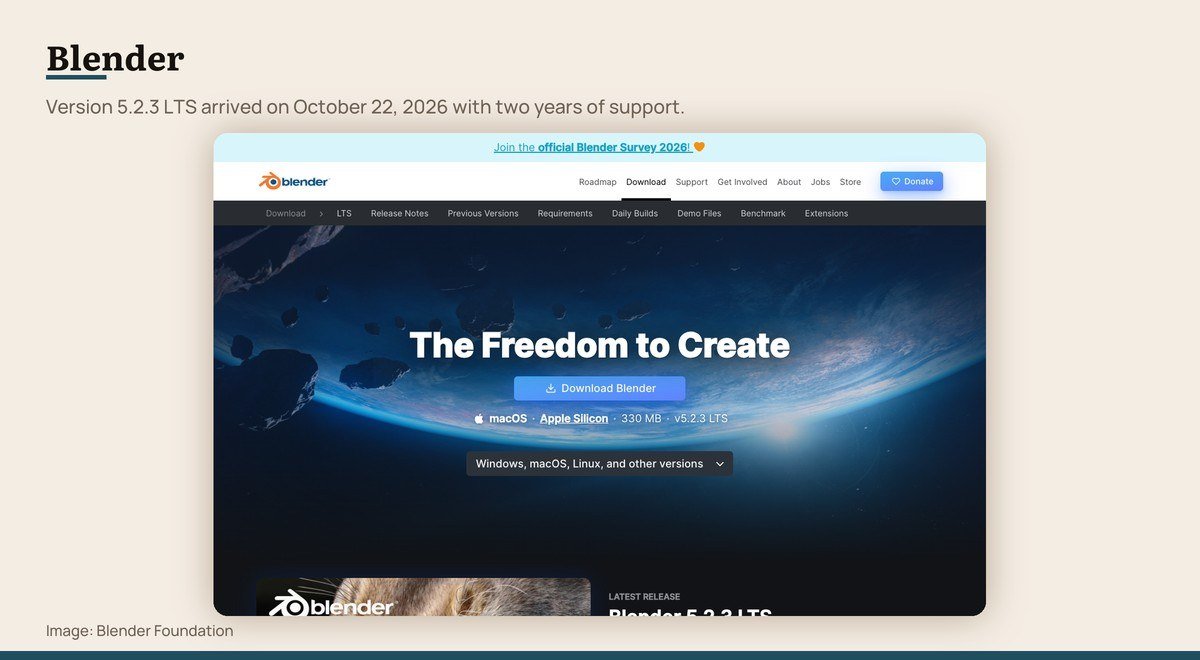
Platforms: Windows, macOS, Linux · Latest version: 5.2.3 LTS · Price: Free · Free option: The whole program
Blender covers the entire pipeline in one window: modelling, sculpting, retopology, rigging, animation, simulation, rendering, compositing, motion tracking and video editing. Nothing is held back behind a paid tier, because there is no paid tier.
Version 5.2.3 LTS shipped on October 22, 2026 and carries two years of updates, which matters if you are starting a project you cannot afford to have break. Blender 5.3 is expected on November 10, 2026. The program also runs portably from a USB stick with no installation and no connection.
The usual objection is the learning curve. It is real, and it is the price of a tool that does ten jobs. Anyone who intends to model more than a few times should start here and stay.
2. FreeCAD: Free engineering CAD
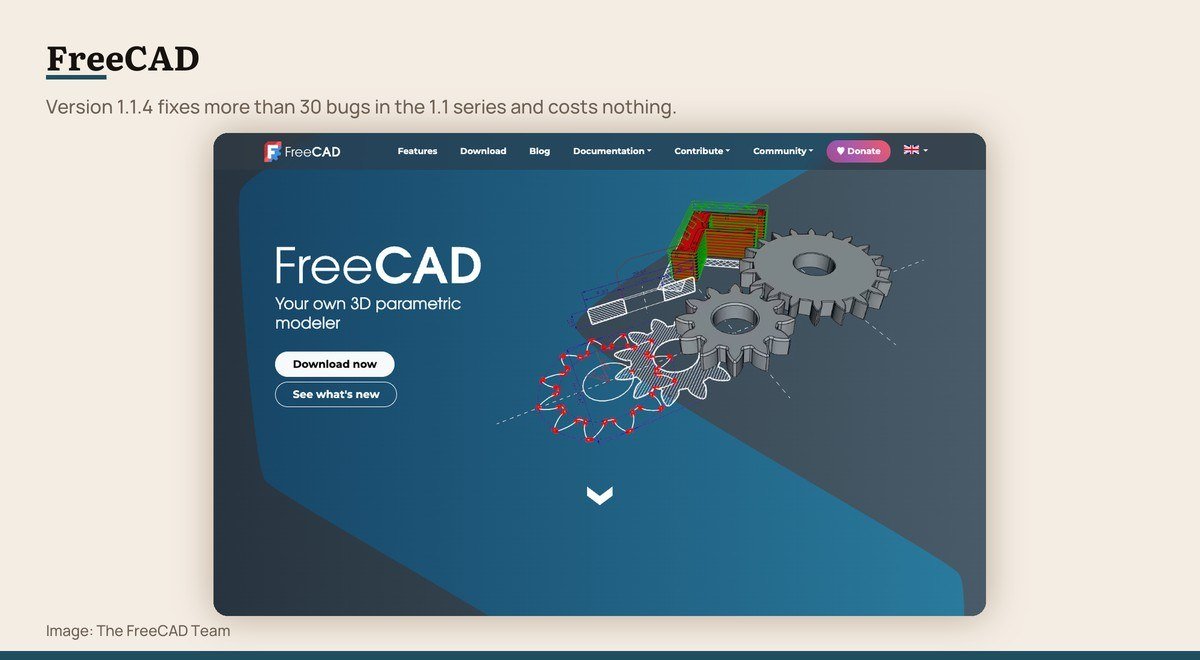
Platforms: Windows, macOS, Linux · Latest version: 1.1.4 · Price: Free · Free option: The whole program
FreeCAD is the open source answer to Fusion, and it answers the one objection people have to Fusion: no licence terms to outgrow, no cloud account, no earnings ceiling. The site puts it plainly, with no sign-up, no paywall and no restrictions.
It is a sketch-and-constrain parametric modeller with a model history you can go back into, plus workbenches for BIM, finite element analysis, CAM and CNC, geodata and robot simulation. It reads and writes STEP, IGES, STL, SVG, DXF, OBJ, IFC and DAE, which keeps it usable alongside commercial tools.
Version 1.1.4 is the current stable release and fixes more than 30 bugs in the 1.1 series, mostly in TechDraw, BIM and the interface, with version 26.3 due later this year. Windows 10 and macOS 12 Monterey are the minimum, and every download is 64-bit.
3. Tinkercad: A first 3D model
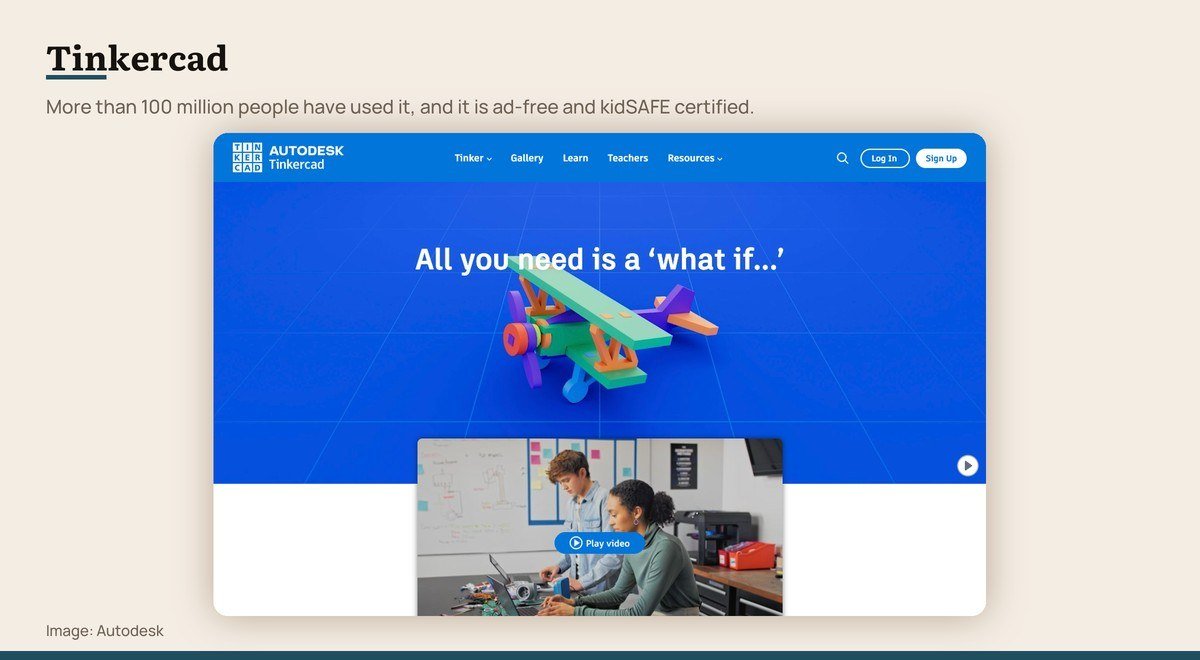
Platforms: Browser, iPad · Price: Free · Free option: The whole program
Tinkercad exists to get somebody from nothing to a printable object in an afternoon. You combine and subtract primitive shapes in a browser tab, with no download and no setup, and the result exports for a 3D printer.
More than 100 million people have used it to make over 800 million designs. It is ad-free and kidSAFE COPPA certified, which is why it turns up in classrooms, and the same account also covers circuit simulation and block-based coding alongside the 3D canvas.
It will not take you far. The shape vocabulary runs out quickly and there is no sculpting or parametric history. Treat it as the on-ramp: a weekend here makes Fusion or Blender far less intimidating a fortnight later.
The Studio Tools Professionals Pay For
Four subscriptions aimed at film, television, games and advertising. Each is the default in a specific discipline rather than a general recommendation.
4. Autodesk Maya: Character animation
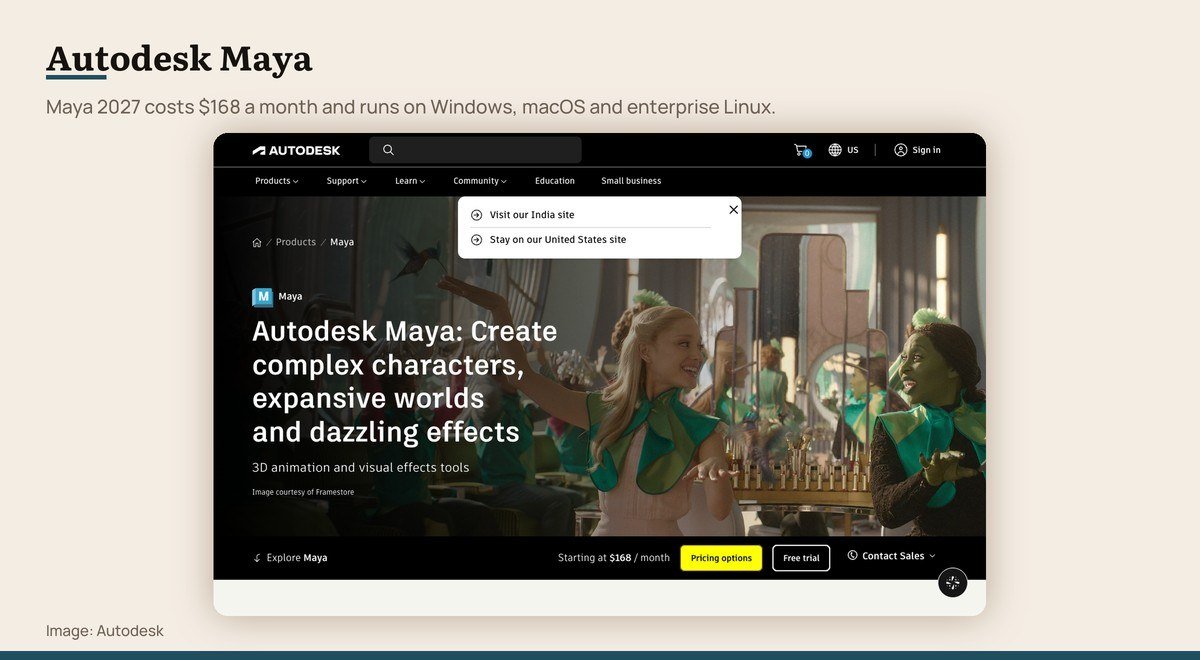
Platforms: Windows, macOS, Linux · Latest version: Maya 2027 · Price: $168 a month · Free option: 30-day trial
Maya is where animated features and television episodes get made, and its rigging and animation toolset is the reason. If the goal is a character that moves convincingly rather than an object that sits still, this is the professional default.
Maya 2027 adds MotionMaker, which generates and directs motion for humans, dogs and now horses, while Bifrost handles procedural effects and rigging through visual programming. LookdevX authors materials across tools and OpenUSD carries scenes between them.
It is the only entry here that officially supports enterprise Linux, with Red Hat Enterprise 8.10 and 9.7 and Rocky Linux 8.10 and 9.7 alongside Windows 11 and macOS. A studio render farm is the reason that matters. The minimum is 8 GB of memory, with 16 GB or more recommended.
5. Autodesk 3ds Max: Architectural visualisation
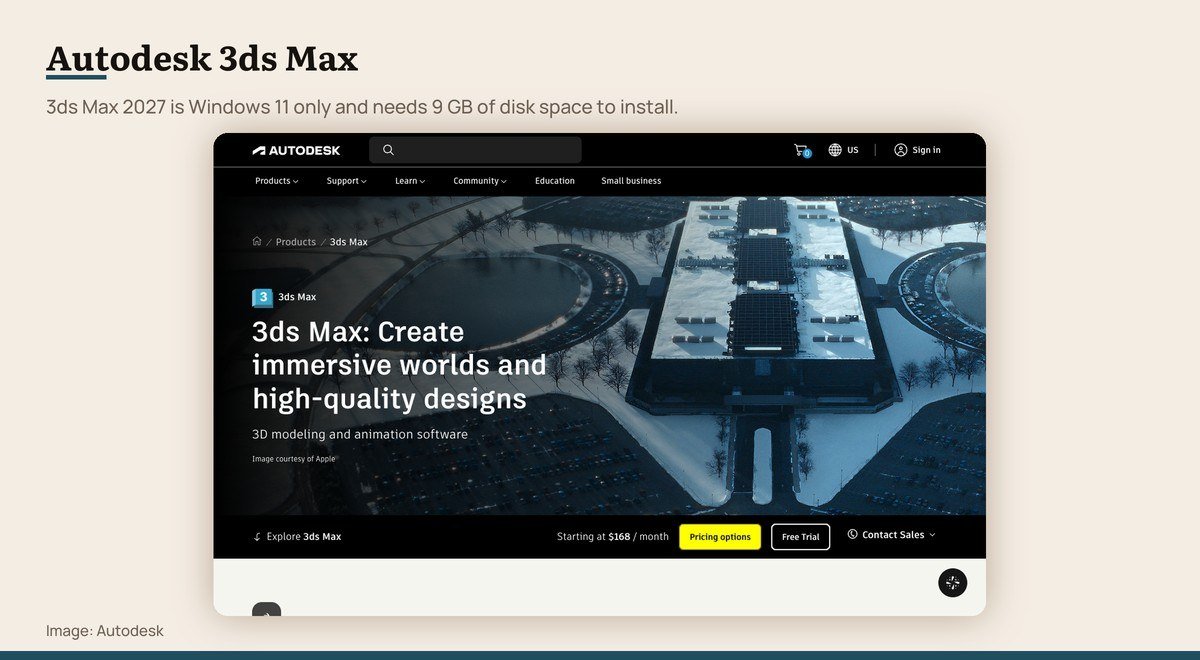
Platforms: Windows only · Latest version: 3ds Max 2027 · Price: $168 a month · Free option: 30-day trial
3ds Max is the archviz workhorse. Interior renders, property marketing images and the polished building shots in a developer’s brochure are more likely to have come out of this than anything else, and its plugin ecosystem for scattering plants and furniture is unmatched.
Modelling leans on Smart Extrude, high-quality Booleans and the ReForm retopology toolset, with Flow Retopology sending heavy mesh operations to the cloud instead of your processor. Rendering runs through an Arnold integration.
The constraint is the operating system. Version 2027 is supported on 64-bit Windows 11 and nothing else, so a Mac user has to run Windows to use it at all. It needs 4 GB of memory at minimum, 8 GB or more in practice, and 9 GB of disk space.
6. Cinema 4D: Motion graphics and product shots
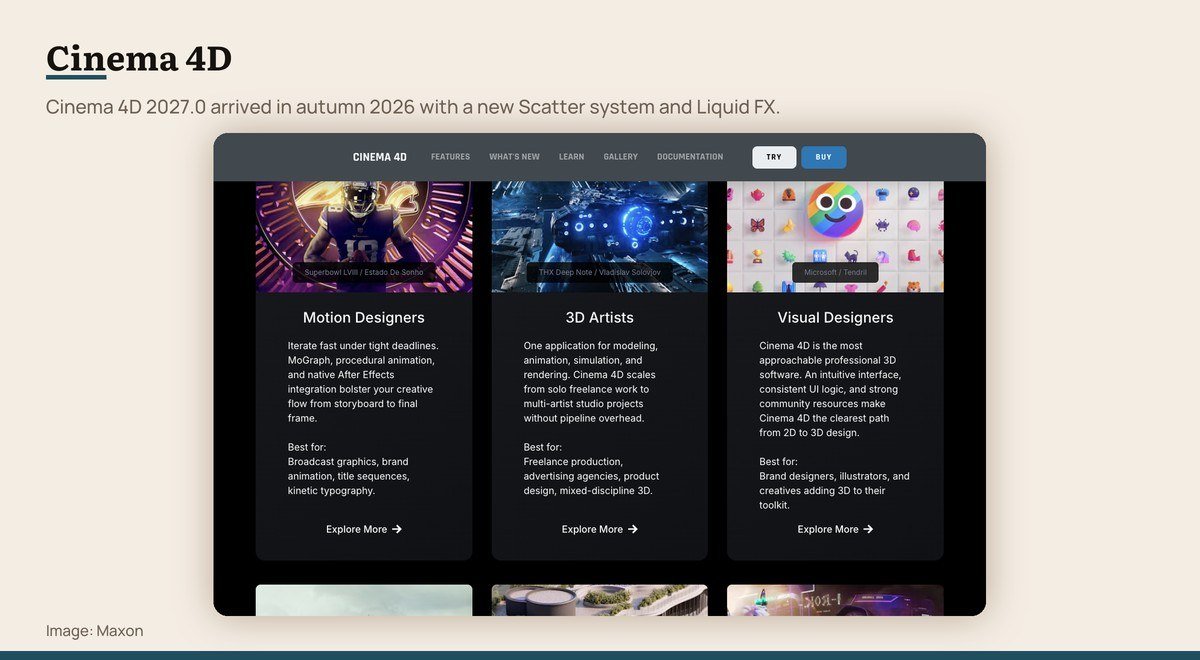
Platforms: Windows, macOS · Latest version: 2027.0 · Price: Subscription · Free option: 14-day trial
Cinema 4D has the gentlest interface of any professional suite on this list, which is why broadcast and advertising work gravitated to it. A designer who needs a spinning logo, a product on a turntable or an abstract loop by Thursday reaches for this one.
Release 2027.0 landed in autumn 2026. The new Scatter system populates surfaces with assets to build dense scenes quickly, Liquid FX adds foam, spray and bubbles to simulations automatically, and the Redshift renderer it ships with gained substantial speed.
Simulation is unified rather than bolted on, so cloth, rigid bodies, soft bodies, particles, smoke, flame and liquid all interact in one GPU-accelerated environment without third-party plugins for ordinary production work.
7. ZBrush: Characters and creatures
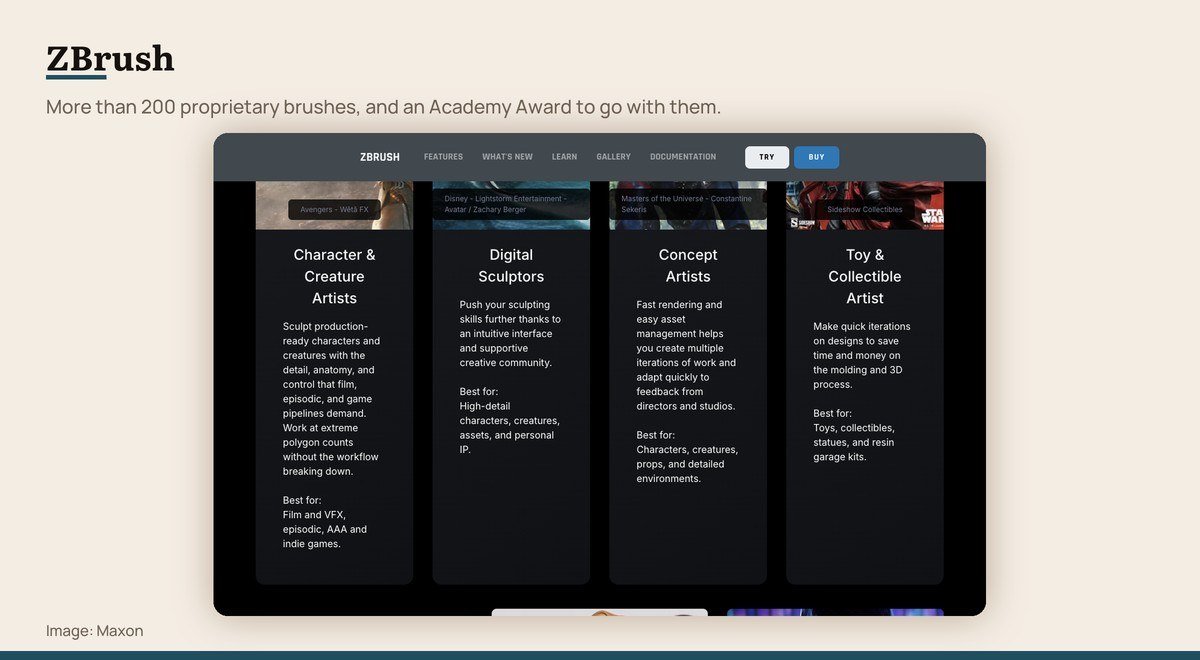
Platforms: Windows, macOS, iPad · Price: Subscription · Free option: 14-day trial
ZBrush treats geometry as clay. More than 200 proprietary brushes push, pinch, inflate and carve a mesh without the topology getting in the way, and that is why almost every film creature and game character you have seen passed through it. The toolset holds an Academy Award.
The current release adds an integrated UV Editor on desktop and advanced Selection Sets that store layouts of Polygroups, masks, Polypaint, UVs and morph targets. The iPad version gained non-destructive 3D-Layers and Spotlight, closing more of the gap with the desktop build.
Licensing is dual platform, so one seat covers desktop and iPad at the same time, and ZBrush runs natively on Windows on Arm hardware as well. It sculpts beautifully and models hard surfaces badly, so it usually sits beside something else rather than replacing it.
3D Architecture Software and Precision CAD
Three tools for work that has to be dimensionally right: buildings, facades, products and parts.
8. SketchUp: Buildings and interiors
Platforms: Browser, Windows, macOS · Price: Subscription · Free option: SketchUp Free, in a browser
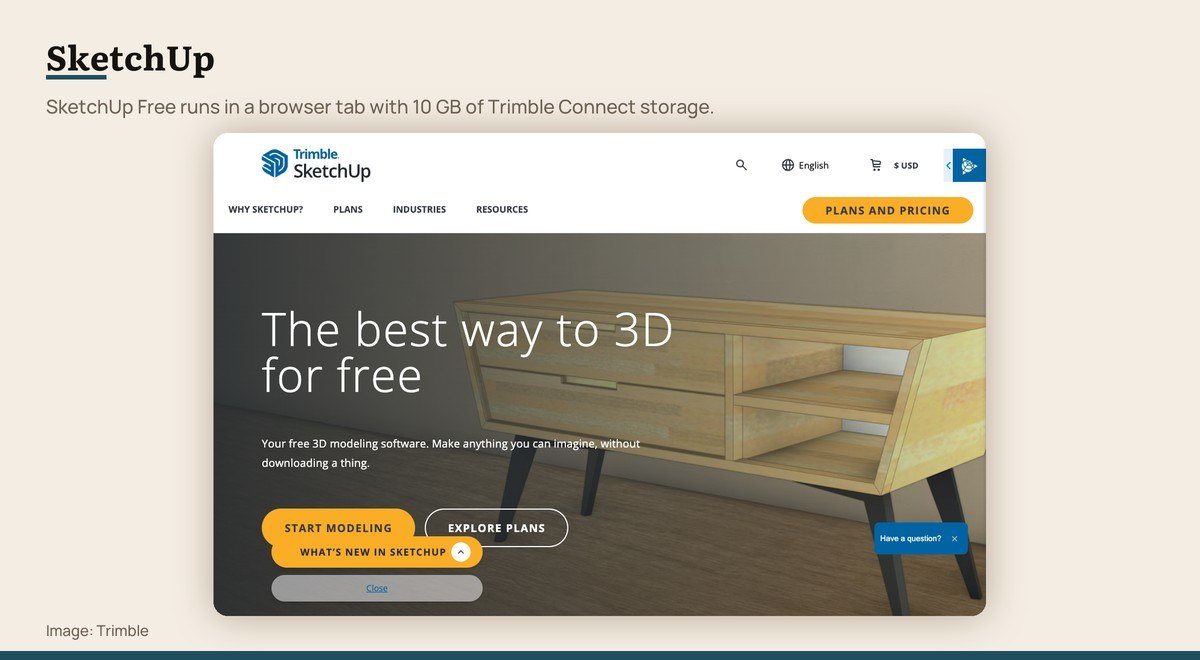
SketchUp is the fastest way to get a building, a room or a piece of furniture into three dimensions. You draw a rectangle and pull it upward, and the push-pull idea is intuitive enough that people are productive within an hour rather than a fortnight.
The free version runs entirely in a browser with 10 GB of Trimble Connect storage behind it. It imports SKP, JPG and PNG, exports SKP, PNG and STL, and reaches the 3D Warehouse for furniture and fittings somebody else has already modelled. Students get it free through a Google Workspace for Education or Microsoft Education account.
What the free tier does not include is the desktop application, the extension ecosystem or the layout and documentation tools, and several of the paid tiers note that their advanced visualization features are Windows only.
9. Rhino: Precise curved surfaces
Platforms: Windows, macOS · Latest version: Rhino 8 · Price: $995 one time · Free option: 90-day evaluation
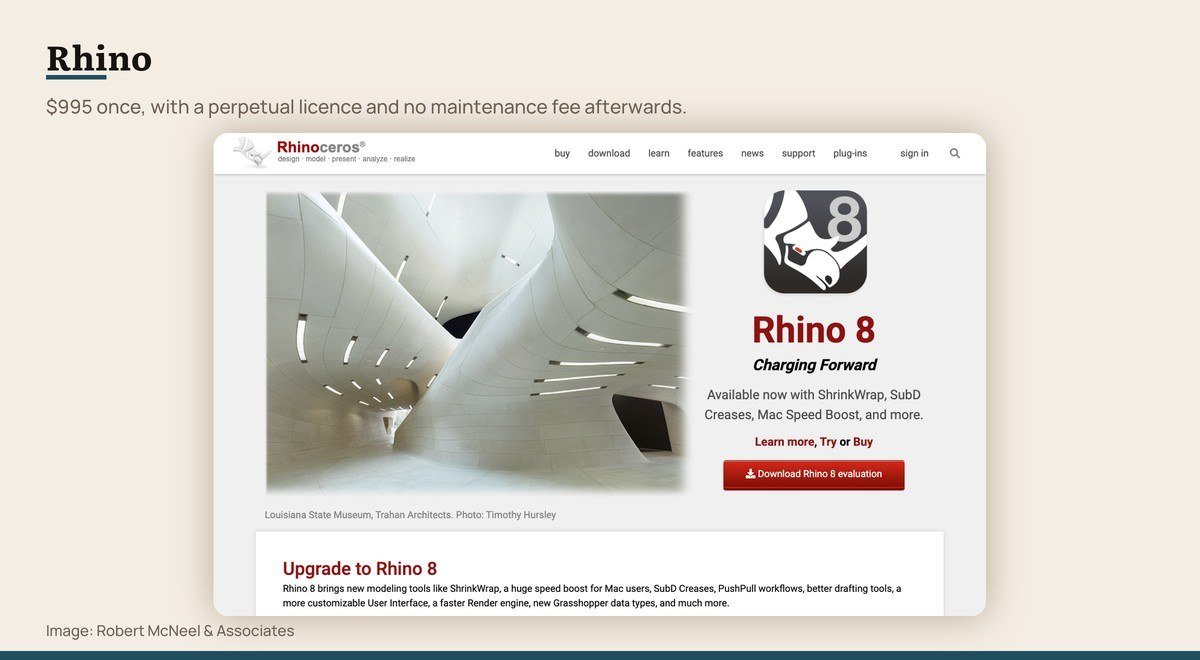
Rhino is the only entry here you can still buy outright. A commercial licence is $995 once, it is perpetual, it floats between machines, upgrades are optional and there is no maintenance fee. A student licence is $195 on the same terms, commercial work included.
It models with NURBS rather than polygons, meaning mathematically exact curves instead of a dense approximation, which is why jewellers, naval architects and facade engineers use it. Rhino 8 adds ShrinkWrap for watertight meshes, SubD creases, push-pull workflows and a large speed gain on Mac through Metal.
Grasshopper is the real draw for architects. It is a visual programming environment wired into the model, so a facade pattern or a stair becomes a definition you adjust rather than geometry you redraw, and it needs no scripting knowledge to start. The food4Rhino library adds more than 1,500 add-ons.
10. Autodesk Fusion: Parts that get manufactured
Platforms: Windows, macOS · Price: $680 a year · Free option: Free for personal use
Fusion is the tool for anything that has to be made rather than rendered: a bracket, an enclosure, a jig, a part destined for a 3D printer or a CNC machine. It combines CAD, CAM, CAE and PCB design in one workspace, so a model and its toolpaths live together.
Parametric history is the reason engineers pick it. Change a dimension near the start of the tree and every downstream feature updates, which is the opposite of how a polygon modeller behaves.
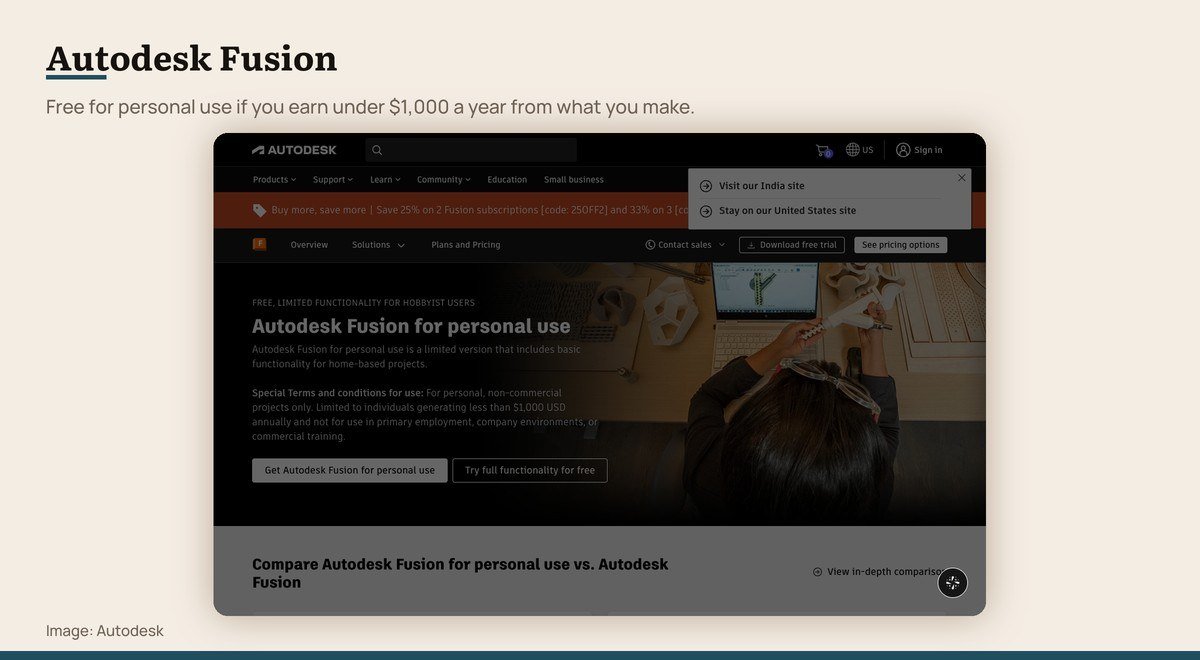
The personal-use licence is free with reduced functionality, for non-commercial projects only, and Autodesk limits it to individuals generating less than $1,000 a year, outside primary employment or a company environment. A full subscription is $680 a year for one user paid annually.
Where to Get 3D Modeling Software for Free
The word free covers three different arrangements on this page, and only the first is permanent.
- No paid version exists. Blender, FreeCAD and Tinkercad. Nothing withheld, no watermark, no export cap, no account required for the desktop programs.
- A free tier under a paid product. SketchUp Free in a browser with 10 GB of storage, and Autodesk Fusion for personal use, which is limited to non-commercial projects and to individuals generating less than $1,000 a year.
- A trial. Thirty days for Maya and 3ds Max, fourteen for Cinema 4D and ZBrush through the Maxon App, and ninety for Rhino, during which commercial work is permitted.
Education terms are worth checking before any card comes out. SketchUp is free with a Google Workspace for Education or Microsoft Education account, and a Rhino student licence costs $195 against $995 commercial, with commercial use allowed on both.
One thing none of these programs does is generate a model for you. That belongs to a separate category, and the AI image generators that work from a text prompt produce pictures rather than editable geometry.
3D Modeling Software for PC and Mac: The Hardware Floor
Blender publishes the clearest numbers, and they serve as a reasonable guide to the rest. The minimum is a 64-bit Windows 8.1 machine, four cores with SSE4.2, 8 GB of memory and 2 GB of video memory with OpenGL 4.3. The recommendation is Windows 11, eight cores, 32 GB and 8 GB of video memory.
Maya 2027 asks for 8 GB of memory at minimum with 16 GB or more recommended, plus 7 GB of disk space. 3ds Max 2027 asks for 4 GB at minimum, 8 GB or more in practice, and 9 GB to install.
Of those numbers, memory governs whether a scene opens at all and the graphics card governs render time, so a dedicated graphics card with 8 GB of video memory is the single upgrade that changes the day-to-day experience most. A thin laptop handles coursework and throttles on a sustained render.
Platform support eliminates options faster than performance does. 3ds Max 2027 runs on Windows 11 and nothing else. Maya is the only entry officially supported on enterprise Linux. Tinkercad and SketchUp Free need only a browser, which makes them the options on a locked work machine.
The Tests Each Program Had to Pass
A release during 2026. Licence terms published rather than implied. A free version or trial long enough to reach a real decision. And a clear discipline it is the best answer for, instead of being second best at several.
Houdini was cut on the last test. Its procedural and simulation work is unmatched and modelling is not what it is for, so recommending it to somebody searching for a modeller would waste their time.
SolidWorks and Inventor were left out as departmental mechanical CAD with no sensible individual entry point. Render output was not compared, because the renderers here solve the same physics and the difference between two images is the artist lighting them.
Choosing Between Them
If you do not already know which family you need, install Blender and spend a week there. It costs nothing, it covers four disciplines in one window, and the muscle memory transfers to every paid tool afterwards.
If the object will be manufactured, that advice inverts: go to Autodesk Fusion or FreeCAD first, because an editable dimension history is the entire reason those programs exist and no polygon modeller has one.
If you are designing buildings, open SketchUp Free in a browser today and add Rhino when geometry has to be exact. If you sculpt characters, ZBrush remains the standard, and fourteen days is enough to know whether it suits you.
If the goal is simply to make one thing and hold it, Tinkercad to a 3D printer is the shortest path that exists, and it needs nothing but a browser tab.
Frequently Asked Questions
What is the best 3D modeling software for beginners?
Tinkercad to make a first object with no download, SketchUp Free for anything architectural, and Blender once you are ready for a tool that will not run out. All three are free, so a beginner can try each before committing time to one.
Is Blender really as good as paid 3D software?
For modelling, sculpting and rendering, yes. Studios pay for Maya because of its rigging and animation depth and the pipeline around it, and for 3ds Max because of its archviz plugin ecosystem. Neither gap affects somebody learning to model.
Which 3D software do architects use?
SketchUp for early massing, Rhino with Grasshopper for exact and parametric geometry, and 3ds Max for final visualisation. A practice issuing construction documents also needs a BIM authoring tool such as Revit or Archicad, which is a different category.
Can I buy 3D modeling software outright instead of subscribing?
Rhino is the one here you can. A commercial licence is $995 once, perpetual and floating, with support and service releases included and no maintenance fee. The student version is $195 and allows commercial work.